Tutorials
SOLIDWORKS features — 18 lessons
Features turn sketches into solids. Sketched features — Extrude, Revolve, Sweep, Loft — build shape from a profile. Applied features — Fillet, Chamfer, Shell, Draft, Hole Wizard — work on the existing model and need no sketch of their own. The 18 lessons below follow the order most parts are built in: base shape, references, details, then the more advanced shape tools. Each ends with a practice task and a volume to check.
 Kevin Walsh
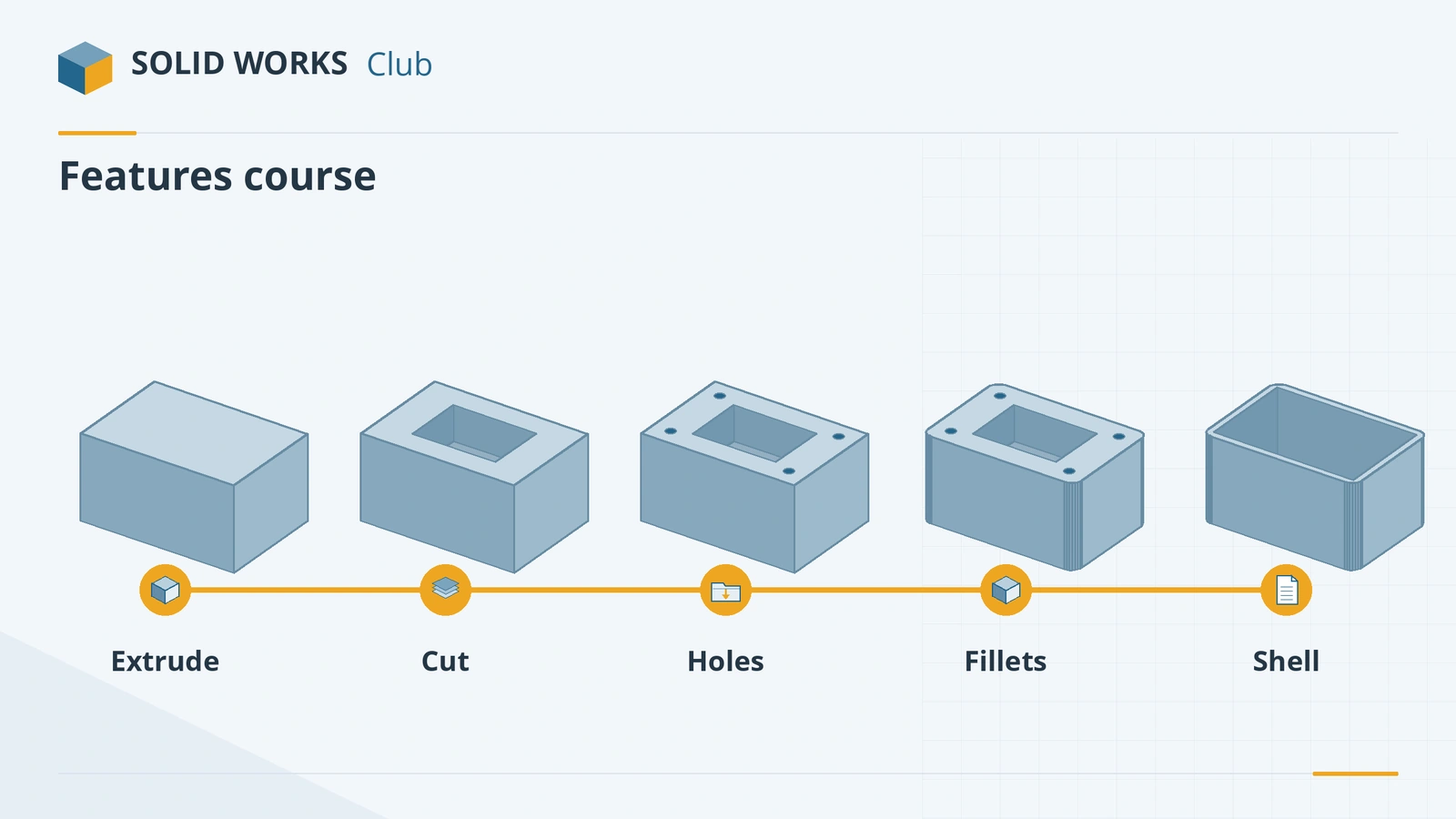
Sketched and applied features
| Kind | Features | Needs a sketch |
|---|---|---|
| Sketched | Extruded Boss/Cut, Revolve, Sweep, Loft, Boundary, Rib, Wrap | Yes |
| Applied | Fillet, Chamfer, Shell, Draft, Dome | No |
| Hole tools | Hole Wizard, Cosmetic Thread, Thread | Positions only |
| References | Planes, axes | No — they support other features |
Before starting, you should be comfortable with sketching — see the sketching course, especially fully defined sketches.
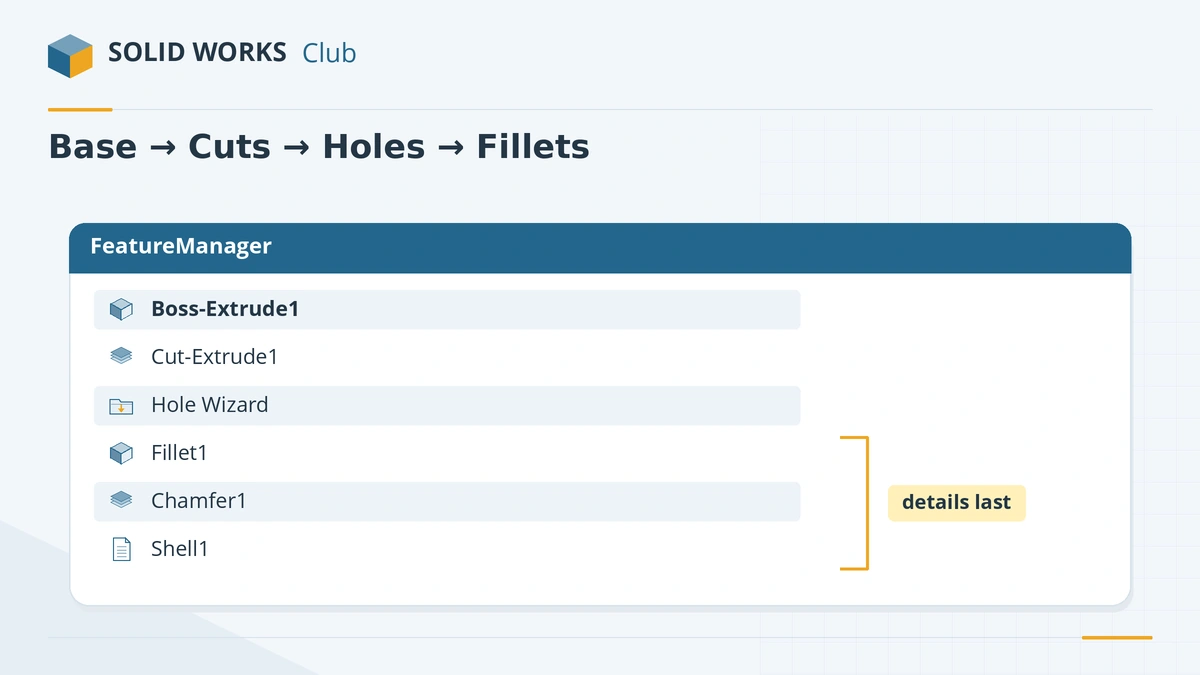
Build parts that are easy to change
- Start with the base shape on a standard plane, centred on the origin where the part is symmetric.
- Add cuts and bosses, then holes with the Hole Wizard.
- Fillets and chamfers last — they depend on edges that earlier features create.
- Shell after the outside shape is finished, including fillets that should carry through to the inside.
- Name important features and check for errors after each step — see rebuild errors.
The 18 feature lessons
-
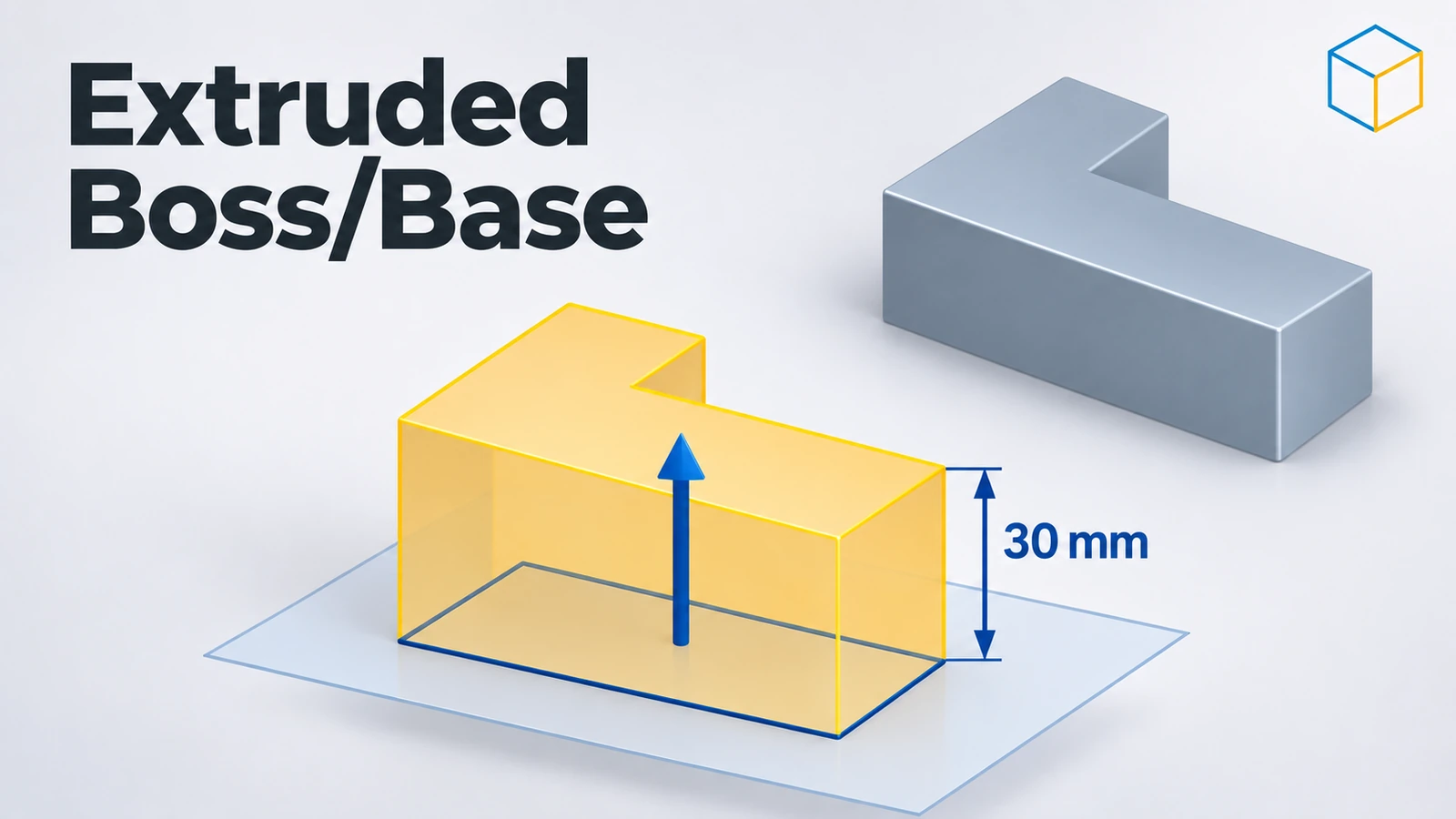 SOLIDWORKS Extruded Boss/BaseHow to use Extruded Boss/Base in SOLIDWORKS: every end condition from Blind to Mid Plane, Direction 2, draft, thin features, Selected Contours and Merge result.
-
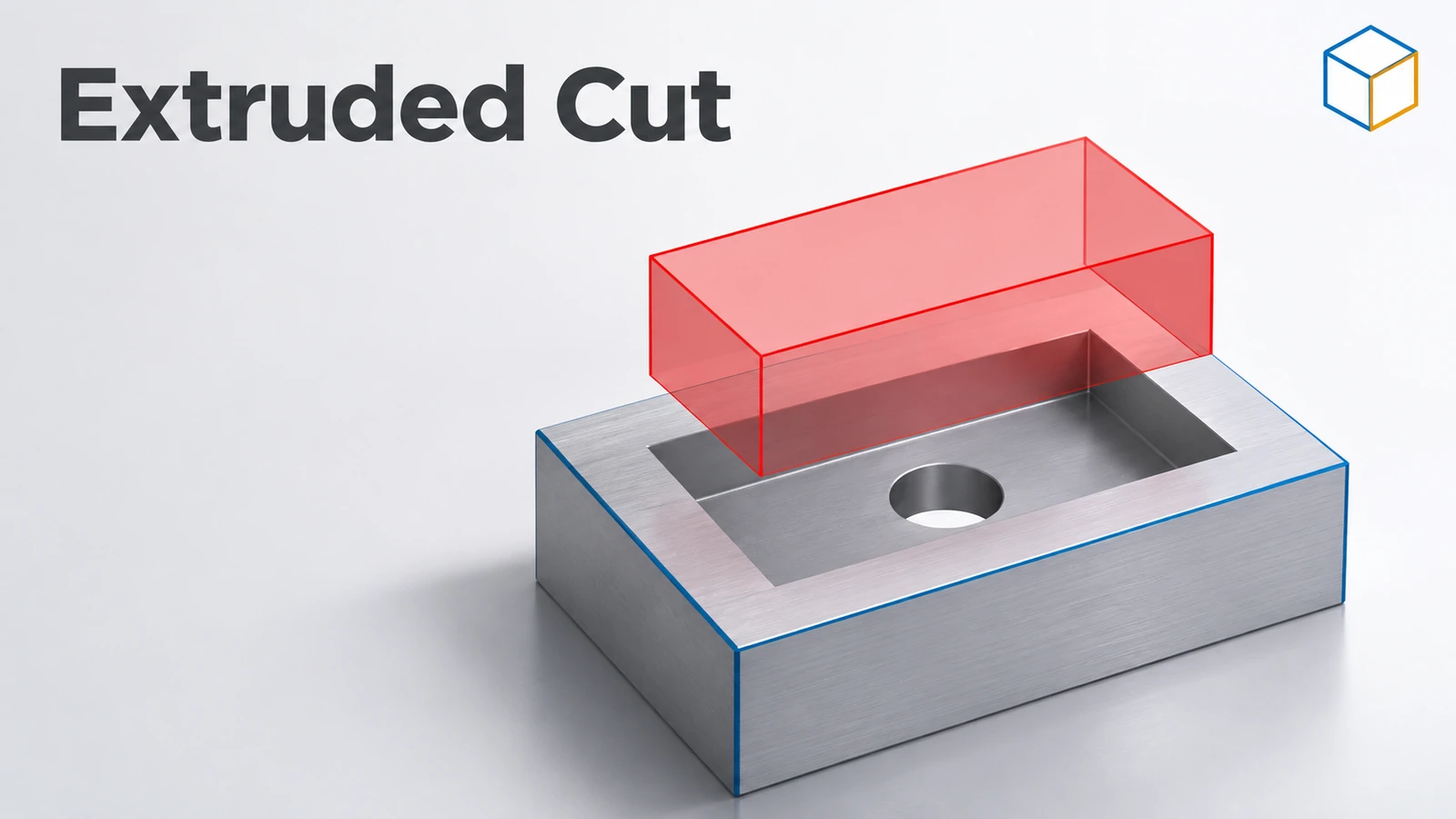 SOLIDWORKS Extruded CutHow to use Extruded Cut in SOLIDWORKS: sketch on a face, choose Blind or Through All, flip side to cut, open-profile cuts, and when to use Hole Wizard.
-
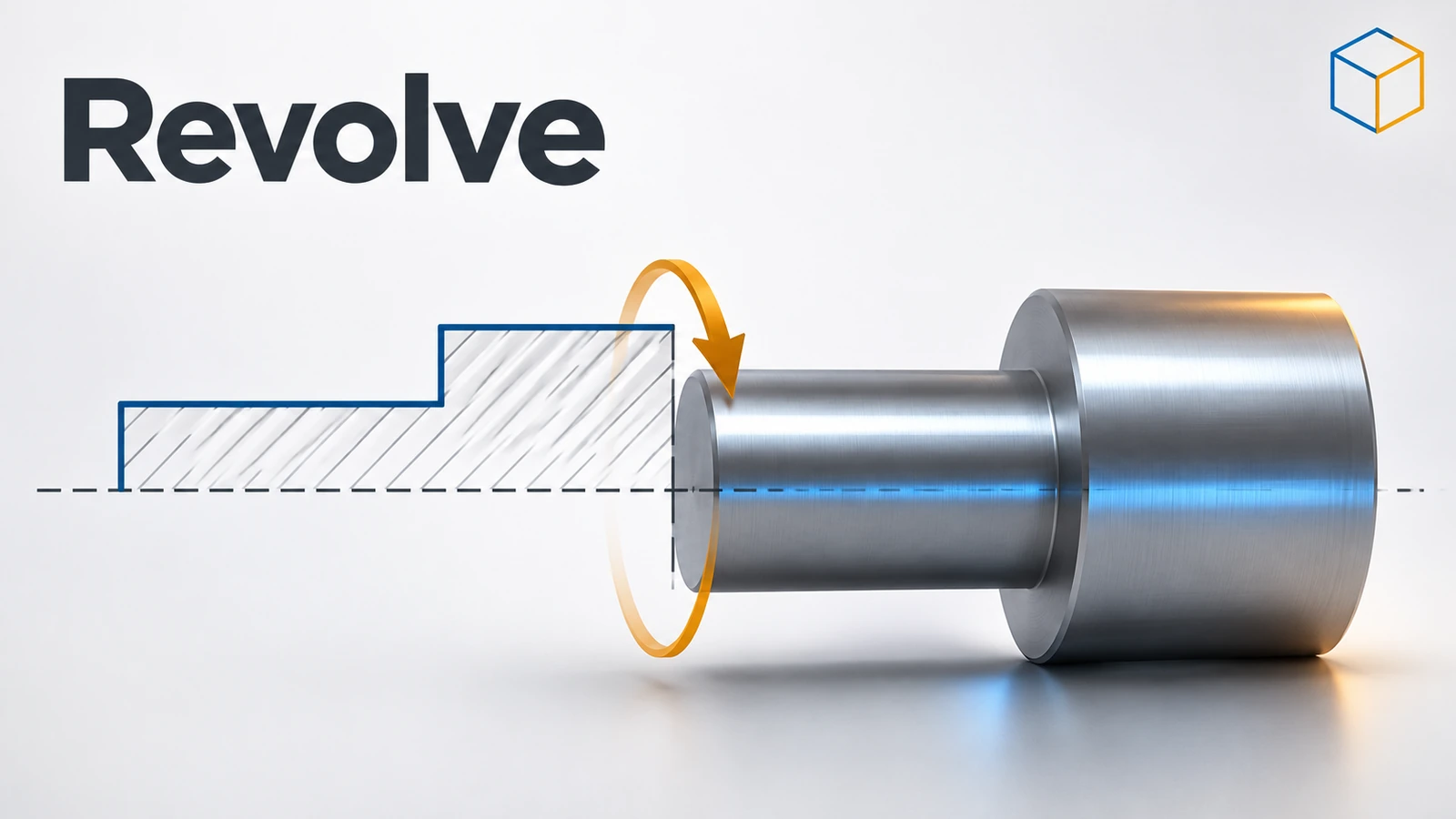 SOLIDWORKS RevolveHow to use Revolved Boss/Base and Revolved Cut in SOLIDWORKS: sketch half a profile, choose the axis, set the angle and fix open-sketch errors.
-
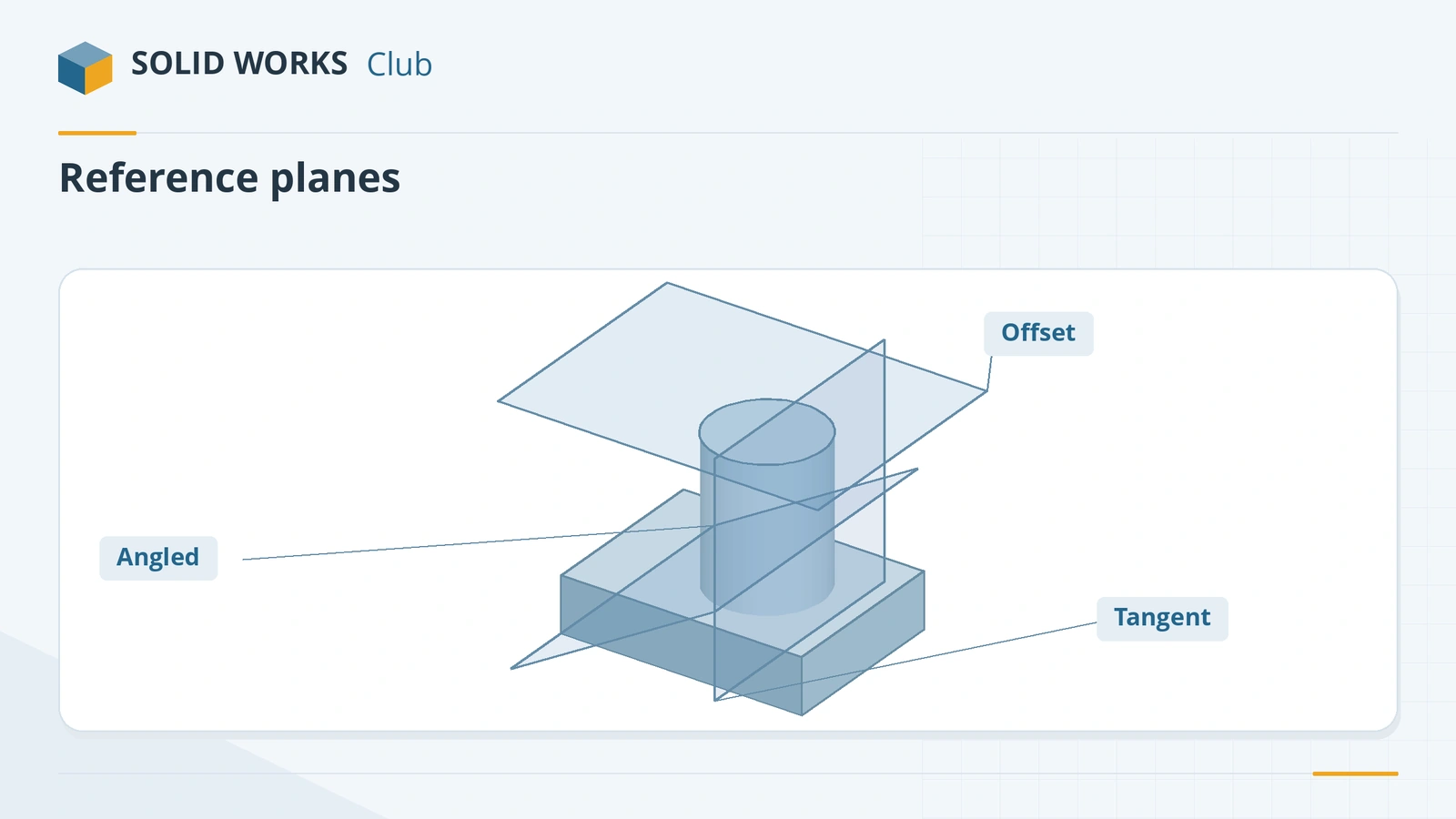 SOLIDWORKS reference planesHow to create reference planes in SOLIDWORKS: offset, angled, mid plane, tangent to a cylinder, normal to an edge, several at once, and Ctrl-drag.
-
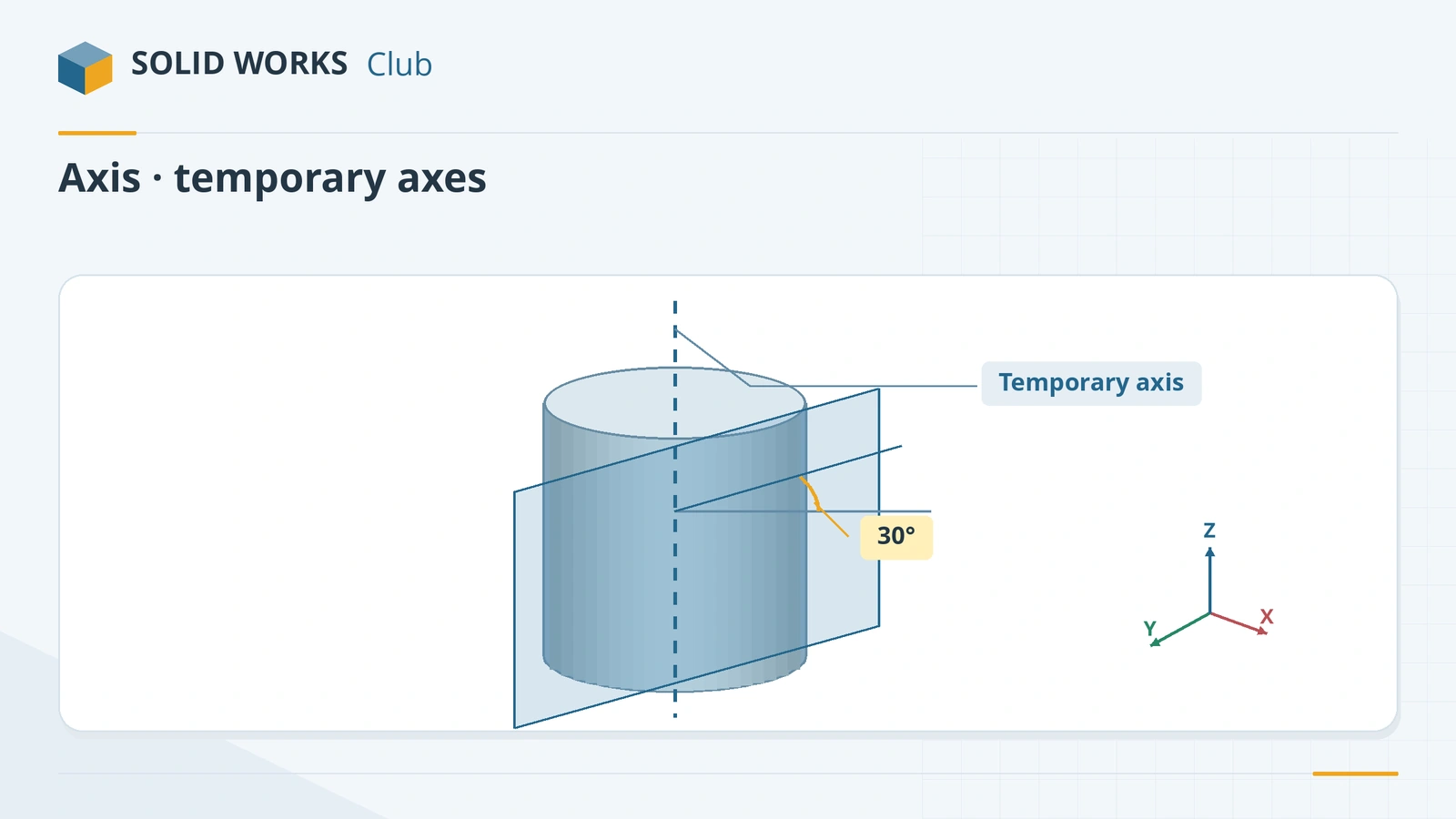 SOLIDWORKS reference axis and temporary axesHow to create a reference axis in SOLIDWORKS, show temporary axes, and use axes for revolves and angled planes, plus points and coordinate systems.
-
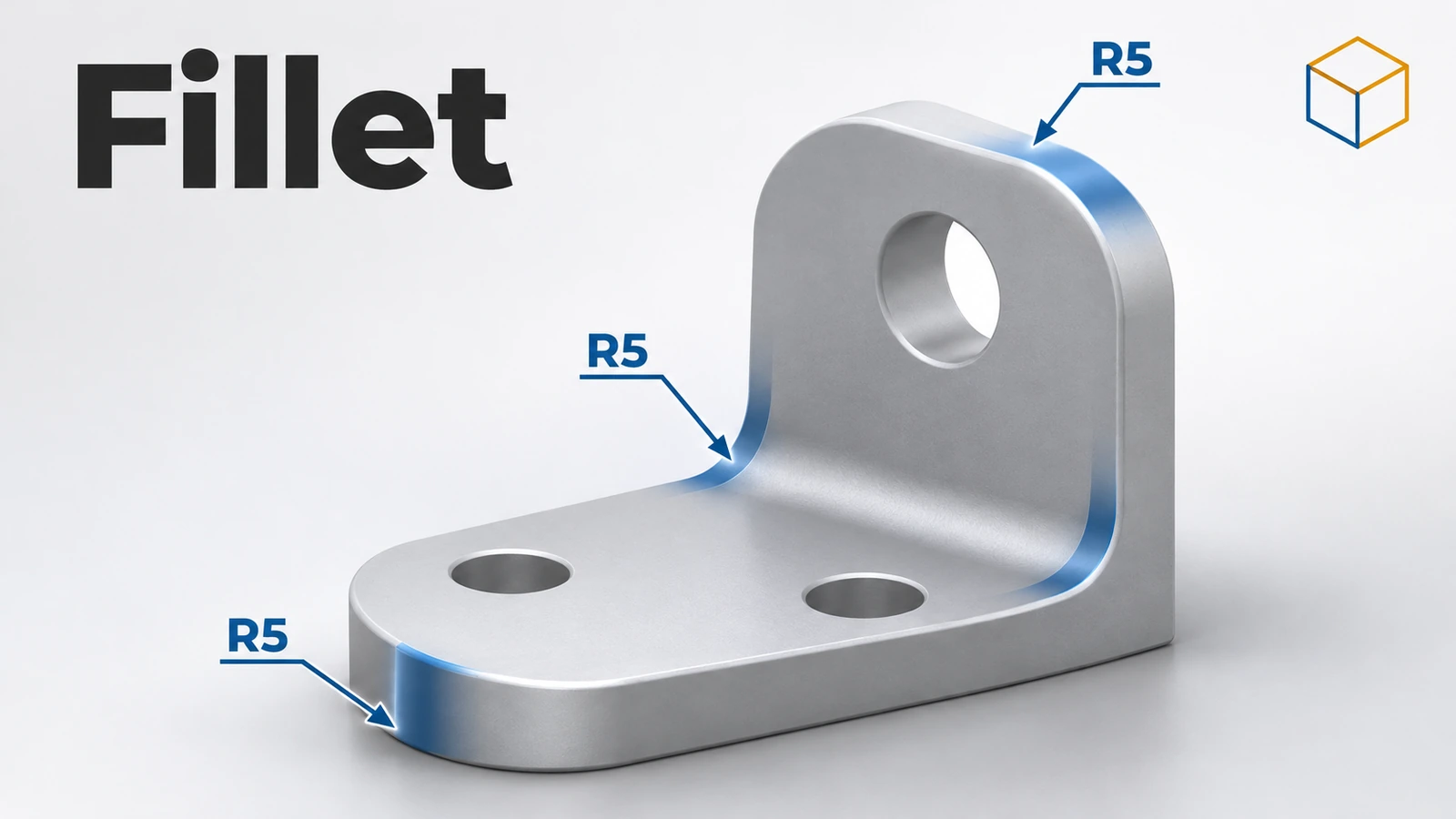 SOLIDWORKS FilletHow to use Fillet in SOLIDWORKS: constant, variable, face and full round fillets, profiles, tangent propagation, FilletXpert and why fillets fail.
-
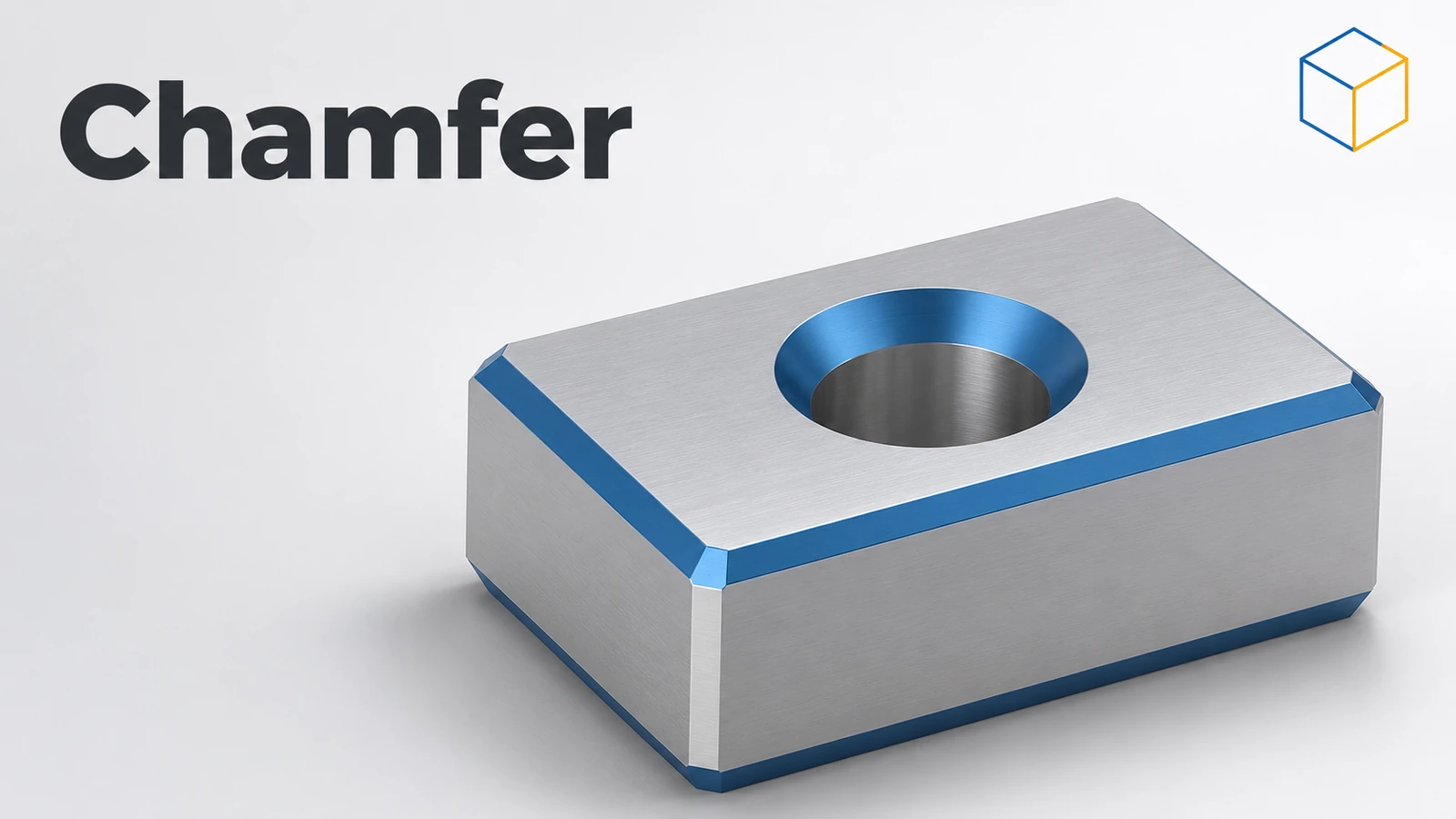 SOLIDWORKS ChamferHow to add chamfers in SOLIDWORKS: distance and angle, equal distance, vertex, Offset Face and Face-Face types, partial edges and Keep features.
-
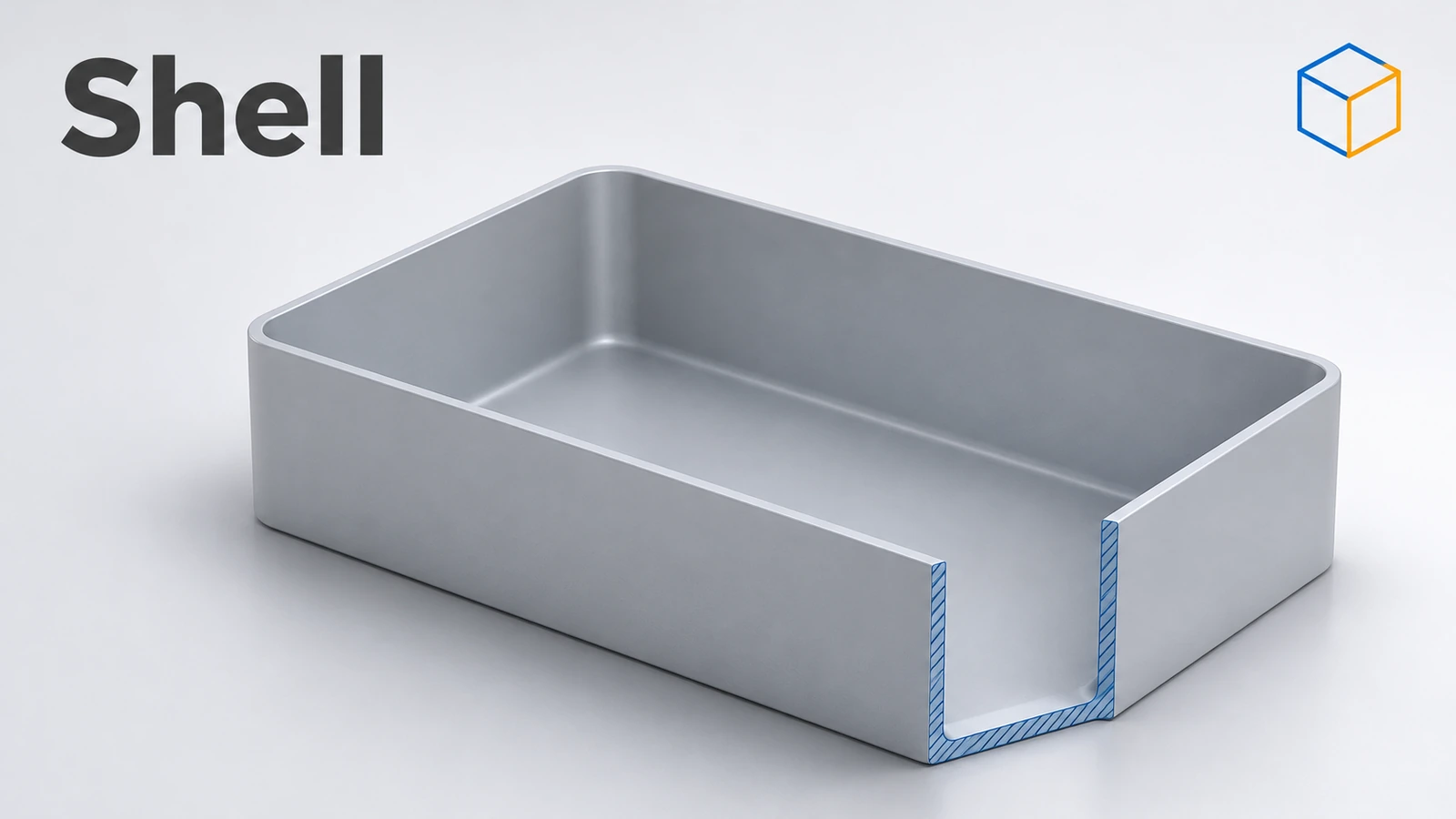 SOLIDWORKS ShellHow to use Shell in SOLIDWORKS to hollow a part: faces to remove, wall thickness, shell outward, multi-thickness walls, and what to do when the shell fails.
-
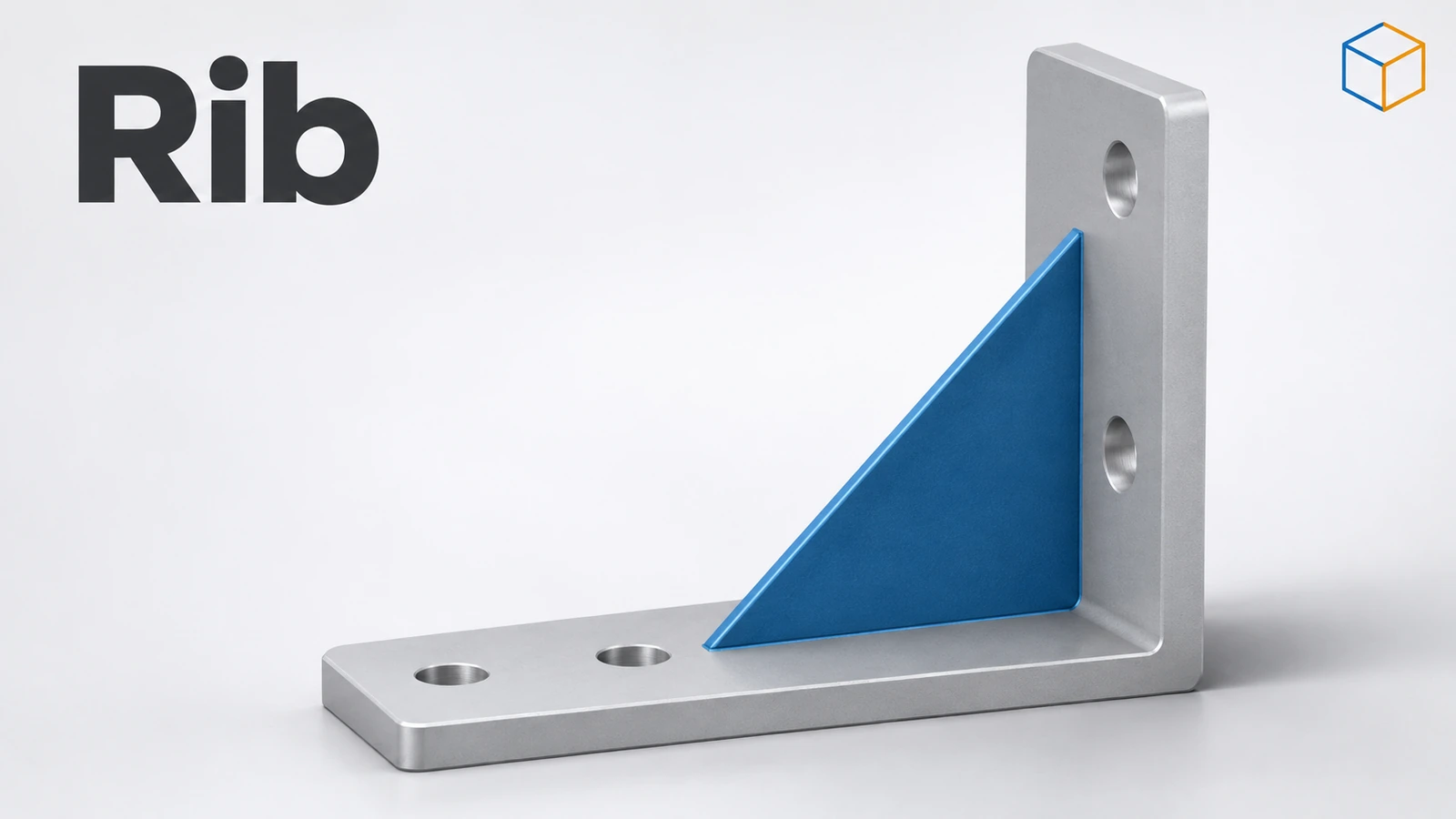 SOLIDWORKS RibHow to use the Rib feature in SOLIDWORKS: one open sketch line, thickness, parallel or normal direction, draft, and rib design rules for plastic parts.
-
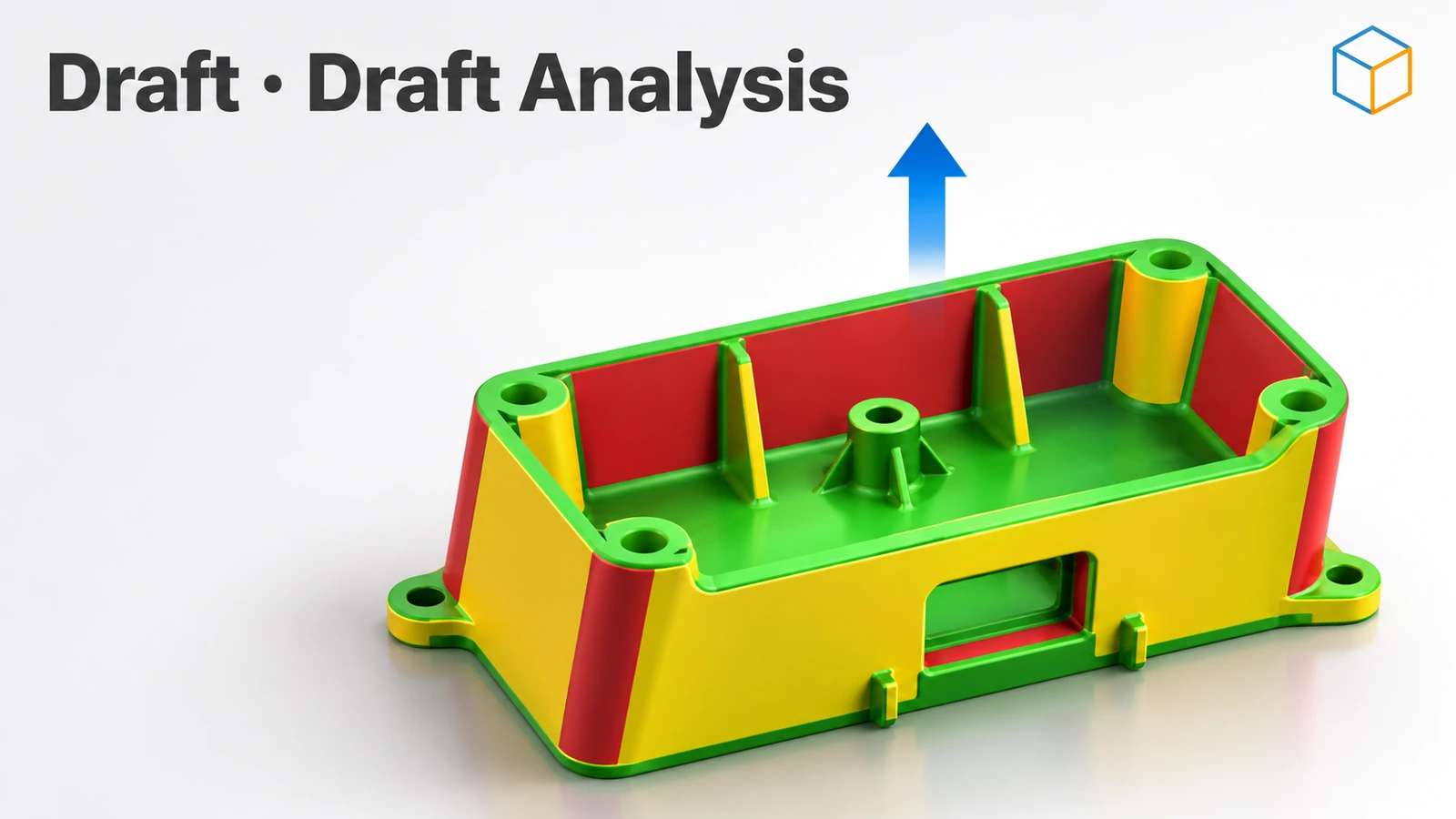 SOLIDWORKS DraftHow to add draft in SOLIDWORKS: Neutral Plane, Parting Line and Step draft, DraftXpert, draft in extrudes, Draft Analysis colours and typical angles.
-
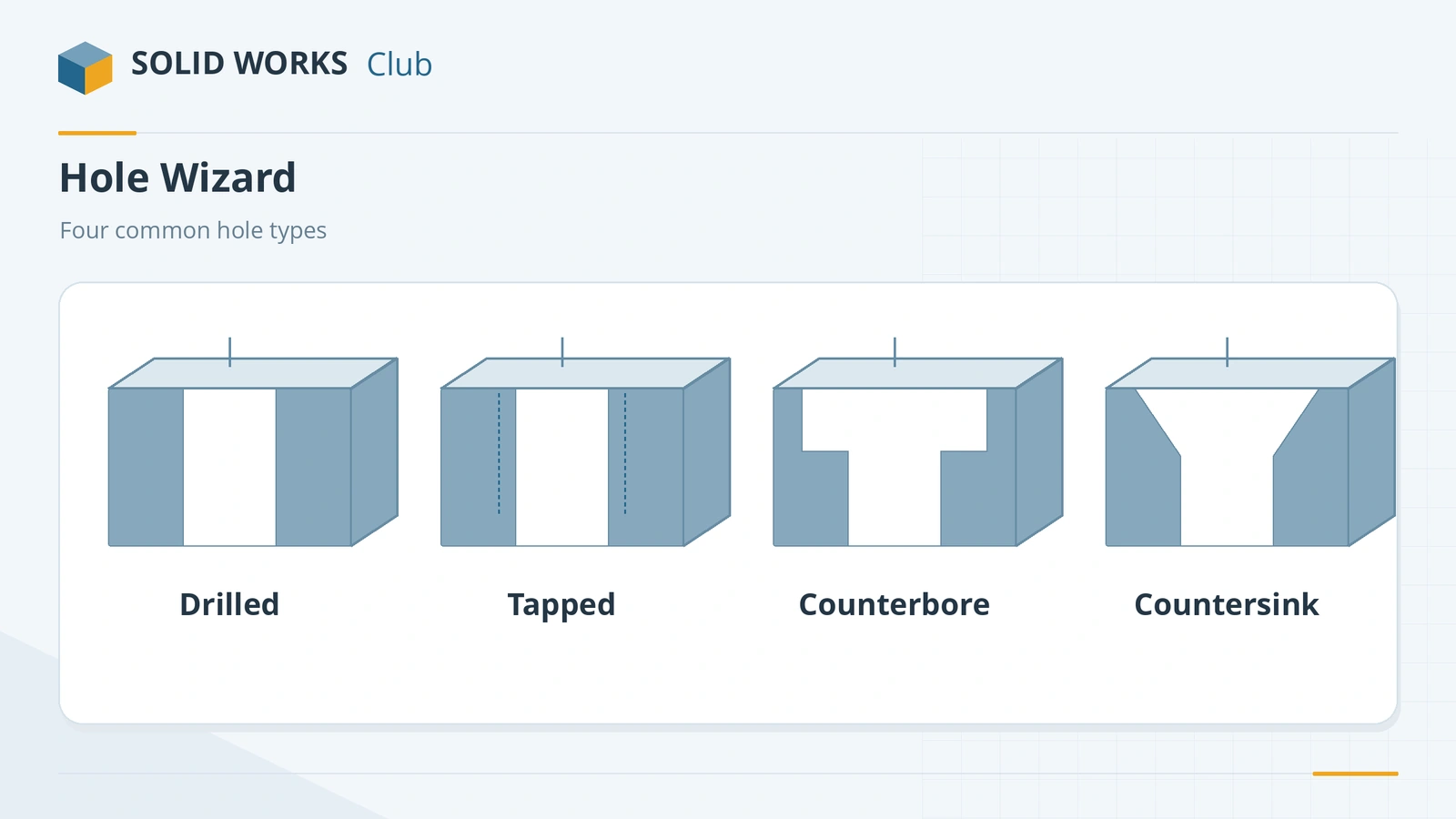 SOLIDWORKS Hole WizardHow to use the SOLIDWORKS Hole Wizard: hole types, standards, sizes and fit, the Type and Positions tabs, cosmetic threads, slots, favourites and Advanced Hole.
-
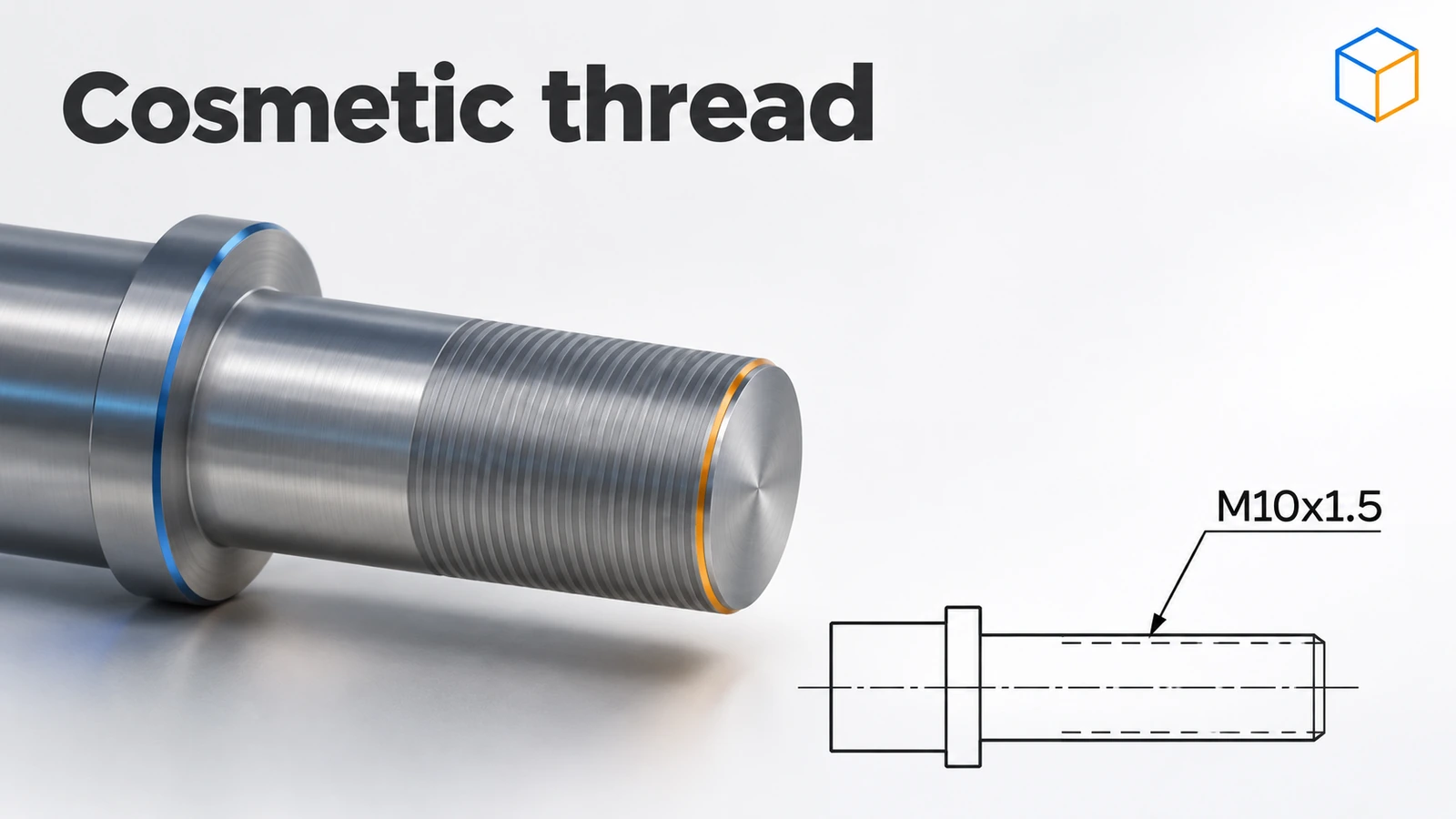 SOLIDWORKS Cosmetic ThreadHow to add a cosmetic thread in SOLIDWORKS to shafts and holes, show shaded threads, get drawing callouts, and why it beats modelled threads for speed.
-
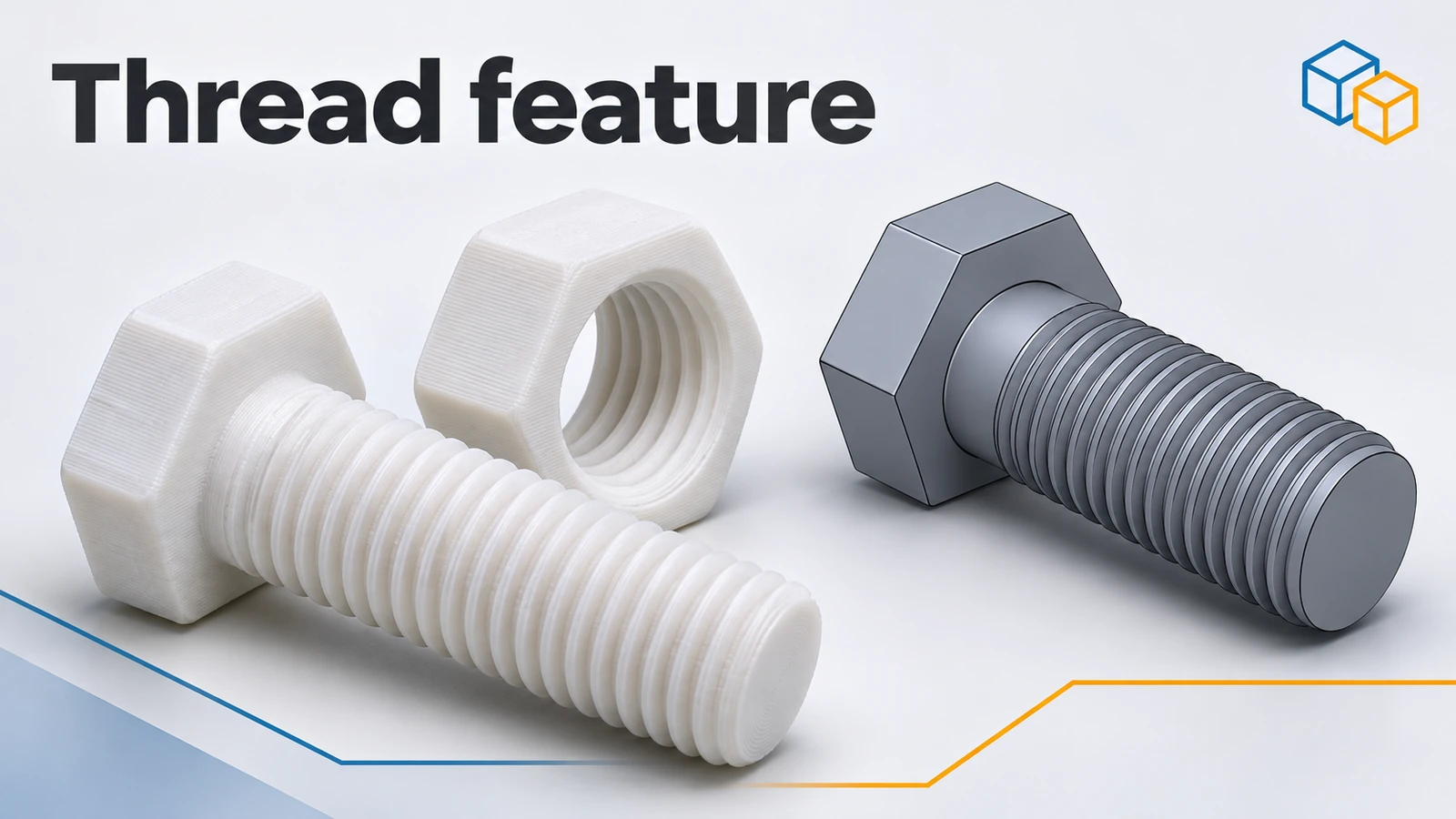 SOLIDWORKS Thread featureHow to model real threads with the SOLIDWORKS Thread feature: die and tap profiles, cut or extrude, trim with faces, and keeping rebuilds fast.
-
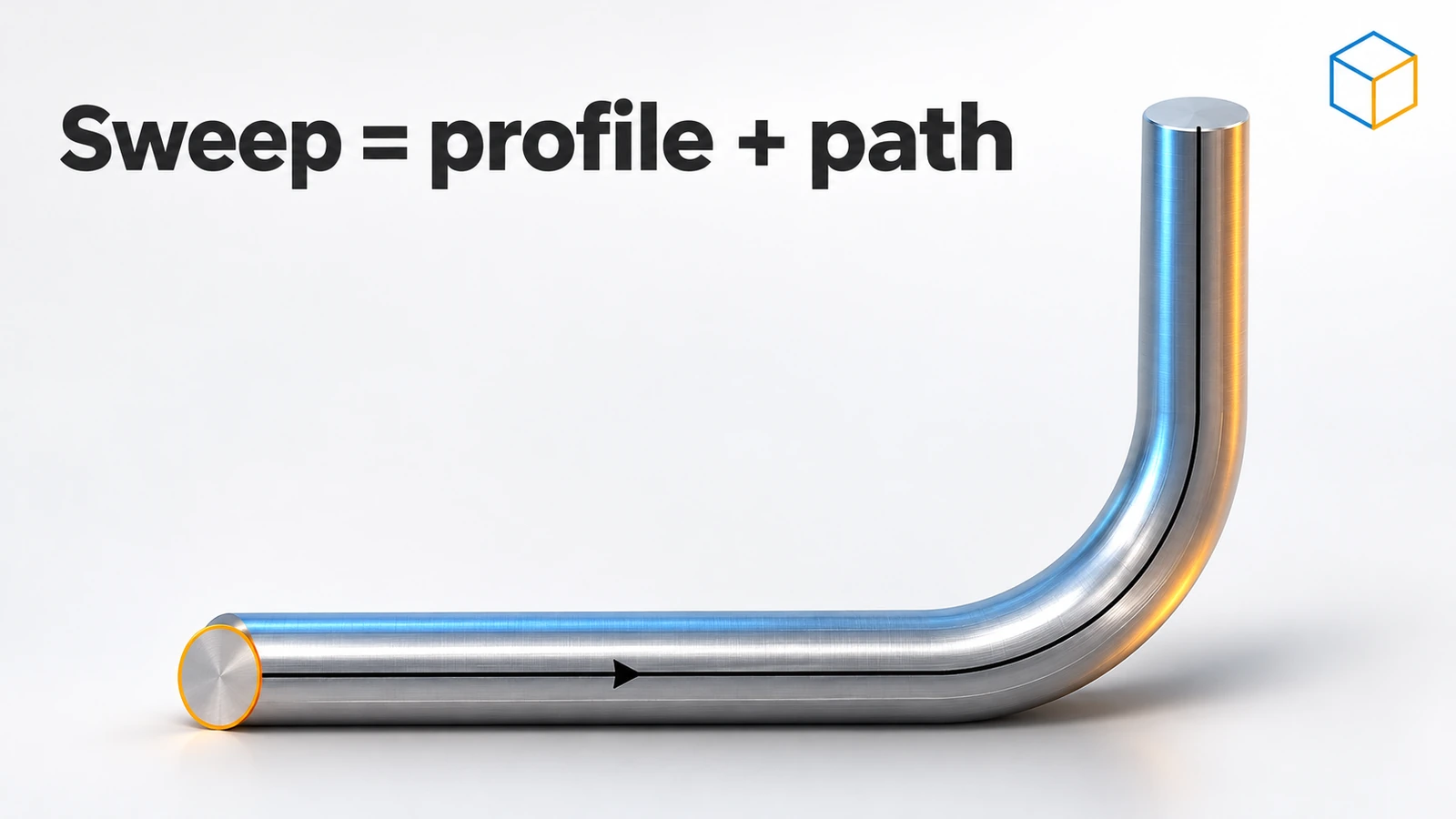 SOLIDWORKS SweepHow to use Swept Boss/Base and Swept Cut in SOLIDWORKS: profile and path rules, Pierce, circular profiles, orientation, twist and guide curves.
-
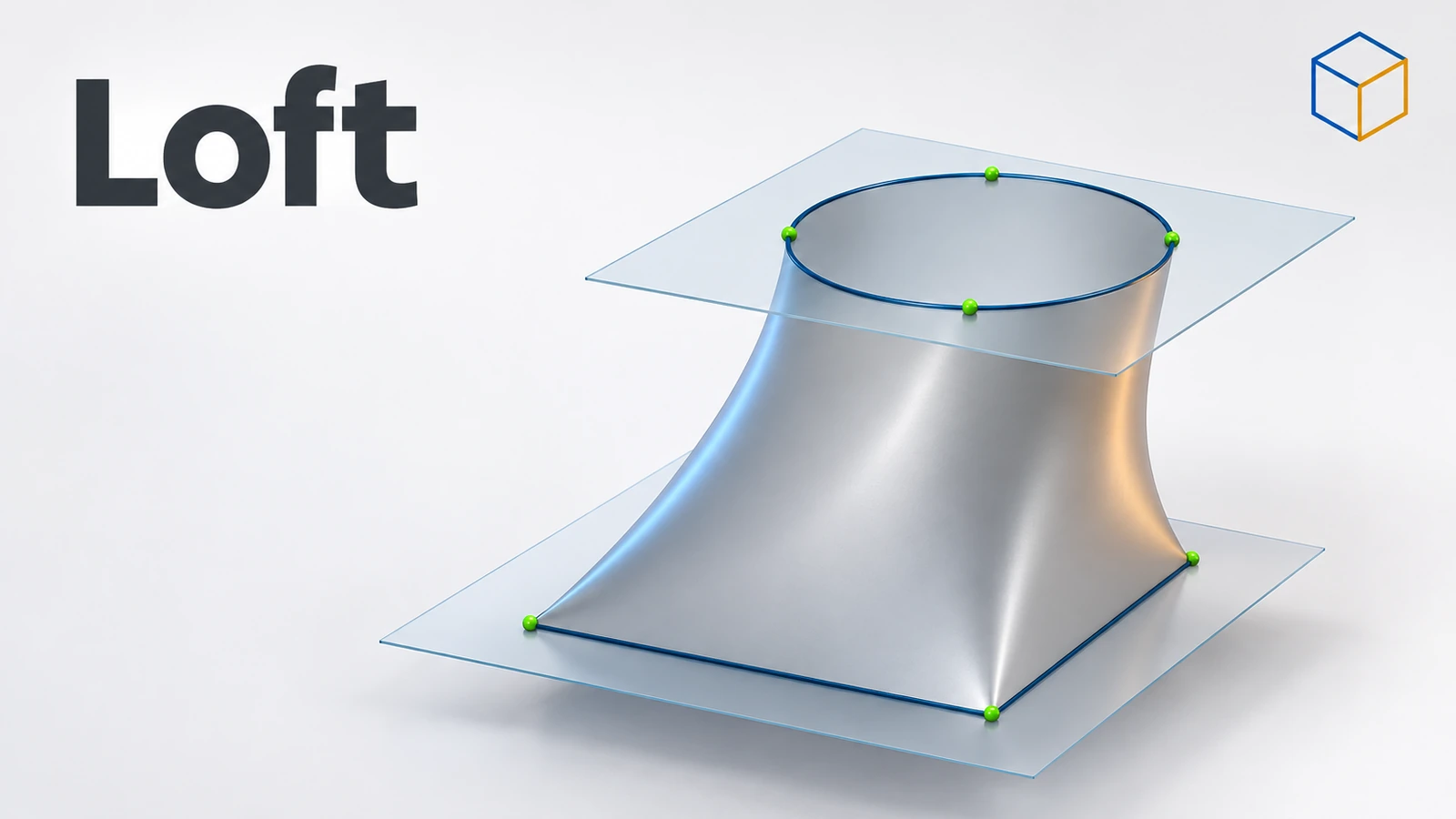 SOLIDWORKS LoftHow to use Lofted Boss/Base in SOLIDWORKS: profiles on offset planes, profile order, guide curves, end tangency, and fixing twisted lofts.
-
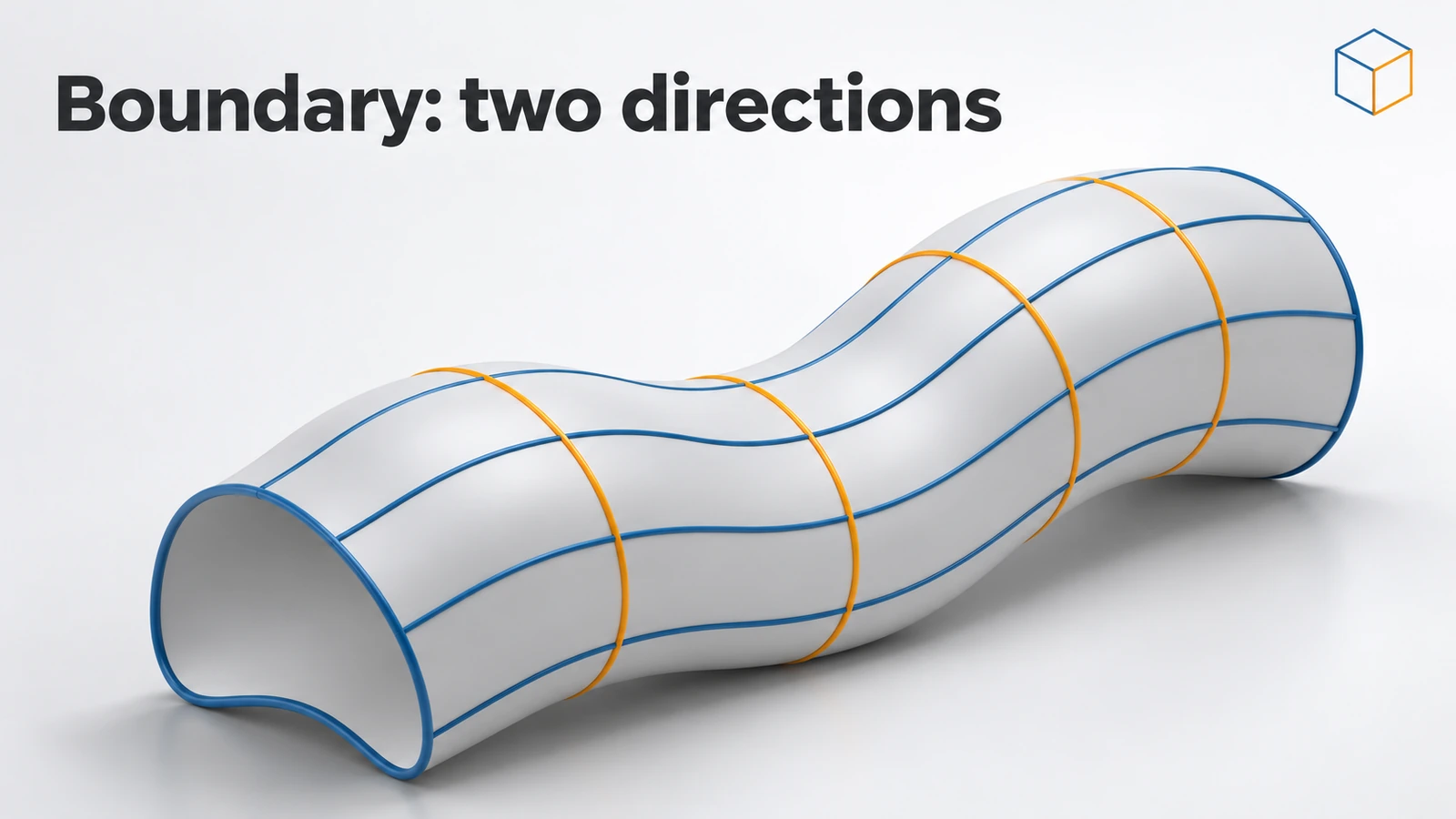 SOLIDWORKS Boundary Boss/BaseHow Boundary Boss/Base works in SOLIDWORKS, how it differs from Loft (Direction 1 and 2 curves, tangency and curvature at every curve), and when to choose each.
-
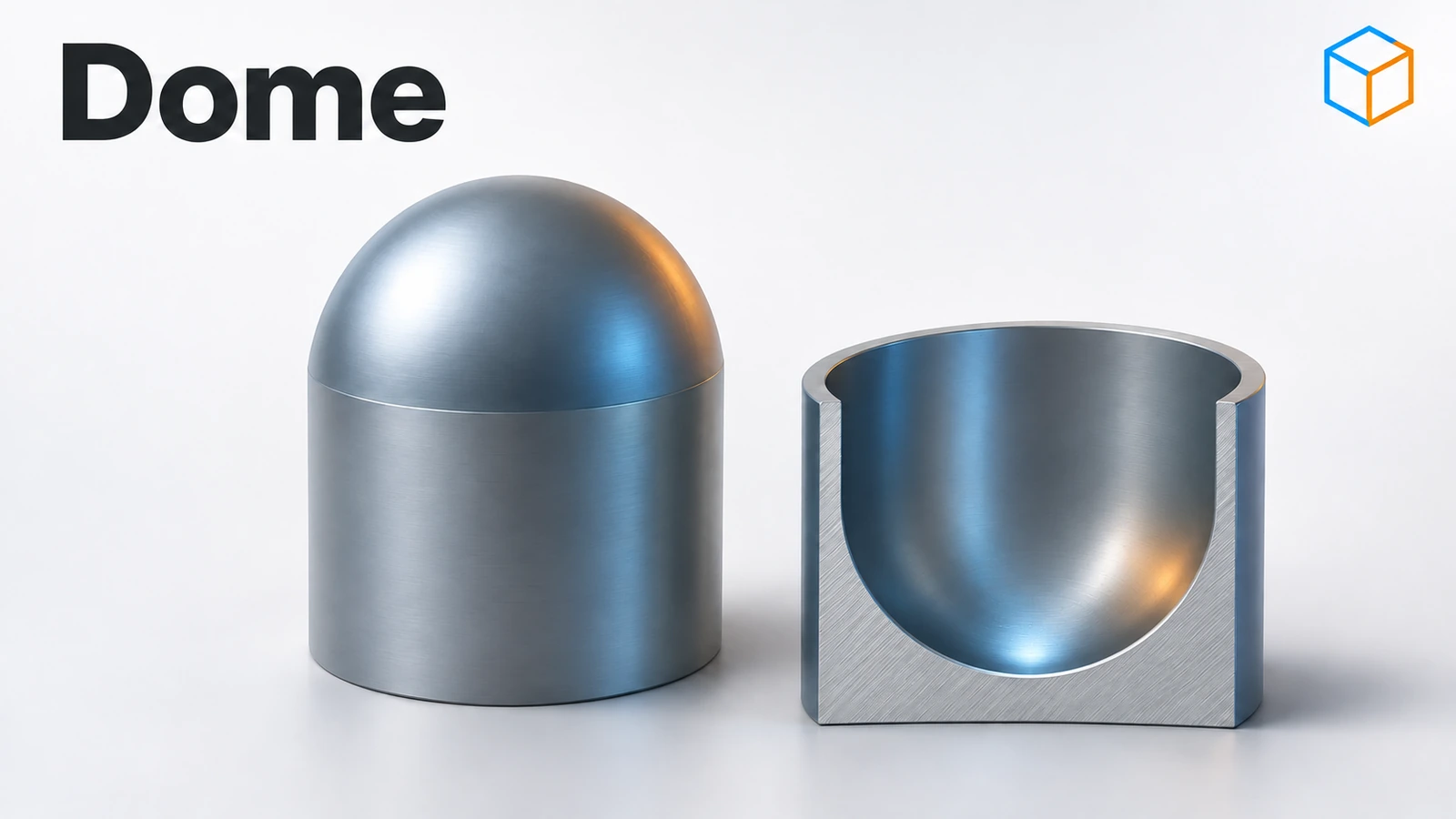 SOLIDWORKS DomeHow to use the Dome feature in SOLIDWORKS: dome a face by a distance, elliptical and continuous domes, concave domes with Reverse, and constraint sketches.
-
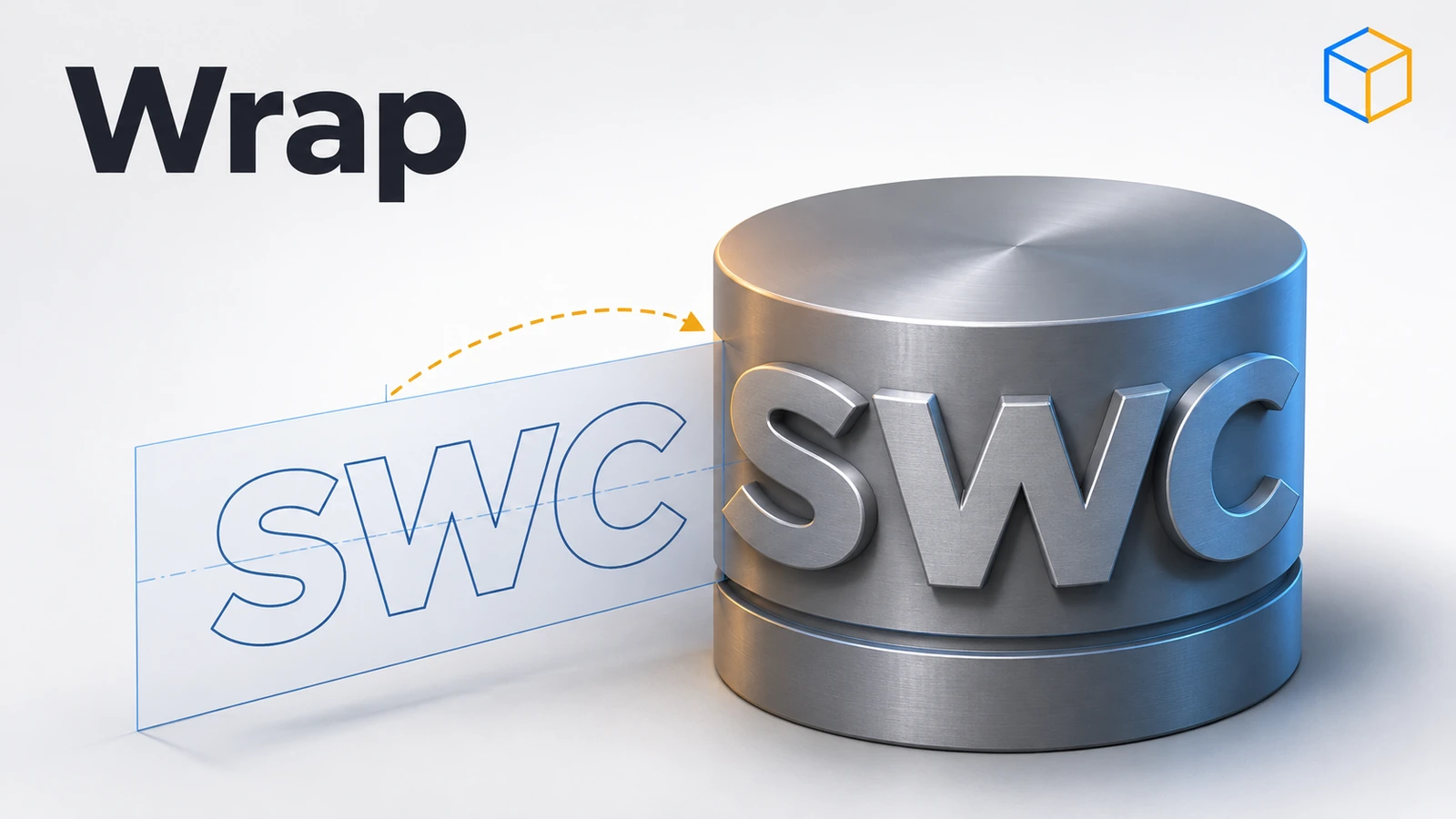 SOLIDWORKS WrapHow to use Wrap in SOLIDWORKS to emboss, deboss or scribe text and logos onto cylinders and curved faces: Analytical vs Spline Surface methods and rebuild tips.
Frequently asked questions
What is a feature in SOLIDWORKS?
+
A single modelling operation recorded in the FeatureManager tree, such as an extrude, a hole or a fillet. A part is built from a sequence of features, which you can edit, reorder or suppress later.
What is the difference between sketched and applied features?
+
Sketched features (Extrude, Revolve, Sweep, Loft) need a sketch profile. Applied features (Fillet, Chamfer, Shell, Draft) act on existing edges and faces and need no sketch.
In what order should I add features?
+
Usually the base shape first, then major cuts and bosses, then holes, and fillets, chamfers and cosmetic details last. Late fillets are easy to change and rarely break other features.
Related
- SOLIDWORKS Extruded Boss/BaseHow to use Extruded Boss/Base in SOLIDWORKS: every end condition from Blind to Mid Plane, Direction 2, draft, thin features, Selected Contours and Merge result.
- SOLIDWORKS sketching — basics and all toolsLearn SOLIDWORKS sketching from scratch: start and exit a sketch, read colours and status, then 17 lessons from lines and arcs to relations and 3D sketches.
- SOLIDWORKS FilletHow to use Fillet in SOLIDWORKS: constant, variable, face and full round fillets, profiles, tangent propagation, FilletXpert and why fillets fail.
- SOLIDWORKS rebuild errors and warnings — how to fix themFix SOLIDWORKS rebuild errors: red and yellow feature icons, the What's Wrong dialog, dangling references, zero-thickness geometry and failed fillets.