Exercises
SOLIDWORKS practice exercises
Practice is how SOLIDWORKS sticks. Every exercise here has a dimensioned drawing to model from, a STEP file to compare with, and a check mass — the same way the CSWA exam checks your work. Model the part, apply the stated material and compare the mass in Mass Properties: if it matches, your model is right.
 Kevin Walsh
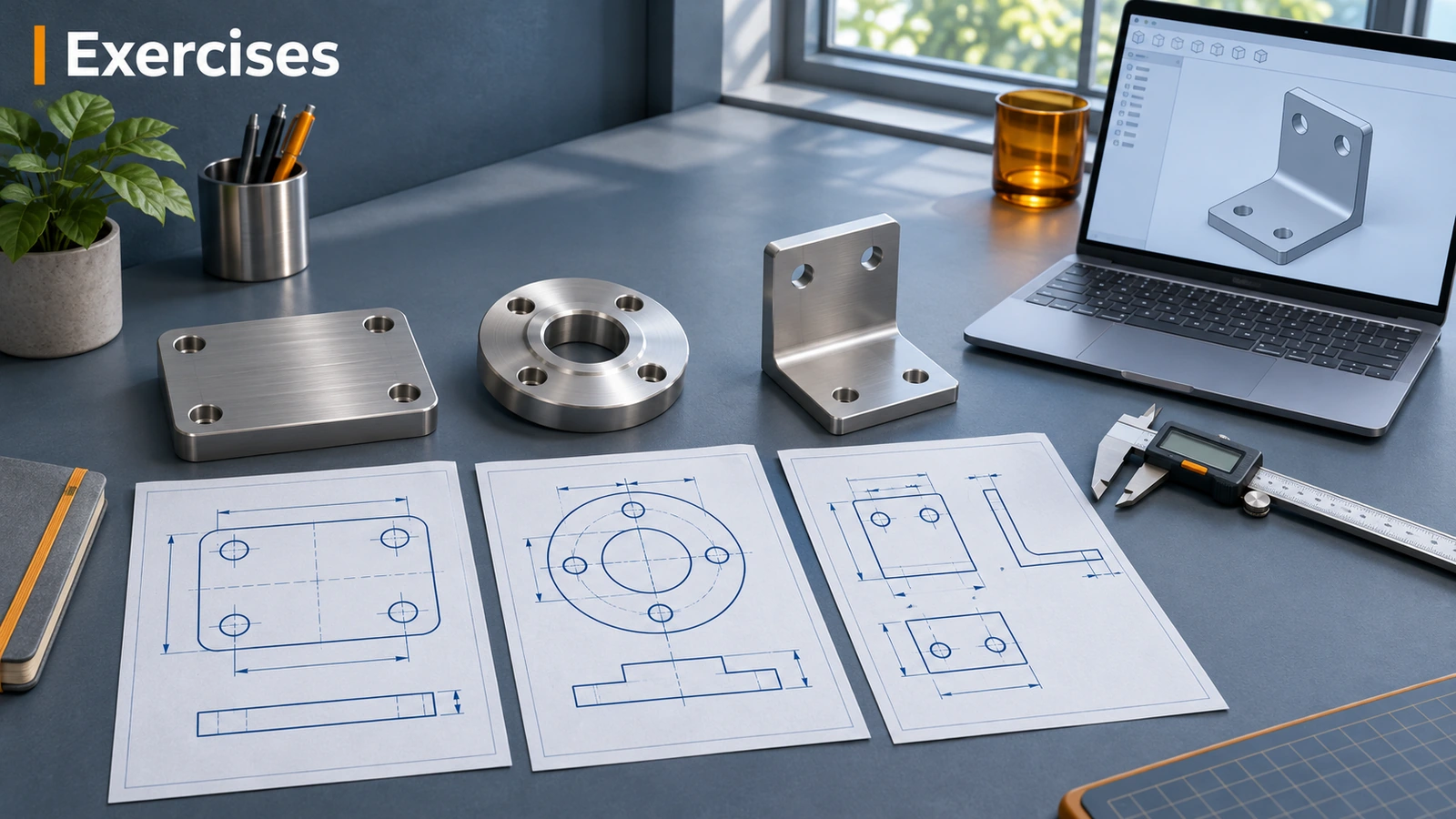
How the exercises work
- Open the drawing on the page or print the PDF. Dimensions are in millimetres, third-angle projection.
- Model the part in SOLIDWORKS — the "How to approach it" hints suggest an order of features.
- Apply the material with the density given (or a custom material).
- Compare the mass in Evaluate → Mass Properties with the check mass.
- Still stuck? Open the solution steps or the STEP file.
Start with the basic exercises, then move on to the intermediate exercises with sweeps, lofts and small assemblies. Ready for real objects? The projects go from a spur gear to a robot arm. Every model, drawing and mass was generated from the same geometry, so they always agree. New to modelling? Do your first part and the sketching course first. Preparing for the CSWA? Try the practice test next. Files open in other CAD tools too — see opening files without SOLIDWORKS.
Exercise sets
-
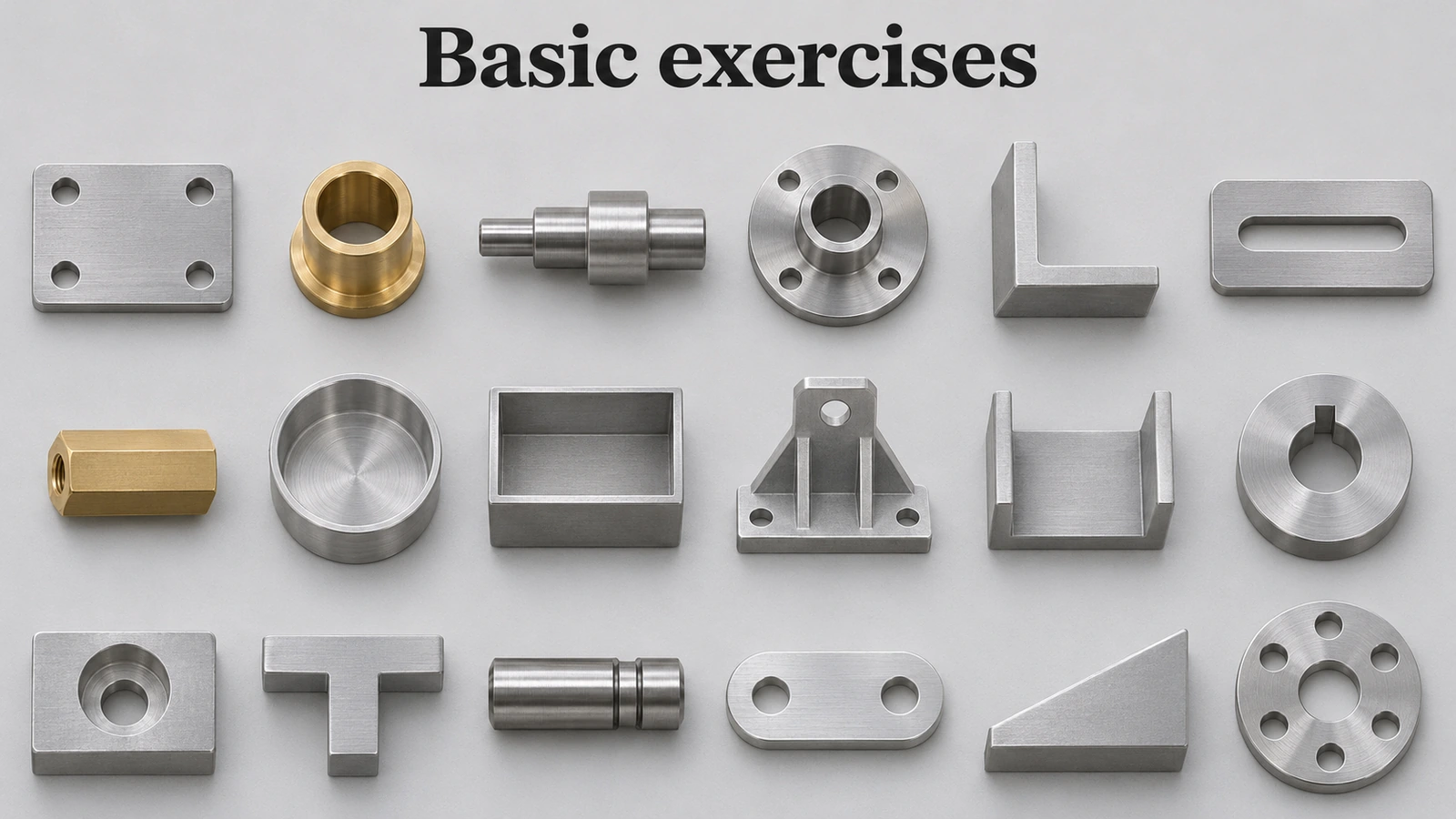 Basic SOLIDWORKS exercises18 basic SOLIDWORKS exercises for beginners: plates, shafts, flanges, brackets and shelled parts, each with a drawing, STEP file and check mass.
-
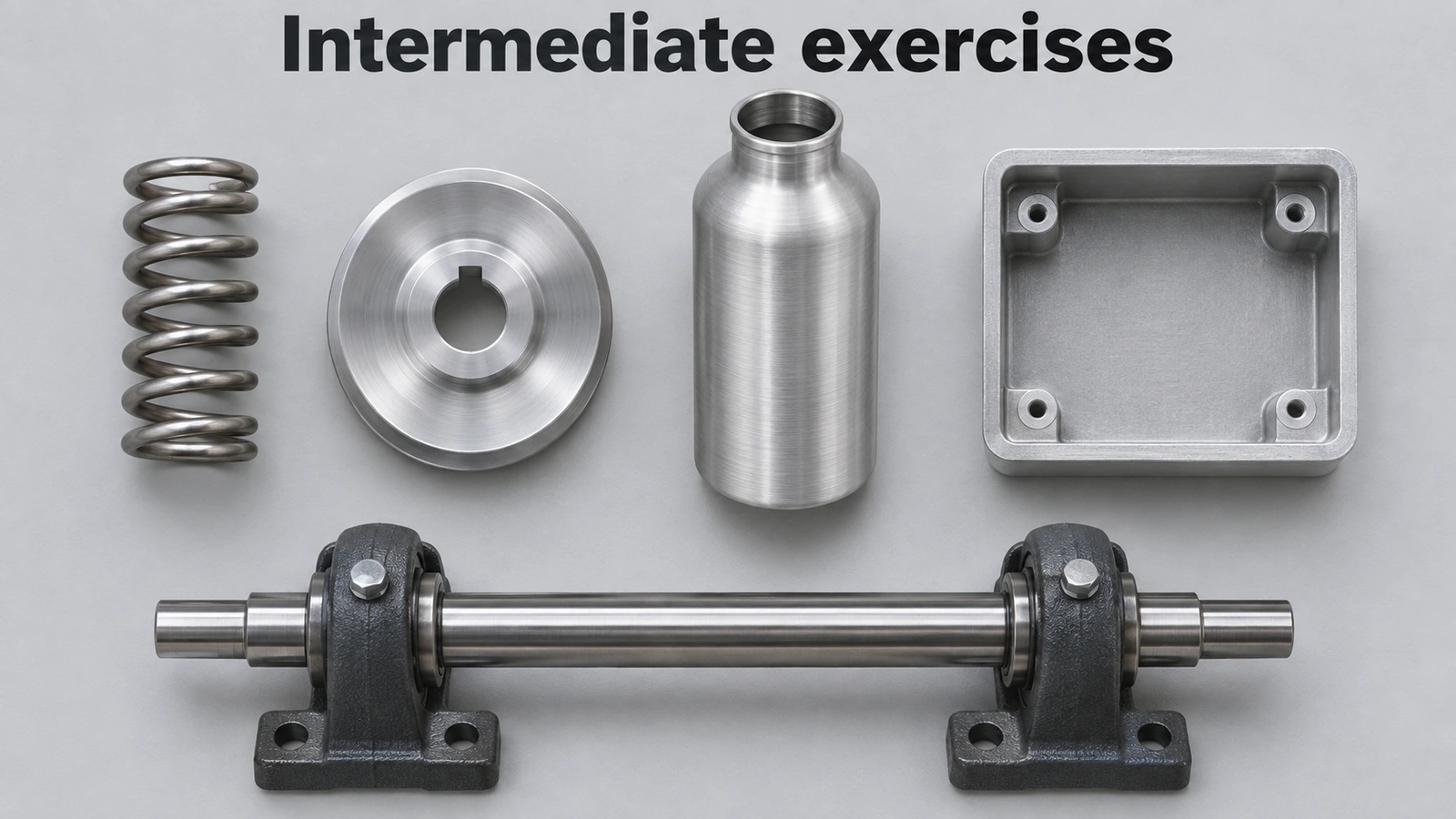 Intermediate SOLIDWORKS exercises19 intermediate SOLIDWORKS exercises: sweeps, lofts, shells, draft, Hole Wizard and three small assemblies, each with a drawing, STEP file and check mass.
-
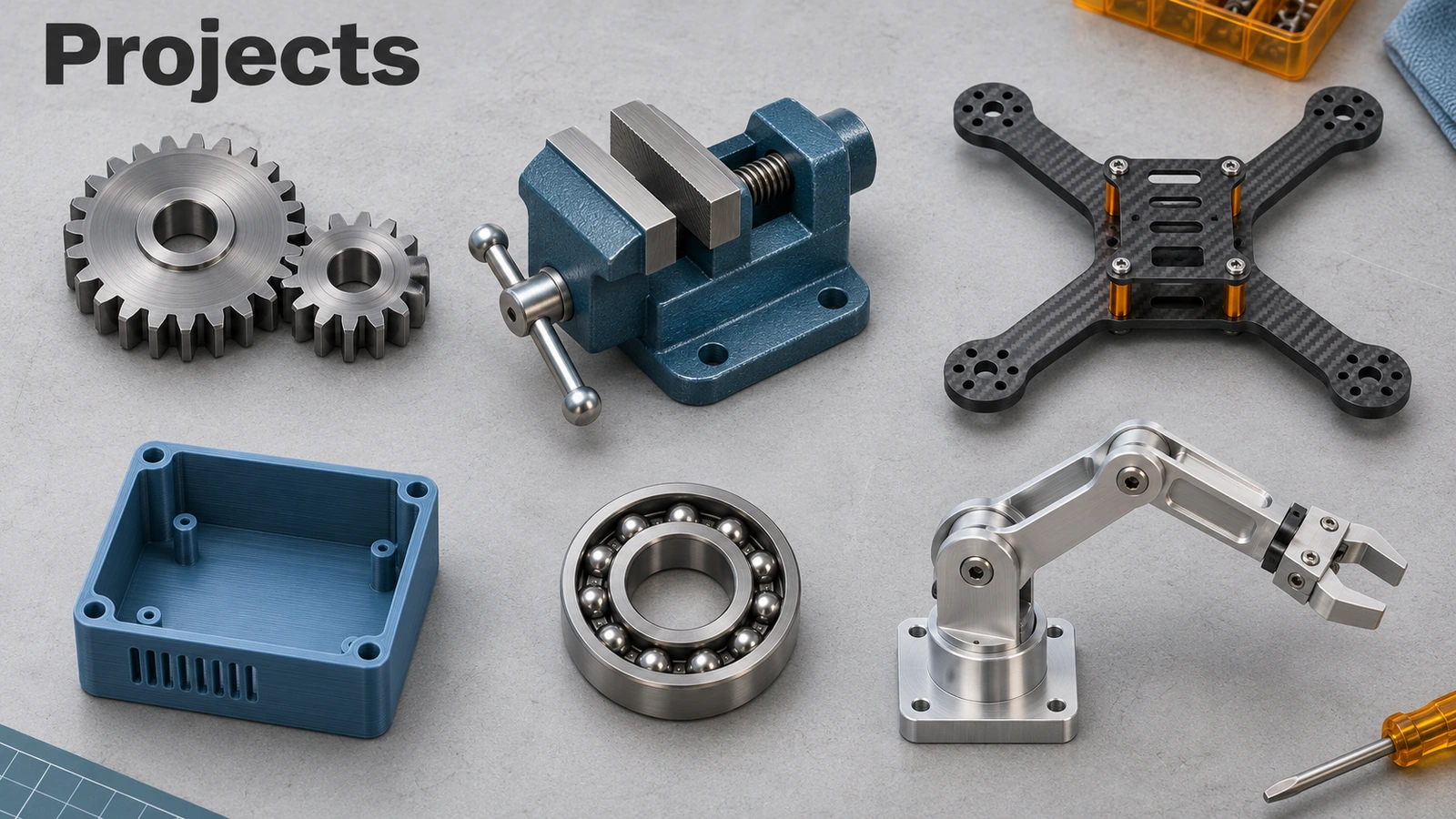 SOLIDWORKS projects14 SOLIDWORKS projects step by step: gears, spring, bottle, bolt and nut, bearing, chair, phone case, drone frame, vise, gearbox and a robot arm.
Frequently asked questions
Are the SOLIDWORKS exercises free?
+
Yes. Drawings, PDFs and STEP files are free to download and use for practice.
How do I know my model is correct?
+
Apply the material and density given on the page and compare the mass in Evaluate → Mass Properties with the check mass.
Can I open the files without SOLIDWORKS?
+
The STEP files open in most CAD programs and free viewers; see opening files without SOLIDWORKS.
Related
- SOLIDWORKS tutorialsFree SOLIDWORKS tutorials for beginners, one command per lesson: sketching first, then features, patterns, assemblies and drawings, each with a practice task.
- Free CSWA practice testFree CSWA-style practice test with a 45-minute timer — knowledge questions plus five modelling problems with drawings, scored with worked answers.
- Mass calculator for SOLIDWORKS and CSWA problemsCalculate part mass from volume and density in mm, cm, m or inches, with typical densities for steel, aluminium, brass and copper. Built for CSWA checks.
- Your first SOLIDWORKS part, step by stepModel your first SOLIDWORKS part in 15 minutes: a sketch on the Front Plane, Smart Dimension, Extruded Boss, a hole and fillets, with a check mass.