Features · Lesson 2
SOLIDWORKS Extruded Cut
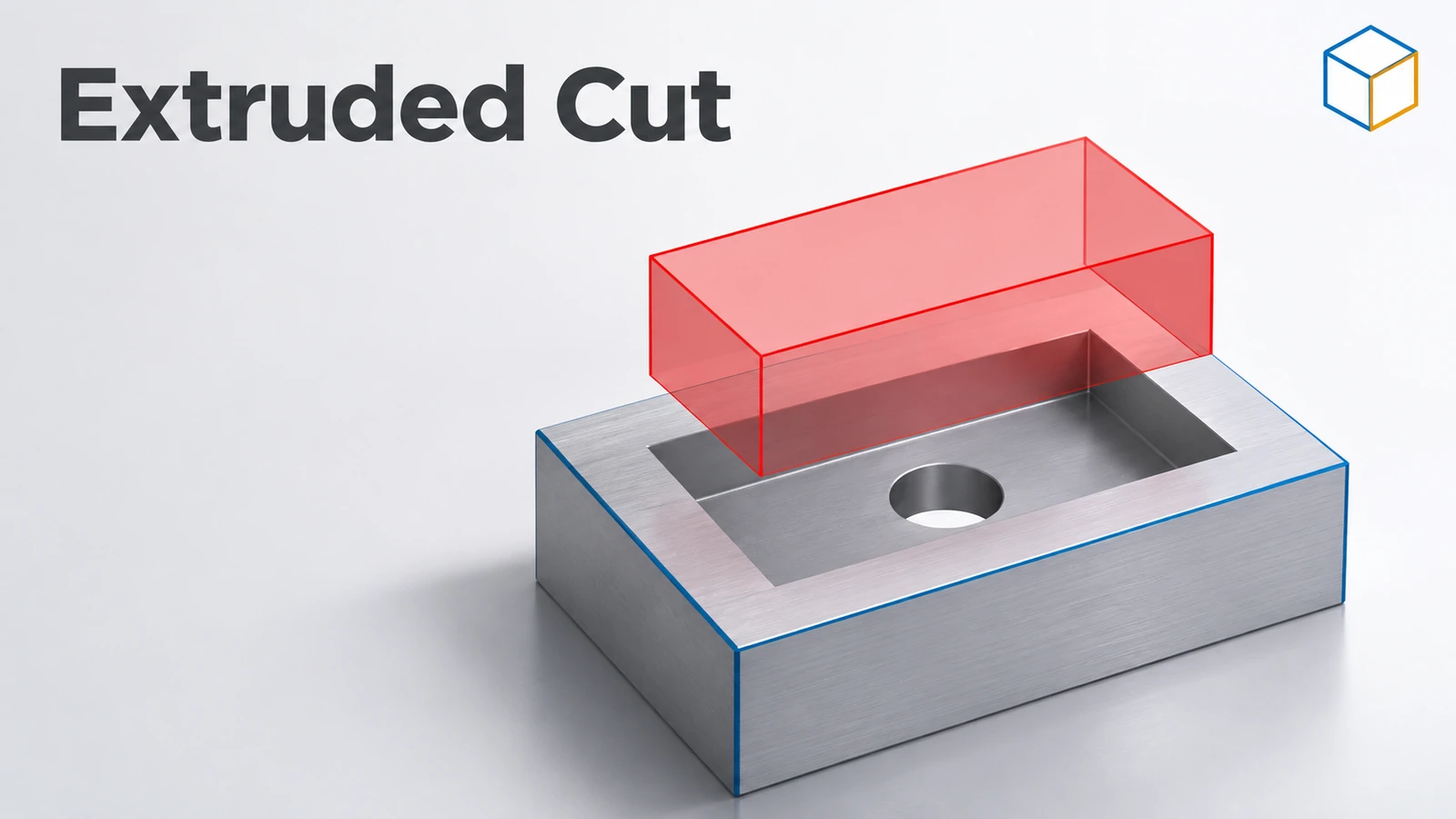
Extruded Cut works like Extruded Boss/Base in reverse: it removes material in the shape of a sketch. Use it for pockets, slots, windows and simple holes. It has the same end conditions as a boss — Blind for a set depth, Through All to go right through. For drilled and tapped holes, the Hole Wizard is usually better because it stores the hole standard.
 Kevin Walsh
Where to find it
Features tab → Extruded Cut (Insert → Cut → Extrude)
Cut options at a glance
| Option | Use it for |
|---|---|
| Blind | Pockets of a set depth |
| Through All | Holes and windows through the whole part |
| Up To Next / Up To Surface | Cuts that stop at a face |
| Mid Plane | Cuts centred on the sketch plane |
| Flip side to cut | Removing the other side of an open-profile cut |
| Draft | Tapered pockets for castings and moulds |
| Normal cut (sheet metal) | Cuts perpendicular to the sheet, so the part flattens correctly |
All end conditions are explained in Extruded Boss/Base. For round parts, cut with Revolved Cut.
Step by step
-
1
Build the block
Extrude an 80 × 50 mm Center Rectangle on the Top Plane, 20 mm up (Blind).
-
2
Sketch the pocket on the top face
Click the top face → Sketch. Draw a Center Rectangle 40 × 20 on the origin.
-
3
Cut it 10 mm deep
Features → Extruded Cut, Blind, 10 mm. The preview shows the material that will be removed. Click the tick.
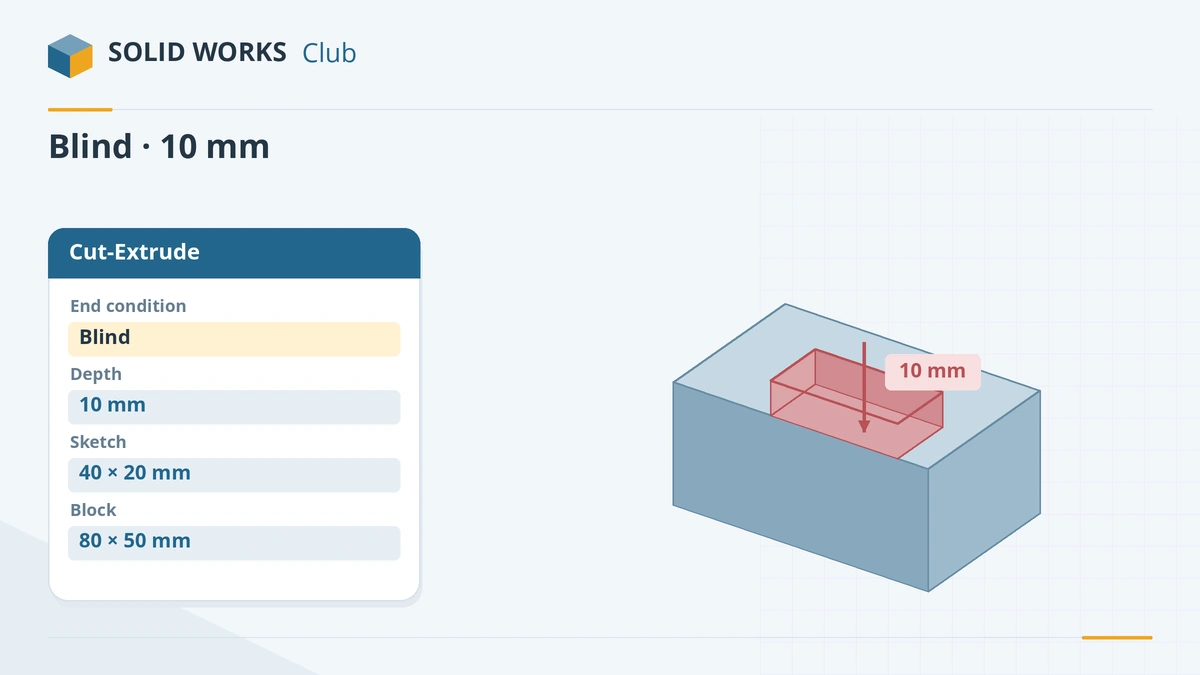
A Blind cut 10 mm deep makes a pocket. -
4
Add a through hole
Sketch a Ø10 circle on the pocket floor, centred on the origin, and cut it with Through All. Through All keeps working if the block gets thicker later.
Common mistakes
- Using Blind with the exact part thickness for a through hole. If the part changes, the hole stops short — use Through All.
- Sketching on the wrong face so the cut goes into air. Check the preview arrow and flip direction if needed.
- Open sketch profiles with end conditions other than Blind or Through All — cuts from open profiles only support those two.
Lesson 2 of 18 in the features course.
Practice
Make the 80 × 50 × 20 mm block with the 40 × 20 × 10 mm pocket and the Ø10 through hole. Check: volume 71,214.60 mm³ (the hole only removes the 10 mm left under the pocket).
Sources
- SOLIDWORKS Help 2024 — Creating an extrude feature
- SOLIDWORKS Help 2024 — End conditions for extrudes
- TriMech — Extrude options in SOLIDWORKS
- CATI — Normal Cut in sheet metal
- TriMech — Sketchless surface cut
- CADimensions — Do you really know the Extrude feature?
Checked November 2026. SOLID WORKS Club is independent; menu names can differ slightly between releases.
Frequently asked questions
How do I cut all the way through a part?
+
Use the Through All end condition. It cuts through all geometry in that direction, and keeps doing so if the part gets thicker.
What does Flip side to cut do?
+
It switches which side of the sketch loses material. It is mostly used with open sketches, where the line divides the part into two sides.
Should I use Extruded Cut or Hole Wizard for holes?
+
Hole Wizard for standard drilled, tapped, counterbored and countersunk holes — it stores the hole type and size for drawings. Extruded Cut for pockets, slots and non-standard shapes.
Can I cut with a surface instead of a sketch?
+
Yes. A surface or plane can split material away without any sketch, which is useful for complex shapes.
Related
- SOLIDWORKS Extruded Boss/BaseHow to use Extruded Boss/Base in SOLIDWORKS: every end condition from Blind to Mid Plane, Direction 2, draft, thin features, Selected Contours and Merge result.
- SOLIDWORKS Hole WizardHow to use the SOLIDWORKS Hole Wizard: hole types, standards, sizes and fit, the Type and Positions tabs, cosmetic threads, slots, favourites and Advanced Hole.
- SOLIDWORKS RevolveHow to use Revolved Boss/Base and Revolved Cut in SOLIDWORKS: sketch half a profile, choose the axis, set the angle and fix open-sketch errors.
- SOLIDWORKS rectangle toolsHow to sketch rectangles in SOLIDWORKS: Corner, Center, 3 Point Corner, 3 Point Center and Parallelogram, with construction lines and centring.