Reference
SOLIDWORKS reference
Everything you look up while working in SOLIDWORKS: default keyboard shortcuts as a searchable list and a one-page PDF, mouse gestures and the S key, what each file extension is, how to export STEP, STL, DXF and IGES, whether a file opens in another version, how to view files without SOLIDWORKS, the material library and a glossary of terms.
 Kevin Walsh
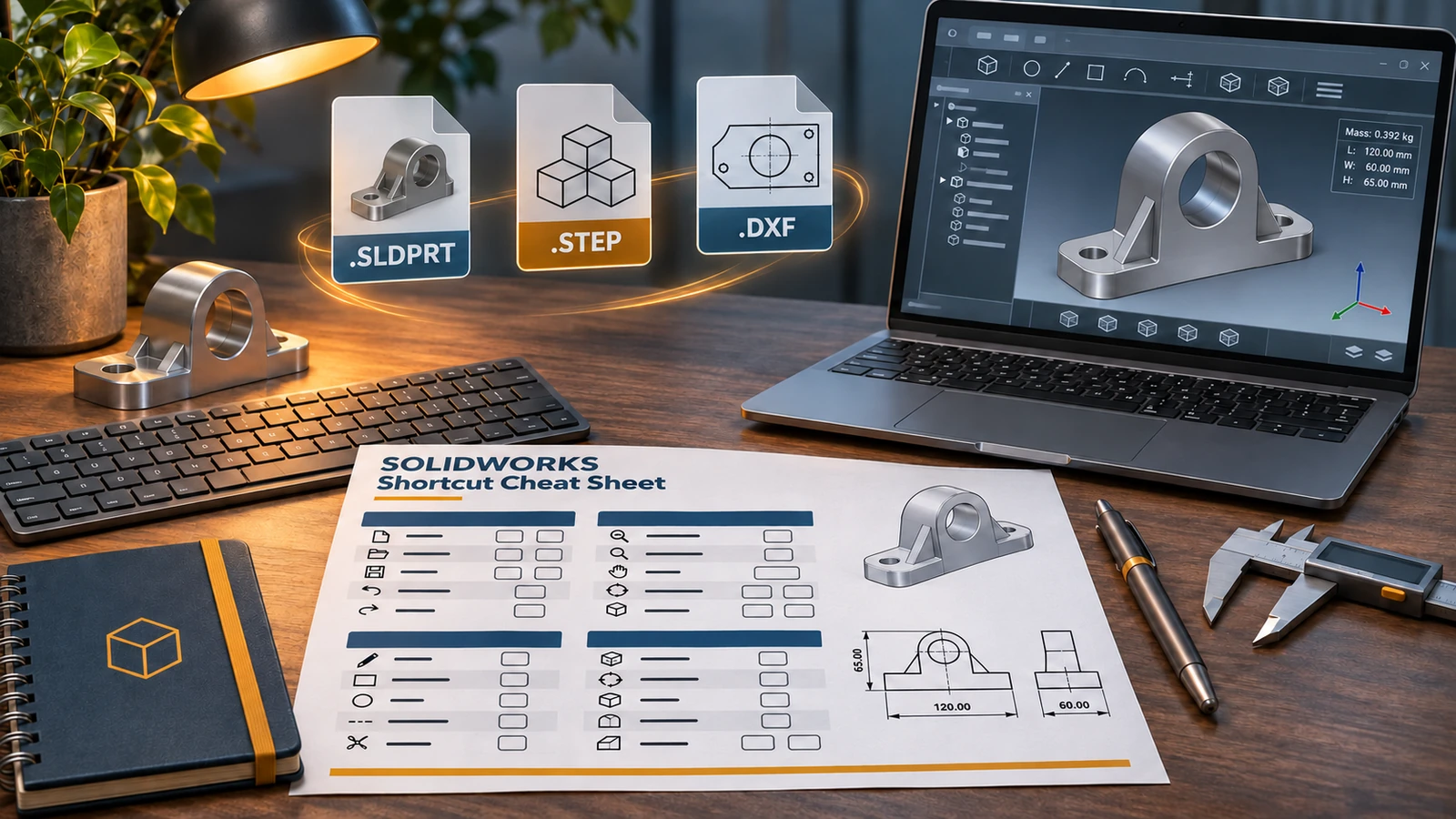
Most used
| Need | Guide |
|---|---|
| A shortcut | Keyboard shortcuts + PDF |
| Faster commands at the pointer | S key shortcut bar, mouse gestures |
| Send a model to someone without SOLIDWORKS | Convert to STEP, open without SOLIDWORKS |
| 3D print a part | Export STL or 3MF |
| Laser-cut sheet metal | Flat pattern to DXF |
| A file from a newer version | Version compatibility tool |
| What a file extension means | File formats |
| A term in a tutorial | Glossary |
Files at a glance
| Extension | What it is |
|---|---|
| .sldprt | Part |
| .sldasm | Assembly |
| .slddrw | Drawing |
| .prtdot | Part template |
| .asmdot | Assembly template |
| .drwdot | Drawing template (standard, units, document properties) |
| .slddrt | Sheet format (border, title block, sheet size) |
Full list in SOLIDWORKS file formats; default folders in file locations.
The essentials on one page
The keyboard shortcuts PDF fits on one A4 or Letter page and is generated from the same list as the online table, so they always match.
All reference guides
-
 SOLIDWORKS keyboard shortcutsEvery default SOLIDWORKS keyboard shortcut in a searchable list and a one-page PDF — rebuild, views, zoom, filters, sketch and assembly keys — and customising.
-
 SOLIDWORKS mouse gesturesHow SOLIDWORKS mouse gestures work, how to choose 2 to 12 directions, assign your own commands for parts, assemblies, drawings and sketches, and turn them off.
-
 The SOLIDWORKS S key shortcut barPress S in SOLIDWORKS to open the shortcut bar at the pointer. How it changes by environment, how to search from it and how to customise it.
-
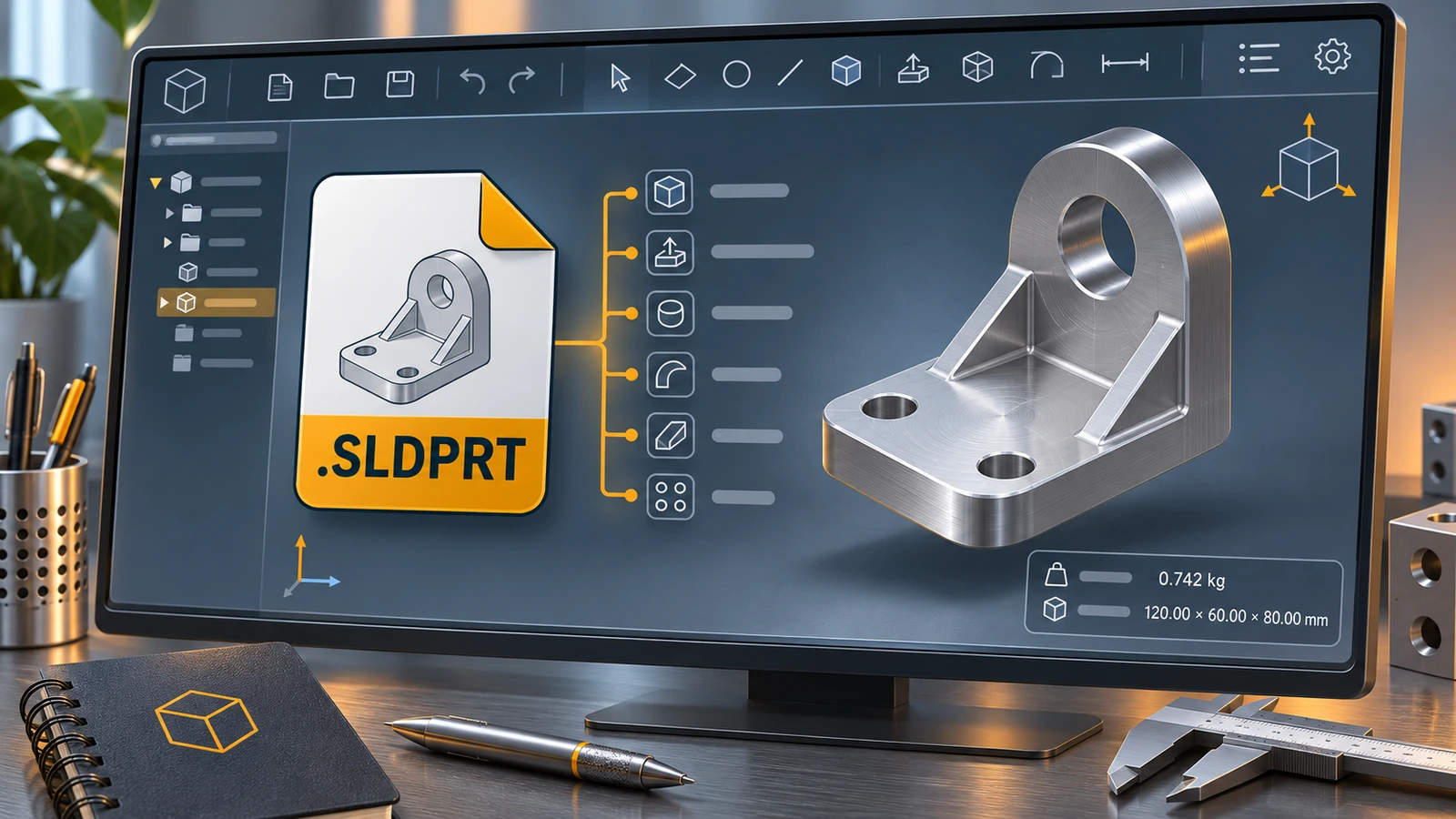 What is an SLDPRT file?An SLDPRT file is a SOLIDWORKS part. How to open it with or without SOLIDWORKS, which versions can read it, and how to convert SLDPRT to STEP, STL or DXF.
-
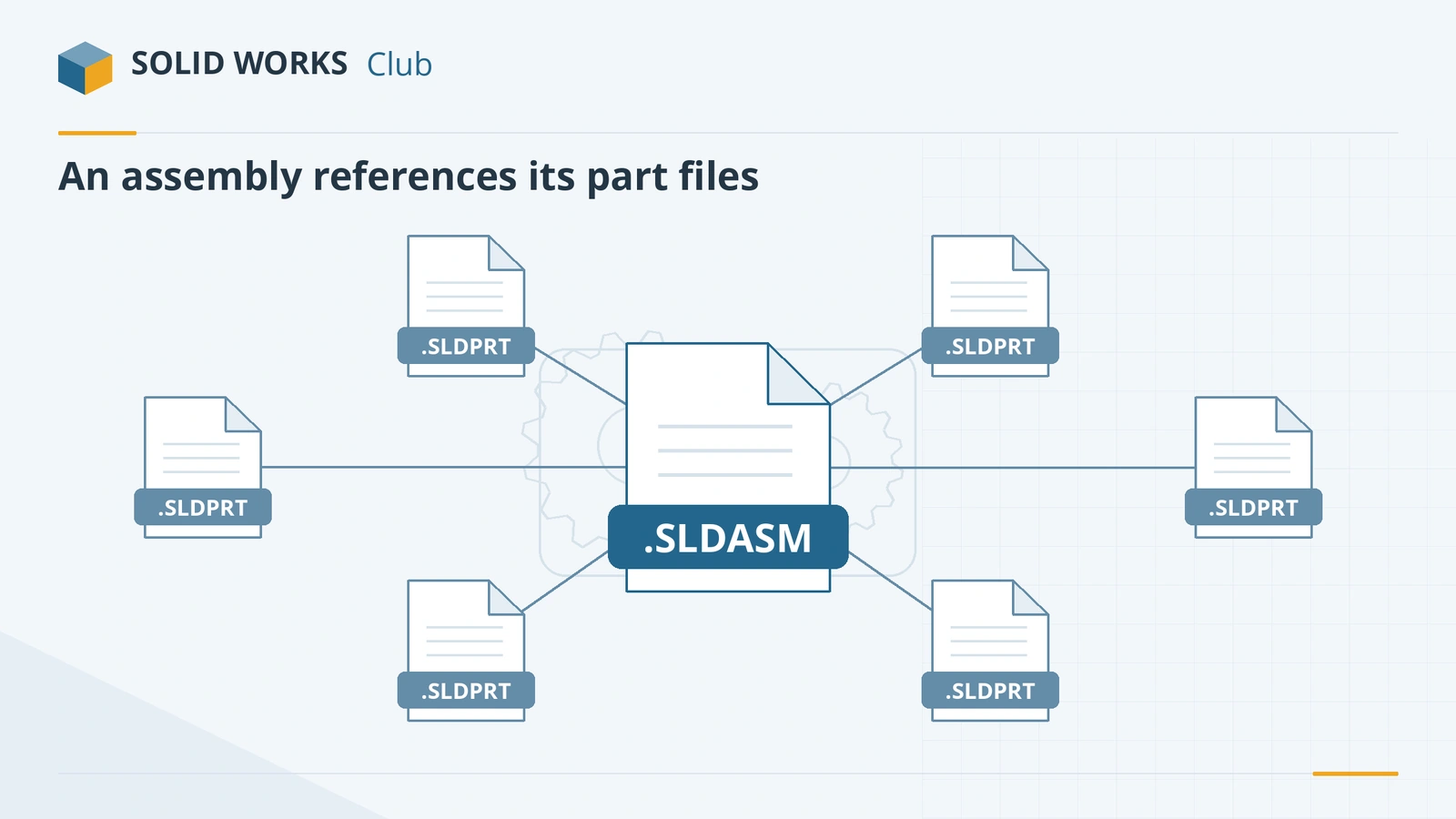 What is an SLDASM file?An SLDASM file is a SOLIDWORKS assembly that references its part files. Why it opens with missing parts, how to send it with Pack and Go, and how to convert it.
-
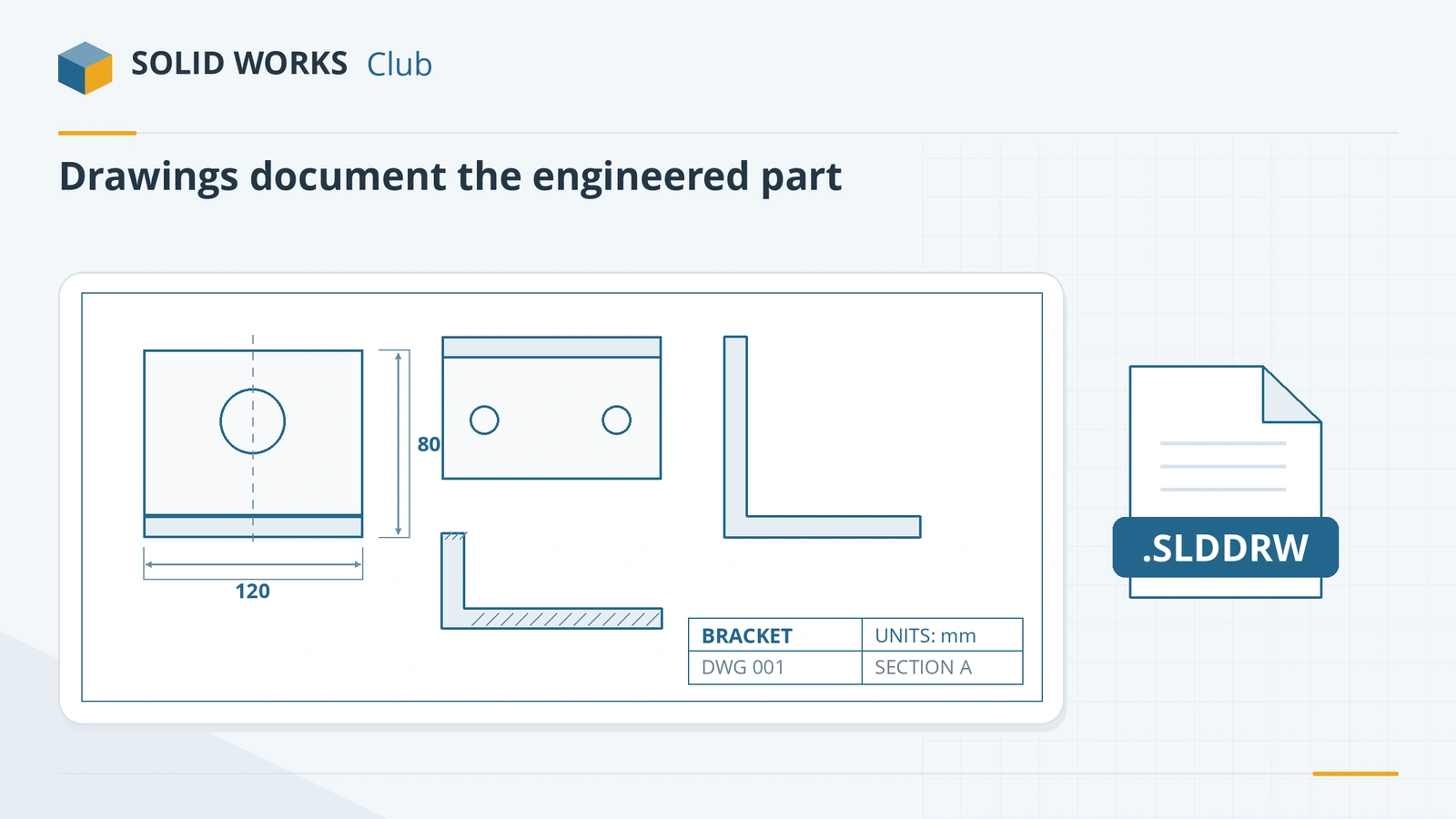 What is an SLDDRW file?An SLDDRW file is a SOLIDWORKS 2D drawing linked to its part or assembly. How to open it without SOLIDWORKS and convert it to PDF, DWG or DXF for others.
-
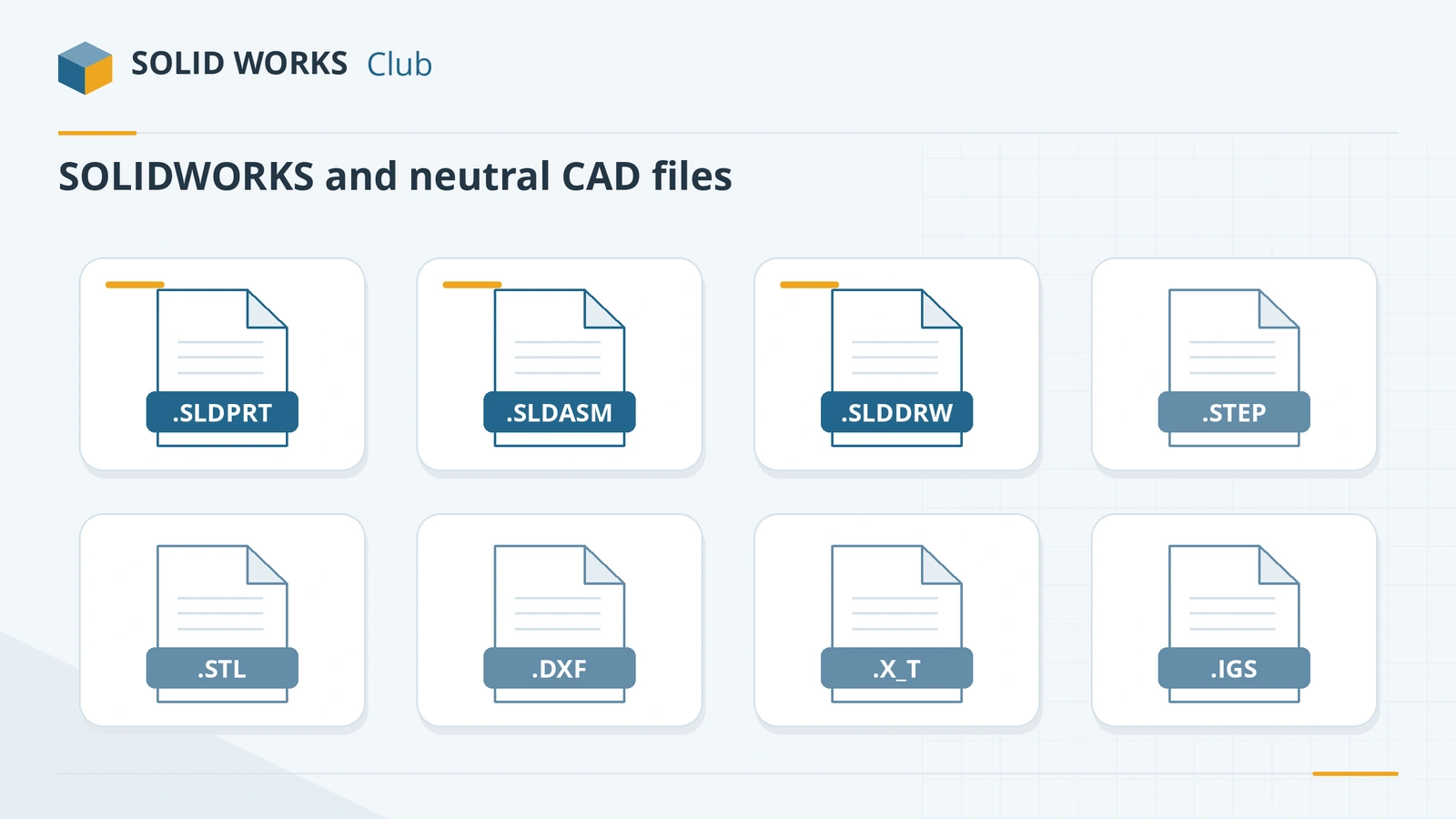 SOLIDWORKS file formats and extensionsEvery SOLIDWORKS file extension explained — SLDPRT, SLDASM, SLDDRW, templates, libraries and tables — plus the import and export formats and 3D Interconnect.
-
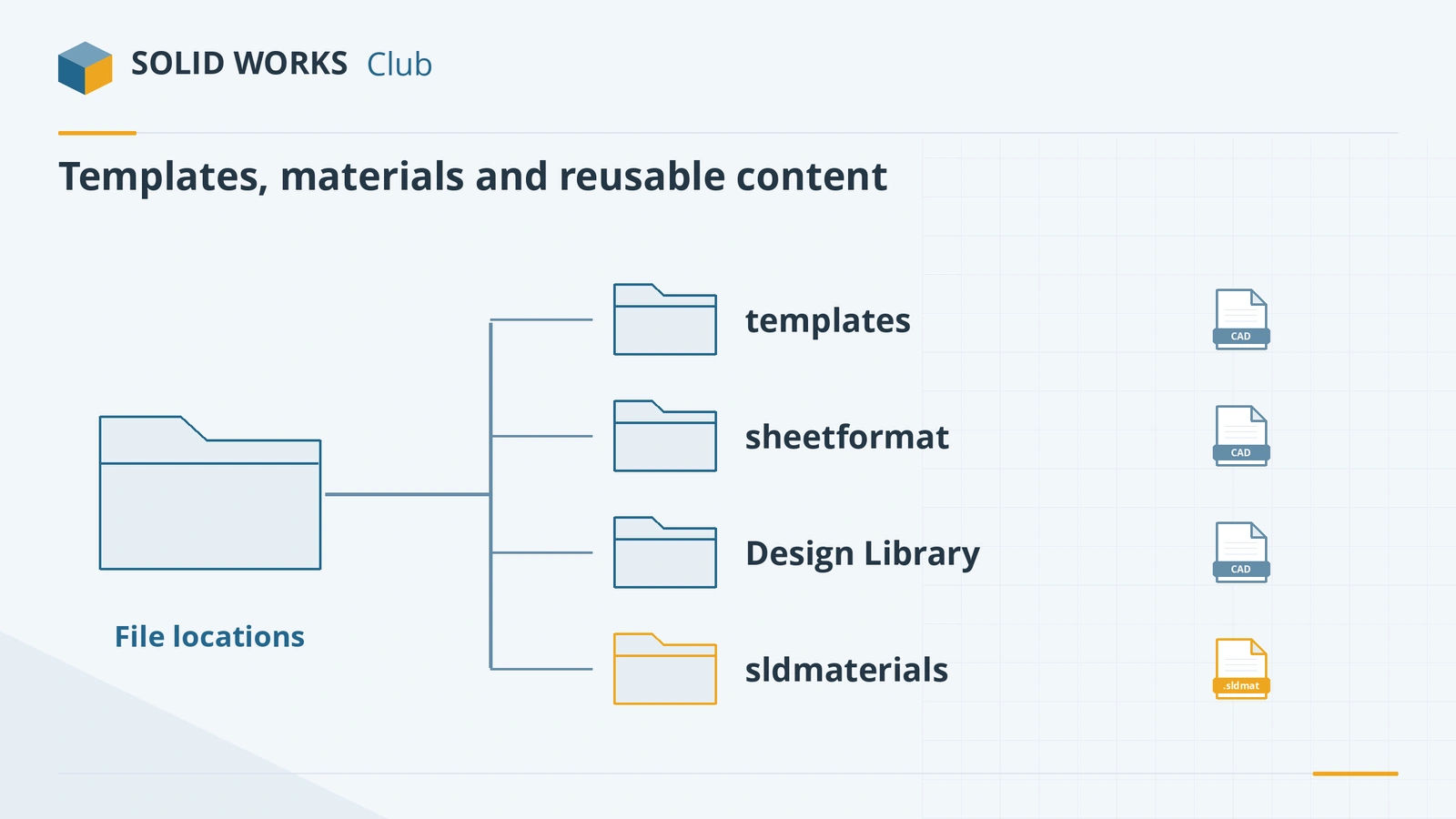 SOLIDWORKS default file locationsDefault SOLIDWORKS folders for templates, sheet formats, the Design Library, BOM templates, profiles and materials, and how to point to shared folders.
-
 How to export SOLIDWORKS to STEPHow to save a SOLIDWORKS part or assembly as STEP, which AP version to choose (AP203, AP214, AP242), exporting components separately, and pitfalls.
-
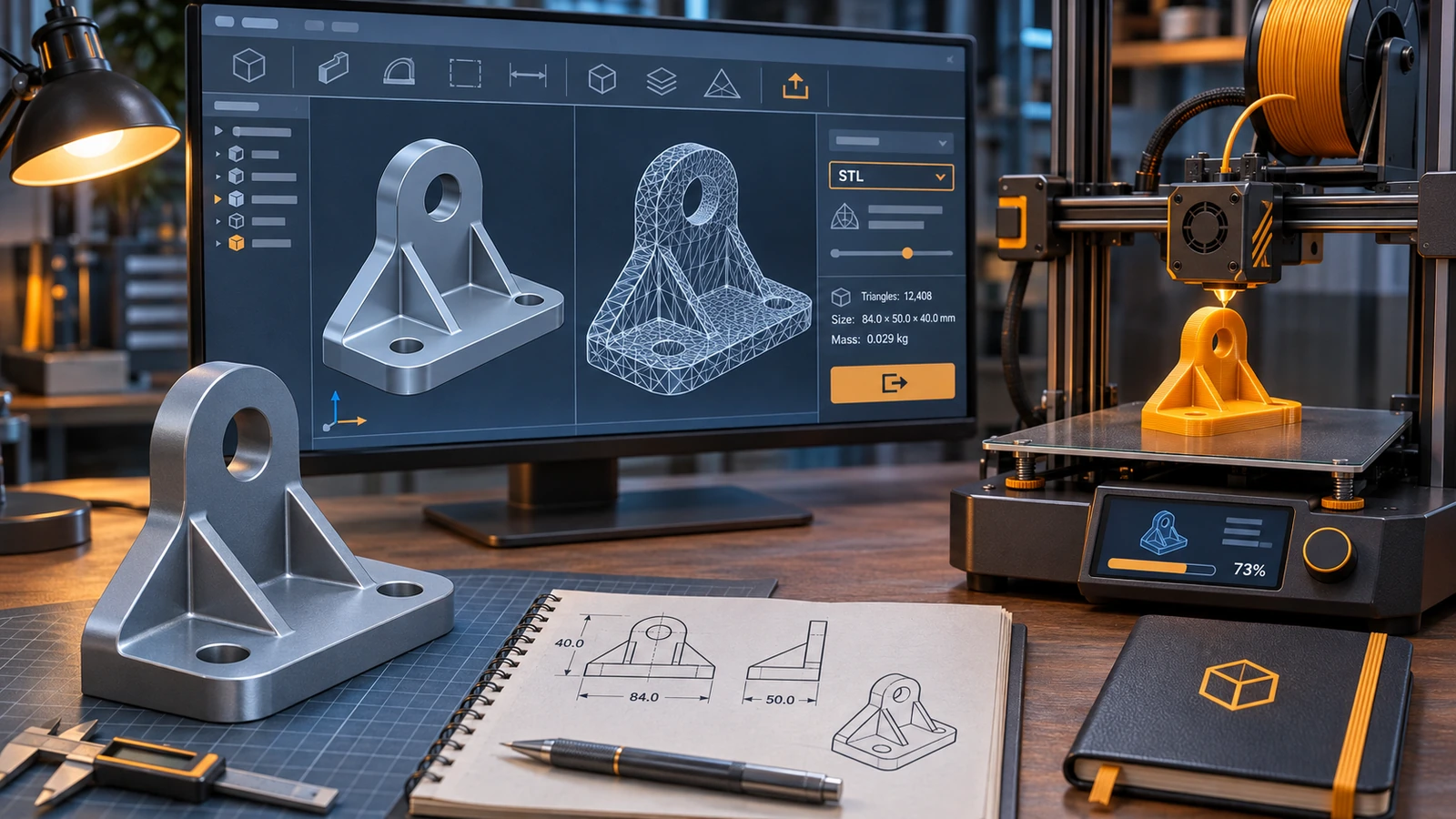 How to export STL from SOLIDWORKS for 3D printingHow to save a SOLIDWORKS part or assembly as STL for 3D printing — resolution, deviation and angle, units, one file for assemblies — and 3MF instead.
-
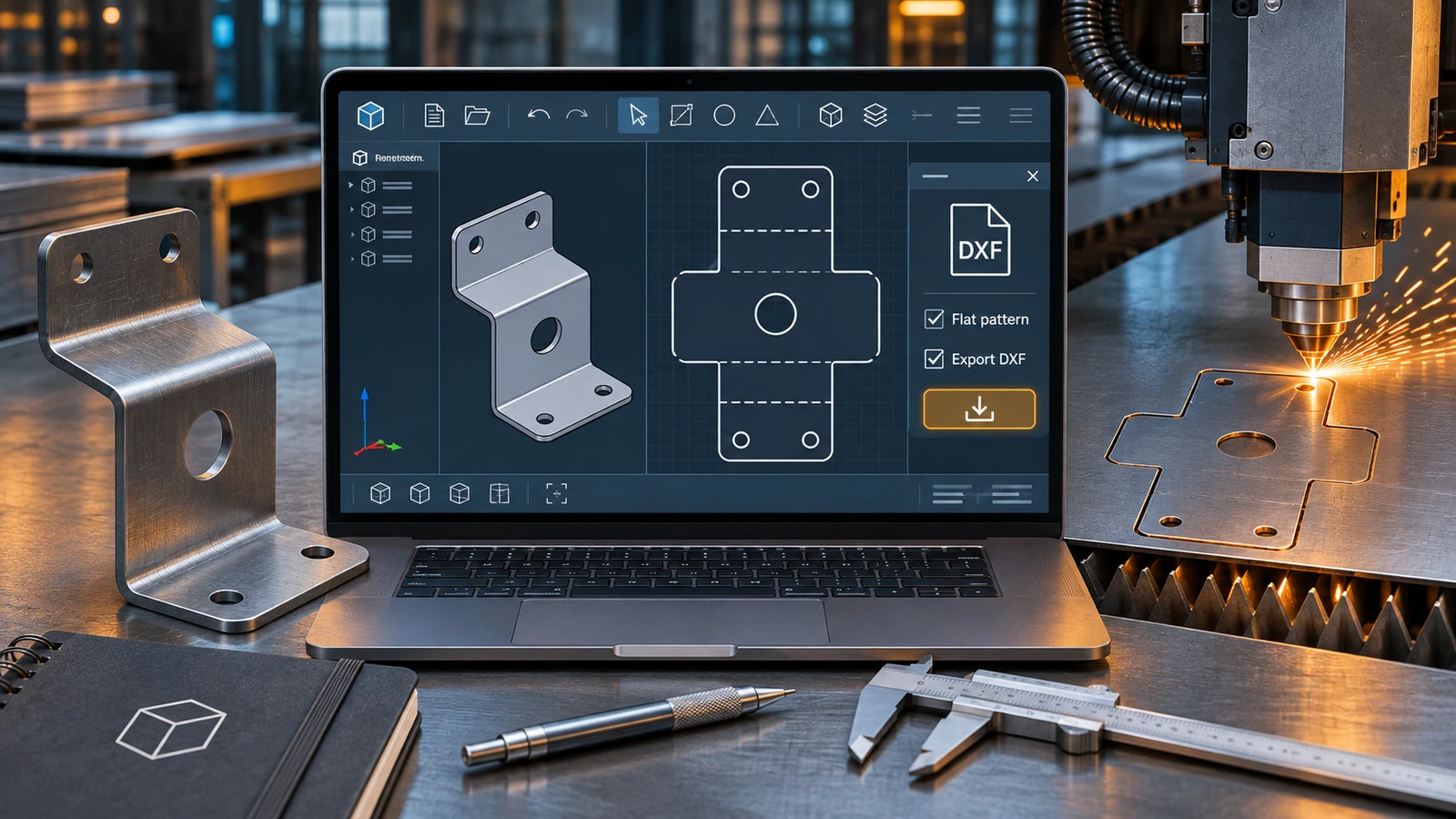 How to export DXF and DWG from SOLIDWORKSHow to export SOLIDWORKS drawings to DXF or DWG for AutoCAD, and sheet metal flat patterns to DXF for laser cutting — options, bend lines and common problems.
-
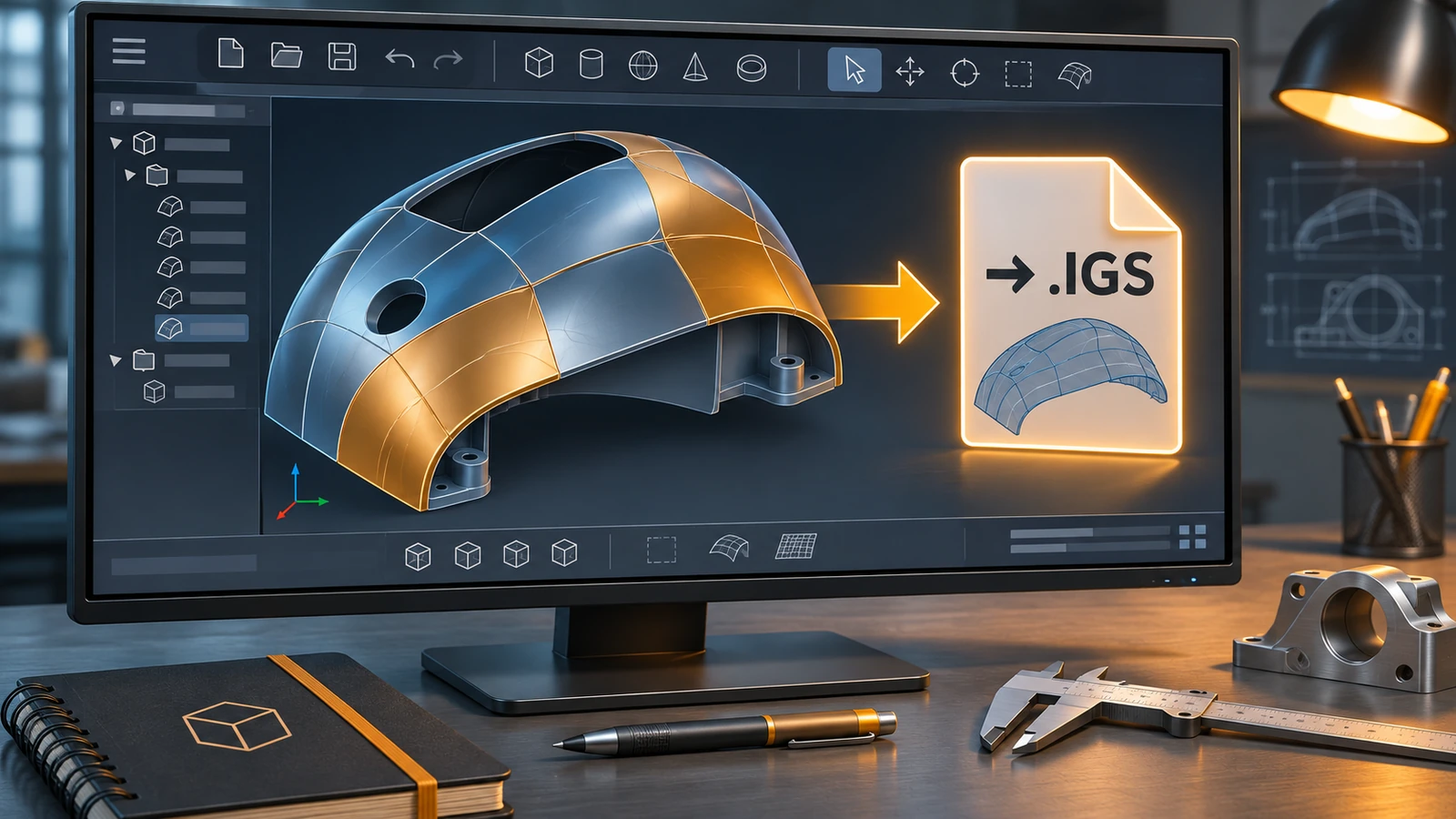 How to export IGES from SOLIDWORKSHow to save a SOLIDWORKS model as IGES, why STEP or Parasolid are usually better, when IGES still makes sense, and how to fix gaps when importing IGES surfaces.
-
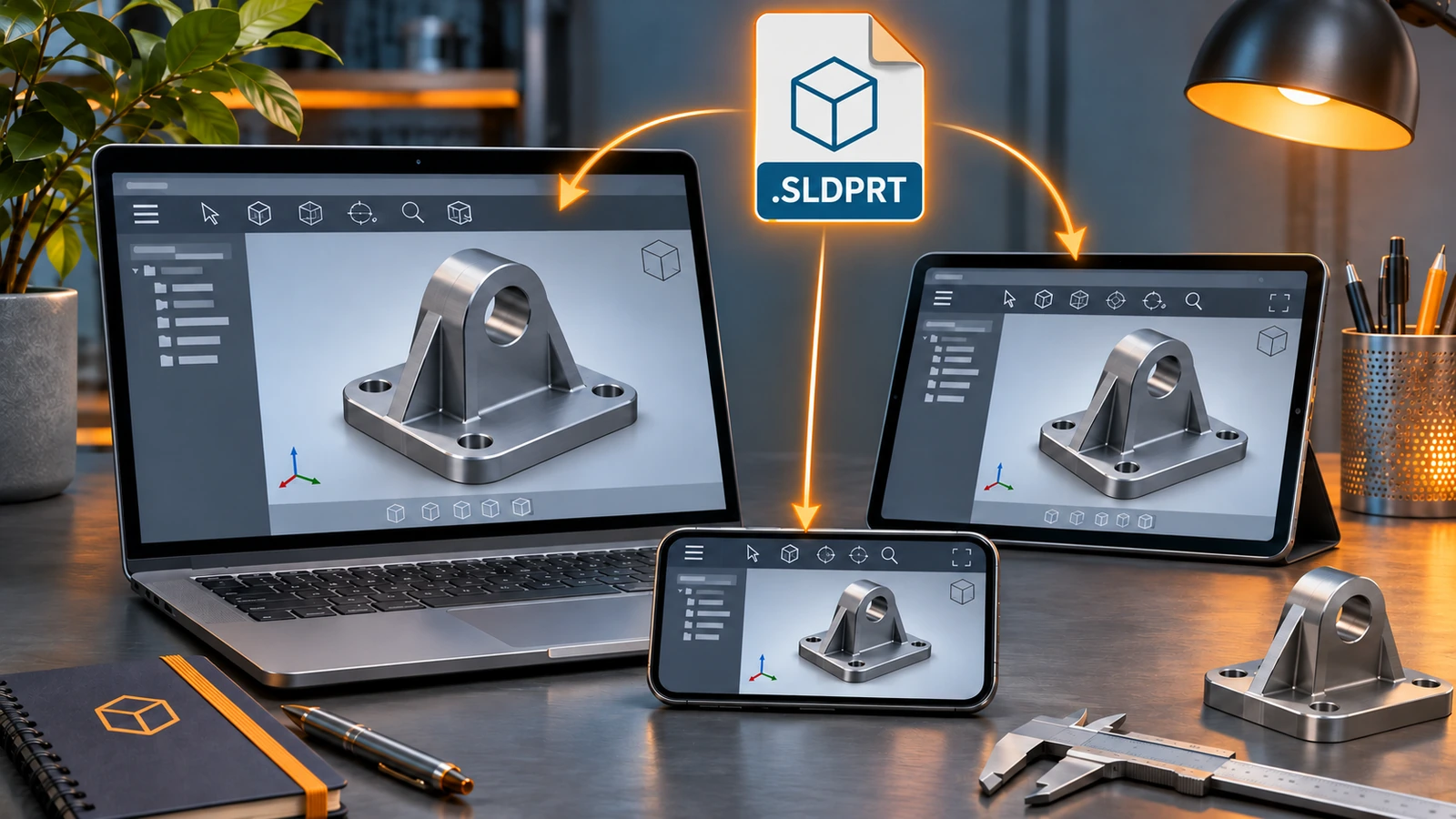 How to open SOLIDWORKS files without SOLIDWORKSHow to open SLDPRT, SLDASM and SLDDRW files without SOLIDWORKS — free eDrawings, online viewers, Onshape, Fusion, Rhino and converters — and which can edit.
-
 eDrawings: the free SOLIDWORKS file viewerWhat eDrawings is, how to get the free Viewer for Windows, Mac, iPhone and Android, what it opens, what Professional adds and how to publish eDrawings files.
-
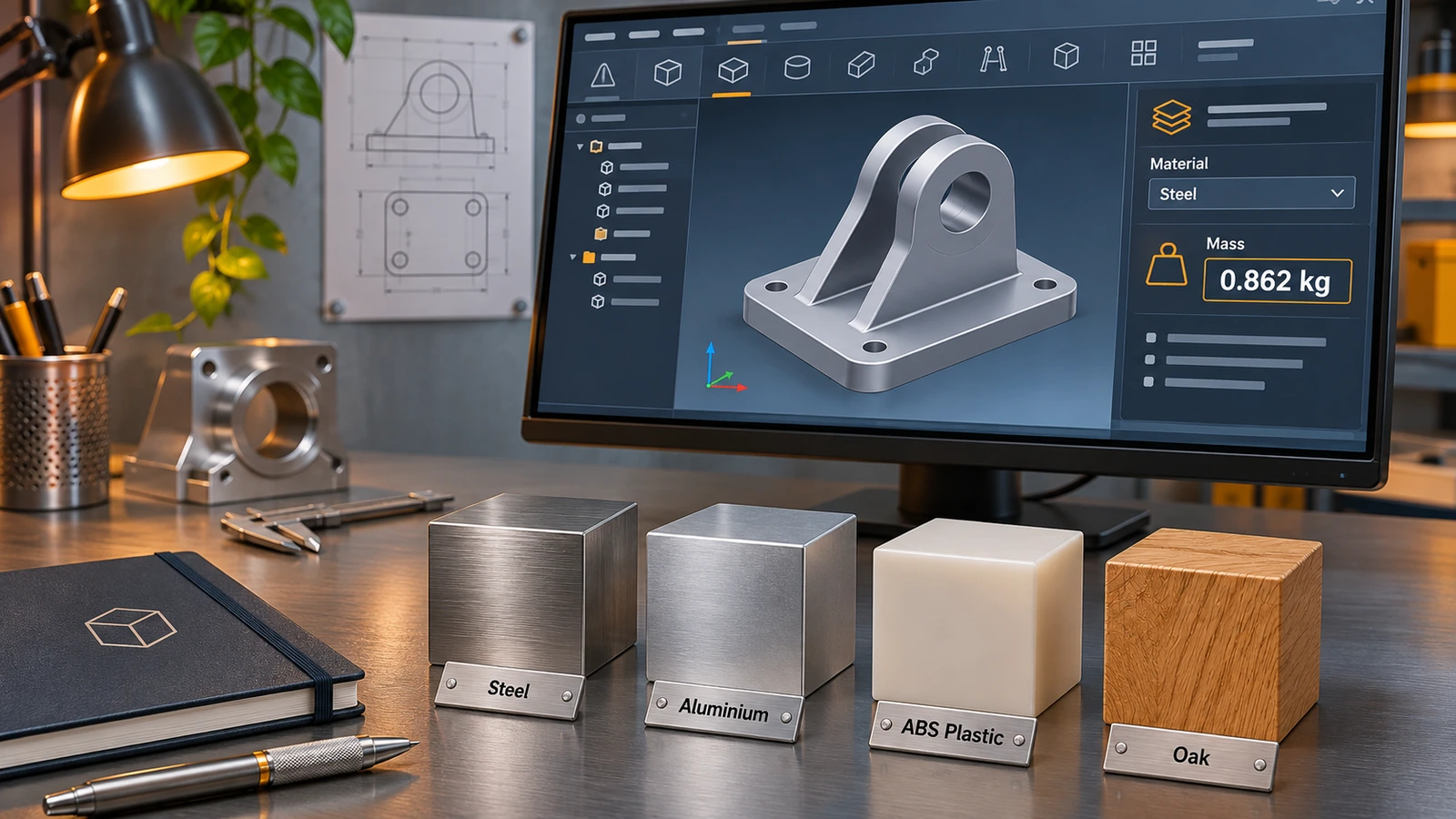 SOLIDWORKS material library: apply and create materialsHow the SOLIDWORKS material library works, how to apply a material, why it changes mass, and how to create a custom material in your own .sldmat library.
-
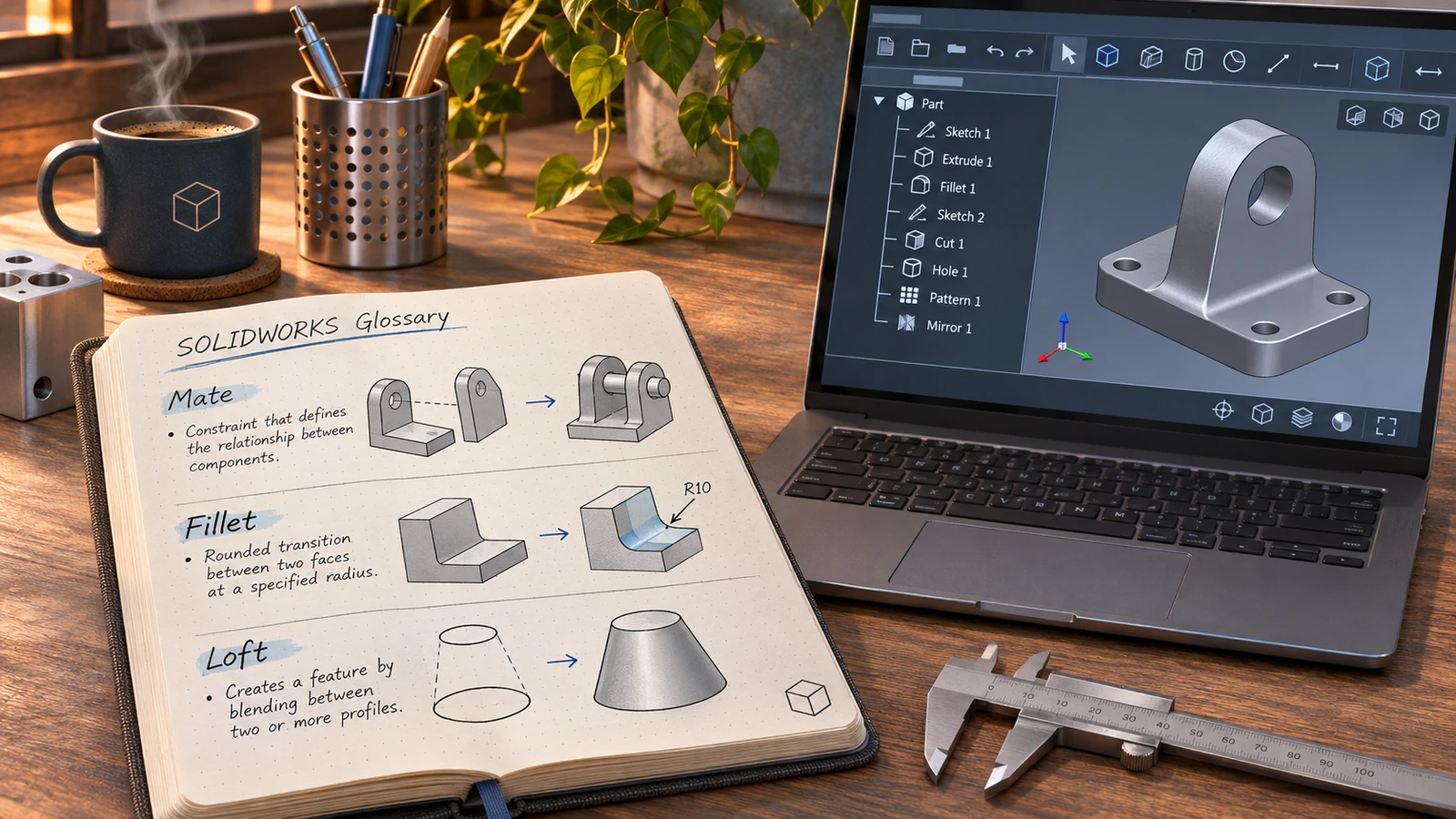 SOLIDWORKS glossaryPlain-English definitions of SOLIDWORKS terms — FeatureManager, PropertyManager, mates, configurations, fully defined, K-factor, SpeedPak, Pack and Go.
-
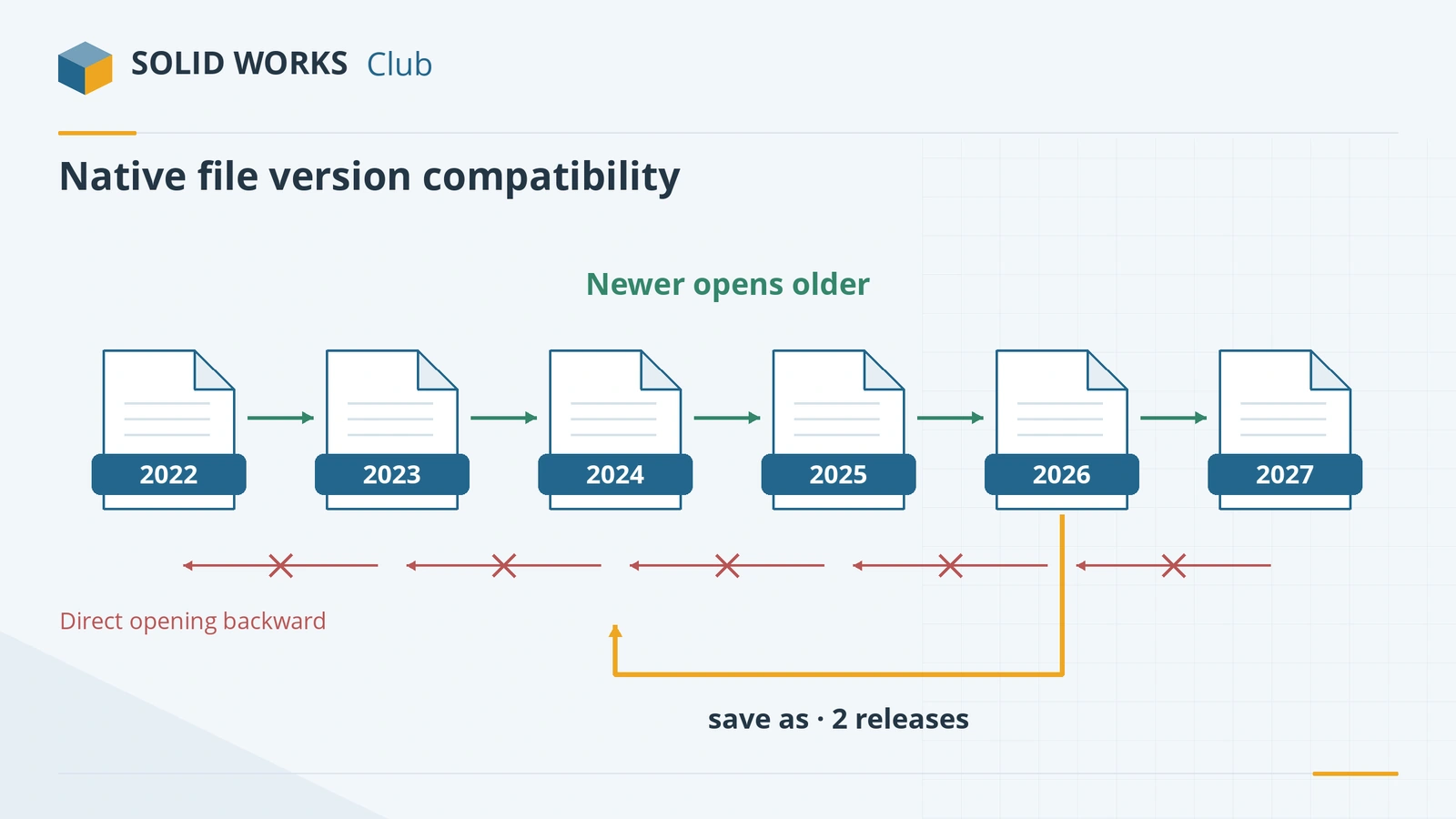 SOLIDWORKS version compatibility: will my file open?Check whether a SOLIDWORKS file opens in another version. Save as previous version (2024+), Future Version mode and STEP explained, with a free checker.
Frequently asked questions
Where can I get a list of SOLIDWORKS shortcuts?
+
Our keyboard shortcuts page has every default shortcut we could confirm, searchable and as a downloadable one-page PDF. Inside SOLIDWORKS, Tools → Customize → Keyboard shows and prints your own list.
What file types does SOLIDWORKS use?
+
.sldprt for parts, .sldasm for assemblies and .slddrw for drawings, plus templates (.prtdot, .asmdot, .drwdot), sheet formats (.slddrt) and library files. It exports STEP, Parasolid, IGES, STL, 3MF, DXF/DWG and PDF.
Related
- SOLIDWORKS keyboard shortcutsEvery default SOLIDWORKS keyboard shortcut in a searchable list and a one-page PDF — rebuild, views, zoom, filters, sketch and assembly keys — and customising.
- SOLIDWORKS version compatibility: will my file open?Check whether a SOLIDWORKS file opens in another version. Save as previous version (2024+), Future Version mode and STEP explained, with a free checker.
- How to open SOLIDWORKS files without SOLIDWORKSHow to open SLDPRT, SLDASM and SLDDRW files without SOLIDWORKS — free eDrawings, online viewers, Onshape, Fusion, Rhino and converters — and which can edit.
- SOLIDWORKS versions and the latest releaseThe latest SOLIDWORKS version is 2026 (2027 is in pre-release). Every release from 2020 to 2027 with dates, Windows support and end of support.