Requirements & Hardware
SOLIDWORKS hardware guide: requirements and what to buy
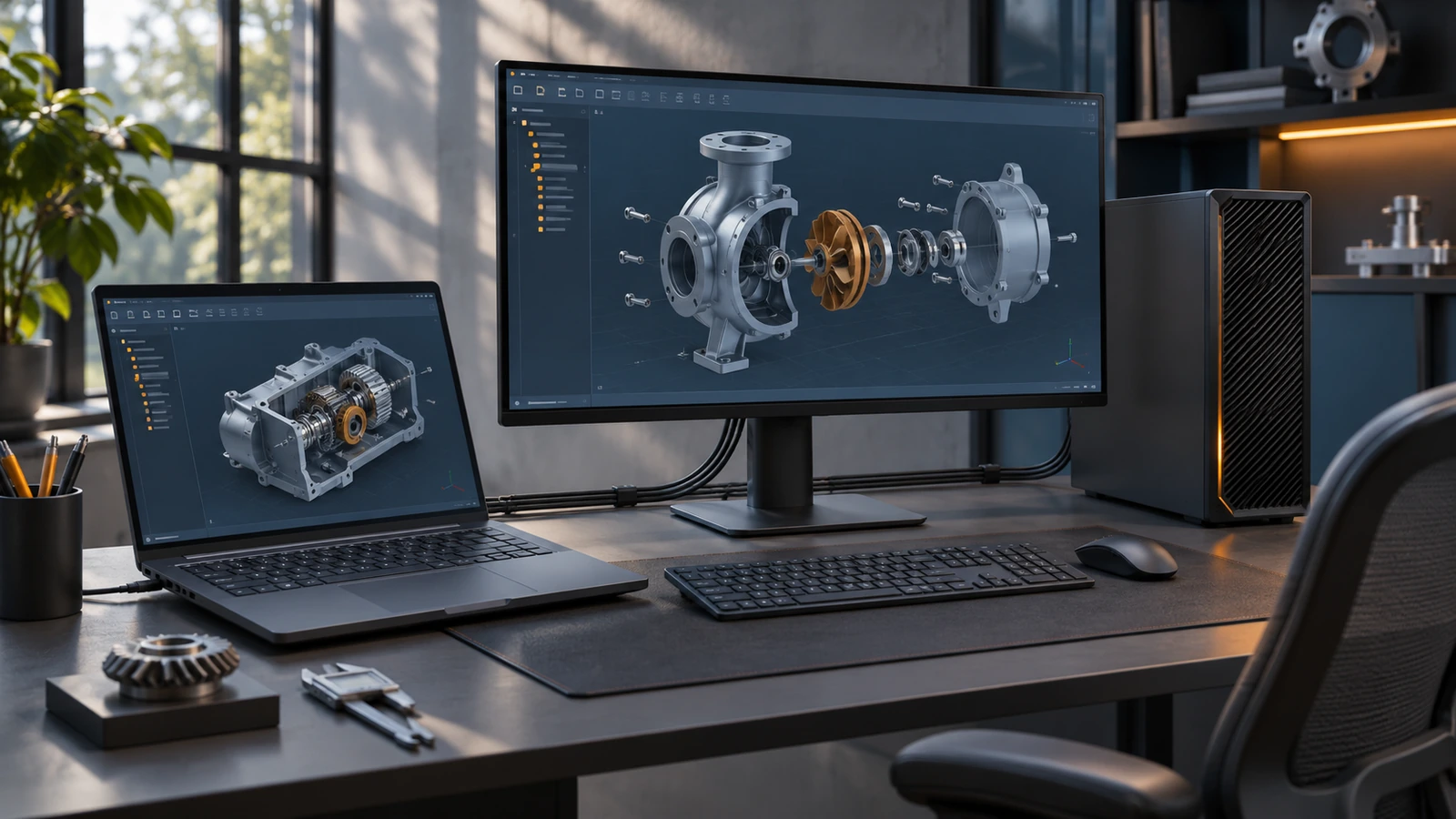
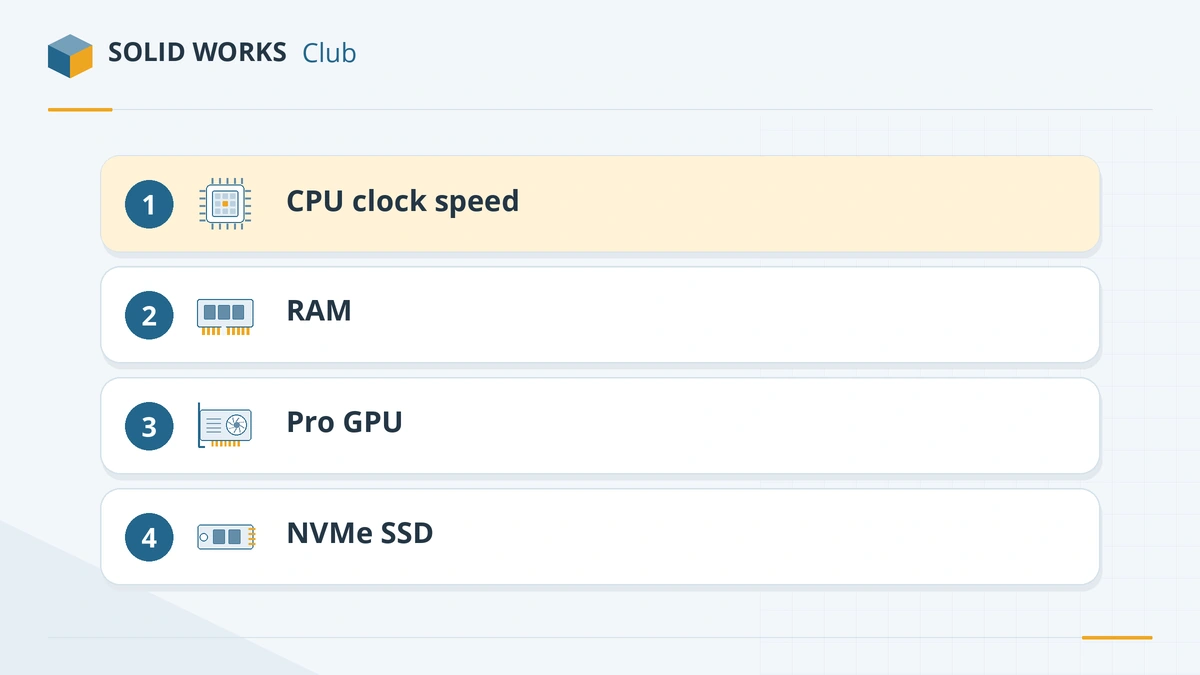
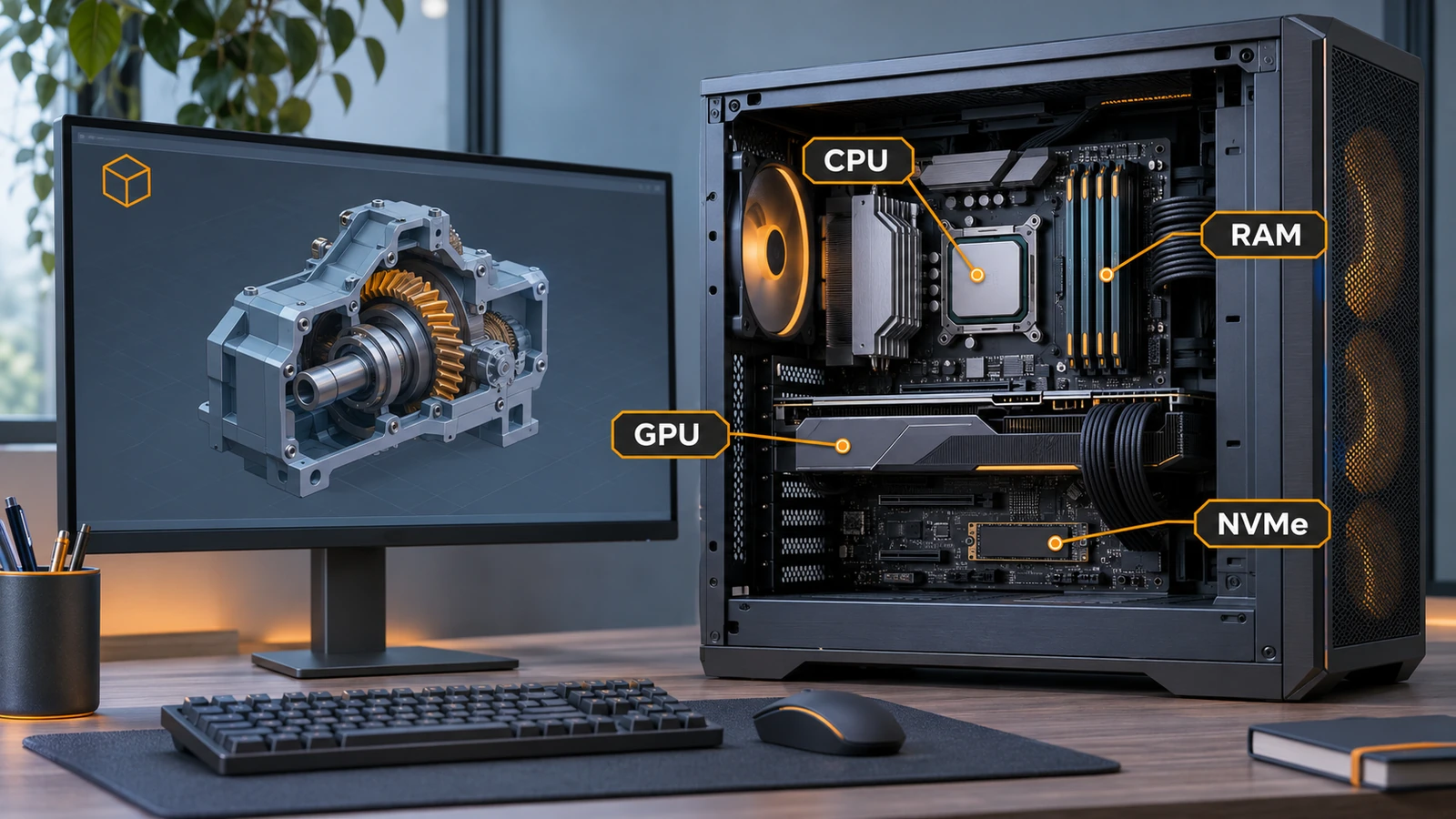
SOLIDWORKS runs on 64-bit Windows 11 with an Intel or AMD processor, 16 GB of RAM (32 GB recommended), a certified graphics card and an SSD. Within those rules, the parts that make the biggest difference are a fast processor with a high clock speed, enough memory for your largest assembly and a professional graphics card with a certified driver.
 Kevin Walsh
Start here
- Will my computer run it? Use the PC checker, or read the official system requirements explained.
- Upgrading to a new version? See the SOLIDWORKS 2026 requirements and SOLIDWORKS 2027 requirements.
- Buying a laptop? See the best laptops for SOLIDWORKS, laptops for students and budget laptops.
- Building or buying a desktop? See the SOLIDWORKS PC build.
- On a Mac or Linux? See SOLIDWORKS on Mac, Apple silicon with Parallels and SOLIDWORKS on Linux.
What matters most
| Component | Why it matters | Guide |
|---|---|---|
| Processor | Rebuilds, opening files and most modelling run largely on one core, so clock speed beats core count | Best CPU for SOLIDWORKS |
| Memory | 16 GB minimum, 32 GB recommended; large assemblies need more | How much RAM |
| Graphics card | Smooth rotation and display; certified drivers mean fewer crashes | Certified graphics cards, best GPU |
| Storage | An SSD is recommended; NVMe makes opening and saving faster | PC build |
| Operating system | Windows 11 Pro, Enterprise or Education — not Home | Windows 11 |
How we choose hardware
We base recommendations on the official requirements, the SOLIDWORKS hardware certification list and manufacturers' published specifications. We do not accept payment for rankings. Where we have not benchmarked a machine ourselves, we say so on the page. The full method is in how we test.
All hardware and requirements guides
-
 SOLIDWORKS system requirements (2025–2027)Official SOLIDWORKS system requirements for 2025–2027 — Windows 11, 16 GB RAM minimum, 32 GB recommended, x86_64 CPU, certified graphics card and an SSD.
-
 SOLIDWORKS 2027 system requirementsSOLIDWORKS 2027 needs 64-bit Windows 11, an x86_64 CPU, 16 GB RAM (32 GB recommended) and a certified GPU. Which details are still to be announced.
-
 SOLIDWORKS 2026 system requirementsSOLIDWORKS 2026 requirements — Windows 11 64-bit only, 16 GB RAM minimum, 32 GB recommended, a certified GPU, plus supported VMs, Office and SQL Server.
-
 SOLIDWORKS certified graphics cards and driversWhich graphics cards are certified for SOLIDWORKS 2026, why GeForce cards are not, how to find the certified driver for your card, and what RealView needs.
-
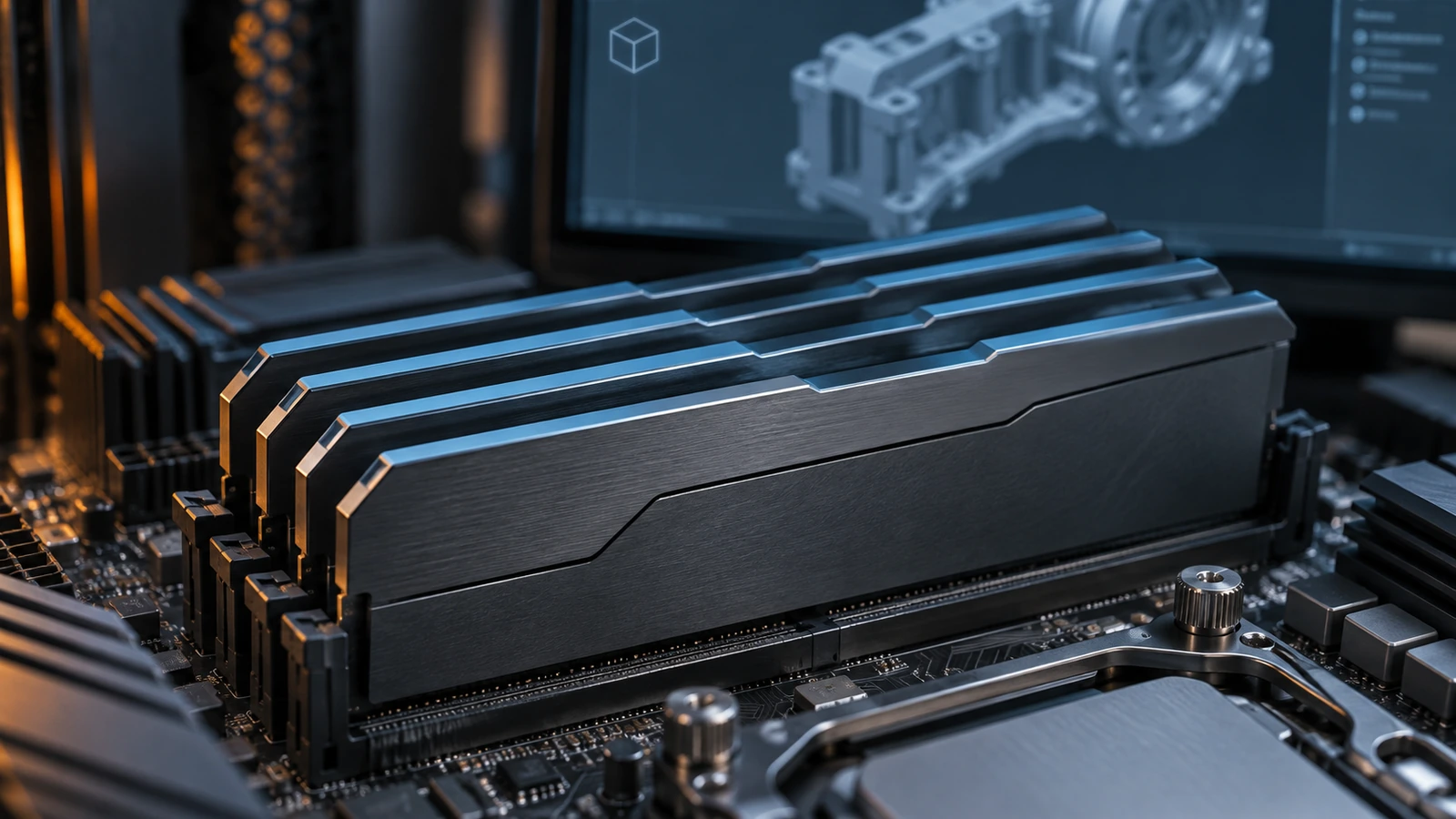 How much RAM does SOLIDWORKS need?SOLIDWORKS needs 16 GB of RAM minimum and 32 GB is recommended. How to size memory for your largest assembly, when 64 or 128 GB pays off, and ECC.
-
 Best CPU for SOLIDWORKS in 2026Why SOLIDWORKS needs a fast CPU rather than many cores, the best Intel and AMD processors for modelling and simulation in 2026, and why ARM is not supported.
-
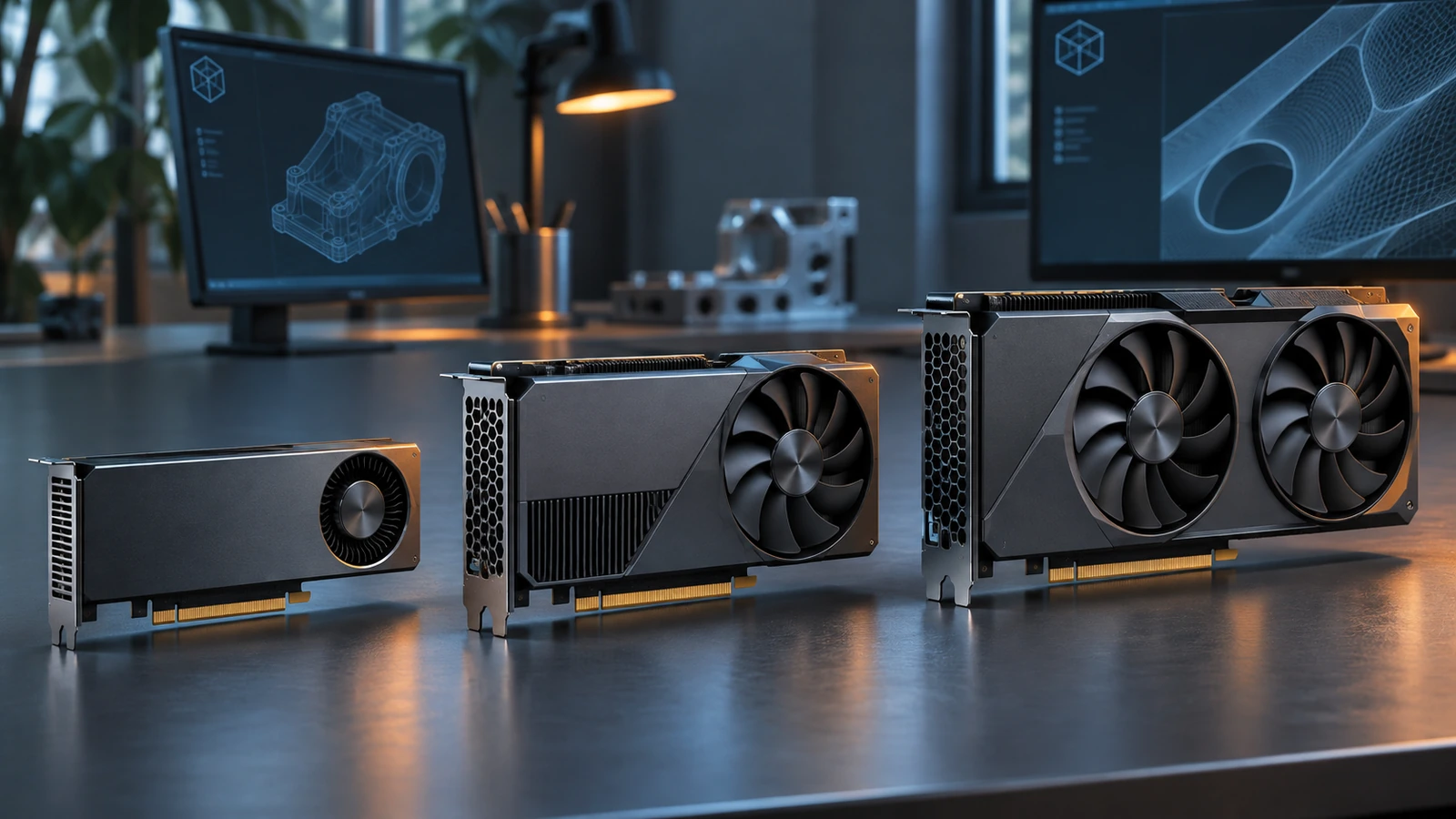 Best GPU for SOLIDWORKS in 2026The best graphics card for SOLIDWORKS in 2026 by model size — certified NVIDIA RTX PRO Blackwell and AMD Radeon PRO picks, VRAM, and when a gaming card will do.
-
 Best laptops for SOLIDWORKS in 2026The best laptops for SOLIDWORKS in 2026 — certified Dell, HP and Lenovo mobile workstations by tier, with CPU, RTX PRO GPU and RAM options, and what to avoid.
-
 Best laptops for students using SOLIDWORKSWhat laptop an engineering student needs for SOLIDWORKS in 2026 — certified models, minimum specs, gaming laptops, MacBooks and Windows 11 Home.
-
 Budget laptops for SOLIDWORKSHow to get a SOLIDWORKS laptop on a budget in 2026 — entry certified workstations, refurbished previous-generation models, where to save and where not to.
-
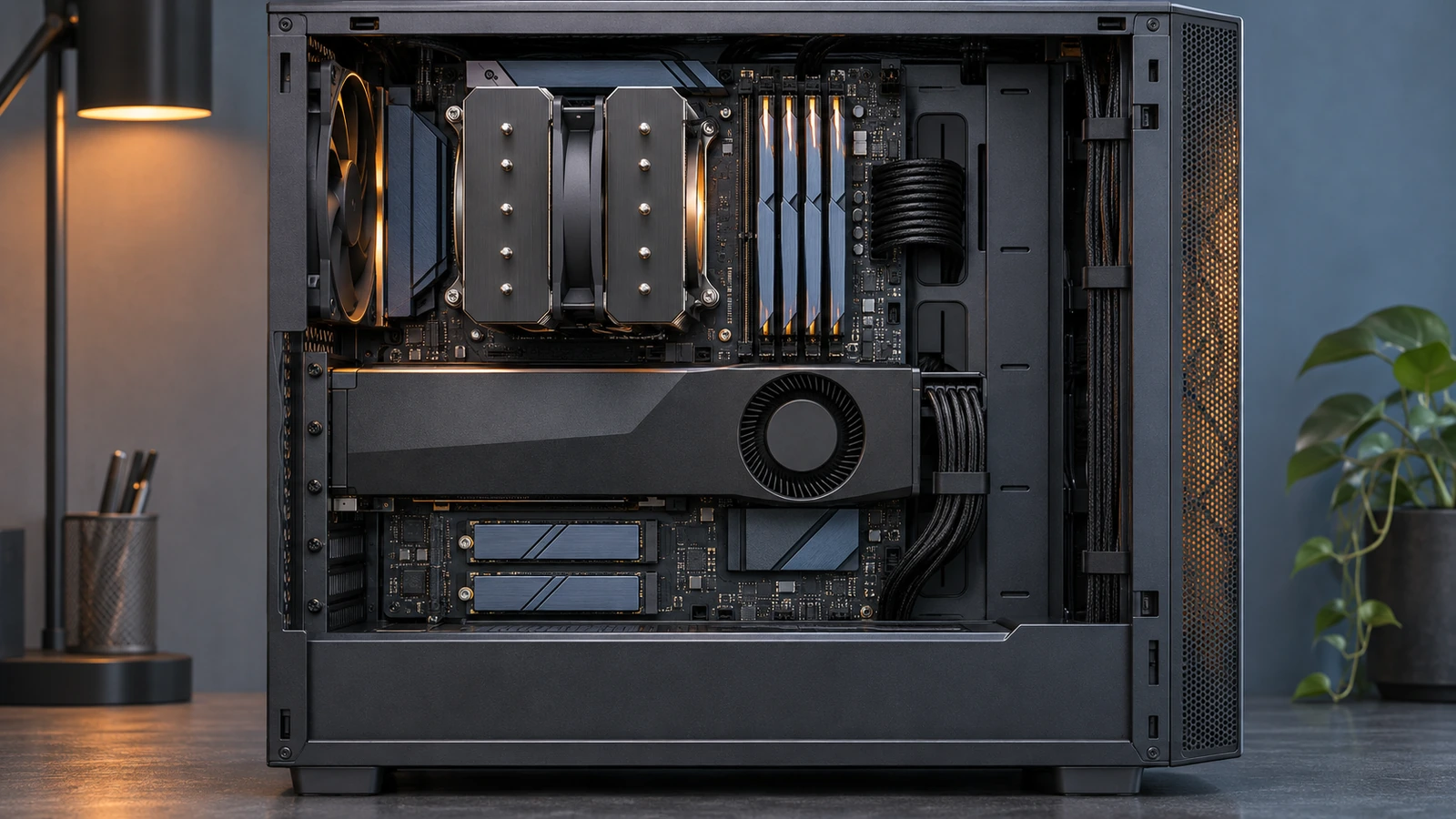 Best PC build for SOLIDWORKS in 2026Three SOLIDWORKS desktop builds for 2026 — entry, everyday design and large assemblies — with CPU, certified GPU, RAM and NVMe storage, plus DIY vs prebuilt.
-
 SOLIDWORKS on Mac: every option in 2026There is no SOLIDWORKS for macOS. Run it in Parallels on Apple silicon or Intel Macs, view files with eDrawings for Mac, or design in the browser with xDesign.
-
 How to run SOLIDWORKS on Apple silicon with ParallelsHow to run SOLIDWORKS on an M1–M5 Mac with Parallels Desktop and Windows 11 on Arm — VM settings for RAM and CPU, graphics, licensing and known limits.
-
 SOLIDWORKS on Windows 11: editions, upgrade and setupSOLIDWORKS 2026 and 2027 need Windows 11. Which editions work (not Home), moving from Windows 10, ARM laptops, and graphics settings to change after install.
-
 SOLIDWORKS on Linux: what works in 2026SOLIDWORKS does not support Linux. The workable options in 2026 — a Windows VM, GPU passthrough, a cloud PC or xDesign in the browser — and why Wine is not one.
Frequently asked questions
What computer do I need for SOLIDWORKS?
+
A Windows 11 Pro PC or laptop with a recent high-clock Intel or AMD processor, 32 GB of RAM, an NVMe SSD and a professional NVIDIA RTX or AMD Radeon PRO graphics card. That covers most parts, drawings and assemblies; large assemblies and simulation benefit from 64 GB of RAM.
Is a gaming laptop good for SOLIDWORKS?
+
Often good enough for learning, because gaming laptops have fast processors and plenty of memory. But GeForce graphics cards are not on the SOLIDWORKS certification list, so you may see an unsupported graphics warning and lose some graphics features. For paid work, choose a certified mobile workstation.
Does SOLIDWORKS use the CPU or the GPU more?
+
Modelling and rebuilds depend mostly on the processor, and much of that work uses a single core, so clock speed matters. The graphics card handles how smoothly models rotate and display. Simulation and rendering can use many cores.
Related
- Can my PC run SOLIDWORKS?Check your computer against the official SOLIDWORKS 2025–2027 requirements in seconds — Windows edition, CPU, RAM, GPU and drive — with a fix for each item.
- SOLIDWORKS system requirements (2025–2027)Official SOLIDWORKS system requirements for 2025–2027 — Windows 11, 16 GB RAM minimum, 32 GB recommended, x86_64 CPU, certified graphics card and an SSD.
- Best laptops for SOLIDWORKS in 2026The best laptops for SOLIDWORKS in 2026 — certified Dell, HP and Lenovo mobile workstations by tier, with CPU, RTX PRO GPU and RAM options, and what to avoid.
- SOLIDWORKS versions and the latest releaseThe latest SOLIDWORKS version is 2026 (2027 is in pre-release). Every release from 2020 to 2027 with dates, Windows support and end of support.