Features · Lesson 17
SOLIDWORKS Dome
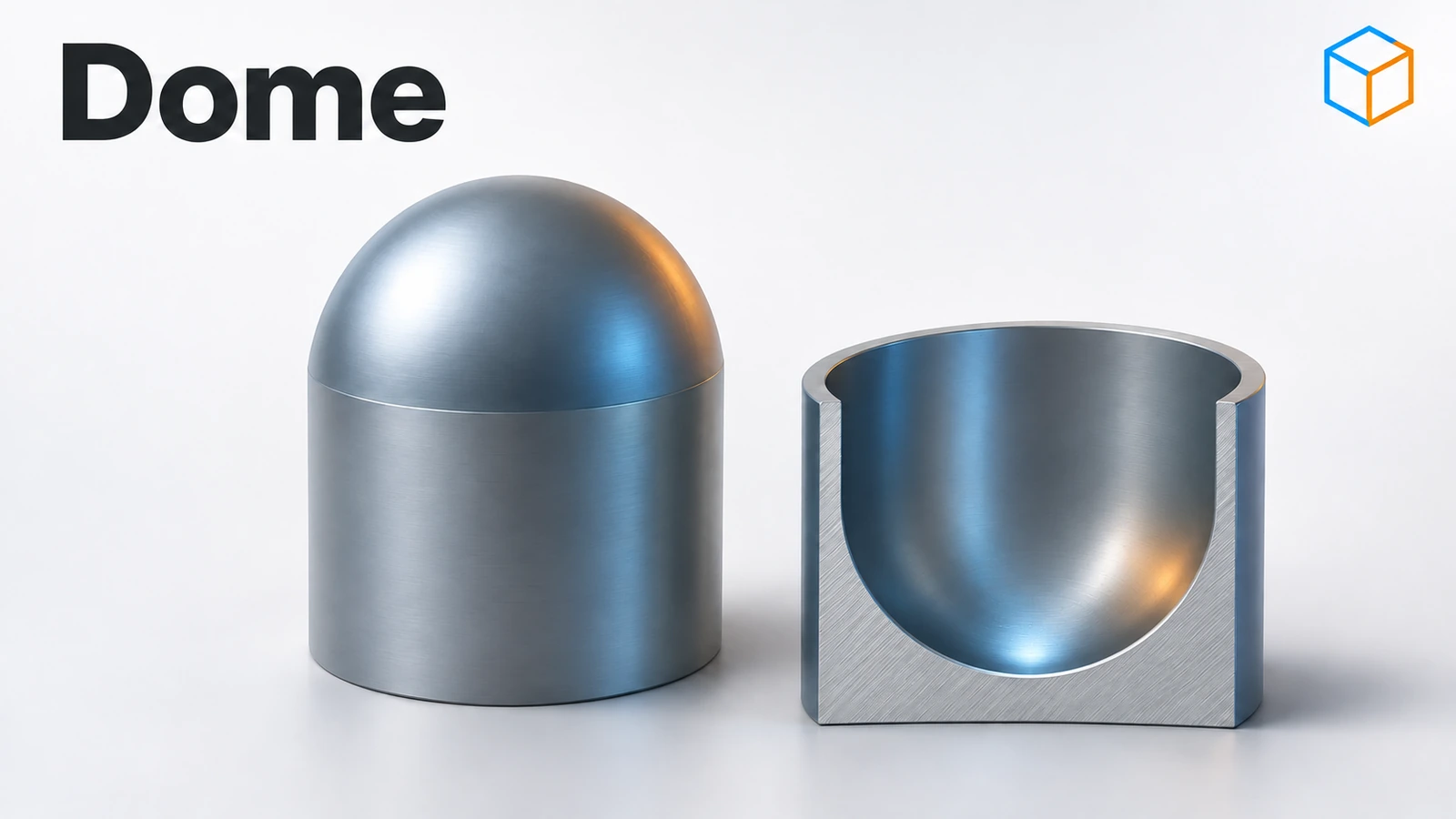
Dome bulges a face outward (or inward) by a set distance — the rounded top of a button, the dimpled base of a bottle, a raised bump on a panel. Pick the face and the height, and SOLIDWORKS builds the curved surface. On cylinders and cones you can make an elliptical dome; on polygons a continuous dome that blends smoothly from the sides.
 Kevin Walsh
Where to find it
Insert → Features → Dome (or the Features toolbar)
Dome options
| Option | What it does |
|---|---|
| Faces to Dome | One or more faces, flat or curved |
| Distance | Height of the dome |
| Reverse direction | Concave dome |
| Constraint point or sketch | Shapes the dome with a sketch (disables Distance) |
| Direction | Dome along a chosen direction |
| Elliptical dome | Half-ellipse profile on cylinders and cones |
| Continuous dome | Even slope from all edges on polygons |
For lettering and logos on curved faces, see the next lesson, Wrap.
Step by step
-
1
Make a cylinder
Extrude a Ø40 circle on the Top Plane 20 mm up.
-
2
Start Dome
Insert → Features → Dome. Pick the top face in Faces to Dome.
-
3
Make it elliptical
Set the distance to 20 mm and tick Elliptical dome. With a height equal to the cylinder's radius, the elliptical dome is a hemisphere.
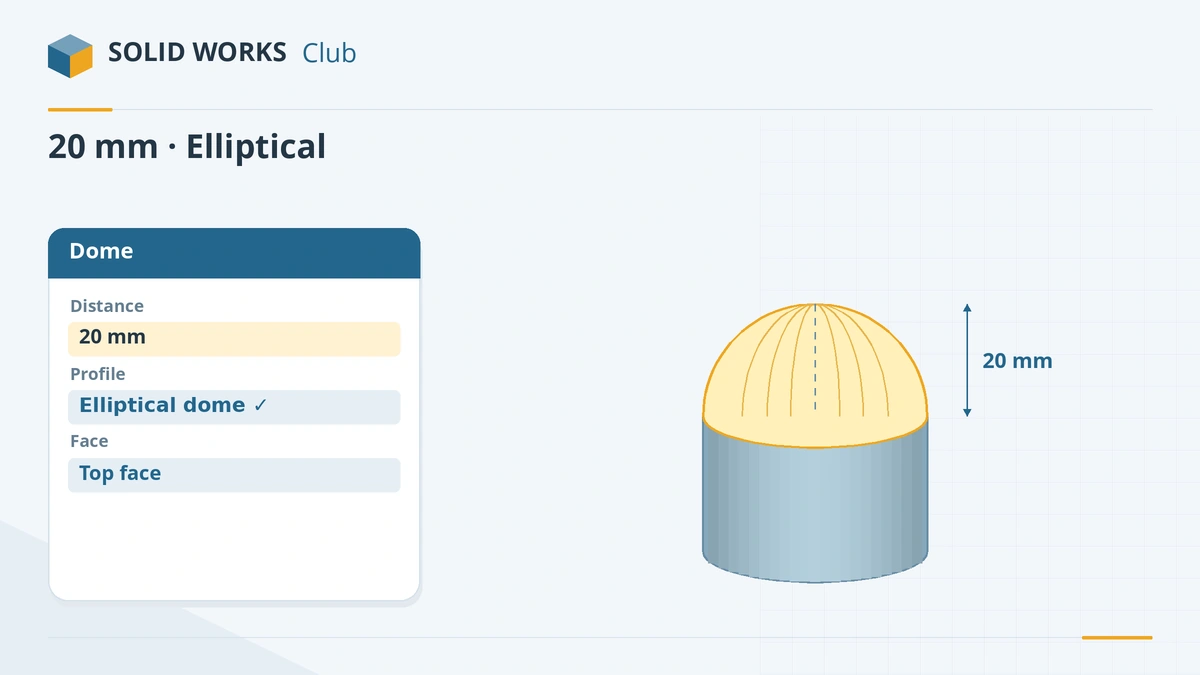
An elliptical dome with height equal to the radius gives a hemisphere. -
4
Try a concave dome
Edit the feature and click Reverse direction — the dome now goes into the cylinder, like the base of a bottle. Set it back for the practice check.
Common mistakes
- Expecting a constraint sketch and a distance at the same time — a constraint disables the distance.
- Continuous dome on a four-sided face — it is not available there.
- Using Dome for precise curved surfaces you must dimension on a drawing. A revolve gives exact radii.
Lesson 17 of 18 in the features course.
Practice
Add a 20 mm elliptical dome to the top of a Ø40 × 20 mm cylinder. Check: volume 41,887.90 mm³ — the cylinder (25,132.74 mm³) plus a hemisphere of R20 (16,755.16 mm³).
Sources
Checked November 2026. SOLID WORKS Club is independent; menu names can differ slightly between releases.
Frequently asked questions
How do I make a concave dome?
+
Click Reverse direction in the Dome PropertyManager. The dome goes into the part instead of out of it.
What is an elliptical dome?
+
A dome option for cylindrical and conical faces that gives a half-ellipse profile. When its height equals the radius, the result is a hemisphere.
Can I dome a non-flat face?
+
Yes, Dome accepts planar and non-planar faces.
What is a continuous dome?
+
An option for polygonal faces that slopes the dome up evenly from all edges. It is not available on four-sided faces or with a constraint or direction.
Related
- SOLIDWORKS WrapHow to use Wrap in SOLIDWORKS to emboss, deboss or scribe text and logos onto cylinders and curved faces: Analytical vs Spline Surface methods and rebuild tips.
- SOLIDWORKS RevolveHow to use Revolved Boss/Base and Revolved Cut in SOLIDWORKS: sketch half a profile, choose the axis, set the angle and fix open-sketch errors.
- SOLIDWORKS Boundary Boss/BaseHow Boundary Boss/Base works in SOLIDWORKS, how it differs from Loft (Direction 1 and 2 curves, tangency and curvature at every curve), and when to choose each.
- SOLIDWORKS FilletHow to use Fillet in SOLIDWORKS: constant, variable, face and full round fillets, profiles, tangent propagation, FilletXpert and why fillets fail.