Tutorials
SOLIDWORKS tutorials
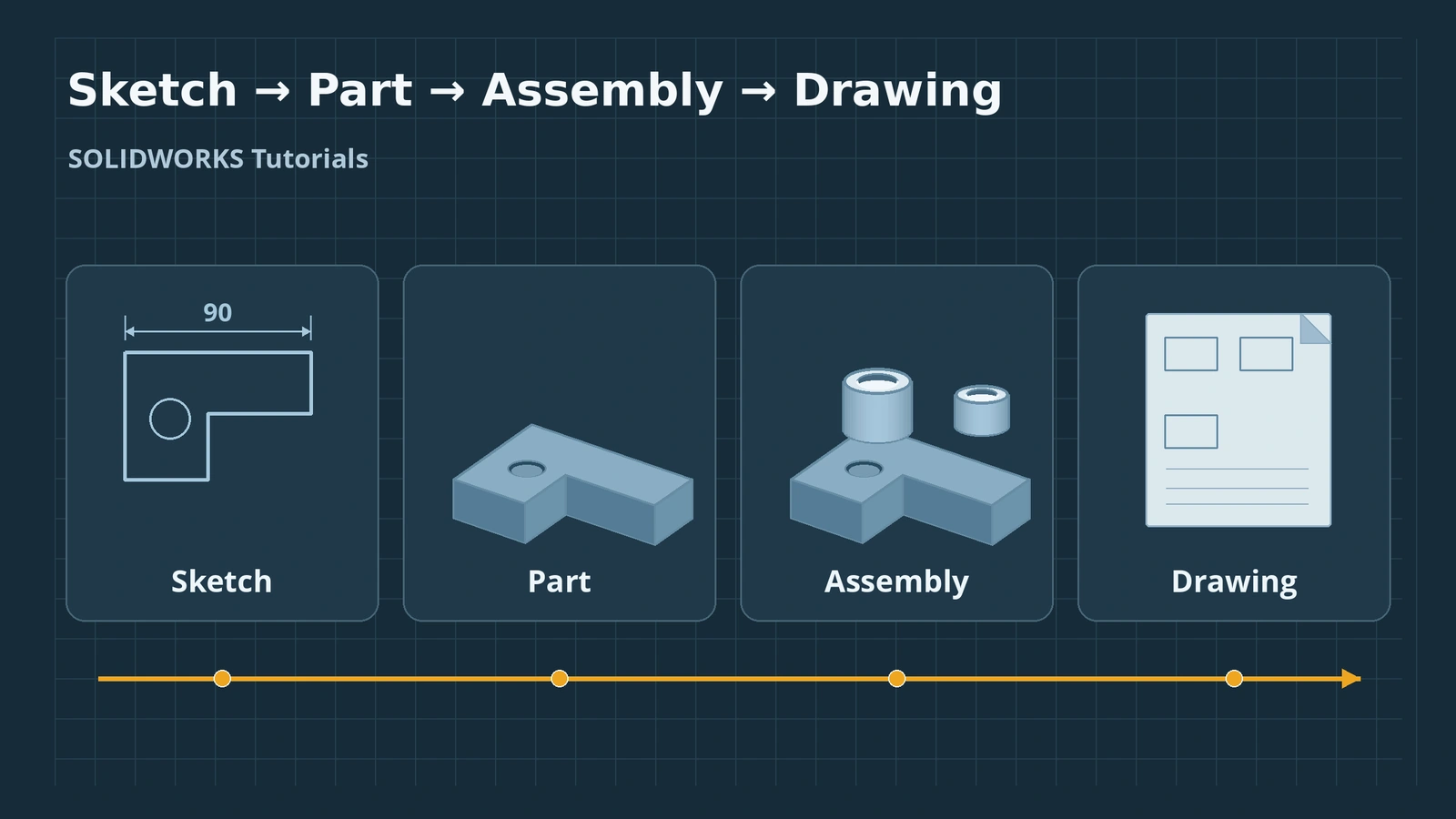
Each lesson covers one SOLIDWORKS command: where to find it, its options, how to use it step by step, the mistakes beginners make and a short practice task with a value you can check. Lessons are grouped into courses in the order you need them. Start with sketching — every part in SOLIDWORKS begins with a sketch.
 Kevin Walsh
Courses
| Course | Lessons | Status |
|---|---|---|
| Sketching | Lines, rectangles, circles, arcs, splines, slots, polygons, dimensions, relations, trim, offset, convert, mirror, patterns, 3D sketches | Available |
| Features | Extrude, cut, revolve, planes, axes, fillet, chamfer, shell, rib, draft, Hole Wizard, threads, sweep, loft, boundary, dome, wrap | Available |
| Patterns and advanced parts | Linear, circular and curve driven patterns, mirror, coordinate systems, configurations, design tables, equations, global variables, multibody, materials, mass properties, appearances, Design Library | Available |
| Assemblies | Mates (standard, advanced, mechanical, smart), exploded views, interference, Toolbox, subassemblies, top-down and in-context design, large assemblies, SpeedPak, patterns, BOM | Available |
| Drawings | Views, sections, details, broken-out and auxiliary views, dimensions, annotations, GD&T, tolerances, BOM and balloons, title blocks, sheet formats, PDF/DXF/DWG export | Available |
| Sheet metal | Base, edge and miter flanges, hems, jogs, sketched bends, corners, forming tools, flat patterns, K-factor and gauge tables, convert to sheet metal, lofted bends, DXF for laser | Available |
| Weldments | Structural members, custom profiles, trim/extend, gussets, end caps, cut lists, weld beads | Available |
| Surfacing | Surface vs solid, extruded and revolved surfaces, trim, boundary, fill, knit, thicken | Available |
| Simulation | Static studies, mesh, fixtures and loads, results and factor of safety, thermal, frequency | Available |
| Flow Simulation | CFD add-in, internal and external flow | Available |
| Modules | Motion, animation, Visualize, PhotoView 360, PDM, CAM, Routing, Electrical, Plastics | Available |
New to SOLIDWORKS? Install it and learn the screen first with getting started, then build your first part. Prefer a schedule? The 30-day learning plan puts these courses into weeks.
How each lesson is laid out
- Where to find it — the menu path and any default shortcut.
- Options — what the settings in the PropertyManager do.
- Step by step — one worked example.
- Common mistakes — what goes wrong and why.
- Practice — a short task with a value to check your result.
Keep the keyboard shortcuts open while you work.
Practise what you learn with the basic exercises — each has a drawing, a STEP file and a check mass.
Prefer other formats? See the best courses, books and YouTube channels.
Courses
-
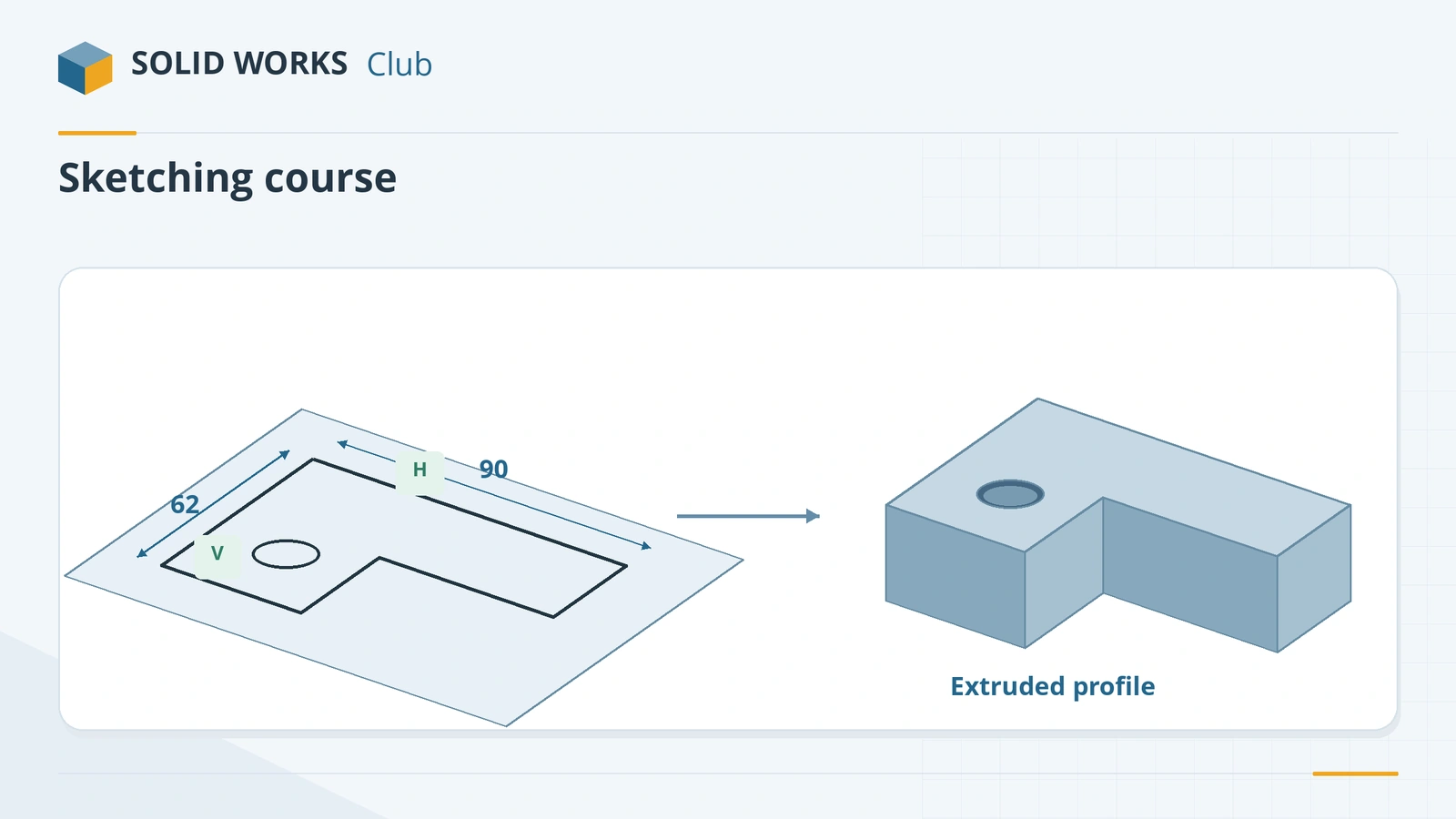 SOLIDWORKS sketching — basics and all toolsLearn SOLIDWORKS sketching from scratch: start and exit a sketch, read colours and status, then 17 lessons from lines and arcs to relations and 3D sketches.
-
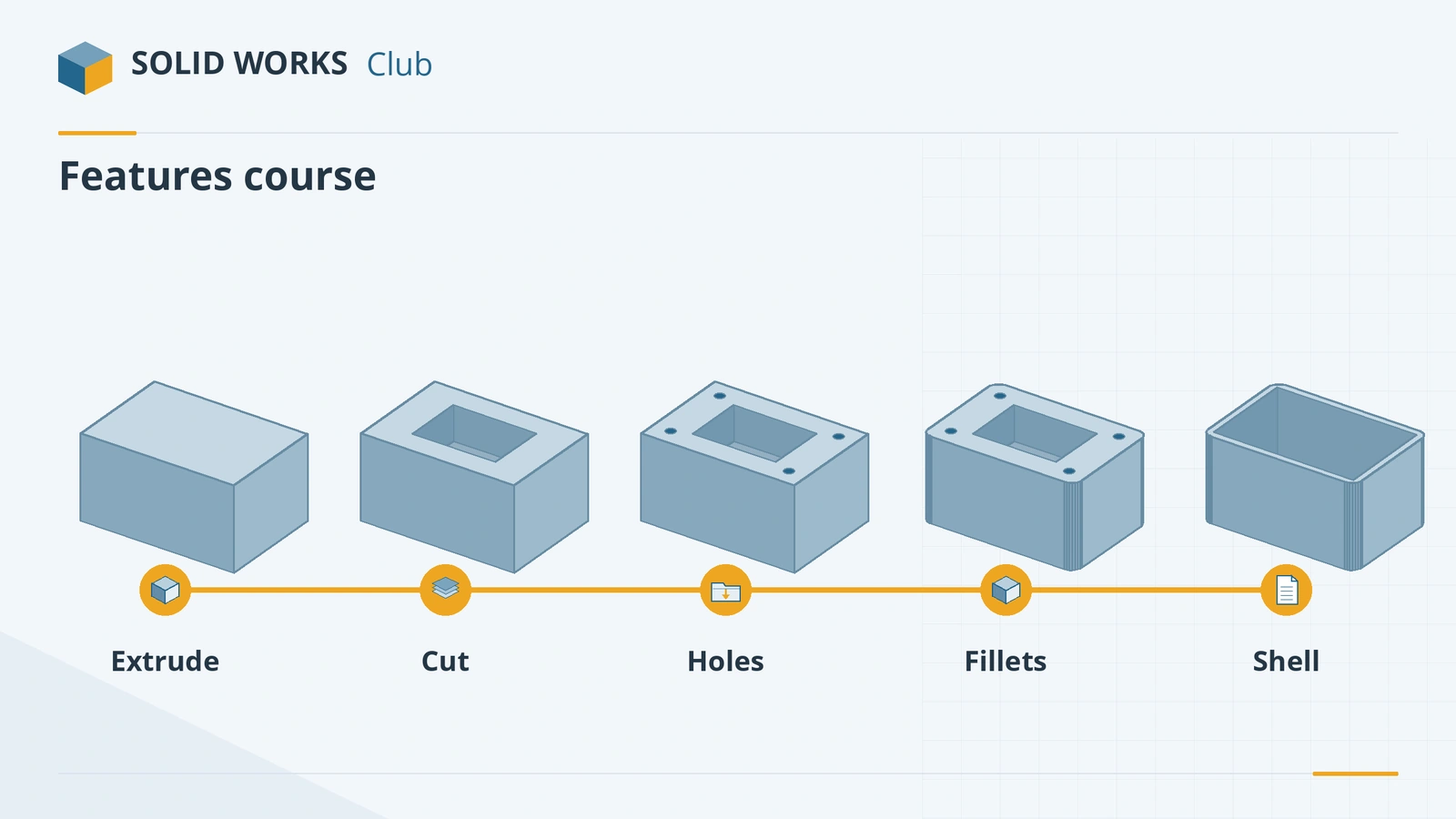 SOLIDWORKS features — 18 lessonsFree SOLIDWORKS features course: extrude, cut, revolve, planes, fillet, chamfer, shell, rib, draft, Hole Wizard, threads, sweep, loft and more, with checks.
-
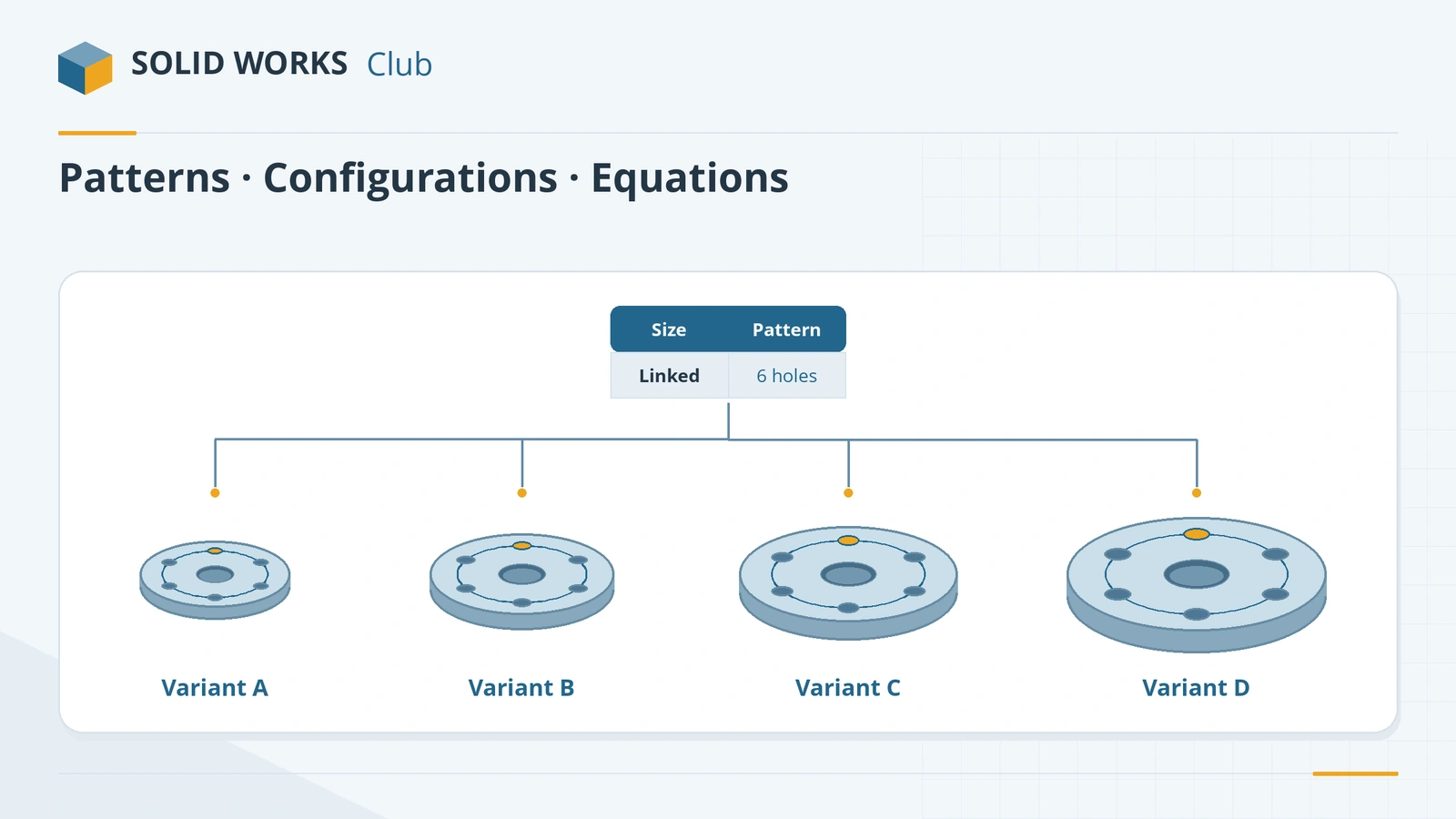 SOLIDWORKS patterns and advanced part modellingFree SOLIDWORKS course: linear and circular patterns, mirror, configurations, design tables, equations, multibody parts, materials and mass properties.
-
 SOLIDWORKS assemblies — 16 lessonsFree SOLIDWORKS assembly course: inserting components, standard, advanced, mechanical and smart mates, exploded views, interference, SpeedPak and BOM.
-
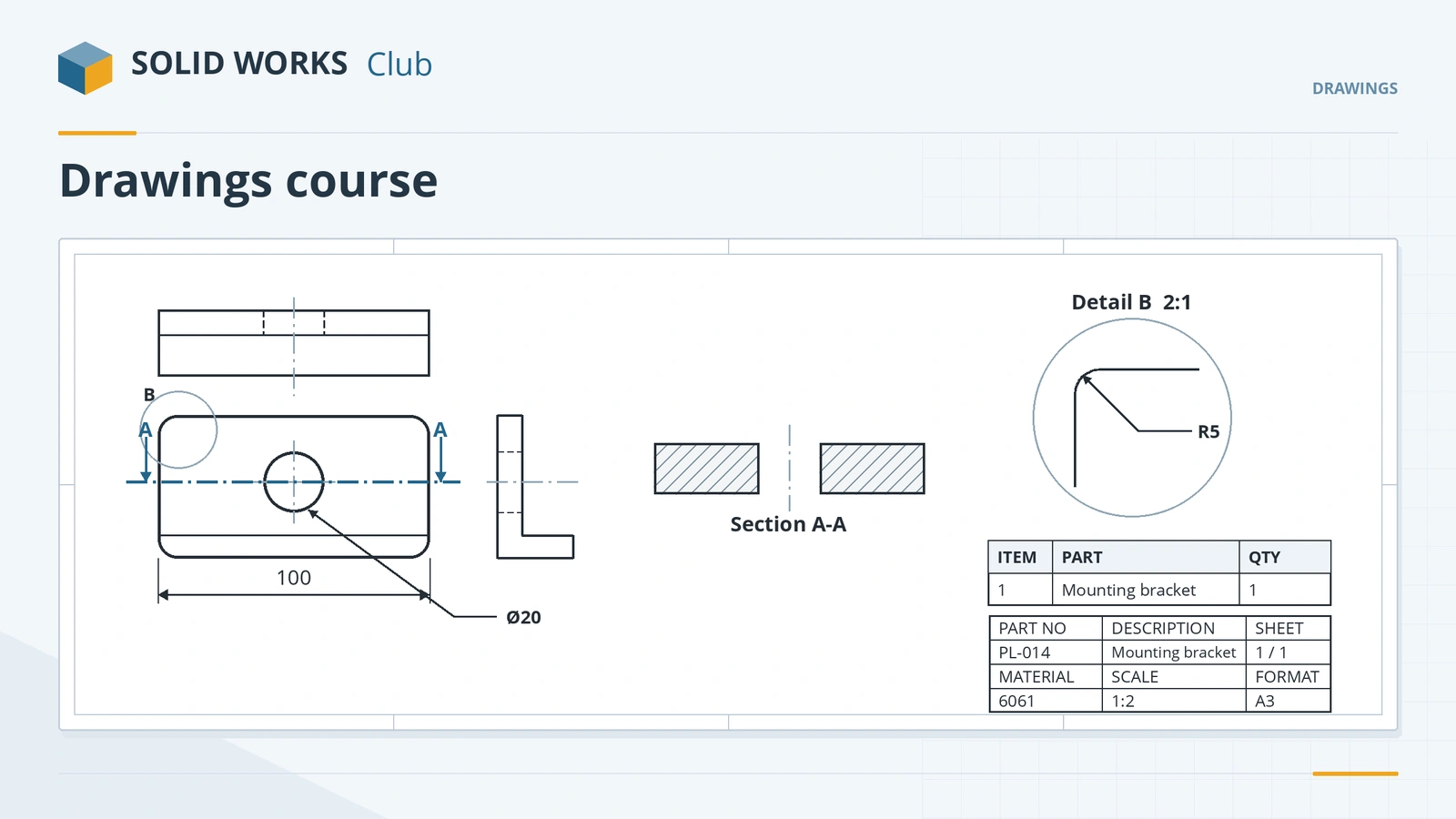 SOLIDWORKS drawings — 14 lessonsFree SOLIDWORKS drawings course: views, sections, details, dimensions, annotations, GD&T, tolerances, BOM, title blocks, sheet formats and PDF/DXF/DWG export.
-
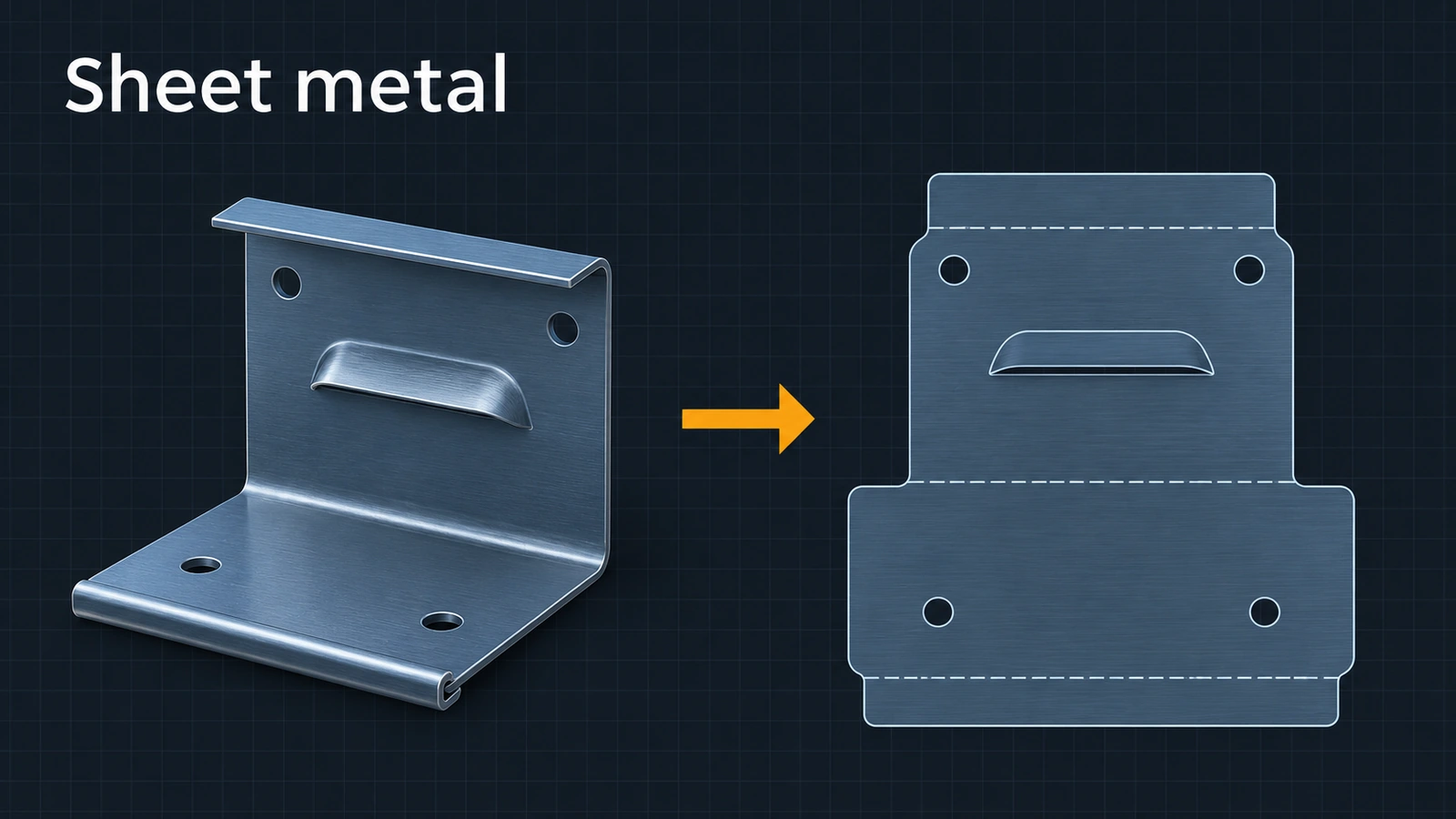 SOLIDWORKS sheet metal — 13 lessonsFree SOLIDWORKS sheet metal course: base, edge and miter flanges, hems, jogs, bends, corners, forming tools, flat patterns, K-factor and DXF export.
-
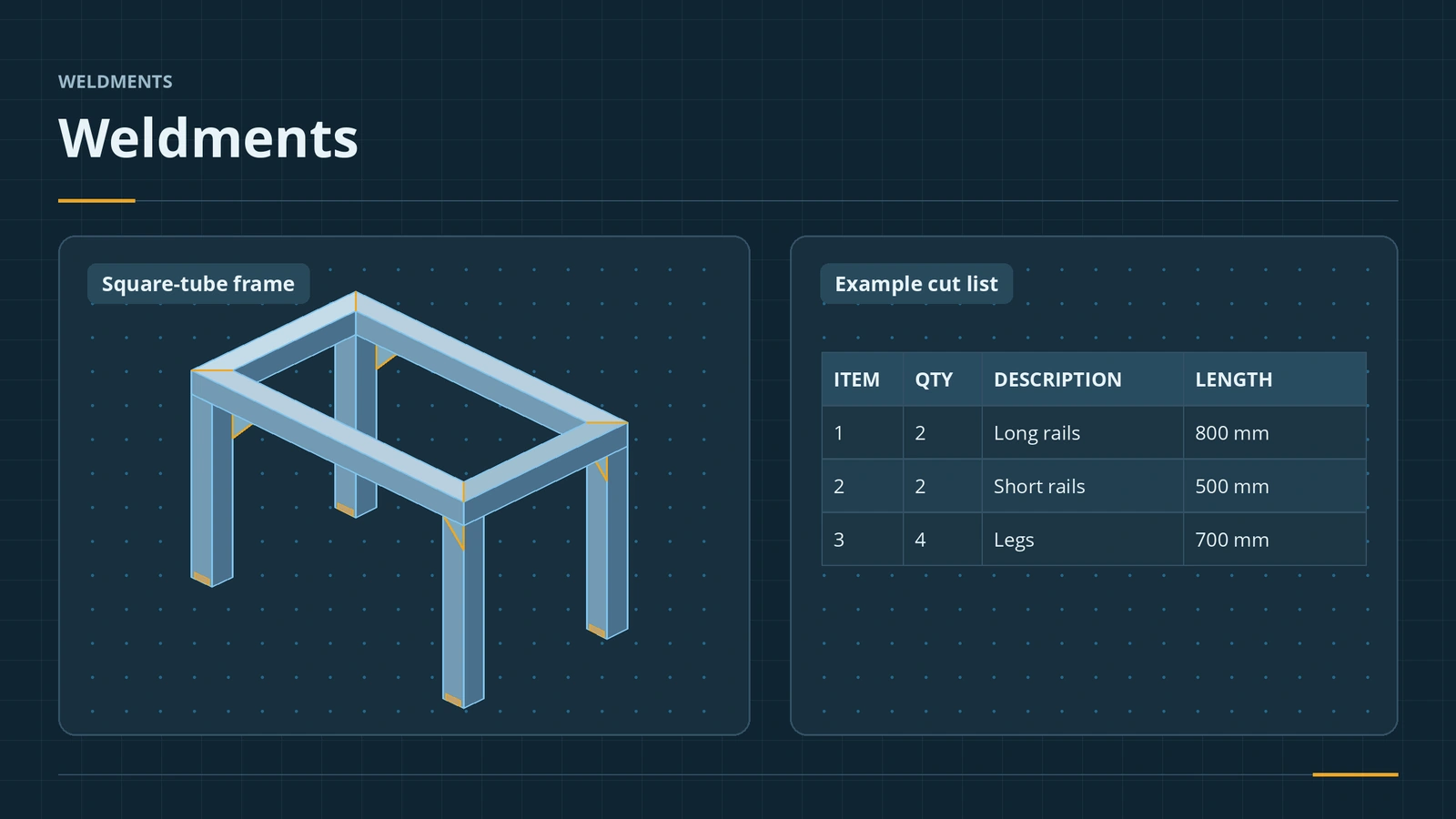 SOLIDWORKS weldments — 7 lessonsFree SOLIDWORKS weldments course: structural members, custom profiles, trim/extend, gussets, end caps, cut lists and weld beads, built on one table frame.
-
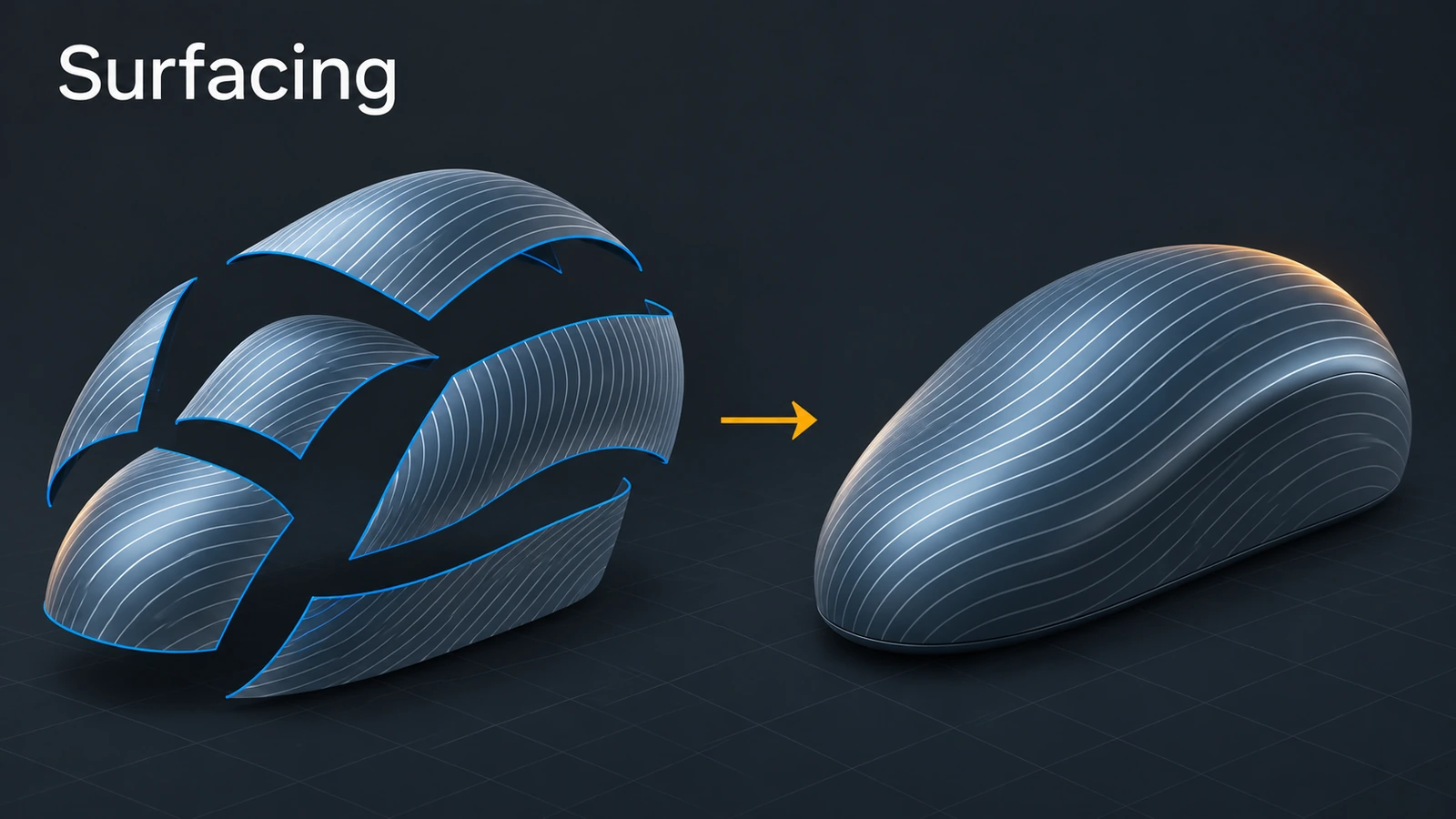 SOLIDWORKS surfacing — 7 lessonsFree SOLIDWORKS surfacing course: surfaces vs solids, extruded and revolved surfaces, trim, boundary, fill, knit and thicken, with area and volume checks.
-
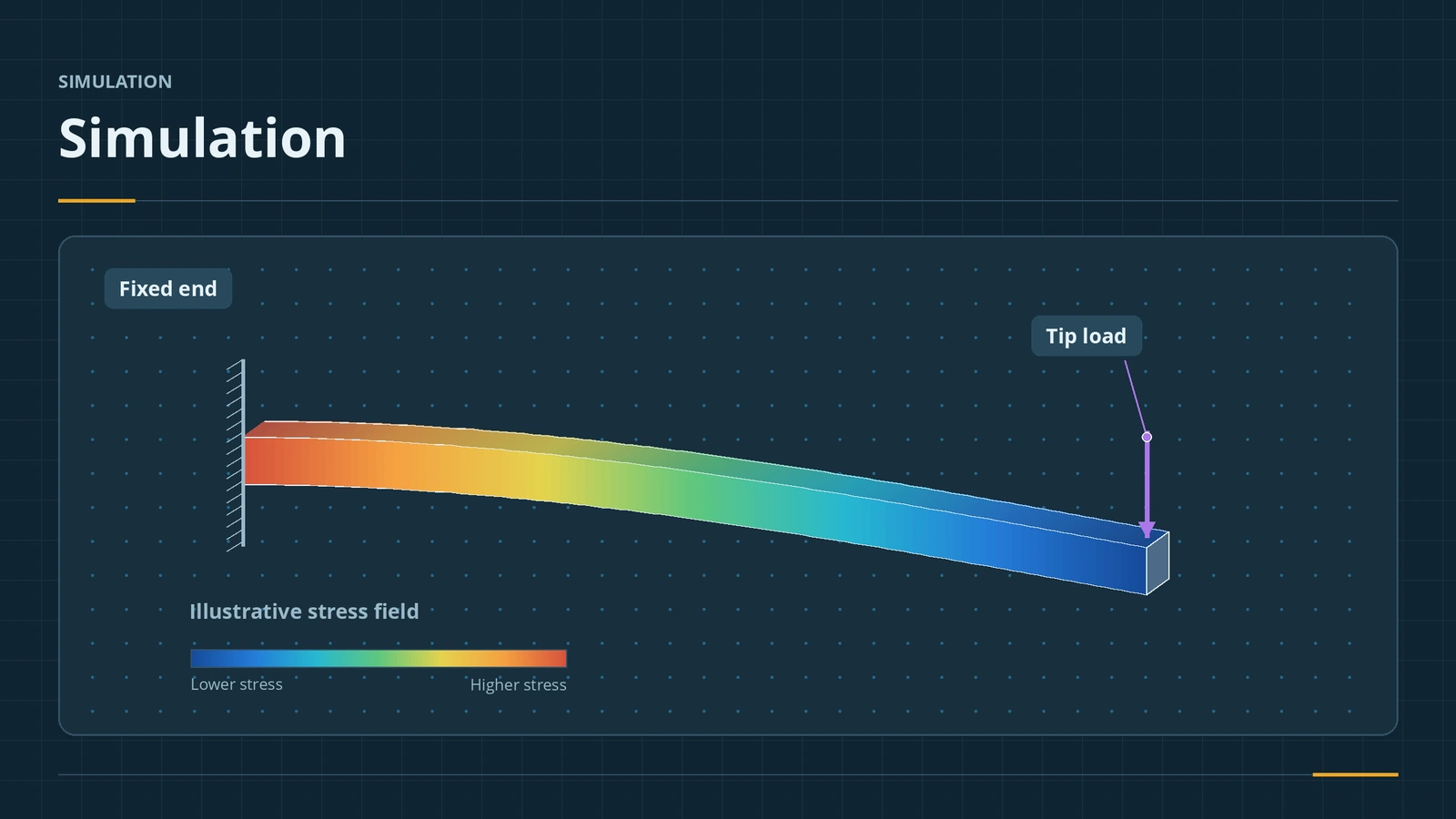 SOLIDWORKS Simulation — 6 lessonsFree SOLIDWORKS Simulation course: static studies, mesh, fixtures and loads, stress and factor of safety, thermal and frequency, checked by hand.
-
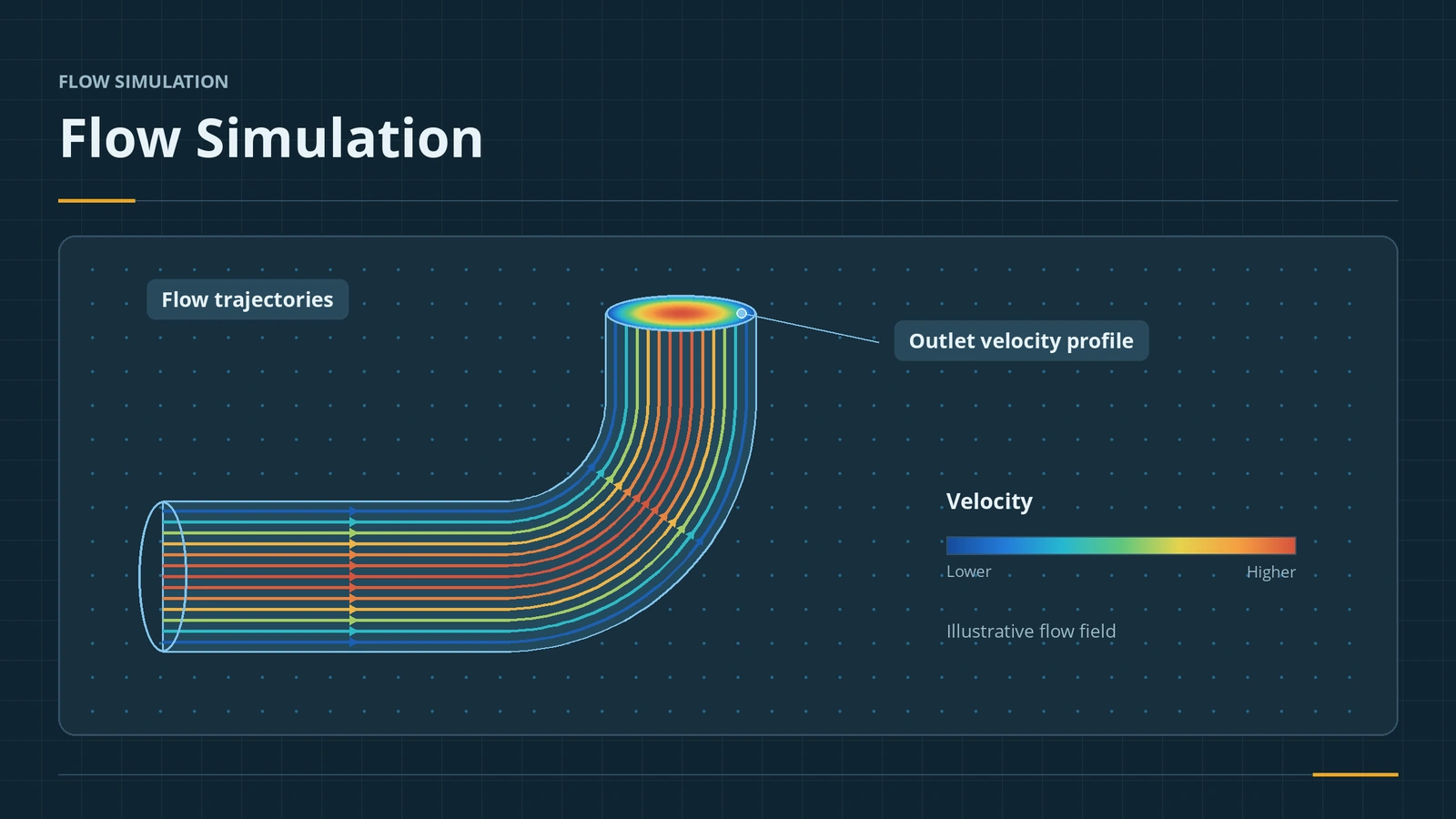 SOLIDWORKS Flow SimulationSOLIDWORKS Flow Simulation explained: what the CFD add-in solves, licensing, HVAC and Electronics Cooling modules, the wizard, goals, mesh and results.
-
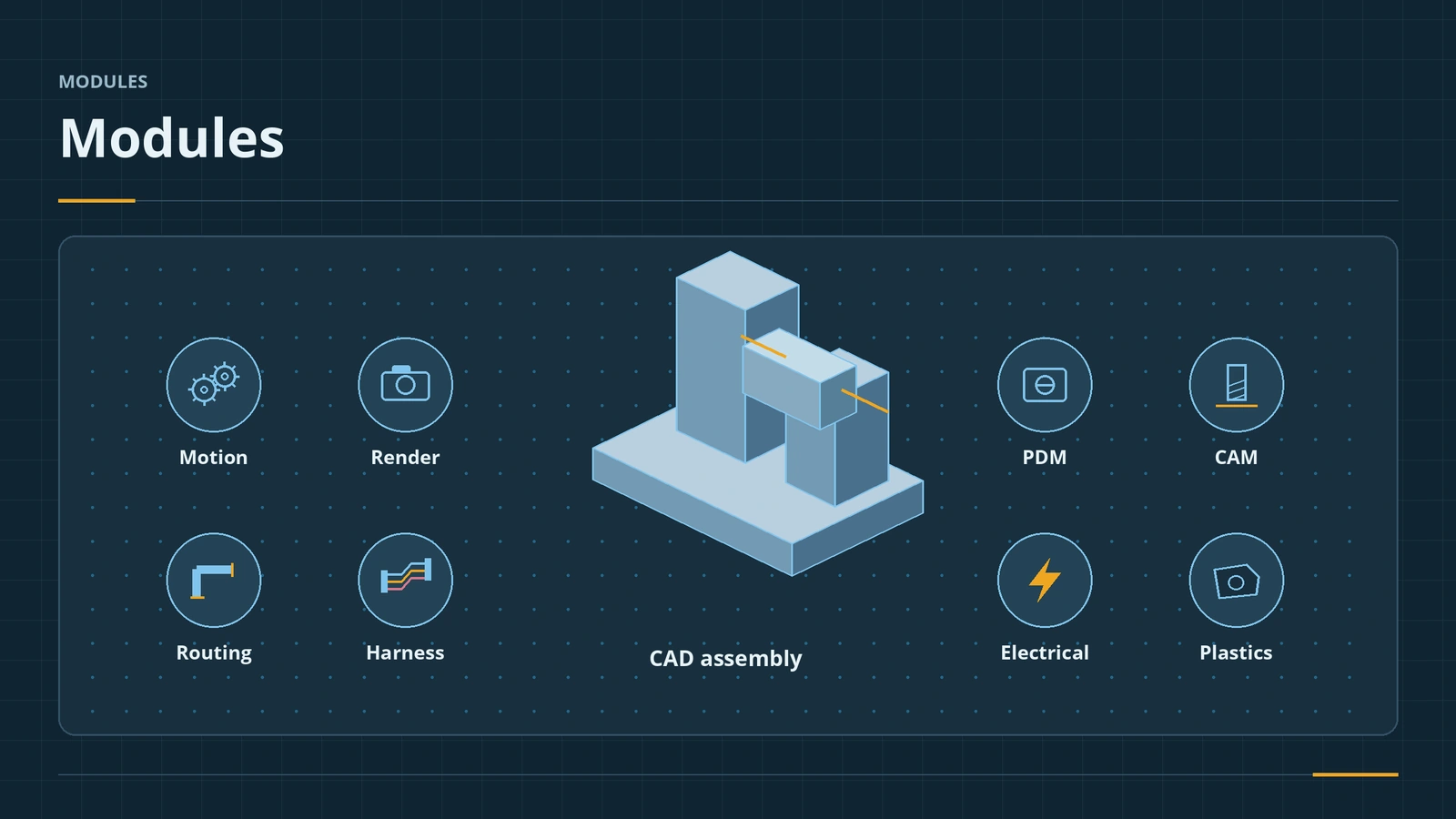 SOLIDWORKS modules and add-insSOLIDWORKS add-ins explained: Motion, animation, Visualize, PhotoView 360, PDM, CAM, Routing, Electrical and Plastics, and which package includes each.
Frequently asked questions
Are these SOLIDWORKS tutorials free?
+
Yes. All lessons on SOLID WORKS Club are free and need no account. You need your own copy of SOLIDWORKS to follow along — students can get one free.
Which SOLIDWORKS version do the tutorials use?
+
They are written for SOLIDWORKS 2025 and 2026. Almost everything also works in older versions; where a command or option is new, the lesson says so.
In what order should I do the lessons?
+
Sketching first, then features, then patterns and configurations, then assemblies and drawings. Each lesson links to the next one.
Related
- SOLIDWORKS sketching — basics and all toolsLearn SOLIDWORKS sketching from scratch: start and exit a sketch, read colours and status, then 17 lessons from lines and arcs to relations and 3D sketches.
- SOLIDWORKS features — 18 lessonsFree SOLIDWORKS features course: extrude, cut, revolve, planes, fillet, chamfer, shell, rib, draft, Hole Wizard, threads, sweep, loft and more, with checks.
- How to learn SOLIDWORKS — a 30-day planA practical 30-day plan to learn SOLIDWORKS for free — built-in tutorials, free MySolidWorks training, official videos, practice parts and the CSWA as a goal.
- SOLIDWORKS keyboard shortcutsEvery default SOLIDWORKS keyboard shortcut in a searchable list and a one-page PDF — rebuild, views, zoom, filters, sketch and assembly keys — and customising.