How we test
Hardware picks, tutorials, error fixes and prices each get their own checks before a page goes live. This page lists them, so you can judge how far to trust each result.
 Kevin Walsh
Updated
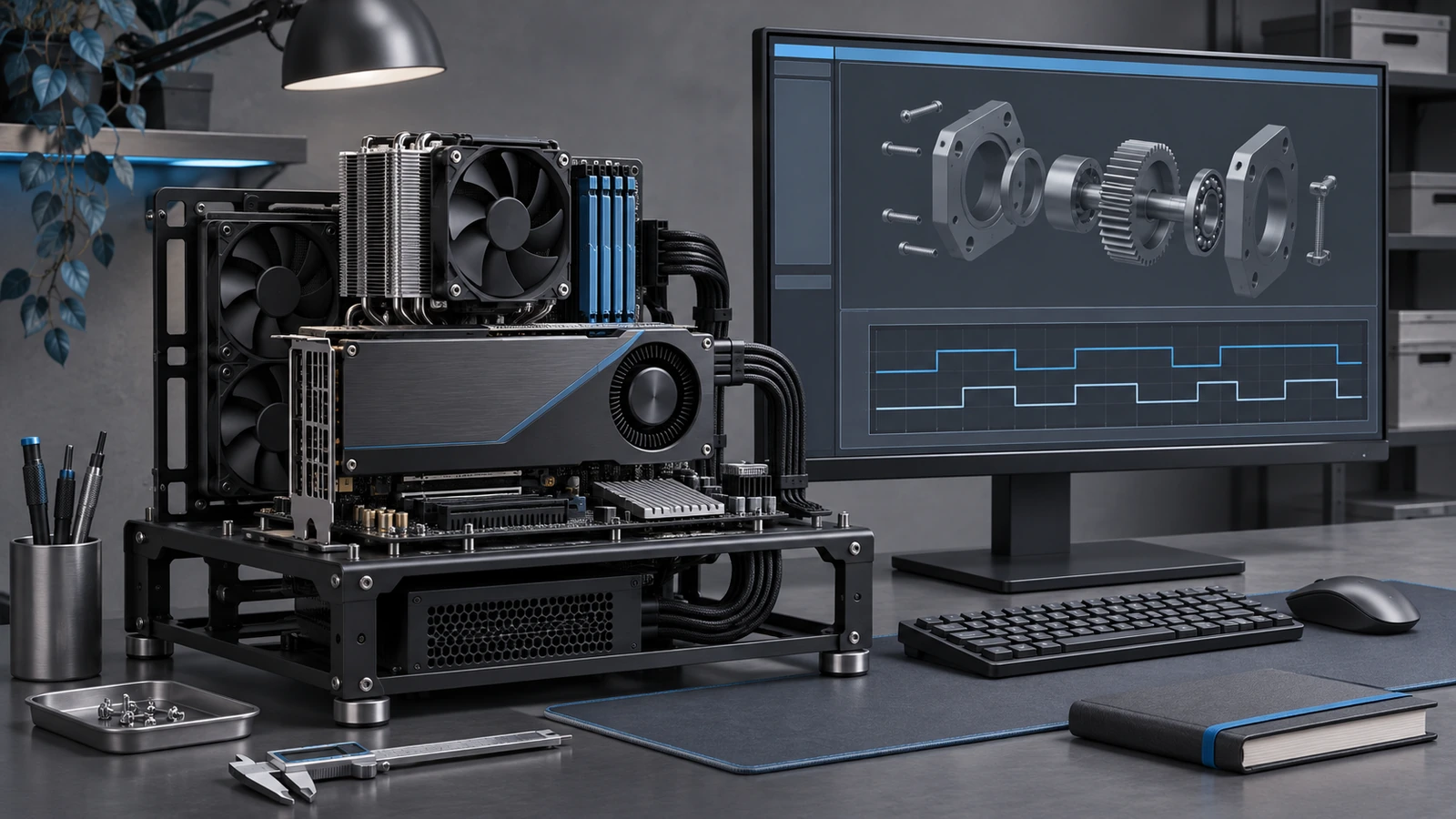
Hardware: laptops, desktops and graphics cards
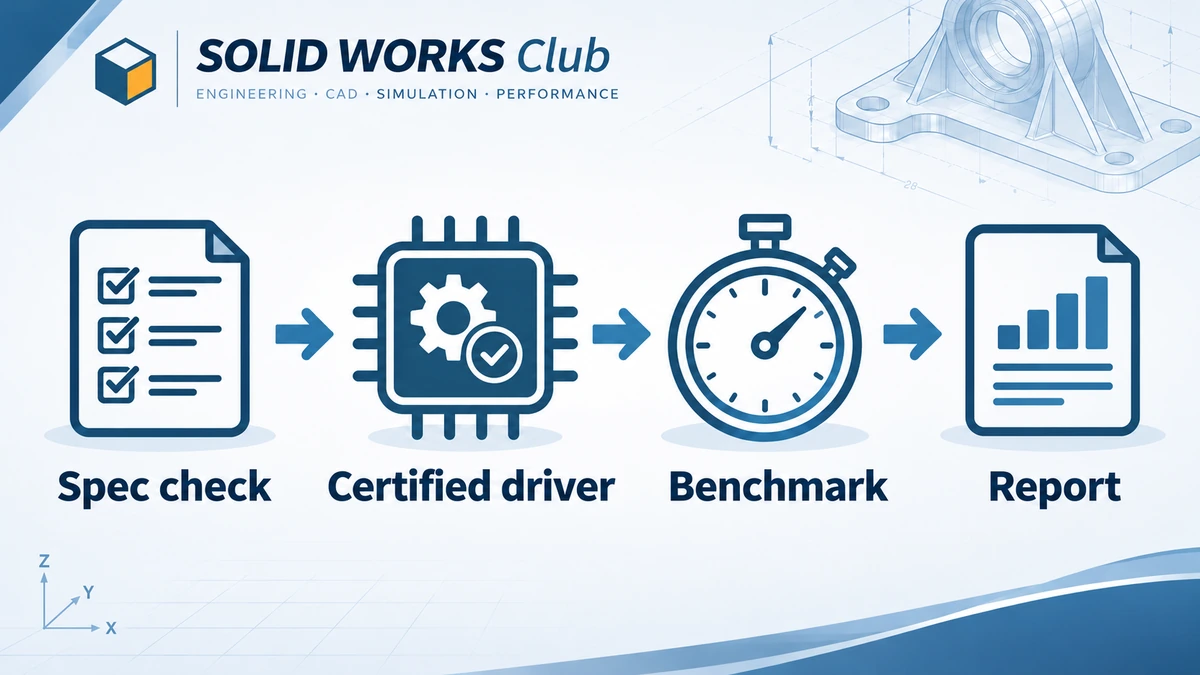
A computer or graphics card is only recommended after four checks:
- Official requirements. The machine must meet the published SOLIDWORKS system requirements for the current release: supported 64-bit Windows, enough RAM and an SSD.
- Certified graphics. We check whether the graphics card and driver appear on SOLIDWORKS' list of tested and certified hardware. Gaming cards are labelled as uncertified even when they perform well, because certified drivers matter for stability and some display features.
- Repeatable benchmark. Where we test hardware ourselves, we run the Performance Test in SOLIDWORKS Rx and a fixed set of our own models on a clean system, and report the release, service pack and driver version alongside the results.
- What it is for. Every pick says which workload it suits — learning and small parts, large assemblies, or simulation and rendering — because one machine is rarely best at all three.
When a recommendation is based on published specifications rather than our own test, the page says so.
Tutorials and exercises
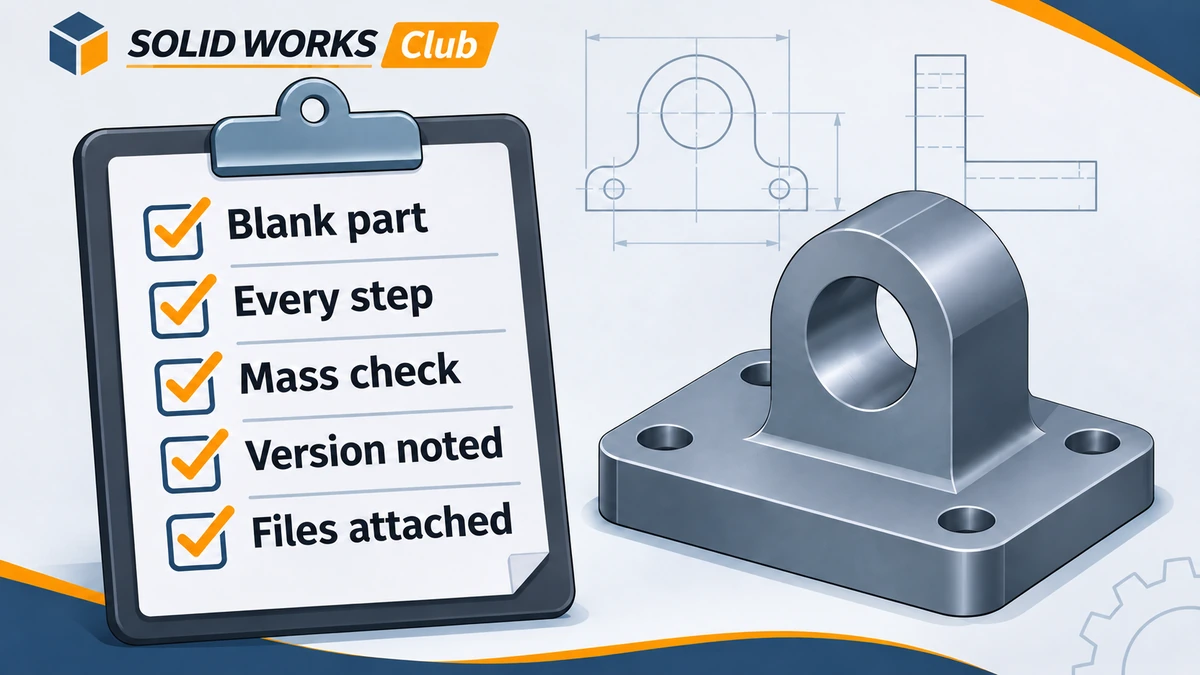
- Each tutorial is rebuilt step by step from a blank part, assembly or drawing in the version shown on the page.
- Screenshots come from the real software, not from AI image generators.
- Exercises list a check value, usually the part's mass with a stated material, so you can confirm your model matches ours.
- Downloadable files are saved in the oldest version that supports every feature used, and the page states that version.
Error fixes
- We list causes from most to least likely, based on official knowledge-base articles, reseller support notes and reproducible reports.
- Fixes are ordered from safest to most invasive. Steps that delete settings or reinstall software come last and are clearly marked.
- Each fix page shows the versions it applies to.
Prices and license rules
- Prices come from Dassault Systèmes or an authorised reseller's published list and are quoted in the source currency, with the date checked.
- Student, Makers and trial rules are taken from the official offer pages and re-checked monthly, because promotions change often.
- We never estimate a price and present it as official.
What we do not claim
We do not publish benchmark numbers, ratings or "hours of testing" we did not do. If you think a result is wrong, tell us through the contact page — the editorial policy explains how corrections work.
Related
- Editorial policyThe rules behind every SOLID WORKS Club page — primary sources, dated prices, version checks, corrections, affiliate links and how we use AI tools.
- About SOLID WORKS ClubWho runs SOLID WORKS Club, what we cover, how we keep SOLIDWORKS prices and requirements current, how the site is funded and what we will never publish.
- Contact SOLID WORKS ClubContact the SOLID WORKS Club editors to report a mistake, suggest a SOLIDWORKS guide or discuss a partnership. Email and what we can and cannot help with.