Errors & Fixes
SOLIDWORKS errors and fixes
Most SOLIDWORKS problems fall into three groups: the program itself (crashes, freezes, slowness — usually graphics drivers, settings or memory), licensing and installation, and errors inside your models (rebuild, sketch and mate errors, missing files). Find your symptom below. Each guide lists the likely causes first and the fixes in the order that solves most cases fastest, with sources from SOLIDWORKS and its resellers.
 Kevin Walsh

Find your problem
| Symptom | Guide |
|---|---|
| Window freezes, title says Not Responding | SOLIDWORKS not responding |
| SOLIDWORKS closes, error report appears | SOLIDWORKS crashing |
| Slow rebuilds, laggy rotation, slow saves | SOLIDWORKS running slow |
| Driver warning, RealView greyed out, black screen | Unsupported graphics card |
| Available system memory is low | Low memory warnings |
| Problems after moving to Windows 11 | Windows 11 problems |
| Could not obtain a license, license server errors | License errors |
| Activation count exceeded, cannot activate | Activation errors |
| Installation Manager fails | Installation errors |
| Toolbox or Hole Wizard database errors, wrong bolt sizes | Toolbox errors |
| Unable to locate file when opening an assembly | Missing references |
| Red and yellow features in the tree | Rebuild errors |
| Over defined or open sketches | Sketch errors |
| Over defined assembly, mate not satisfied | Mate errors |
| File saved in a newer version | Future version files |
| Fillet will not build, preview disappears | Fillet errors |
| Would result in zero-thickness geometry | Zero-thickness geometry |
| Shell fails or leaves bad faces | Shell errors |
| Sweep will not build, loft twists | Sweep and loft errors |
| Dangling dimensions, empty or outdated drawing views | Drawing errors |
| Sheet metal will not flatten, flat view shows folded part | Flatten errors |
| Mesh creation failed in Simulation | Mesh failed |
| STEP or IGES opens as surfaces or with faulty faces | Import errors |
| Unknown error opening a file, file will not open | Corrupted file |
| File opens read-only | Read-only file |
| Failed to save document | Save errors |
| CommandManager, menus or Task Pane gone | Missing toolbars |
| Model black, invisible or see-through | Display problems |
The three checks that solve most problems
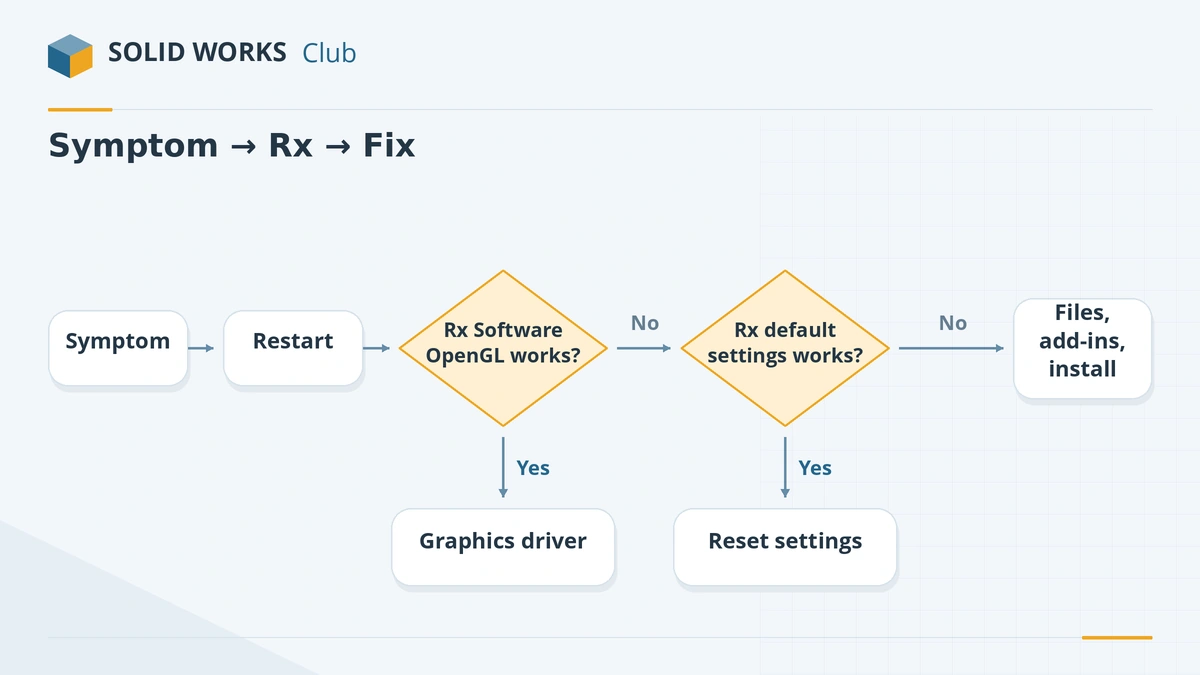
- Restart Windows — a real restart, not shut down.
- Is your setup supported? Certified graphics driver, supported Windows edition (no Home editions; Windows 11 only from SOLIDWORKS 2026), enough RAM. Check with the PC compatibility checker or the system requirements.
- SOLIDWORKS Rx safe modes — Software OpenGL and default settings. If either one fixes the problem, you know where to look.
Before you contact support
Have this ready — it saves a round of emails with your reseller:
- Your SOLIDWORKS version and service pack (Help → About SOLIDWORKS).
- Windows version and edition, graphics card and driver (Rx Diagnostics).
- A Problem Capture zip from SOLIDWORKS Rx, and a Pack and Go of the files involved.
- What changed recently: a Windows update, a new driver, a new release, new add-ins.
All error guides
-
 SOLIDWORKS not responding or freezing — how to fix itSOLIDWORKS freezing or showing "Not Responding"? Find the cause with SOLIDWORKS Rx safe modes, then fix drivers, settings, add-ins and network files.
-
 SOLIDWORKS keeps crashing — causes and fixesSOLIDWORKS crashing on start-up or while you work? Recover your file, read the crash logs, test with Rx safe modes and fix drivers, settings and installs.
-
 SOLIDWORKS running slow — how to speed it upSpeed up a slow SOLIDWORKS with Performance Evaluation, large assembly settings, lightweight mode, image quality, local files and the right graphics setup.
-
 Unsupported graphics card, RealView greyed out and display problemsSOLIDWORKS says your graphics card is unsupported, RealView is greyed out, or the screen goes black? Check certification, install the right driver, fix laptops.
-
 SOLIDWORKS low memory and low resources warnings"Available system memory is low" or "open document capacity is low" in SOLIDWORKS? What the Resource Monitor measures, GDI objects, and how to fix it.
-
 SOLIDWORKS problems on Windows 11 and how to fix themSOLIDWORKS problems on Windows 11: unsupported versions and editions, blurry scaling, drivers replaced by Windows Update, blocked saves and licenses.
-
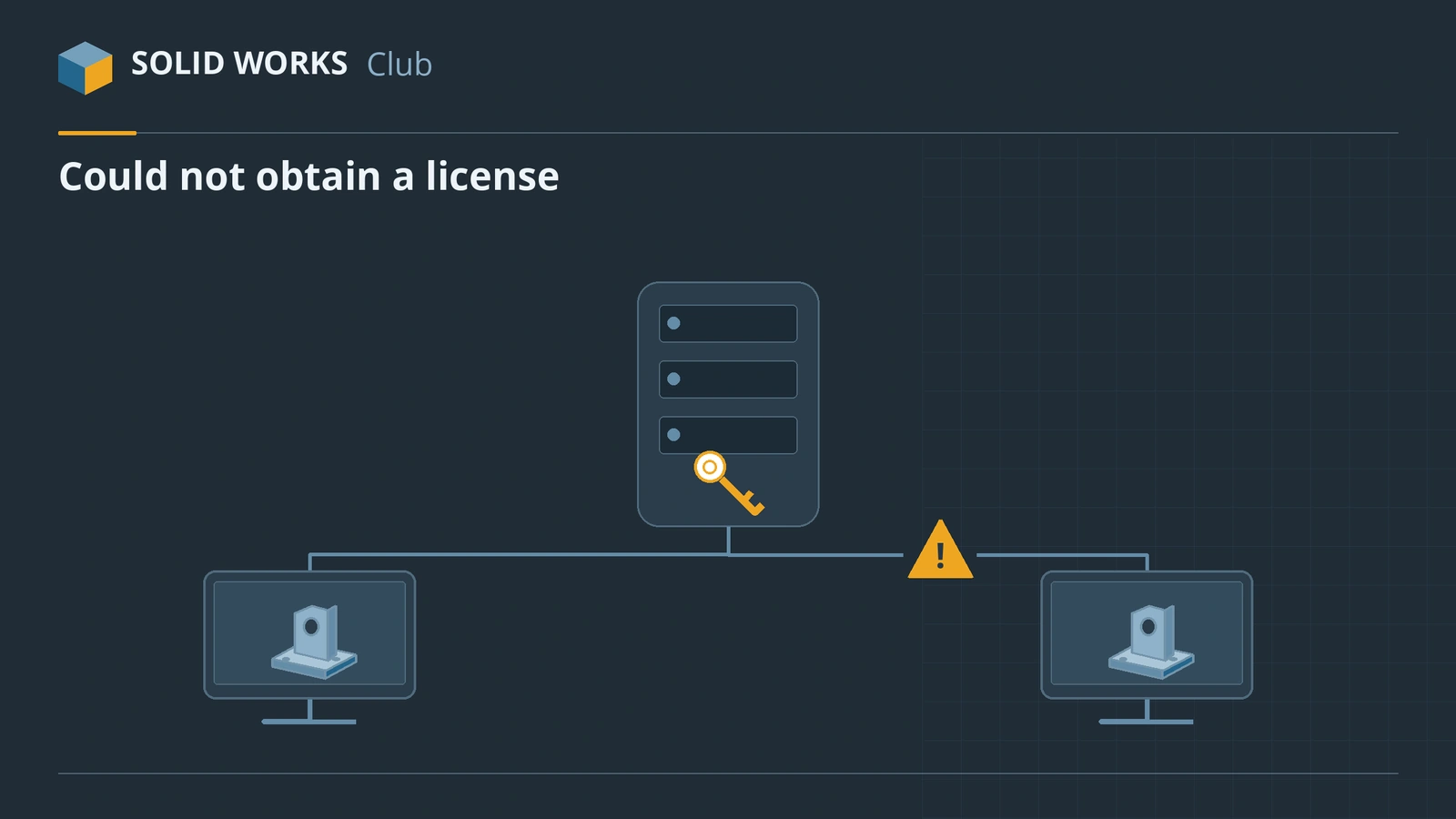 SOLIDWORKS license errors — could not obtain a licenseFix "Could not obtain a license for SOLIDWORKS" and license server errors: SNL version rules, ports 25734 and 25735, services and yearly reactivation.
-
 SOLIDWORKS activation errors — how to fix themFix SOLIDWORKS activation errors: activation count exceeded, server unreachable or empty response. How to deactivate, transfer and activate by email.
-
 SOLIDWORKS installation errors and how to fix themFix SOLIDWORKS Installation Manager errors: pending reboot, cannot connect, additional files needed, 1722 and 1603, and where to find the install logs.
-
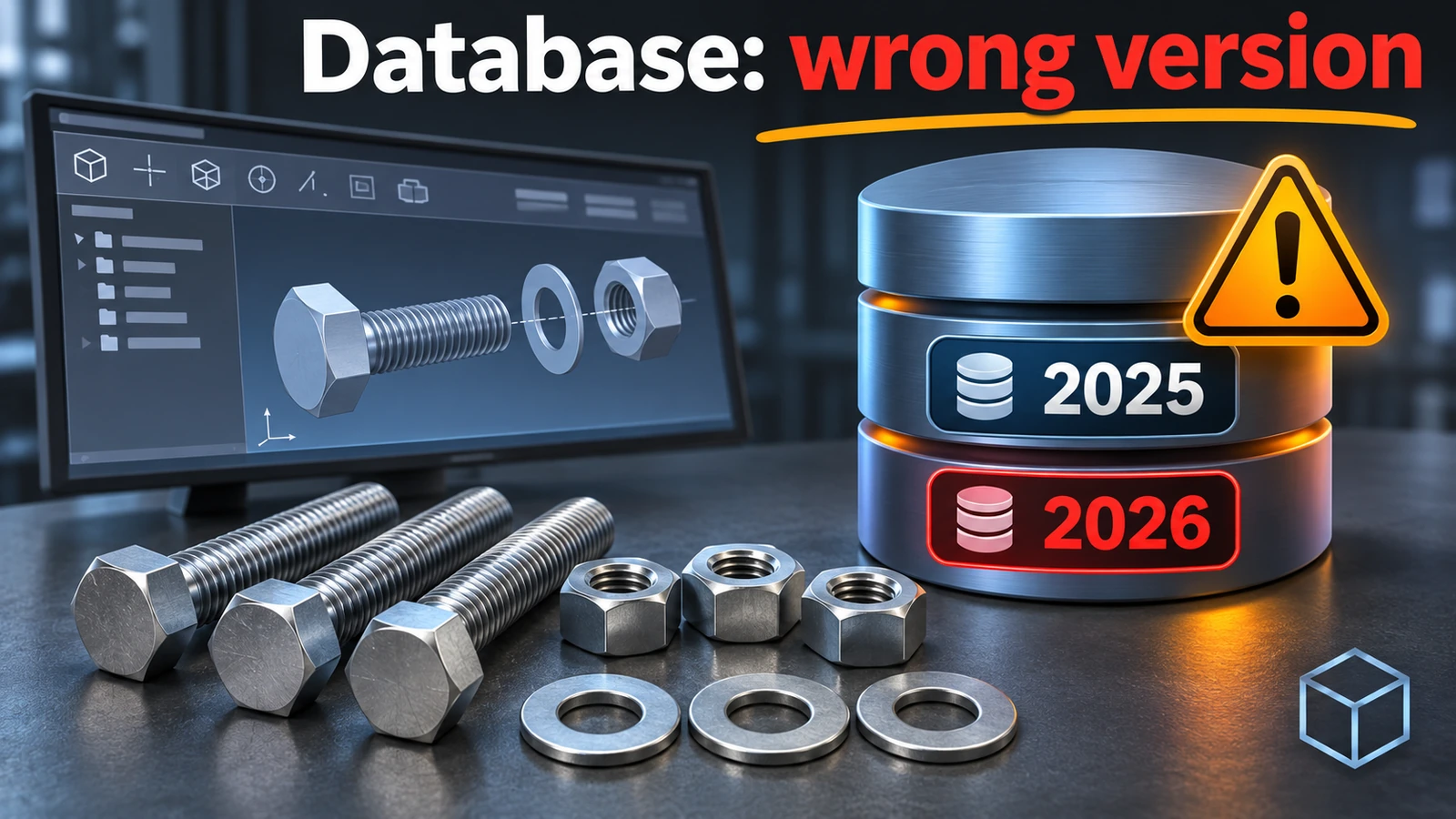 SOLIDWORKS Toolbox and Hole Wizard errors — fixesFix SOLIDWORKS Toolbox errors: swbrowser.sldedb wrong version or missing, Hole Wizard database errors, fasteners changing size, read-only parts and PDM.
-
 SOLIDWORKS missing references — unable to locate fileSOLIDWORKS "unable to locate file" when opening an assembly or drawing? How the search order works, how to repair references, and how to rename files safely.
-
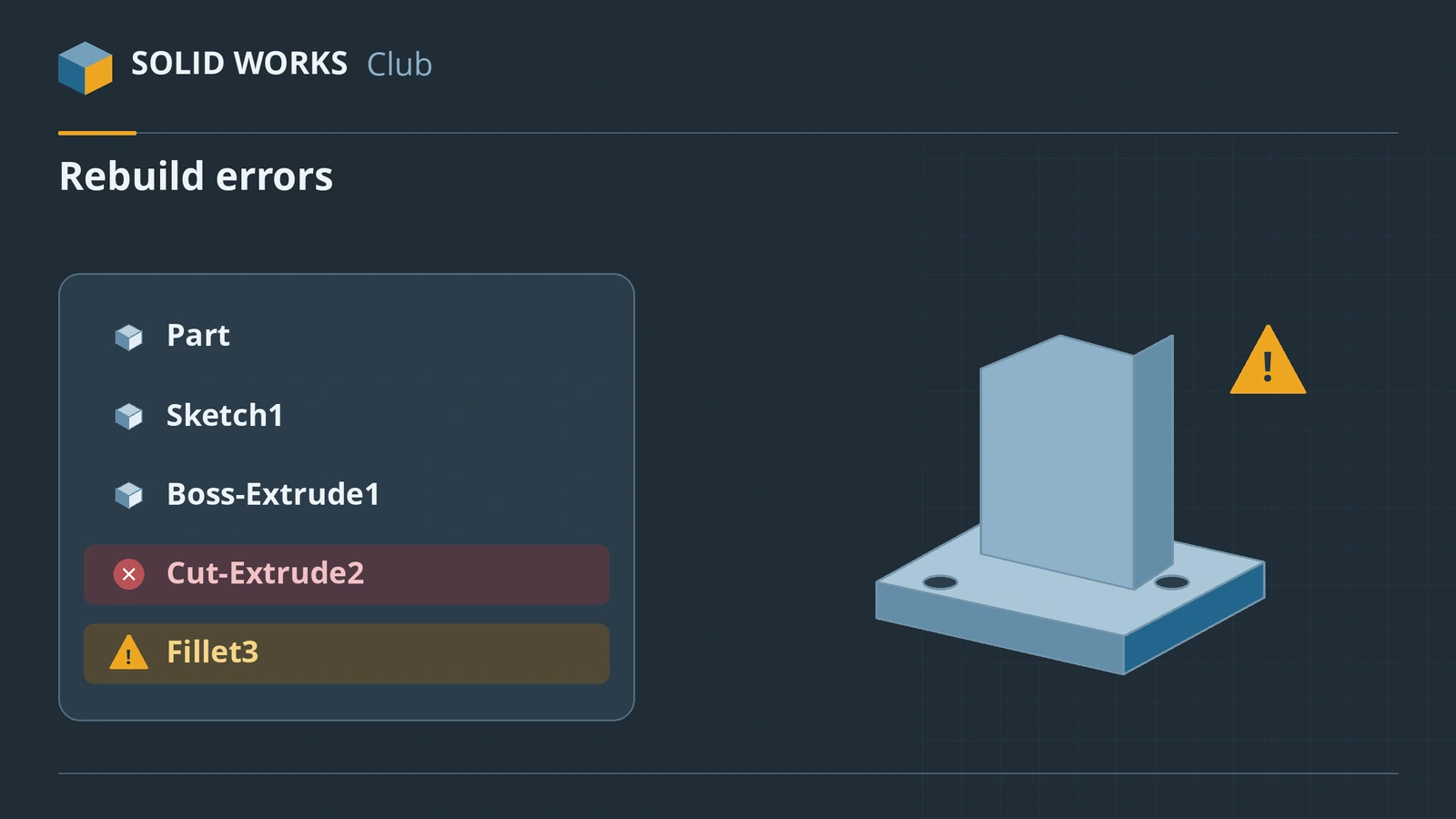 SOLIDWORKS rebuild errors and warnings — how to fix themFix SOLIDWORKS rebuild errors: red and yellow feature icons, the What's Wrong dialog, dangling references, zero-thickness geometry and failed fillets.
-
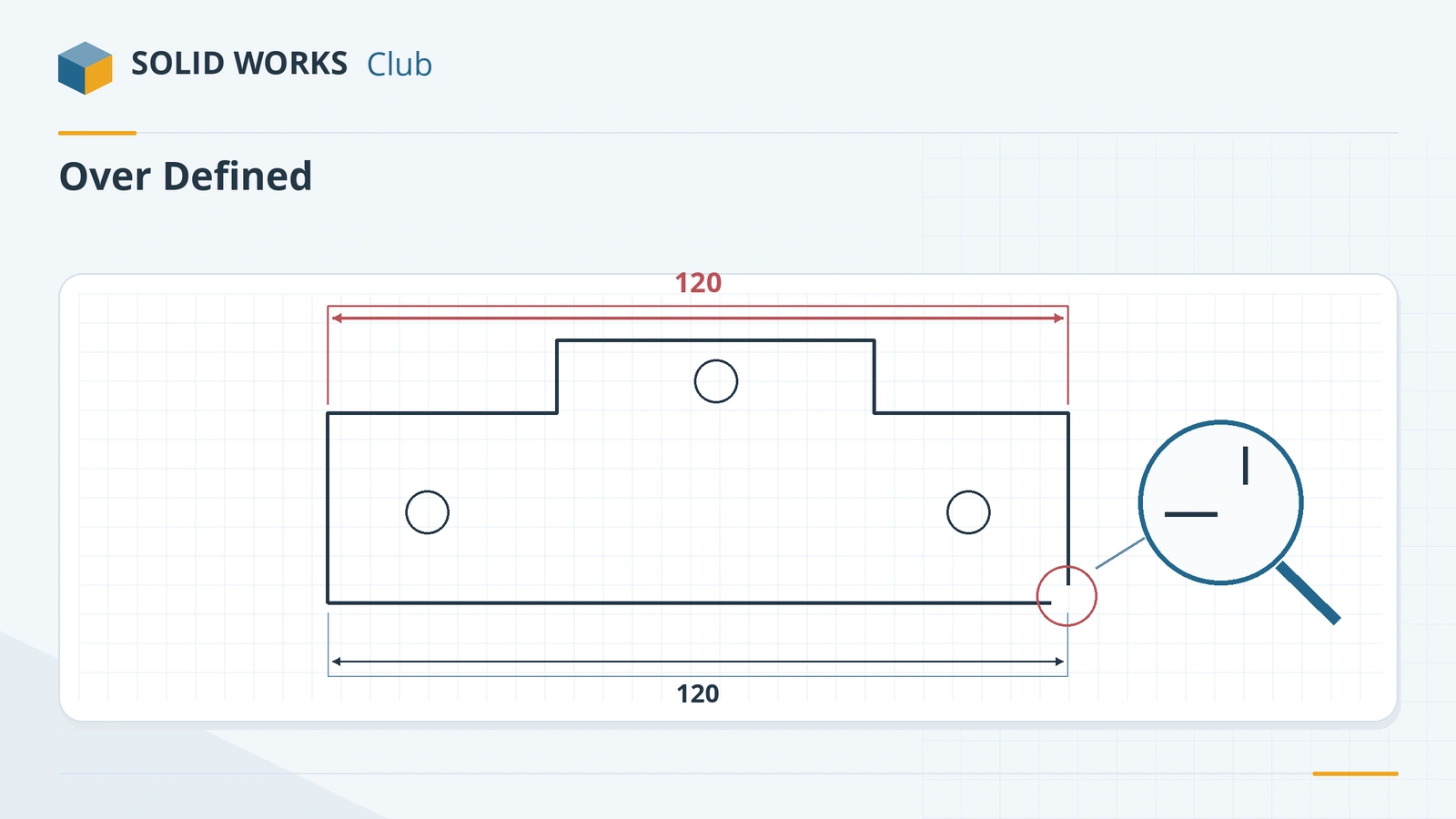 SOLIDWORKS sketch errors — over defined, unsolvable and open sketchesFix SOLIDWORKS sketch errors: over defined, no solution found, dangling relations, open or self-intersecting contours, with SketchXpert and Repair Sketch.
-
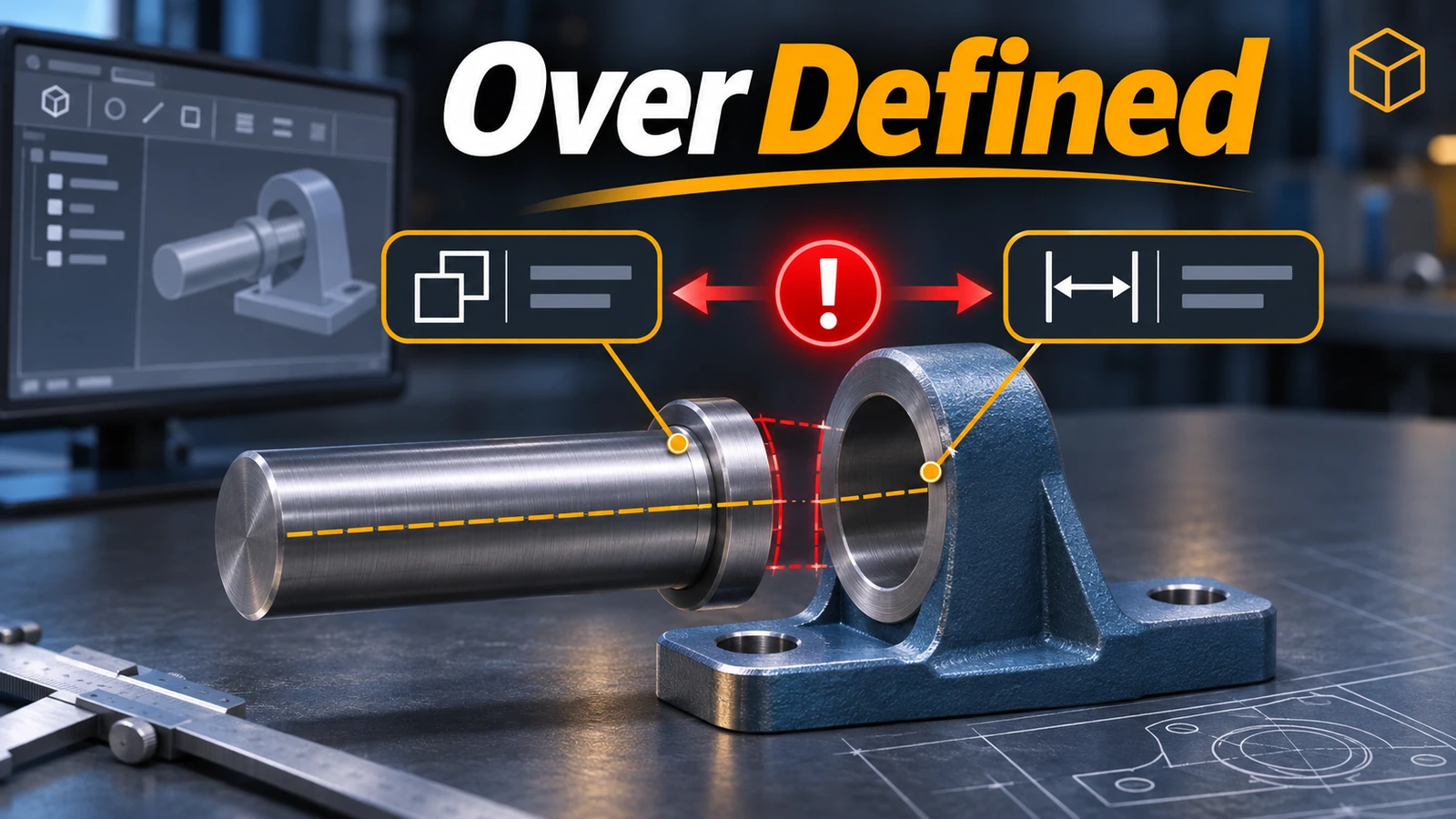 SOLIDWORKS mate errors — over defined and failed matesFix SOLIDWORKS mate errors: over defined components, mates not satisfied, conflicting mates and fixed parts, using MateXpert and the Mates folder.
-
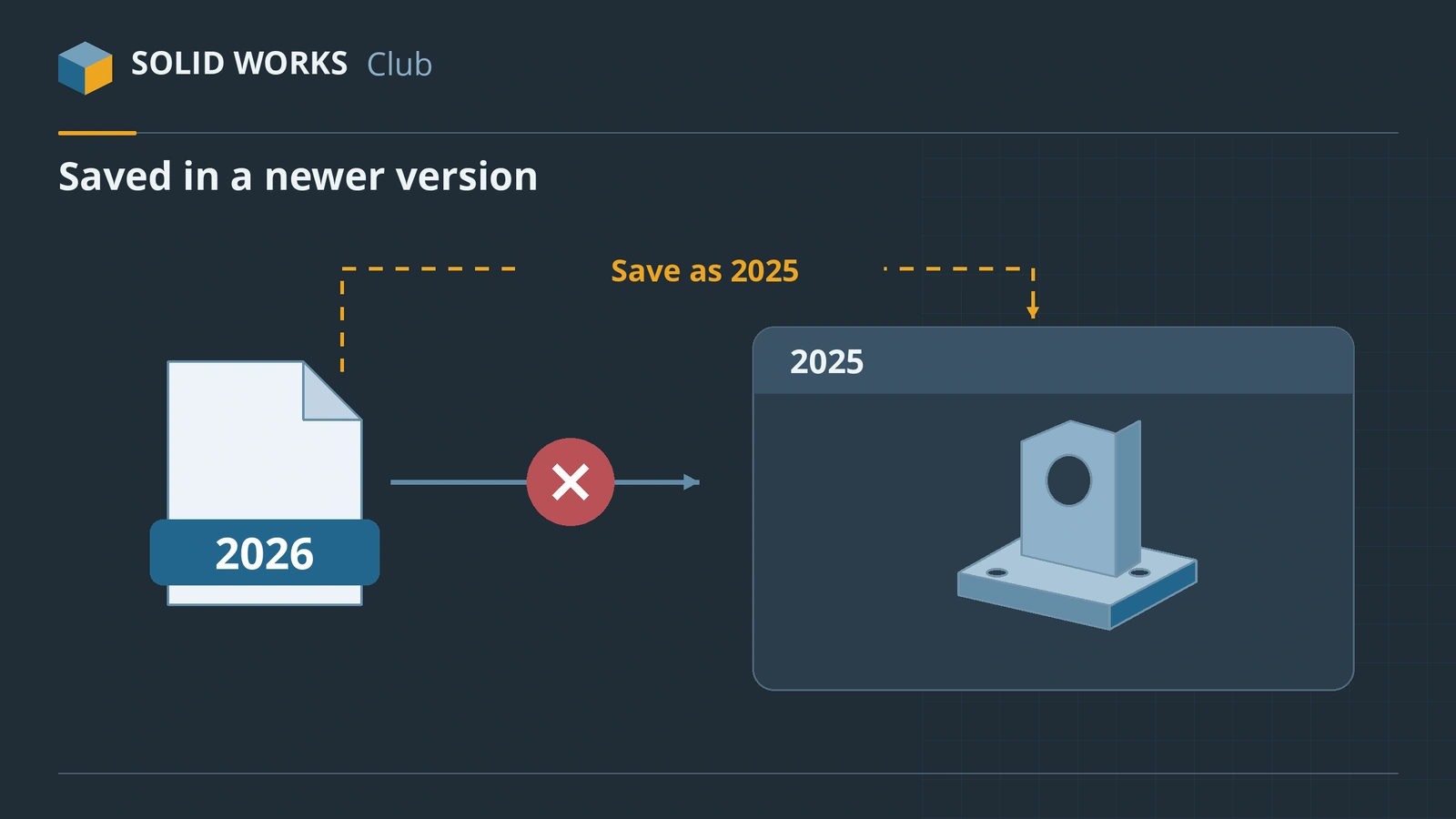 SOLIDWORKS file saved in a newer version — how to open itSOLIDWORKS says a file was saved in a newer version? Your options: Future Version mode on SP5, Save As previous version from 2024, STEP and eDrawings.
-
 SOLIDWORKS fillet failed — causes and fixesFix failed fillets in SOLIDWORKS: fillet order, radius too large, tangent propagation, Keep features, FilletXpert, FeatureXpert and setback corners.
-
 SOLIDWORKS zero-thickness geometry error — what it means and how to fix itWhat 'would result in zero-thickness geometry' means in SOLIDWORKS: edges shared by four faces, line and point contact, holes on edges — and how to fix it.
-
 SOLIDWORKS shell failed — how to find and fix the causeFix SOLIDWORKS shell failures: thickness above the minimum radius of curvature, zero-thickness geometry, faces that will not offset, and the Check tool.
-
 SOLIDWORKS sweep and loft errors — failures and twists fixedFix SOLIDWORKS sweep and loft errors: path not piercing the profile, self-intersection, guide curves, twisted lofts, connectors and mismatched profiles.
-
 SOLIDWORKS drawing errors — dangling dimensions, empty and outdated viewsFix SOLIDWORKS drawing errors: dangling dimensions and Reattach, views not updating, blank views after moving files, hidden annotations, broken-out sections.
-
 SOLIDWORKS sheet metal won't flatten — causes and fixesFix SOLIDWORKS sheet metal that won't flatten: flat pattern view shown folded, Flatten greyed out, No bends found, uneven thickness, cylinders and cones.
-
 SOLIDWORKS Simulation mesh failed — how to fix itFix 'Mesh creation failed' in SOLIDWORKS Simulation: Failure Diagnostics, mesh controls, curvature-based mesh, interfering bodies, small faces and bad geometry.
-
 SOLIDWORKS STEP and IGES import errors — how to fix themFix SOLIDWORKS STEP and IGES import errors: faulty faces and gaps, surfaces instead of solids, 3D Interconnect vs classic import, wrong IGES units.
-
 Corrupted SOLIDWORKS file — how to open and recover itRecover a corrupted SOLIDWORKS file: the built-in repair, AutoRecover .SWAR files, Advanced open for assemblies, and rescuing the geometry from a bad part.
-
 SOLIDWORKS file is read-only — why and how to fix itFix SOLIDWORKS files that open read-only: someone else has them open, the Windows read-only flag, PDM check-out, Get Write Access and multi-user options.
-
 SOLIDWORKS "Failed to save document" — how to fix itFix SOLIDWORKS 'Failed to save document' and unable to save errors: rebuild and save all, save locally, cloud folders, long paths, read-only files, antivirus.
-
 SOLIDWORKS CommandManager, menus or toolbars missing — how to get them backRestore a missing SOLIDWORKS CommandManager, tabs, menus, Task Pane or toolbars: pin, enable, Customize, Reset to Defaults and the Settings Wizard reset.
-
 SOLIDWORKS display problems — black, missing or see-through modelsFix SOLIDWORKS display problems: model not showing, black model or graphics area, transparent parts, broken Shaded With Edges, DPI scaling and RealView.
Frequently asked questions
What is the first thing to try when SOLIDWORKS misbehaves?
+
Restart Windows, then open SOLIDWORKS Rx and launch SOLIDWORKS in its safe modes — Software OpenGL and default settings. They tell you whether the graphics driver or your settings are the cause.
What is SOLIDWORKS Rx?
+
A diagnostic tool installed with SOLIDWORKS. It checks your graphics card and driver, starts SOLIDWORKS in safe modes, cleans temporary files, runs a performance benchmark and packages crash information for your reseller.
Who do I contact for SOLIDWORKS support?
+
Your reseller (VAR) provides technical support for customers on subscription. Students and makers usually get help through their school or the SOLIDWORKS and 3DEXPERIENCE community forums.
Is SOLID WORKS Club official SOLIDWORKS support?
+
No. SOLID WORKS Club is an independent site. Our guides are based on published SOLIDWORKS and reseller documentation, which we link on each page.
Related
- SOLIDWORKS keeps crashing — causes and fixesSOLIDWORKS crashing on start-up or while you work? Recover your file, read the crash logs, test with Rx safe modes and fix drivers, settings and installs.
- SOLIDWORKS license errors — could not obtain a licenseFix "Could not obtain a license for SOLIDWORKS" and license server errors: SNL version rules, ports 25734 and 25735, services and yearly reactivation.
- SOLIDWORKS rebuild errors and warnings — how to fix themFix SOLIDWORKS rebuild errors: red and yellow feature icons, the What's Wrong dialog, dangling references, zero-thickness geometry and failed fillets.
- SOLIDWORKS system requirements (2025–2027)Official SOLIDWORKS system requirements for 2025–2027 — Windows 11, 16 GB RAM minimum, 32 GB recommended, x86_64 CPU, certified graphics card and an SSD.