Features · Lesson 7
SOLIDWORKS Chamfer
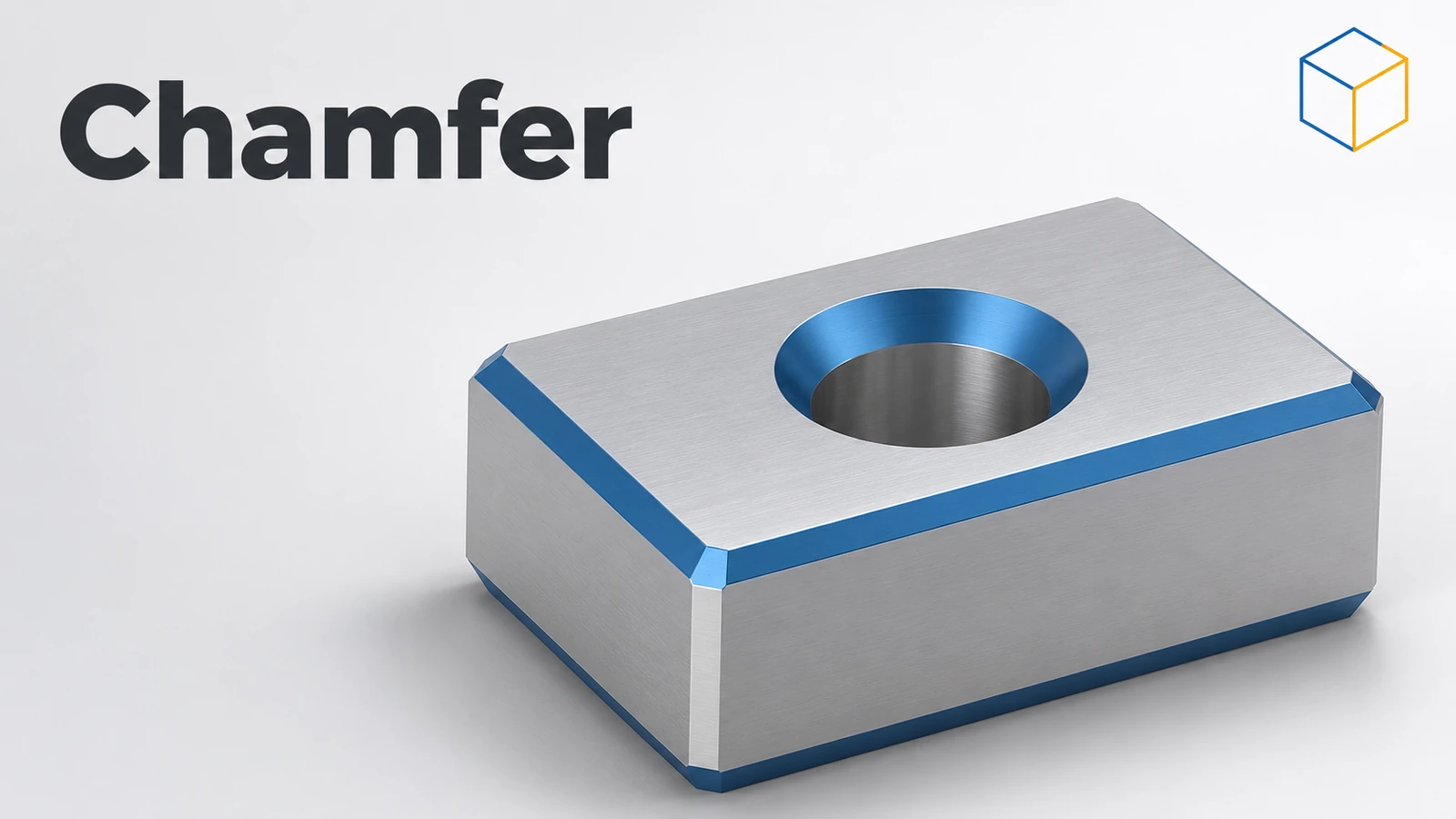
Chamfer bevels an edge with a flat cut instead of a round. Machined parts use chamfers to break sharp edges, give holes a lead-in and make assembly easier. Like Fillet it is an applied feature: pick edges, set the size, done. Since SOLIDWORKS 2017 its PropertyManager is laid out like Fillet's and offers Offset Face and Face-Face types.
 Kevin Walsh
Where to find it
Features tab → Fillet flyout → Chamfer
Chamfer types and options
| Type / option | What it does |
|---|---|
| Distance and angle | One leg length and an angle |
| Equal distance | Both legs the same length (45° on square edges) |
| Vertex | Chamfers a corner where three edges meet |
| Offset Face (2017+) | Offsets the adjacent faces; works on non-square edges; supports partial edges (2019+) |
| Face-Face (2017+) | Bevels between two faces, with hold line and chord width options |
| Tangent propagation | Continues along tangent edges |
| Keep features | Stops the chamfer removing holes or bosses it would cut through |
For countersinks that appear correctly in drawings, use the Hole Wizard.
Step by step
-
1
Start with the block
Use the 80 × 50 × 20 mm block from the Fillet lesson (before filleting), or extrude a new one.
-
2
Open Chamfer
Open the Fillet flyout and click Chamfer.
-
3
Set an equal-distance chamfer
Set the distance to 5 mm and tick Equal distance, so both legs of the bevel are 5 mm.
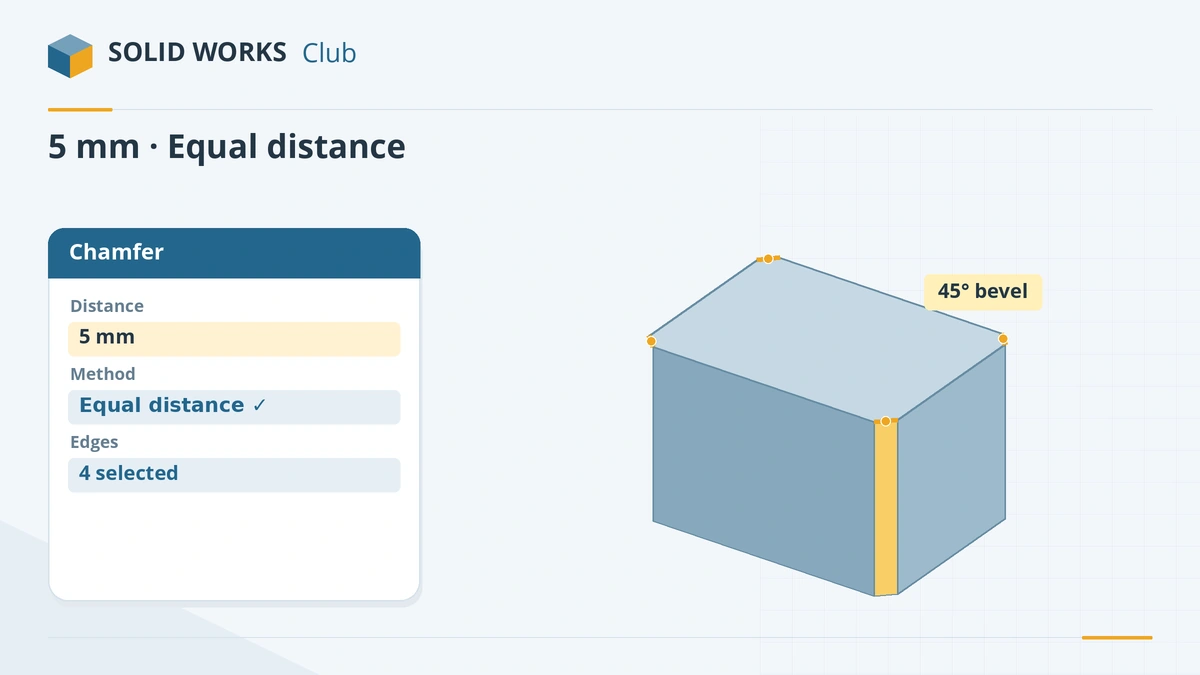
Equal distance gives a symmetric 45° bevel. -
4
Pick the edges and confirm
Click the four vertical edges and click the tick.
Common mistakes
- Tangent propagation carrying the chamfer further than you wanted, for example all around a slot. Clear it to chamfer a single edge.
- Mixing chamfers and fillets on the same edges early in the tree — add edge breaks last, like fillets.
- Clearing Keep features, so a chamfer swallows a nearby hole.
Lesson 7 of 18 in the features course.
Practice
Chamfer the four vertical edges of an 80 × 50 × 20 mm block, equal distance 5 mm. Check: volume 79,000 mm³ (each corner removes a 5 × 5 mm triangle, 20 mm long).
Sources
- SOLIDWORKS Help 2024 — Modify parameters: chamfers
- CATI — Offset Face chamfer (2017)
- TriMech — SOLIDWORKS 2017 chamfer enhancements
- GoEngineer — Partial chamfers and fillets explained
- CATI — Chamfer a single slot edge
- Hawk Ridge — Features basics in SOLIDWORKS
Checked November 2026. SOLID WORKS Club is independent; menu names can differ slightly between releases.
Frequently asked questions
How do I chamfer a hole edge in SOLIDWORKS?
+
Pick the circular edge of the hole with Chamfer and set the distance and angle. For standard countersinks, the Hole Wizard Countersink type is better because it appears in the hole callout.
Can I chamfer only part of an edge?
+
Yes, since SOLIDWORKS 2019 with the partial edge option of the Offset Face chamfer type.
What is an Offset Face chamfer?
+
A chamfer type added in 2017 that offsets the neighbouring faces and cuts along their virtual intersection. It handles edges between faces that are not at 90°.
Can I change a fillet into a chamfer?
+
Yes, since SOLIDWORKS 2017 a fillet can be converted to a chamfer and back by editing the feature.
Related
- SOLIDWORKS FilletHow to use Fillet in SOLIDWORKS: constant, variable, face and full round fillets, profiles, tangent propagation, FilletXpert and why fillets fail.
- SOLIDWORKS Hole WizardHow to use the SOLIDWORKS Hole Wizard: hole types, standards, sizes and fit, the Type and Positions tabs, cosmetic threads, slots, favourites and Advanced Hole.
- SOLIDWORKS ShellHow to use Shell in SOLIDWORKS to hollow a part: faces to remove, wall thickness, shell outward, multi-thickness walls, and what to do when the shell fails.
- SOLIDWORKS Extruded CutHow to use Extruded Cut in SOLIDWORKS: sketch on a face, choose Blind or Through All, flip side to cut, open-profile cuts, and when to use Hole Wizard.