Tools
Can my PC run SOLIDWORKS?
Choose your SOLIDWORKS version, operating system, processor, memory, graphics card, drive and the kind of work you do. The checker compares your setup with the official SOLIDWORKS requirements and tells you what is fine, what will hold you back and what is not supported.
 Kevin Walsh
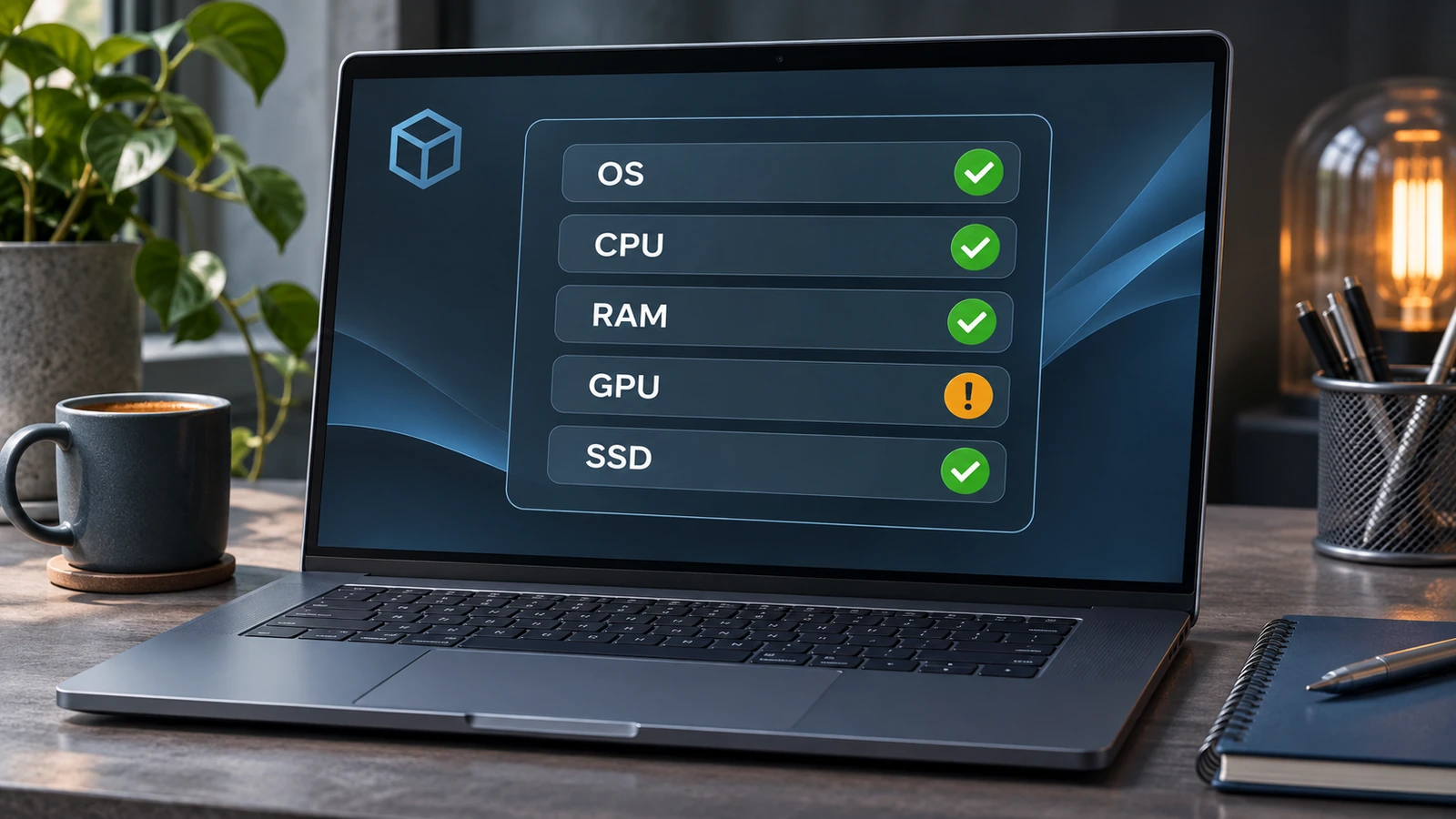
How the checker grades your PC
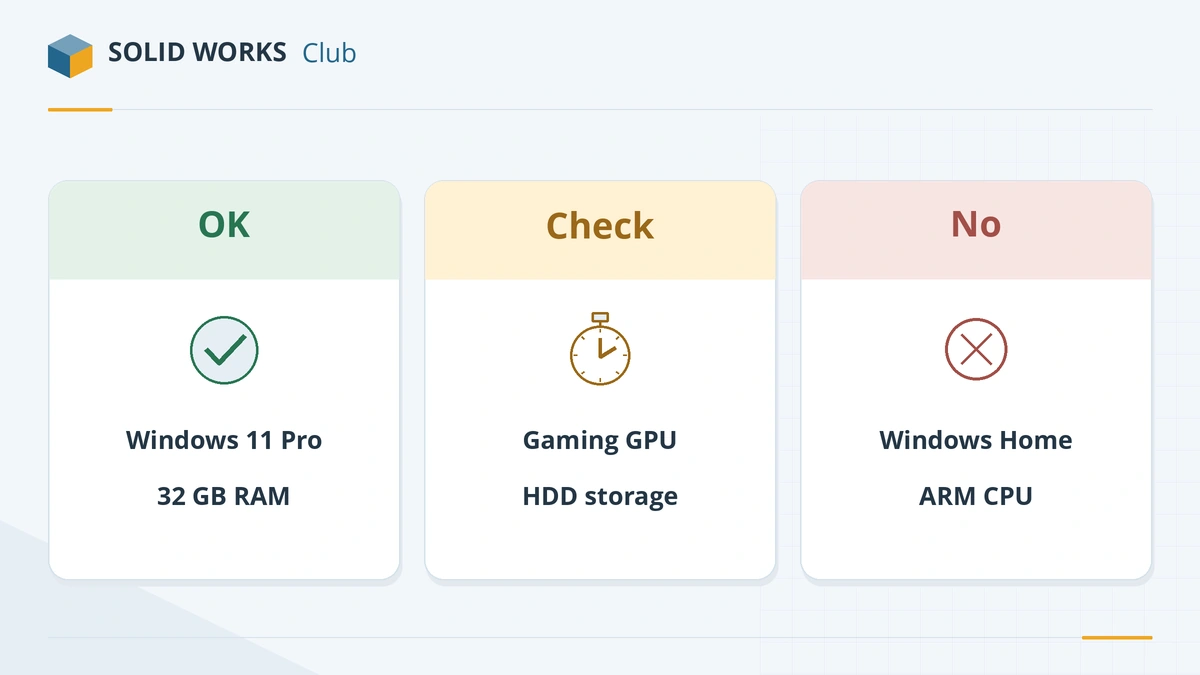
| Item | Green | Amber | Red |
|---|---|---|---|
| Operating system | Windows 11 Pro, Enterprise or Education | Windows 10 with SOLIDWORKS 2025; Mac with Parallels | Windows Home, Windows 10 with 2026+, Linux, ARM laptops |
| Processor | Recent high-clock Intel or AMD | Mid-range CPU for heavy work; old CPUs | — |
| Memory | 32 GB or more | 16 GB for large assemblies or simulation | Under 16 GB |
| Graphics | Professional NVIDIA or AMD card; certified integrated GPU for light work | Gaming card; integrated graphics for large assemblies | — |
| Storage | NVMe or SATA SSD | Hard disk | — |
The rules follow the official system requirements. Where the official page is silent — processor speed, for example — we use the guidance in our CPU and graphics card guides.
If something is amber or red
- Windows Home or Windows 10: see SOLIDWORKS on Windows 11.
- Mac: see SOLIDWORKS on Mac and the Apple silicon guide.
- Not enough memory: see how much RAM SOLIDWORKS needs.
- Gaming or integrated graphics: see the best GPU for SOLIDWORKS.
- Buying new: start with the best laptops for SOLIDWORKS or a desktop PC build.
Frequently asked questions
How do I find my PC's specs?
+
In Windows, open Settings → System → About for the processor, memory and Windows edition. Open Task Manager → Performance → GPU for the graphics card. If SOLIDWORKS is installed, SOLIDWORKS Rx → Diagnostics shows the graphics card and driver.
Is the checker an official SOLIDWORKS tool?
+
No. It is our own tool, based on the official requirements page. For certified graphics drivers, always confirm on the SOLIDWORKS hardware certification page.
Does the checker store my answers?
+
No. It runs entirely in your browser and sends nothing anywhere.
Related
- SOLIDWORKS system requirements (2025–2027)Official SOLIDWORKS system requirements for 2025–2027 — Windows 11, 16 GB RAM minimum, 32 GB recommended, x86_64 CPU, certified graphics card and an SSD.
- SOLIDWORKS certified graphics cards and driversWhich graphics cards are certified for SOLIDWORKS 2026, why GeForce cards are not, how to find the certified driver for your card, and what RealView needs.
- How much RAM does SOLIDWORKS need?SOLIDWORKS needs 16 GB of RAM minimum and 32 GB is recommended. How to size memory for your largest assembly, when 64 or 128 GB pays off, and ECC.
- Best laptops for SOLIDWORKS in 2026The best laptops for SOLIDWORKS in 2026 — certified Dell, HP and Lenovo mobile workstations by tier, with CPU, RTX PRO GPU and RAM options, and what to avoid.