Errors & Fixes
SOLIDWORKS file saved in a newer version — how to open it
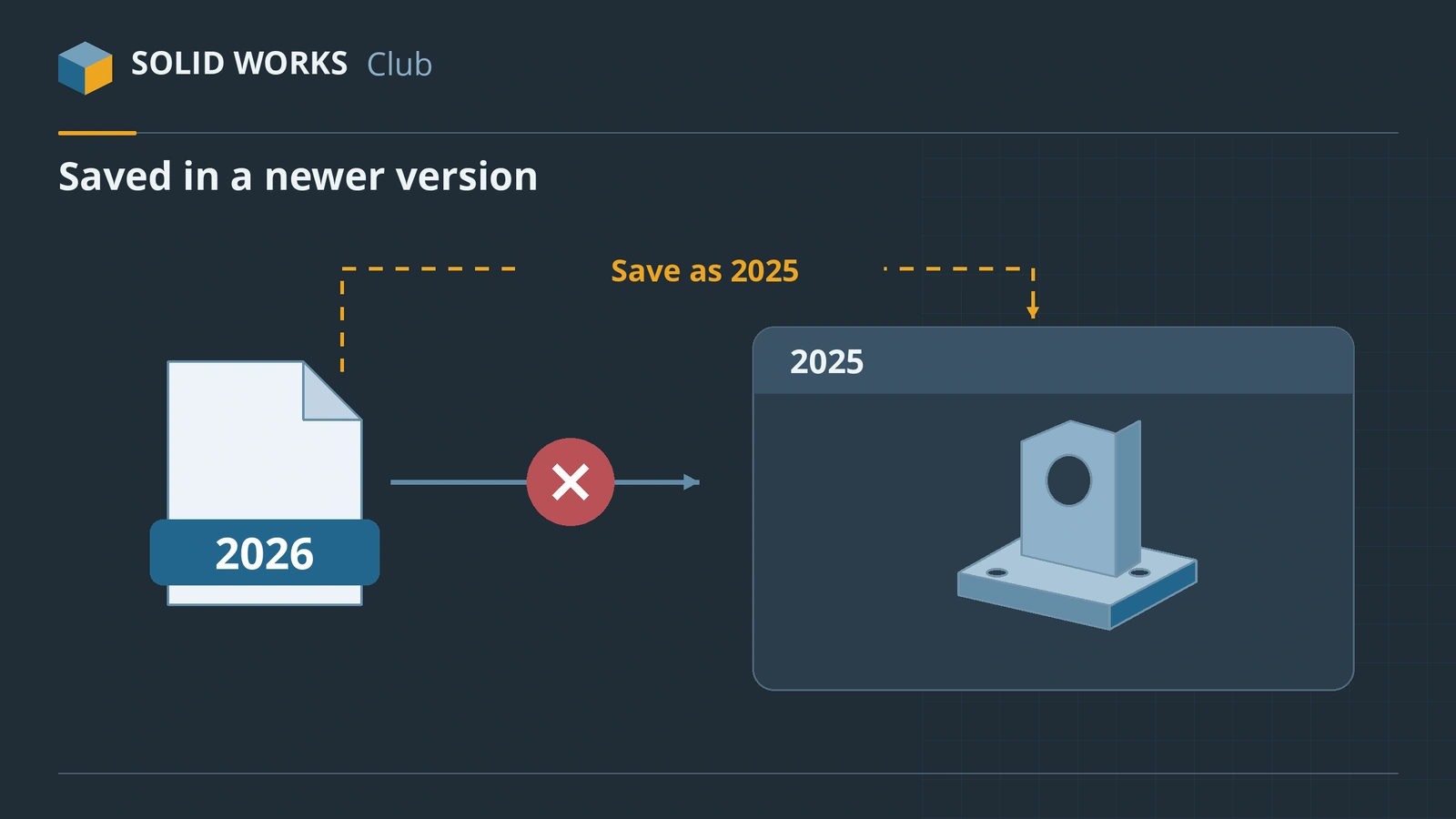
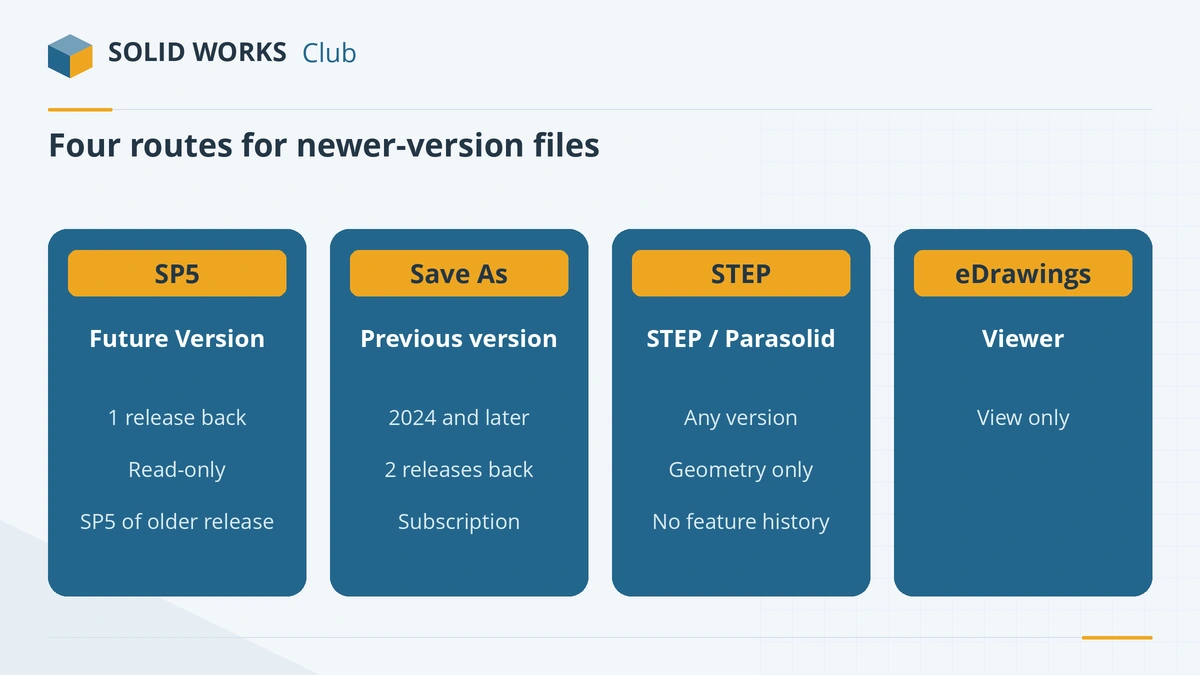
SOLIDWORKS can always open files from older versions, but an older SOLIDWORKS cannot normally open a file saved in a newer one. You have four ways round it: open it read-only in Future Version mode (only one release back, and only on SP5), ask the sender to save it back to your version (possible from SOLIDWORKS 2024), exchange a neutral format such as STEP or Parasolid, or just view it in the free eDrawings Viewer.
 Kevin Walsh
Applies to: Files from SOLIDWORKS 2024–2027 opened in an older release.
Most likely causes
- The sender uses a newer major release than you (always)
- Your release is one year older but not on SP5 (Future Version mode unavailable)
- Your release is two or more years older (needs save-back or STEP)
Which option fits?
| Your version vs the file | Edit features? | Best option |
|---|---|---|
| One release older, on SP5 | No (read-only) | Future Version mode |
| One or two releases older, sender on 2024+ with subscription | Yes | Save As previous version |
| Three or more releases older | Geometry only | STEP or Parasolid |
| Any — you only need to look | No | eDrawings Viewer |
The exact wording of the message differs between releases; it always says the file was saved in a newer version. Our compatibility checker applies these rules for any two releases from 2020 onwards.
If you send files to customers on older versions
- Ask which release they use before you start a project.
- Save back with Save As (2024+) or send STEP AP214 with colours — see convert to STEP.
- Saving back works only once per file: keep your original in the newer version.
Fixes, in order
1. Check how far apart the versions are
Find which release saved the file — the sender can tell you, or see how to check a file's version. Then use the version compatibility checker to see which option works for your pair of versions.
2. One year older on SP5 — open in Future Version mode
On the SP5 service pack of the previous release you can open files from the next release (for example SOLIDWORKS 2025 SP5 opens 2026 files). The tree shows Future version file. You can mate the part, pattern it, include it in BOMs, check interference, measure, get mass properties and make drawings of it — but you cannot edit or add features, and you cannot open drawings saved in the newer version.
3. Ask the sender to save it to your version
From SOLIDWORKS 2024, File → Save As offers previous releases — up to two years back (a 2026 user can save to 2025 or 2024). Assemblies and drawings save their referenced files too, and it also works in Pack and Go. It needs an active subscription; the Previous Release Check lists features that newer releases have but yours does not, and some simulation or add-in data may not come across.
4. Exchange a neutral format
For bigger gaps, or without subscription, ask for STEP (AP203/AP214), Parasolid (.x_t) or IGES. You get solid bodies without the feature history; FeatureWorks can recognise some features again. See how to convert to STEP.
5. Only need to look at it? Use eDrawings
The free eDrawings Viewer opens SOLIDWORKS parts, assemblies and drawings for viewing, measuring and markup — see eDrawings and open SOLIDWORKS files without SOLIDWORKS. Install the newest eDrawings to view the newest files.
6. Upgrade
If you get newer files regularly and have subscription, installing the current release is the simplest fix. What changed between releases is in SOLIDWORKS versions.
Sources
- GoEngineer — Open future version files in SOLIDWORKS (Apr 2024)
- SOLIDWORKS blog — SOLIDWORKS backwards compatibility (Sep 2025)
- Javelin — How to save previous version files (Jun 2026)
- Javelin — Exporting files for older SOLIDWORKS releases (Mar 2025)
- SOLIDWORKS Tech Blog — Understanding file compatibility
Checked November 2026. SOLID WORKS Club is independent; menu names can differ slightly between releases.
Frequently asked questions
Can I open a SOLIDWORKS 2026 file in 2025?
+
Only read-only, and only if you have SOLIDWORKS 2025 SP5, which opens 2026 files in Future Version mode. To edit it, the sender can save it as a 2025 file from SOLIDWORKS 2026 (with an active subscription), or send a STEP or Parasolid file.
Can SOLIDWORKS save to an older version?
+
Yes, from SOLIDWORKS 2024: File → Save As lets you choose up to two earlier releases. Older releases could not save back; you had to use STEP, Parasolid or IGES.
What is a future version file?
+
A file from the next SOLIDWORKS release opened in SP5 of the previous release. It works as a read-only body you can mate and measure, but you cannot change its features.
Will STEP keep my feature tree?
+
No. STEP, Parasolid and IGES carry the geometry only. The receiver gets solid or surface bodies without features, sketches or configurations.
Related
- SOLIDWORKS version compatibility: will my file open?Check whether a SOLIDWORKS file opens in another version. Save as previous version (2024+), Future Version mode and STEP explained, with a free checker.
- How to export SOLIDWORKS to STEPHow to save a SOLIDWORKS part or assembly as STEP, which AP version to choose (AP203, AP214, AP242), exporting components separately, and pitfalls.
- eDrawings: the free SOLIDWORKS file viewerWhat eDrawings is, how to get the free Viewer for Windows, Mac, iPhone and Android, what it opens, what Professional adds and how to publish eDrawings files.
- SOLIDWORKS versions and the latest releaseThe latest SOLIDWORKS version is 2026 (2027 is in pre-release). Every release from 2020 to 2027 with dates, Windows support and end of support.