Errors & Fixes
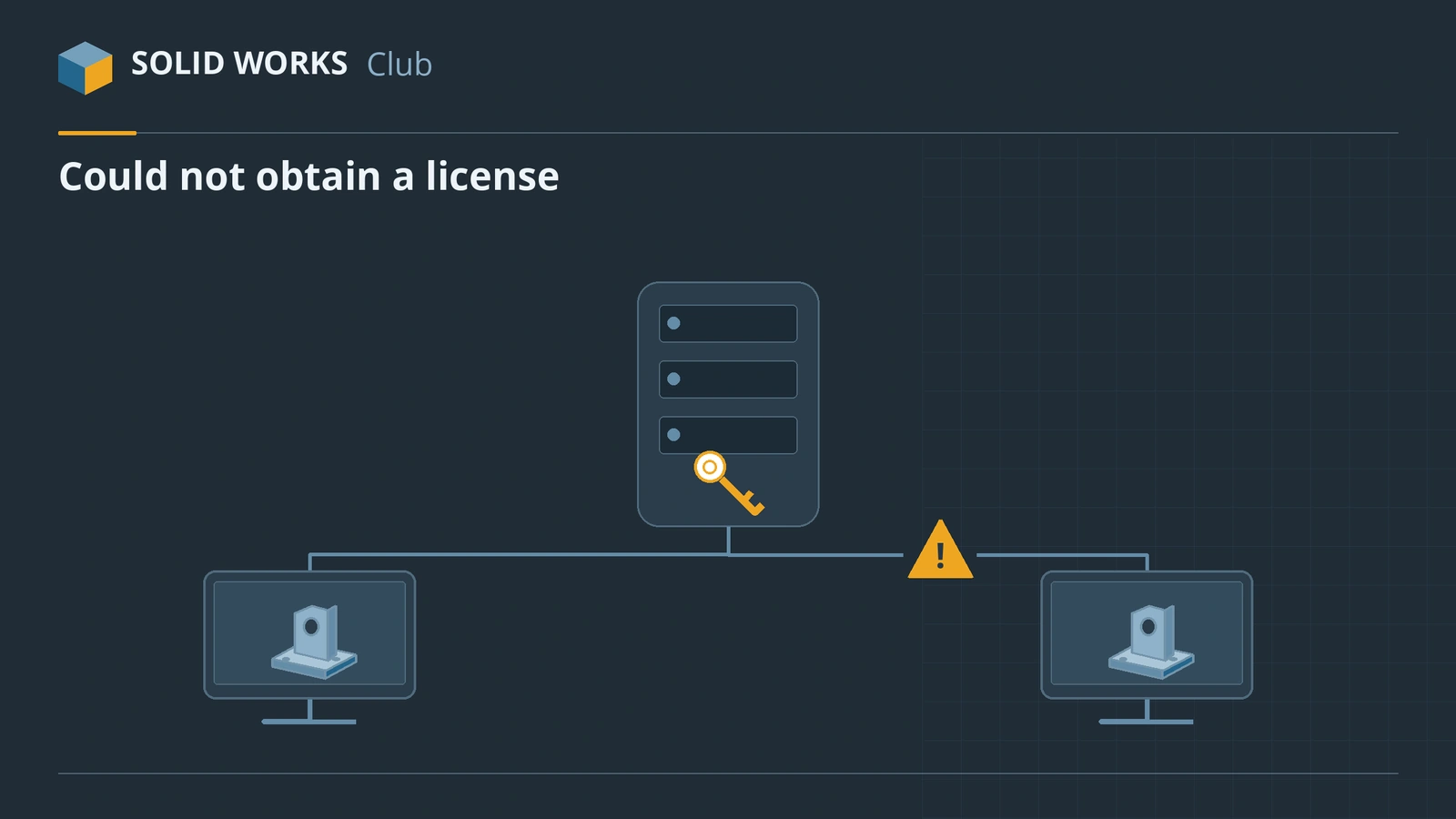
SOLIDWORKS license errors — could not obtain a license
How you fix a license error depends on the license you have. A standalone license is activated on one computer. A network license (SolidNetWork License, SNL) is borrowed from a license server every time SOLIDWORKS starts. A 3DEXPERIENCE SOLIDWORKS license is tied to your 3DEXPERIENCE ID. Most "could not obtain a license" errors on networks come down to three things: the server is older than the client, the ports are blocked, or the licenses were not reactivated.
 Kevin Walsh
Applies to: SOLIDWORKS 2022–2027 standalone and SolidNetWork licenses; 3DEXPERIENCE licenses noted separately.
Most likely causes
- Client SOLIDWORKS is newer than the SolidNetWork License Manager (most common after upgrades)
- Firewall blocks TCP ports 25734 and 25735 (or lmgrd.exe / sw_d.exe) (common)
- License service stopped, or wrong server name in the client (common)
- Licenses not reactivated after renewal or the yearly reactivation (common)
- All network seats in use (busy offices)
- Damaged local license data (FlexNet folder) (occasional)
Which license do you have?
| License | How it works | Where errors come from |
|---|---|---|
| Standalone (serial number) | Activated on one PC | Activation, moving PCs, yearly reactivation |
| SolidNetWork (SNL) | Seats borrowed from a server | Server version, ports, service, seat count |
| 3DEXPERIENCE SOLIDWORKS | Role on your 3DEXPERIENCE ID | Sign-in, role assignment, renewals |
Online licensing (SOLIDWORKS ID login, 2018–2021) no longer exists — it was retired on February 5, 2022. If you still see it in old instructions, ignore them.
Server version checklist
When you upgrade a network office to a new release:
- Upgrade the SolidNetWork License Manager on the server first.
- Reactivate the licenses on the server.
- Then upgrade the clients.
- Test one client before rolling out to everyone.
Licensing terms — perpetual, subscription, network — are explained on subscription vs perpetual. If SOLIDWORKS hangs on the splash screen while it looks for a license, it can look like a freeze; this page and not responding both apply.
Fixes, in order
1. Read the full message
The text after "Could not obtain a license" tells you the cause: cannot connect to license server (network or service), server doesn't support this request or newer than your license version (version mismatch), invalid (inconsistent) license key (license data after a renewal). The codes in brackets help your reseller. If it says activation, use the activation errors guide instead.
2. Make the license server the same version or newer
A SolidNetWork License Manager licenses its own release and older ones. A 2026 server cannot license 2027 clients. Upgrade the SNL Manager first, then the clients — and reactivate the licenses on the server after every upgrade.
3. Check that the server is reachable
From the client,
pingthe server. Then test the port in PowerShell:Test-NetConnection <server> -Port 25734. If ping works but the port does not, it is a firewall. If the name fails but the IP works, it is DNS — use the IP address in the client.4. Open the license ports
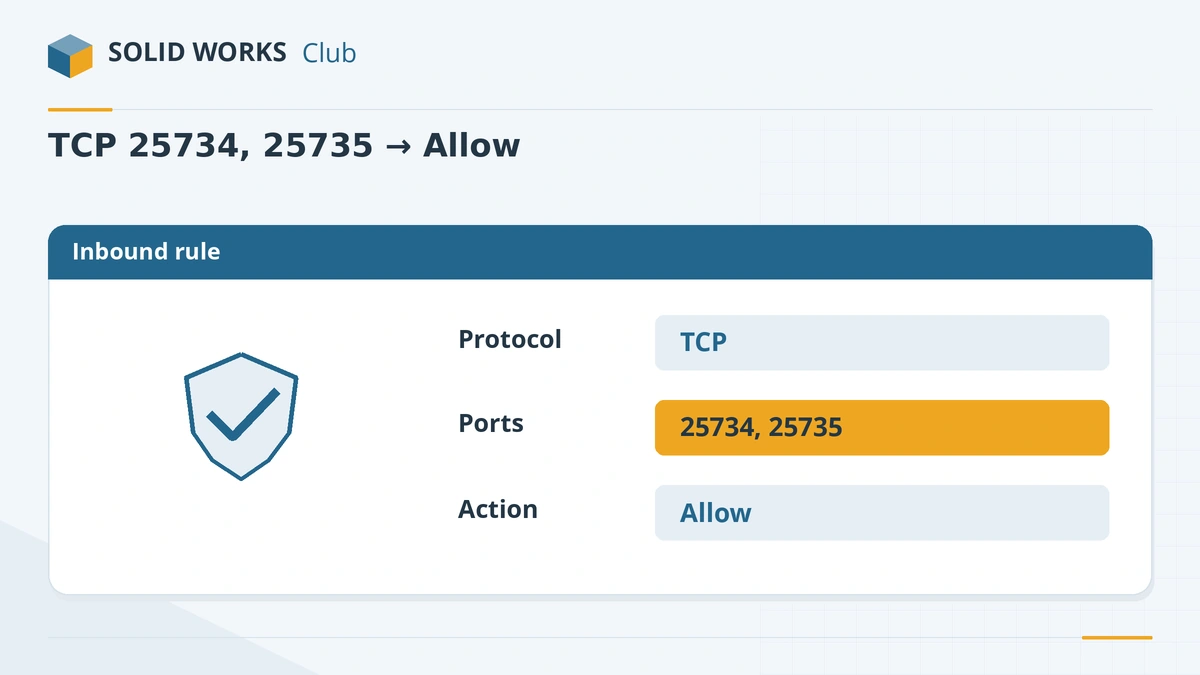
On the server: Windows Defender Firewall → Advanced Settings → Inbound Rules → New Rule → Port → TCP 25734, 25735 → Allow. Add the same as outbound rules, and allow
lmgrd.exeandsw_d.exe. When you activate the server, choose the option that says a firewall is in use so the vendor daemon uses a fixed port.5. Restart the license service
On the server open SolidNetWork License Manager Server → Server Administration, stop and start the service, and make sure the service starts automatically. On the client, check the server list in SolidNetWork License Manager Client (format
25734@servername) — run it as administrator if the change will not save.6. Reactivate the licenses
Since SOLIDWORKS 2022, licenses must be reactivated once a year, within 30 days of the anniversary of the last activation. On the server: Server Administration → Modify → Activate/Reactivate. After a renewal, invalid (inconsistent) license key errors are usually fixed by moving the licenses off and activating them again — ask your reseller if you are unsure.
7. Check how many seats are in use
SolidNetWork License Manager Server → License Usage shows who has a seat. A user who has SOLIDWORKS open on two PCs, or a crashed session that has not timed out, keeps a seat busy.
8. Standalone or 3DEXPERIENCE license
Standalone: run Help → Licenses → Activate and see activation errors. 3DEXPERIENCE SOLIDWORKS: there is no serial number or license server — sign in with your 3DEXPERIENCE ID and ask your platform administrator to check that your role is assigned. After a renewal, expired roles still assigned to users can cause license errors.
Sources
- SOLIDWORKS SolidPractices — Licensing information and troubleshooting (Jun 2025)
- SOLIDWORKS Tech Blog — Activation error messages (SNL)
- Hawk Ridge — This version of SOLIDWORKS is newer than your license version
- Javelin — SOLIDWORKS cannot connect to license server
- Javelin — SolidNetWork License Manager troubleshooting
- Hawk Ridge — SolidNetWork and activation errors
- Hawk Ridge — Invalid (inconsistent) license key
- CATI — Could not obtain a license for SOLIDWORKS Standard
- Javelin — Annual SOLIDWORKS license reactivation
- Hawk Ridge — 3DEXPERIENCE licensing errors after renewal
- Javelin — Understanding 3DEXPERIENCE SOLIDWORKS licenses
- SOLIDWORKS Tech Blog — Online licensing discontinuation
Checked November 2026. SOLID WORKS Club is independent; menu names can differ slightly between releases.
Frequently asked questions
What ports does SolidNetWork License use?
+
TCP 25734 and 25735 by default. Open them in the firewall on the server (inbound and outbound), and allow lmgrd.exe and sw_d.exe.
Can a 2026 license server run SOLIDWORKS 2027?
+
No. The SolidNetWork License Manager must be the same release as the clients or newer. Upgrade the server first, then reactivate the licenses.
Does SOLIDWORKS still have online licensing?
+
No. The online licensing option introduced in SOLIDWORKS 2018 was discontinued on February 5, 2022. Use standalone activation, a SolidNetWork license, or a 3DEXPERIENCE SOLIDWORKS license.
Why does my license need reactivating every year?
+
Since SOLIDWORKS 2022, standalone and network licenses must be reactivated once a year, within 30 days of the anniversary of the last activation. SOLIDWORKS reminds you when it is due.
Related
- SOLIDWORKS activation errors — how to fix themFix SOLIDWORKS activation errors: activation count exceeded, server unreachable or empty response. How to deactivate, transfer and activate by email.
- SOLIDWORKS installation errors and how to fix themFix SOLIDWORKS Installation Manager errors: pending reboot, cannot connect, additional files needed, 1722 and 1603, and where to find the install logs.
- SOLIDWORKS subscription vs perpetual licenseShould you rent SOLIDWORKS yearly or buy a perpetual license? 2026 costs, the break-even point, what maintenance includes and what happens if it lapses.
- SOLIDWORKS not responding or freezing — how to fix itSOLIDWORKS freezing or showing "Not Responding"? Find the cause with SOLIDWORKS Rx safe modes, then fix drivers, settings, add-ins and network files.