Errors & Fixes
SOLIDWORKS not responding or freezing — how to fix it
When the SOLIDWORKS title bar says "(Not Responding)", Windows has noticed that the program has stopped answering. Sometimes it is still working — a big rebuild, a save over a slow network — and comes back. If it freezes again and again, the cause is usually the graphics driver, damaged settings, an add-in, or files opened from a network or cloud folder. Work through the fixes below in order; the first five cost nothing.
 Kevin Walsh
Applies to: SOLIDWORKS 2022–2027 on Windows 10 and 11. Menu names are from 2025–2026.
Most likely causes
- Graphics card or driver not certified, or replaced by Windows Update (most common)
- Laptop running SOLIDWORKS on integrated instead of dedicated graphics (common on laptops)
- Damaged settings (registry) after an upgrade or settings import (common)
- Low memory or too many open documents (GDI objects) (large assemblies)
- Antivirus scanning SOLIDWORKS files and processes (occasional)
- Files opened from a network drive, PDM vault or OneDrive/Dropbox folder (occasional)
- A slow or broken add-in (occasional)
First: is it one file or every file?
Before changing anything, answer two questions. They point to the cause faster than any tool.
| What you see | Most likely cause | Jump to |
|---|---|---|
| Freezes with every file, even a new part | Graphics driver, settings, add-in or install | Fixes 3–7 |
| Freezes only with one big assembly | Memory, large-assembly settings, rebuild | Slow performance, low memory |
| Freezes when opening or saving | Network drive, VPN, OneDrive/Dropbox, antivirus | Fixes 8 and 10 |
| Hangs on the splash screen | Licensing, add-ins, settings, graphics | License errors, fix 6 |
| Freezes then closes with an error report | A crash, not a hang | SOLIDWORKS crashing |
| Started after a Windows or driver update | Driver replaced by Windows Update | Fix 4 |
Also try the same file on a colleague's PC. If it freezes there too, the file (or its references) is the problem; if not, the problem is your computer.
Use SOLIDWORKS Rx to narrow it down
SOLIDWORKS Rx is installed with SOLIDWORKS. Its two safe modes switch off one suspect at a time, so you know which fix to use:
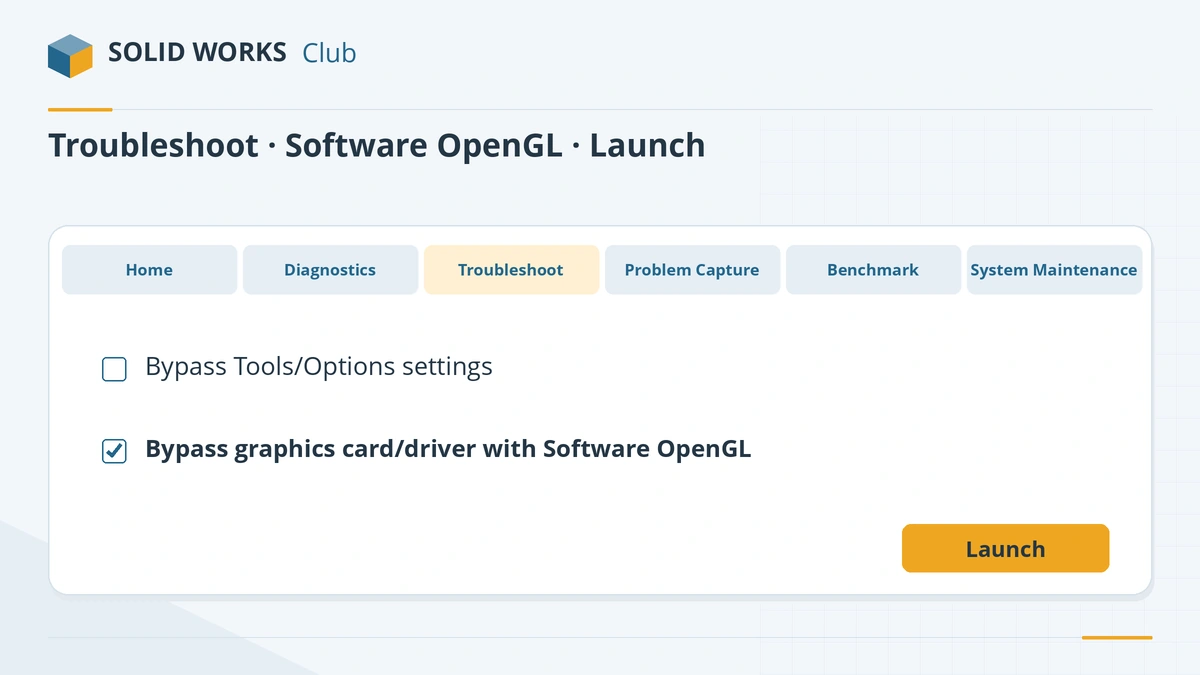
- Software OpenGL — the processor draws the screen instead of the graphics card. Freezes gone? Blame the card or driver.
- Default settings — SOLIDWORKS starts without your saved options. Freezes gone? Blame your settings.
If neither safe mode helps, the cause is more likely the files, memory, an add-in or the installation itself. The Rx Diagnostics tab also flags an out-of-date driver or a missed restart with a warning icon.
Prevent it from coming back
- Stay on a certified graphics card and its recommended driver, and stop Windows Update from swapping it.
- Give big assemblies enough memory — 32 GB is the recommended amount in the official requirements.
- Work on local copies or in PDM, not in a sync folder.
- Install the latest service pack: the crash report dialog can point you to the release that fixes a known problem.
- Check that your PC meets the system requirements for your version.
Fixes, in order
1. Wait two minutes, then check Task Manager
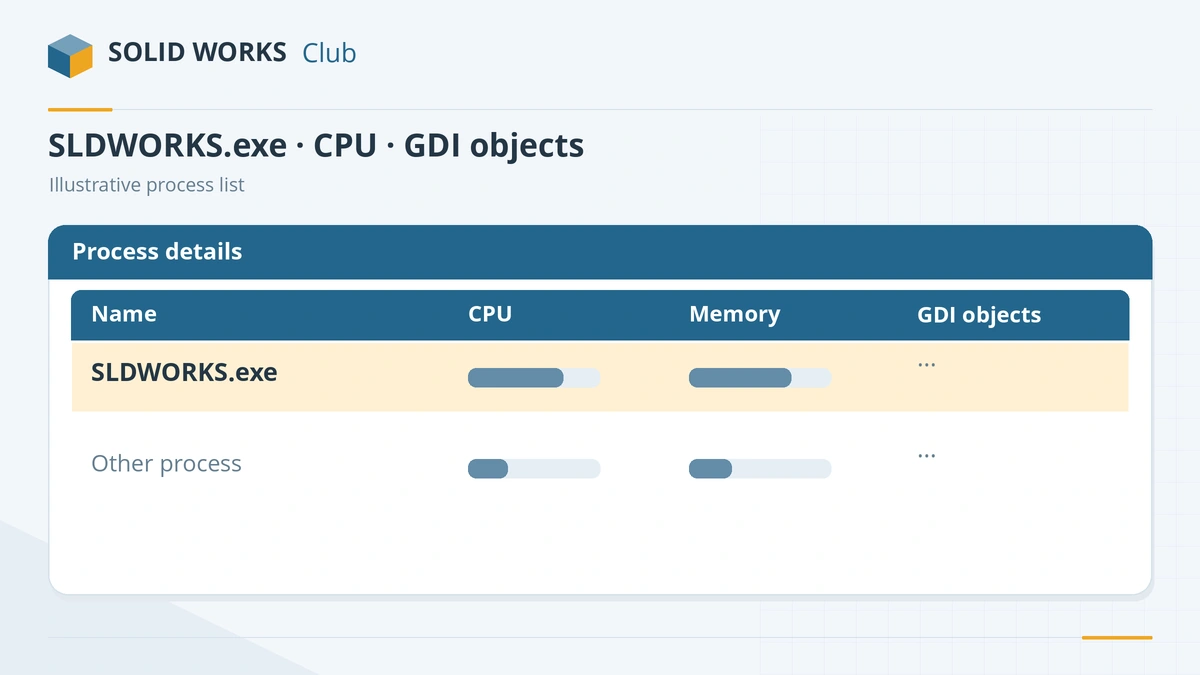
Open Task Manager (Ctrl + Shift + Esc). If SLDWORKS.exe still uses CPU or disk, it is working — let it finish. If CPU is near 0% and the window stays frozen, end the task. Before you start again, check that no SLDWORKS.exe process is left running; a leftover process also causes the journal file warning on the next start.
2. Restart Windows properly
Use Restart, not Shut down — with Fast Startup on, Shut down does not clear everything. SOLIDWORKS Rx shows when the PC was last restarted on its Diagnostics tab; resellers ask for a restart within the last 48 hours before they troubleshoot.
3. Test with Software OpenGL (graphics safe mode)
Open SOLIDWORKS Rx from the Start menu. In 2026 and later, go to the Troubleshoot tab, tick Bypass your graphics card/driver with Software OpenGL and launch. In 2025 and older the link is on the Home tab. If the freezes stop, the graphics card or driver is the cause — go to the next fix. Software OpenGL is only a test; it is much slower and turns off RealView.
4. Install the certified graphics driver
Note your card and driver on Rx Diagnostics, then look them up on the hardware certification page and download the Recommended Driver for your SOLIDWORKS version. In the NVIDIA or AMD installer choose Custom → clean installation. To stop Windows Update replacing it, see unsupported graphics card. Not sure your card is suitable? Check our graphics card guide.
5. On a laptop, force the dedicated graphics card
Windows 11: Settings → System → Display → Graphics, add
SLDWORKS.exe, choose High performance and restart. With NVIDIA you can also set High-performance NVIDIA processor for SOLIDWORKS in NVIDIA Control Panel → Manage 3D Settings → Program Settings. Plug external monitors into ports wired to the dedicated card.6. Test with default settings
In Rx, launch with your settings bypassed (Default Settings safe mode). If SOLIDWORKS works, your saved settings are the cause. Reset them: in 2023 and later open the Copy Settings Wizard and choose Reset Settings (save a backup first). Resetting clears menus, toolbars, custom shortcuts and file locations.
7. Turn off add-ins you do not need
Tools → Add-Ins. The Last Load Time column shows how long each add-in takes to start; anything well over a second deserves a look. Untick add-ins in both columns (active now and at start-up), restart and test. Add them back one by one to find the culprit.
8. Copy the files to a local drive and test
If the freeze happens only with certain files, copy them (with Pack and Go for assemblies) to a local folder such as
C:\Workand open them there. If it is fast locally, the network, VPN or sync client is the problem. Cloud sync clients that are not CAD-aware can lock a file in the middle of a save; pause sync while you work, or use PDM.9. Clean temp files and check memory
Rx System Maintenance → Start Maintenance cleans the SOLIDWORKS backup and temp folders and the Windows temp folder. If you see a low-resources warning before the freeze, follow the low memory guide.
10. Exclude SOLIDWORKS from antivirus, then repair the installation
Ask IT to exclude SLDWORKS.exe and the other SOLIDWORKS processes and data folders from real-time scanning. If nothing above helps, repair the install: Control Panel → Programs and Features → SOLIDWORKS → Change → Repair your installation, then restart. Still freezing? Record it with Rx Problem Capture and send the zip to your reseller — see SOLIDWORKS crashing.
Sources
- Javelin — How to use SOLIDWORKS Rx (Sep 2026)
- GoEngineer — SOLIDWORKS Rx safe modes
- GoEngineer — Software OpenGL for SOLIDWORKS explained (Jan 2026)
- Javelin — SOLIDWORKS crash troubleshooting guide, part 2
- Solid Solutions — Why is SOLIDWORKS crashing?
- Hawk Ridge — SOLIDWORKS crashes or hangs on the splash screen
- Solid Solutions — How to reset SOLIDWORKS to default settings
- Javelin — Slow SOLIDWORKS startup (add-in load times)
- SPK — Slow SOLIDWORKS performance: general troubleshooting
- GoEngineer — Cloud file management recommendations (Oct 2025)
- Hawk Ridge — Antivirus recommendations for SOLIDWORKS
- Hawk Ridge — How to repair SOLIDWORKS
- Hawk Ridge — Set SOLIDWORKS to use the dedicated graphics card
- GoEngineer — Top three causes of the SOLIDWORKS journal file warning
- SOLIDWORKS hardware certification (graphics cards and drivers)
Checked November 2026. SOLID WORKS Club is independent; menu names can differ slightly between releases.
Frequently asked questions
Why does SOLIDWORKS keep saying Not Responding?
+
Windows shows "Not Responding" when a program stops answering for a few seconds. In SOLIDWORKS the usual causes are an uncertified or replaced graphics driver, damaged settings, an add-in, low memory, or files opened over a slow network or cloud sync folder.
Should I wait or end the task?
+
Check Task Manager. If SLDWORKS.exe is still using CPU or disk, it is probably finishing a rebuild or save — wait. If it uses almost no CPU for several minutes, end the task and check the auto-recover folder for your work.
Does Software OpenGL fix SOLIDWORKS freezing?
+
It is a diagnostic, not a fix. If SOLIDWORKS stops freezing in Software OpenGL mode, the graphics card or driver is at fault; install the certified driver and switch Software OpenGL off again.
Can OneDrive make SOLIDWORKS freeze?
+
Yes. Resellers report that sync clients which are not CAD-aware can lock files during a save and cause random crashes or corrupt files. Work from a local folder or a PDM vault instead.
Related
- SOLIDWORKS keeps crashing — causes and fixesSOLIDWORKS crashing on start-up or while you work? Recover your file, read the crash logs, test with Rx safe modes and fix drivers, settings and installs.
- SOLIDWORKS running slow — how to speed it upSpeed up a slow SOLIDWORKS with Performance Evaluation, large assembly settings, lightweight mode, image quality, local files and the right graphics setup.
- Unsupported graphics card, RealView greyed out and display problemsSOLIDWORKS says your graphics card is unsupported, RealView is greyed out, or the screen goes black? Check certification, install the right driver, fix laptops.
- SOLIDWORKS low memory and low resources warnings"Available system memory is low" or "open document capacity is low" in SOLIDWORKS? What the Resource Monitor measures, GDI objects, and how to fix it.