Requirements & Hardware
SOLIDWORKS system requirements (2025–2027)
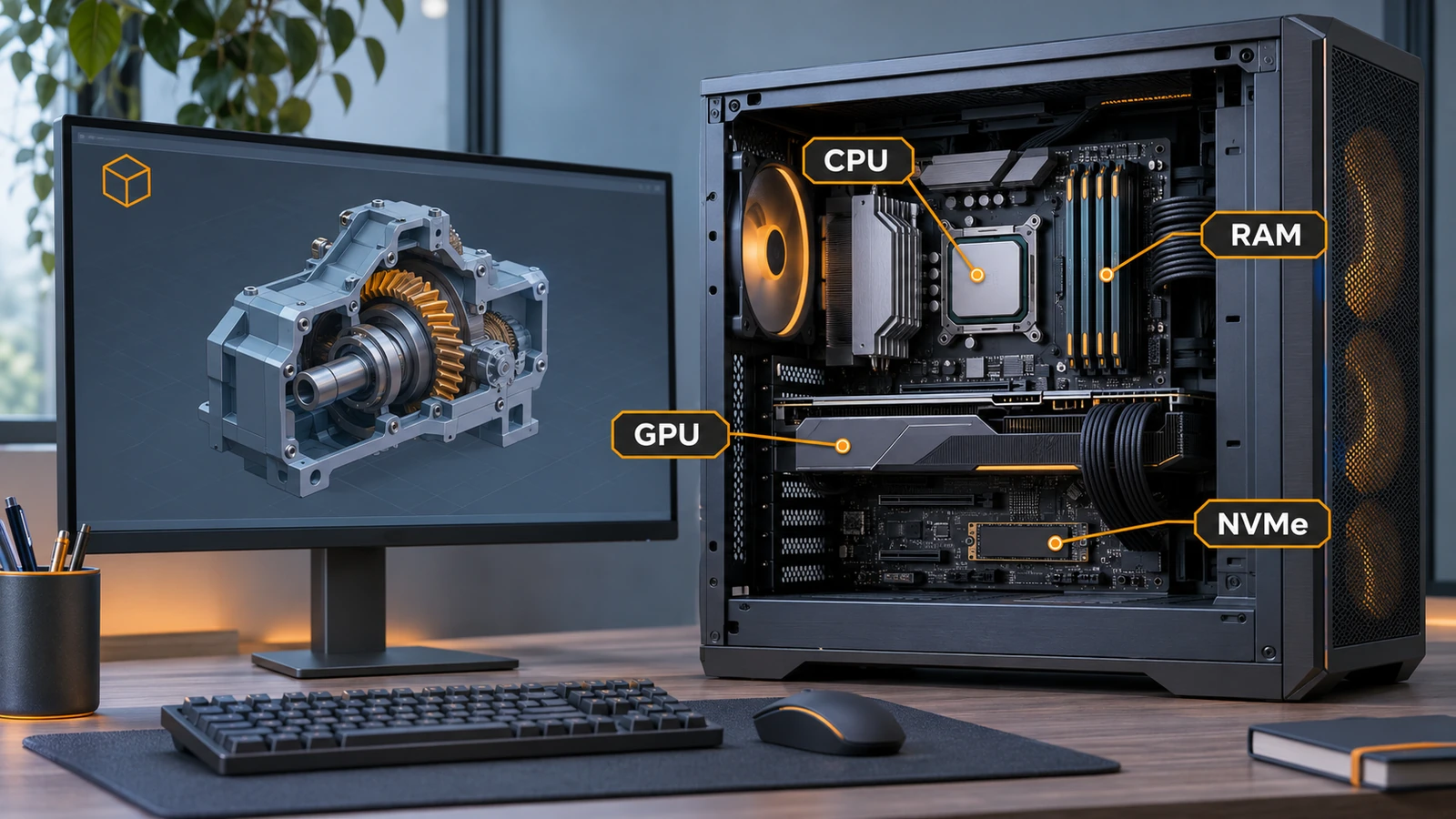
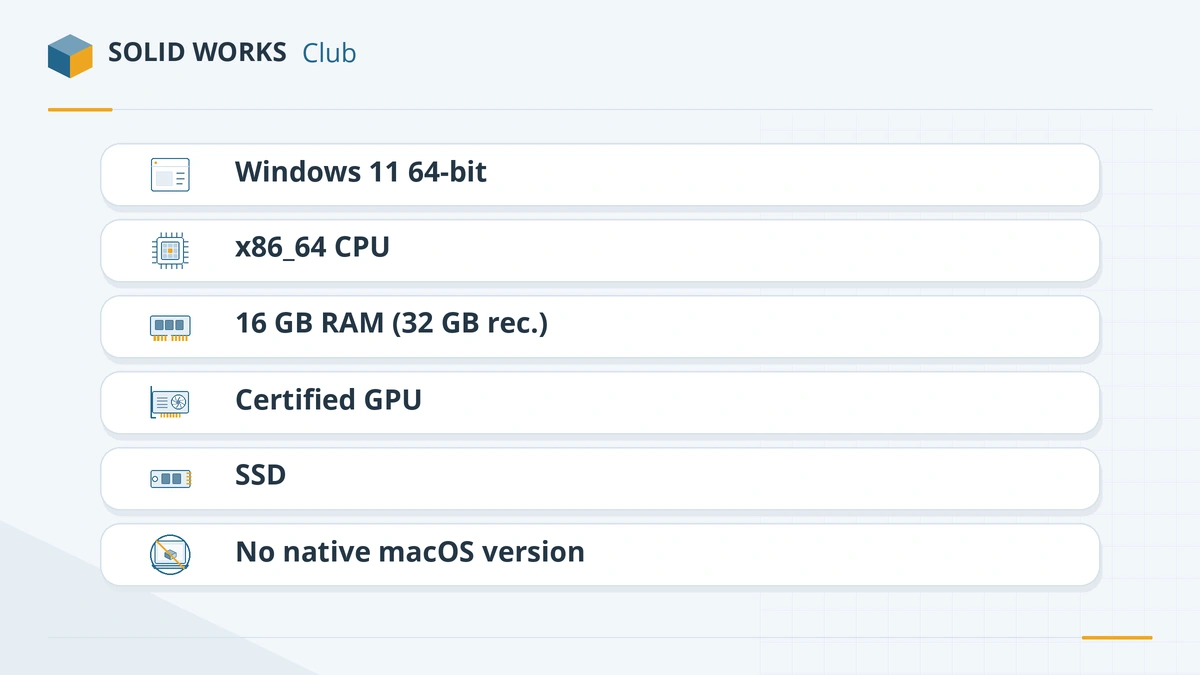
SOLIDWORKS 2026 needs 64-bit Windows 11 (not Home), an Intel 64 or AMD64 processor, at least 16 GB of RAM (32 GB recommended), a certified graphics card with a certified driver, and an SSD is recommended. SOLIDWORKS 2025 is the last version that also runs on Windows 10. There is no macOS or Linux version.
 Kevin Walsh
SOLIDWORKS requirements at a glance
| Component | Official requirement (2025–2027) | Our advice |
|---|---|---|
| Operating system | 64-bit Windows 11; Windows 10 only up to 2025 SP5 | Windows 11 Pro — Home editions are not supported |
| Processor | x86_64 processor (Intel 64 or AMD64) | High clock speed; see CPU guide |
| Memory | 16 GB minimum, 32 GB recommended | 32 GB; 64 GB for large assemblies — see RAM guide |
| Graphics | Card and driver from the certification list | Professional NVIDIA RTX or AMD Radeon PRO — see graphics cards |
| Storage | SSD recommended | NVMe SSD for the install and working files |
| Mac | Not supported natively; Boot Camp not supported | Parallels Desktop — see SOLIDWORKS on Mac |
| Linux | Not supported | VM or xDesign — see Linux |
Official values from the SOLIDWORKS system requirements page, checked 2026-11-06. The page gives no minimum clock speed, core count, disk space or screen resolution.
Operating systems by version
| SOLIDWORKS 2025 | SOLIDWORKS 2026 | SOLIDWORKS 2027 | |
|---|---|---|---|
| Windows 11 64-bit | Yes | Yes | Yes |
| Windows 10 64-bit | Yes (last release) | No | No |
| Windows Server 2025 | From SP3 | Yes | Yes |
| Windows Server 2022 | Yes | Yes | Yes |
| Windows Server 2019 | Through SP5 | No | No |
| Windows Home editions | No | No | No |
| macOS / Boot Camp | No | No | No |
Server versions matter for SOLIDWORKS PDM and the SolidNetWork License (SNL) Manager. Details for each release are in SOLIDWORKS 2026 requirements and SOLIDWORKS 2027 requirements.
Virtual machines
SOLIDWORKS supports specific hypervisor versions for each release:
| Hypervisor | 2025 | 2026 | 2027 |
|---|---|---|---|
| VMware vSphere ESXi | 8.0.3 U3 | 8.0.3 U3g | TBA |
| VMware Workstation | 17.6.0 | 17.6.4 | TBA |
| Microsoft Hyper-V | 2022 | 2025 | TBA |
| Parallels Desktop (Mac) | 20.2.0 | 26.0.1 | TBA |
| Citrix XenServer | TBA | TBA | TBA |
SOLIDWORKS and eDrawings need a GPU for good performance in a virtual machine, and SOLIDWORKS Composer is not supported in virtualised environments. Parallels Desktop is how most people run SOLIDWORKS on a Mac — see Apple silicon and Parallels.
Microsoft Office and SQL Server
- Office 2024 (64-bit recommended) is supported from 2025 SP3 and in 2026 and 2027; Office 2021 in 2025 and 2026. Office matters for design tables, BOM export and Excel-driven configurations.
- SQL Server 2025 is supported from 2026 SP0; SQL Server 2022 and 2019 (CU22) are also listed. This only affects PDM Professional and Electrical servers.
Check your own PC
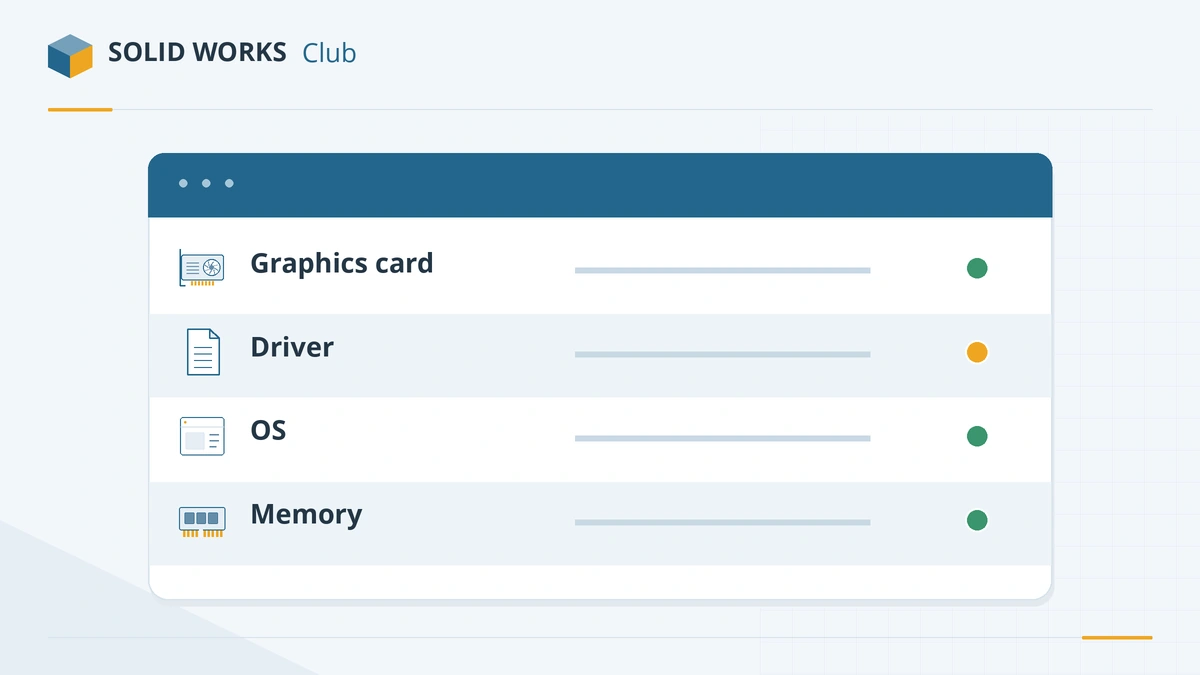
- Use our PC checker to compare your setup with the requirements in a few clicks.
- If SOLIDWORKS is installed, open SOLIDWORKS Rx → Diagnostics. It shows your graphics card and driver and links to the hardware certification page.
- On the certification page, pick your SOLIDWORKS version and graphics card. If no certified driver is listed for your card, choose a different card when you buy.
Antivirus and network notes
Dassault recommends a trusted, up-to-date antivirus and suggests exclusions for SOLIDWORKS file types and folders to speed up opening, saving and PDM check-in. VPNs are not tested or certified, and support for them is best-effort only.
Choosing hardware? Start with the hardware hub, then the best laptops for SOLIDWORKS or a desktop PC build.
Already installed but having problems? Start with the errors and fixes guides — for example SOLIDWORKS not responding or installation errors.
Ready to install? Follow how to install SOLIDWORKS.
Frequently asked questions
What are the minimum requirements for SOLIDWORKS?
+
For SOLIDWORKS 2025–2027: a 64-bit Windows 11 Pro or Enterprise PC (or Windows 10 for 2025 only), an x86_64 processor, 16 GB of RAM, a graphics card from the certification list and, ideally, an SSD. 32 GB of RAM is the official recommendation.
Can SOLIDWORKS run with 8 GB of RAM?
+
Not within the official requirements. 8 GB is the minimum only for lighter products such as SOLIDWORKS PDM Contributor or Viewer and Electrical Schematic; SOLIDWORKS itself needs 16 GB.
Does SOLIDWORKS run on Windows 11 Home?
+
It is not supported. The official requirements state that Windows Home editions are not supported, so use Windows 11 Pro, Enterprise or Education. Many laptops ship with Home, so check before you buy.
How much disk space does SOLIDWORKS need?
+
The official page gives no figure; it only recommends an SSD. Plan for tens of gigabytes for a full installation with add-ins and libraries, plus room for your files, and keep it on an SSD.
Does SOLIDWORKS need an internet connection?
+
The requirements page does not list one, but activation and many licence types need it. Named-user SOLIDWORKS Design licences sign in through the 3DEXPERIENCE platform, and the AI assistants and cloud services always need a connection.
Related
- Can my PC run SOLIDWORKS?Check your computer against the official SOLIDWORKS 2025–2027 requirements in seconds — Windows edition, CPU, RAM, GPU and drive — with a fix for each item.
- SOLIDWORKS certified graphics cards and driversWhich graphics cards are certified for SOLIDWORKS 2026, why GeForce cards are not, how to find the certified driver for your card, and what RealView needs.
- How much RAM does SOLIDWORKS need?SOLIDWORKS needs 16 GB of RAM minimum and 32 GB is recommended. How to size memory for your largest assembly, when 64 or 128 GB pays off, and ECC.
- SOLIDWORKS 2026 system requirementsSOLIDWORKS 2026 requirements — Windows 11 64-bit only, 16 GB RAM minimum, 32 GB recommended, a certified GPU, plus supported VMs, Office and SQL Server.