Tutorials
SOLIDWORKS drawings — 14 lessons
A drawing turns a 3D model into the 2D document that manufacturing, inspection and suppliers work from. SOLIDWORKS drawings are linked to the model: change the part and the views and dimensions update. The lessons follow the order you build a drawing in — views first, then dimensions and annotations, tolerances and GD&T, tables, the title block and sheet format, and finally export to PDF, DXF or DWG.
 Kevin Walsh
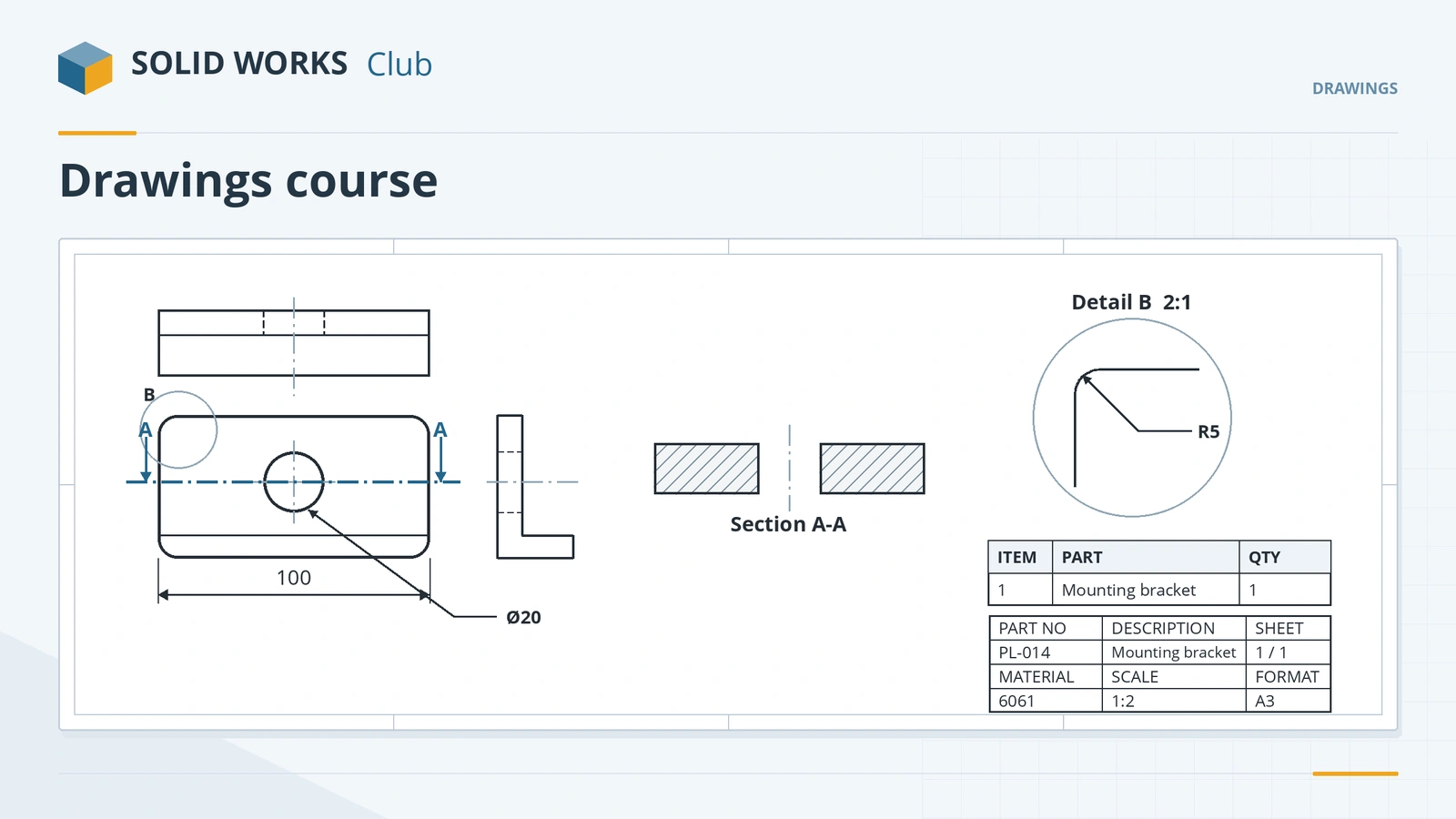
What the course covers
| Group | Lessons |
|---|---|
| Views | Drawing basics, standard and projected views, section, detail, broken-out and auxiliary views |
| Dimensions and notes | Dimensions, annotations, tolerances, GD&T |
| Tables | BOM and balloons |
| Sheets | Title blocks and templates, sheet formats |
| Output | PDF, DXF and DWG export |
Every lesson uses parts and assemblies from earlier courses, so make sure you have built the first part and the plate-and-pins assembly from the assemblies course. Drawing file details are on the SLDDRW reference page.
The 14 drawing lessons
-
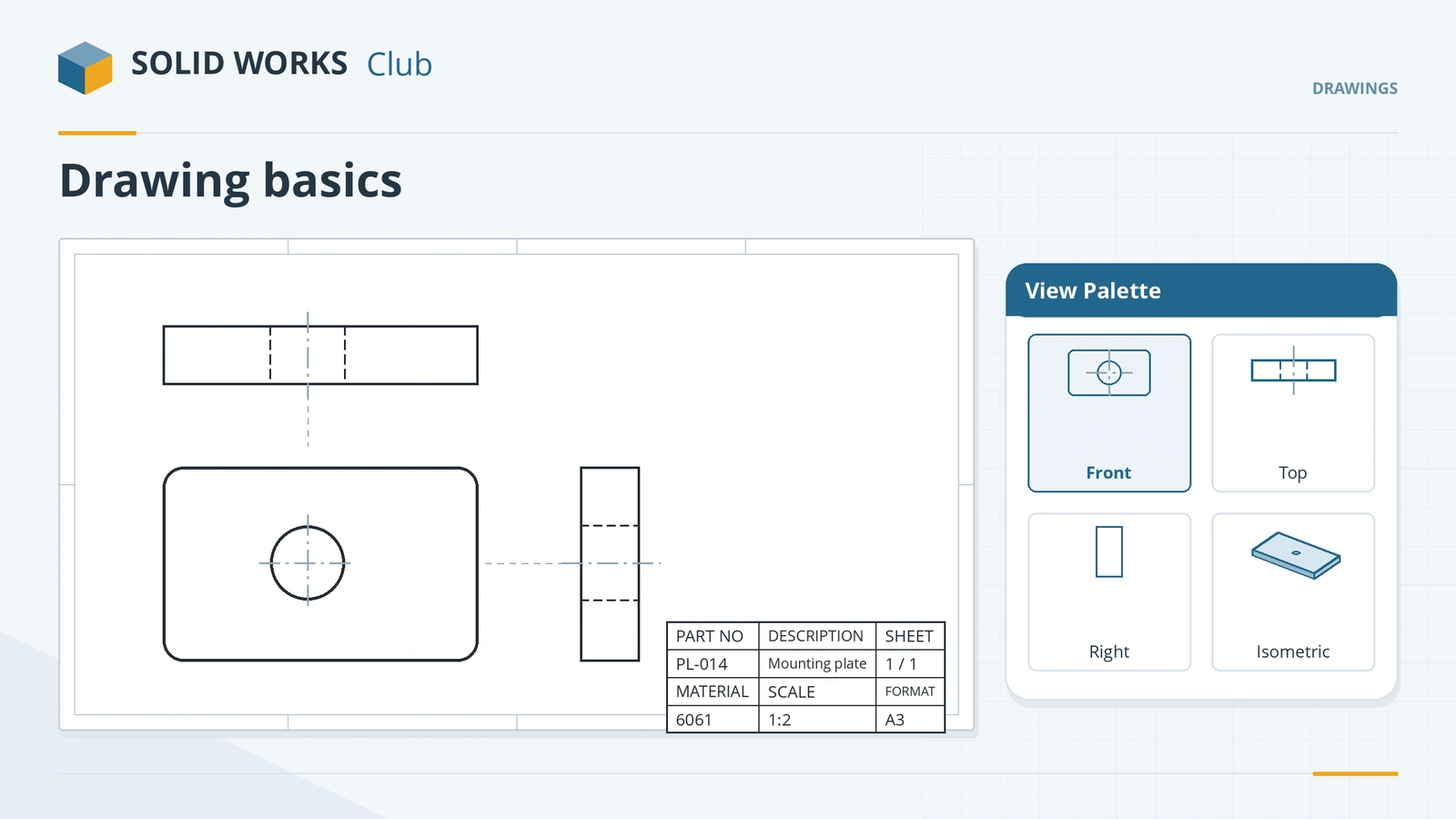 SOLIDWORKS drawing basicsSOLIDWORKS drawing basics: make a drawing from a part, pick the template and sheet, place views from the View Palette, set scale, projection, Detailing mode.
-
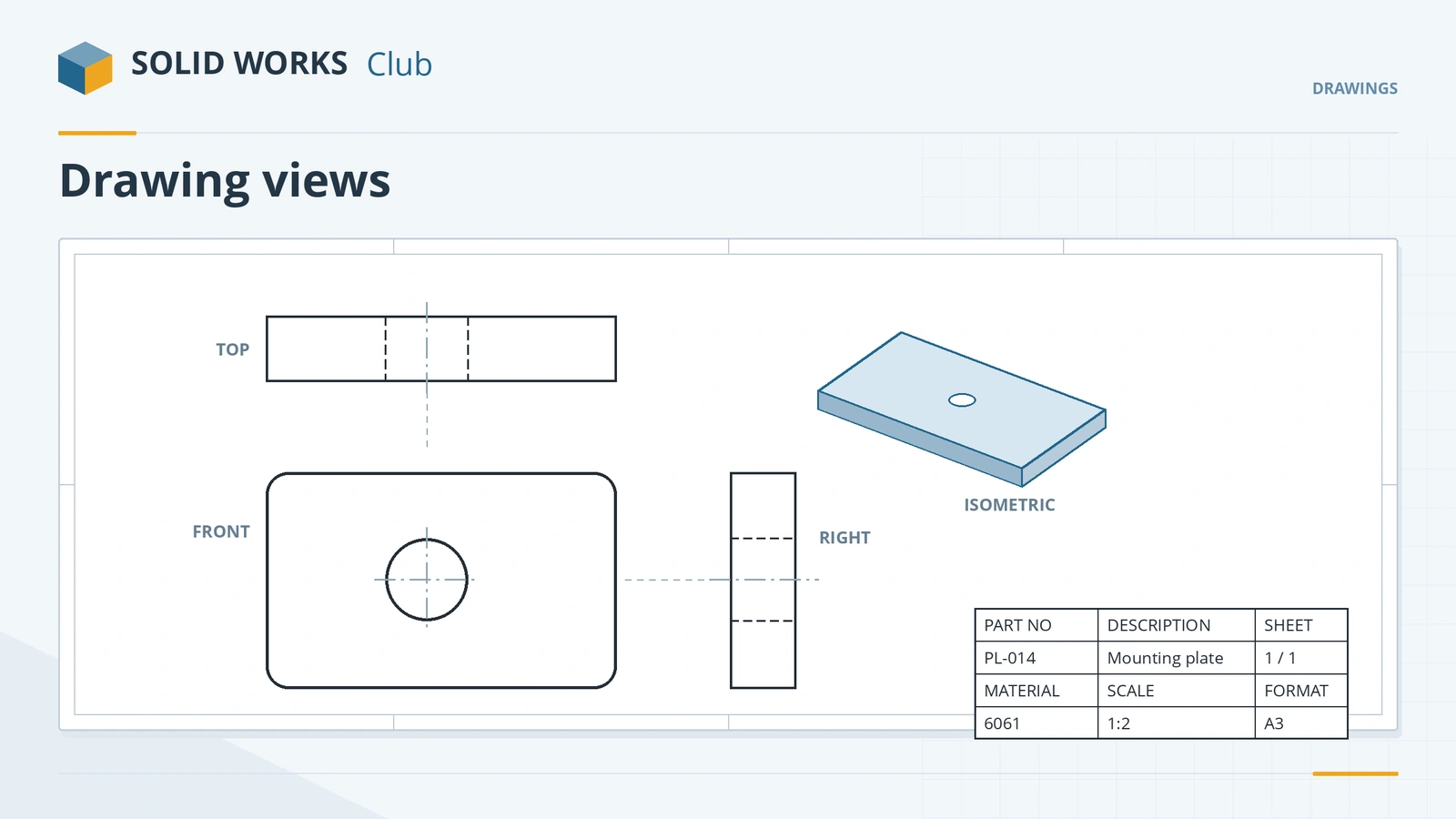 SOLIDWORKS drawing viewsHow to place SOLIDWORKS drawing views: Model View, Standard 3 View and projected views, alignment, display styles, tangent edges, moving and hiding views.
-
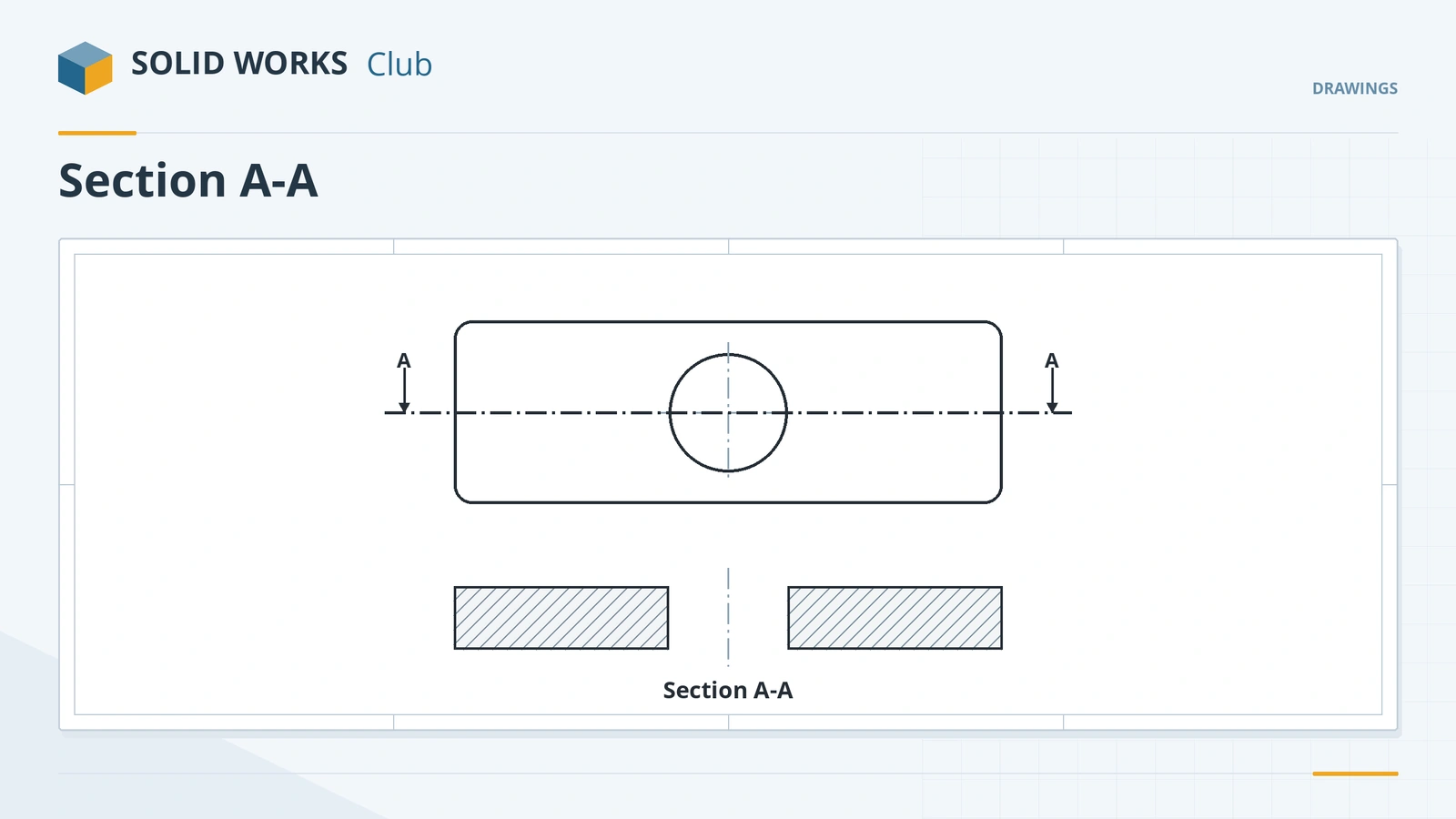 SOLIDWORKS section viewsHow to create section views in SOLIDWORKS drawings: Section View Assist, horizontal, vertical, aligned and offset cuts, half sections, Section Scope and depth.
-
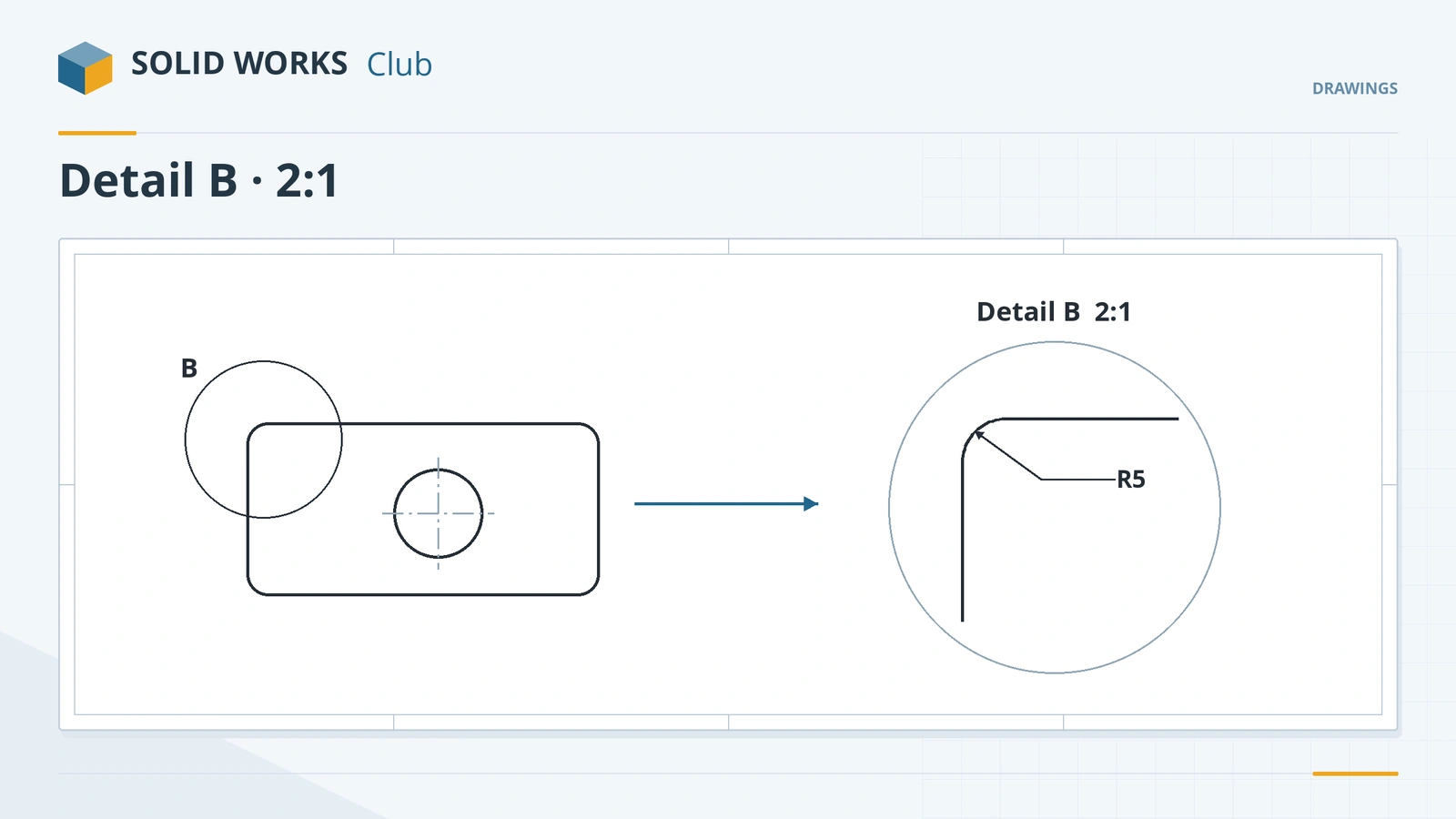 SOLIDWORKS detail viewsHow to create detail views in SOLIDWORKS drawings: circle or profile outline, scale, label, detail styles like connected or broken circle, jagged outline.
-
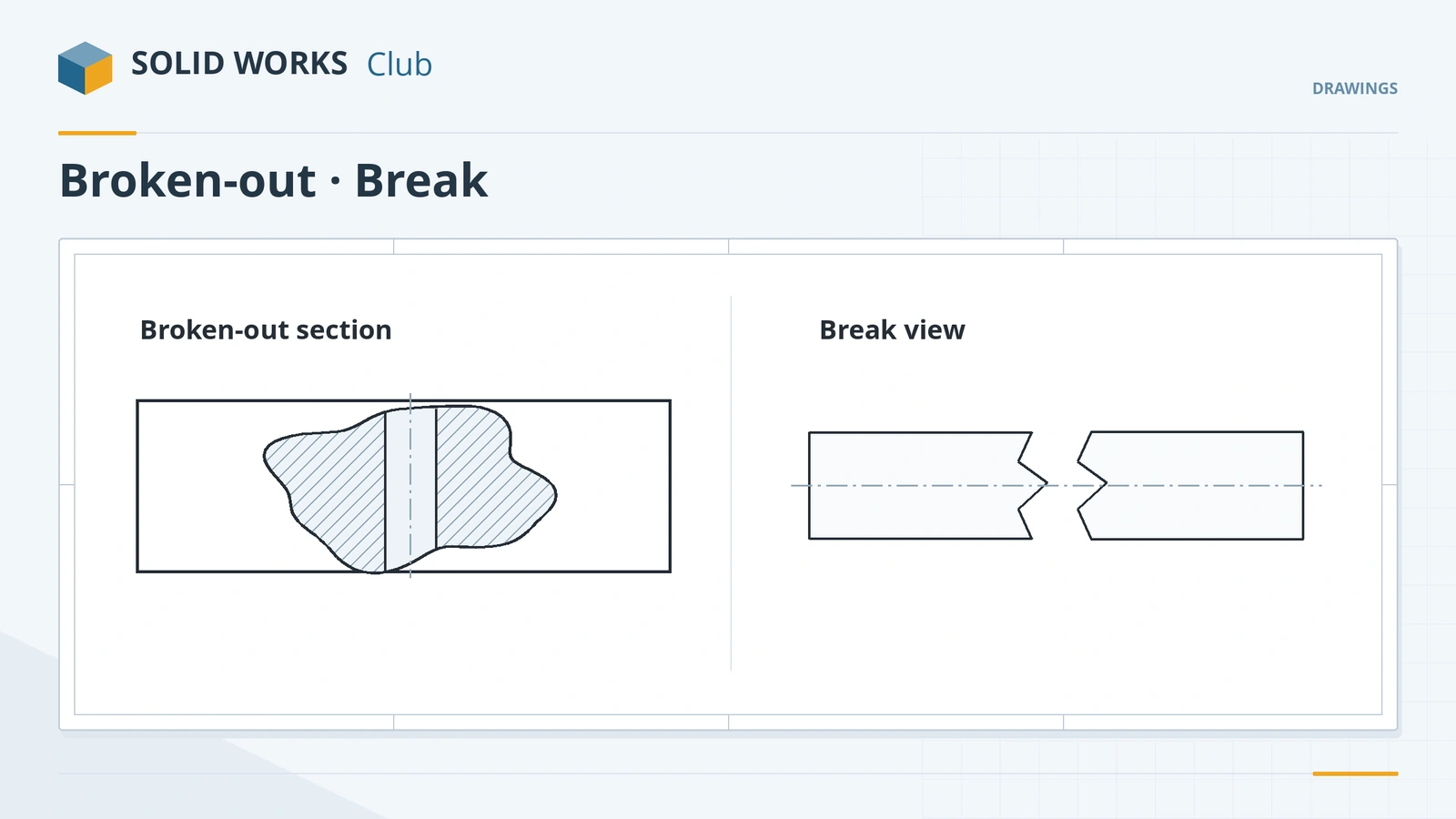 Broken-out sections and break viewsHow to use broken-out sections in SOLIDWORKS drawings to reveal hidden features, set the depth, and shorten long parts with a break view and break gap.
-
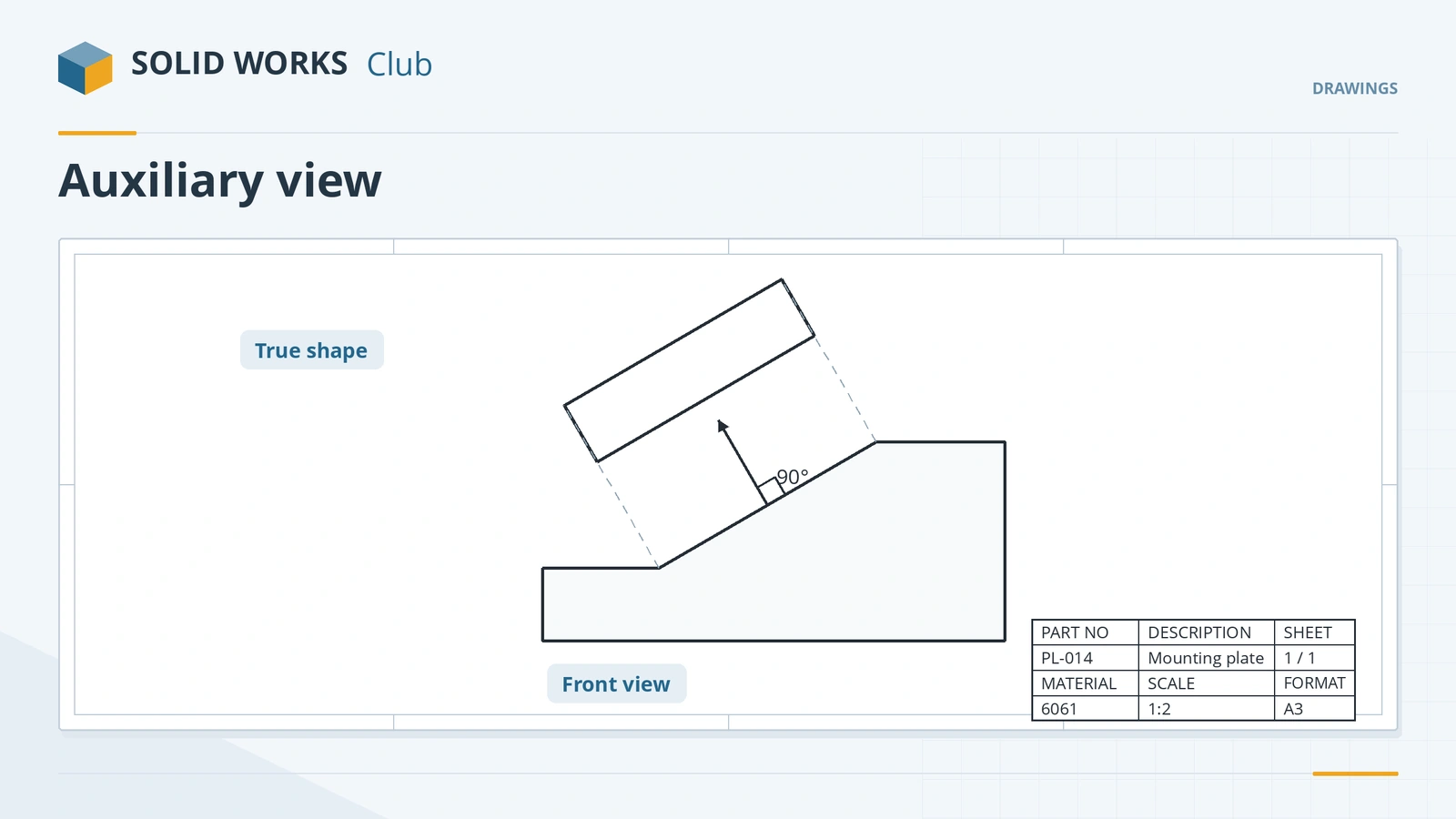 Auxiliary, crop and alternate position viewsHow to create auxiliary views of angled faces in SOLIDWORKS drawings, crop views to the area you need, and show moving parts with alternate position views.
-
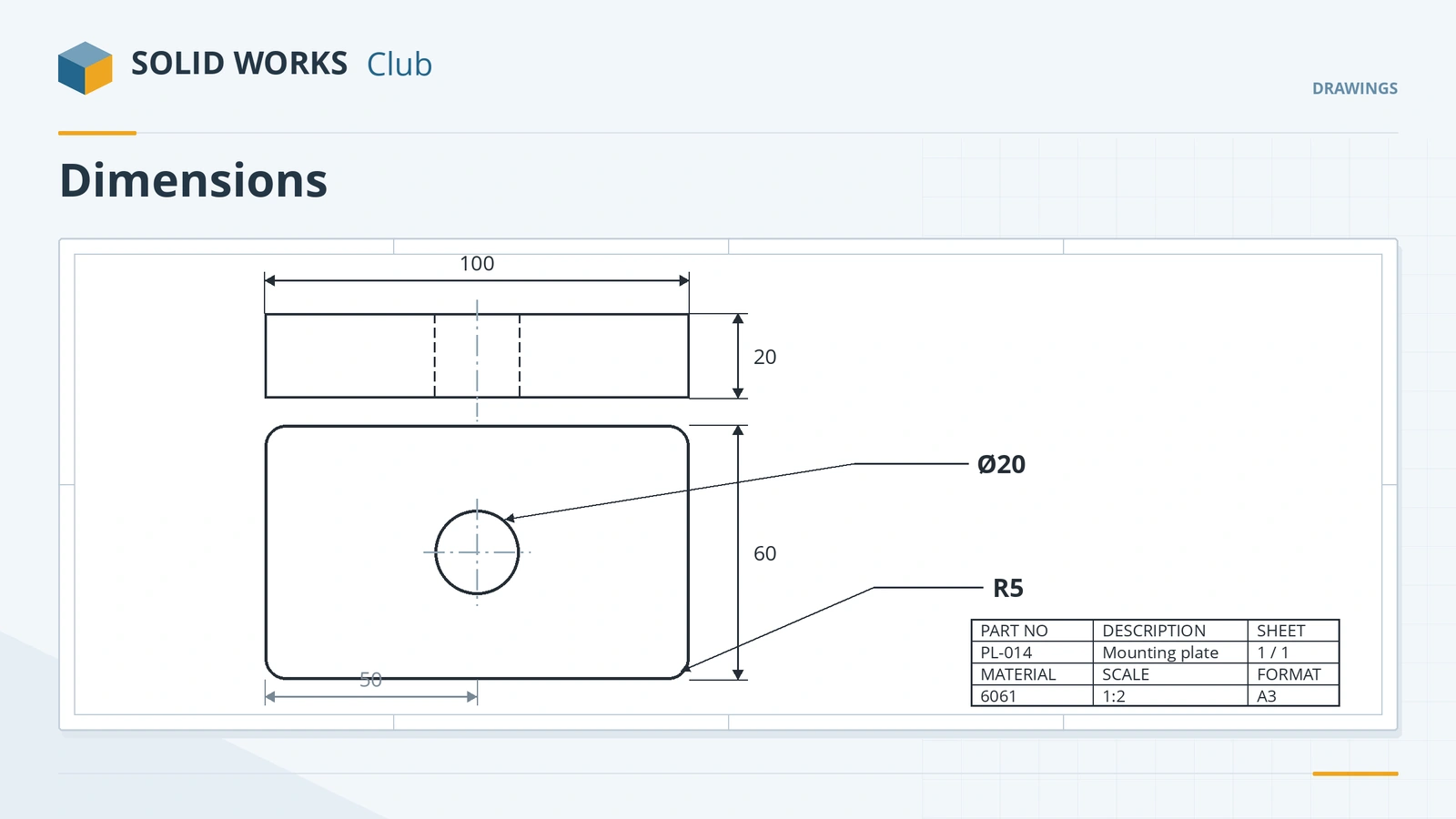 Dimensions in SOLIDWORKS drawingsHow to dimension SOLIDWORKS drawings: import Model Items, add reference dimensions, ordinate and chain dimensions, hole callouts and auto arrange.
-
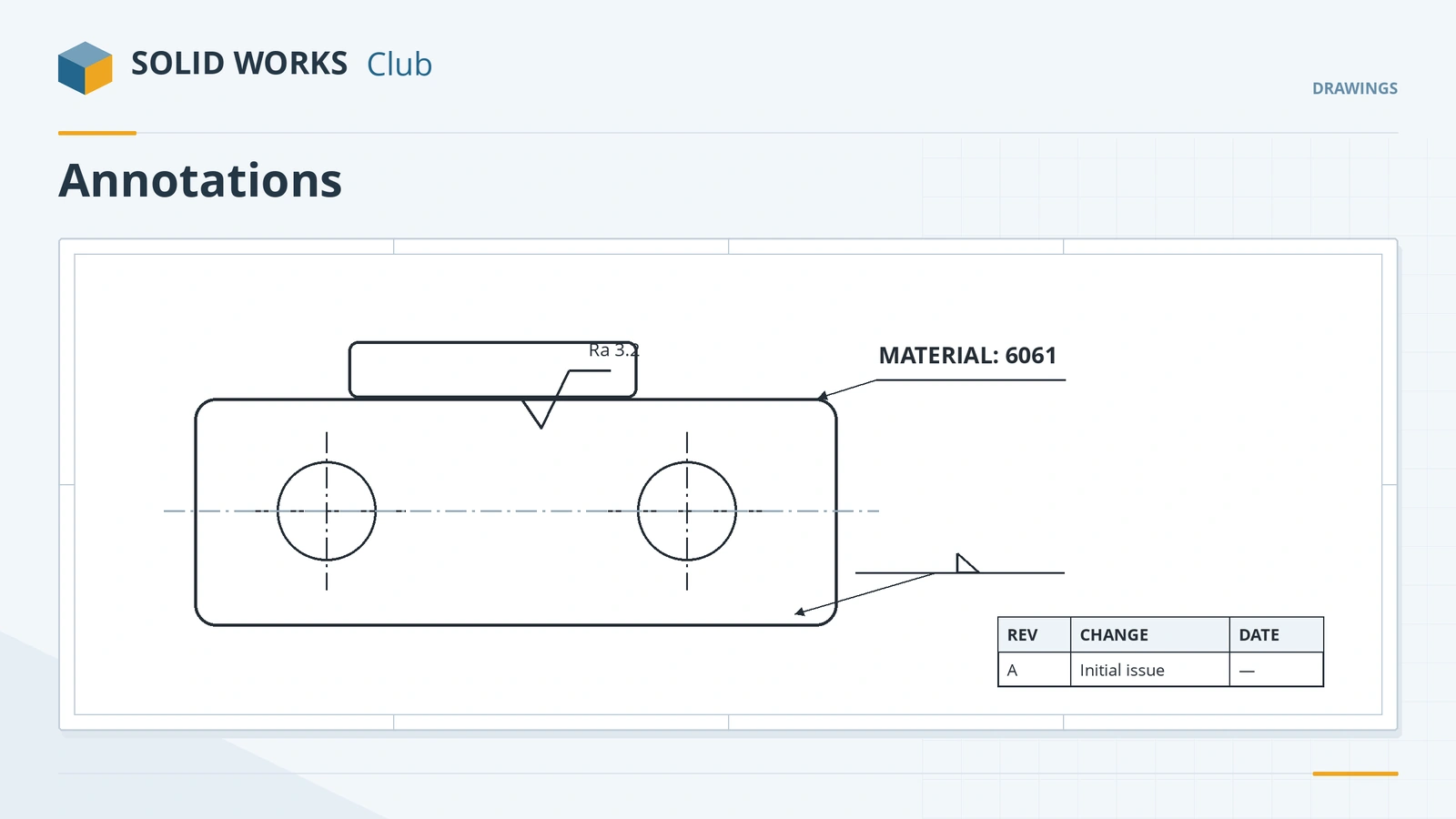 Annotations in SOLIDWORKS drawingsAdd annotations to SOLIDWORKS drawings: center marks, centerlines, linked notes, surface finish and weld symbols, datum targets, revision tables and threads.
-
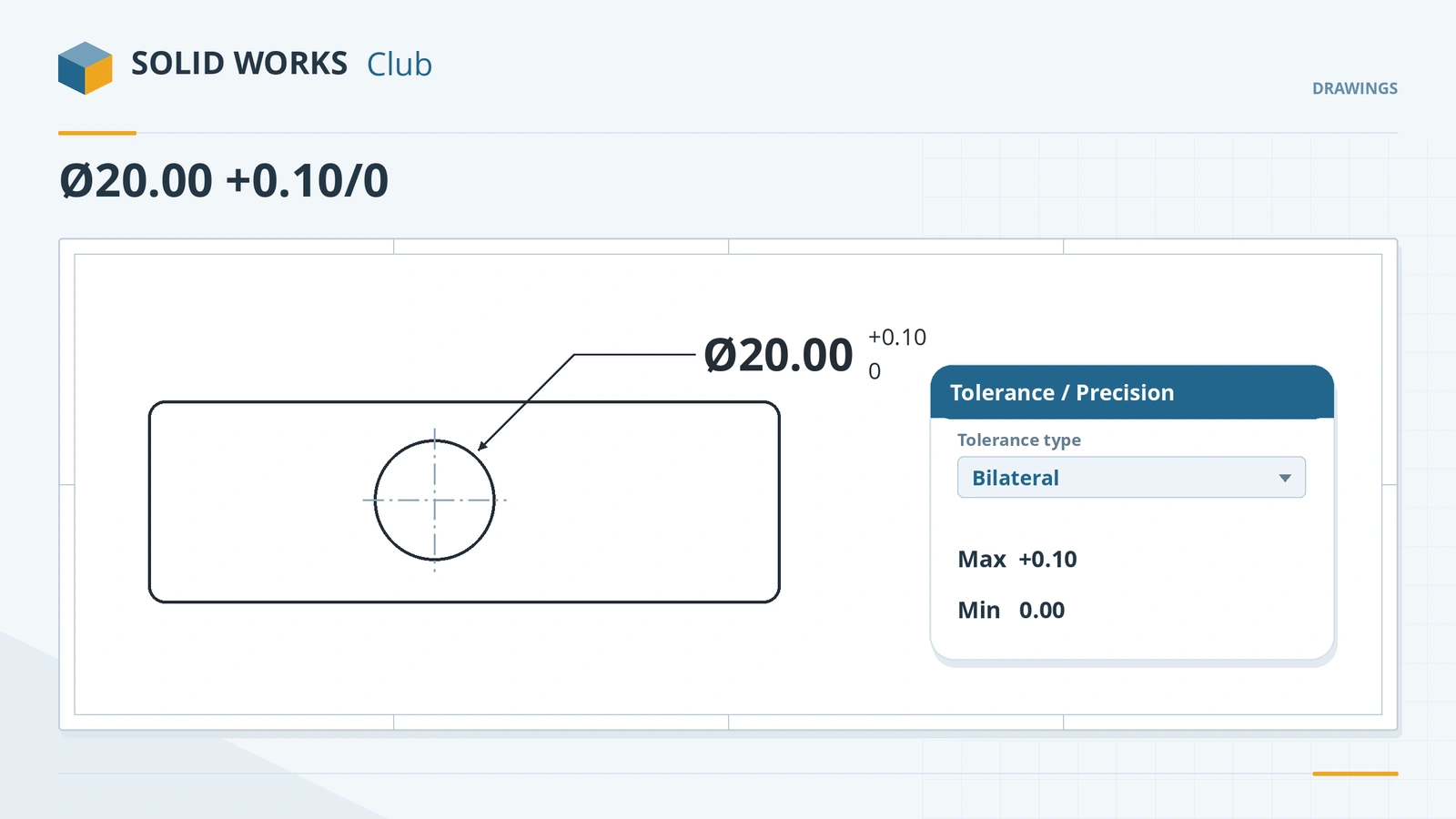 Tolerances and precision in SOLIDWORKS drawingsAdd tolerances to SOLIDWORKS drawing dimensions: tolerance types, upper and lower limits, precision for value and tolerance, defaults, styles, holes.
-
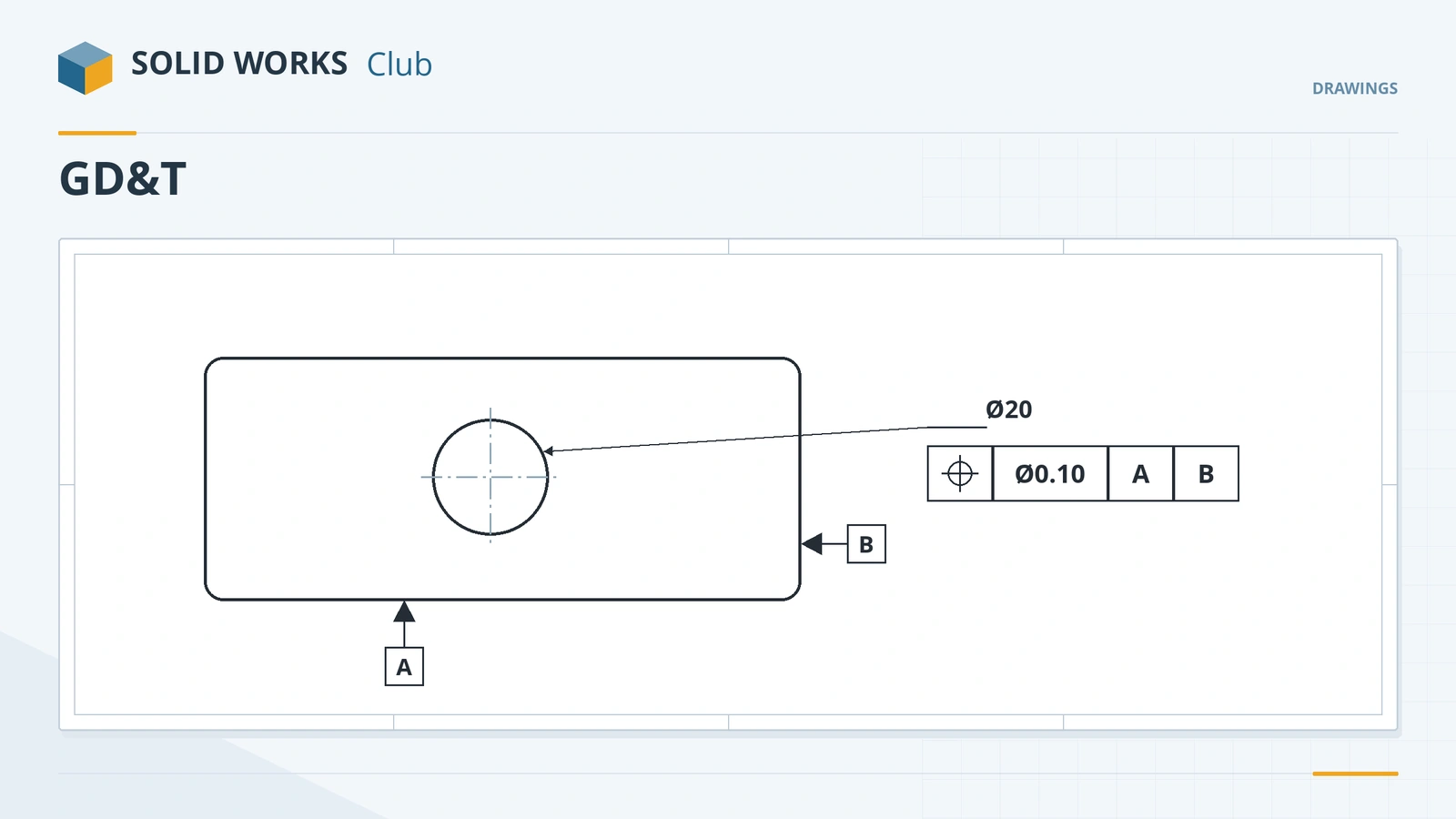 GD&T in SOLIDWORKS drawingsHow to add GD&T in SOLIDWORKS drawings: datum feature symbols, the Geometric Tolerance builder, datum targets, drafting standards and DimXpert/MBD.
-
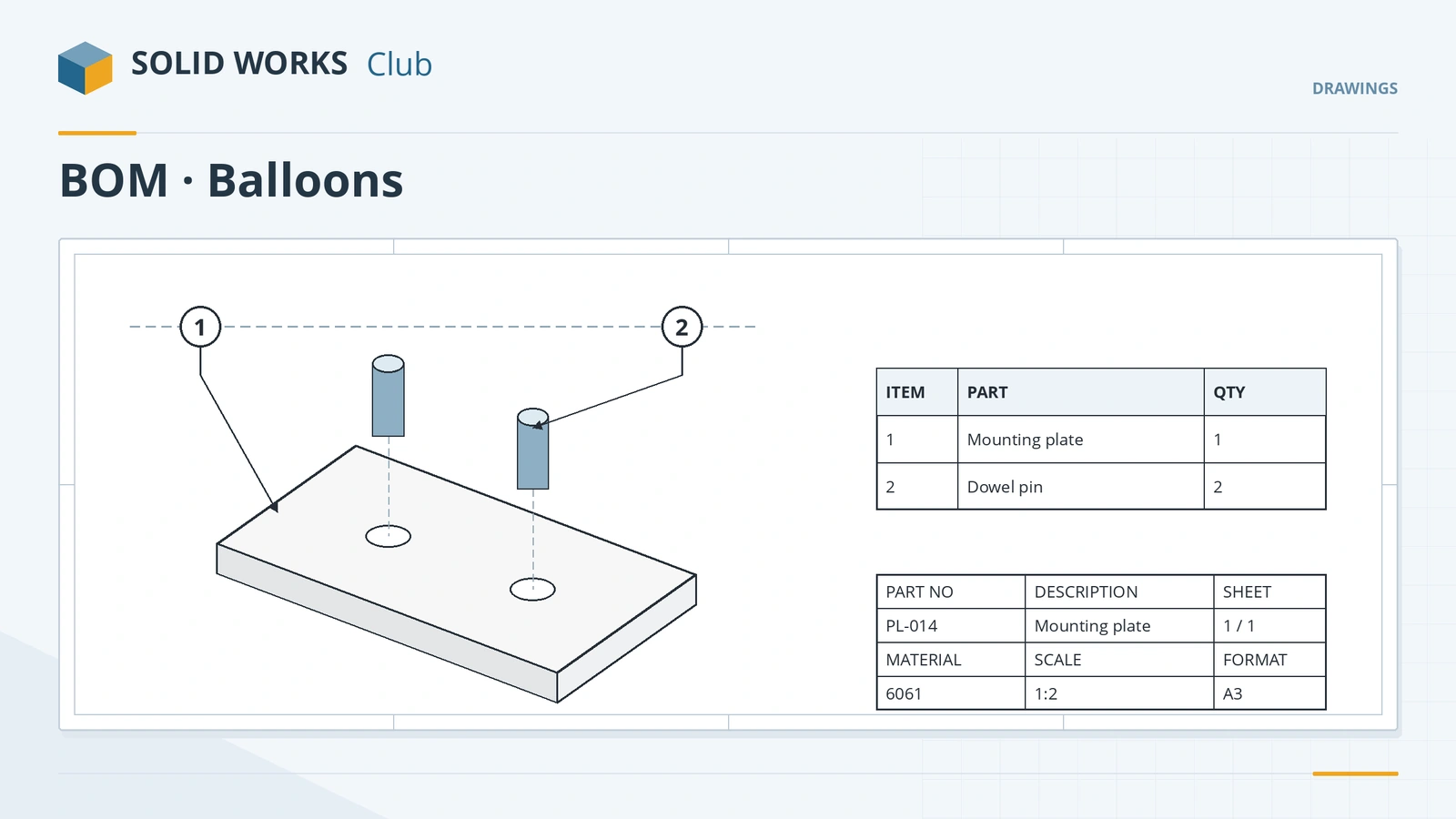 BOM and balloons in assembly drawingsHow to add a BOM table and balloons to a SOLIDWORKS assembly drawing: insert the BOM, anchor it, Auto Balloon, stacked balloons and magnetic lines.
-
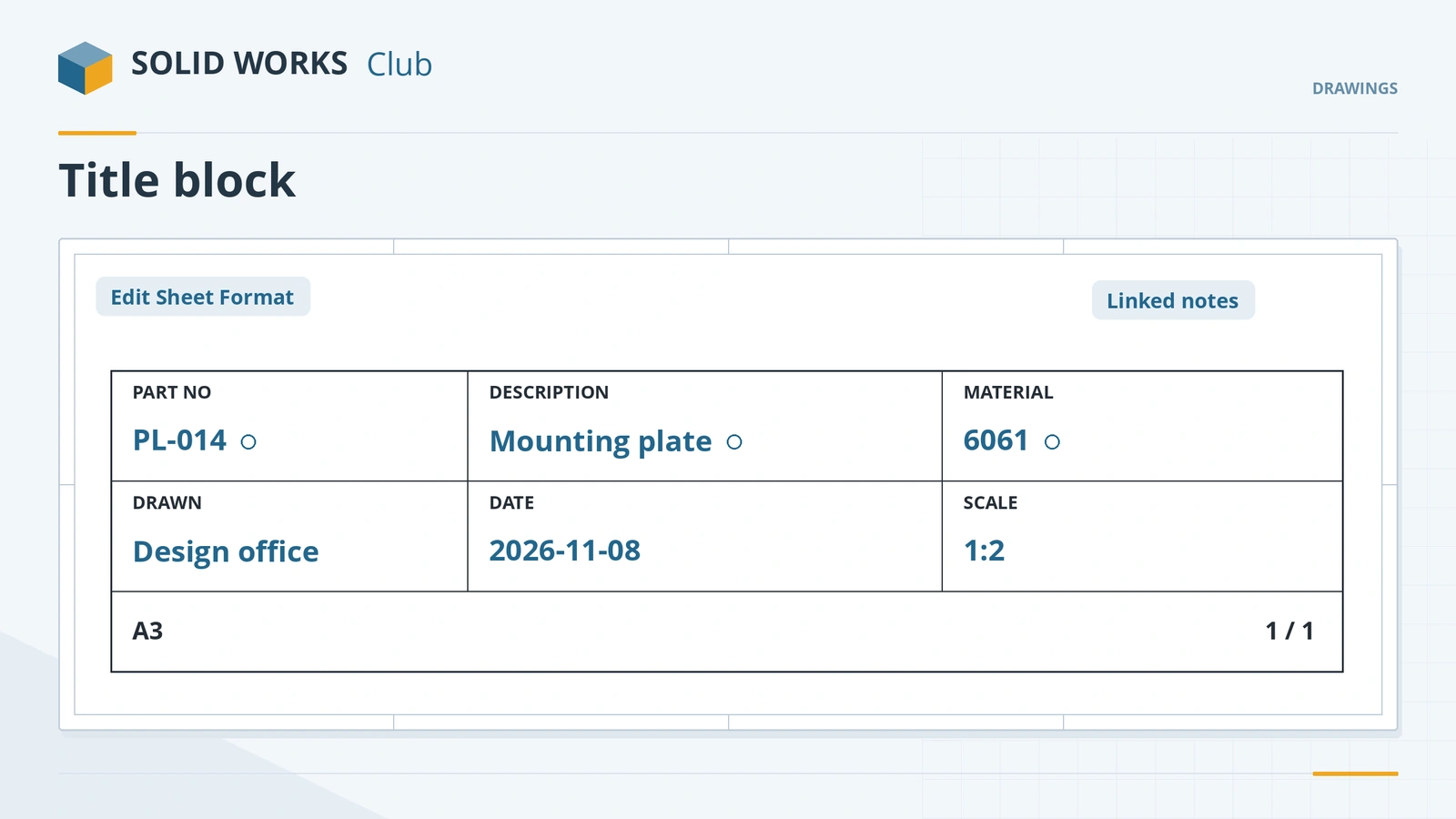 Title blocks and drawing templatesEdit the SOLIDWORKS title block in Edit Sheet Format, link notes to properties, set Title Block Fields and save a drawing template (.drwdot).
-
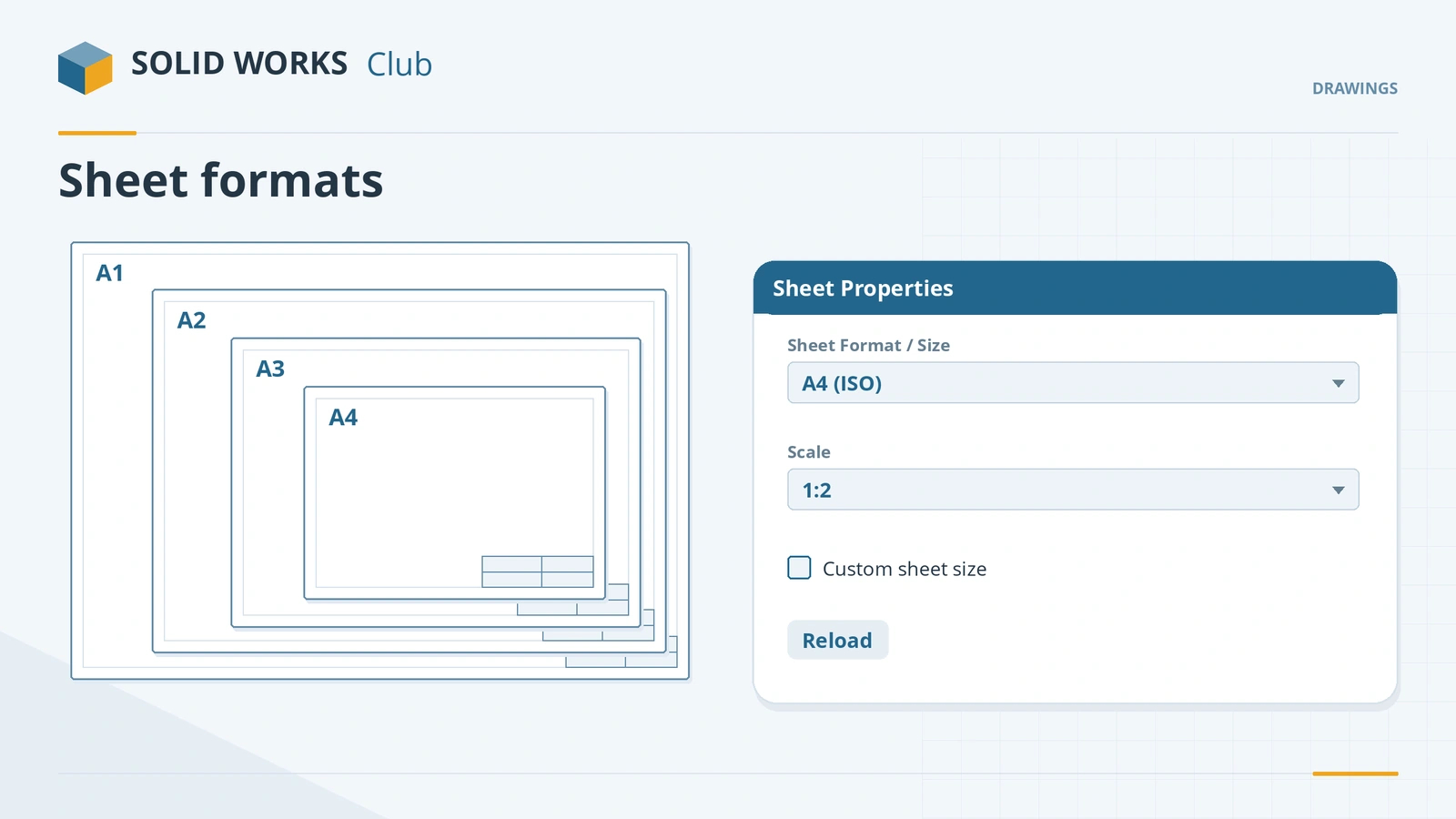 Sheet formats, sizes and scaleManage SOLIDWORKS drawing sheets: sheet properties, standard and custom sizes, sheet and view scale, multiple sheets, reloading formats, 1:1 printing.
-
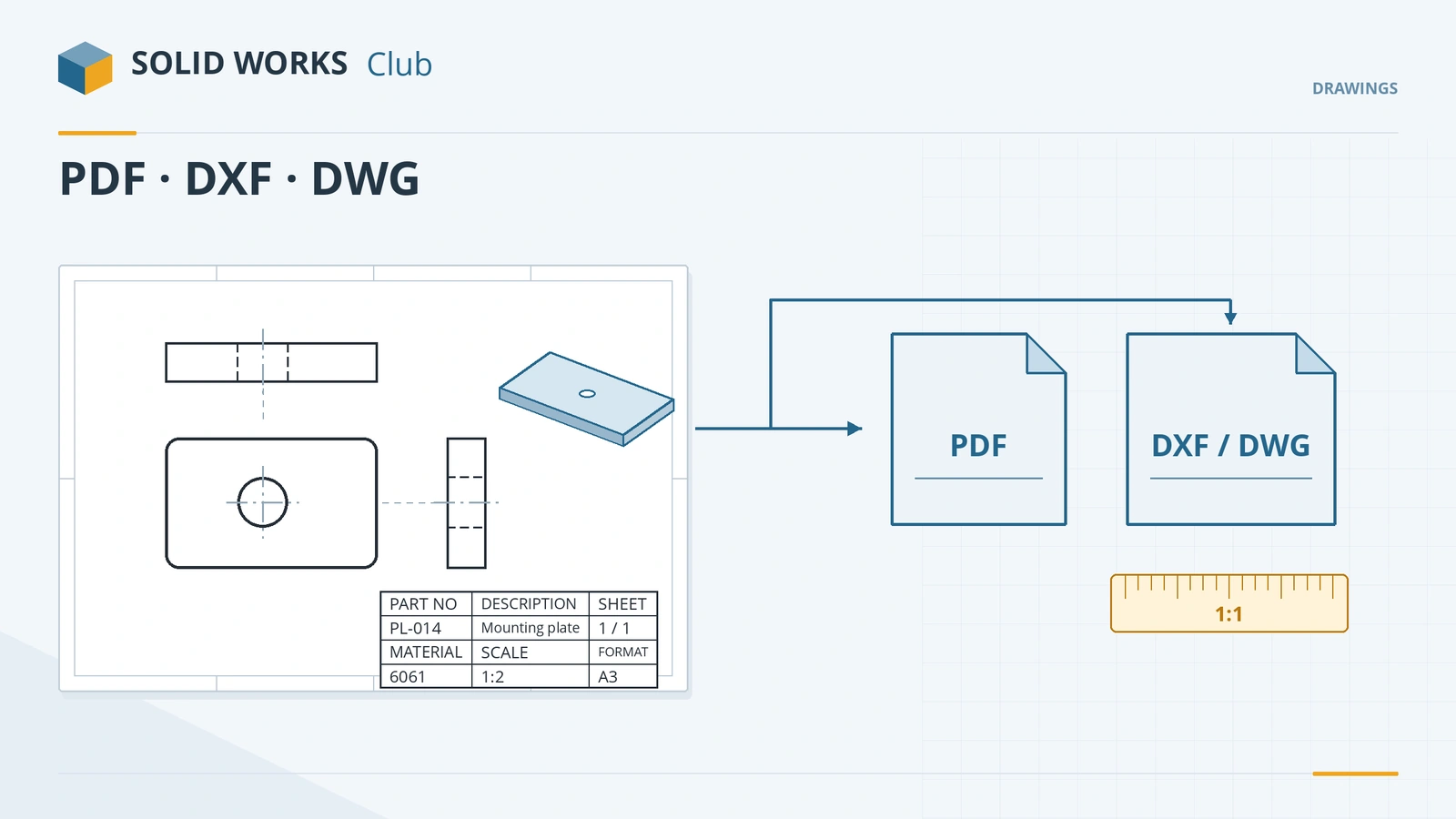 Export drawings to PDF, DXF and DWGExport SOLIDWORKS drawings to PDF, DXF and DWG: Save As PDF vs printing, high-quality lines, DXF/DWG options, true 1:1 scale and flat patterns.
Frequently asked questions
Are SOLIDWORKS drawings linked to the model?
+
Yes. A drawing (.slddrw) references the part or assembly file. When the model changes, the drawing views and the model dimensions update.
What is the difference between a drawing template and a sheet format?
+
The drawing template sets standards, units and properties when the drawing is created. The sheet format holds the border and title block and can be changed later.
Do I need to learn drawings for the CSWA?
+
Drafting competencies are a small part of the CSWA — views, sections and details. Drawings matter much more in real jobs, where they are what gets manufactured.
Related
- SOLIDWORKS assemblies — 16 lessonsFree SOLIDWORKS assembly course: inserting components, standard, advanced, mechanical and smart mates, exploded views, interference, SpeedPak and BOM.
- What is an SLDDRW file?An SLDDRW file is a SOLIDWORKS 2D drawing linked to its part or assembly. How to open it without SOLIDWORKS and convert it to PDF, DWG or DXF for others.
- How to create SOLIDWORKS templatesCreate SOLIDWORKS part, assembly and drawing templates (.prtdot, .asmdot, .drwdot), save them to your own folder and set them as the defaults.
- How to export DXF and DWG from SOLIDWORKSHow to export SOLIDWORKS drawings to DXF or DWG for AutoCAD, and sheet metal flat patterns to DXF for laser cutting — options, bend lines and common problems.