Reference
What is an SLDDRW file?
An .slddrw file is a SOLIDWORKS drawing: 2D views, dimensions, notes, tables and a title block, all linked to the part or assembly they show. It needs its model files to display fully, so send PDF or DWG to people without SOLIDWORKS. The free eDrawings Viewer also opens drawings, and SOLIDWORKS saves them as PDF, DXF or DWG.
 Kevin Walsh
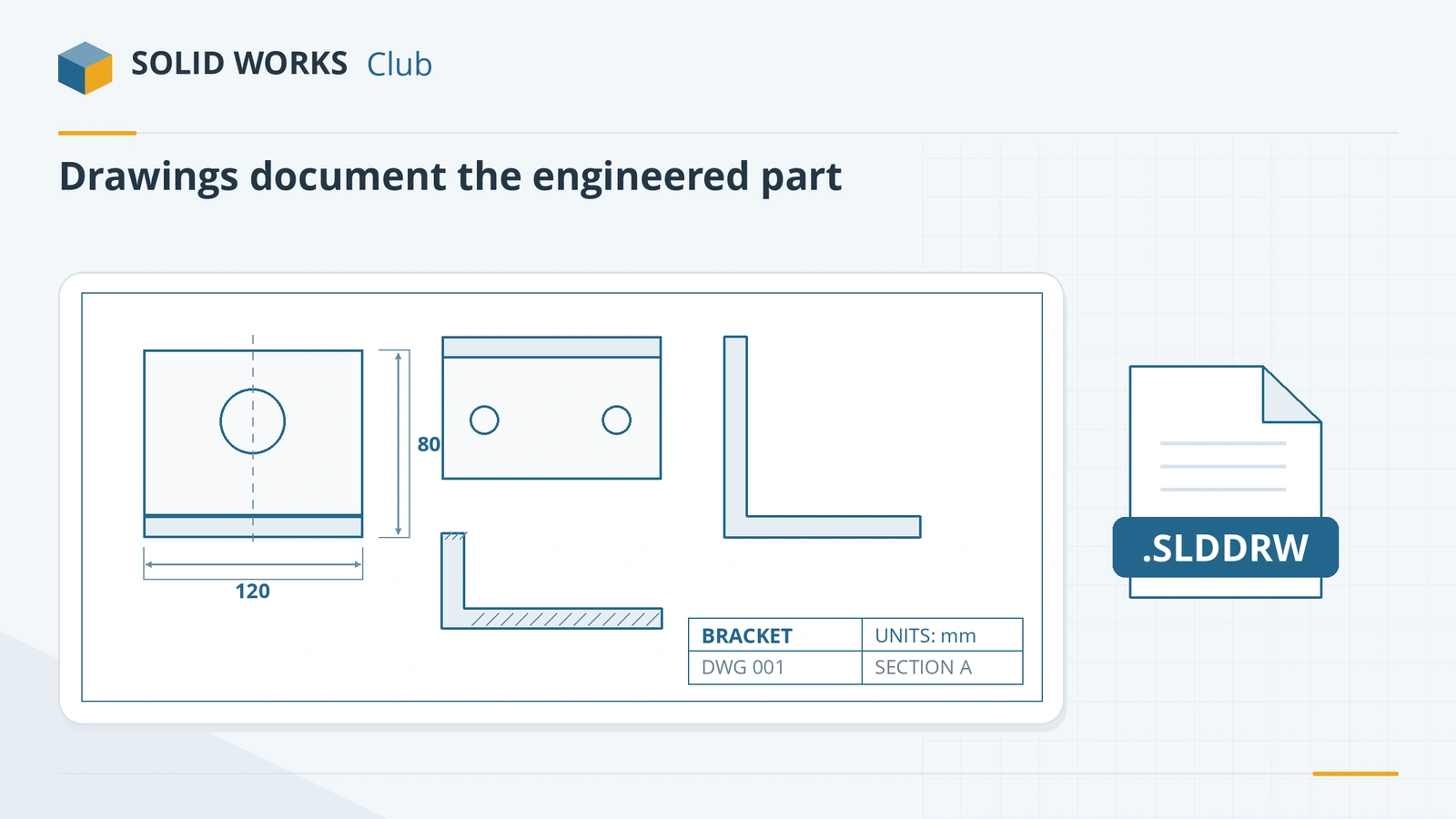
What a drawing file contains
- Drawing views generated from a part or assembly — standard, section, detail, auxiliary.
- Dimensions and annotations: model dimensions, notes, GD&T, surface finish, weld symbols.
- Tables: bill of materials, hole tables, revision tables — each with its own template file.
- Sheet format: border and title block, stored as a separate .slddrt you can swap.
Views are linked to the model: change the part, and the drawing updates. That link is why a drawing on its own is incomplete.
Templates behind every drawing
| File | What it controls |
|---|---|
| .drwdot (drawing template) | Drafting standard, units, document properties, predefined views |
| .slddrt (sheet format) | Sheet size, border, title block, linked notes |
| .sldbomtbt, .sldrevtbt, .sldholtbt | BOM, revision and hole table layouts |
GoEngineer explains the difference between templates and sheet formats in detail (source). Default folders are listed in SOLIDWORKS file locations.
Sharing drawings
| Recipient | Send |
|---|---|
| Customer, manufacturer, reviewer | PDF (File → Save As → Adobe PDF) |
| AutoCAD user | DWG or DXF — see convert to DXF/DWG |
| Laser or waterjet shop | DXF of the sheet metal flat pattern |
| Reviewer who wants 3D too | eDrawings file (.edrw) — see eDrawings |
| SOLIDWORKS user | Pack and Go with the model files |
Older SOLIDWORKS versions cannot open newer drawings, and Future Version mode cannot open future drawings at all; since 2024 drawings can be saved back two releases with a subscription (version compatibility). To learn to make drawings, take the drawings course; exporting them is covered in PDF, DXF and DWG export. Parts and assemblies are covered in SLDPRT and SLDASM.
Frequently asked questions
How do I open an SLDDRW file without SOLIDWORKS?
+
Use the free eDrawings Viewer for Windows or Mac, or the eDrawings mobile apps. Many online viewers do not support SOLIDWORKS drawings, so asking for a PDF is often simpler.
How do I convert SLDDRW to PDF?
+
Open the drawing in SOLIDWORKS and choose File → Save As → Adobe PDF. Multi-sheet drawings can be saved with all sheets in one PDF.
How do I convert SLDDRW to DWG for AutoCAD?
+
File → Save As → DWG (or DXF), then Options to choose the AutoCAD version, line fonts and scale. Our DXF guide covers the settings.
Why does my drawing show no views?
+
Drawing views need the referenced part or assembly. If the model files are missing or moved, views appear empty or cannot update. Send drawings together with their models using Pack and Go.
Related
- How to export DXF and DWG from SOLIDWORKSHow to export SOLIDWORKS drawings to DXF or DWG for AutoCAD, and sheet metal flat patterns to DXF for laser cutting — options, bend lines and common problems.
- What is an SLDPRT file?An SLDPRT file is a SOLIDWORKS part. How to open it with or without SOLIDWORKS, which versions can read it, and how to convert SLDPRT to STEP, STL or DXF.
- eDrawings: the free SOLIDWORKS file viewerWhat eDrawings is, how to get the free Viewer for Windows, Mac, iPhone and Android, what it opens, what Professional adds and how to publish eDrawings files.
- SOLIDWORKS file formats and extensionsEvery SOLIDWORKS file extension explained — SLDPRT, SLDASM, SLDDRW, templates, libraries and tables — plus the import and export formats and 3D Interconnect.