Tutorials
SOLIDWORKS patterns and advanced part modelling
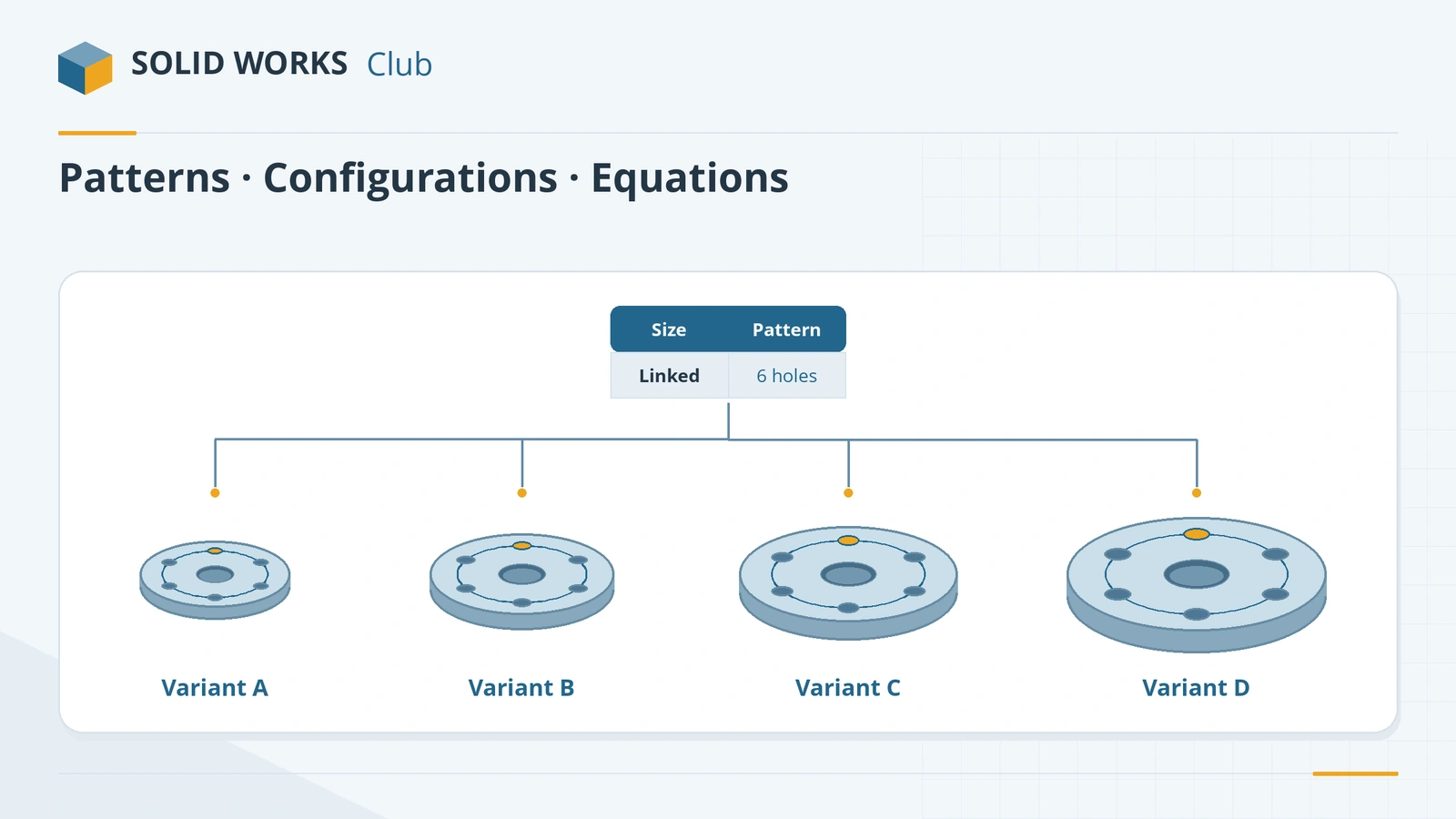
Once you can build a part feature by feature, this course shows how to build it smarter. Patterns and mirrors repeat features without redrawing them. Configurations, design tables, equations and global variables turn one part into a family of sizes driven by a few numbers. Multibody tools, materials and mass properties round off the part-modelling skills that certification exams and real jobs expect.
 Kevin Walsh
What the course covers
| Group | Lessons |
|---|---|
| Repeating geometry | Linear, circular and other patterns; mirror |
| References | Coordinate systems |
| Part families | Configurations, design tables, equations, global variables |
| Bodies | Multibody parts, Split and Combine, Move/Copy Bodies |
| Properties and reuse | Materials, mass properties, appearances, Design Library |
You should know the features course first — patterns repeat features, and configurations change them. Practice tasks again come with check values; the mass and centre-of-mass checks mirror how the CSWA and CSWP exams grade your models.
The 16 lessons
-
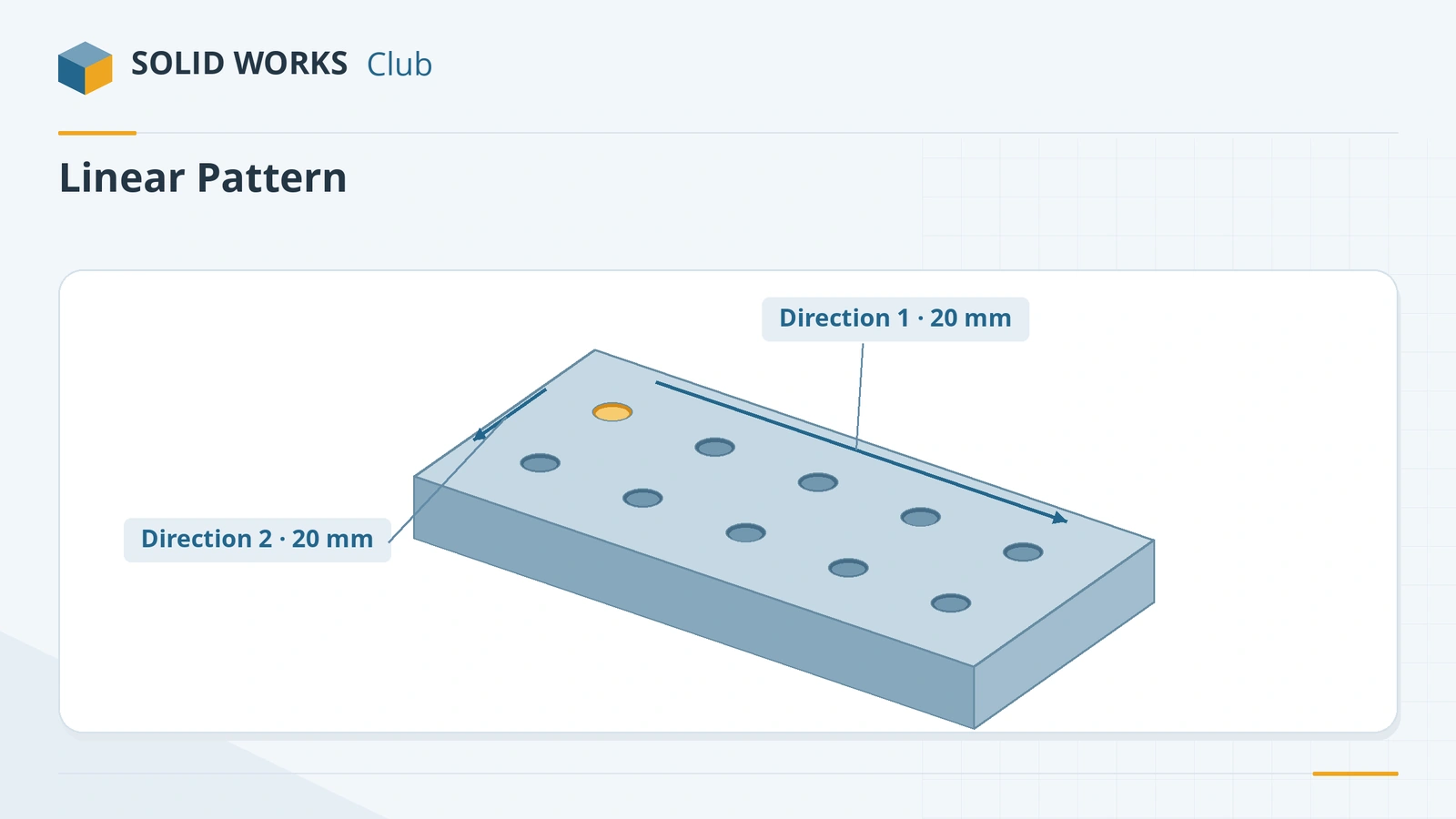 SOLIDWORKS Linear PatternHow to use Linear Pattern in SOLIDWORKS: one or two directions, spacing, Up to reference, skipping and varying instances, and Geometry pattern.
-
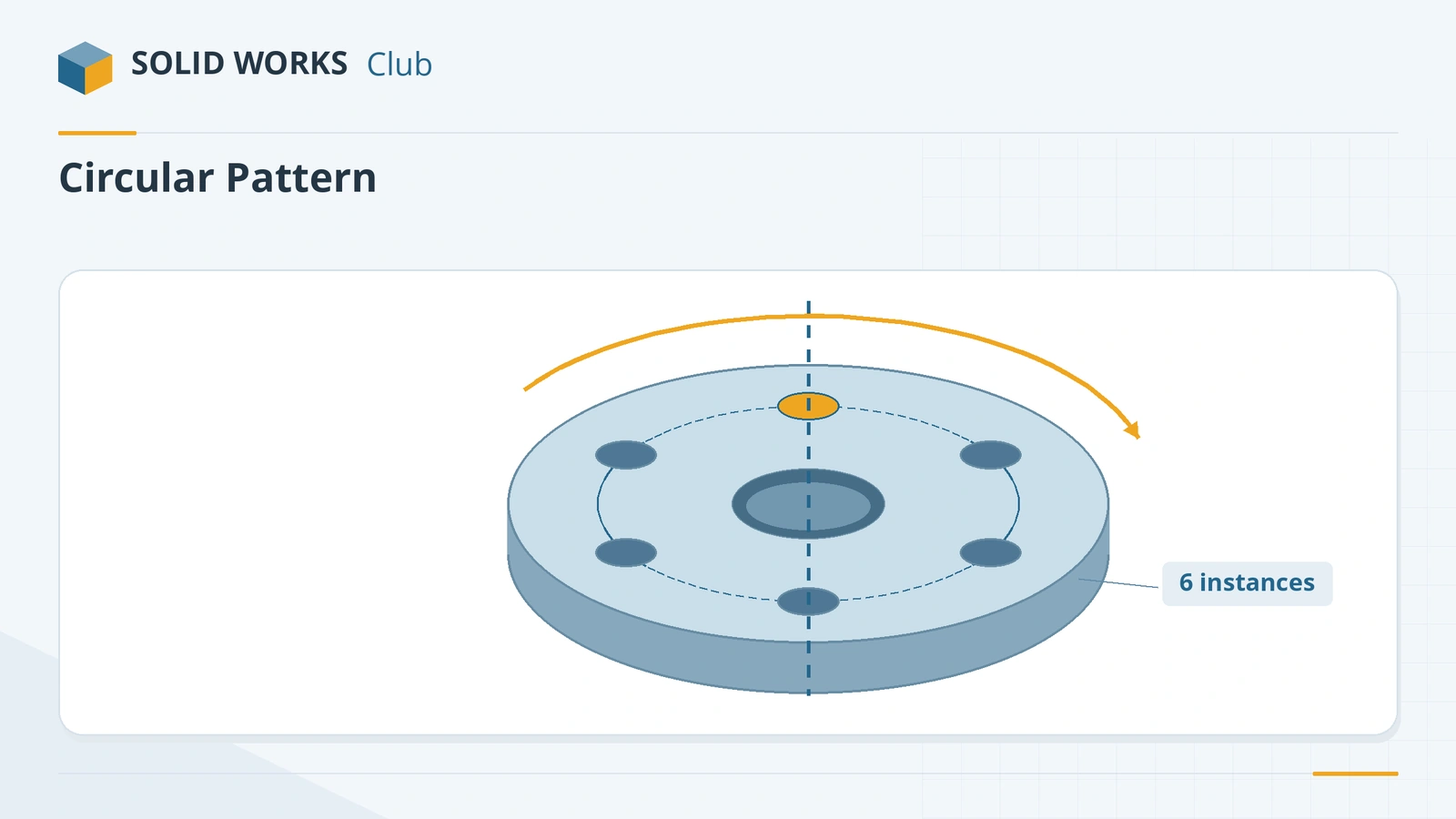 SOLIDWORKS Circular PatternHow to use Circular Pattern in SOLIDWORKS: pattern axis, equal spacing, angle and instances, symmetric Direction 2, skipping instances and preview options.
-
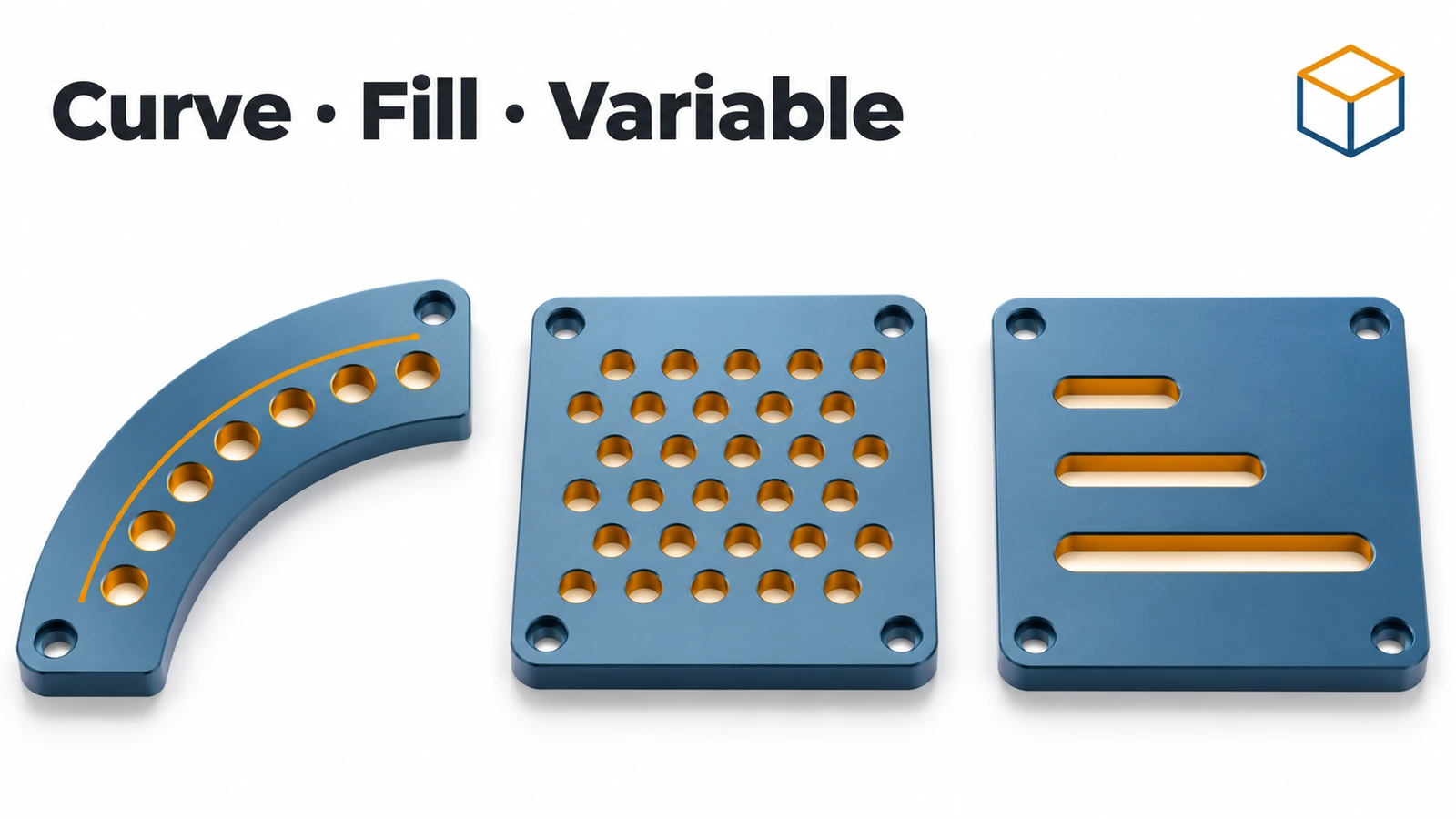 Curve, sketch, table, fill and variable patternsSOLIDWORKS curve driven, sketch driven, table driven, fill and variable patterns explained: what each does, when to use it, and a fill pattern example.
-
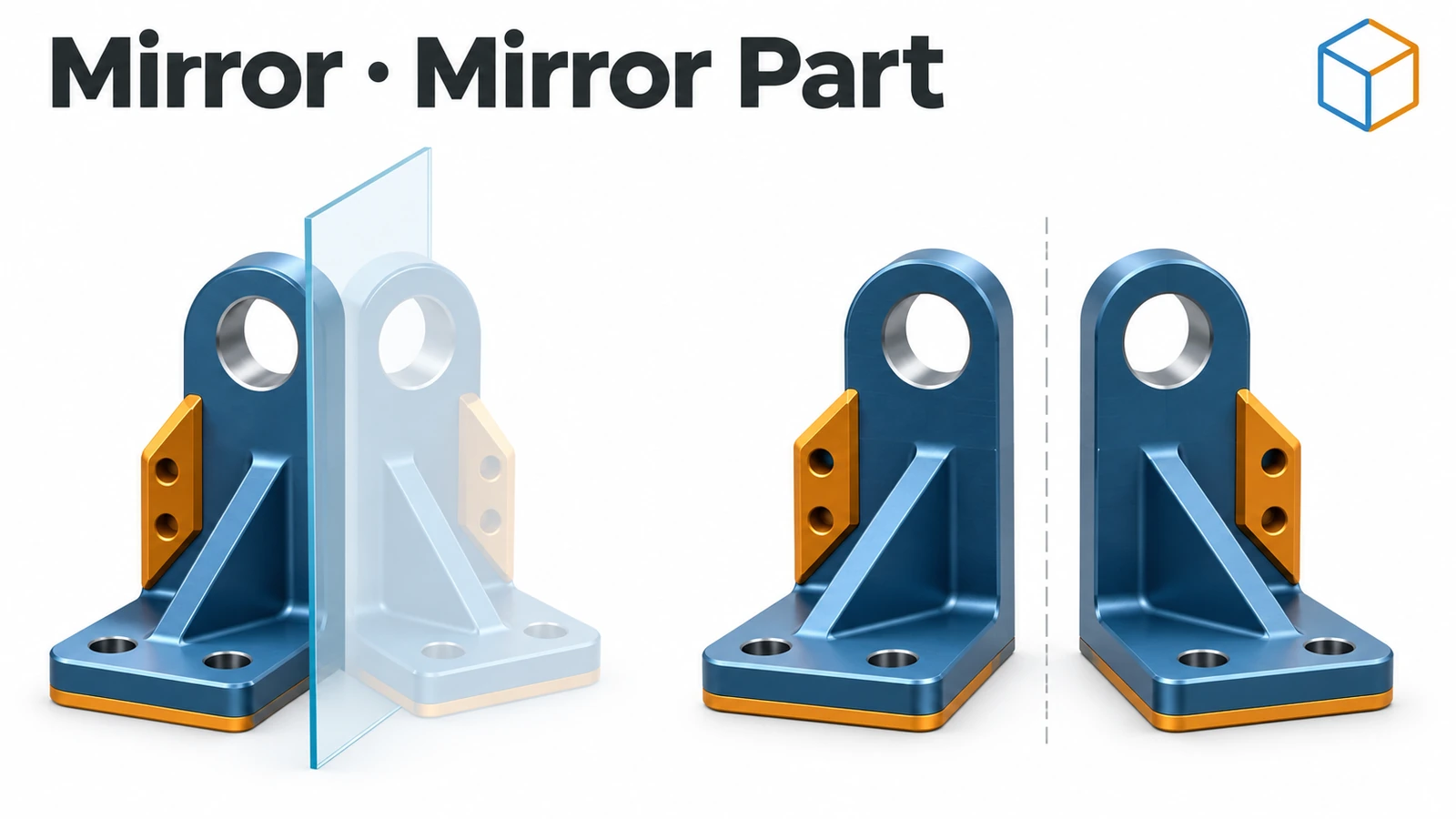 SOLIDWORKS Mirror and Mirror PartHow to mirror features, faces and bodies in SOLIDWORKS across a plane, use a secondary mirror plane, and create opposite-hand parts with Insert Mirror Part.
-
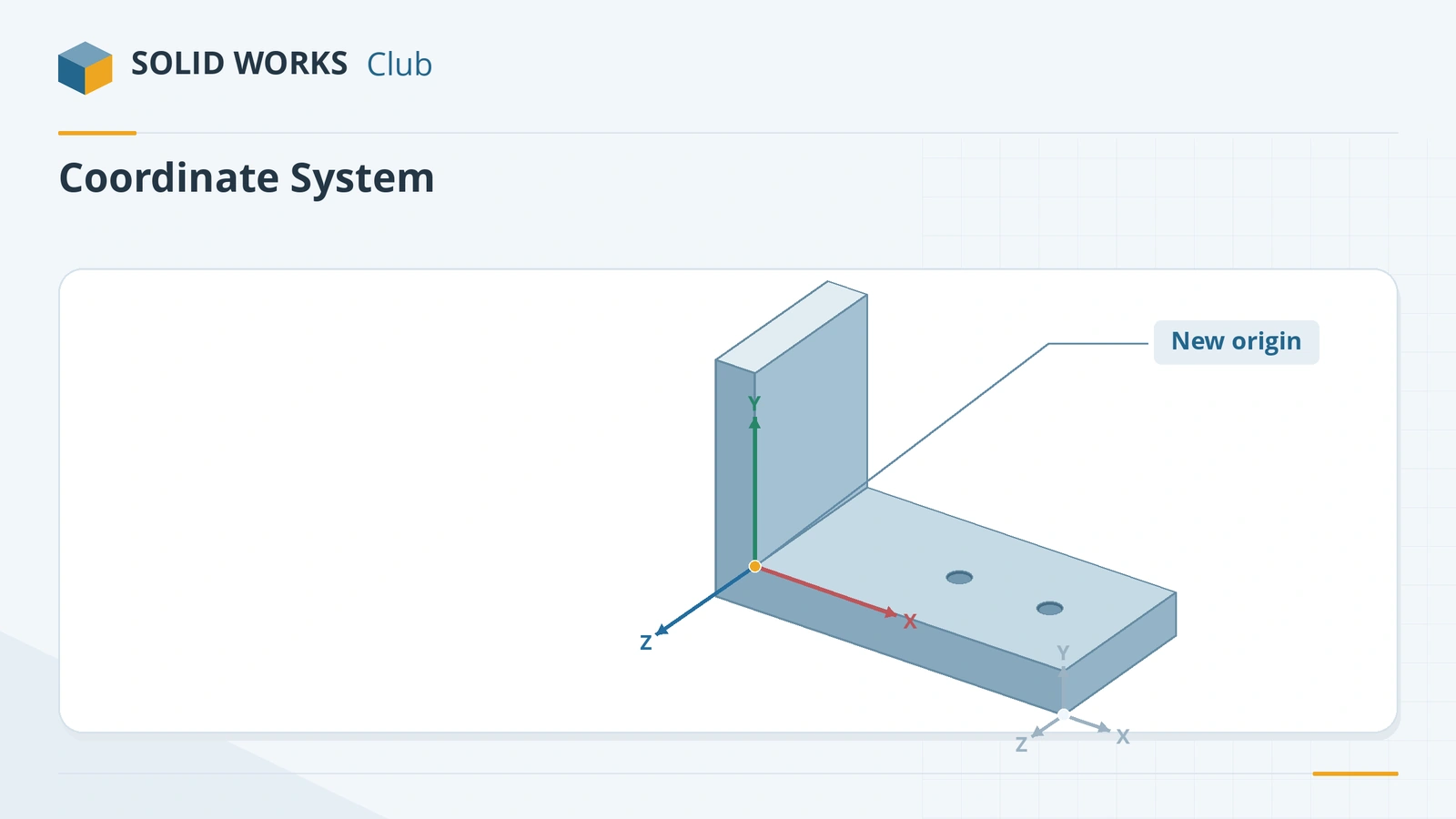 SOLIDWORKS coordinate systemsHow to create a coordinate system in SOLIDWORKS and use it for mass properties, centre of mass, STEP or Parasolid export and table driven patterns.
-
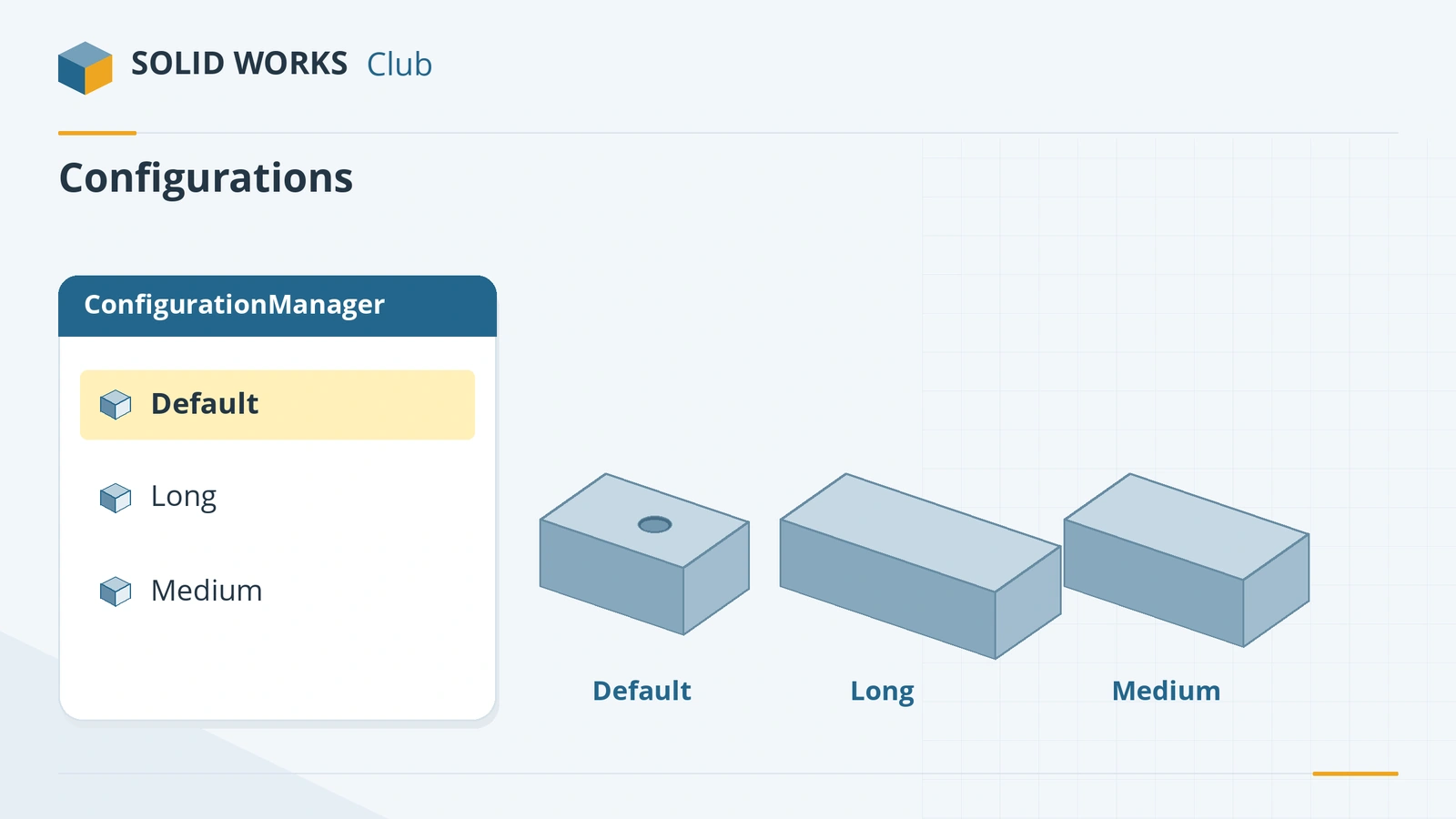 SOLIDWORKS configurationsHow to use configurations in SOLIDWORKS: add them, change dimensions and suppress features per configuration, configuration tables and display states.
-
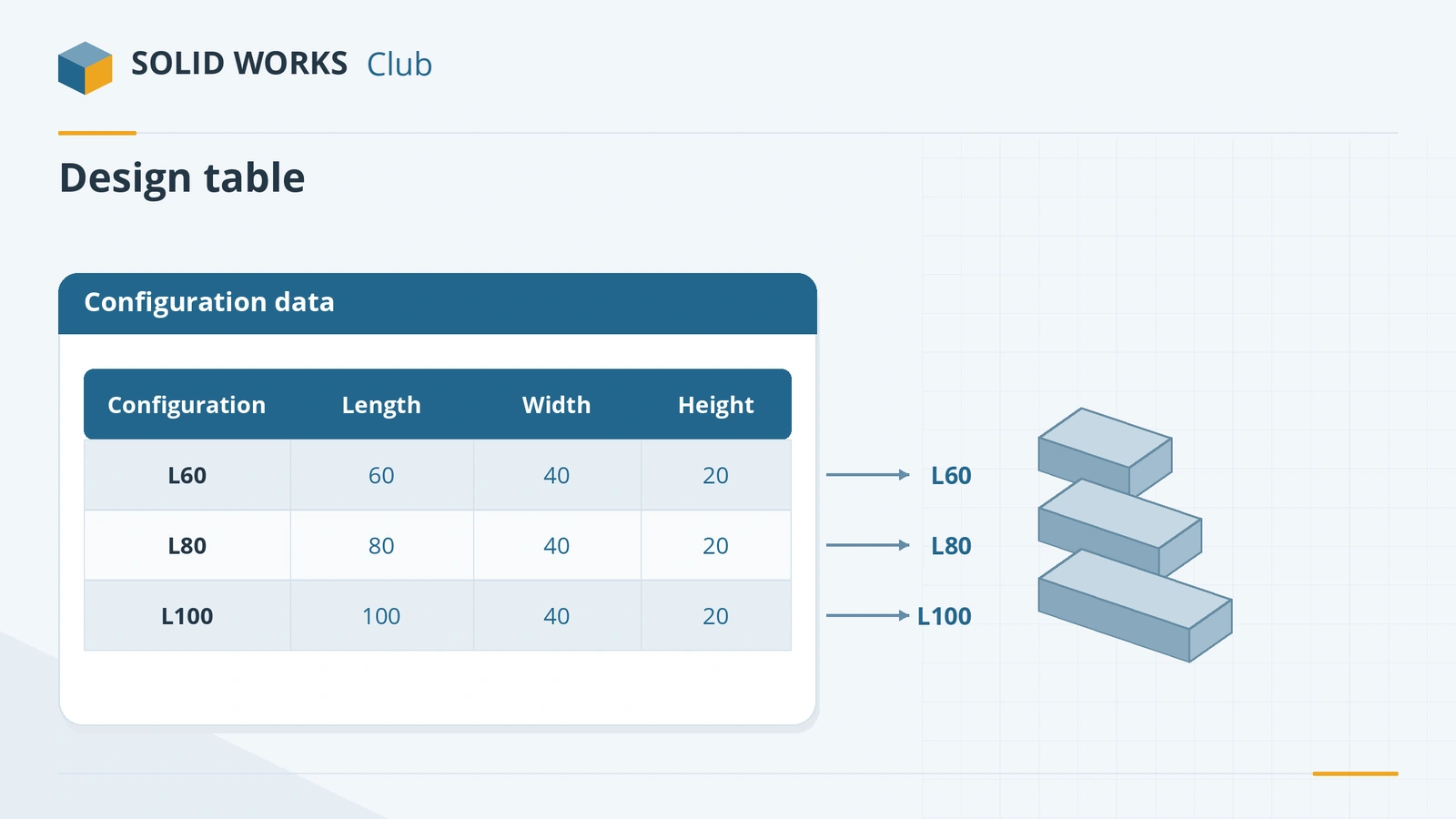 SOLIDWORKS design tablesHow to create a design table in SOLIDWORKS: the Excel requirement, auto-create, dimension and $PRP@ columns, edit options and common mistakes.
-
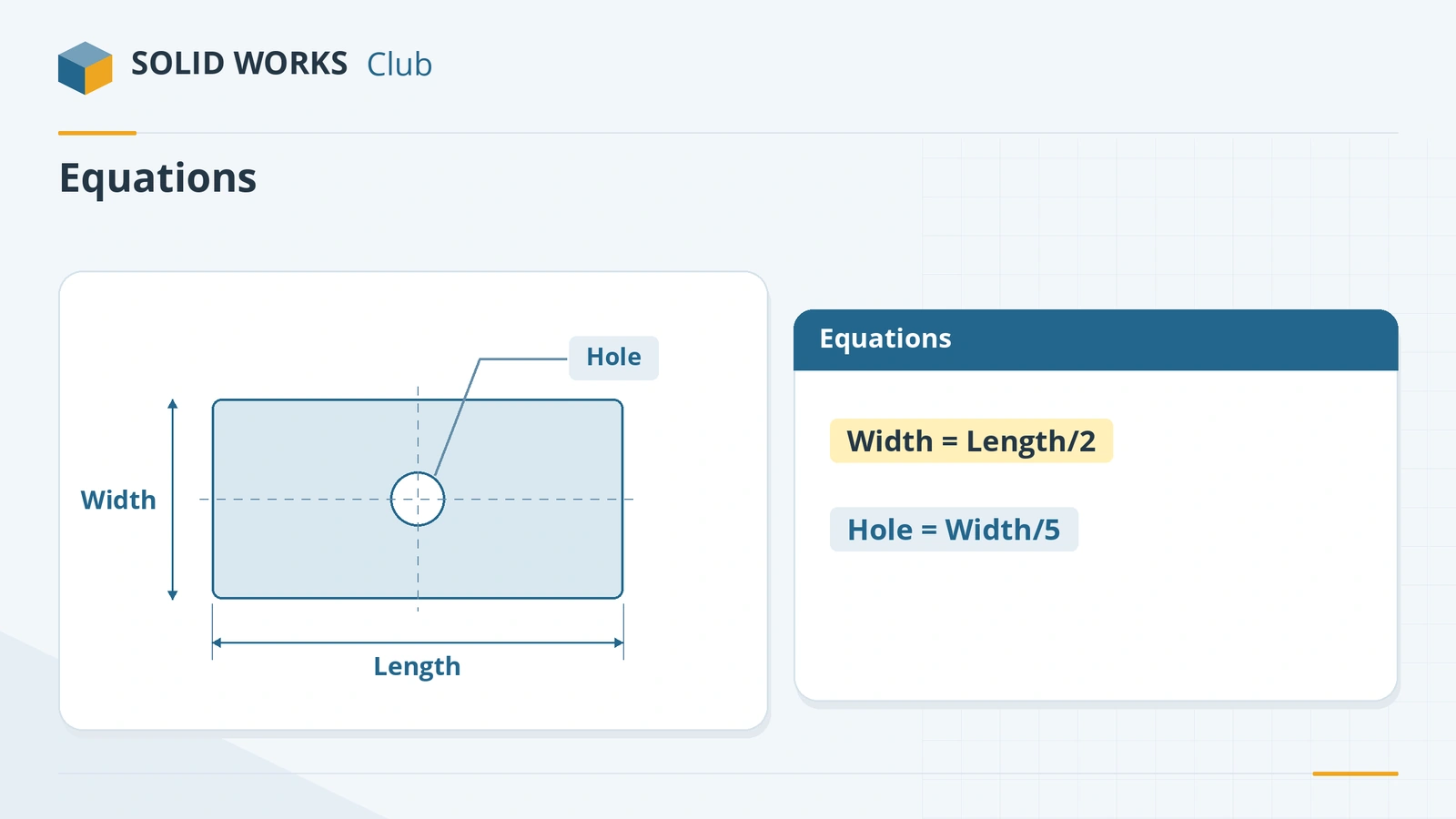 SOLIDWORKS equationsHow to use equations in SOLIDWORKS: the Equations dialog, typing = in a dimension, units, configurable equations, and IIF statements to suppress features.
-
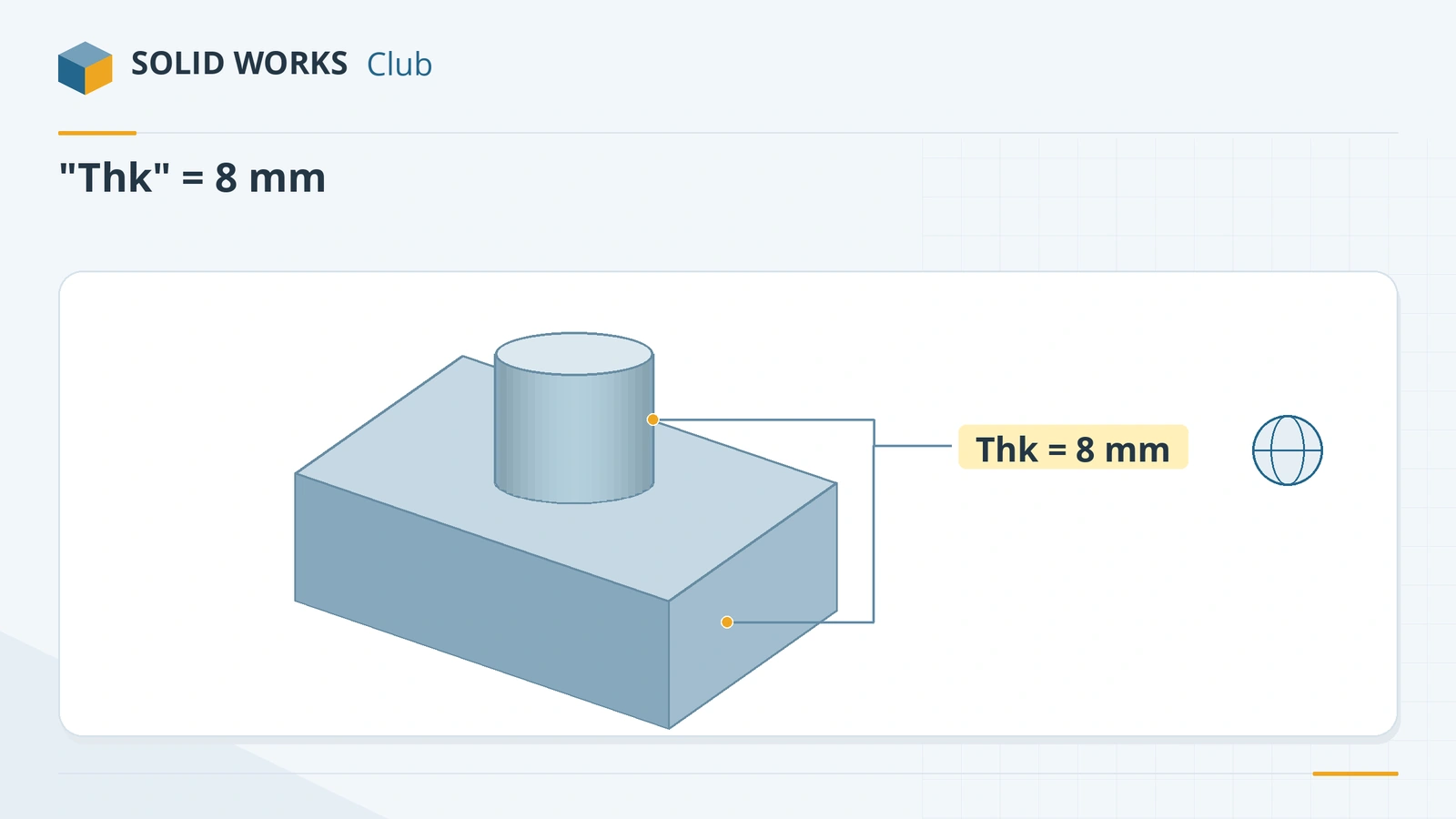 SOLIDWORKS global variablesHow to create global variables in SOLIDWORKS, use them in dimensions and equations, avoid the units pitfall, and link them to an external text file.
-
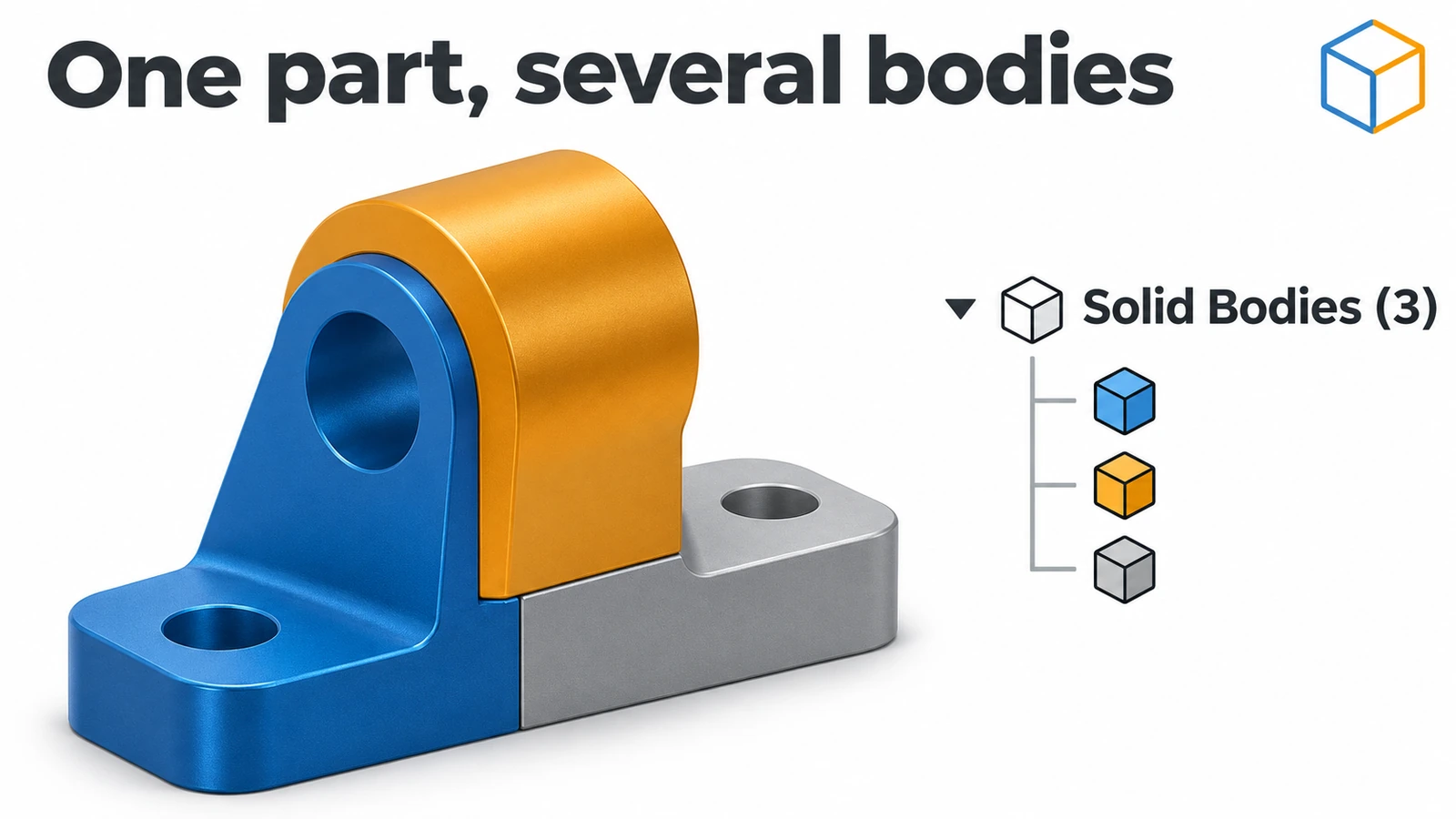 SOLIDWORKS multibody partsWhat multibody parts are in SOLIDWORKS, how Merge result and Feature Scope work, Save Bodies to make an assembly, and when an assembly is better.
-
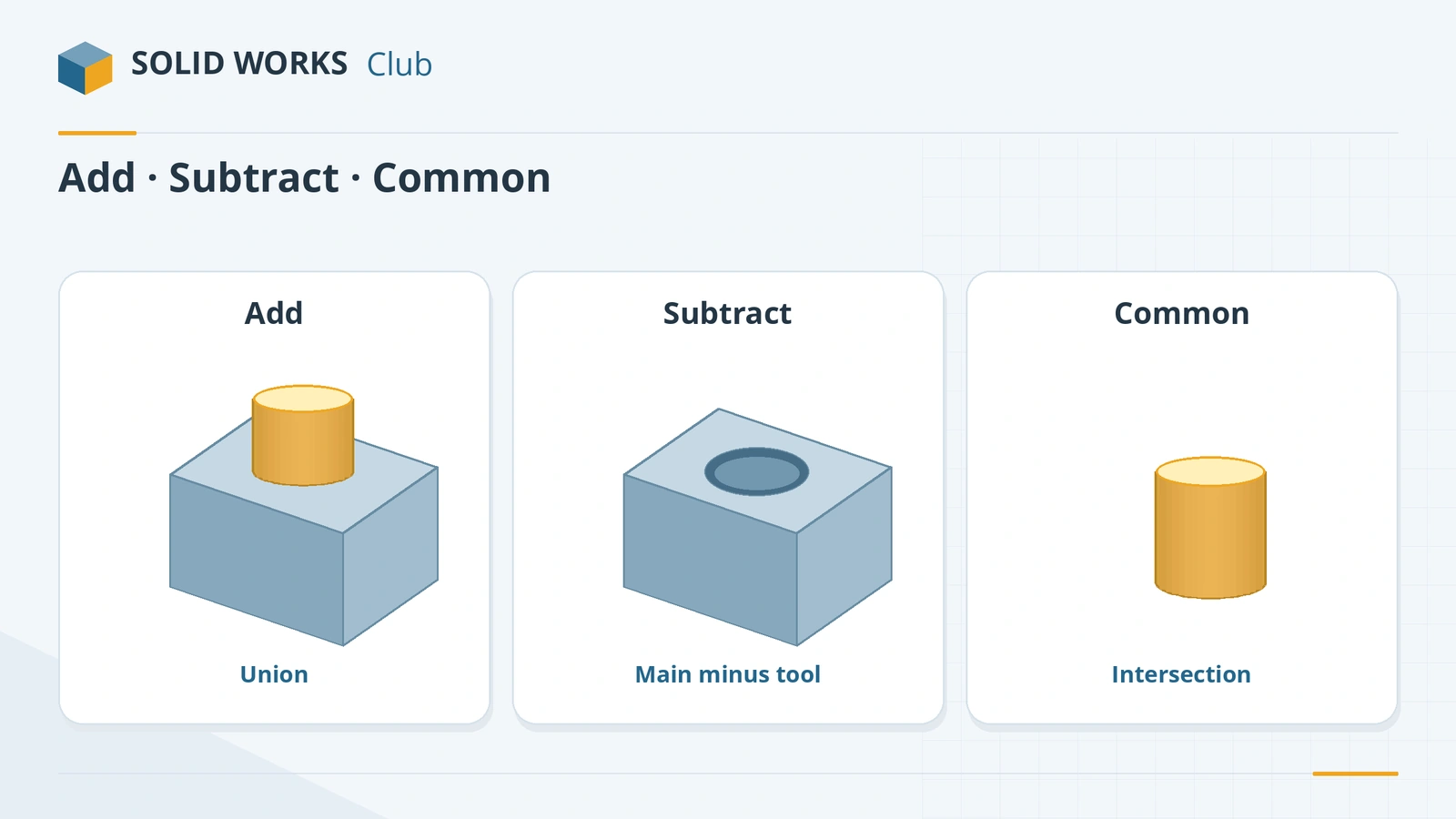 Split, Combine and Intersect in SOLIDWORKSHow to use Split, Combine (Add, Subtract, Common), Intersect and Delete/Keep Body in SOLIDWORKS to cut bodies apart, join them, and use one body as a tool.
-
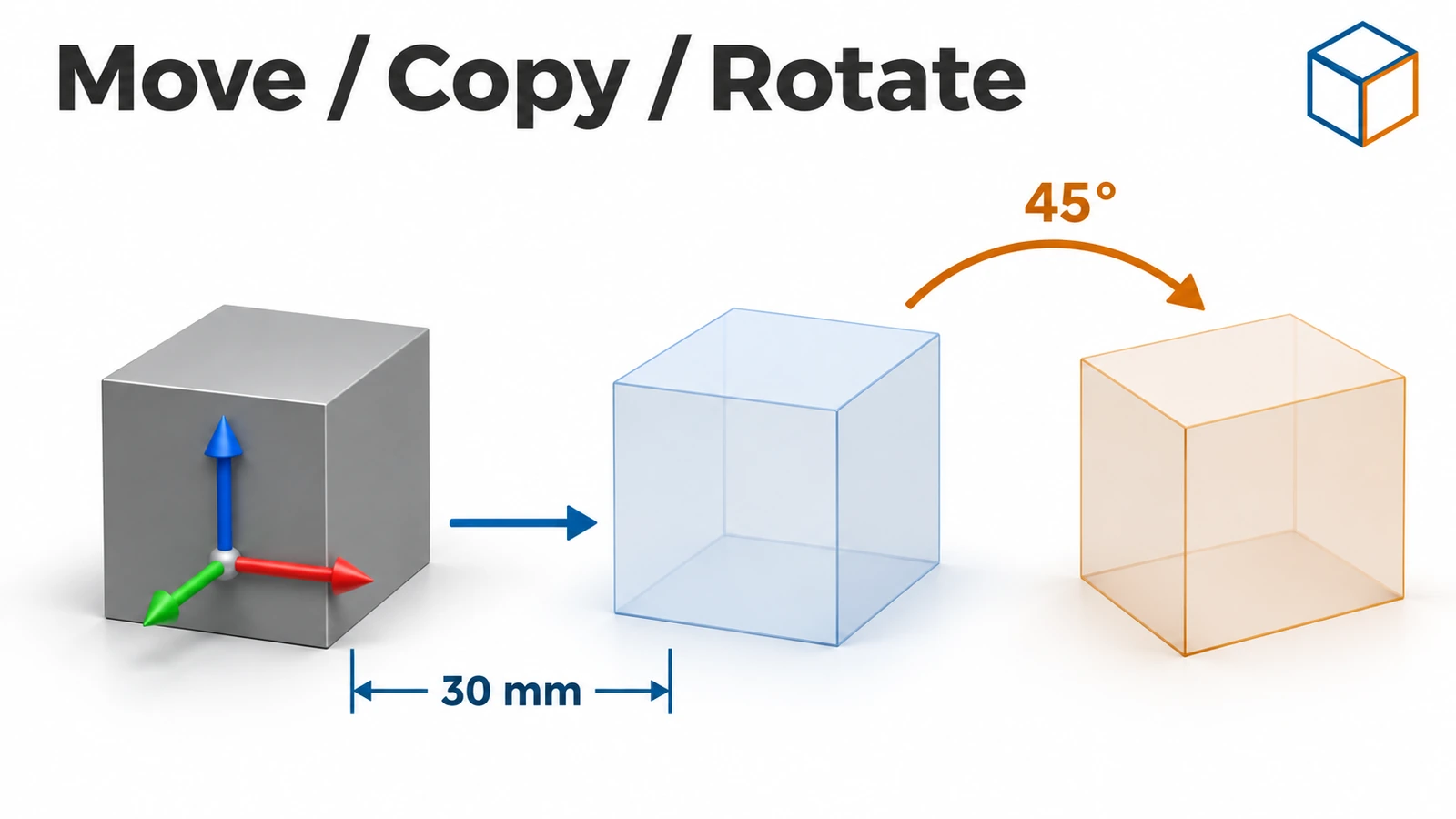 SOLIDWORKS Move/Copy BodiesHow to move, rotate and copy bodies in SOLIDWORKS with Move/Copy Bodies, using translation, rotation or mate-style constraints, plus Insert Part.
-
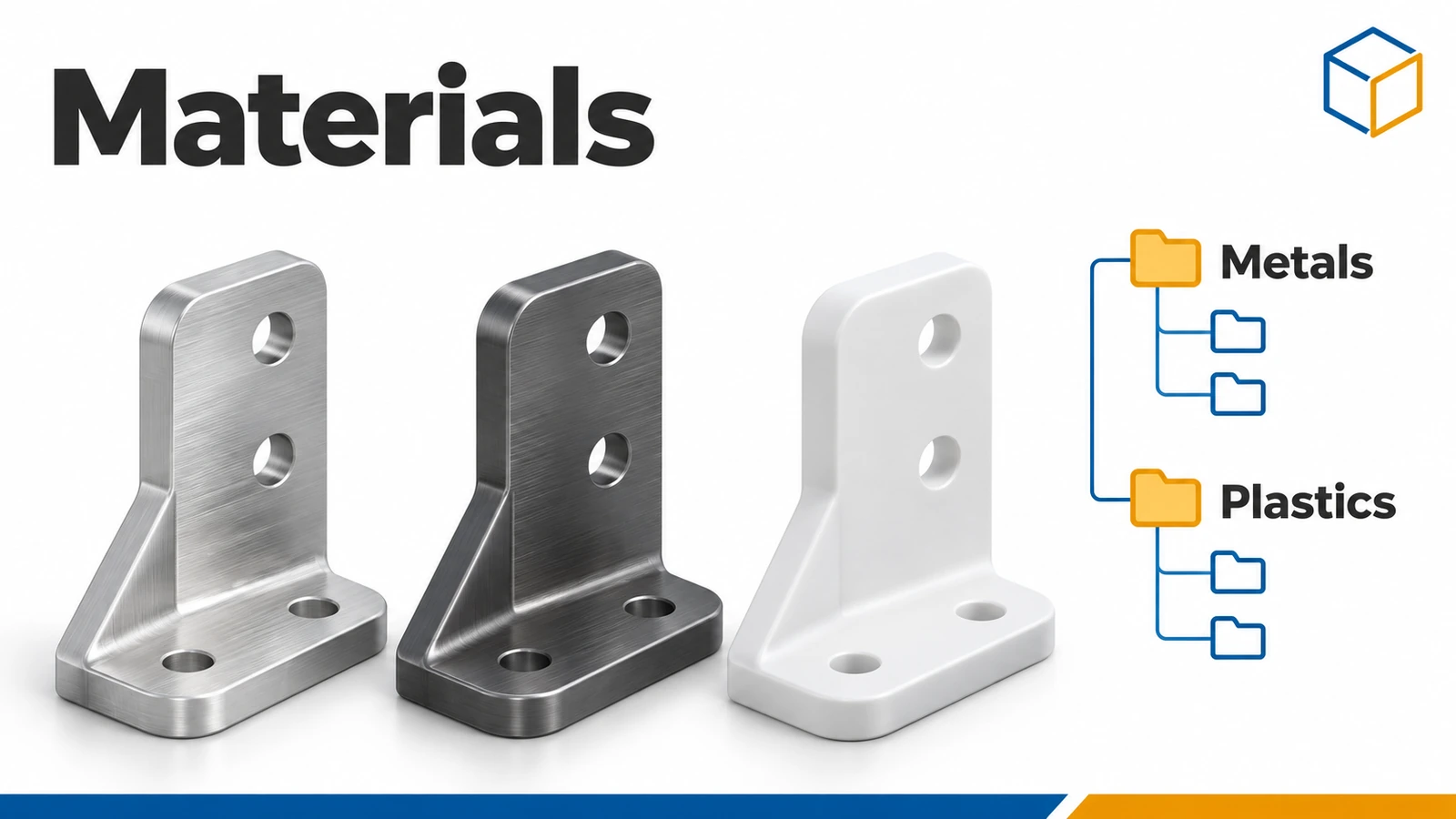 SOLIDWORKS materialsHow to apply materials in SOLIDWORKS, create a custom material library, set materials per body, keep your colours, and link the material to a custom property.
-
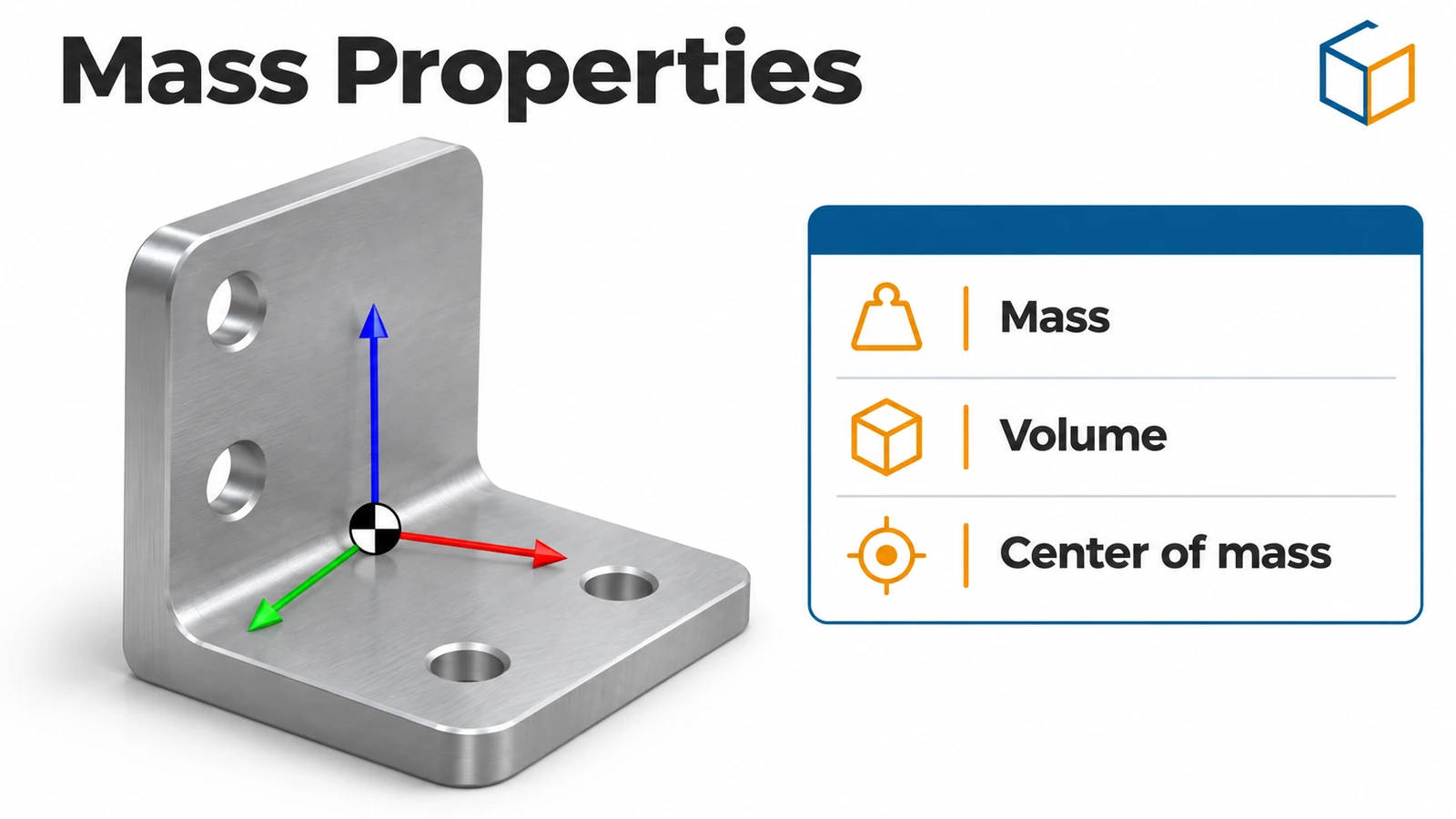 SOLIDWORKS Mass PropertiesHow to use Mass Properties in SOLIDWORKS: mass, volume, centre of mass and inertia, units, coordinate systems, overrides, Measure and Section Properties.
-
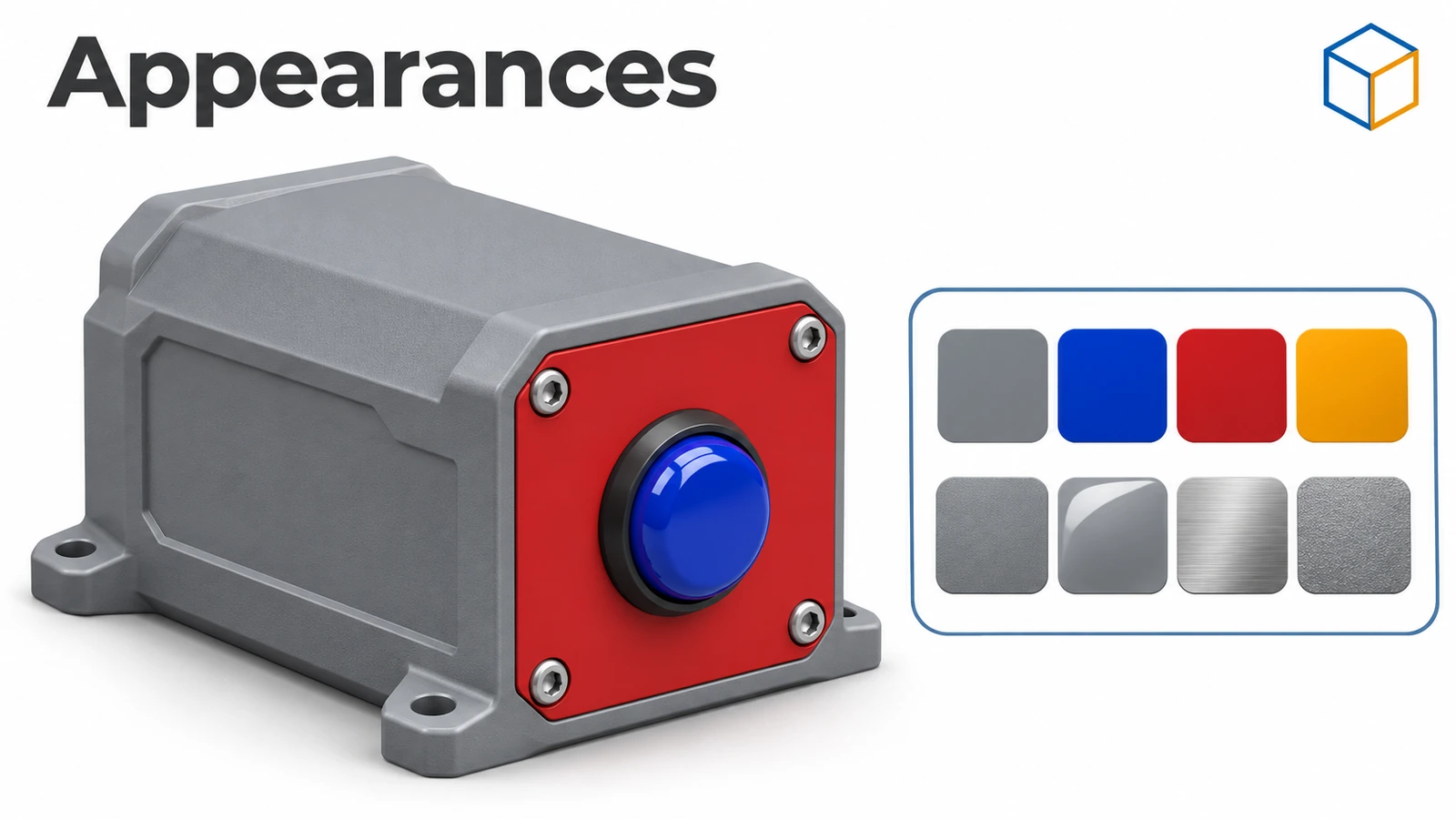 SOLIDWORKS appearancesHow to apply appearances in SOLIDWORKS to faces, features, bodies and parts, understand the colour hierarchy, remove appearances, use RealView and add decals.
-
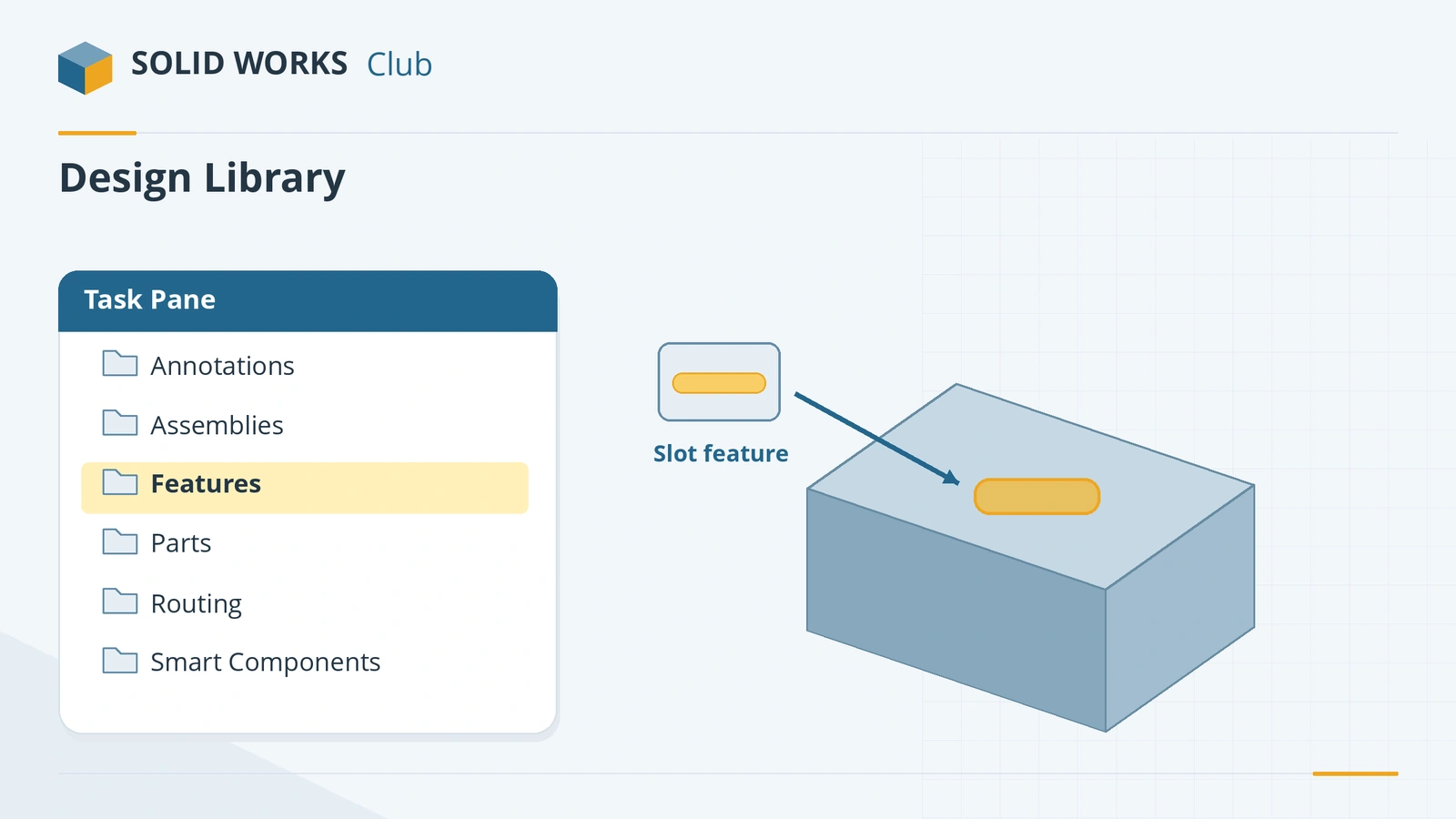 SOLIDWORKS Design LibraryHow to use the SOLIDWORKS Design Library: default folders, adding your own folders, saving reusable library features (.sldlfp) and inserting them.
Frequently asked questions
What should I learn after basic SOLIDWORKS features?
+
Patterns and mirrors, then configurations, equations and design tables. They are what make models easy to change, and they are tested in the CSWP exam.
Are configurations the same as design tables?
+
No. Configurations are variants of a part or assembly. A design table is an Excel sheet that creates and controls many configurations at once.
Do I need these skills for the CSWA?
+
Patterns, mirrors, materials and mass properties appear in the CSWA. Configurations, equations and design tables matter more for the CSWP.
Related
- SOLIDWORKS features — 18 lessonsFree SOLIDWORKS features course: extrude, cut, revolve, planes, fillet, chamfer, shell, rib, draft, Hole Wizard, threads, sweep, loft and more, with checks.
- SOLIDWORKS Linear PatternHow to use Linear Pattern in SOLIDWORKS: one or two directions, spacing, Up to reference, skipping and varying instances, and Geometry pattern.
- SOLIDWORKS configurationsHow to use configurations in SOLIDWORKS: add them, change dimensions and suppress features per configuration, configuration tables and display states.
- CSWP exam guide: the three segments explainedThe CSWP (SOLIDWORKS Design Professional) in 2026 — $99 for three segments: part modelling, configurations and assemblies. Times, pass marks and tips.