Advanced parts · Lesson 14
SOLIDWORKS Mass Properties
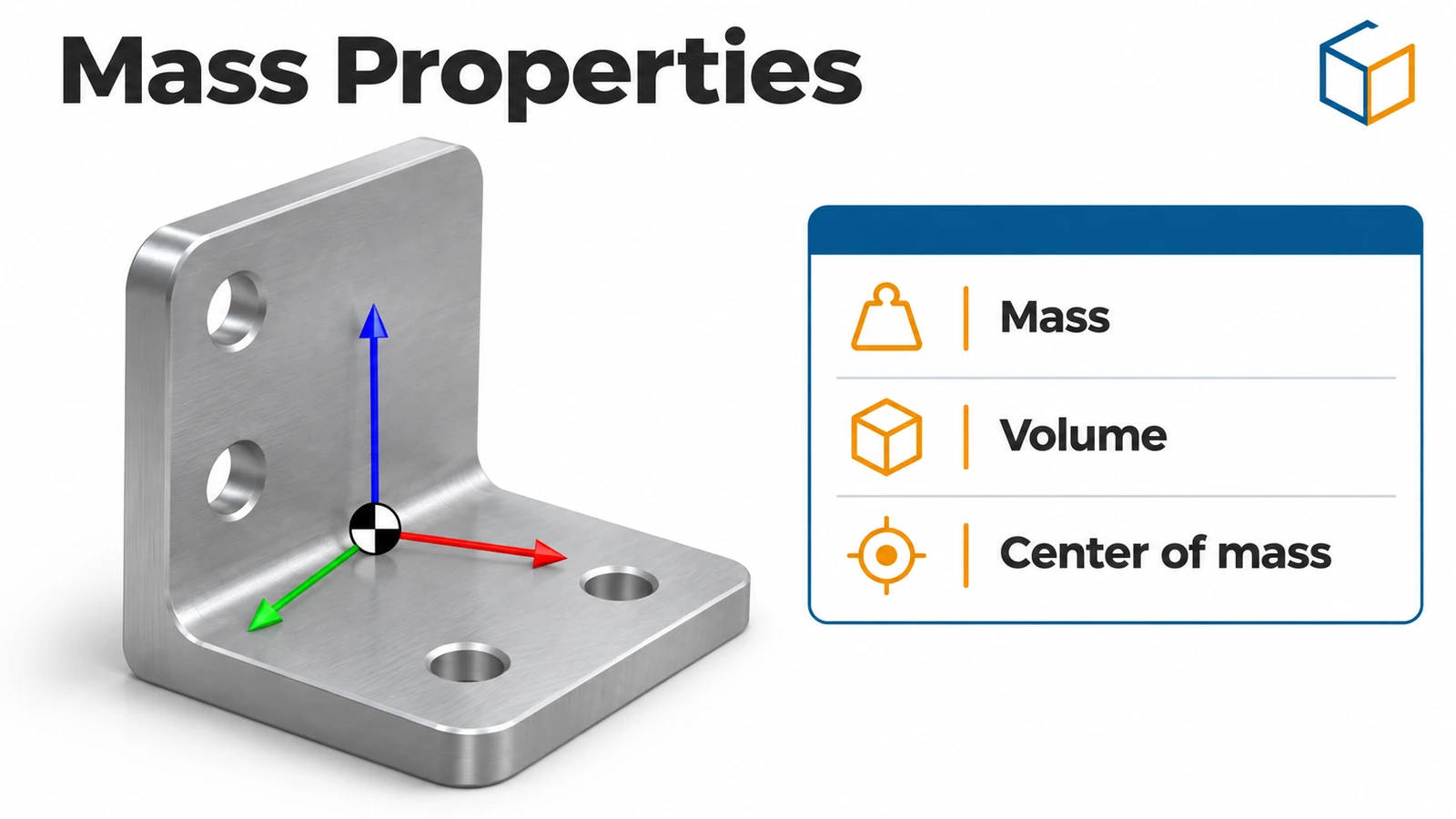
Mass Properties reports the mass, volume, density, centre of mass and moments of inertia of a part, an assembly or selected bodies. It is how you check a model against a target weight, balance a design — and how the CSWA and CSWP exams grade your work. The values are only as good as the material and units you set.
 Kevin Walsh
Where to find it
Evaluate tab → Mass Properties (Tools → Evaluate → Mass Properties)
What the dialog reports
| Value | Meaning |
|---|---|
| Mass, volume, density | From the geometry and the material |
| Centre of mass | X, Y, Z relative to the output coordinate system |
| Principal axes and moments | Axes through the centre of mass |
| Moments of inertia | Tensors at the centre of mass and at the output coordinate system; non-zero cross terms mean the part is not symmetric about those axes |
Related tools
- Options — units, decimals, accuracy; include hidden bodies or components; create a Center of Mass feature.
- Override Mass Properties — set the mass for simplified purchased parts.
- Section Properties — area properties of faces or sketches.
- Measure (Evaluate tab) — distances, angles and lengths; select two items and the status bar shows the distance.
To check answers outside SOLIDWORKS, use our mass calculator; to practise exam-style, the CSWA practice test.
Practise reading mass and centre of mass on the intermediate assembly exercises, starting with the spacer stack.
Step by step
-
1
Build the L-bracket
On the Front Plane sketch an L profile — base 80 × 10 mm, wall 10 mm thick and 60 mm tall, outer corner on the origin — and extrude it Mid Plane 40 mm. Apply 6061 aluminium (2,700 kg/m³).
-
2
Open Mass Properties
Evaluate → Mass Properties. The whole part is reported unless you select bodies.
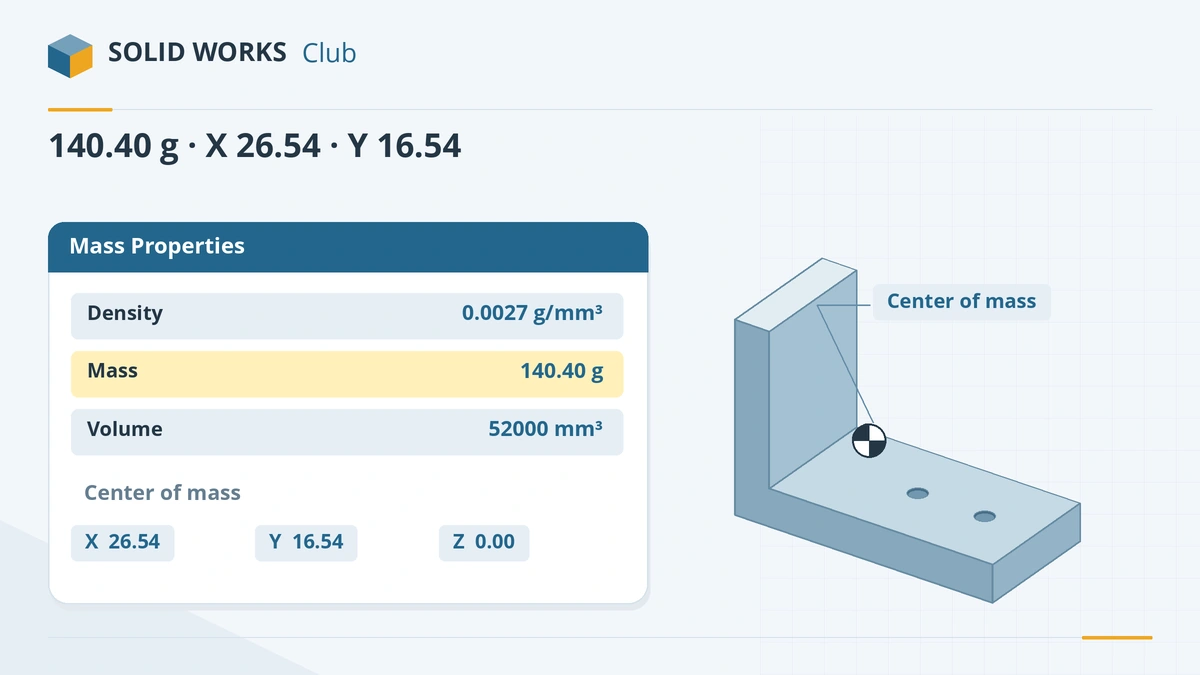
Check mass, volume and centre of mass against the expected values. -
3
Set units and decimals
Click Options → Use custom settings to choose units (grams, millimetres) and decimal places independently of the document units.
-
4
Read the centre of mass
Note the centre of mass coordinates. They are measured from the part origin unless you choose another coordinate system in the dialog — see coordinate systems.
Common mistakes
- No material, or the wrong density, so the mass is wrong. The CSWA always states the material and density to use.
- Reading the centre of mass from the wrong coordinate system. Exam questions often define their own.
- Expecting an overridden mass to be used in Simulation — overrides are not used by Simulation studies.
Lesson 14 of 16 in the advanced parts course.
Practice
Build the L-bracket above in 6061 aluminium. Check: volume 52,000 mm³, mass 140.40 g, centre of mass at X = 26.54 mm, Y = 16.54 mm, Z = 0 from the origin (outer corner of the L, Front Plane in the middle).
Sources
- Solid Solutions — Finding mass with Mass Properties
- GoEngineer — Mass moments of inertia explained (Mar 2025)
- CATI — Mass Properties options
- GoEngineer — Overriding mass properties with design tables (Sep 2026)
- Javelin — Mass overrides and Simulation (2020)
- CATI — Section Properties
- TriMech — How to use the measurement tools
Checked November 2026. SOLID WORKS Club is independent; menu names can differ slightly between releases.
Frequently asked questions
How do I find the mass of a part in SOLIDWORKS?
+
Assign a material, then open Evaluate → Mass Properties. The dialog shows mass, volume, density, centre of mass and moments of inertia.
How do I change the units in Mass Properties?
+
Click Options in the Mass Properties dialog and choose Use custom settings, then set units and decimal places.
Can I override the mass of a part?
+
Yes, with Override Mass Properties — useful for purchased parts modelled simply. Overrides are not used by Simulation, and a $SW-MASS design table column can set the mass per configuration.
What is the difference between Mass Properties and Section Properties?
+
Mass Properties works on 3D bodies. Section Properties works on faces or sketches and reports area properties of a 2D section.
Related
- SOLIDWORKS materialsHow to apply materials in SOLIDWORKS, create a custom material library, set materials per body, keep your colours, and link the material to a custom property.
- SOLIDWORKS coordinate systemsHow to create a coordinate system in SOLIDWORKS and use it for mass properties, centre of mass, STEP or Parasolid export and table driven patterns.
- Mass calculator for SOLIDWORKS and CSWA problemsCalculate part mass from volume and density in mm, cm, m or inches, with typical densities for steel, aluminium, brass and copper. Built for CSWA checks.
- Free CSWA practice testFree CSWA-style practice test with a 45-minute timer — knowledge questions plus five modelling problems with drawings, scored with worked answers.