Reference
The SOLIDWORKS S key shortcut bar
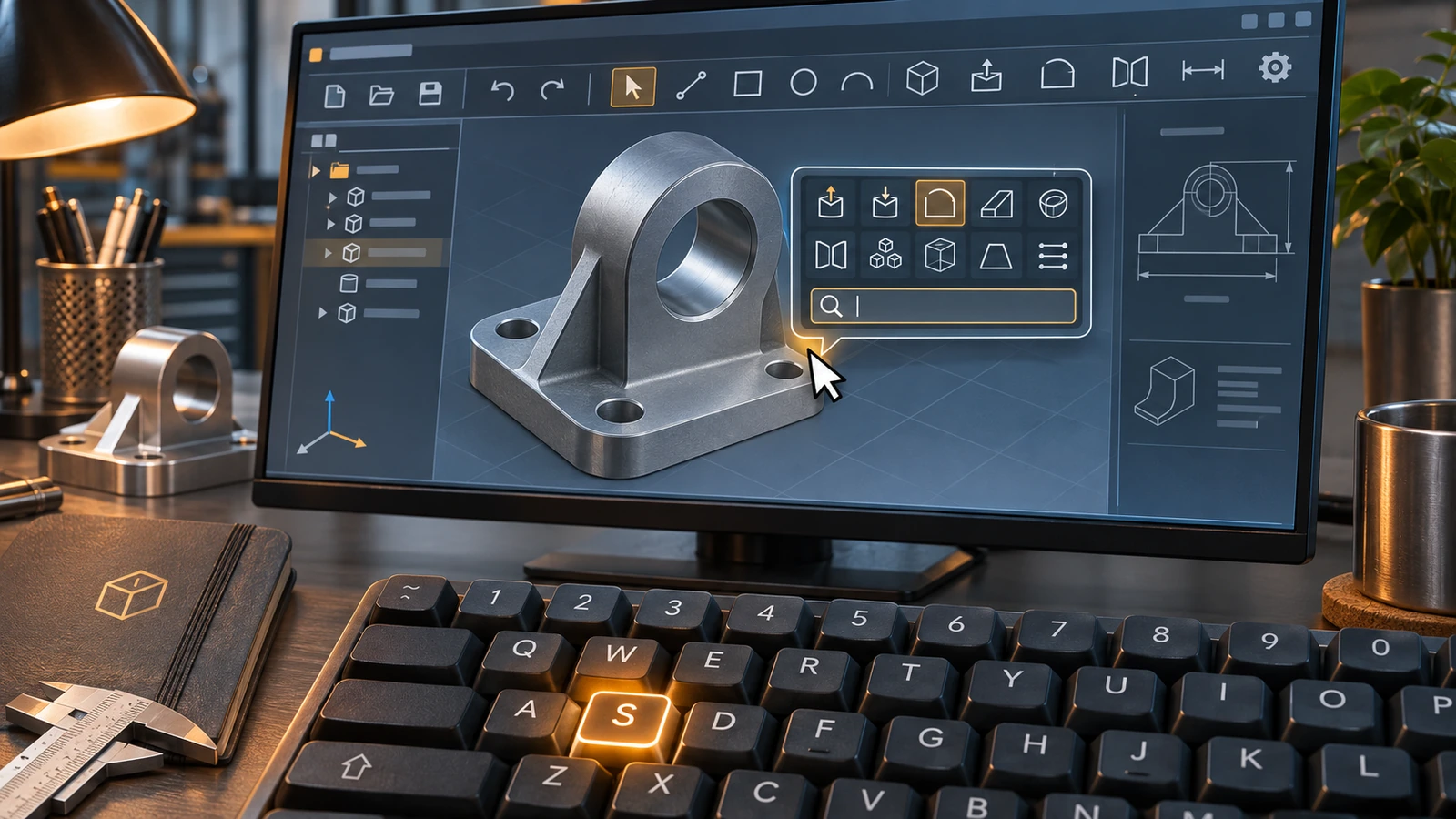
Pressing S opens the shortcut bar right at your pointer: a small toolbar of commands that changes with the environment — part, assembly, drawing or sketch. It includes a command search box, so you can type a command name without moving to the top of the screen. Right-click the bar and choose Customize to add or remove commands.
 Kevin Walsh
Where to find it
Press S in the graphics area · customise via right-click → Customize
Shortcut
S
What the shortcut bar is
The shortcut bar is a fixed set of commands that you choose, shown at the pointer when you press S. Unlike the context toolbar, it does not depend on what you have selected — only on the environment you are in. SOLIDWORKS Help describes separate bars for parts, assemblies, drawings and sketches, with Search All Commands included by default (SOLIDWORKS Help 2024). Command search has been built into the S bar since SOLIDWORKS 2022, according to Solid Solutions (source).
Suggested commands per environment
| Environment | Worth adding |
|---|---|
| Part | Extruded Boss, Extruded Cut, Revolve, Fillet, Chamfer, Shell, Hole Wizard, Mirror, Linear Pattern, Measure |
| Assembly | Insert Components, Mate, Linear Component Pattern, Interference Detection, Exploded View, Hide/Show |
| Sketch | Line, Rectangle, Circle, Arc, Smart Dimension, Trim, Offset, Convert Entities, Mirror Entities, Add Relation |
| Drawing | Model View, Projected View, Section View, Detail View, Smart Dimension, Note, Balloon, Centre Mark |
S key vs mouse gestures vs W
- S — a toolbar at the pointer with several commands and search.
- Mouse gestures — a right-drag flick for 4–8 constant commands.
- W — command search on its own, without the bar (all shortcuts).
Most experienced users combine all three: gestures for the top commands, S for the next dozen and W for anything else.
More on toolbars and panels: the SOLIDWORKS interface explained.
Practise with the sketch tools: sketching course.
Step by step
-
1
Open the shortcut bar
With the pointer over the graphics area, press S. The bar appears at the pointer with the commands for the current environment.
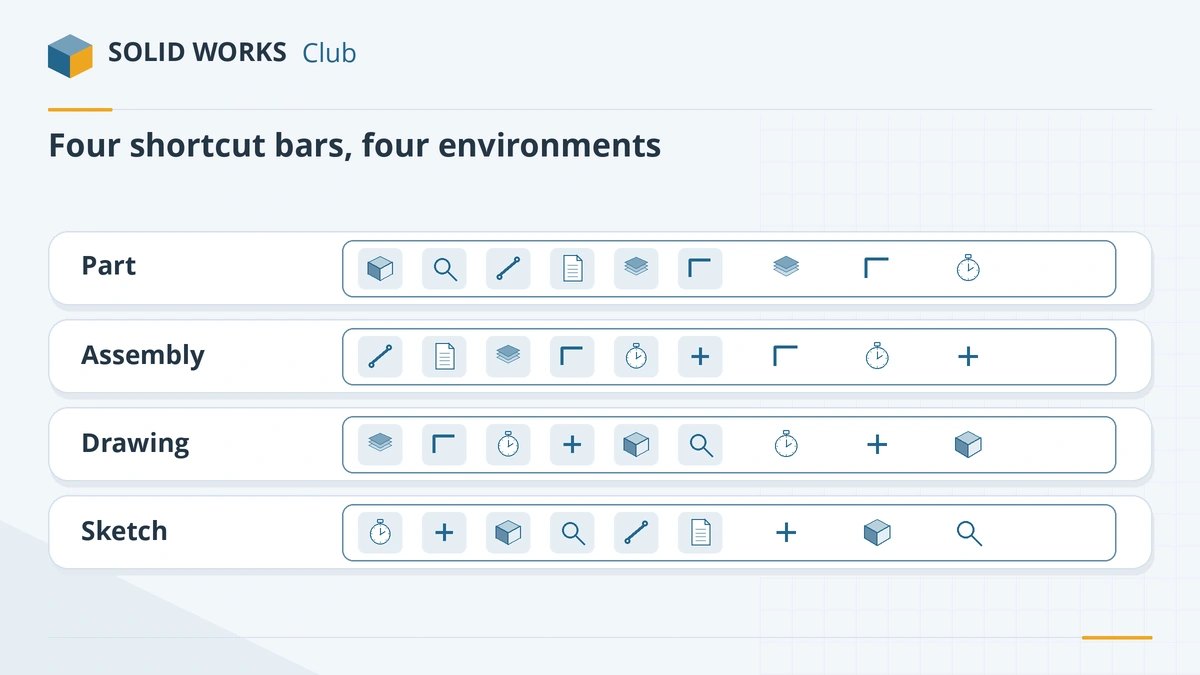
One bar per environment. -
2
Run or search a command
Click a command, or start typing in the search box on the bar. SOLIDWORKS Help (2024) lists keyboard navigation too: arrow keys move between tools, Alt+Down opens a tool's menu, Enter runs it and Esc closes the bar.
-
3
Customise it
Right-click the bar and choose Customize. The Shortcut Bars tab shows a bar for each environment. Drag commands from the list onto the bar, and drag them off to remove them. The dialog has its own search field to find commands quickly.
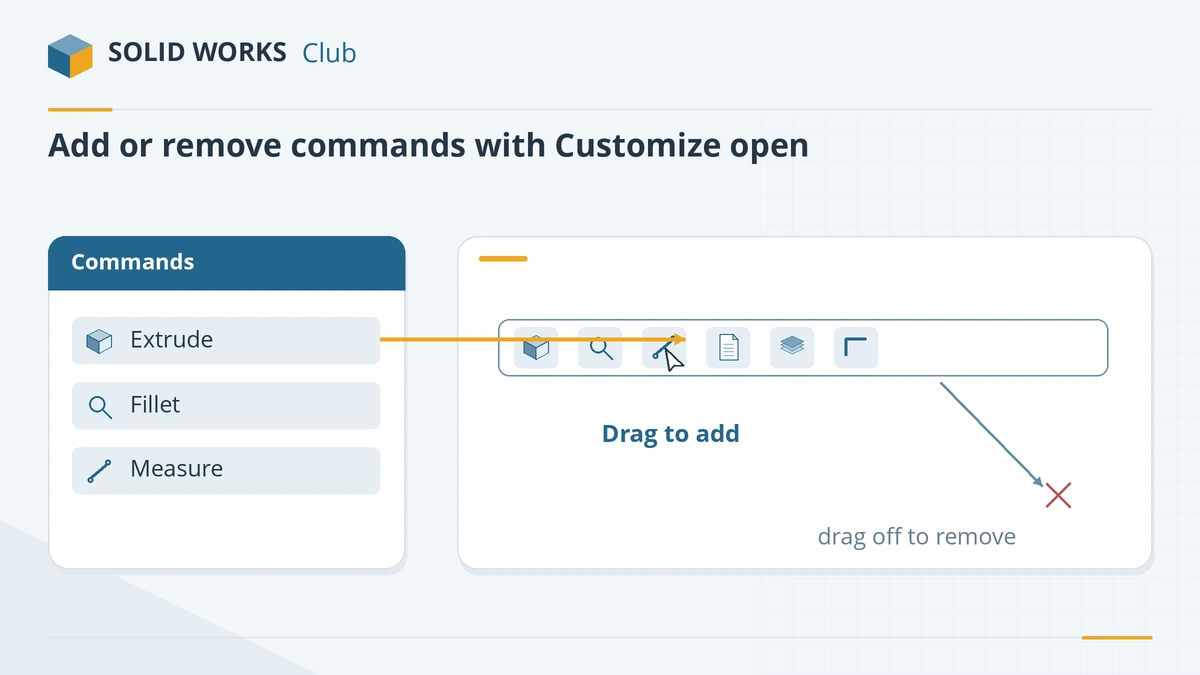
Drag commands on or off the bar while Customize is open. -
4
Add a found command
When you search from the bar, use the + next to a result to add that command to the bar permanently.
Common mistakes
- Customising the part bar and expecting the change in sketches — each environment has its own bar.
- Filling the bar with every command; keep it to what you use daily and search for the rest.
- Remapping S to something else and losing the bar — check Tools → Customize → Keyboard.
Frequently asked questions
What does the S key do in SOLIDWORKS?
+
It opens the shortcut bar at the pointer — a customisable toolbar with commands for the current environment (part, assembly, drawing or sketch) and a command search box.
How do I add commands to the S key bar?
+
Right-click the shortcut bar and choose Customize, then drag commands onto it. You can also search from the bar and click + next to a result.
My S key does not open the shortcut bar. Why?
+
Either the pointer is not over the graphics area, focus is in a dialog, or the S key was reassigned. Check Tools → Customize → Keyboard for the "Shortcut Bar" command.
Related
- SOLIDWORKS keyboard shortcutsEvery default SOLIDWORKS keyboard shortcut in a searchable list and a one-page PDF — rebuild, views, zoom, filters, sketch and assembly keys — and customising.
- SOLIDWORKS mouse gesturesHow SOLIDWORKS mouse gestures work, how to choose 2 to 12 directions, assign your own commands for parts, assemblies, drawings and sketches, and turn them off.
- SOLIDWORKS glossaryPlain-English definitions of SOLIDWORKS terms — FeatureManager, PropertyManager, mates, configurations, fully defined, K-factor, SpeedPak, Pack and Go.
- SOLIDWORKS referenceSOLIDWORKS reference — keyboard shortcuts with a PDF, mouse gestures, the S key, file formats, STEP, STL and DXF export, version compatibility and a glossary.