Reference
SOLIDWORKS file formats and extensions
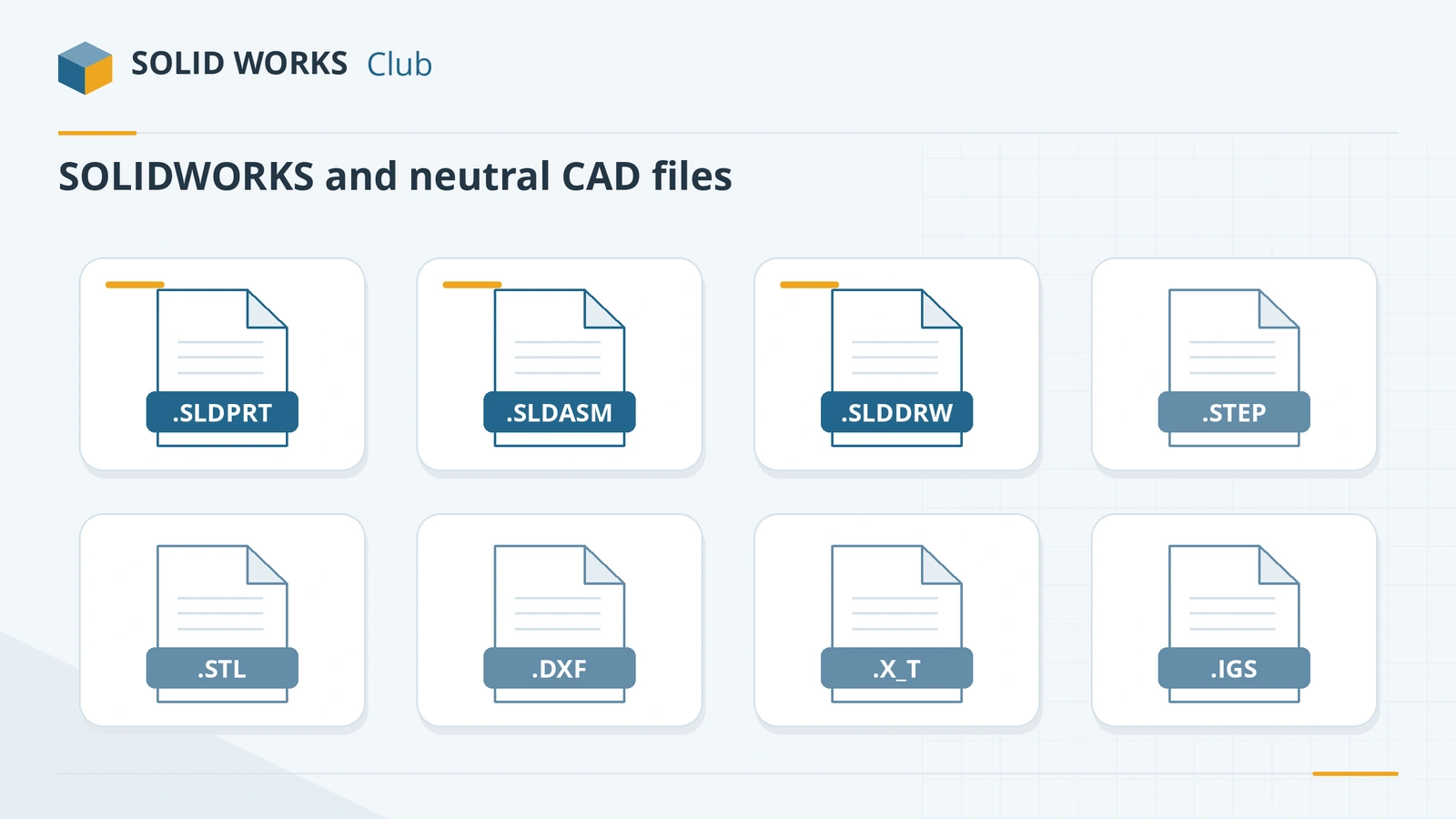
SOLIDWORKS uses three main document types — .sldprt (part), .sldasm (assembly) and .slddrw (drawing) — plus templates, sheet formats, library files and table templates. For other software it imports and exports STEP, Parasolid, IGES, STL, 3MF, DXF/DWG, PDF and more, and 3D Interconnect opens Inventor, Creo, CATIA V5, NX and Solid Edge files directly.
 Kevin Walsh
Native SOLIDWORKS extensions
Documents
Templates
| Extension | What it is |
|---|---|
| .prtdot | Part template |
| .asmdot | Assembly template |
| .drwdot | Drawing template (standard, units, document properties) |
| .slddrt | Sheet format (border, title block, sheet size) |
Libraries
| Extension | What it is |
|---|---|
| .sldlfp | Library feature part (reusable features from the Design Library) |
| .sldblk | Sketch or drawing block |
| .sldmat | Material library (database) |
Table templates
| Extension | What it is |
|---|---|
| .sldtbt | General table template |
| .sldbomtbt | BOM table template |
| .sldholtbt | Hole table template |
| .sldrevtbt | Revision table template |
| .sldbndtbt | Bend table template |
| .sldpuntbt | Punch table template |
| .sldwldtbt | Weldment cut list table template |
Settings and automation
| Extension | What it is |
|---|---|
| .sldreg | Settings backup (Settings Wizard) |
| .swp / .swb | Macro |
eDrawings
| Extension | What it is |
|---|---|
| .eprt / .easm / .edrw | eDrawings part / assembly / drawing |
Sources: SOLIDWORKS Help — table templates, blocks, GoEngineer, Javelin, CATI, CAD Exchanger. Where these files live by default: SOLIDWORKS file locations.
Import and export formats
| Format | Extension | Typical use |
|---|---|---|
| STEP (AP203, AP214, AP242) | .step, .stp | Universal 3D exchange with other CAD systems |
| Parasolid | .x_t, .x_b | Exchange with Parasolid-based CAD (Onshape, Solid Edge, NX) |
| IGES | .igs, .iges | Legacy surfaces and older systems |
| ACIS | .sat | ACIS-based CAD |
| STL | .stl | 3D printing (mesh) |
| 3MF | .3mf | 3D printing with colour and units (since 2017) |
| DXF / DWG | .dxf, .dwg | 2D drawings, flat patterns for laser and waterjet |
| PDF / 3D PDF | Drawings for review; 3D PDF via the MBD add-in | |
| eDrawings | .eprt, .easm, .edrw | Lightweight viewing |
| glTF / GLB | .gltf, .glb | AR/VR and web (File → Save As → Extended Reality, since 2024) |
| VRML, JPEG, TIFF, Photoshop, Illustrator, XPS | various | Graphics and presentation |
| IFC | .ifc | Building information models |
| JT, 3D XML | .jt, .3dxml | Lightweight visualisation and PLM |
From the official import/export table (SOLIDWORKS 2024 Help), plus glTF/GLB from the SOLIDWORKS blog and 3MF from Javelin.
3D Interconnect: open other CAD files natively
Since SOLIDWORKS 2017, 3D Interconnect opens native files from other systems without a separate translation step, and keeps a link so you can update the model when the source file changes. Enable it in Tools → Options → System Options → Import.
| CAD system | Files | Versions (2024 Help) |
|---|---|---|
| Autodesk Inventor | .ipt, .iam | Inventor V6–2021 parts, V11–2023 assemblies |
| CATIA V5 | .CATPart, .CATProduct | V5R8 – V5-6R2022 (translator needs Premium) |
| PTC Creo / Pro/ENGINEER | .prt, .asm | Pro/E 16 – Creo 9.0 |
| Siemens NX | .prt | UG 11 – NX 2206 |
| Siemens Solid Edge | .par, .asm, .psm | V18 – SE2022 |
| ACIS | .sat, .sab | R1 – 2022 1.0 |
| JT | .jt | 8.x, 9.x, 10.0–10.7 |
| STEP, IGES, IFC, DXF/DWG | neutral | STEP AP203/214/242; IGES to 5.3; IFC 2x3, 4 |
Source: SOLIDWORKS Help — 3D Interconnect. Resellers differ on which SOLIDWORKS edition includes every translator, so check yours.
Versions matter
SOLIDWORKS files are not backward compatible: an older release cannot open a newer file. Check any combination with the version compatibility tool.
Frequently asked questions
What file format does SOLIDWORKS use?
+
.sldprt for parts, .sldasm for assemblies and .slddrw for drawings. All three are proprietary binary formats that change with each major release.
What is the best format to send SOLIDWORKS models to other CAD users?
+
STEP (AP214 or AP242) — every major CAD system reads it. Parasolid (.x_t) is also excellent for Parasolid-based systems such as Onshape, Solid Edge and NX.
Can SOLIDWORKS open Inventor, Creo or CATIA files?
+
Yes. 3D Interconnect opens native Inventor, Creo, CATIA V5, NX and Solid Edge files and keeps a link that can update when the source changes. The CATIA V5 translator needs SOLIDWORKS Premium.
Related
- What is an SLDPRT file?An SLDPRT file is a SOLIDWORKS part. How to open it with or without SOLIDWORKS, which versions can read it, and how to convert SLDPRT to STEP, STL or DXF.
- How to open SOLIDWORKS files without SOLIDWORKSHow to open SLDPRT, SLDASM and SLDDRW files without SOLIDWORKS — free eDrawings, online viewers, Onshape, Fusion, Rhino and converters — and which can edit.
- SOLIDWORKS default file locationsDefault SOLIDWORKS folders for templates, sheet formats, the Design Library, BOM templates, profiles and materials, and how to point to shared folders.
- SOLIDWORKS version compatibility: will my file open?Check whether a SOLIDWORKS file opens in another version. Save as previous version (2024+), Future Version mode and STEP explained, with a free checker.