Reference
How to open SOLIDWORKS files without SOLIDWORKS
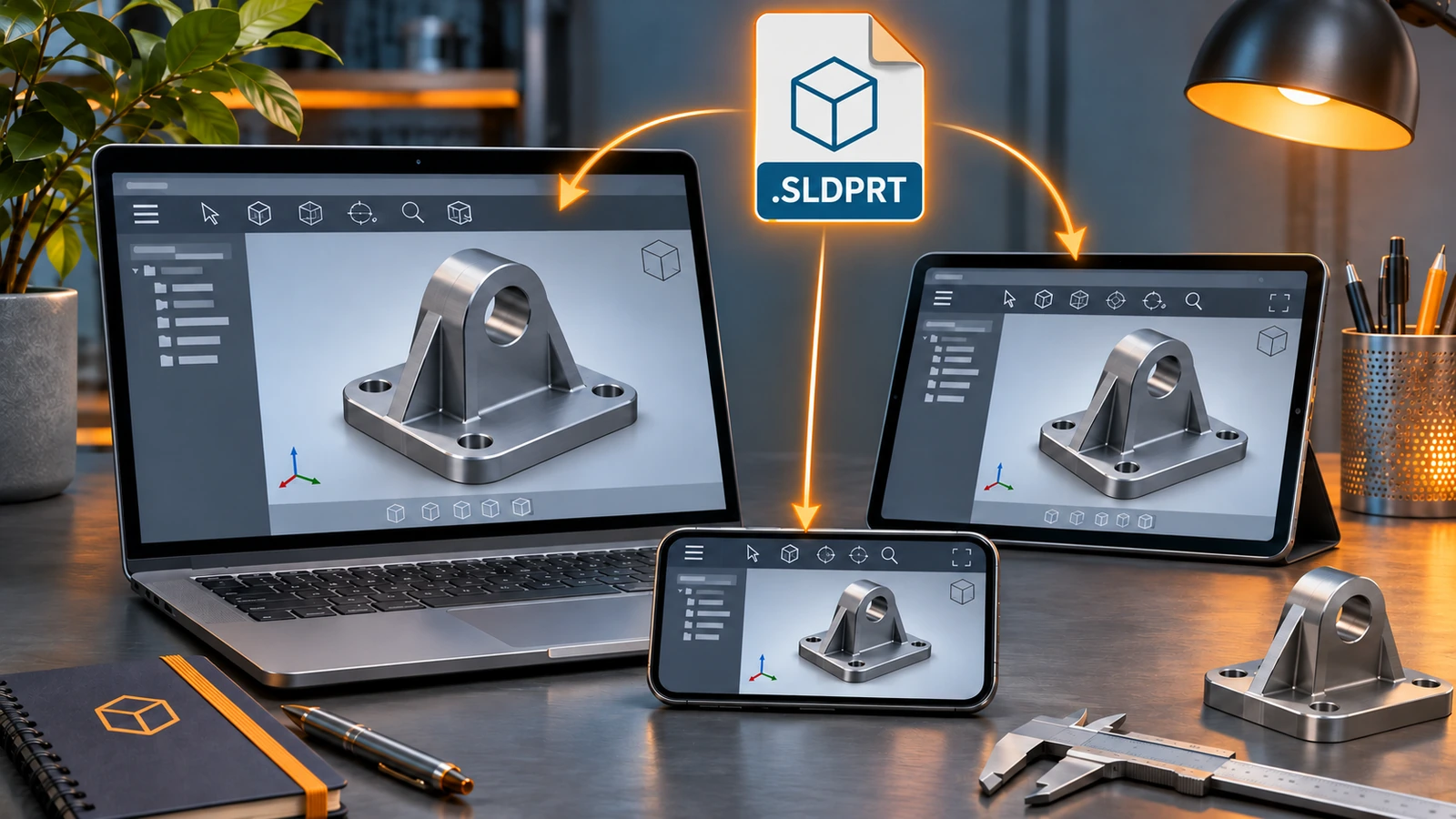
The simplest way is the free eDrawings Viewer from Dassault, which opens SOLIDWORKS parts, assemblies and drawings on Windows, Mac and mobile. In a browser, Autodesk Viewer shows parts and assemblies. To edit the geometry, import the file into Onshape, a paid Fusion licence or Rhino, or ask the sender for STEP. FreeCAD cannot open SOLIDWORKS files directly.
 Kevin Walsh
All options compared
| Tool | Cost | Platforms | Opens | Notes |
|---|---|---|---|---|
| eDrawings Viewer | Free | Windows, Mac, iOS, Android | Parts, assemblies, drawings | View, measure (if enabled), section |
| Autodesk Viewer | Free (account) | Browser | .sldprt, .sldasm | Drawings not listed |
| ShareCAD.org | Free | Browser | .sldprt | Up to 50 MB; no assemblies listed |
| Onshape | Free plan (public) | Browser | .sldprt; assemblies as Pack and Go zip | Imports for editing; no drawings |
| Autodesk Fusion | Paid licences | Windows, Mac | .sldprt, .sldasm | Not on Personal Use |
| Rhino 8 / 9 | $995 | Windows, Mac | Parts and assemblies up to 2026 | Assembly parts must be in the same folder |
| CAD Exchanger | Paid (trial) | Windows, Mac, Linux | Parts, assemblies, drawings (2004–2025) | Converts to STEP, STL and more |
| FreeCAD | Free | Windows, Mac, Linux | No native support | Ask for STEP |
Checked 2026-11-06. Sources: eDrawings, Autodesk Viewer, ShareCAD, Onshape, Fusion, Rhino, CAD Exchanger.
Just looking: eDrawings
Dassault's free eDrawings Viewer is the most complete option: it opens parts, assemblies and drawings, lets you rotate, section and (if the sender allowed it) measure, and runs on Windows, Mac, iOS and Android. Download and features are covered in eDrawings explained.
Editing the geometry
- Onshape imports .sldprt files from SOLIDWORKS 1999 to 2026; assemblies must be uploaded as a Pack and Go zip. The free plan makes your documents public.
- Autodesk Fusion imports parts and assemblies on paid licences, not Personal Use.
- Rhino 8 and 9 read SOLIDWORKS files up to 2026; keep assembly parts in the same folder.
- Solid Edge opens SOLIDWORKS parts and assemblies, licence permitting.
In all cases you get the shape, not the editable feature history. More on these tools in our comparisons.
Converting
CAD Exchanger reads SOLIDWORKS 2004–2025 parts, assemblies and drawings on Windows, Mac and Linux and converts them to STEP, STL and other formats. The cleanest route, though, is to ask the sender for STEP, STL or a PDF of the drawing.
For developers
The SOLIDWORKS Document Manager API reads properties, references and previews from SOLIDWORKS files without SOLIDWORKS installed; the licence key is available to customers on subscription (Hawk Ridge).
Need SOLIDWORKS itself?
Students get SOLIDWORKS free, hobbyists can use Makers for $48 a year, and anyone can start a free trial. Free CAD alternatives are compared in free SOLIDWORKS alternatives.
Frequently asked questions
Can I open an SLDPRT file online for free?
+
Yes. Autodesk Viewer (free account) lists .sldprt and .sldasm as viewable, and ShareCAD.org shows .sldprt files up to 50 MB. For drawings (.slddrw), use eDrawings instead.
Can I edit a SOLIDWORKS file without SOLIDWORKS?
+
You can import and edit the geometry in Onshape, paid Fusion licences, Rhino or Solid Edge, but the SOLIDWORKS feature tree does not come with it. For full editing you need SOLIDWORKS — students get it free and hobbyists can use Makers for $48 a year.
Can FreeCAD open SLDPRT files?
+
Not natively. Ask for a STEP file, or convert SLDPRT with a paid tool such as CAD Exchanger.
Why do I not see thumbnails of SOLIDWORKS files in Windows?
+
Thumbnail previews come from components installed with SOLIDWORKS, and a file has a preview only after it was saved in SOLIDWORKS. Without SOLIDWORKS installed, Windows may show a generic icon.
Related
- eDrawings: the free SOLIDWORKS file viewerWhat eDrawings is, how to get the free Viewer for Windows, Mac, iPhone and Android, what it opens, what Professional adds and how to publish eDrawings files.
- What is an SLDPRT file?An SLDPRT file is a SOLIDWORKS part. How to open it with or without SOLIDWORKS, which versions can read it, and how to convert SLDPRT to STEP, STL or DXF.
- How to export SOLIDWORKS to STEPHow to save a SOLIDWORKS part or assembly as STEP, which AP version to choose (AP203, AP214, AP242), exporting components separately, and pitfalls.
- The best free SOLIDWORKS alternatives in 2026The best free alternatives to SOLIDWORKS in 2026 — FreeCAD, Solid Edge Community Edition, Fusion Personal Use, Onshape Free and more — with the limits of each.