Reference
What is an SLDPRT file?
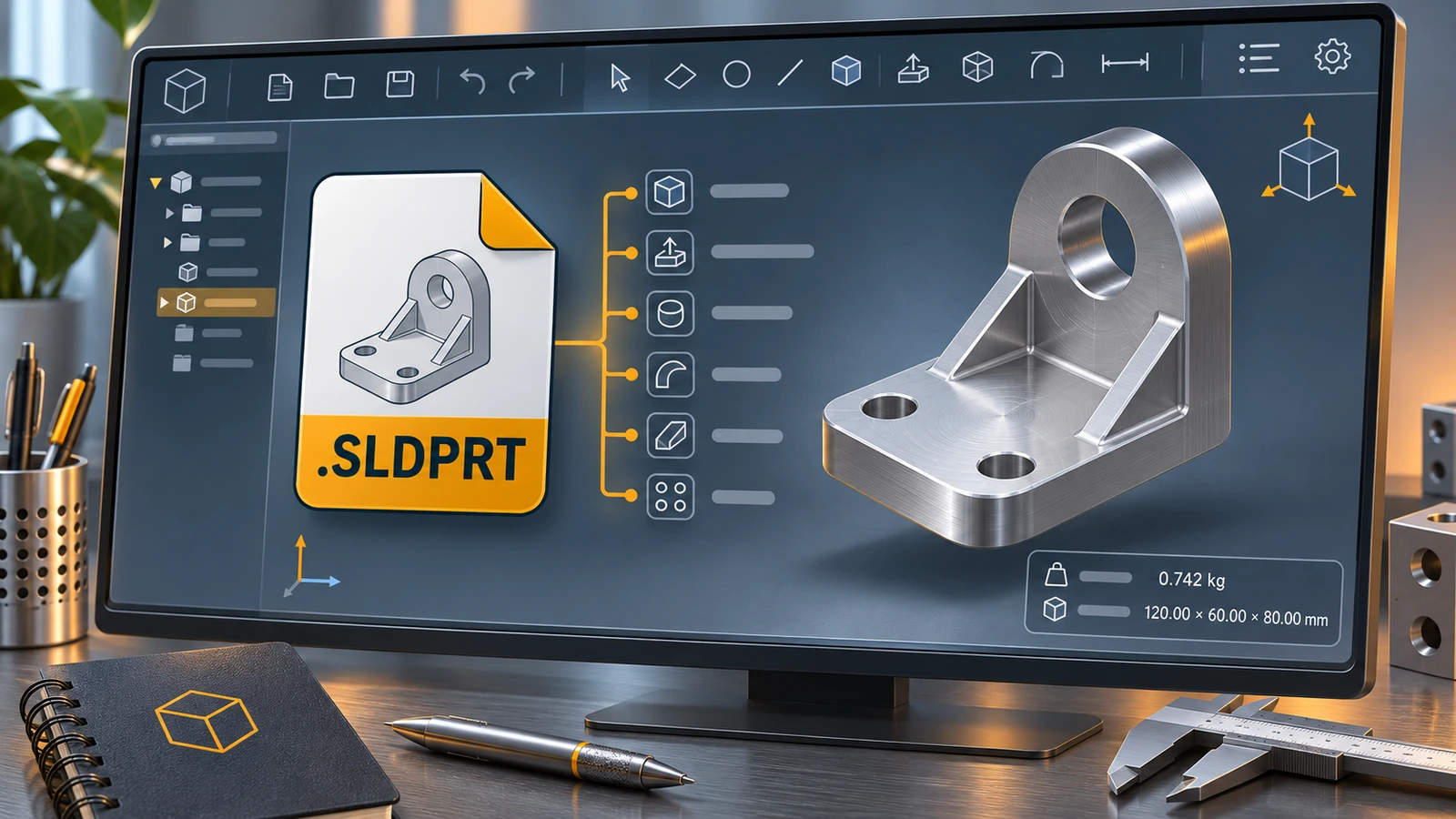
An .sldprt file is a SOLIDWORKS part: one 3D component with its sketches, features, dimensions, material and configurations. Open it in SOLIDWORKS of the same or a newer version. Without SOLIDWORKS, the free eDrawings Viewer shows it, and Onshape, Fusion (paid), Rhino and CAD Exchanger can import it. To share it with other software, export STEP or STL.
 Kevin Walsh
What an SLDPRT file contains
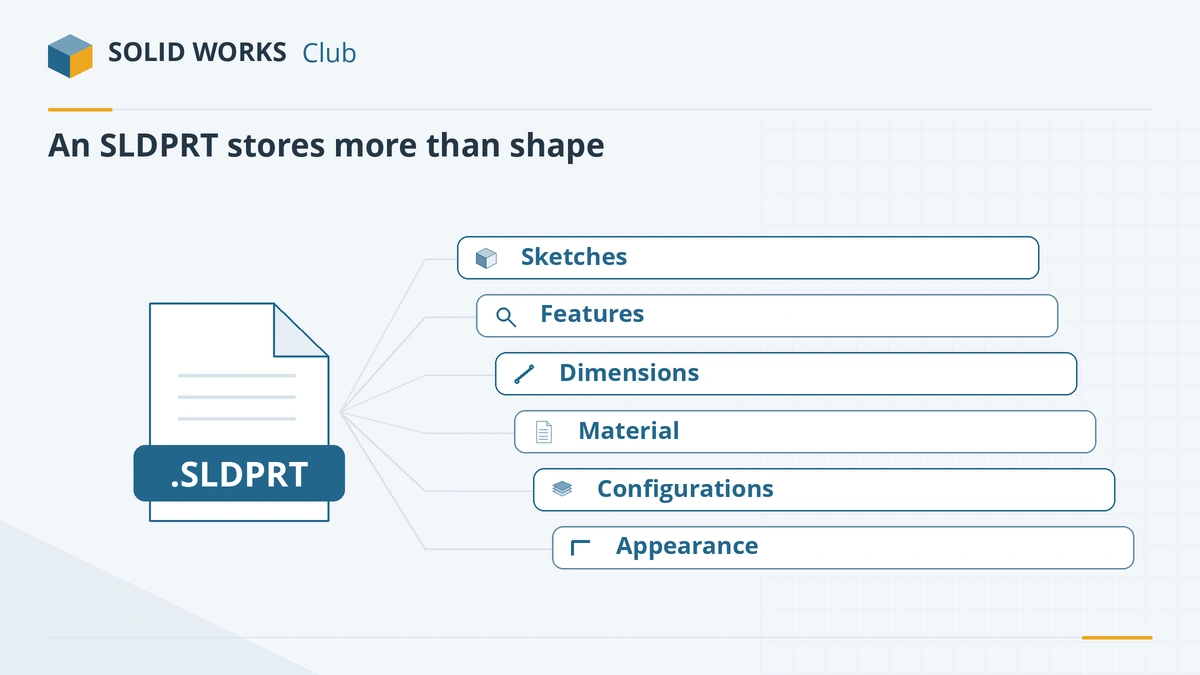
- Sketches and features in the order they were built — the FeatureManager design tree.
- Dimensions, relations and equations that drive the shape.
- Configurations — variants of the part in one file.
- Material with density and mechanical properties, which drives mass. See the material library.
- Appearances, custom properties and a preview image.
Because the history is stored, you can change a dimension and the whole part rebuilds. Neutral formats such as STEP keep only the final geometry.
How to open an SLDPRT file
| You have | How |
|---|---|
| SOLIDWORKS of the same or newer version | File → Open. The part is converted when you save it. |
| An older SOLIDWORKS | Ask for a save-back or a STEP file — see version compatibility. |
| No SOLIDWORKS, just viewing | Free eDrawings Viewer, or online viewers. |
| Another CAD program | Import it (Onshape, Fusion paid, Rhino, Solid Edge) or ask for STEP. |
Full list of options: open SOLIDWORKS files without SOLIDWORKS.
How to convert an SLDPRT file
| Target | Use it for | Guide |
|---|---|---|
| STEP | Other CAD systems, suppliers | Convert to STEP |
| STL / 3MF | 3D printing | Convert to STL |
| DXF / DWG | Laser cutting a flat pattern, 2D drawings | Convert to DXF |
| IGES | Older CAD and surface models | Convert to IGES |
| Parasolid (.x_t) | Parasolid-based CAD (Onshape, Solid Edge, NX) | File → Save As → Parasolid |
Related files
A part is usually used in an assembly (.sldasm) and documented in a drawing (.slddrw). New parts start from a part template (.prtdot). All SOLIDWORKS extensions are listed in SOLIDWORKS file formats.
Cannot open a part from a colleague? If it was saved in a newer release, see file saved in a newer version.
Frequently asked questions
How do I open an SLDPRT file without SOLIDWORKS?
+
Use the free eDrawings Viewer (Windows, Mac, mobile) to view it, or an online viewer such as Autodesk Viewer or ShareCAD. To edit it, import it into Onshape, a paid Fusion licence, Rhino or another CAD program — the geometry comes in, but not the SOLIDWORKS feature history.
Can I open an SLDPRT file in an older SOLIDWORKS version?
+
Not directly. Since SOLIDWORKS 2024, the sender can save the part back two releases with an active subscription. The previous release on its final service pack can also insert next year's parts read-only.
How do I convert SLDPRT to STL for 3D printing?
+
In SOLIDWORKS, choose File → Save As, select STL, set the resolution and units in Options and save. Without SOLIDWORKS, use a converter such as CAD Exchanger.
Is an SLDPRT file the same as a STEP file?
+
No. SLDPRT is SOLIDWORKS' native format with the full feature history. STEP is a neutral format that every CAD system reads, containing geometry without the history.
Related
- How to open SOLIDWORKS files without SOLIDWORKSHow to open SLDPRT, SLDASM and SLDDRW files without SOLIDWORKS — free eDrawings, online viewers, Onshape, Fusion, Rhino and converters — and which can edit.
- How to export SOLIDWORKS to STEPHow to save a SOLIDWORKS part or assembly as STEP, which AP version to choose (AP203, AP214, AP242), exporting components separately, and pitfalls.
- What is an SLDASM file?An SLDASM file is a SOLIDWORKS assembly that references its part files. Why it opens with missing parts, how to send it with Pack and Go, and how to convert it.
- SOLIDWORKS version compatibility: will my file open?Check whether a SOLIDWORKS file opens in another version. Save as previous version (2024+), Future Version mode and STEP explained, with a free checker.