Reference
What is an SLDASM file?
An .sldasm file is a SOLIDWORKS assembly. It stores how components are positioned and mated, but not the parts themselves: it points to separate .sldprt and sub-assembly files. That is why an assembly sent on its own opens with missing components. Send it with Pack and Go, or as a single STEP file for other software.
 Kevin Walsh
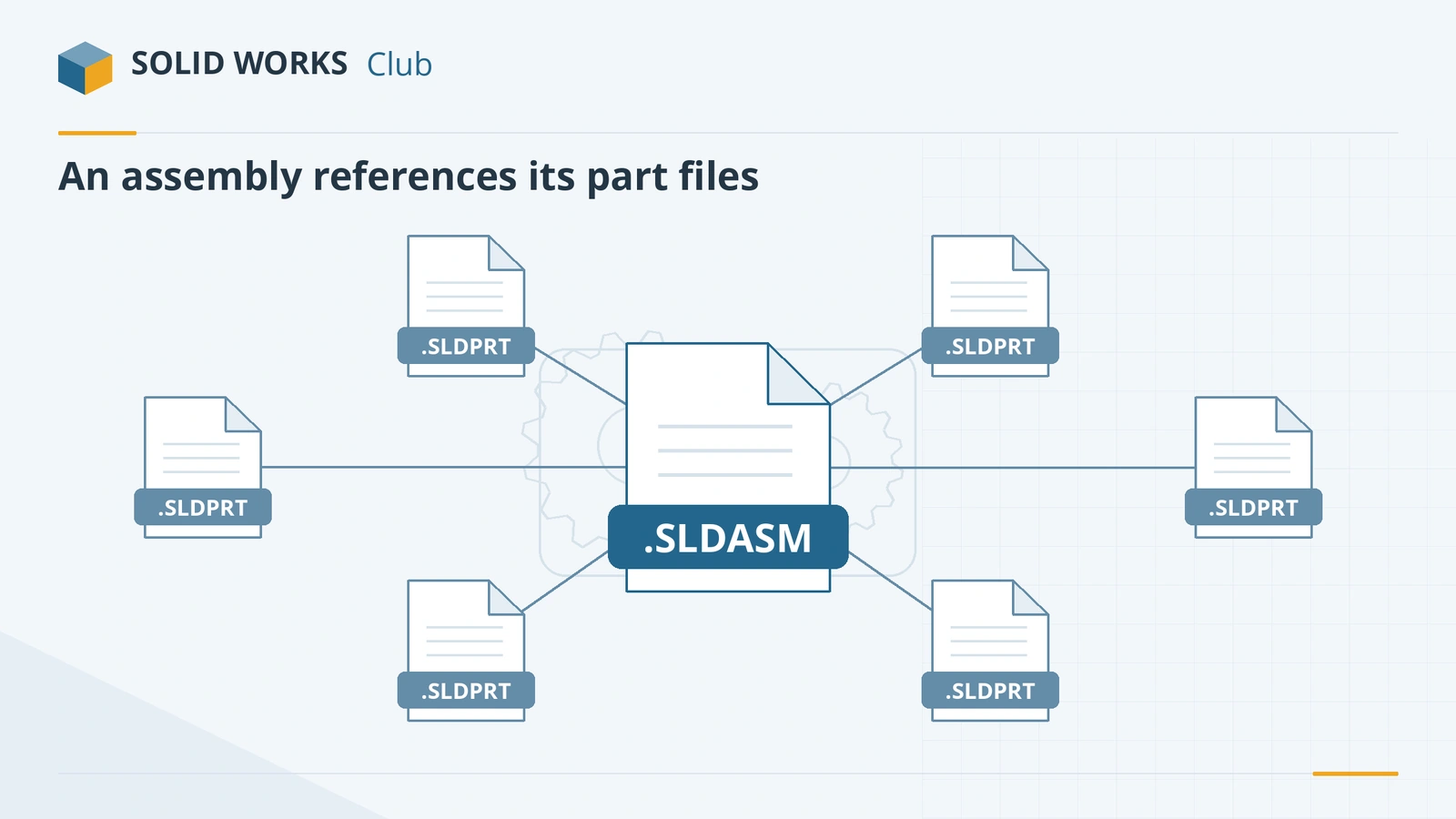
What an assembly file stores
- Which components are used — part files and sub-assemblies, by file path.
- Mates that position components relative to each other.
- Assembly features such as cuts and hole series made at assembly level, and component patterns.
- Configurations, display states and exploded views.
The geometry of each component stays in its own .sldprt file. Change a part, and every assembly that uses it updates.
Sending an assembly: Pack and Go
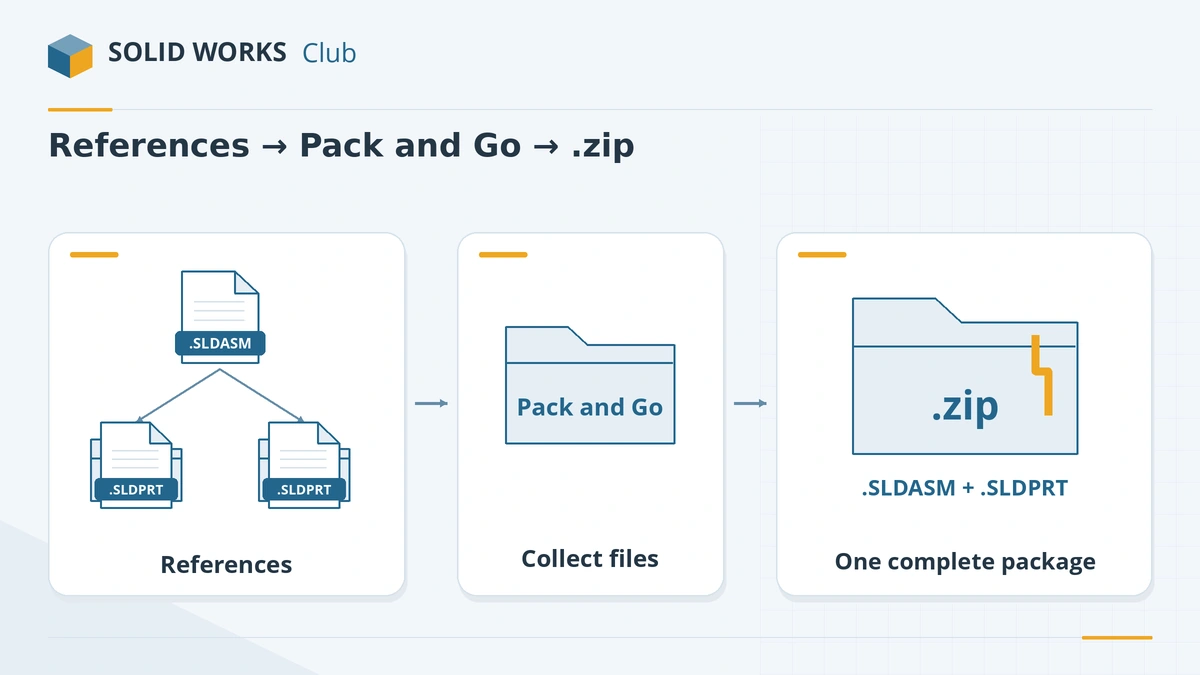
- Open the assembly and choose File → Pack and Go.
- Tick drawings, simulation results or Toolbox parts if the recipient needs them.
- Choose a folder or Save to Zip file, optionally flatten the folder structure and add a prefix or suffix to file names.
- Send the zip. Onshape, for example, imports SOLIDWORKS assemblies only as a Pack and Go zip (Onshape Help).
Opening and converting
- Same or newer SOLIDWORKS: open normally; keep parts in the paths the assembly expects, or point to them when prompted.
- Older SOLIDWORKS: see version compatibility.
- Without SOLIDWORKS: eDrawings and other options in open SOLIDWORKS files without SOLIDWORKS.
- Other CAD: one STEP file carries the whole assembly; since SOLIDWORKS 2023 you can also export each component as its own STEP file (CATI).
- 3D printing: STL can save all components into one file.
Large assemblies have their own performance tools — lightweight components, SpeedPak and Large Design Review — explained in the glossary. Parts are covered in SLDPRT files, drawings in SLDDRW files.
Parts missing when you open an assembly? See missing references — unable to locate file and, for positioning problems, mate errors.
Learn to build assemblies: assembly basics and the assemblies course.
Frequently asked questions
Why does my SLDASM file open with missing parts?
+
An assembly only references its part files. If they were not sent with it, or were moved or renamed, SOLIDWORKS cannot find them. Ask the sender to use Pack and Go, which collects every referenced file.
How do I send a SOLIDWORKS assembly to someone?
+
Use File → Pack and Go. It copies the assembly with all referenced parts, sub-assemblies and optionally drawings into one folder or a zip file.
Can I open an SLDASM file without SOLIDWORKS?
+
Yes, to view it: the free eDrawings Viewer opens assemblies, and Autodesk Viewer lists .sldasm. Onshape imports assemblies uploaded as a Pack and Go zip, and Rhino reads them if the part files are in the same folder.
How do I turn an assembly into one file?
+
Export a single STEP file (File → Save As → STEP), which contains all components. Inside SOLIDWORKS you can also save an assembly as a part to get one multibody part file.
Related
- What is an SLDPRT file?An SLDPRT file is a SOLIDWORKS part. How to open it with or without SOLIDWORKS, which versions can read it, and how to convert SLDPRT to STEP, STL or DXF.
- How to open SOLIDWORKS files without SOLIDWORKSHow to open SLDPRT, SLDASM and SLDDRW files without SOLIDWORKS — free eDrawings, online viewers, Onshape, Fusion, Rhino and converters — and which can edit.
- How to export SOLIDWORKS to STEPHow to save a SOLIDWORKS part or assembly as STEP, which AP version to choose (AP203, AP214, AP242), exporting components separately, and pitfalls.
- SOLIDWORKS version compatibility: will my file open?Check whether a SOLIDWORKS file opens in another version. Save as previous version (2024+), Future Version mode and STEP explained, with a free checker.