Reference
SOLIDWORKS default file locations
SOLIDWORKS keeps document templates, sheet formats and the Design Library under C:\ProgramData\SOLIDWORKS\SOLIDWORKS 20xx, and table templates, weldment profiles and materials under C:\Program Files\SOLIDWORKS Corp\SOLIDWORKS\lang\english. You can point it to other or shared folders in Tools → Options → System Options → File Locations.
 Kevin Walsh
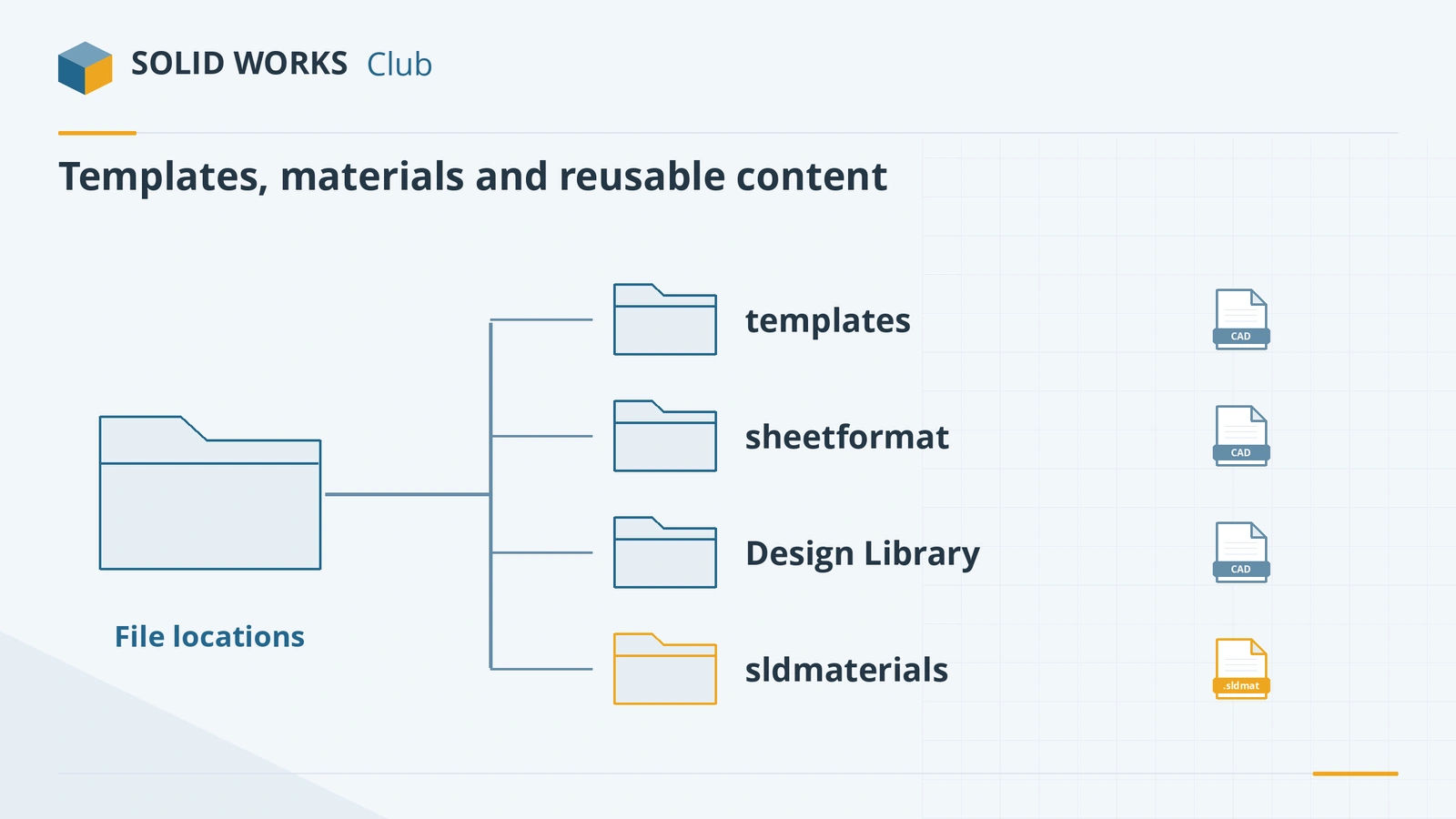
Default folders
| What | Default location |
|---|---|
| Document templates (.prtdot, .asmdot, .drwdot) | C:\ProgramData\SOLIDWORKS\SOLIDWORKS 20xx\templates |
| Sheet formats (.slddrt) | C:\ProgramData\SOLIDWORKS\SOLIDWORKS 20xx\lang\english\sheetformat |
| Design Library | C:\ProgramData\SOLIDWORKS\SOLIDWORKS 20xx\Design Library |
| BOM and table templates | C:\Program Files\SOLIDWORKS Corp\SOLIDWORKS\lang\english |
| Weldment profiles | C:\Program Files\SOLIDWORKS Corp\SOLIDWORKS\lang\english\weldment profiles |
| Colour swatches | C:\Program Files\SOLIDWORKS Corp\SOLIDWORKS\lang\english\colorswatches |
| Materials (.sldmat) | C:\Program Files\SOLIDWORKS Corp\SOLIDWORKS\lang\english\sldmaterials |
"20xx" is the release year, for example SOLIDWORKS 2026. Paths are for an English installation in the default location. Source: GoEngineer; materials path from Solid Solutions.
Change or add locations
- Open Tools → Options → System Options → File Locations.
- In Show folders for, pick the file type — Document Templates, Sheet Formats, Material Databases, BOM Templates, Weldment Profiles and so on.
- Click Add to include another folder, such as a network share, and use Move Up to give it priority.
- Click OK. New documents and tables now use the files from that folder.
A custom material library, for example, only appears in the material editor if its folder is listed under Material Databases (Hawk Ridge). See the material library.
Good practice for teams
- Keep company templates, sheet formats, materials and table templates in one shared folder outside the SOLIDWORKS installation, so upgrades do not overwrite them.
- Back up and distribute the File Locations settings with the SOLIDWORKS Settings Wizard (.sldreg file), together with keyboard shortcuts and toolbars.
- When you upgrade, check that File Locations still points to the shared folder rather than the new release's defaults.
The file types themselves are explained in SOLIDWORKS file formats.
Toolbox or missing files? If SOLIDWORKS cannot find the Toolbox database or assembly parts, see Toolbox errors and missing references.
Setting up a new PC? See SOLIDWORKS templates and options.
AutoRecover and backup folders are used to rescue files — see corrupted files.
Frequently asked questions
Where are SOLIDWORKS templates stored?
+
By default in C:\ProgramData\SOLIDWORKS\SOLIDWORKS 20xx\templates, where 20xx is the release year. ProgramData is a hidden folder; type the path into File Explorer to open it.
How do I make SOLIDWORKS use company templates on a server?
+
Open Tools → Options → System Options → File Locations, choose the file type (for example Document Templates), add the network folder and move it to the top of the list. Do this on every PC, or deploy it with the Settings Wizard.
Why do my templates disappear after upgrading?
+
Each release installs its own folder under ProgramData. Keep custom templates in your own folder, outside the installation folders, and point File Locations to it.
Related
- SOLIDWORKS file formats and extensionsEvery SOLIDWORKS file extension explained — SLDPRT, SLDASM, SLDDRW, templates, libraries and tables — plus the import and export formats and 3D Interconnect.
- SOLIDWORKS material library: apply and create materialsHow the SOLIDWORKS material library works, how to apply a material, why it changes mass, and how to create a custom material in your own .sldmat library.
- What is an SLDDRW file?An SLDDRW file is a SOLIDWORKS 2D drawing linked to its part or assembly. How to open it without SOLIDWORKS and convert it to PDF, DWG or DXF for others.
- SOLIDWORKS keyboard shortcutsEvery default SOLIDWORKS keyboard shortcut in a searchable list and a one-page PDF — rebuild, views, zoom, filters, sketch and assembly keys — and customising.