Exercises
SOLIDWORKS projects
Projects are bigger than exercises: real objects that combine several features, sometimes a whole assembly with moving parts. Each one has a specification, a step-by-step method, the SOLIDWORKS commands it uses and a check you can measure. Twelve come with a dimensioned drawing and a STEP model generated from the same geometry; the spring and the sheet metal box are checked by their numbers.
 Kevin Walsh
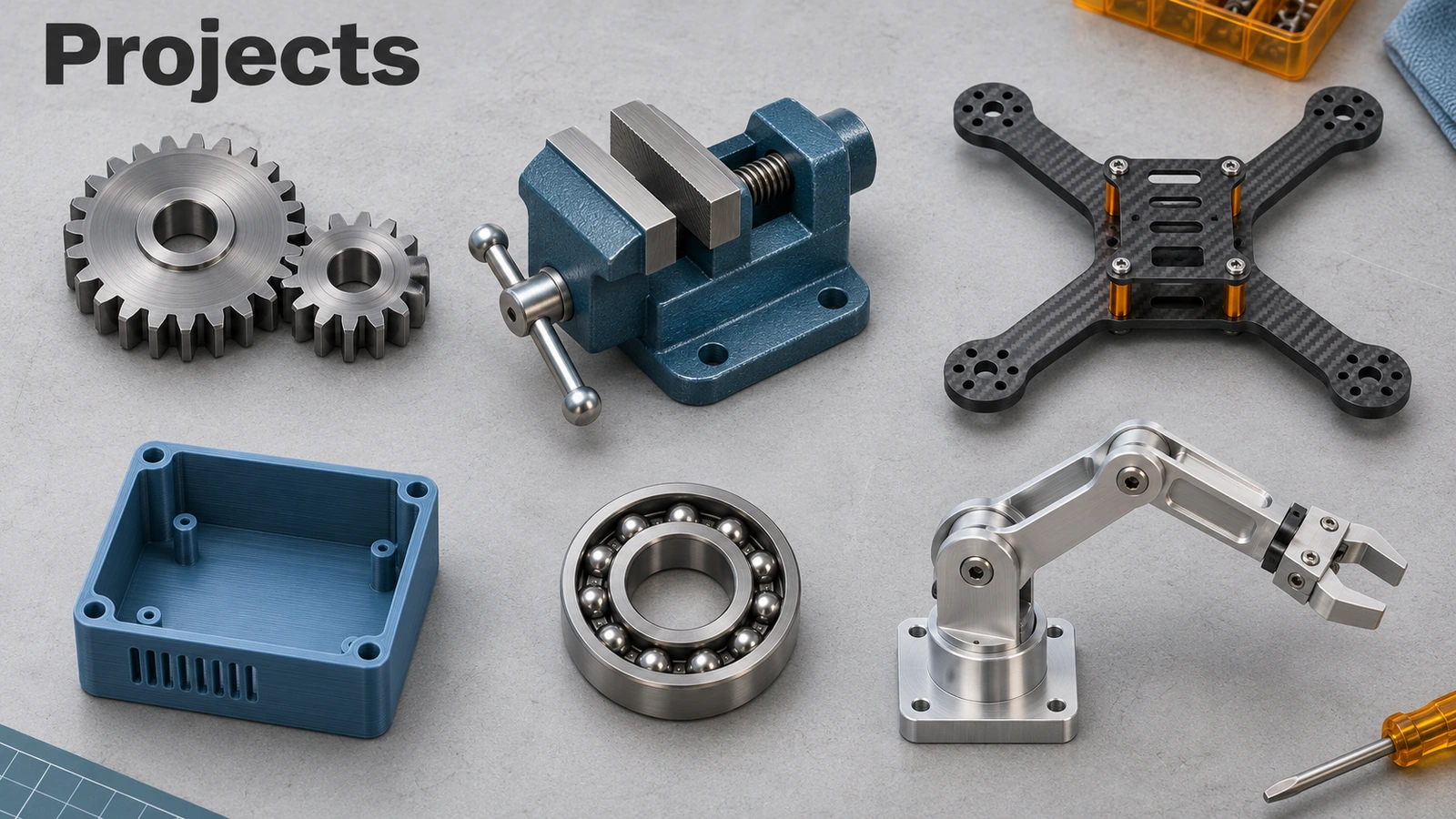
Project list
| # | Project | Time | Files |
|---|---|---|---|
| 1 | Spur gear | 45 min | STEP + PDF |
| 2 | Helical gear | 45 min | STEP + PDF |
| 3 | Compression spring with closed and ground ends | 30 min | Numbers only |
| 4 | Bottle with a threaded neck | 40 min | STEP + PDF |
| 5 | M10 bolt and nut | 30 min | STEP + PDF |
| 6 | 6201 ball bearing | 40 min | STEP + PDF |
| 7 | Steel-frame chair | 60 min | STEP + PDF |
| 8 | Phone case | 45 min | STEP + PDF |
| 9 | 250 drone frame | 45 min | STEP + PDF |
| 10 | Bench vise | 60 min | STEP + PDF |
| 11 | 3D-printed enclosure | 45 min | STEP + PDF |
| 12 | Sheet metal box | 40 min | Numbers only |
| 13 | Spur gearbox | 60 min | STEP + PDF |
| 14 | Robot arm | 90 min | STEP + PDF |
How the projects work
- Read the specification — every dimension you need is in its table or on the drawing.
- Follow the steps — they name the commands; each links to its lesson in the Learn courses.
- Check your result — measure the stated dimensions, or apply the material and compare the mass in Mass Properties.
- Compare with the STEP file if something doesn't match.
The mechanical projects build on each other: the spur gear is reused in the gearbox, and the mates from the bench vise return in the robot arm. For fabrication, try the chair weldment and the sheet metal box; for 3D printing, the enclosure and the phone case. Smaller parts first? See the basic and intermediate exercises.
Turning projects into a portfolio for a job? See SOLIDWORKS jobs.
The 14 projects
-
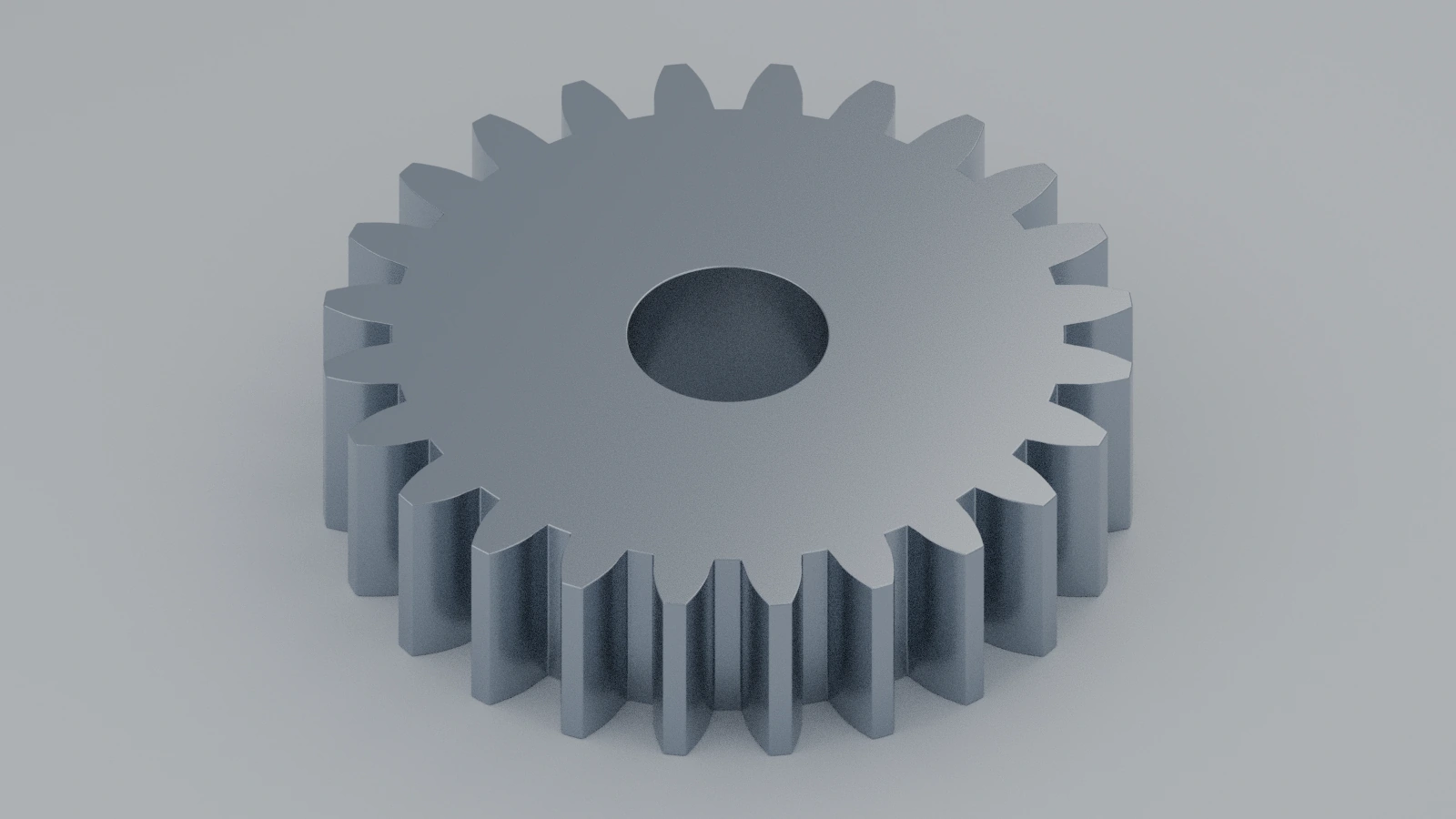 How to make a spur gear in SOLIDWORKSModel a module 2, 24-tooth spur gear in SOLIDWORKS two ways: Toolbox for assemblies and a true involute for manufacturing, with checks.
-
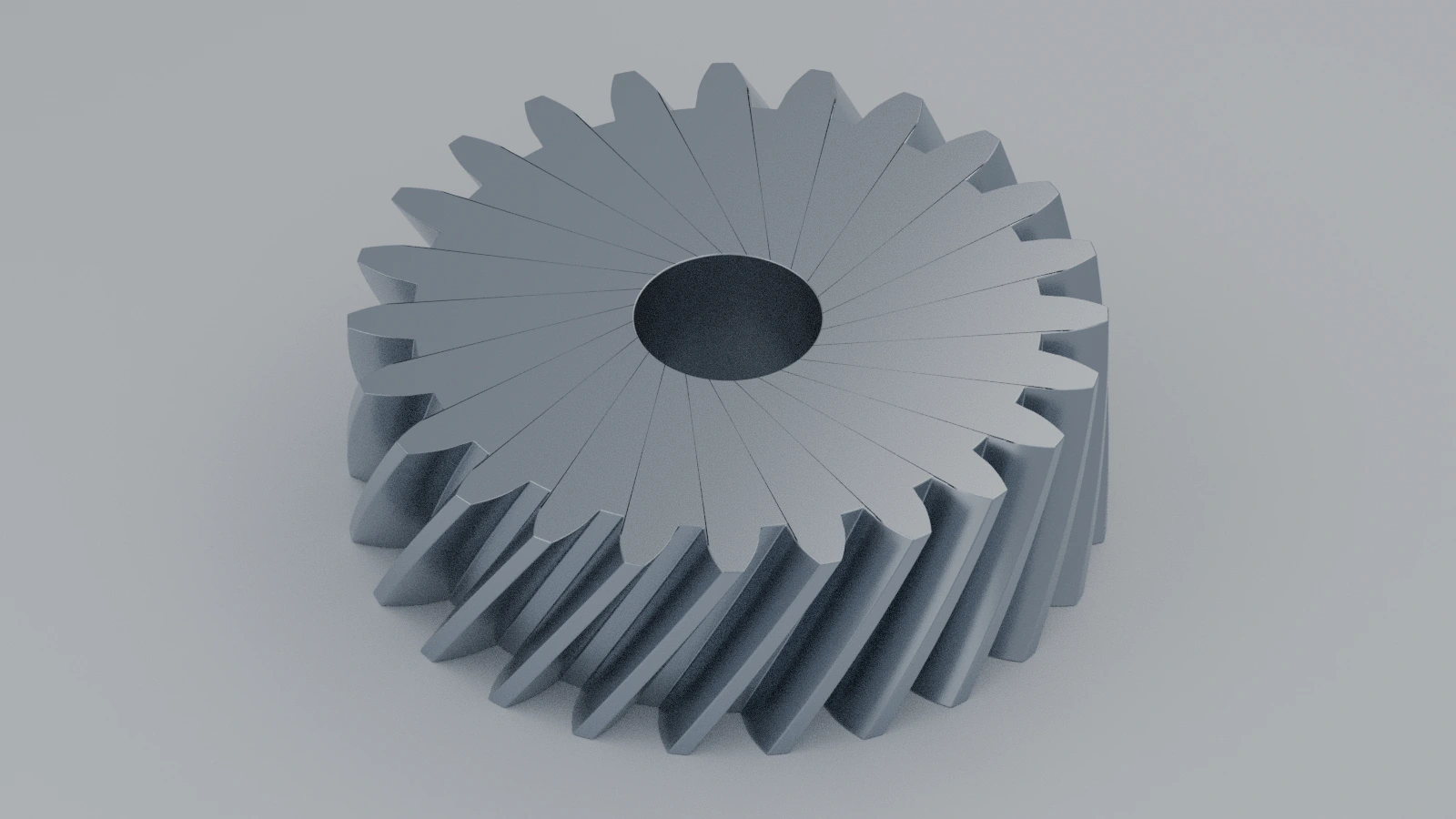 How to make a helical gear in SOLIDWORKSModel a helical gear in SOLIDWORKS: normal and transverse module, helix angle, the tooth twisted along the face width, and checks for pitch and tip diameter.
-
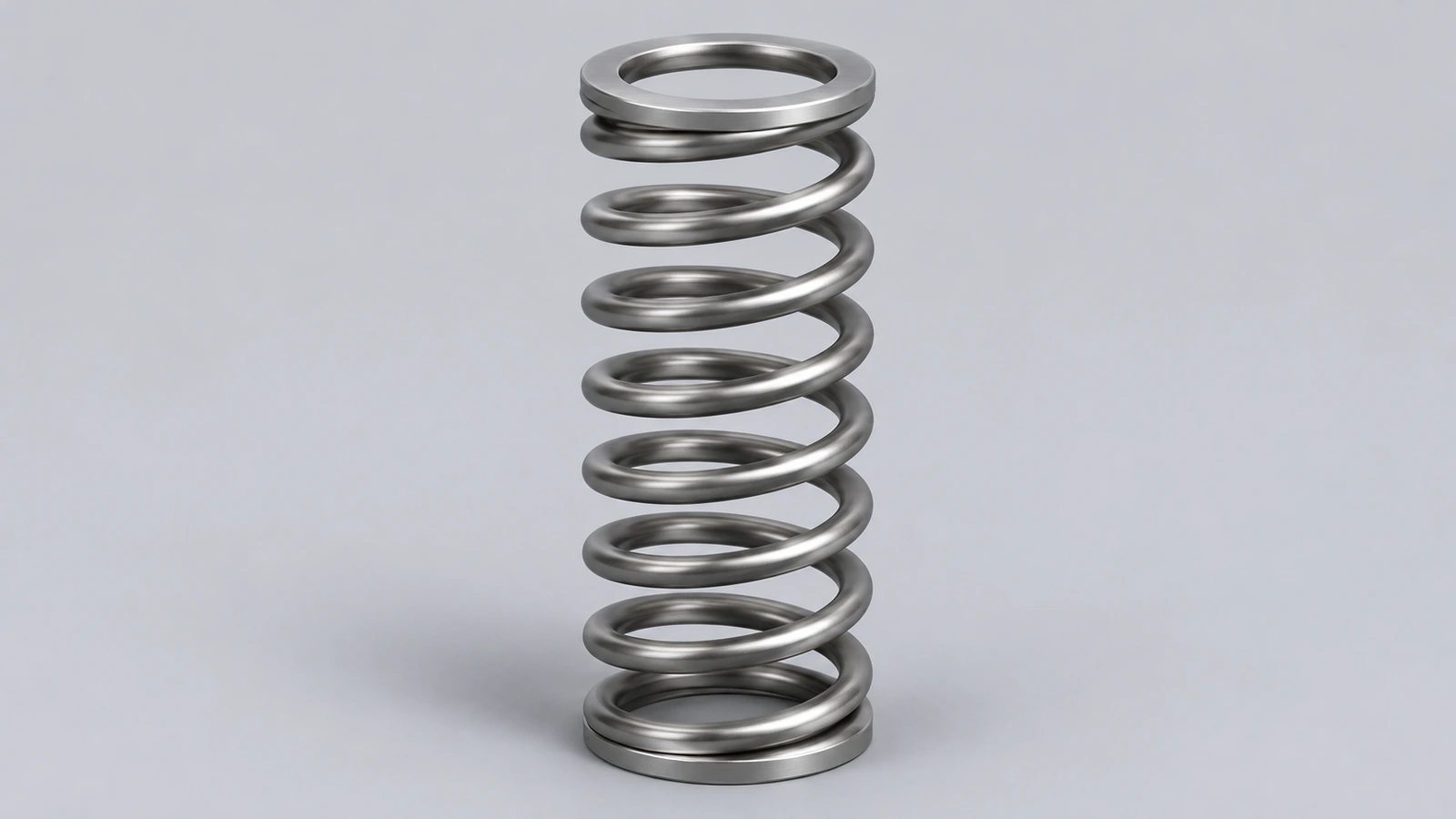 How to model a compression spring in SOLIDWORKSModel a real compression spring in SOLIDWORKS: variable-pitch helix for closed ends, sweep, ground ends cut with a plane, and checks for free and solid length.
-
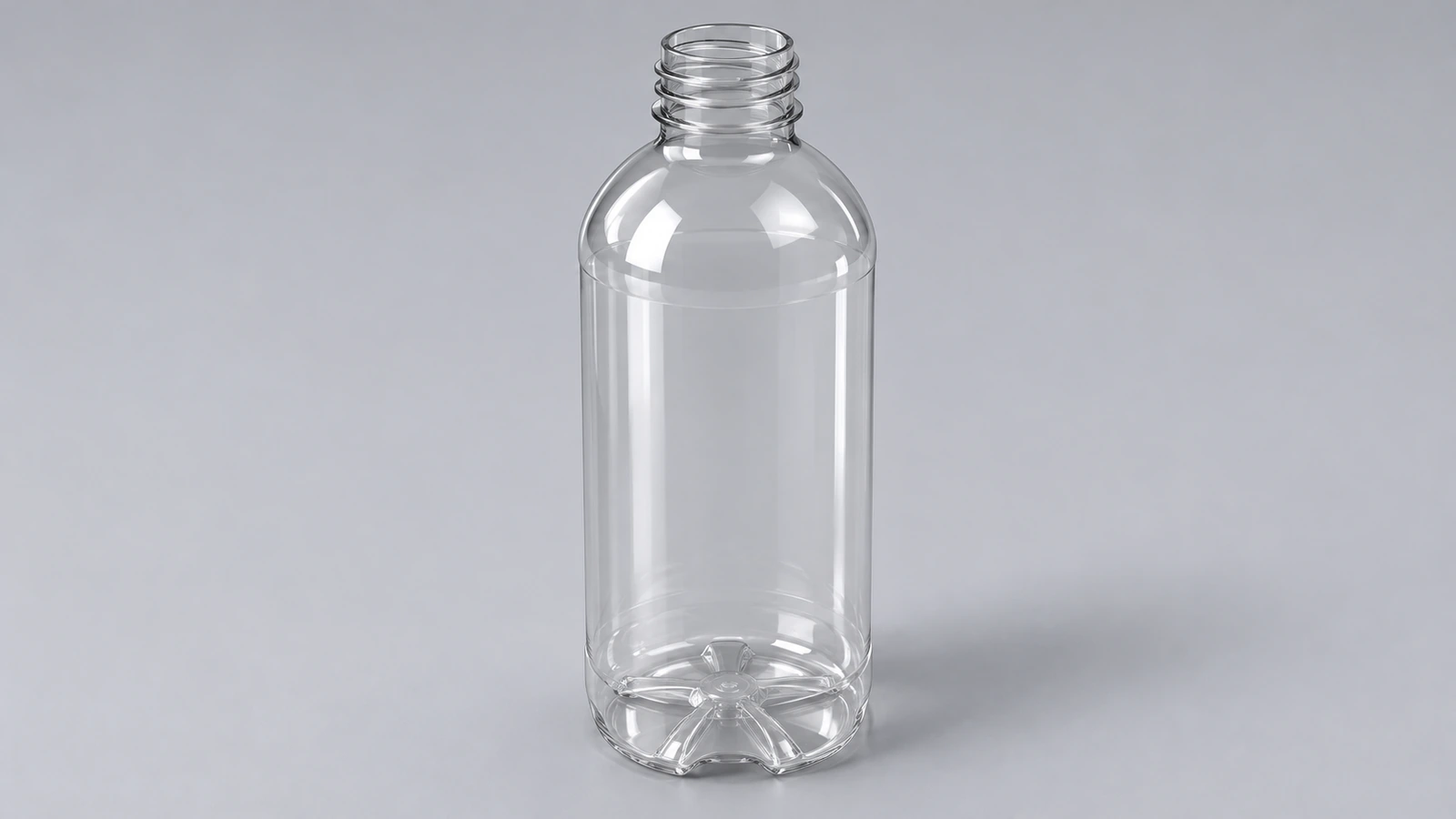 How to model a bottle with a thread in SOLIDWORKSModel a bottle in SOLIDWORKS: revolved body with a shoulder arc, shell and a neck thread made with the Thread feature's bottle profile or a sweep along a helix.
-
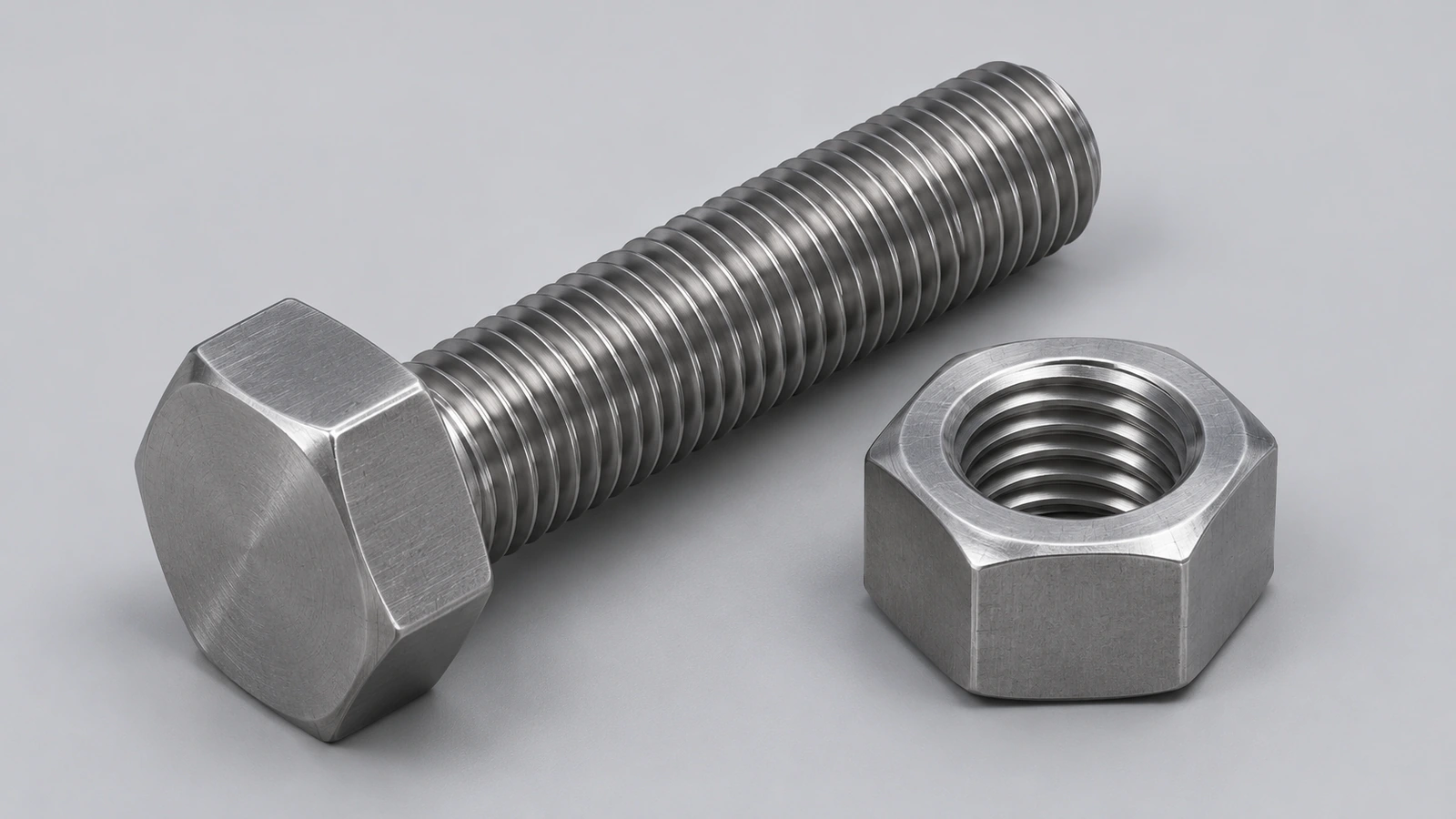 How to model a bolt and nut in SOLIDWORKSModel an ISO 4017 M10 bolt and ISO 4032 nut in SOLIDWORKS: hexagon sizes from the standard, chamfers, cosmetic or physical threads, and Toolbox fasteners.
-
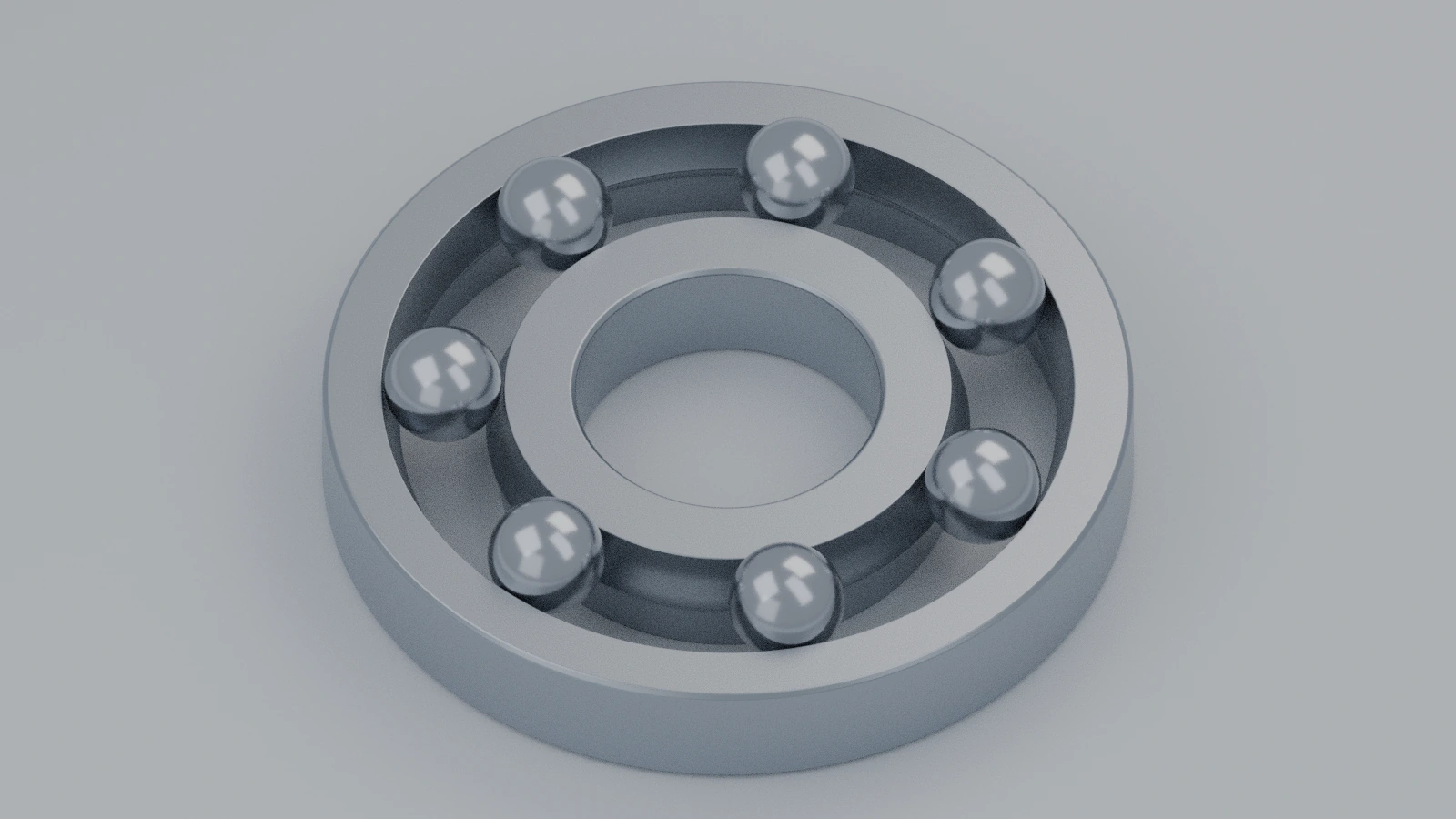 How to model a ball bearing in SOLIDWORKSModel a 6201 deep groove ball bearing in SOLIDWORKS: 12 × 32 × 10 envelope, inner and outer rings with raceways, seven balls, a circular pattern and mates.
-
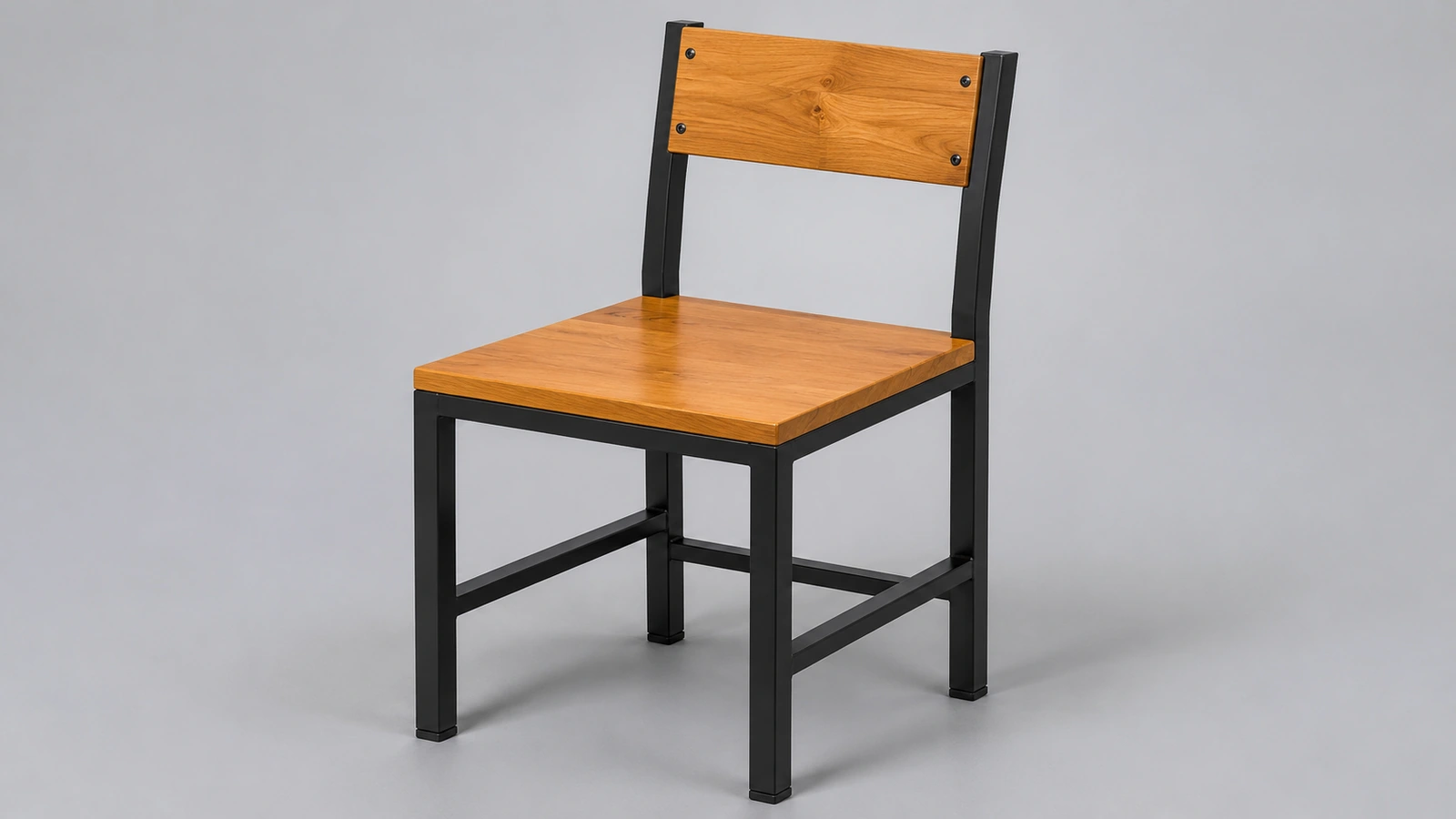 How to design a chair in SOLIDWORKSDesign a chair in SOLIDWORKS: weldment frame from 25 mm square tube, seat at 450 mm, seat board, cut list and mass, with ergonomic sizes from design guides.
-
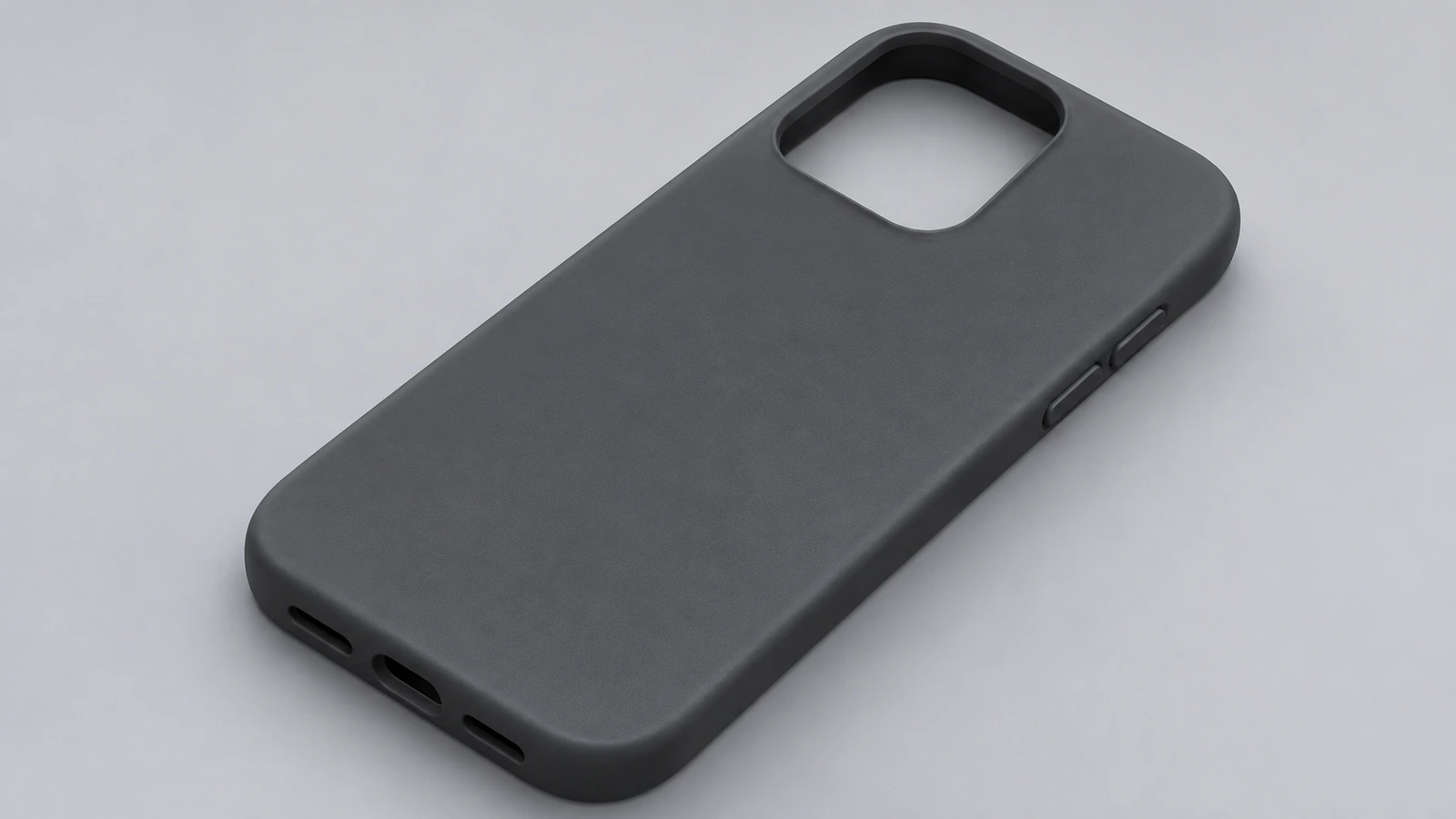 How to design a phone case in SOLIDWORKSDesign a phone case in SOLIDWORKS around a phone body: 0.3 mm clearance, 1.5 mm walls, a 1 mm screen lip and a camera opening, sized for TPU 3D printing.
-
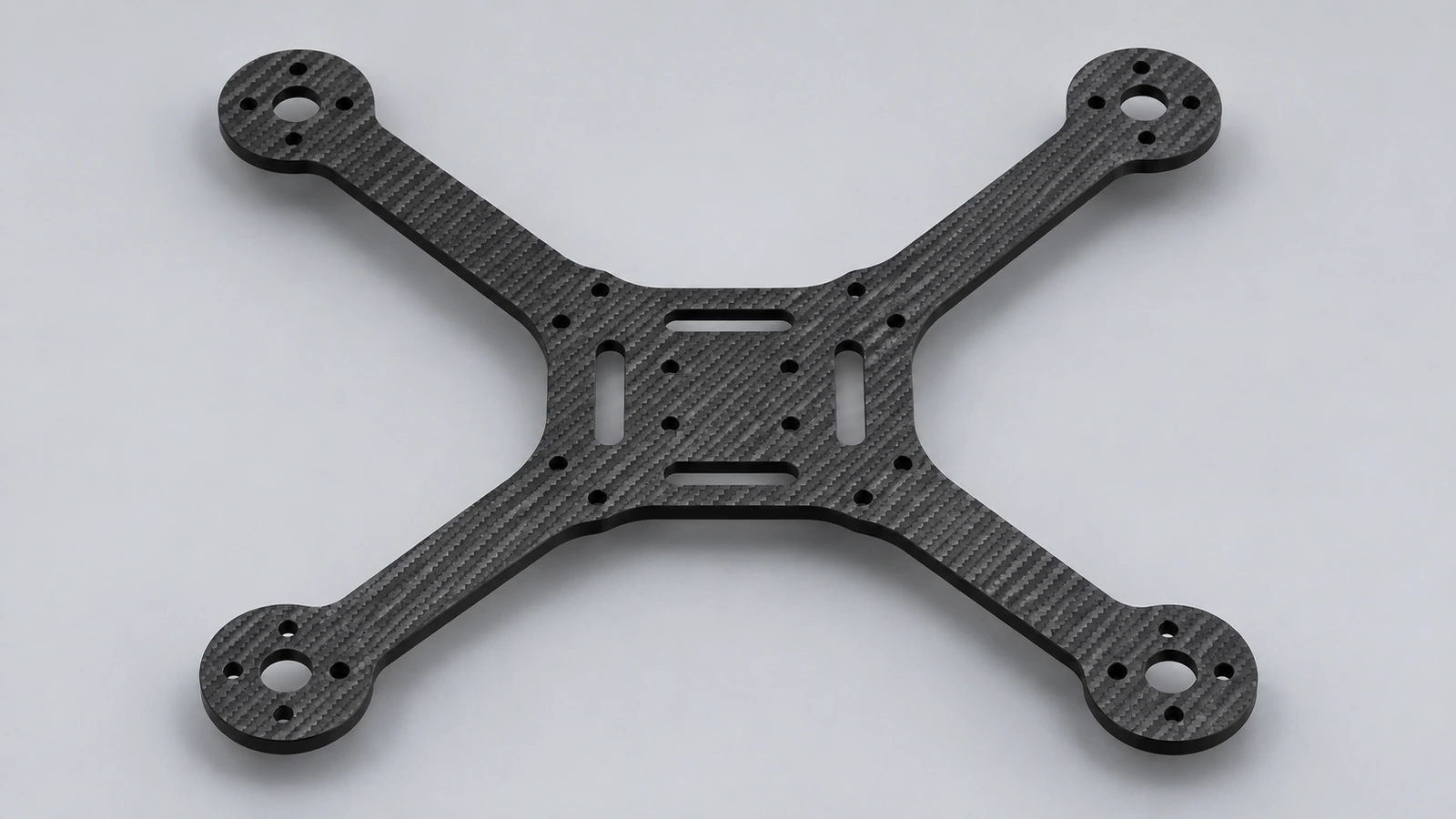 How to design a drone frame in SOLIDWORKSDesign a 250-class quadcopter frame in SOLIDWORKS: 250 mm motor-to-motor diagonal, 16 × 19 mm motor holes, 30.5 × 30.5 flight controller mount, DXF for cutting.
-
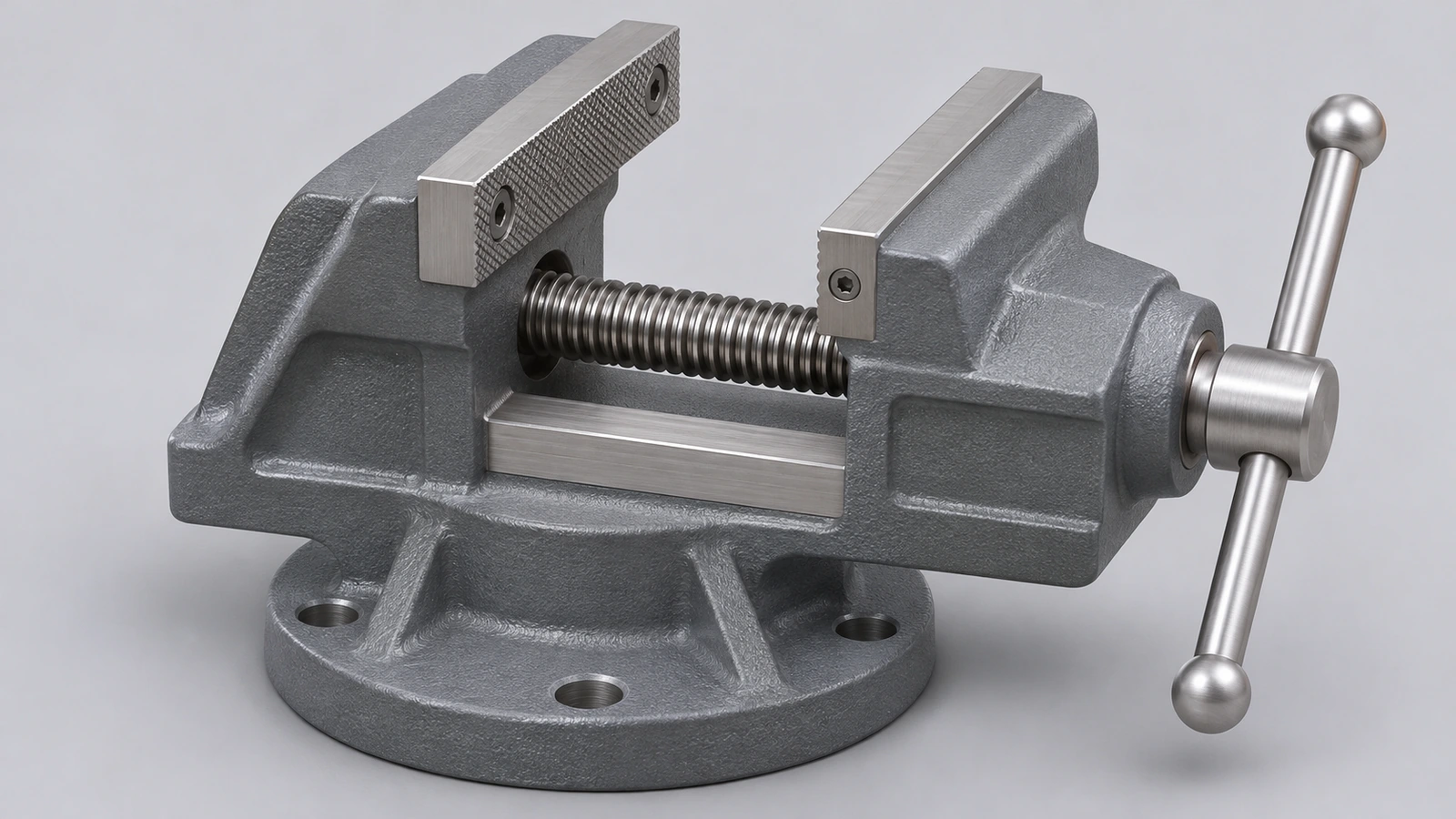 How to model a bench vise in SOLIDWORKSModel a bench vise assembly in SOLIDWORKS: body, moving jaw, lead screw and handle, a screw mate for travel and a limit distance mate for the opening.
-
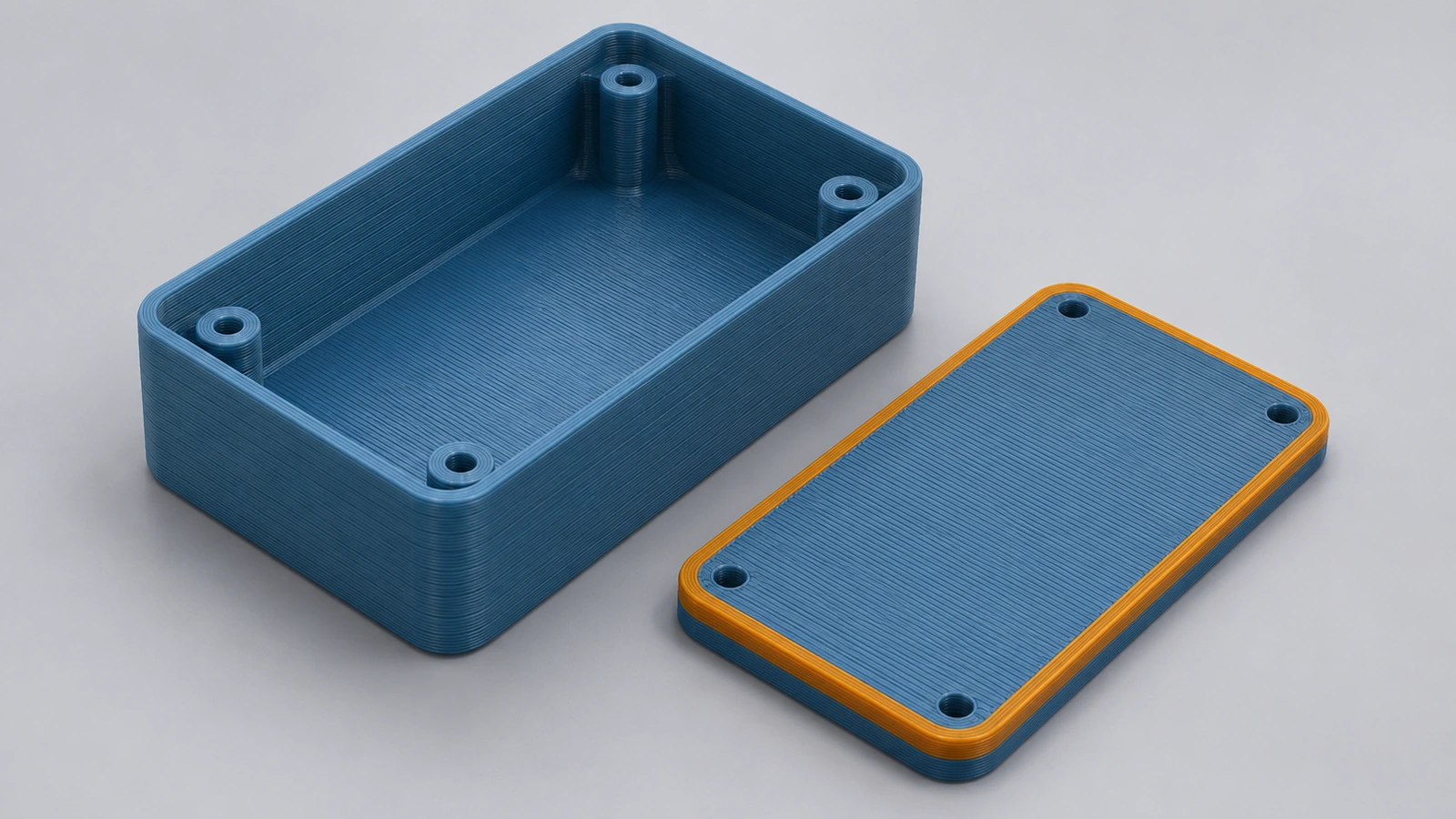 How to design a 3D-printed enclosure in SOLIDWORKSDesign a 3D-printed electronics enclosure in SOLIDWORKS: 2 mm walls, a lid with a locating lip and 0.3 mm clearance, snap-fit rules, and STL or 3MF export.
-
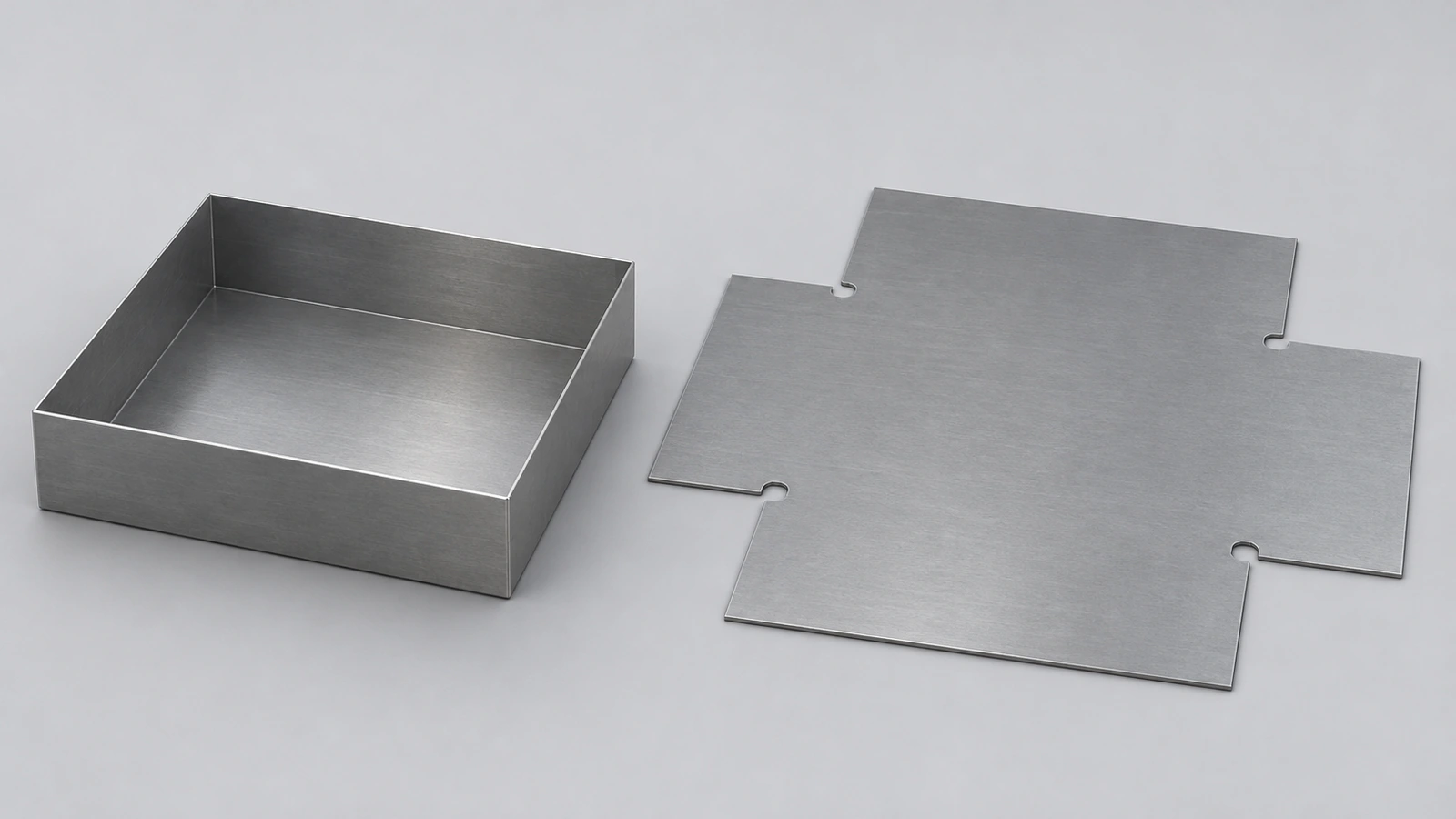 How to make a sheet metal box in SOLIDWORKSMake a sheet metal box in SOLIDWORKS: base flange, four edge flanges, closed corners, flat pattern and DXF, with the blank size checked by K-factor.
-
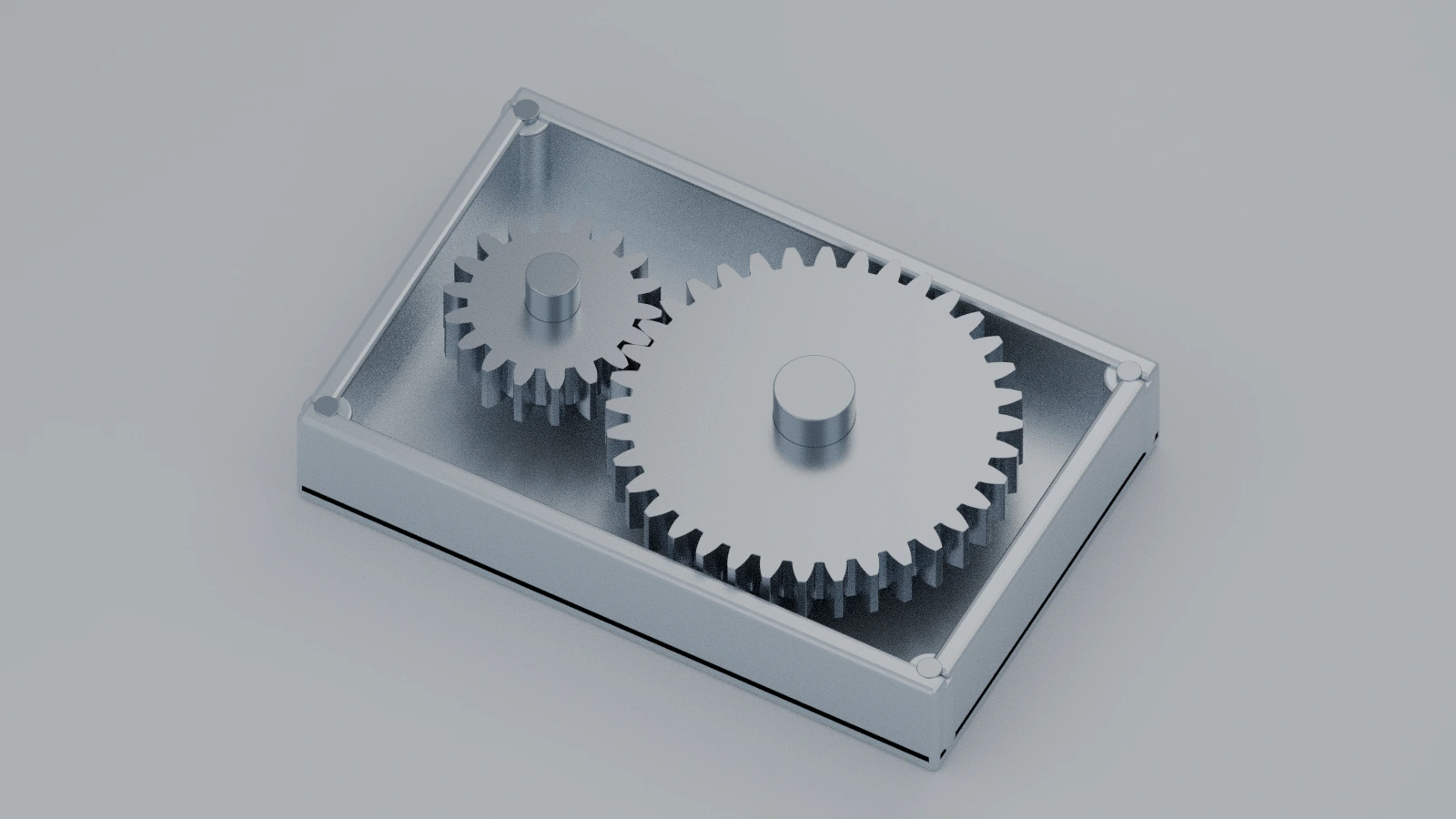 How to design a simple gearbox in SOLIDWORKSDesign a 2:1 spur gearbox in SOLIDWORKS: module 2 gears with 20 and 40 teeth, 60 mm centre distance, housing, shafts, gear mate and interference check.
-
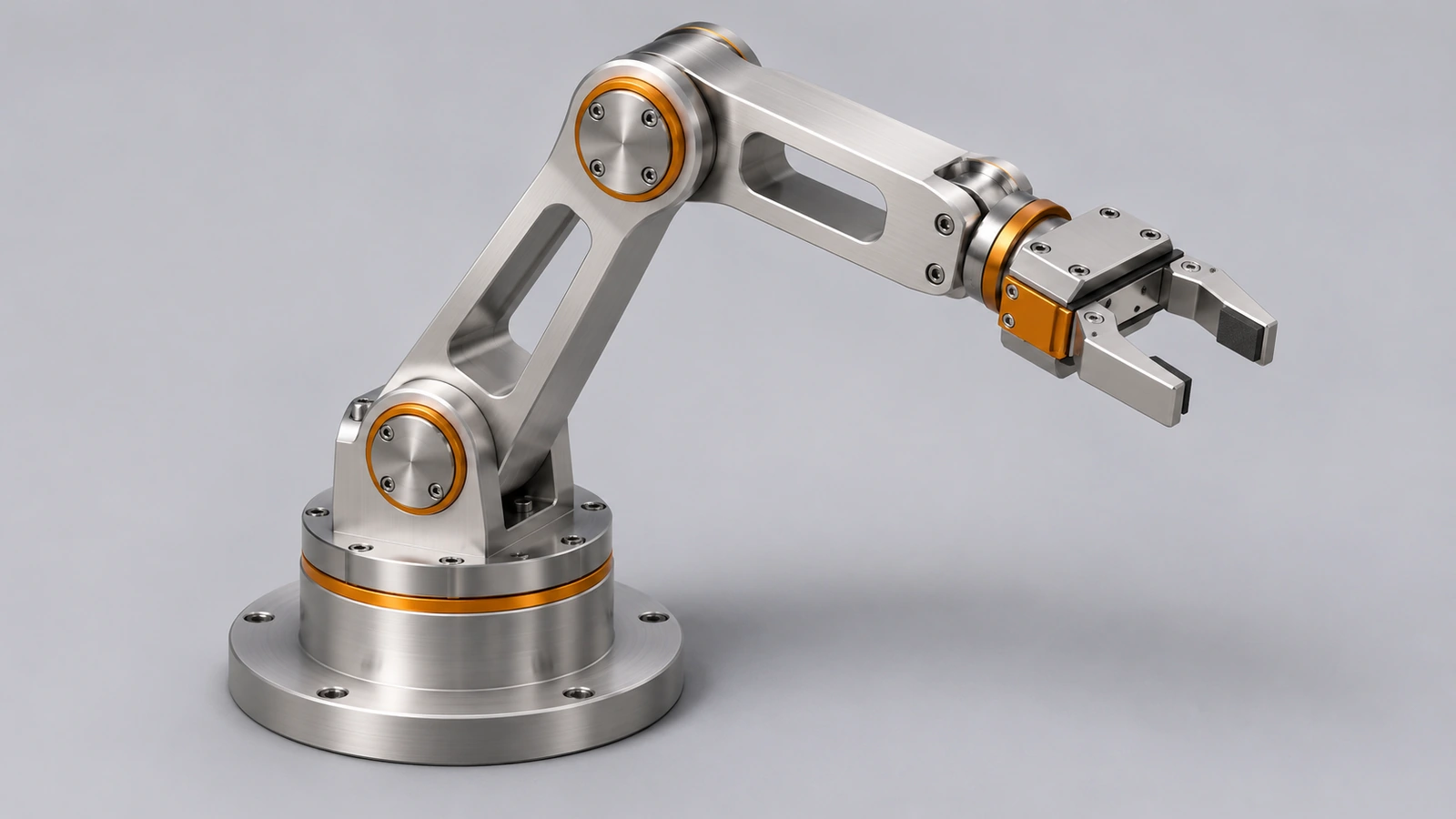 How to design a robot arm in SOLIDWORKSDesign a simple robot arm in SOLIDWORKS: base, turret, two links and a gripper, hinge and limit angle mates, collision checks and a motion study for torque.
Frequently asked questions
Which SOLIDWORKS project should I start with?
+
The bolt and nut or the bottle if you know the basic features; the spur gear once you are comfortable with sketches and patterns. The bench vise, gearbox and robot arm need the assemblies course.
Are the project files free?
+
Yes. The STEP models and PDF drawings are free to download for practice.
Do I need SOLIDWORKS Premium?
+
No, except for the motor torque step of the robot arm, which uses Motion Analysis (Premium or a Simulation package). Everything else works in SOLIDWORKS Standard.
Related
- Intermediate SOLIDWORKS exercises19 intermediate SOLIDWORKS exercises: sweeps, lofts, shells, draft, Hole Wizard and three small assemblies, each with a drawing, STEP file and check mass.
- SOLIDWORKS assemblies — 16 lessonsFree SOLIDWORKS assembly course: inserting components, standard, advanced, mechanical and smart mates, exploded views, interference, SpeedPak and BOM.
- Motion studies in SOLIDWORKSSOLIDWORKS motion studies: Animation vs Basic Motion vs Motion Analysis, the MotionManager timeline, key points, motors, springs, contact and plots.
- SOLIDWORKS practice exercisesFree SOLIDWORKS practice exercises: dimensioned drawings, STEP files and a check mass for every part, from first plates and shafts to bigger parts.