Modules
Motion studies in SOLIDWORKS
A motion study moves an assembly over time using its mates plus motors, springs, gravity and contact. Animation is for presentations and ignores mass. Basic Motion adds approximate physics. Motion Analysis, in SOLIDWORKS Premium, calculates real forces and plots them. All three live on the MotionManager timeline at the bottom of the window.
 Kevin Walsh
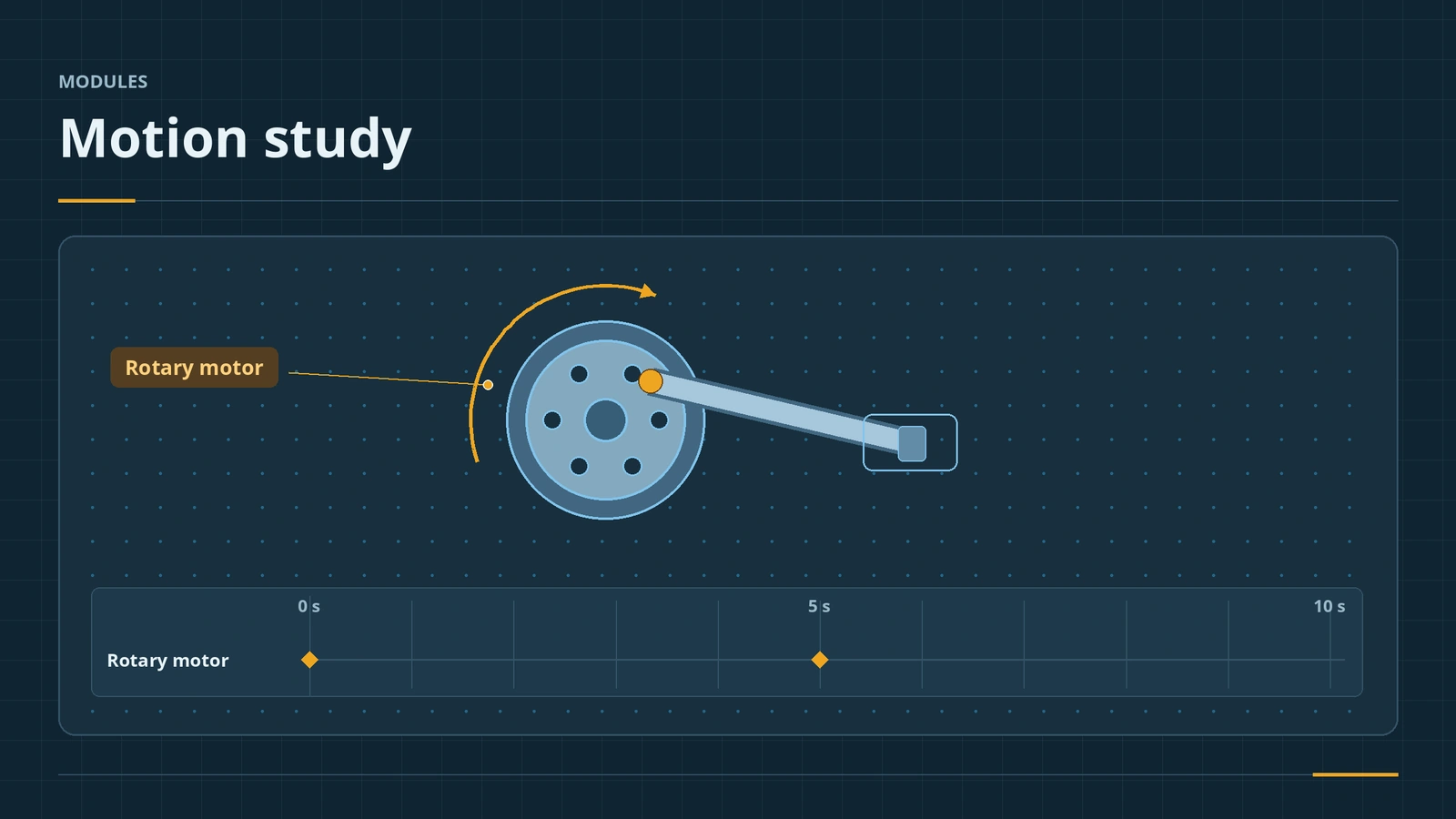
Where to find it
Motion Study 1 tab at the bottom of the window; Motion Analysis: Tools → Add-Ins → SOLIDWORKS Motion
Study types
| Type | Physics | Licence | Use |
|---|---|---|---|
| Animation | None — key points only | All packages | Exploded views, presentations |
| Basic Motion | Approximate motors, springs, gravity, contact | All packages | Quick realistic motion |
| Motion Analysis | Full solver with mass, inertia, friction, forces | Premium or Simulation | Motor sizing, forces, plots |
Event-based motion with sensors needs Simulation Professional or higher. Mates that drive motion are covered in mechanical mates.
Practise it: drive the robot arm or the gearbox with a rotary motor.
Step by step
-
1
Open the timeline
In an assembly with a part that can rotate (for example a wheel on an axle with a concentric mate), click the Motion Study 1 tab at the bottom.
-
2
Choose the study type
In the top-left of the MotionManager choose Basic Motion (or Motion Analysis if you have Premium and the SOLIDWORKS Motion add-in on).
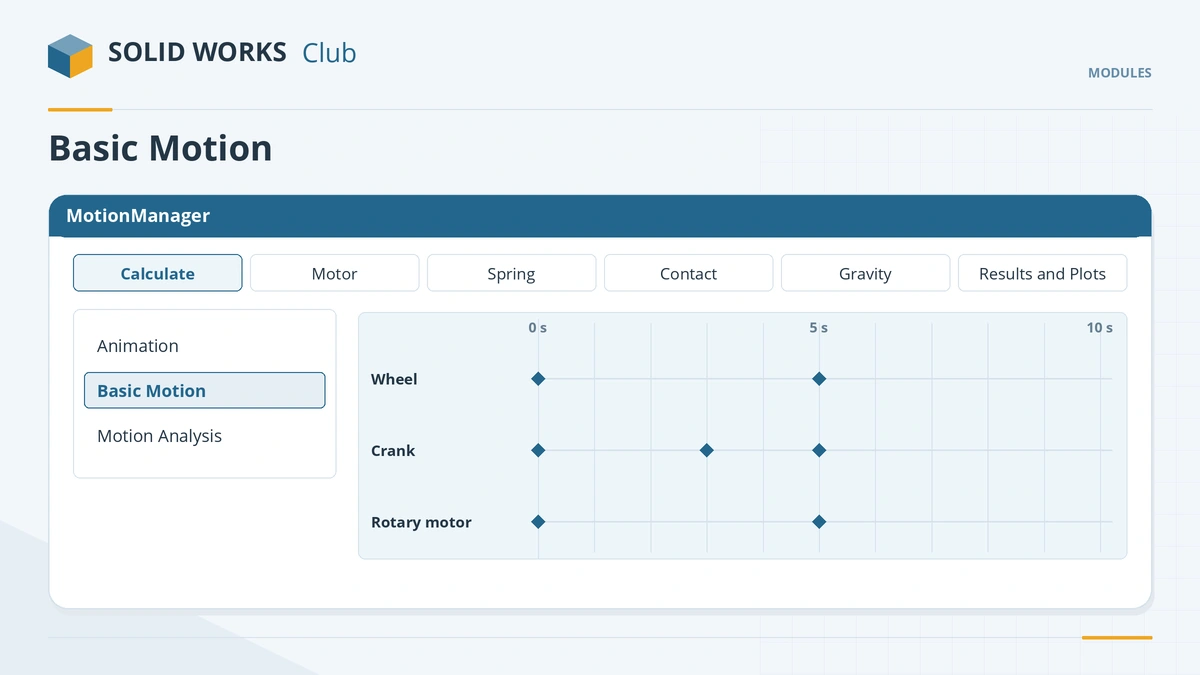
Choose the study type in the top-left corner of the MotionManager. -
3
Add a motor
Motor → Rotary motor, pick the wheel's round face, constant speed 60 RPM. Drag the end key to 5 s.
-
4
Calculate
Click Calculate, then play it back. With Motion Analysis, open Results and Plots for displacement, velocity or motor torque.
Common mistakes
- Motion Analysis missing — turn on the SOLIDWORKS Motion add-in.
- Parts passing through each other — add Solid Bodies contact; raise frames per second or contact resolution if they jitter.
- Gear mates ignoring real teeth — suppress the mate when tooth contact should drive the motion.
- Changing the model and forgetting to recalculate.
Practice
Spin the wheel with a 60 RPM rotary motor for 5 s. Check: the wheel makes 5 full turns; in Motion Analysis the angular displacement plot ends at 1,800°.
Sources
- Javelin — Motion simulation in SOLIDWORKS (Feb 2018)
- Engineers Rule — Motion studies and how to do them (Dec 2016)
- SOLIDWORKS Tech Blog — Motion Analysis use cases (Oct 2025)
- CATI — Technical communication: assembly motion (Apr 2018)
- GoEngineer — Motion study analysis and setup tutorial (Oct 2021)
Checked November 2026. SOLID WORKS Club is independent; menu names can differ slightly between releases.
Frequently asked questions
What is the difference between Animation, Basic Motion and Motion Analysis?
+
Animation ignores mass and gravity. Basic Motion approximates motors, springs, gravity and contact. Motion Analysis uses a real solver with mass, inertia and friction and plots forces.
Which licence do I need for Motion Analysis?
+
SOLIDWORKS Premium or a SOLIDWORKS Simulation package. Animation and Basic Motion are in every package.
How do I save a motion study as a video?
+
Click Save Animation on the MotionManager toolbar and choose AVI or MP4.
Can I size a motor with a motion study?
+
Yes, with Motion Analysis: plot the motor's torque, force or power.
Related
- Animations and video in SOLIDWORKSMake SOLIDWORKS animations: Animate Explode, the Animation Wizard (rotate, explode, collapse), view keys and Autokey, and saving MP4 at 1080p and 30 fps.
- SOLIDWORKS mechanical matesHow to use SOLIDWORKS mechanical mates: Cam, Slot, Hinge, Gear, Rack and Pinion, Screw and Universal Joint, with ratios and how they simulate mechanisms.
- SOLIDWORKS Simulation — 6 lessonsFree SOLIDWORKS Simulation course: static studies, mesh, fixtures and loads, stress and factor of safety, thermal and frequency, checked by hand.
- SOLIDWORKS modules and add-insSOLIDWORKS add-ins explained: Motion, animation, Visualize, PhotoView 360, PDM, CAM, Routing, Electrical and Plastics, and which package includes each.