Tutorials
SOLIDWORKS Simulation — 6 lessons
SOLIDWORKS Simulation is finite element analysis (FEA) inside SOLIDWORKS: it predicts stress, deflection, temperature and vibration before you build anything. The course uses one cantilever beam whose answers you can check by hand, so you learn to trust — and question — the colours. Linear static studies come with SOLIDWORKS Premium; thermal and frequency need Simulation Professional.
 Kevin Walsh
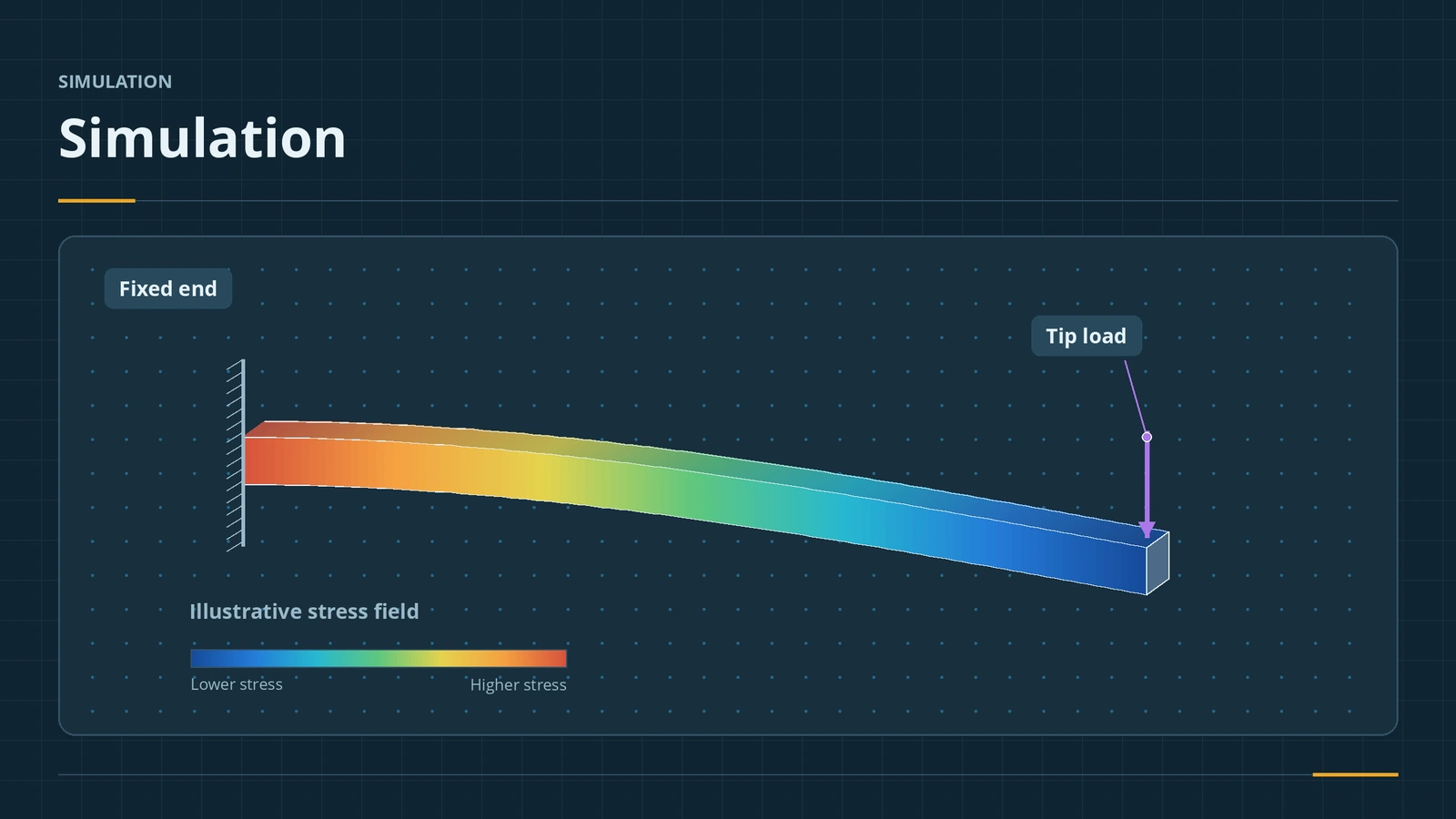
The test part
Every lesson uses a steel cantilever beam 200 mm long, 20 mm wide and 10 mm high, fixed at one end with a 100 N load at the other. Beam theory gives answers to compare with:
| Result | Hand calculation |
|---|---|
| Second moment of area I | 20 × 10³ / 12 = 1,666.7 mm⁴ |
| Tip deflection δ = FL³ / (3EI) | 0.76 mm for E = 210 GPa |
| Bending stress at mid-length | 30 MPa |
| Bending stress at the root (theory) | 60 MPa |
| First natural frequency | about 211 Hz for E = 210 GPa, ρ = 7,700 kg/m³ |
Use the elastic modulus and density shown in your material dialog — SOLIDWORKS library values differ slightly between materials.
Which licence does what
| Package | Studies |
|---|---|
| SimulationXpress (all CAD packages) | Single-part linear static wizard |
| SOLIDWORKS Premium | Linear static of parts and assemblies |
| Simulation Standard | Adds fatigue and Trend Tracker |
| Simulation Professional | Adds frequency, buckling, thermal, drop test, pressure vessel, optimisation |
| Simulation Premium | Adds nonlinear, linear dynamics and composites |
Fluids are a separate product: Flow Simulation, with a first internal flow project. Simulation needs a capable PC — see our hardware guides.
The 6 simulation lessons
-
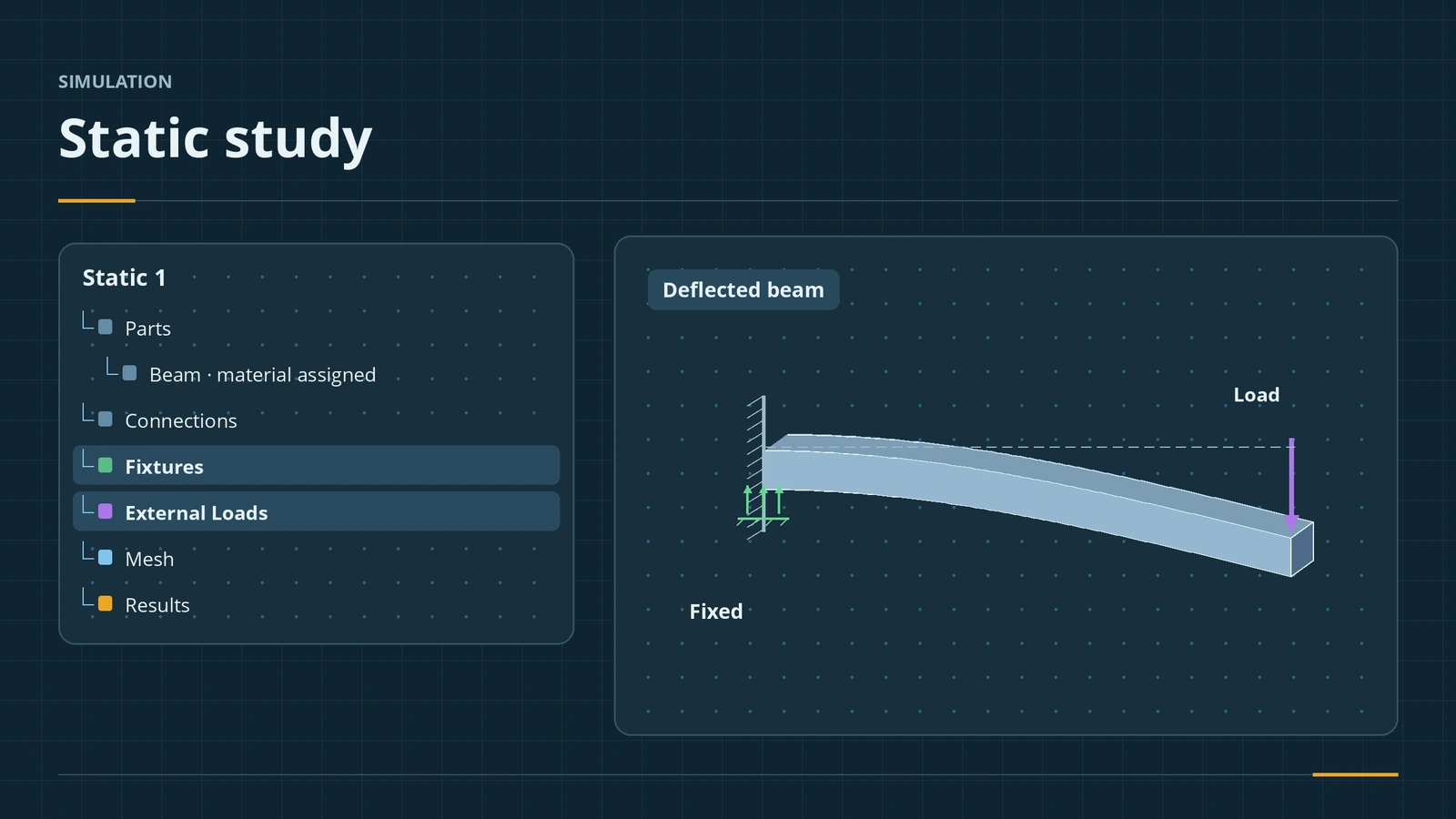 Your first static studyRun your first SOLIDWORKS static study: add-in, material, fixtures, loads, contacts, mesh and run, then check the deflection against beam theory.
-
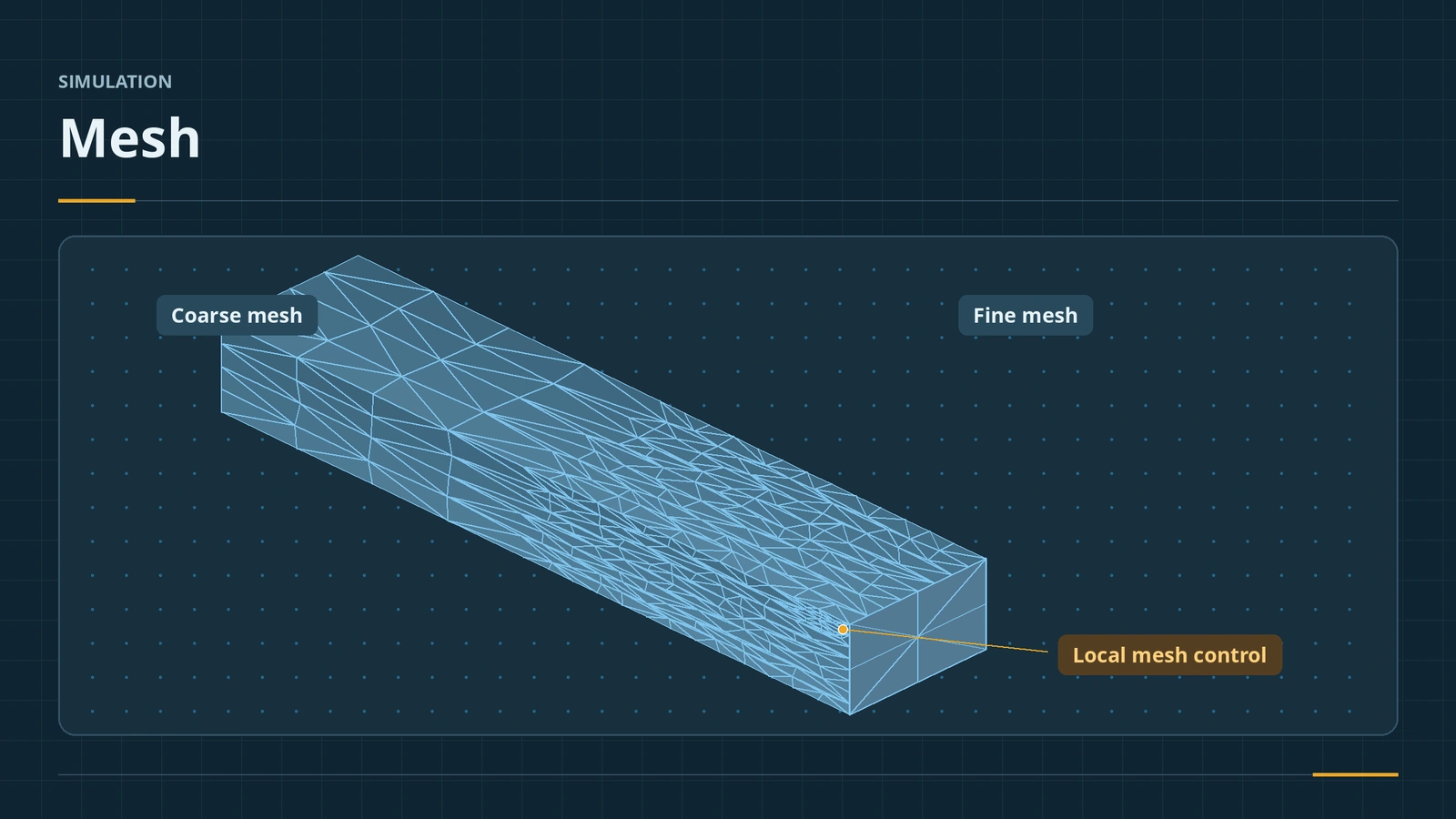 Meshing in SOLIDWORKS SimulationSOLIDWORKS Simulation meshing: blended curvature-based mesher, density slider, mesh controls, draft vs high quality elements, aspect ratio, convergence.
-
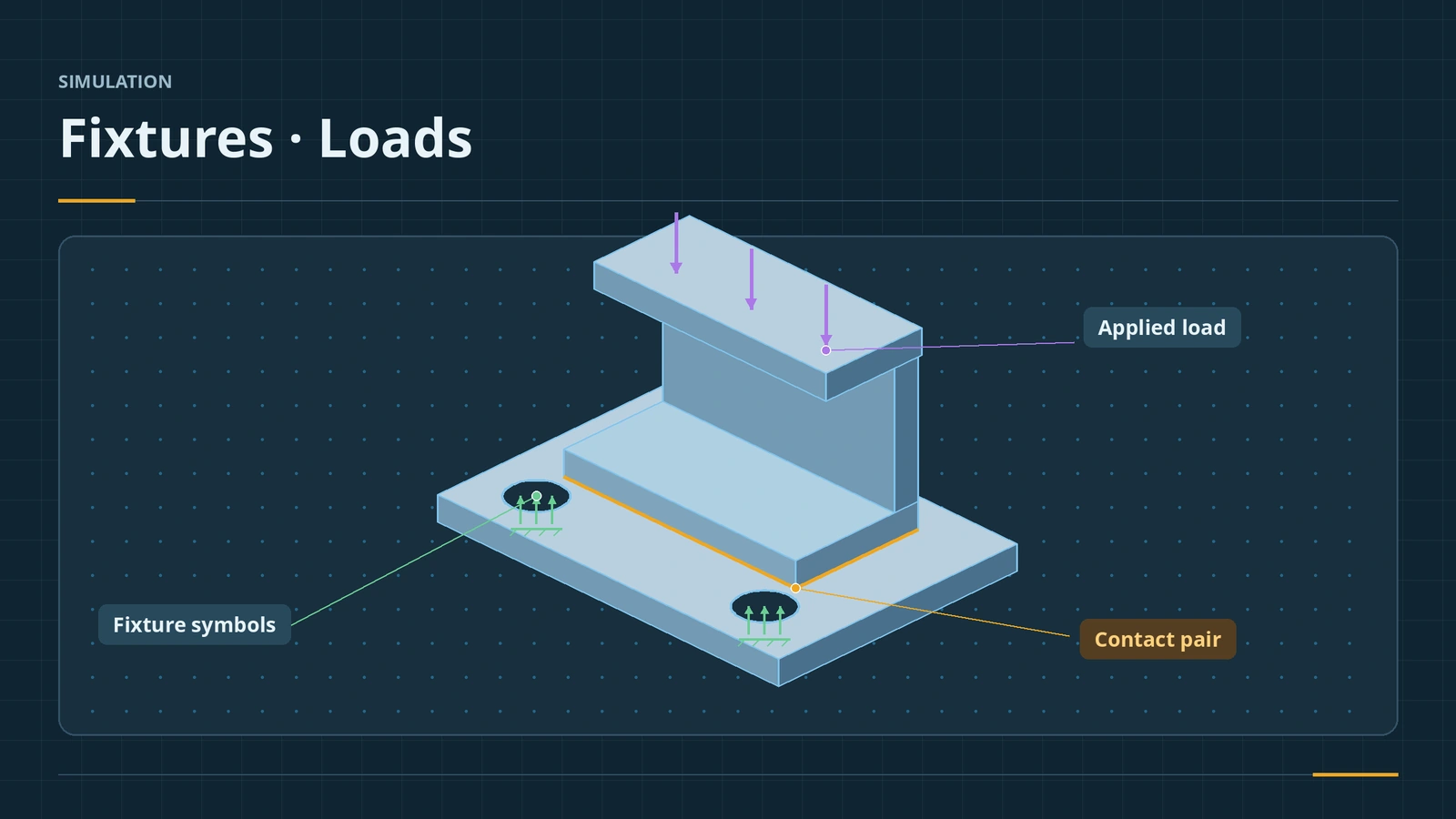 Fixtures, loads and contactsFixtures, loads and contacts in SOLIDWORKS Simulation: fixed geometry, roller/slider, hinge, force, pressure, gravity, remote loads, bonded vs no penetration.
-
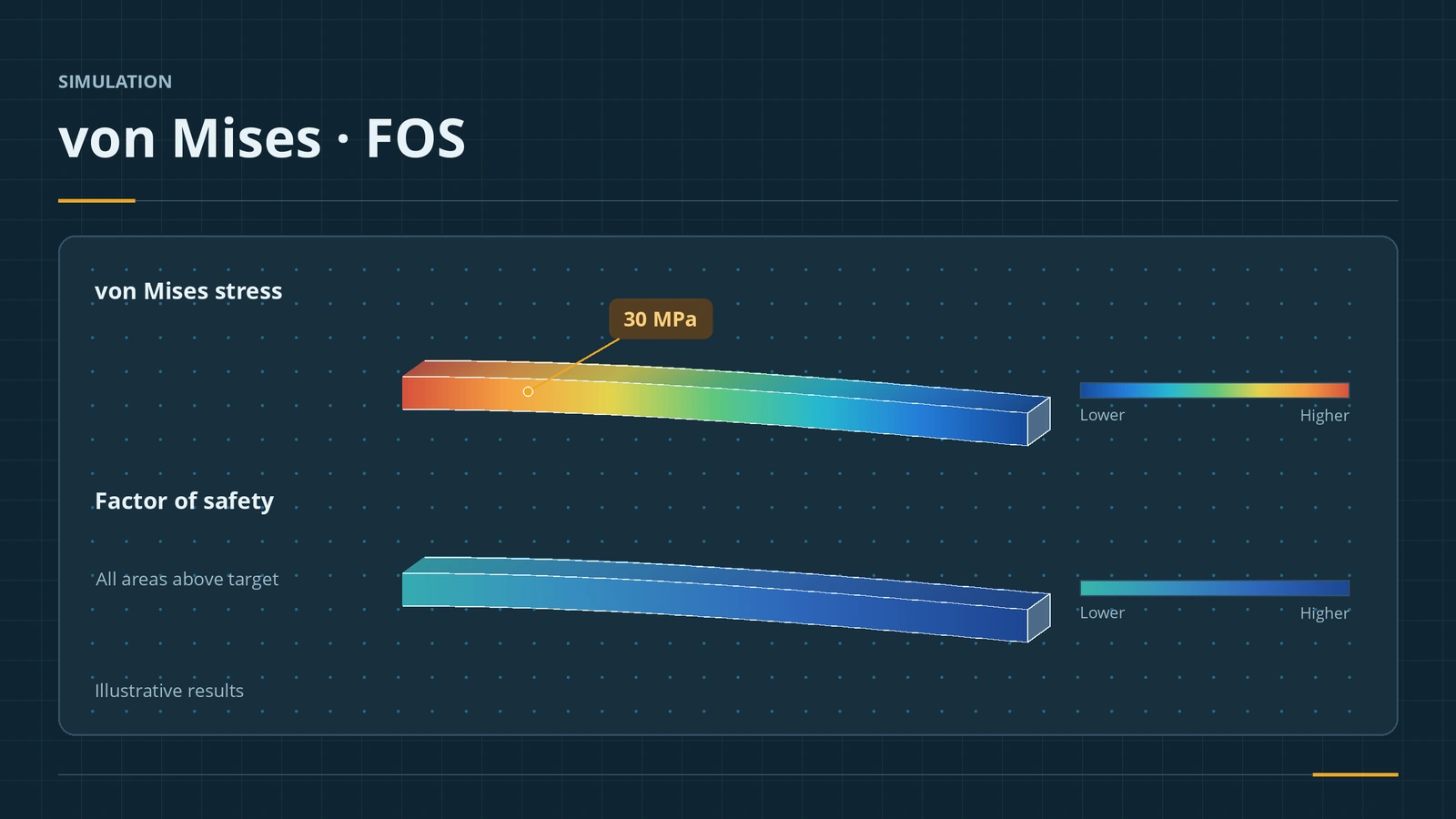 Results and factor of safetyRead SOLIDWORKS Simulation results: displacement, von Mises stress, factor of safety plots, probes, reports, and why peaks at sharp corners mislead.
-
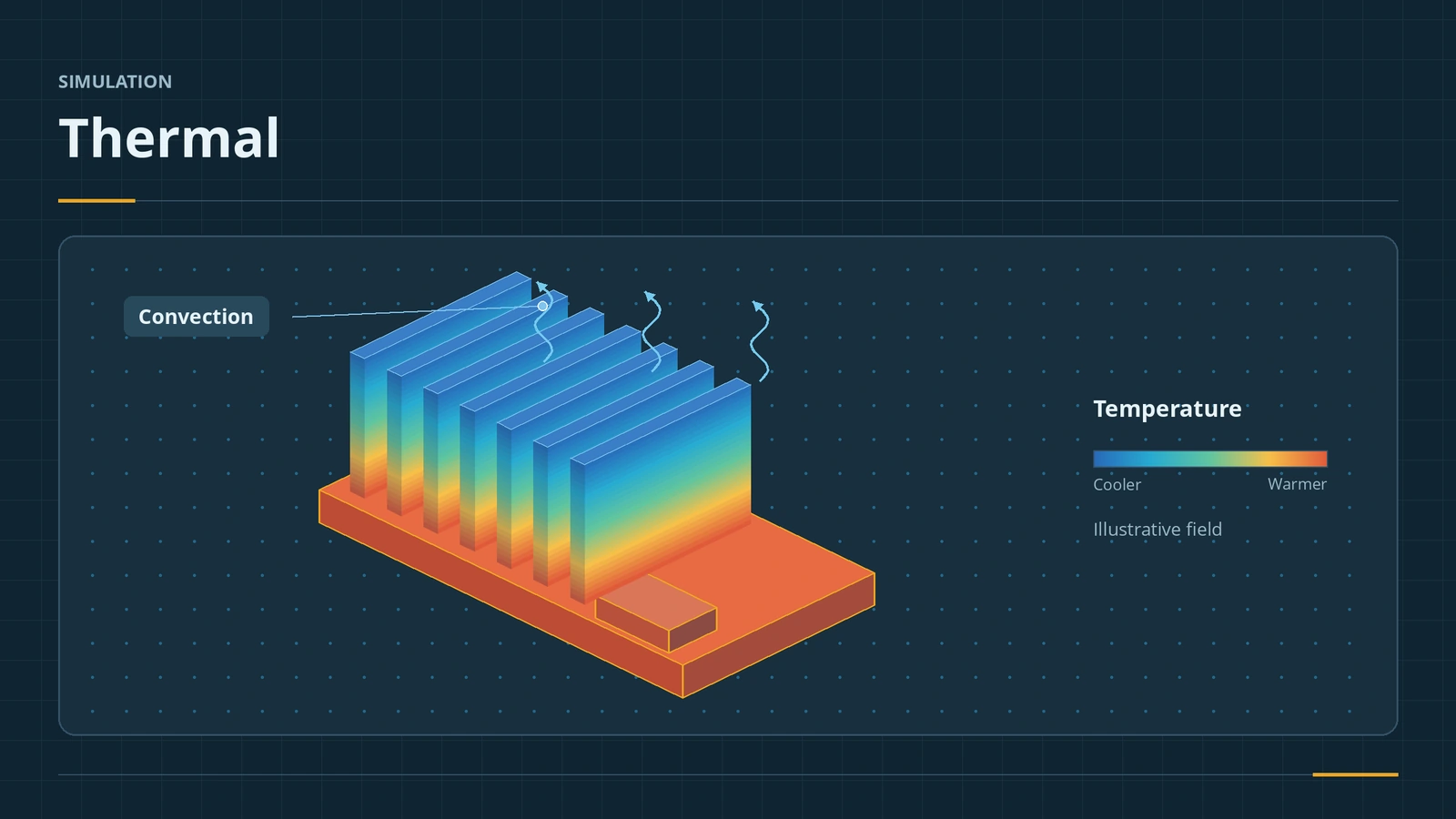 Thermal studiesRun a SOLIDWORKS Simulation thermal study: steady state vs transient, temperature, heat power, convection and radiation, thermal resistance, and thermal stress.
-
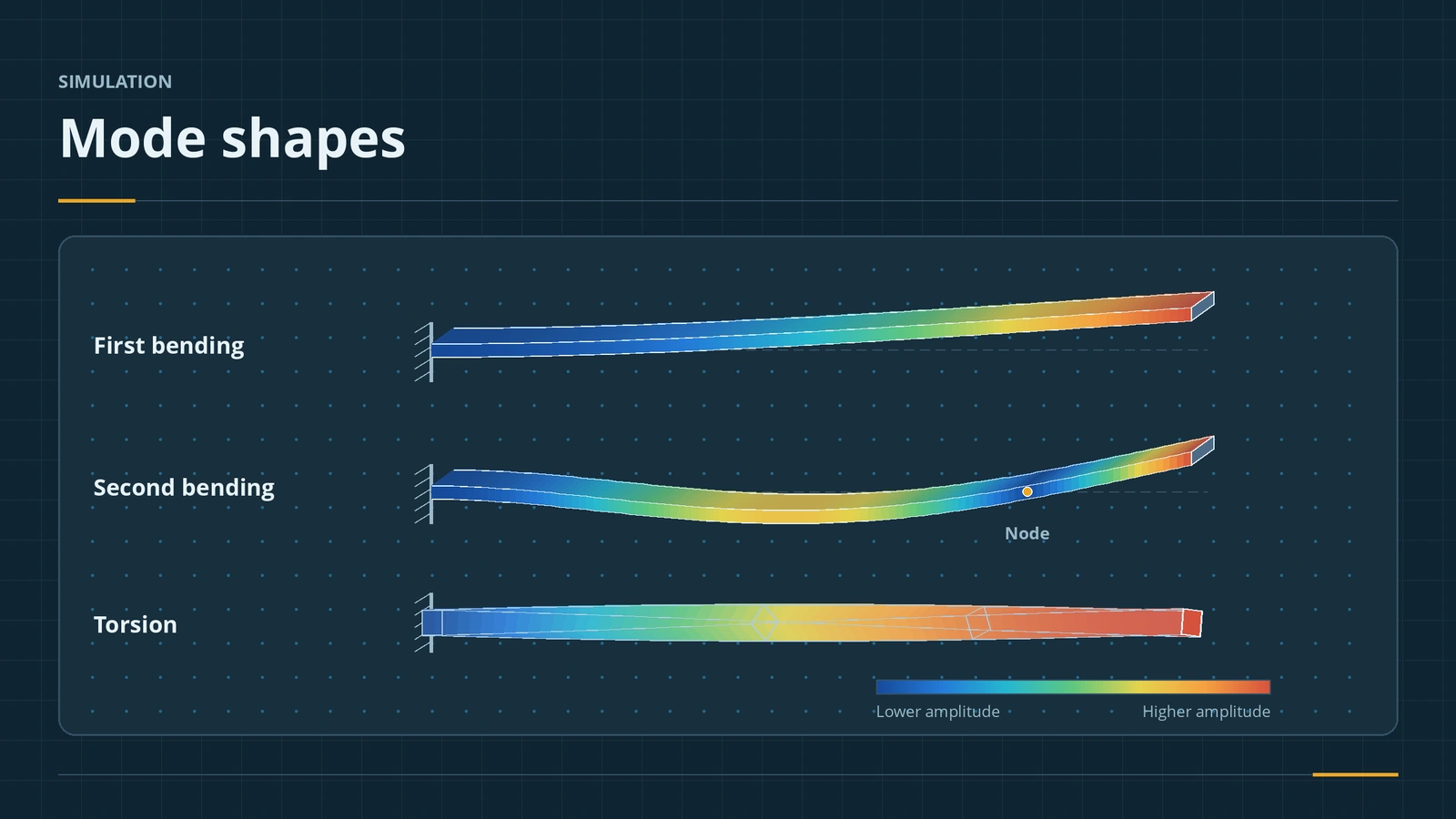 Frequency studiesRun a SOLIDWORKS frequency study: natural frequencies and mode shapes, number of frequencies, free vs fixed parts, mass participation and a beam check.
Sources
- SOLIDWORKS Tech Blog — Simulation vs SimulationXpress (Sep 2017)
- Hawk Ridge — Activating SimulationXpress (May 2020)
- GoEngineer — Guide to buying SOLIDWORKS Simulation
- CADimensions — Which Simulation package is right for you? (Mar 2025)
- Javelin — Which SOLIDWORKS Simulation package is best for me? (Jul 2019)
- Javelin — SOLIDWORKS Premium vs Simulation Standard (Dec 2022)
Checked November 2026. SOLID WORKS Club is independent; menu names can differ slightly between releases.
Frequently asked questions
Which SOLIDWORKS package includes Simulation?
+
SimulationXpress is in every package. SOLIDWORKS Premium adds linear static studies of parts and assemblies. Simulation Standard, Professional and Premium are separate products with more study types.
What is SimulationXpress?
+
A four-step wizard for single parts: fixtures, loads, material, mesh and run. It uses the same solver as a full static study but only face fixtures, force and pressure loads.
Which licence do thermal and frequency studies need?
+
Simulation Professional or Premium. Nonlinear and dynamic studies need Simulation Premium.
Related
- SOLIDWORKS Flow SimulationSOLIDWORKS Flow Simulation explained: what the CFD add-in solves, licensing, HVAC and Electronics Cooling modules, the wizard, goals, mesh and results.
- SOLIDWORKS modules and add-insSOLIDWORKS add-ins explained: Motion, animation, Visualize, PhotoView 360, PDM, CAM, Routing, Electrical and Plastics, and which package includes each.
- SOLIDWORKS materialsHow to apply materials in SOLIDWORKS, create a custom material library, set materials per body, keep your colours, and link the material to a custom property.
- SOLIDWORKS hardware guide: requirements and what to buyWhat SOLIDWORKS needs and what to buy in 2026 — official requirements, GPU, CPU and RAM advice, laptops, a PC build, Mac and Linux, and a free PC checker.