Getting Started
How to learn SOLIDWORKS — a 30-day plan
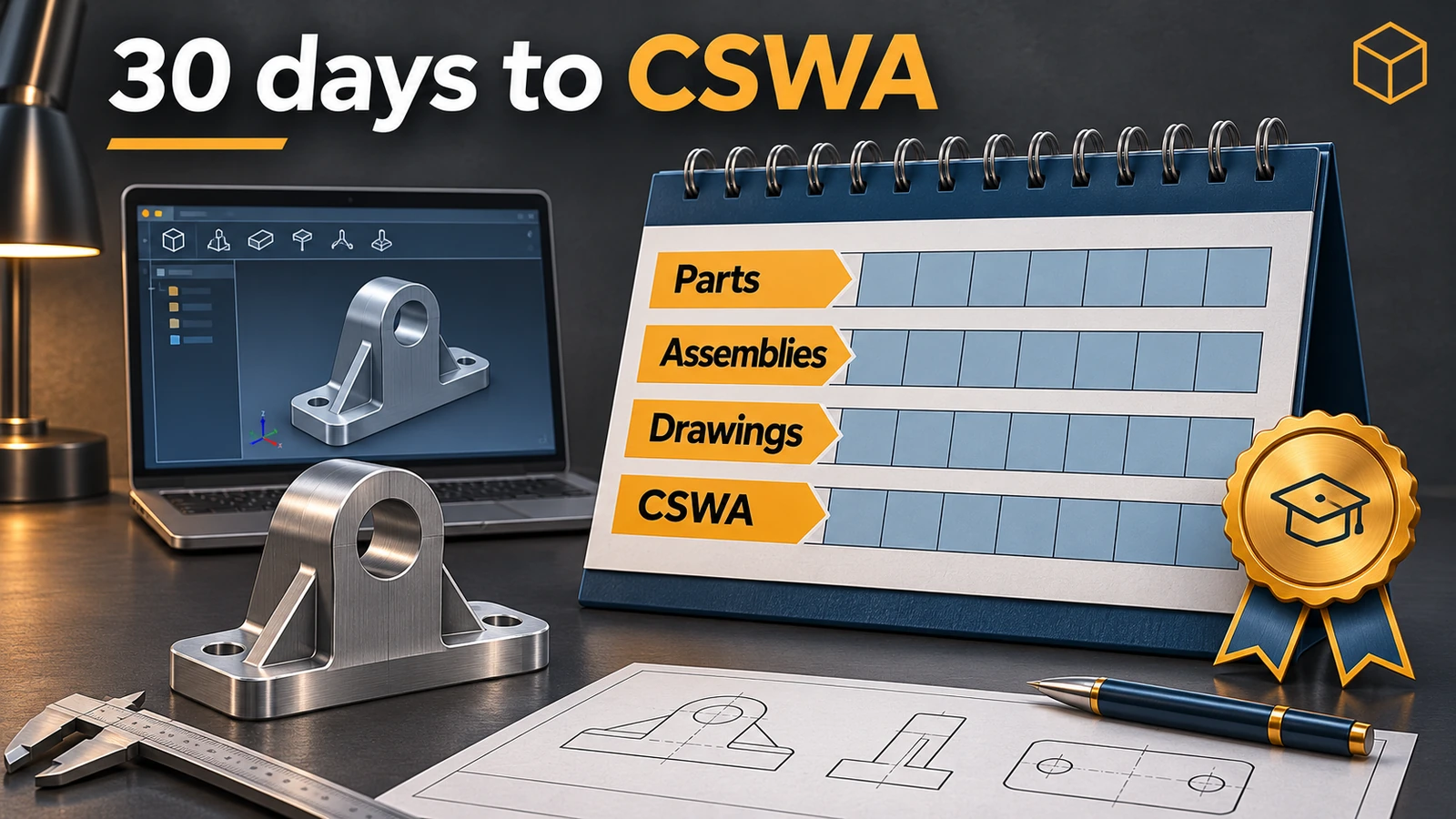
You can learn SOLIDWORKS to a job-ready basic level for free. The built-in tutorials teach parts, assemblies and drawings in a few hours; since July 2026 the whole MySolidWorks training library is free with a 3DEXPERIENCE ID; and the CSWA exam gives you a clear goal. The plan below takes about an hour a day for 30 days. The official classroom course covering the same ground, SOLIDWORKS Design Essentials, takes four days.
 Kevin Walsh
Before you start
- Get SOLIDWORKS. Students can get it free; makers have a low-cost option; others can request a trial — see free and low-cost SOLIDWORKS.
- Learn the screen with our interface guide and set units and templates.
- Print the keyboard shortcuts and keep them next to the screen.
The 30-day plan
| Days | Goal | Use |
|---|---|---|
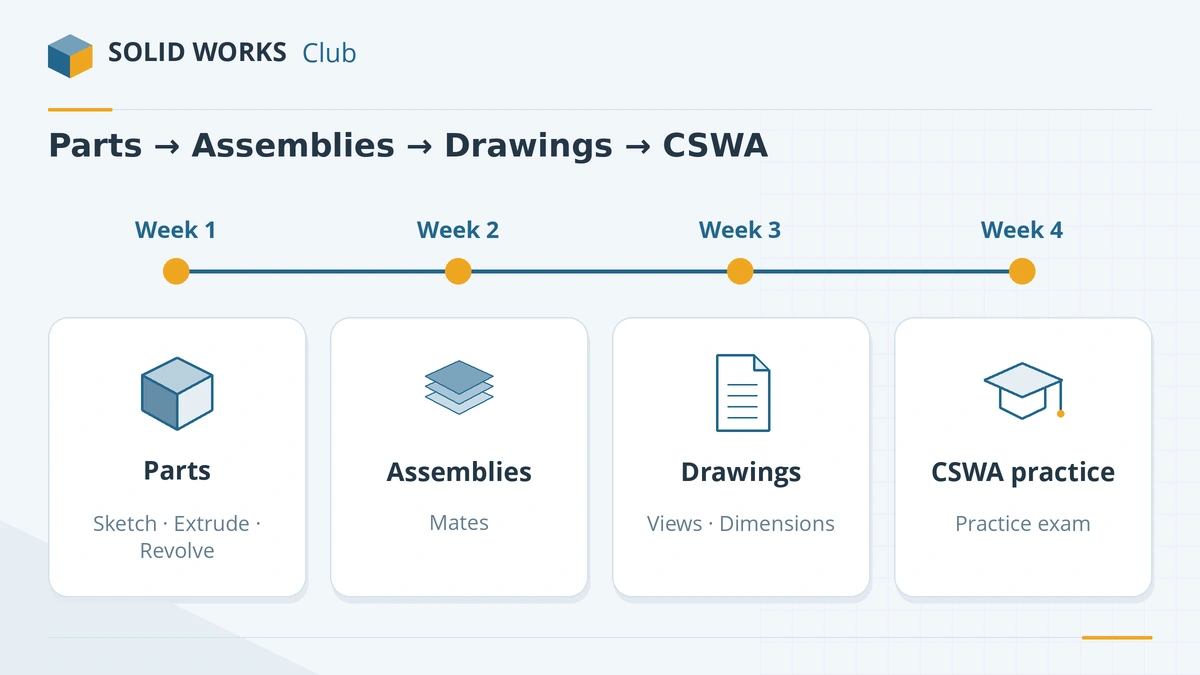
| 1–2 | Model a first part | Our first part tutorial; built-in Lesson 1 – Parts |
| 3–7 | Sketching and basic features: extrude, cut, revolve, fillet, shell, patterns | Built-in Basic Techniques tutorials; MySolidWorks part-modelling lessons |
| 8–10 | Your first assembly: inserting parts, mates, exploded views | Built-in Lesson 2 – Assemblies |
| 11–14 | Model 5 small real objects from around you — a phone stand, a bracket, a knob | Your own measurements and calipers |
| 15–17 | Drawings: views, sections, dimensions, title block | Built-in Lesson 3 – Drawings |
| 18–21 | A small project: 4–6 parts, an assembly and a drawing of each part | Pick something you can measure |
| 22–25 | Configurations, design intent, materials and mass properties | Built-in Advanced Techniques; MySolidWorks |
| 26–29 | Exam practice | Our CSWA practice test and sample questions |
| 30 | Take the CSWA or set the date | CSWA guide |
An hour a day is enough. Doing the exercises yourself matters far more than watching videos.
The free resources, ranked
- Built-in tutorials — Help (?) → Tutorials, or the Learn tab of the Welcome dialog. They work offline and come with the sample files (in
C:\Users\Public\Documents\SOLIDWORKS\SOLIDWORKS 20xx\samples\tutorial). Groups: Getting Started, Basic Techniques, Advanced Techniques, Design Evaluation. - MySolidWorks training — the whole library, hundreds of lessons, free since July 2026 with a 3DEXPERIENCE ID.
- Official tutorials channel on YouTube — launched by SOLIDWORKS in May 2026 for short how-to videos.
- SOLID WORKS Club guides — command-by-command tutorials are coming in the next sections of this site; for errors along the way see errors and fixes.
Paid options
- SOLIDWORKS Design Essentials — the official 4-day course from resellers (some run it online over 8 shorter days).
- Design Premium for Students ($60 a year) includes the CSWA and CSWP exams.
Still deciding which CAD to learn? See which CAD should I learn?
Ready for the details? Work through the sketching course — 17 lessons, each with a practice task and a value to check.
Then continue with the features course: 18 lessons from Extrude to Wrap.
For days 8–10 and 18–21, the assemblies course covers mates, exploded views and BOMs in detail.
More ways to learn: the best courses, books and YouTube channels, and local user groups.
Sources
- Javelin — The built-in SOLIDWORKS tutorials
- GoEngineer — Getting started: Lesson 1 Parts (built-in tutorials)
- GoEngineer — Getting started: Lesson 2 Assemblies
- GoEngineer — Getting started: Lesson 3 Drawings
- Javelin — The SOLIDWORKS Welcome screen
- SOLIDWORKS blog — MySolidWorks training resources are now free (Aug 2026)
- SOLIDWORKS blog — Introducing the SOLIDWORKS Tutorials channel (May 2026)
- SOLIDWORKS — Design Essentials training course
- GoEngineer — SOLIDWORKS Essentials training
- SOLIDWORKS — CSWA Design Associate certification
- SOLIDWORKS blog — What's new in SOLIDWORKS EDU 2026
- SOLIDWORKS — Student products
Checked November 2026. SOLID WORKS Club is independent; menu names can differ slightly between releases.
Frequently asked questions
How long does it take to learn SOLIDWORKS?
+
The basics — parts, assemblies and drawings — take a few weeks of regular practice. The official Design Essentials course covers them in four classroom days. Becoming fast and confident takes months of real projects.
Can I learn SOLIDWORKS for free?
+
Yes. The built-in tutorials come with SOLIDWORKS, MySolidWorks training has been free since July 2026, there is an official tutorials channel on YouTube, and students can get SOLIDWORKS Design Standard free.
Where are the SOLIDWORKS tutorials?
+
In SOLIDWORKS, open Help (?) → Tutorials, or the Learn tab of the Welcome dialog. They work offline and are grouped into Getting Started, Basic Techniques, Advanced Techniques and Design Evaluation.
Is SOLIDWORKS hard to learn?
+
It is one of the easier professional CAD programs to start with, and the core idea — sketch, dimension, extrude — is the same for most parts. Assemblies, drawings and design intent take longer to master.
Related
- Your first SOLIDWORKS part, step by stepModel your first SOLIDWORKS part in 15 minutes: a sketch on the Front Plane, Smart Dimension, Extruded Boss, a hole and fillets, with a check mass.
- CSWA exam guide: format, cost and how to prepareThe CSWA (SOLIDWORKS Design Associate) exam in 2026 — $99, 3 hours, 70% to pass, online with your own SOLIDWORKS. Sections, rules and a study plan.
- How to get the free SOLIDWORKS student edition (2026)Since July 1, 2026, students get SOLIDWORKS Design Standard free, no .edu email needed. Who qualifies, how to download it, its limits and the $60 Premium.
- What CAD software should you learn in 2026?Which CAD to learn in 2026 by career — SOLIDWORKS for mechanical design, AutoCAD for drafting, CATIA and Creo for OEMs, Fusion for makers — with job data.