Tutorials
SOLIDWORKS surfacing — 7 lessons
Surfaces are zero-thickness faces you build one at a time where solid features cannot make the shape: freeform products, smooth transitions, repairs of imported models. The usual workflow is to build surfaces, trim them, knit them into one closed body and turn that into a solid — or thicken an open surface. The course follows that workflow with small parts whose area or volume you can check.
 Kevin Walsh
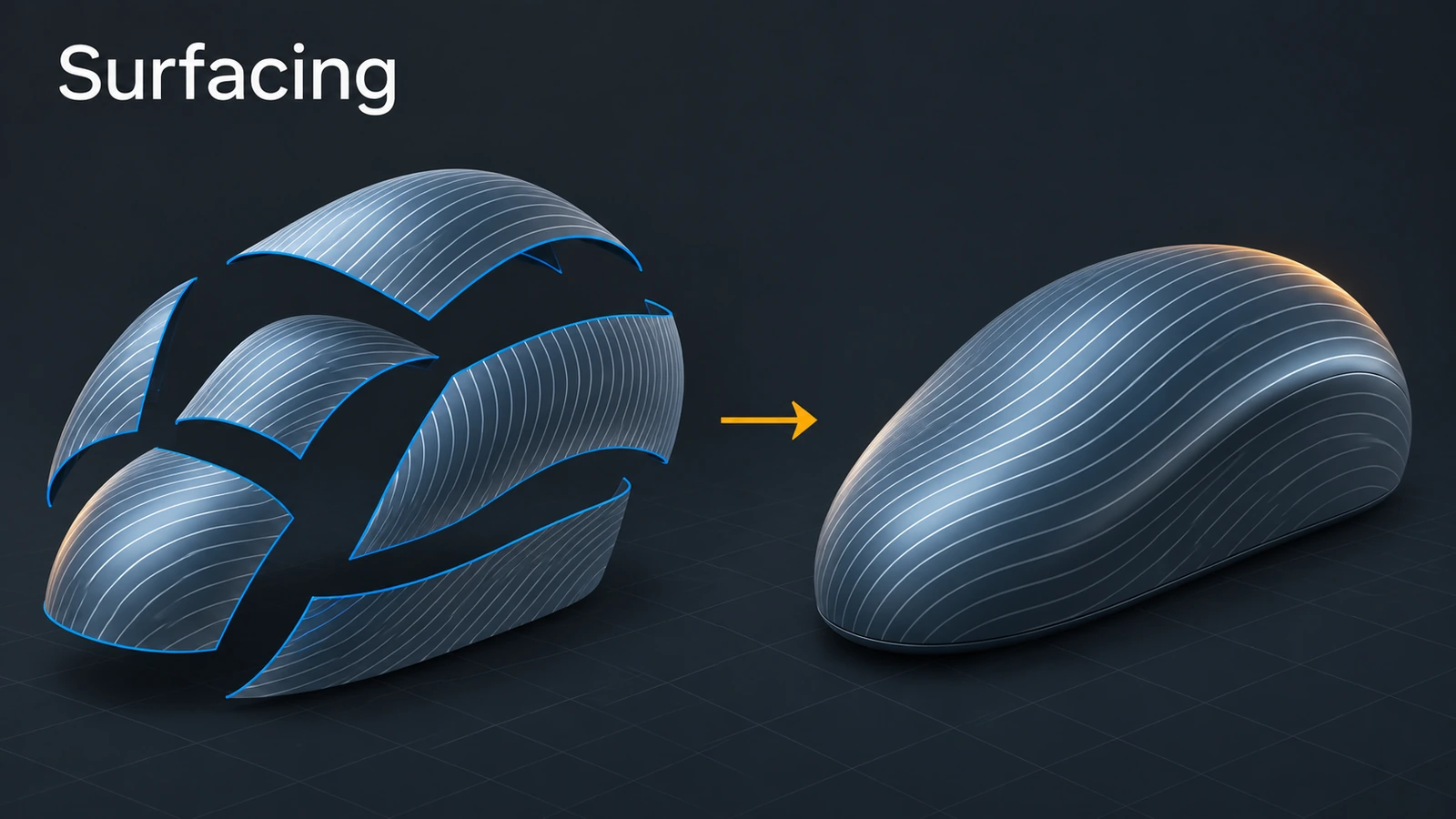
What the course covers
| Lesson | Topic |
|---|---|
| 1 | Surfaces vs solids: bodies, open edges, continuity |
| 2 | Extruded, revolved and planar surfaces |
| 3 | Trim Surface: standard and mutual, untrim and extend |
| 4 | Boundary Surface and tangency or curvature control |
| 5 | Filled Surface for patching holes |
| 6 | Knit Surface and Create Solid |
| 7 | Thicken and turning surfaces into solids |
Every practice task has a measurable area or volume — for example the open box in lesson 6 knits into a 60,000 mm³ solid. Solid boundary and loft features are covered in the features course. Preparing for the surfacing exam? It covers boundary, loft and filled surfaces, trim and untrim, knit and thicken.
The 7 surfacing lessons
-
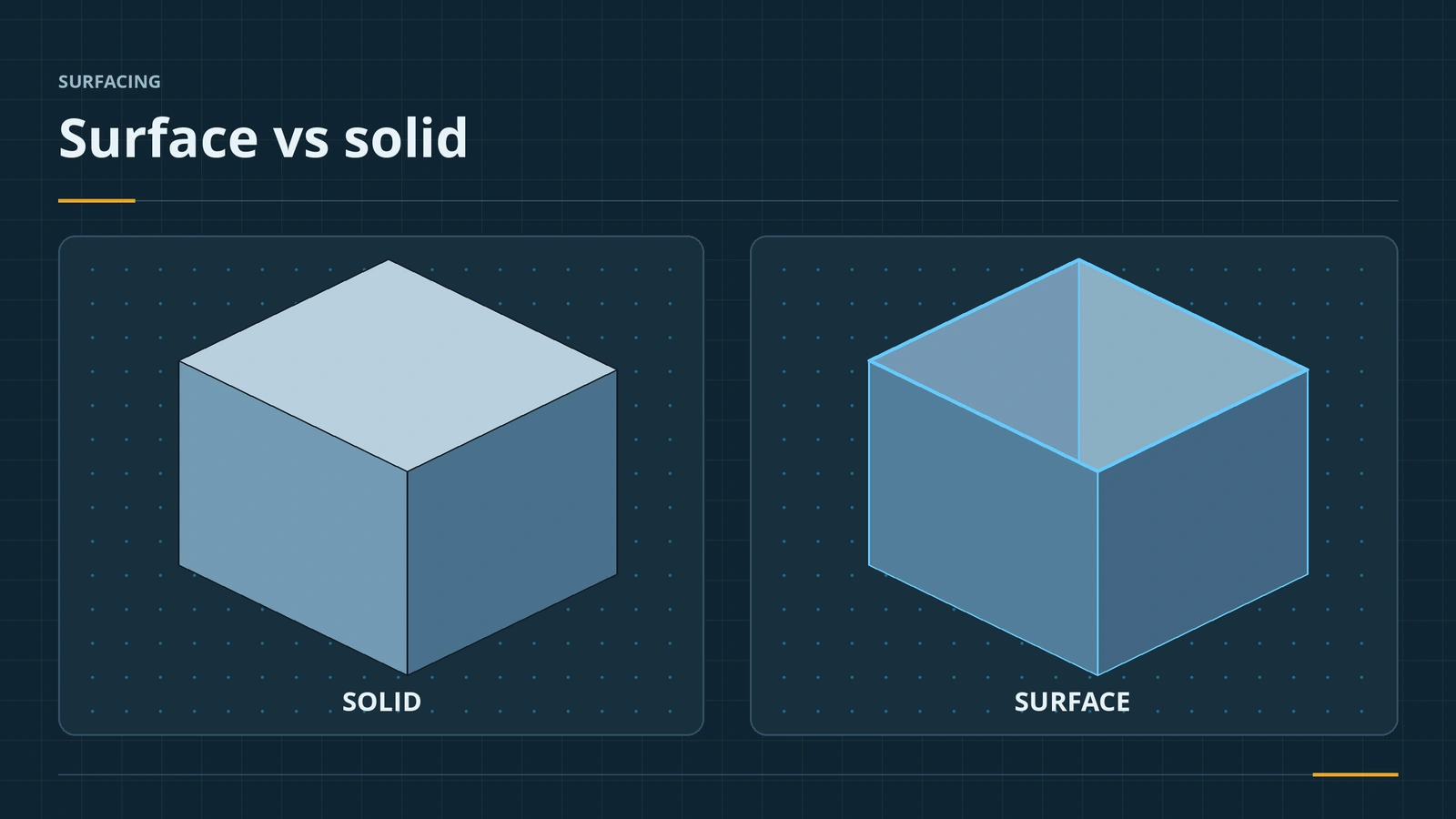 Surfaces vs solids in SOLIDWORKSSurfaces vs solids in SOLIDWORKS: zero-thickness bodies, open edges, hybrid modelling, the Surfaces tab, continuity (contact, tangent, curvature), Check.
-
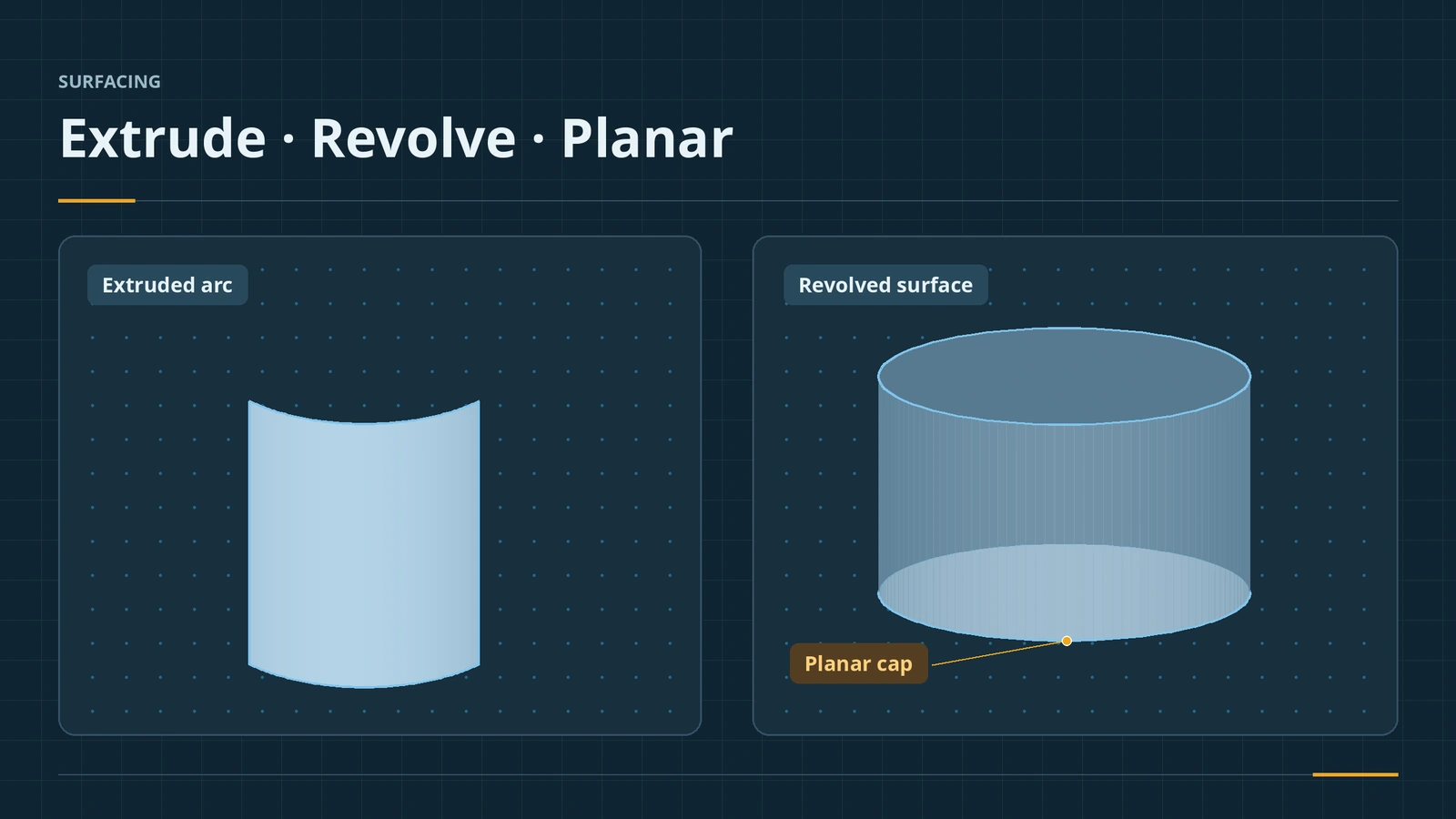 Extruded, revolved and planar surfacesBasic SOLIDWORKS surfaces: Extruded Surface from open or closed sketches, Revolved Surface around a centerline, Planar Surface caps, sweep and loft.
-
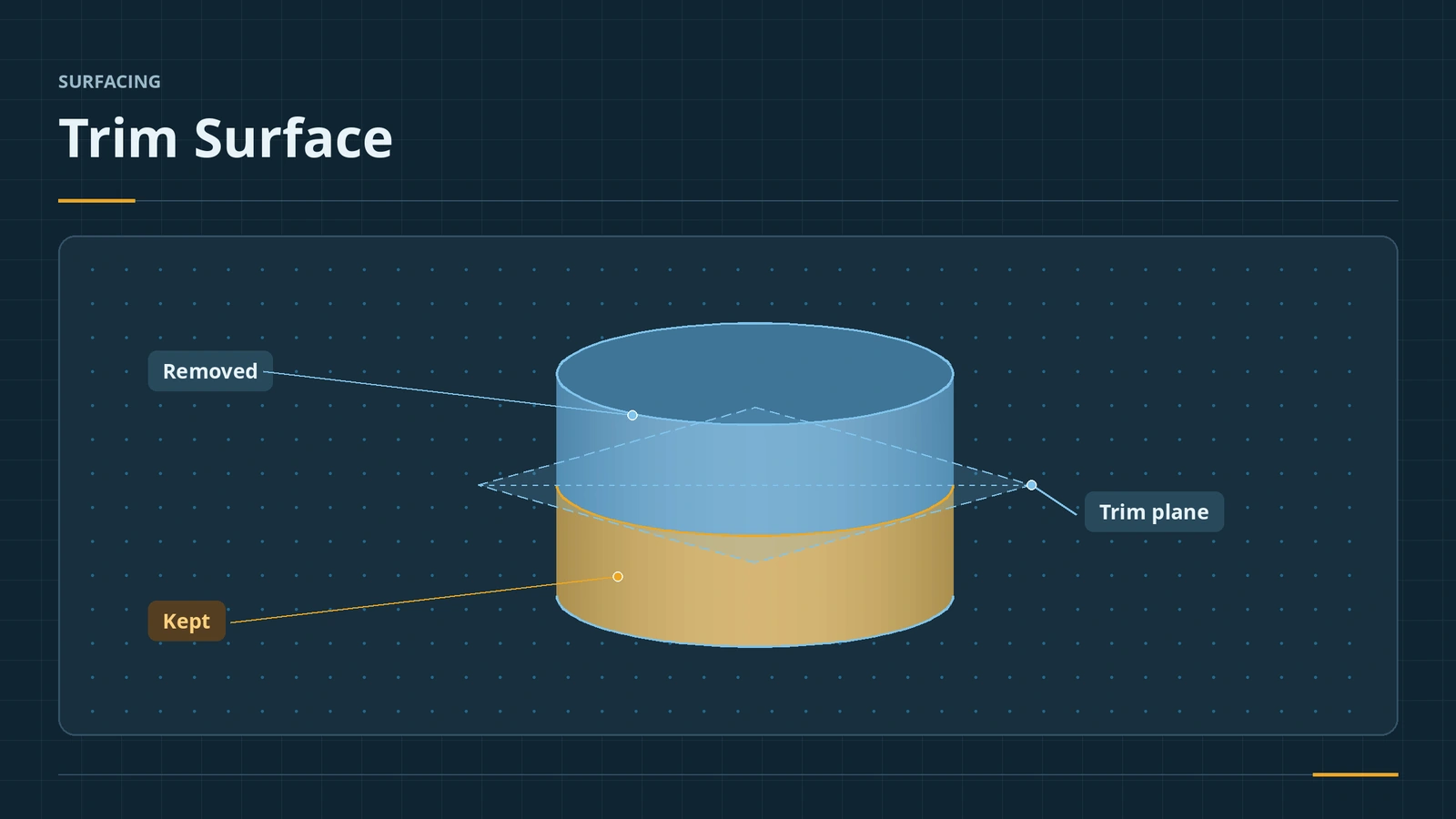 Trim Surface — standard and mutualTrim SOLIDWORKS surfaces with Trim Surface: standard vs mutual trim, keep or remove selections, split all, natural vs linear, Untrim and Extend.
-
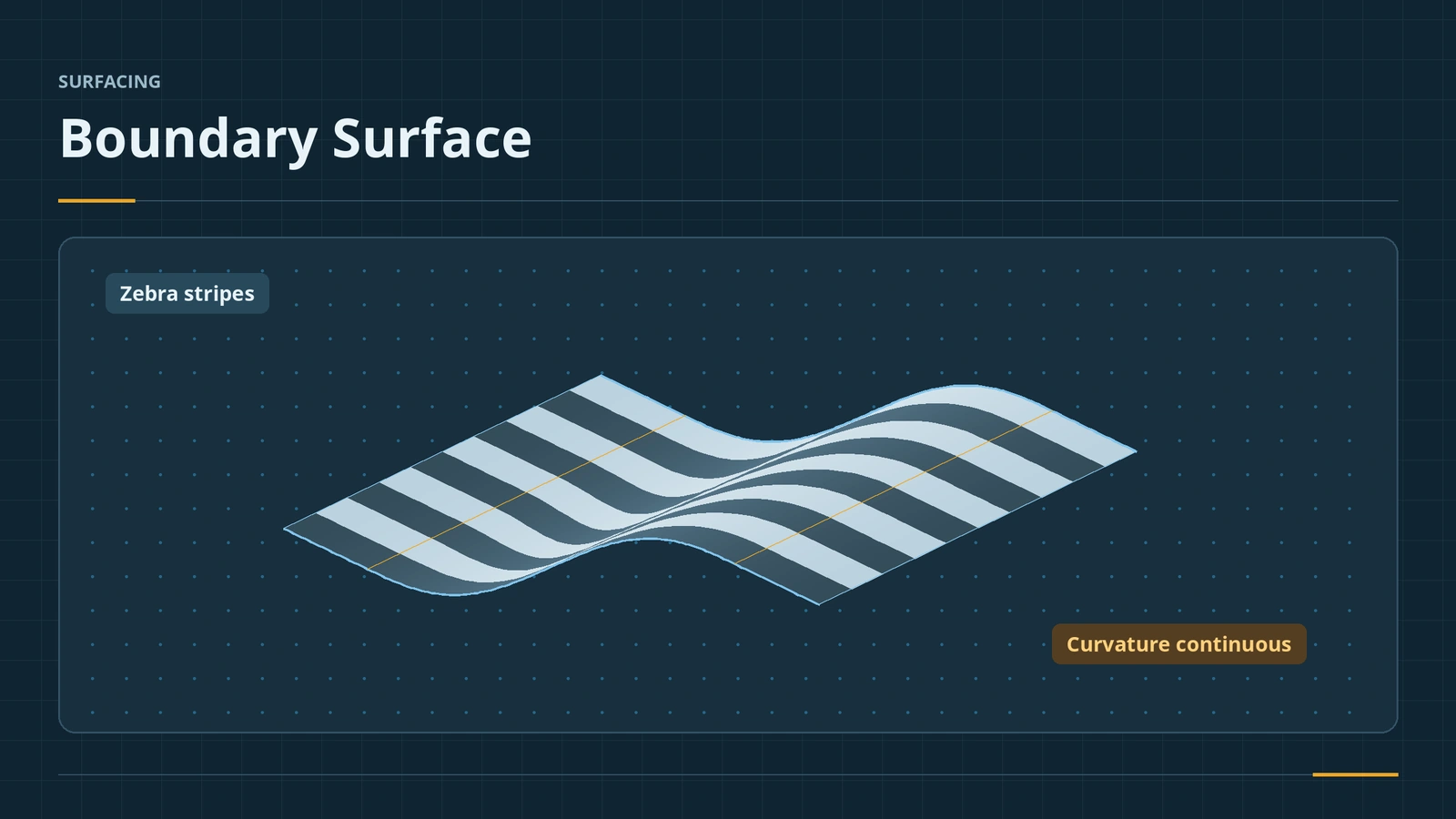 Boundary SurfaceUse SOLIDWORKS Boundary Surface: curves in two directions, tangency and curvature to face, tangent weight, connectors, trim by direction, boundary vs loft.
-
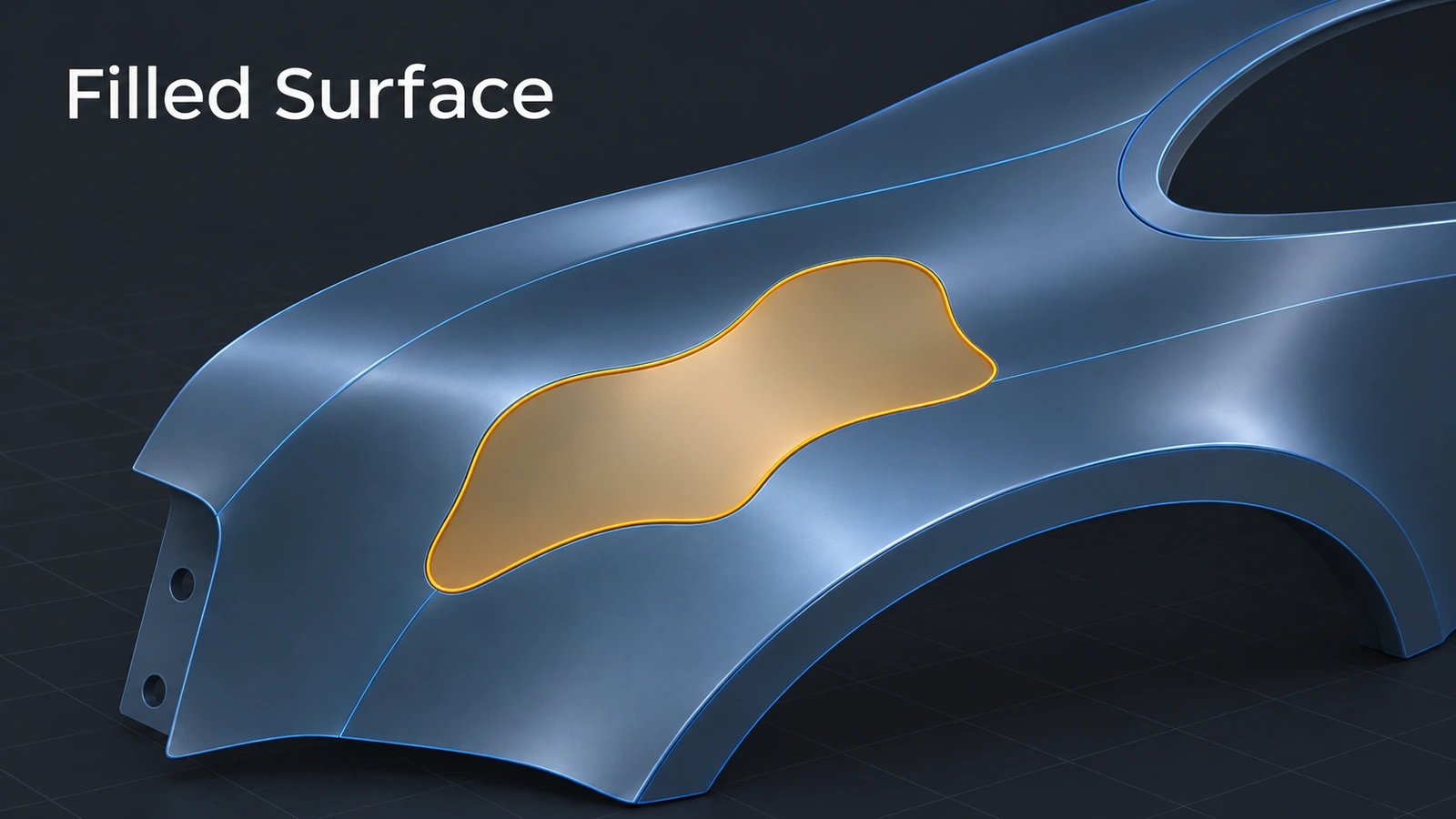 Filled SurfacePatch holes with SOLIDWORKS Filled Surface: boundary edges, contact, tangent or curvature per edge, constraint curves, optimize, merge and create solid.
-
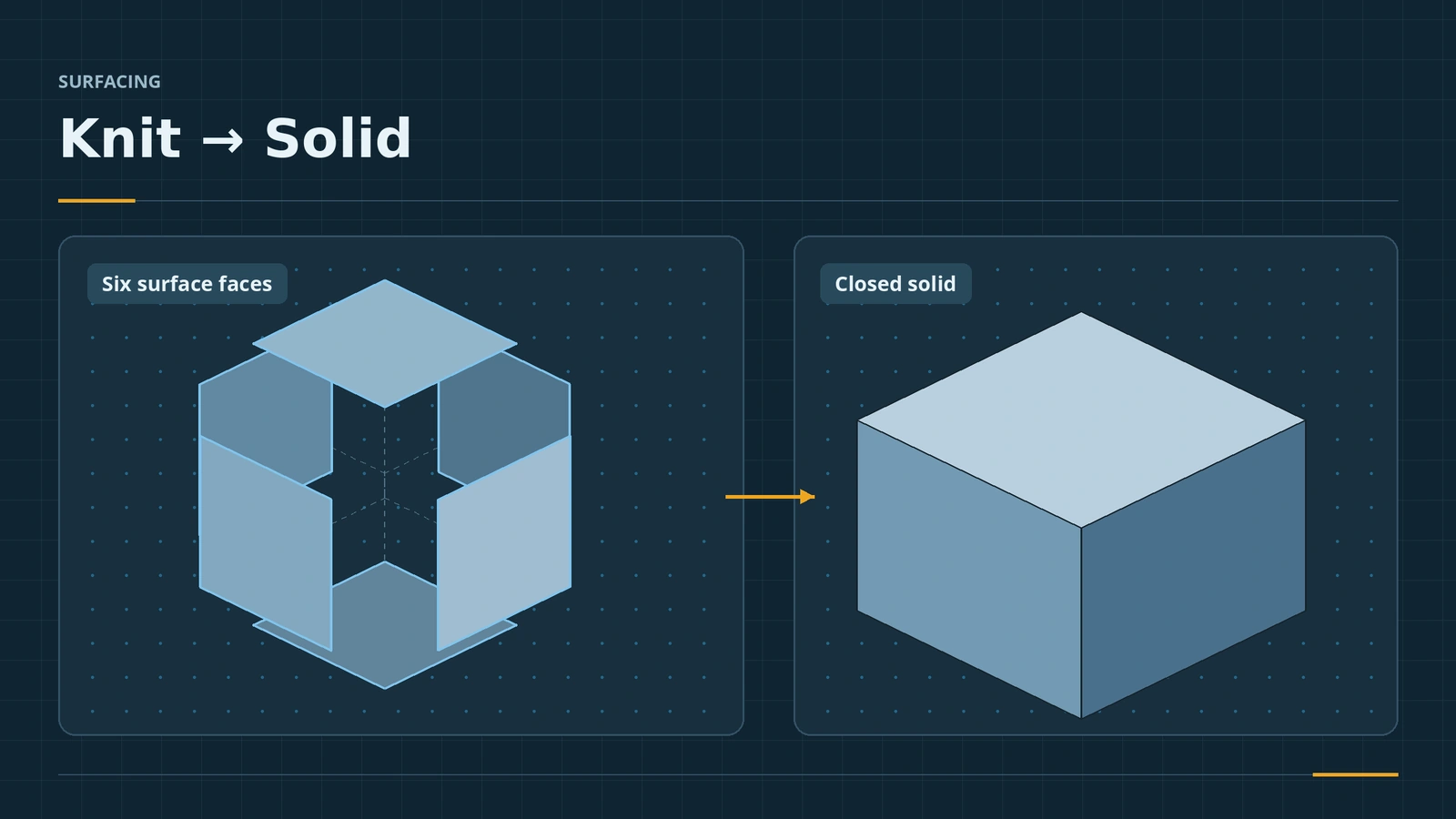 Knit Surface and Create SolidKnit SOLIDWORKS surfaces into one body or a solid: Knit Surface, Create Solid, gap control, seed faces, and finding gaps with Check when no solid forms.
-
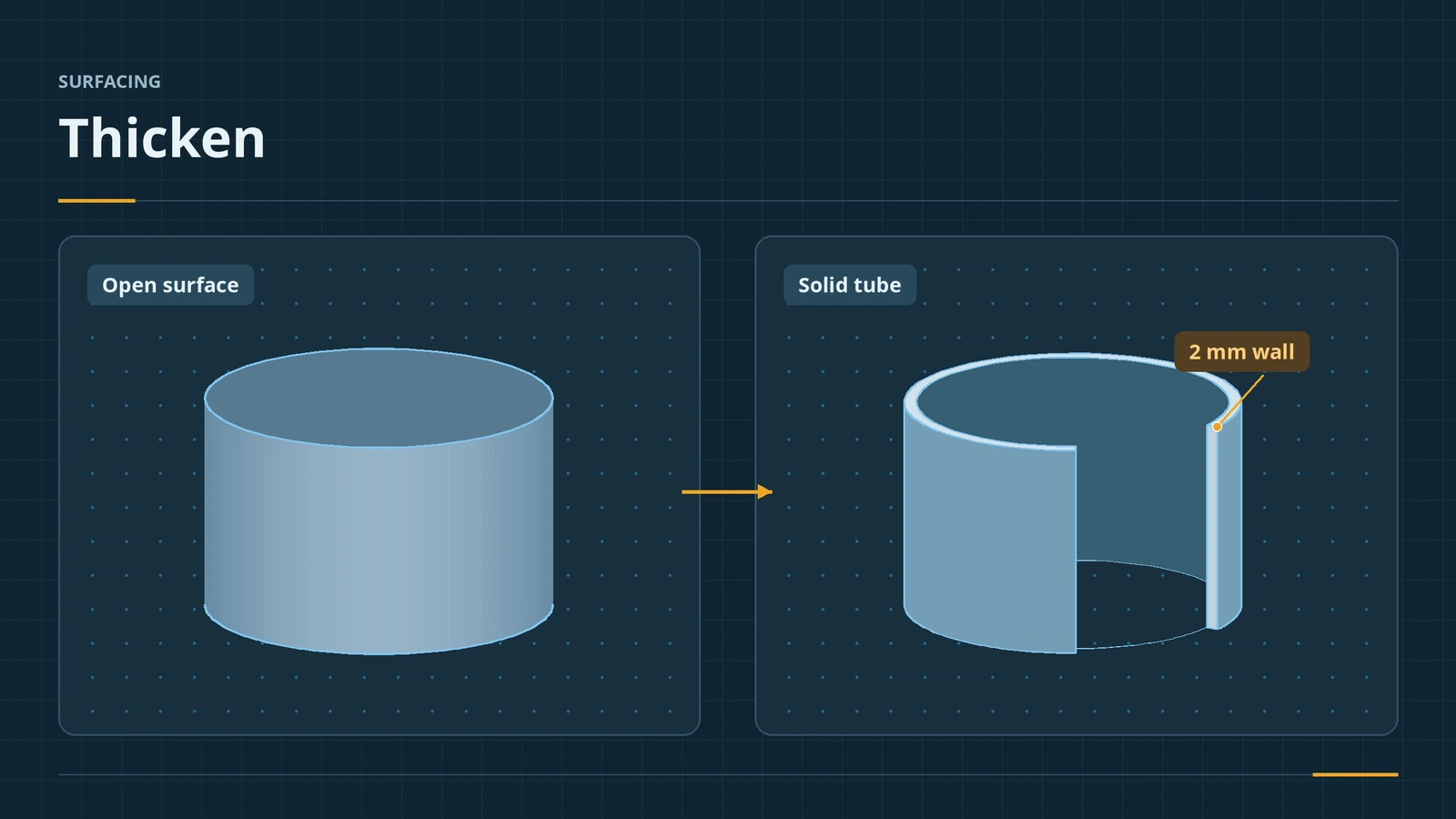 Thicken — from surface to solidThicken SOLIDWORKS surfaces into solids: side 1, side 2 or both, direction other than normal (2020+), create solid from enclosed volume, and why Thicken fails.
Frequently asked questions
When should I use surfaces instead of solids?
+
When solid features cannot make the shape — freeform or organic geometry, smooth curvature — or to repair imported models. Resellers recommend hybrid modelling and using surfaces only where needed.
How do I turn surfaces into a solid?
+
Knit them with Create Solid when they enclose a volume, use Thicken with Create solid from enclosed volume, or thicken an open surface.
How do I show the Surfaces tab?
+
Right-click any CommandManager tab and tick Surfaces.
Related
- SOLIDWORKS Boundary Boss/BaseHow Boundary Boss/Base works in SOLIDWORKS, how it differs from Loft (Direction 1 and 2 curves, tangency and curvature at every curve), and when to choose each.
- Surfacing exam (CSWP-SU, formerly CSWPA-SU)The SOLIDWORKS surfacing exam (CSWP-SU, formerly CSWPA-SU) — $20, 90 minutes, 75% to pass. Splines, boundary and loft surfaces, knit and thicken.
- SOLIDWORKS weldments — 7 lessonsFree SOLIDWORKS weldments course: structural members, custom profiles, trim/extend, gussets, end caps, cut lists and weld beads, built on one table frame.
- SOLIDWORKS LoftHow to use Lofted Boss/Base in SOLIDWORKS: profiles on offset planes, profile order, guide curves, end tangency, and fixing twisted lofts.