Tutorials
SOLIDWORKS modules and add-ins
Beyond parts, assemblies and drawings, SOLIDWORKS has add-ins and companion products for motion, rendering, data management, machining, routing, electrical design and plastic moulding. Some come with every package, some only with Professional or Premium, and some are bought separately. Each page explains what the module does, how to switch it on and the first steps.
 Kevin Walsh
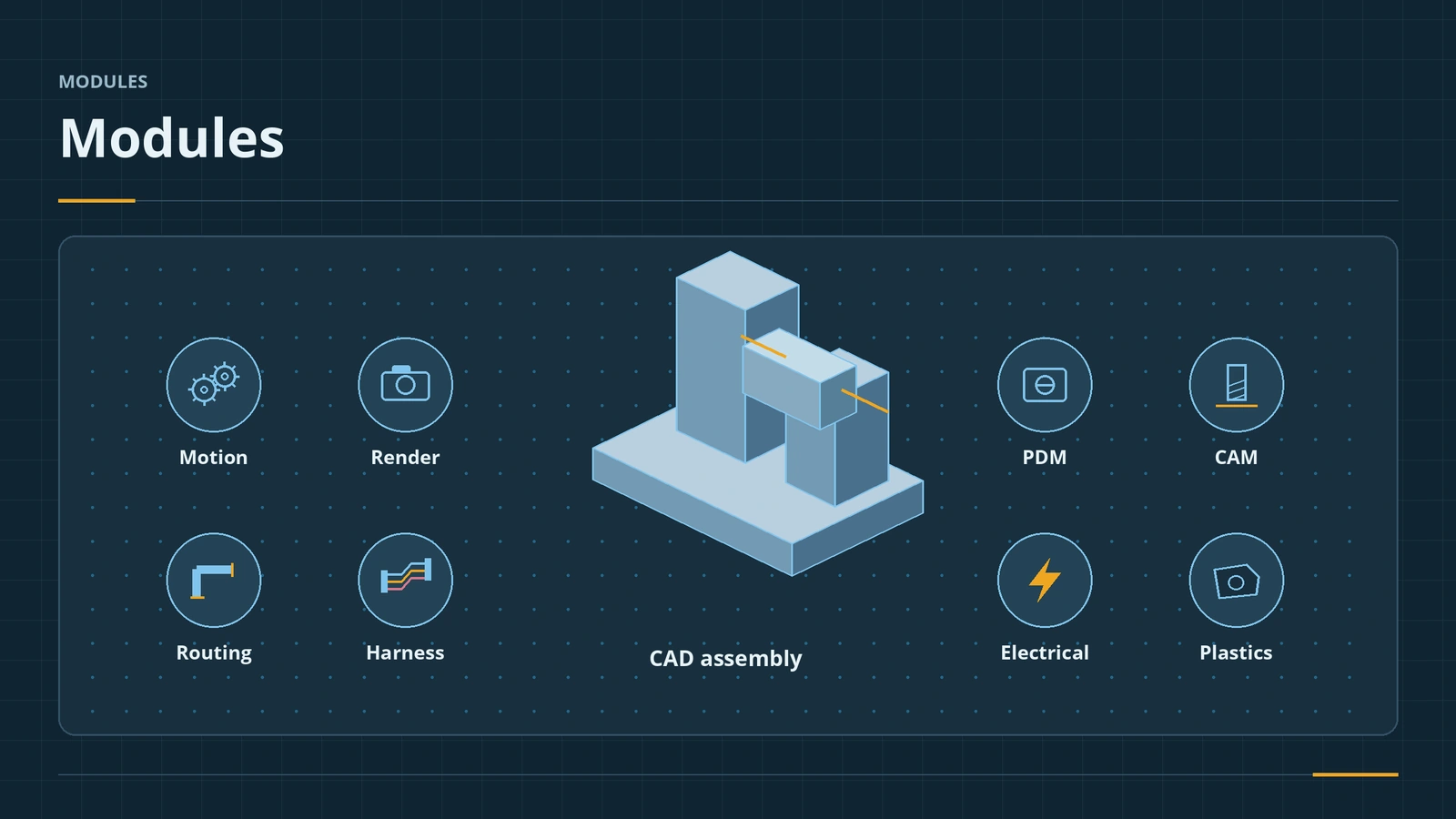
Which package includes what
| Module | Standard | Professional | Premium | Separate |
|---|---|---|---|---|
| Animation, Basic Motion | ✓ | ✓ | ✓ | |
| Motion Analysis | ✓ | With Simulation | ||
| SimulationXpress, FloXpress | ✓ | ✓ | ✓ | |
| Structural simulation | ✓ | Simulation packages | ||
| CAM Standard (on subscription) | ✓ | ✓ | ✓ | CAM Professional |
| Visualize Standard (on subscription) | ✓ | ✓ | Visualize Professional | |
| PDM Standard | ✓ | ✓ | PDM Professional | |
| Toolbox, Costing, Design Checker | ✓ | ✓ | ||
| Routing (pipe, tube, electrical) | ✓ | Add-in for Standard/Pro | ||
| SOLIDWORKS Electrical | ✓ | |||
| SOLIDWORKS Plastics | ✓ | |||
| Flow Simulation | ✓ |
From reseller and SOLIDWORKS package comparisons; check the current offer with your reseller. The current package page also lists Ultimate, with everything in Premium plus cloud CAD and cloud simulation. Prices are on our pricing page. Simulation has its own course: SOLIDWORKS Simulation and Flow Simulation.
Module guides
-
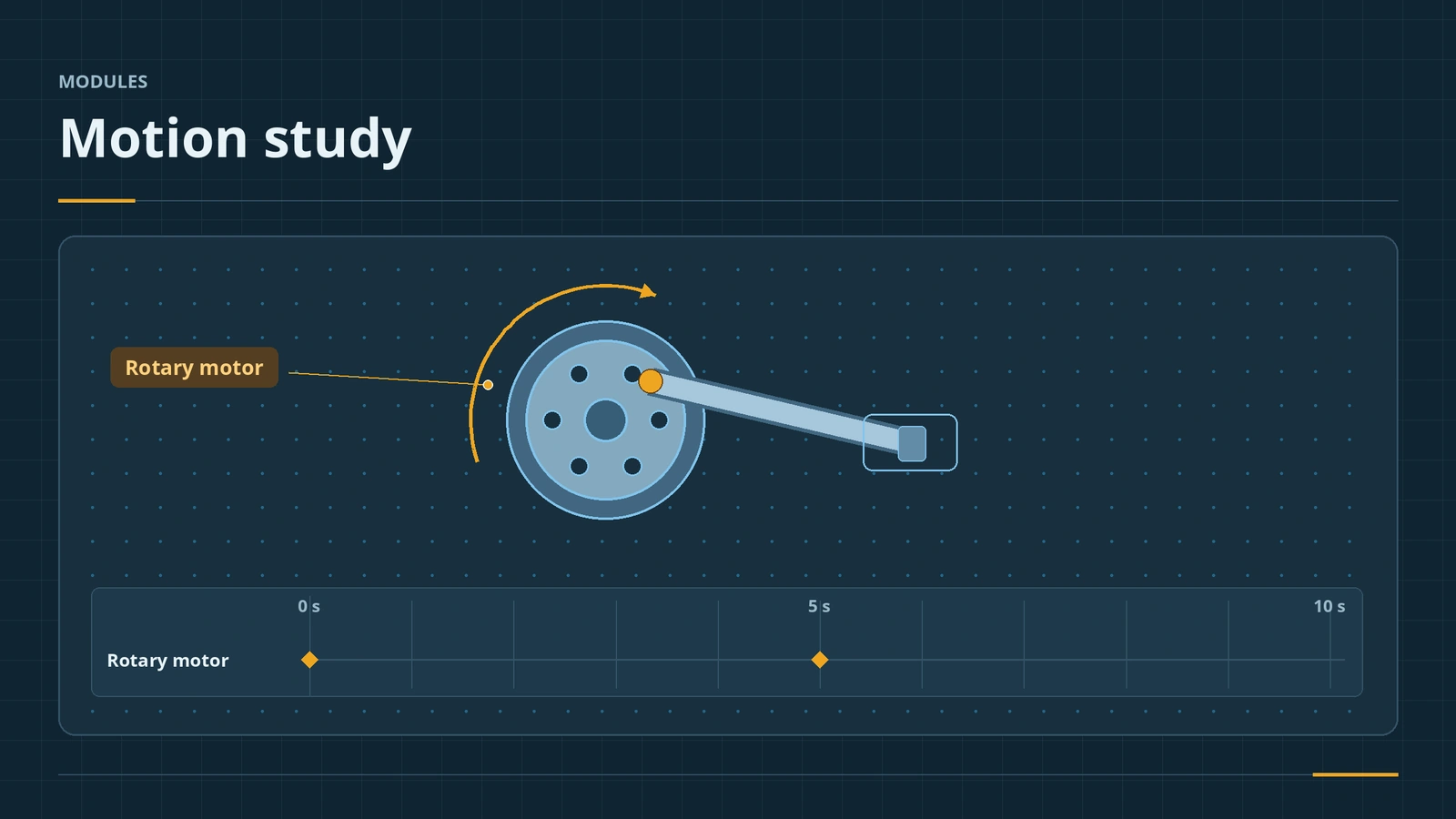 Motion studies in SOLIDWORKSSOLIDWORKS motion studies: Animation vs Basic Motion vs Motion Analysis, the MotionManager timeline, key points, motors, springs, contact and plots.
-
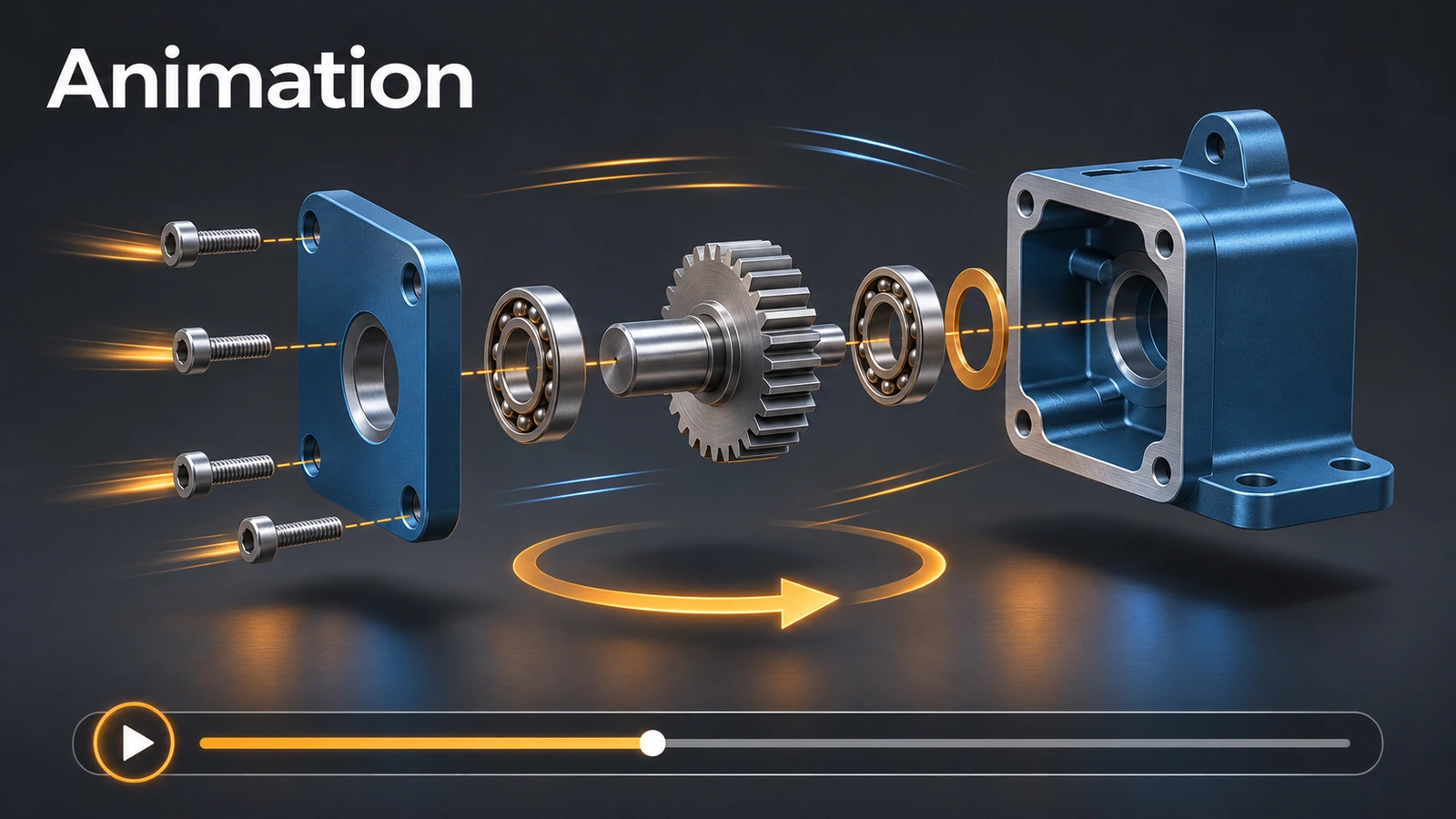 Animations and video in SOLIDWORKSMake SOLIDWORKS animations: Animate Explode, the Animation Wizard (rotate, explode, collapse), view keys and Autokey, and saving MP4 at 1080p and 30 fps.
-
 SOLIDWORKS VisualizeSOLIDWORKS Visualize explained: Standard vs Professional, who gets it free with a subscription, exporting from SOLIDWORKS, render modes, denoiser and GPU needs.
-
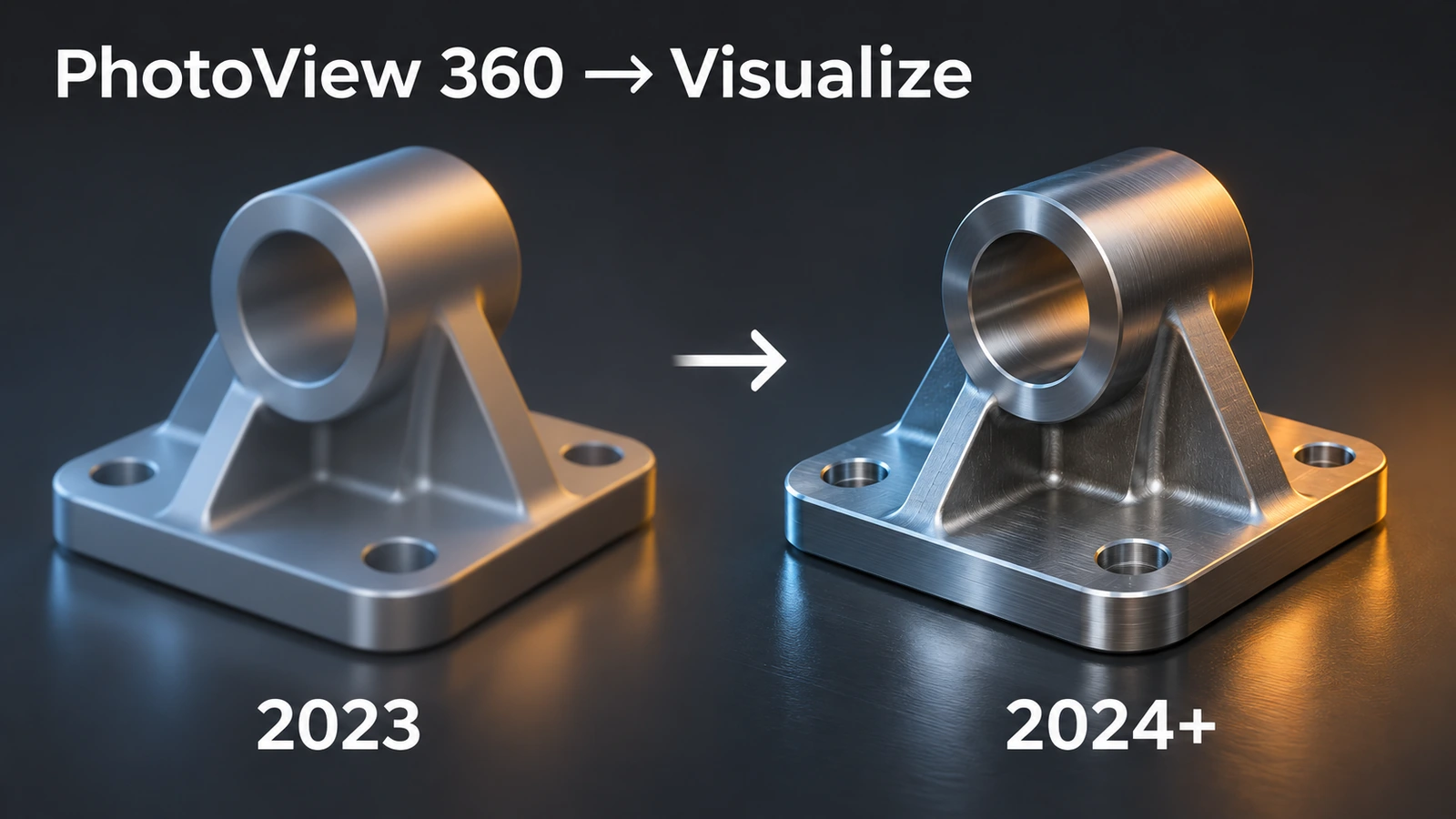 PhotoView 360 — retired, and what replaces itPhotoView 360 in SOLIDWORKS: retired from 2024 SP0, last release 2023 SP5, Visualize as the replacement, and how to render with it in 2023 and earlier versions.
-
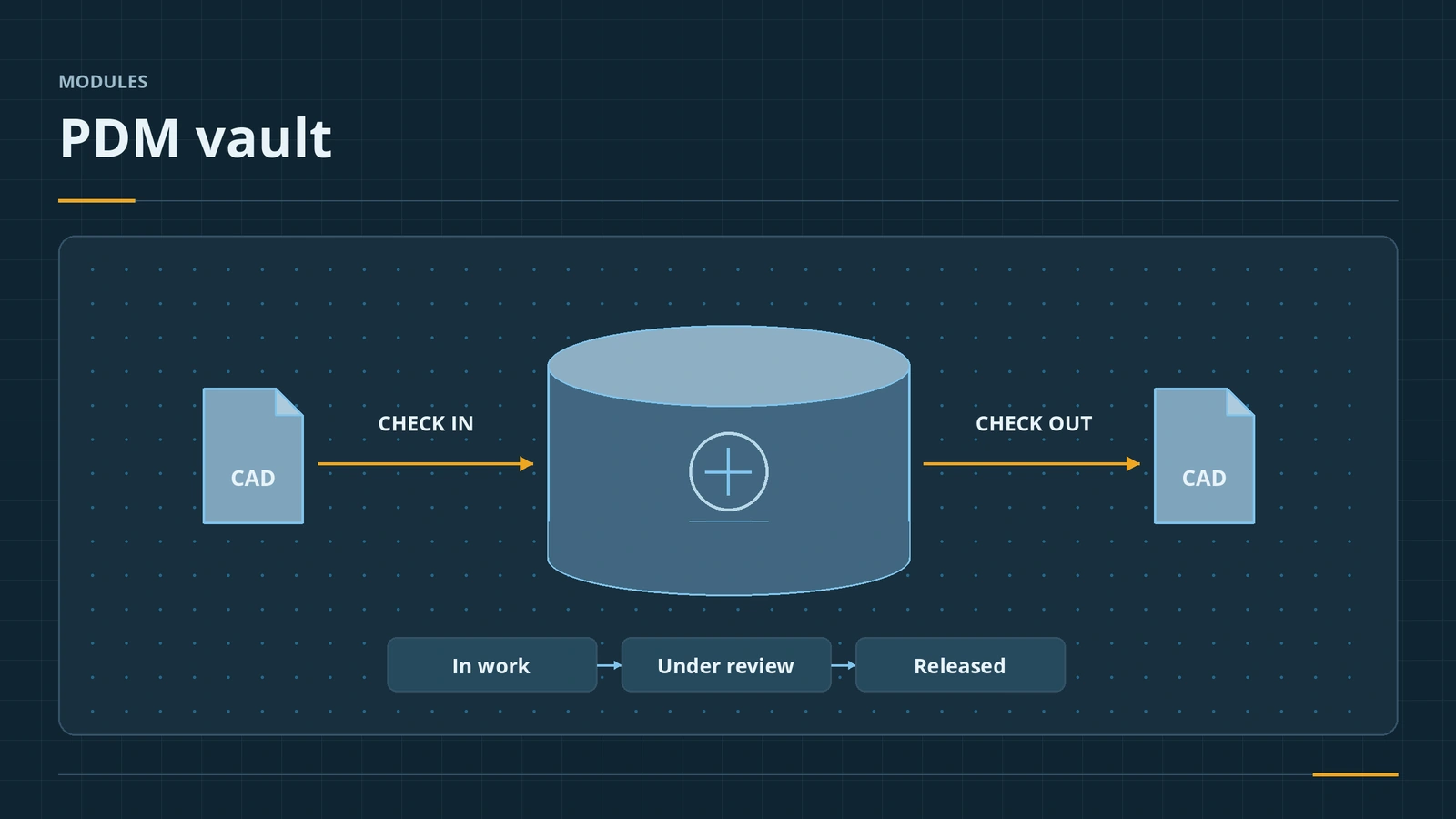 SOLIDWORKS PDMSOLIDWORKS PDM explained: PDM Standard vs Professional, the vault and Windows Explorer, check in and out, versions vs revisions, workflows, licences.
-
 SOLIDWORKS CAMSOLIDWORKS CAM explained: CAM Standard included with subscription, what CAM Professional adds, feature recognition, the TechDB, toolpaths and post-processing.
-
 SOLIDWORKS RoutingSOLIDWORKS Routing explained: piping, tubing and electrical routes in Premium, the Routing Library Manager, connection and route points, flattening harnesses.
-
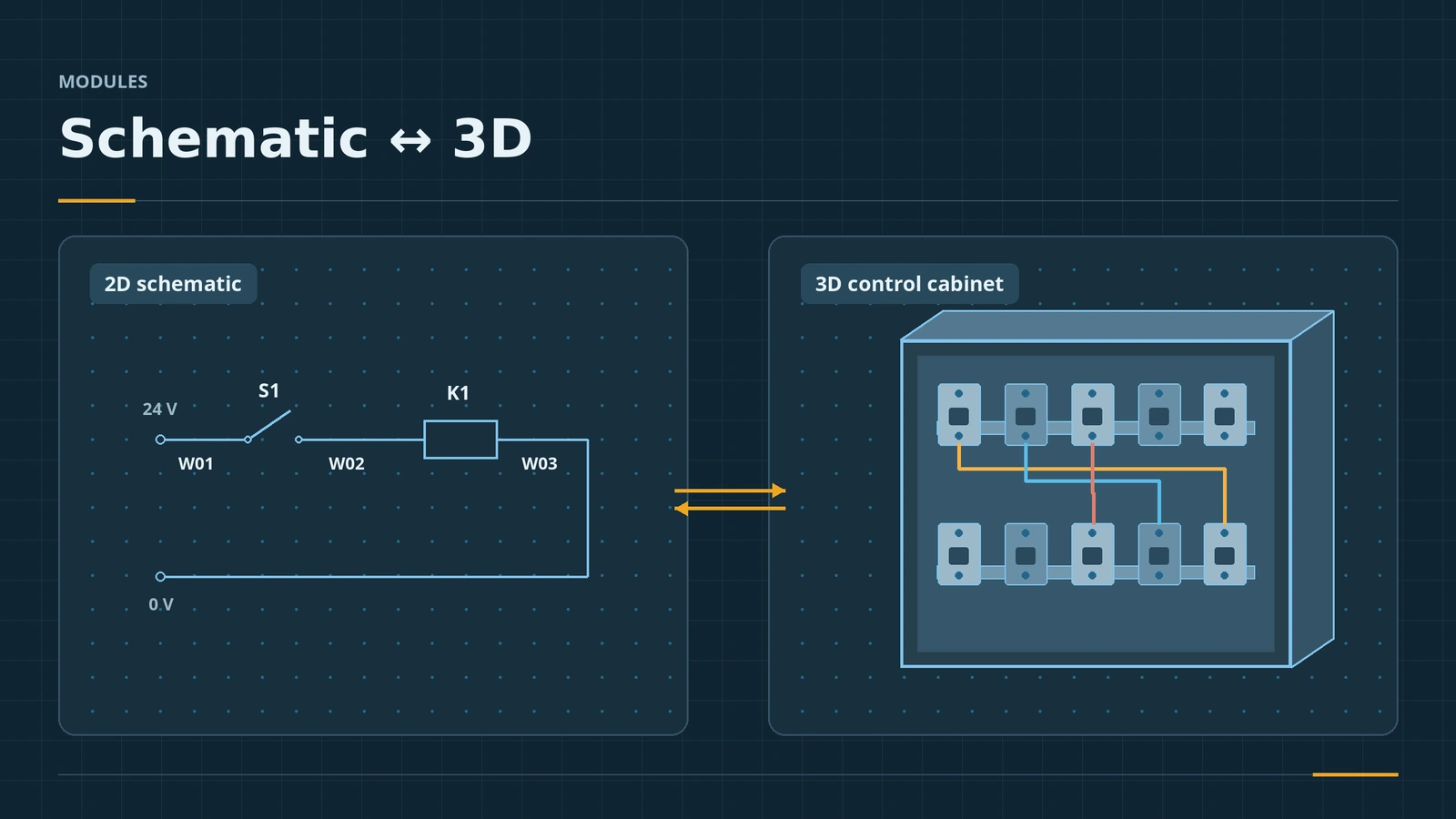 SOLIDWORKS ElectricalSOLIDWORKS Electrical explained: Electrical Schematic, Electrical 3D and Electrical Professional, the shared SQL database, symbol libraries vs Routing.
-
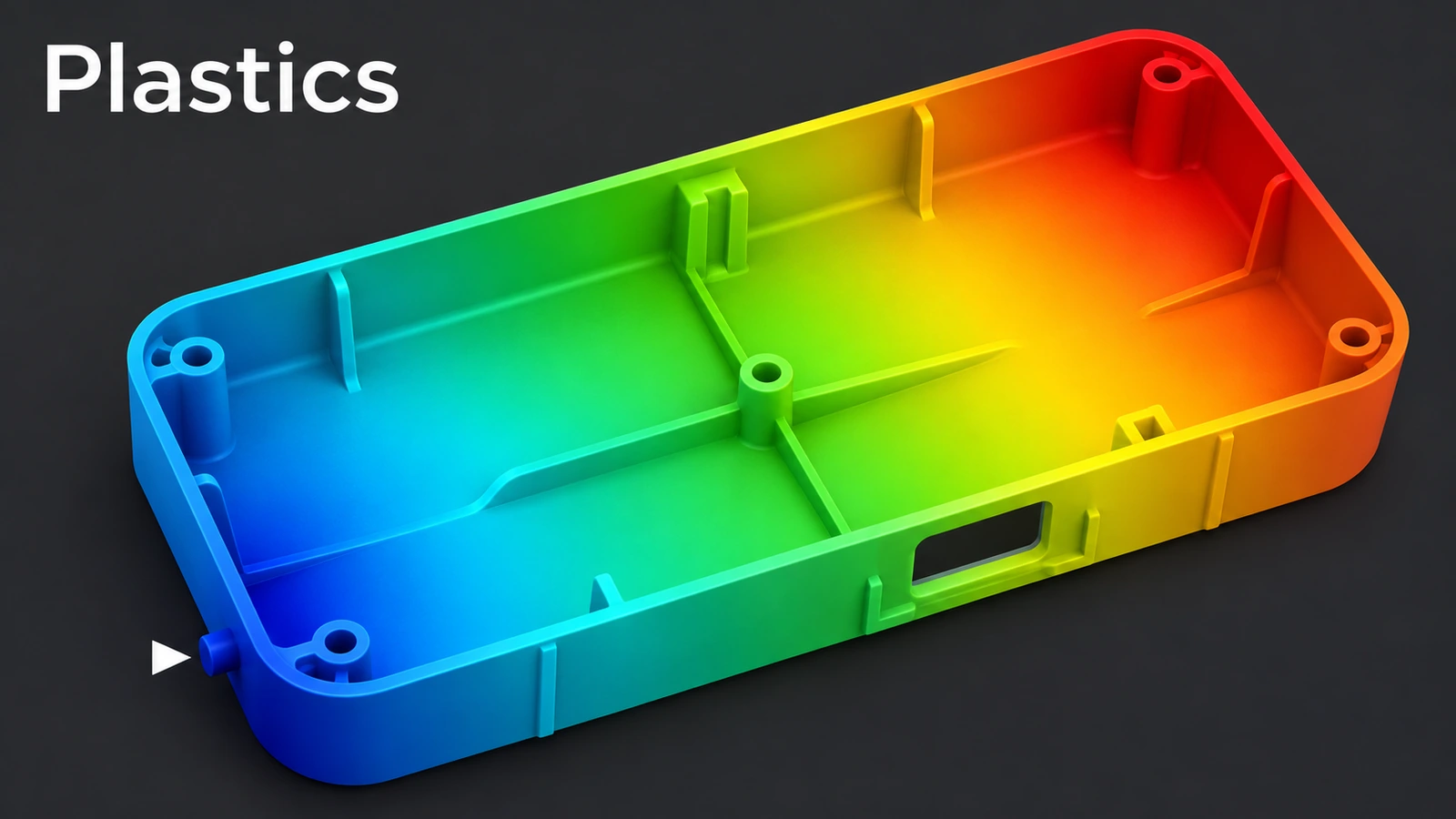 SOLIDWORKS PlasticsSOLIDWORKS Plastics explained: Standard, Professional and Premium, fill results, gate location, sink marks, cooling and warpage, and a first fill analysis.
Sources
- Javelin — Packages comparison: Standard vs Professional vs Premium (Jul 2018)
- SOLIDWORKS — Evaluating Standard, Professional, Premium and Ultimate
- SOLIDWORKS Tech Blog — Simulation vs SimulationXpress (Sep 2017)
- GoEngineer — Guide to buying SOLIDWORKS Simulation
- SOLIDWORKS — Flow Simulation product page
- Javelin — Motion simulation in SOLIDWORKS (Feb 2018)
- GoEngineer — SOLIDWORKS CAM overview: Standard vs Professional (Apr 2020)
- SOLIDWORKS — Visualize product page
- SOLIDWORKS — PhotoView 360 product update
- Javelin — PDM Standard and Professional comparison (Oct 2015)
- GoEngineer — SOLIDWORKS Plastics Premium
- Solid Solutions — SOLIDWORKS Electrical: 2D and 3D design (Jan 2026)
Checked November 2026. SOLID WORKS Club is independent; menu names can differ slightly between releases.
Frequently asked questions
Which SOLIDWORKS package includes Motion Analysis and Routing?
+
SOLIDWORKS Premium. Animation and Basic Motion studies are in every package.
Is SOLIDWORKS CAM free?
+
CAM Standard is included with every SOLIDWORKS licence on active subscription since 2018. CAM Professional is an extra purchase.
What replaced PhotoView 360?
+
SOLIDWORKS Visualize. PhotoView 360 was dropped from 2024 SP0; Professional and Premium subscriptions include Visualize Standard.
How do I turn on an add-in?
+
Tools → Add-Ins, tick the add-in, and tick Start Up to load it every time SOLIDWORKS starts.
Related
- SOLIDWORKS Simulation — 6 lessonsFree SOLIDWORKS Simulation course: static studies, mesh, fixtures and loads, stress and factor of safety, thermal and frequency, checked by hand.
- SOLIDWORKS Flow SimulationSOLIDWORKS Flow Simulation explained: what the CFD add-in solves, licensing, HVAC and Electronics Cooling modules, the wizard, goals, mesh and results.
- How much does SOLIDWORKS cost in 2026?SOLIDWORKS costs $2,820 to $4,716 a year in the US in 2026, Standard to Premium. Official prices for the UK, Europe and Canada, plus perpetual and free options.
- SOLIDWORKS assemblies — 16 lessonsFree SOLIDWORKS assembly course: inserting components, standard, advanced, mechanical and smart mates, exploded views, interference, SpeedPak and BOM.