Requirements & Hardware
SOLIDWORKS on Mac: every option in 2026
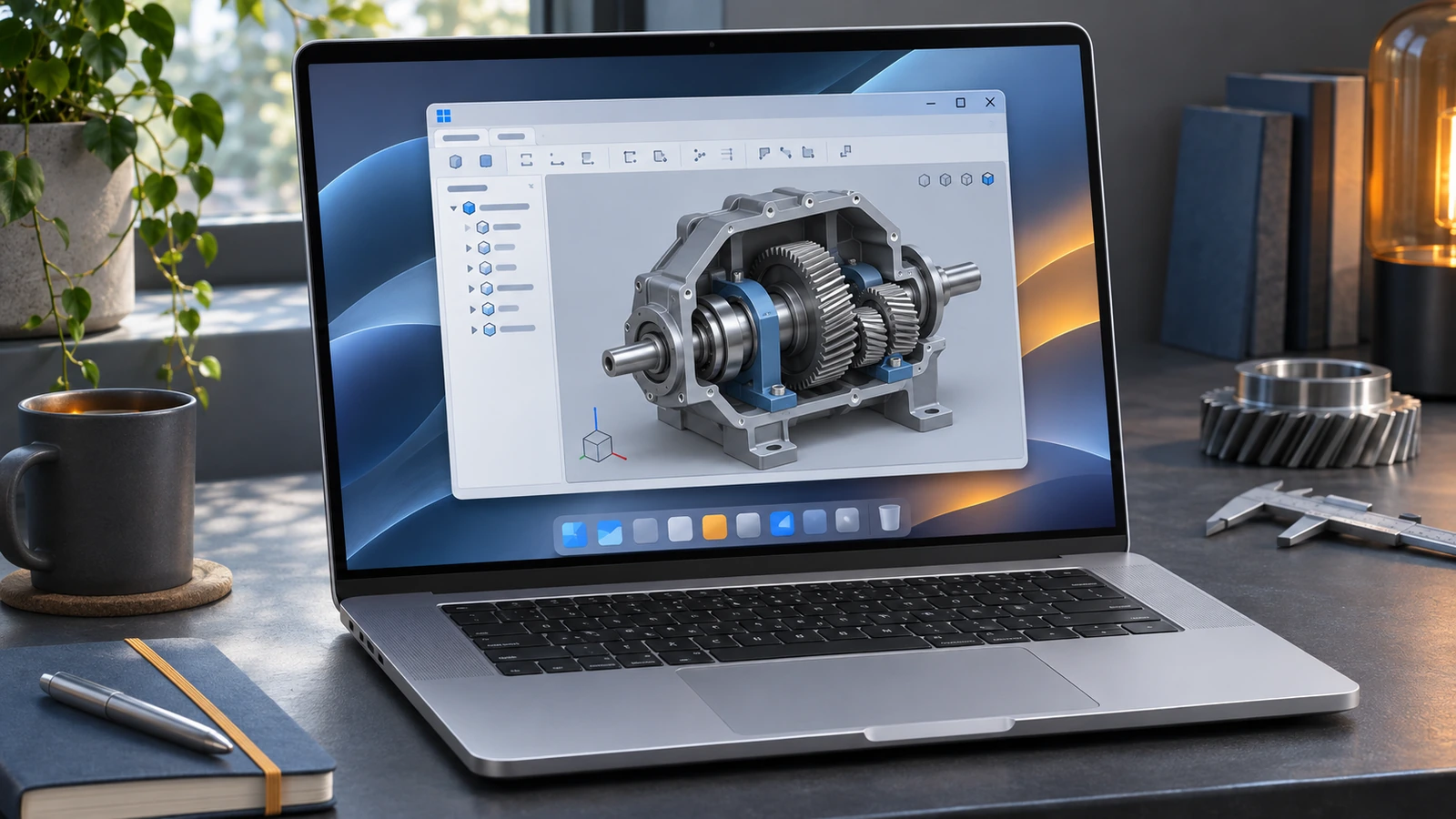
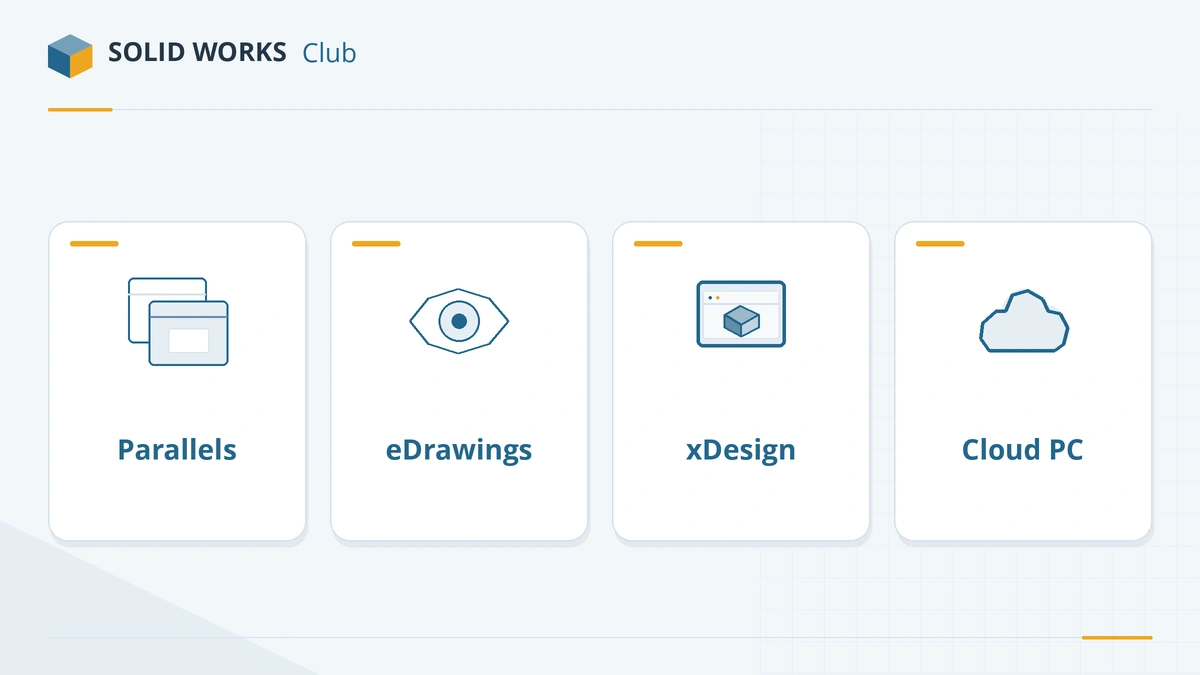
SOLIDWORKS has no macOS version and Boot Camp is not supported. On a Mac you can run the Windows version inside Parallels Desktop — a hypervisor listed in the official requirements — use the free eDrawings for Mac to view files, or design in a browser with SOLIDWORKS xDesign. Each option has clear limits, explained below.
 Kevin Walsh
Your options at a glance
| Option | What you get | Works on | Best for |
|---|---|---|---|
| Parallels Desktop + Windows 11 | Full SOLIDWORKS Design in a virtual machine | Apple silicon and Intel Macs | Students, hobbyists, mid-size models |
| eDrawings for Mac | View SOLIDWORKS parts, assemblies and drawings (no editing) | macOS 14 Sonoma to 27 | Reviewing designs |
| SOLIDWORKS xDesign | Browser-based CAD on the 3DEXPERIENCE platform | Any Mac with a modern browser | New designs, Makers, students |
| Cloud workstation | A remote Windows PC streamed to your Mac | Any Mac with a fast connection | Large assemblies without a PC |
| Boot Camp | — | Not supported | — |
Option 1: Parallels Desktop
Parallels Desktop is listed among the supported hypervisors on the SOLIDWORKS system requirements page:
| SOLIDWORKS | Supported Parallels Desktop version |
|---|---|
| 2025 | 20.2.0 |
| 2026 | 26.0.1 |
| 2027 | TBA |
What that means in practice depends on your Mac:
- Apple silicon (M1 to M5). Parallels runs Windows 11 on Arm, the only Windows Microsoft has authorised for these Macs. SOLIDWORKS, an x64 program, runs through Windows' emulation layer. Parallels translates DirectX 11 and OpenGL calls to Apple's Metal for hardware-accelerated graphics. Because SOLIDWORKS requires an x86_64 processor, this setup works but is not certified. Full setup steps: SOLIDWORKS on Apple silicon with Parallels.
- Intel Macs. Parallels runs regular x64 Windows 11, so SOLIDWORKS runs without emulation. Boot Camp is not supported. Intel Macs are now old, so expect modest performance.
Memory is the deciding factor. SOLIDWORKS needs at least 16 GB inside Windows. Parallels Desktop Standard limits a virtual machine to 8 GB of RAM and 4 vCPUs; the Pro edition allows up to 128 GB and 32 vCPUs. So you need Parallels Pro and a Mac with at least 32 GB of unified memory to give Windows 16 GB or more and keep macOS responsive.
Option 2: eDrawings for Mac
eDrawings for Mac is Dassault's viewer for SOLIDWORKS parts, assemblies and drawings. It opens native files so you can review a design on macOS, but it cannot edit geometry. Supported macOS versions in the official table:
| macOS | Supported from |
|---|---|
| macOS 27 Golden Gate | eDrawings 2027 |
| macOS 26 Tahoe | eDrawings 2026 |
| macOS 15 Sequoia | eDrawings 2025 |
| macOS 14 Sonoma | eDrawings 2024 |
More on downloads and features: eDrawings explained.
Option 3: SOLIDWORKS xDesign in the browser
xDesign is a separate, browser-based CAD tool on the 3DEXPERIENCE platform. It runs natively on a Mac and is included in several offers, including xDesign for Makers and the student editions. It is not the same program as SOLIDWORKS Design: the interface, features and file workflow differ, so it suits new designs better than editing existing SOLIDWORKS files.
Option 4: a cloud workstation
Several services stream a remote Windows workstation with a professional GPU to your Mac. You install SOLIDWORKS there with your own licence. This avoids emulation and the RAM limit of your Mac, but needs a fast, low-latency connection and adds an hourly or monthly cost. Check the provider's licensing terms for SOLIDWORKS before you commit.
Which option should you choose?
- Learning SOLIDWORKS on a MacBook: Parallels Pro on a Mac with 32 GB of memory, or xDesign for Students.
- Professional work with large assemblies: a Windows workstation — see the best laptops for SOLIDWORKS or a desktop build.
- Only viewing and checking files: eDrawings for Mac.
Prefer software that runs natively on macOS? See the SOLIDWORKS alternatives for Mac. Not sure your Mac setup qualifies? Choose "Mac" in the PC checker.
Crashes in a virtual machine? Unsupported setups are explained in SOLIDWORKS crashing.
Frequently asked questions
Is there a Mac version of SOLIDWORKS?
+
No. SOLIDWORKS Design is a Windows application, and Dassault has not announced a macOS version. The only native Mac product is eDrawings for Mac, a viewer.
Can I run SOLIDWORKS on a MacBook with Apple silicon?
+
Yes, inside Parallels Desktop with Windows 11 on Arm. SOLIDWORKS then runs through Windows' x64 emulation. Parallels is a supported hypervisor for SOLIDWORKS 2025 and 2026, but the x86_64 processor requirement means Apple silicon remains outside the certified setup.
Is Boot Camp supported for SOLIDWORKS?
+
No. The official requirements state that Macs running Windows through Boot Camp are not supported, and Apple silicon Macs cannot use Boot Camp at all.
Which Mac is best for SOLIDWORKS in Parallels?
+
One with plenty of unified memory, because Windows needs at least 16 GB of its own. We suggest 32 GB or more on the Mac, a Pro or Max chip for larger models, and Parallels Desktop Pro, since the Standard edition limits a virtual machine to 8 GB of RAM.
Can students use SOLIDWORKS on a Mac?
+
The free student edition is Windows-only, so on a Mac it needs Parallels. Students can also use browser-based xDesign for Students, which runs natively on any Mac.
Related
- How to run SOLIDWORKS on Apple silicon with ParallelsHow to run SOLIDWORKS on an M1–M5 Mac with Parallels Desktop and Windows 11 on Arm — VM settings for RAM and CPU, graphics, licensing and known limits.
- SOLIDWORKS xDesign for Makers vs desktop SOLIDWORKS for MakersxDesign for Makers runs SOLIDWORKS in a browser on Mac, Chromebook or tablet for $48 a year. How it differs from desktop Makers and which to choose.
- SOLIDWORKS system requirements (2025–2027)Official SOLIDWORKS system requirements for 2025–2027 — Windows 11, 16 GB RAM minimum, 32 GB recommended, x86_64 CPU, certified graphics card and an SSD.
- Can my PC run SOLIDWORKS?Check your computer against the official SOLIDWORKS 2025–2027 requirements in seconds — Windows edition, CPU, RAM, GPU and drive — with a fix for each item.