Requirements & Hardware
Best PC build for SOLIDWORKS in 2026
A strong SOLIDWORKS desktop in 2026 pairs a high-clock CPU — AMD Ryzen 9 9950X3D or Intel Core Ultra 7 270K Plus — with a certified NVIDIA RTX PRO 2000–4000 Blackwell or AMD Radeon PRO card, 64 GB of DDR5 and two NVMe SSDs. Spend on the processor first: it decides rebuild speed. Add cores, ECC memory and a bigger GPU only for Simulation, rendering or very large assemblies.
 Kevin Walsh
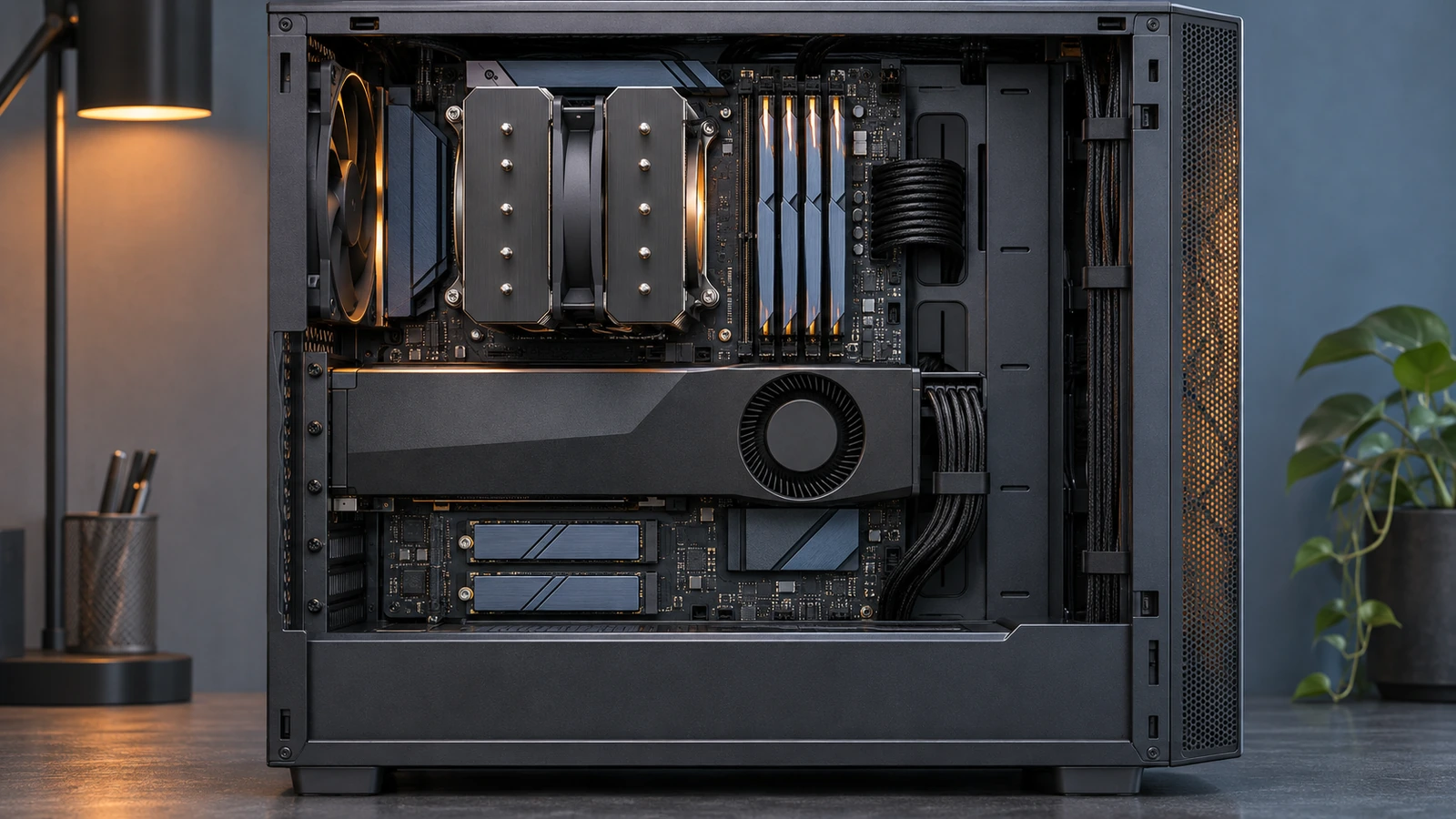
Three configurations
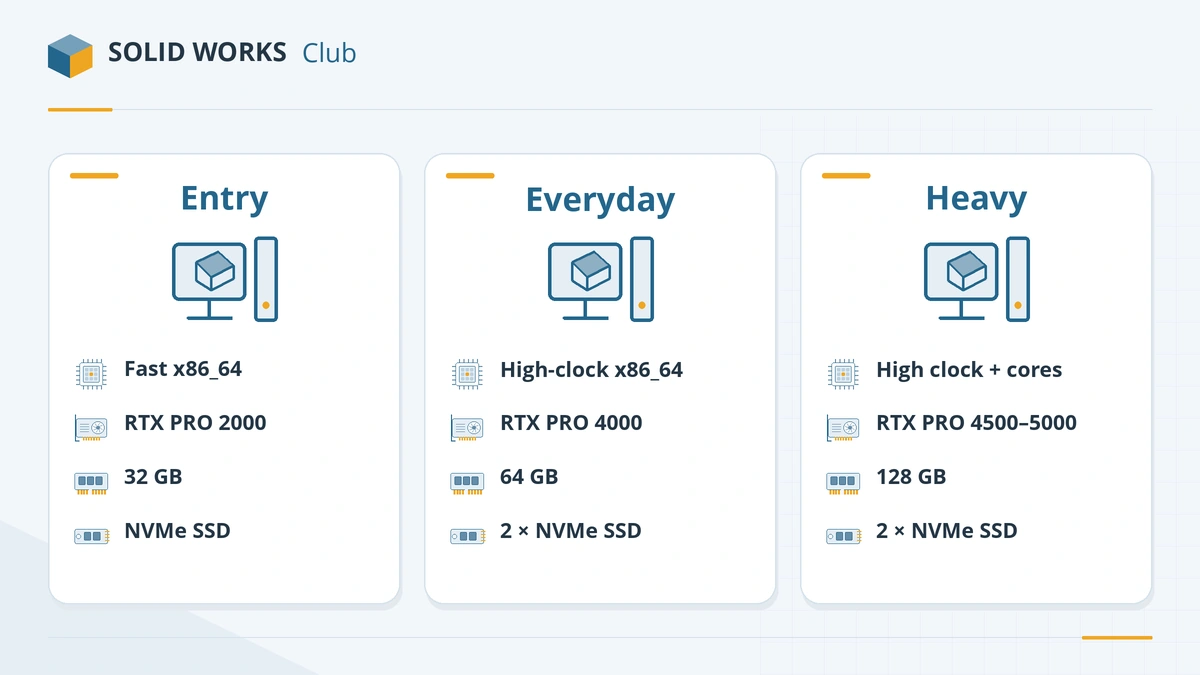
| Tier | Processor | Memory | Graphics | Storage |
|---|---|---|---|---|
| Entry / learning | Core Ultra 5–7 or Ryzen 7 | 32 GB | RTX PRO 2000 Blackwell or Radeon PRO W7600 | 1 TB NVMe |
| Everyday design | Core Ultra 7 270K Plus or Ryzen 9 9950X3D | 64 GB | RTX PRO 2000–4000 Blackwell or Radeon PRO W7700 | 1 TB NVMe system + 2 TB NVMe projects |
| Large assemblies / Simulation | Ryzen 9 9950X3D, Xeon W7 or Threadripper PRO for heavy simulation | 128 GB (ECC on Xeon/Threadripper) | RTX PRO 4500–5000 Blackwell or Radeon AI PRO R9700 | 2 TB NVMe system + NVMe projects |
These tiers follow Puget Systems' SOLIDWORKS recommendations and test results, Javelin's 2026 hardware guide and GoEngineer's recommendations. For reference, Puget's own modelling workstation pairs a Ryzen 9 9950X3D with an RTX PRO 2000 Blackwell and 32 GB, and its simulation workstation a Xeon w7-3565X with 128 GB of registered memory (source, checked 2026-11-06).
Component by component
- Processor: the most important part. Clock speed decides rebuild time; see best CPU for SOLIDWORKS. Skip overclocking — Puget advises against it for stability.
- Graphics card: a certified professional card with its certified driver; size it by your largest assembly and screen resolution. See best GPU for SOLIDWORKS.
- Memory: 32 GB minimum for a new desktop, 64 GB for comfort; ECC only on Xeon or Threadripper PRO platforms. See how much RAM.
- Cooling and power: a quality air cooler keeps clocks high under long loads; size the power supply for the GPU, with headroom.
- Operating system: Windows 11 Pro — not Home.
Storage layout
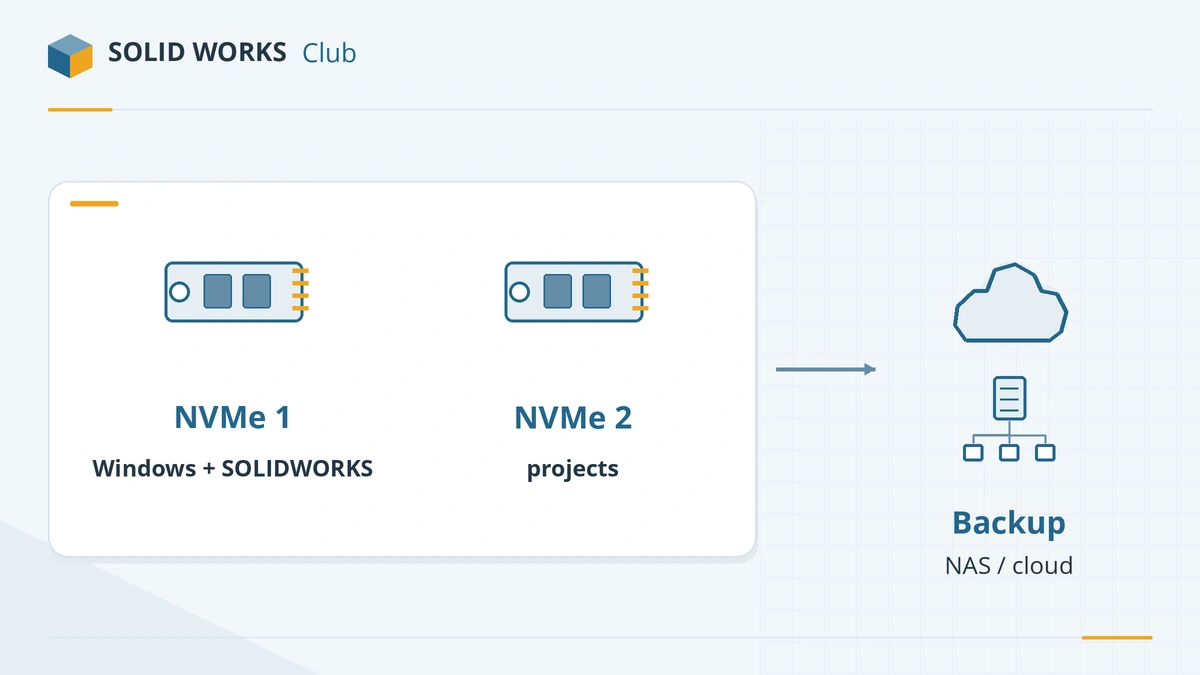
The official requirements only recommend SSDs. Resellers go further:
- NVMe for everything you work on. Puget recommends an NVMe drive of 1 TB or more for Windows and applications, plus a second SSD for projects (source).
- No hard disks inside the PC. SOLIDWORKS checks every drive at start-up, and a sleeping hard disk adds about 10 seconds each time.
- Keep 20% free space on SSDs, as Javelin advises.
- Not from the cloud. Javelin does not recommend working directly from network drives or OneDrive and Dropbox folders; use local SSDs and PDM or backups for sharing.
Build it or buy a workstation?
| Self-built PC | Certified workstation (Dell, HP, Lenovo) | |
|---|---|---|
| Cost | Lower | Higher |
| Certification | Components certified individually | Whole system on the certification list |
| Support | You | Manufacturer, often on-site |
| Best for | Students, freelancers, enthusiasts | Businesses where downtime is expensive |
Javelin recommends certified vendor workstations over DIY builds for professional use, and GoEngineer offers preconfigured Dell Pro Max towers. If you build your own, choose GPUs from the certification list and install the certified driver.
Want a laptop instead? See best laptops for SOLIDWORKS. Already have a PC? Check it with the PC checker.
Frequently asked questions
What is the best computer for SOLIDWORKS?
+
A desktop with a high-clock Ryzen 9 9950X3D or Core Ultra 7 270K Plus, a certified RTX PRO 2000–4000 Blackwell GPU, 64 GB of DDR5 and NVMe storage. Puget Systems' own SOLIDWORKS modelling workstation uses a 9950X3D with an RTX PRO 2000 Blackwell.
Should I build my own SOLIDWORKS PC or buy a workstation?
+
A self-built PC with certified parts works and costs less. A certified workstation from Dell, HP or Lenovo costs more but is tested as a whole system and comes with on-site support — Javelin recommends this route for businesses.
Do I need a hard drive for SOLIDWORKS files?
+
No — avoid it. Puget notes that SOLIDWORKS checks every drive at start-up, and a sleeping hard disk adds about 10 seconds. Use NVMe SSDs and back up to a NAS or cloud instead of working from them.
Can I keep SOLIDWORKS files in OneDrive or Dropbox?
+
Javelin advises against working from network drives and sync folders such as OneDrive or Dropbox; NAS and SAN storage are not supported for working files. Work on a local SSD and use PDM or backups for sharing.
Related
- Best CPU for SOLIDWORKS in 2026Why SOLIDWORKS needs a fast CPU rather than many cores, the best Intel and AMD processors for modelling and simulation in 2026, and why ARM is not supported.
- Best GPU for SOLIDWORKS in 2026The best graphics card for SOLIDWORKS in 2026 by model size — certified NVIDIA RTX PRO Blackwell and AMD Radeon PRO picks, VRAM, and when a gaming card will do.
- How much RAM does SOLIDWORKS need?SOLIDWORKS needs 16 GB of RAM minimum and 32 GB is recommended. How to size memory for your largest assembly, when 64 or 128 GB pays off, and ECC.
- SOLIDWORKS system requirements (2025–2027)Official SOLIDWORKS system requirements for 2025–2027 — Windows 11, 16 GB RAM minimum, 32 GB recommended, x86_64 CPU, certified graphics card and an SSD.