Requirements & Hardware
Best laptops for SOLIDWORKS in 2026
The best SOLIDWORKS laptops in 2026 are mobile workstations on the official certification list: the HP ZBook Fury G1i 16 and Lenovo ThinkPad P16 Gen 3 for large assemblies, the Dell Pro Precision 7 16 and HP ZBook X G2i for everyday design, and the ThinkPad P16s Gen 4 or HP ZBook 8 G1i on a budget. Choose 32 GB of RAM, an NVIDIA RTX PRO GPU and Windows 11 Pro.
 Kevin Walsh

How we picked. Every model below is a current mobile workstation whose processor, GPU and memory options we took from the manufacturer or a published review. "Certified" means the model appears on the SOLIDWORKS hardware certification list for SOLIDWORKS 2026, checked 2026-11-06. We have not benchmarked these laptops ourselves; our method is in how we test.
Before you buy
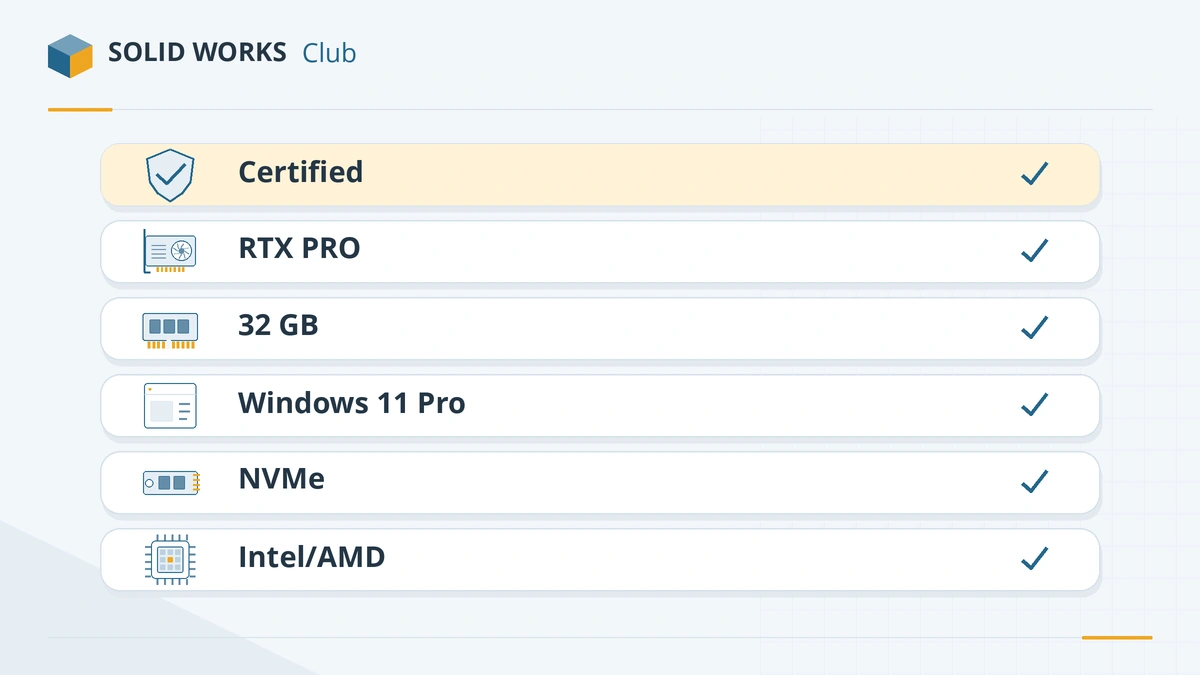
- Certified model with a professional GPU — NVIDIA RTX PRO (Blackwell) or RTX Ada. GoEngineer treats the RTX PRO 1000 as the recommended minimum (source).
- 32 GB of RAM (official recommendation); 64 GB for large assemblies.
- Windows 11 Pro — SOLIDWORKS does not support Home editions.
- Intel or AMD processor — not Snapdragon/ARM.
- NVMe SSD, 1 TB or more.
- Upgradeable memory (SODIMM or CAMM) if you want to add RAM later.
Top tier: large assemblies and Simulation
HX processors and up to RTX PRO 5000 graphics — the closest a laptop gets to a desktop workstation.
| Laptop | Screen | Processor | Graphics | Memory | Certified |
|---|---|---|---|---|---|
| HP ZBook Fury G1i 16 | 16 in | Core Ultra 5 245HX – 9 285HX | RTX PRO 1000 – 5000 (up to 24 GB) | up to 192 GB | Yes |
| Lenovo ThinkPad P16 Gen 3 | 16 in | Core Ultra 5 245HX – 9 285HX | RTX PRO 1000 – 5000 (up to 24 GB) | up to 192 GB (128 GB ECC) | Yes |
| Dell Pro Max 16 Plus | 16 in | Intel Core Ultra HX | up to RTX PRO 5000 (24 GB) | up to 256 GB CAMM (per press reports) | Yes |
| Dell Pro Max 18 Plus | 18 in | Core Ultra 5 245HX – 9 285HX | RTX PRO 1000 – 5000 (8–24 GB) | up to 256 GB CAMM (per press reports) | Yes |
Our pick: HP ZBook Fury G1i 16 or Lenovo ThinkPad P16 Gen 3. Both are certified, take RTX PRO 1000 to 5000 GPUs and up to 192 GB of memory (the P16 also offers ECC). Configure an RTX PRO 3000 or 4000 and 64 GB for most heavy work. The Dell Pro Max 18 Plus suits people who want an 18-inch screen and can live with the weight.
Middle tier: everyday design
Lighter 16-inch machines with H-series processors and up to RTX PRO 2000–3000 graphics.
| Laptop | Screen | Processor | Graphics | Memory | Certified |
|---|---|---|---|---|---|
| Dell Pro Precision 7 16 | 16 in | Core Ultra 7 356H / 9 386H | RTX PRO 1000 – 3000 (up to 12 GB) | up to 64 GB | Yes |
| HP ZBook X G2i 16 | 16 in | Intel Core Ultra (Panther Lake H) | up to RTX PRO 3000 (12 GB) | up to 128 GB | Yes |
| Lenovo ThinkPad P1 Gen 9 | 16 in | Intel Core Ultra (Panther Lake), up to X9 | up to RTX PRO 2000 (8 GB) | up to 96 GB | Not yet listed |
Our pick: Dell Pro Precision 7 16 or HP ZBook X G2i 16. Both are on the certification list and offer an RTX PRO 3000 (12 GB). The ThinkPad P1 Gen 9 is a thinner alternative but was not yet on the list when we checked — confirm before buying.
Entry tier: learning and lighter work
Affordable certified workstations with RTX PRO 500–2000 or certified integrated graphics. More detail in budget laptops and laptops for students.
| Laptop | Screen | Processor | Graphics | Memory | Certified |
|---|---|---|---|---|---|
| Lenovo ThinkPad P16s Gen 4 | 16 in | Core Ultra 5 225H – 9 285H (also AMD version) | RTX PRO 500 (6 GB) / RTX PRO 1000 (8 GB) | up to 96 GB | Yes |
| HP ZBook 8 G1i 16 | 16 in | Core Ultra 5 225U – 9 285H | Intel Arc or NVIDIA RTX 500 | up to 64 GB | Yes |
| Dell Pro Precision 5 16 | 16 in | Core Ultra 5 336H – 9 386H | Integrated, RTX PRO 500 (6 GB), 1000 or 2000 (8 GB) | up to 64 GB LPCAMM2 | Yes |
| Dell Pro Max 16 (MC16250) | 16 in | Intel Core Ultra | Integrated or RTX PRO | see Dell configurator | Yes |
A different approach: HP ZBook Ultra G1a 14
The HP ZBook Ultra G1a 14 has no separate graphics card. Its AMD AMD Ryzen AI Max PRO 380 – Max+ PRO 395 processor includes Integrated Radeon 8040S / 8050S / 8060S (certified), and it takes up to 128 GB (soldered). It is light and certified, and the large shared memory helps with big models — but memory cannot be upgraded, and a dedicated RTX PRO card is still the safer choice for Visualize.
What to avoid
- Windows 11 Home — not supported; budget for an upgrade to Pro if a laptop ships with Home.
- ARM laptops (Snapdragon) — SOLIDWORKS needs an Intel or AMD x86_64 processor.
- 8 or 16 GB of soldered RAM — you cannot add more later.
- Thin-and-light consumer laptops with low-power U-series chips and basic integrated graphics — fine for email, slow for CAD.
Not sure whether your current laptop is good enough? Run the PC checker. For desktops, see the SOLIDWORKS PC build.
Frequently asked questions
What is the best laptop for SOLIDWORKS?
+
For heavy work, a certified 16-inch mobile workstation with an HX processor and an RTX PRO 3000–5000 GPU, such as the HP ZBook Fury G1i 16 or Lenovo ThinkPad P16 Gen 3. For everyday design, a lighter certified model with an RTX PRO 2000–3000, such as the Dell Pro Precision 7 16.
Can I use a gaming laptop for SOLIDWORKS?
+
Many students do, and gaming laptops are fast for the money. But GeForce GPUs are not certified, so you may get graphics warnings and lose RealView. For paid work, a certified mobile workstation is the safer choice.
How much RAM should a SOLIDWORKS laptop have?
+
32 GB, the official recommendation. Choose 64 GB for large assemblies or Simulation. If the memory is soldered, buy what you will need for the laptop's whole life.
Are MacBooks good for SOLIDWORKS?
+
Not as a main SOLIDWORKS machine. There is no macOS version; it runs only in Parallels with x64 emulation on Apple silicon. See SOLIDWORKS on Mac.
Related
- Best laptops for students using SOLIDWORKSWhat laptop an engineering student needs for SOLIDWORKS in 2026 — certified models, minimum specs, gaming laptops, MacBooks and Windows 11 Home.
- Budget laptops for SOLIDWORKSHow to get a SOLIDWORKS laptop on a budget in 2026 — entry certified workstations, refurbished previous-generation models, where to save and where not to.
- Best GPU for SOLIDWORKS in 2026The best graphics card for SOLIDWORKS in 2026 by model size — certified NVIDIA RTX PRO Blackwell and AMD Radeon PRO picks, VRAM, and when a gaming card will do.
- Can my PC run SOLIDWORKS?Check your computer against the official SOLIDWORKS 2025–2027 requirements in seconds — Windows edition, CPU, RAM, GPU and drive — with a fix for each item.