Free Access
How to get the free SOLIDWORKS student edition (2026)
Since July 1, 2026, students and instructors can download SOLIDWORKS Design Standard for free from solidworks.com — a .edu email address is no longer required. It is the full Windows desktop program, licensed for educational use only. Students who need simulation can upgrade to Premium for $60 a year.
 Kevin Walsh
Where to find it
solidworks.com → Students → Get SOLIDWORKS Design Standard for free
Free Standard or $60 Premium?
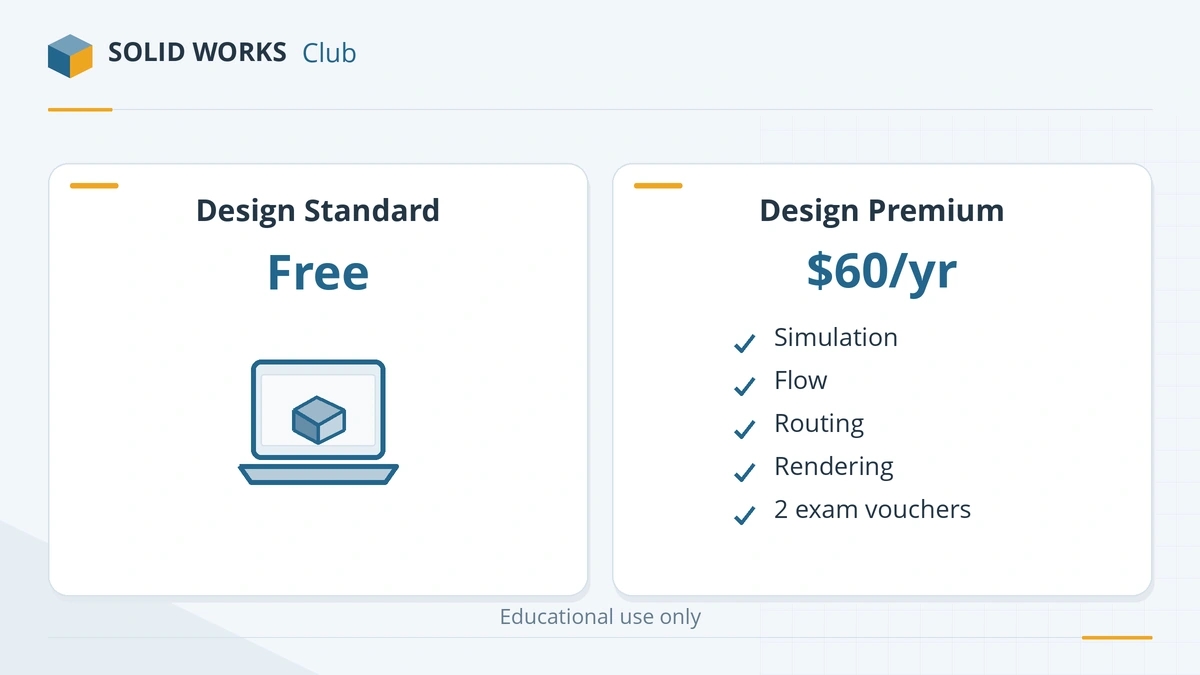
| Design Standard for Students | Design Premium for Students | xDesign for Students | |
|---|---|---|---|
| Price | Free | $60 a year | $60 a year |
| Runs on | Windows PC | Windows PC | Any device with a browser |
| Parts, assemblies, drawings | ✓ | ✓ | ✓ |
| Simulation Premium and Flow Simulation | — | ✓ | — |
| Rendering, routing | — | ✓ | — |
| CSWA and CSWP exam vouchers | — | ✓ (worth $198) | — |
| Use | Educational only | Educational only | Educational only |
Sources: solidworks.com — SOLIDWORKS for Students, SOLIDWORKS Design Premium for Students 2026 — instructions (PDF), TriMech — Free SOLIDWORKS for Students. Checked 2026-11-06.
Pick Premium if your course uses SOLIDWORKS Simulation or you plan to take the CSWA and CSWP exams — the two vouchers alone are worth more than the $60 price. Otherwise the free Standard edition covers everything a typical CAD course needs. Not sure? Ask the license picker.
What the student license does not allow
The license agreement allows educational use only. You cannot use it for paid client work, for designing products you sell, or for funded research. If you make things for yourself and sell a few, SOLIDWORKS for Makers allows up to $2,000 a year in sales. For a business, see commercial prices.
Will your laptop run it?
The student edition has the same system requirements as the commercial version: Windows 11 Pro or Education (not Home), an Intel or AMD processor and at least 16 GB of RAM. Check yours with the PC checker, or see laptops for SOLIDWORKS students. On a Mac, read SOLIDWORKS on Mac first.
All other free routes are on the free SOLIDWORKS overview.
Installed it? Continue with getting started with SOLIDWORKS — the interface, your first part and a 30-day learning plan.
Free training too: the whole MySolidWorks library is free since July 2026 — see SOLIDWORKS courses.
Step by step
-
1
Check that you qualify
You must be enrolled at a secondary or post-secondary school, or be a qualified instructor. You must be 18 or older, or 13 to 17 with a parent or guardian involved. If your school already provides SOLIDWORKS, use that copy instead — schools usually distribute Premium.
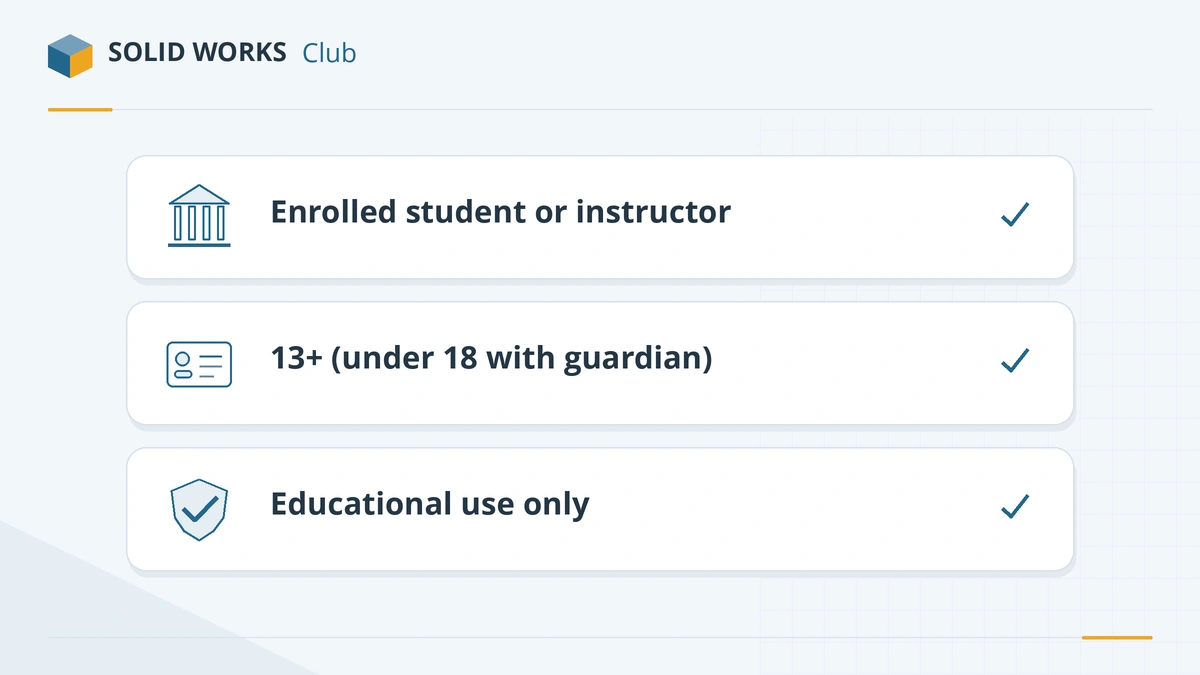
Students at secondary and post-secondary level, and qualified instructors. -
2
Create a free 3DEXPERIENCE ID
The form requires a 3DEXPERIENCE ID. Create one with your own email address; a school address is not required.
-
3
Fill in the student form
Open the official form and enter your school name, country, education level and field of study, then accept the license agreement and certify that you are a student or instructor.
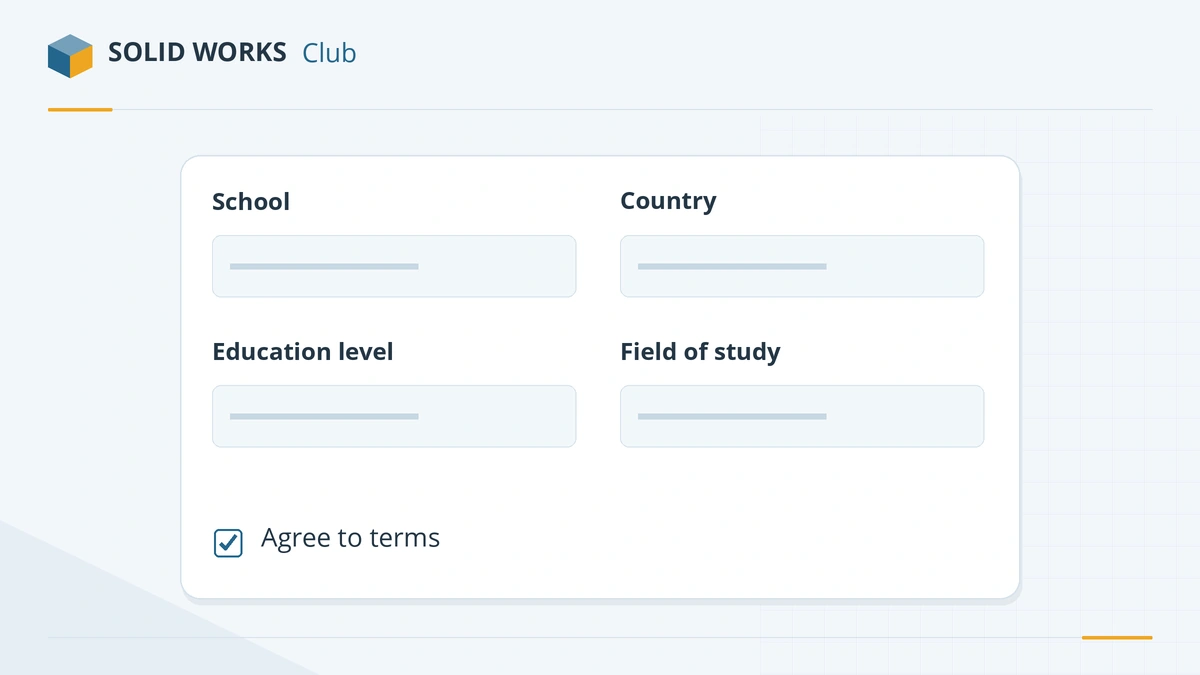
The form asks for your school, country, education level and field of study. -
4
Download and install
You receive an email with installation instructions and a serial number. Check the system requirements first — SOLIDWORKS 2026 and later need 64-bit Windows 11 and do not run natively on a Mac.
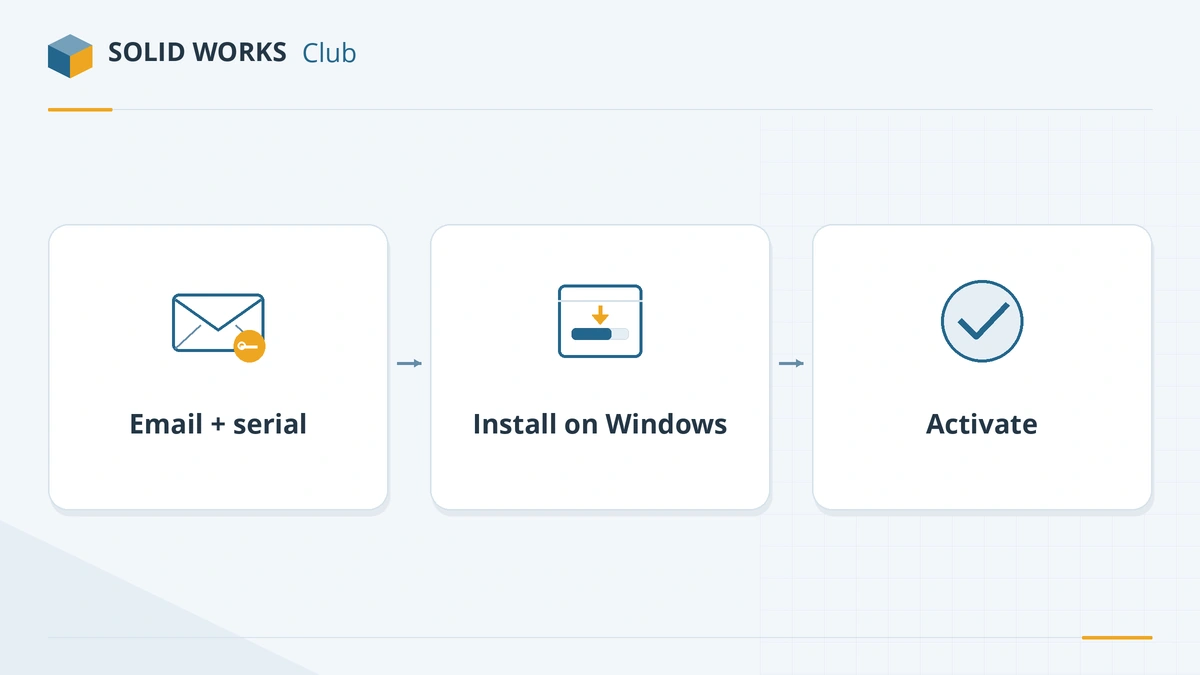
You get a serial number and install link by email. -
5
Activate and renew each year
Activate during installation. The free license gives year-long access, after which you refresh your student status to continue.
Common mistakes
- Using the student license for paid client work — commercial use is prohibited.
- Installing on a Mac without a Windows virtual machine; use xDesign for Students instead.
- Skipping activation — Premium for Students, for example, runs for only 30 days if not activated during installation.
Frequently asked questions
Is SOLIDWORKS really free for students now?
+
Yes. Since July 1, 2026, SOLIDWORKS Design Standard for Students is free for eligible students, according to TriMech and the official student page.
Do I need a .edu email address?
+
No. The free student edition no longer requires a .edu address; you enter your school details on the form instead.
What is the difference between the free and the $60 student edition?
+
The free edition is Design Standard. Design Premium for Students ($60 a year) adds Simulation Premium, Flow Simulation, routing and rendering, and includes CSWA and CSWP exam vouchers worth $198.
Can I sell designs made with the student edition?
+
No. The license is for educational use only and prohibits commercial or research use. For personal projects that earn a little money, see SOLIDWORKS for Makers.
Does the student edition work on a Mac?
+
The desktop editions are Windows-only. On a Mac use a Windows virtual machine, or choose SOLIDWORKS xDesign for Students ($60 a year), which runs in a browser.
Related
- Can you get SOLIDWORKS for free?Yes — students get SOLIDWORKS free since July 2026, startups get a free first year, and anyone can trial it. Every legal free and low-cost option, with prices.
- SOLIDWORKS Standard vs Professional vs PremiumWhat SOLIDWORKS Standard, Professional and Premium include in 2026, what each costs, and which edition you need — rendering, Toolbox, simulation, routing.
- Which SOLIDWORKS license do I need?Answer four questions and get the right SOLIDWORKS license — free student edition, Makers, Startups, or Standard, Professional or Premium — with 2026 prices.
- SOLIDWORKS for Makers (2026)SOLIDWORKS for Makers costs $48 a year or $15 a month for personal projects earning under $2,000. What's included, limits, offline use, Mac options and refunds.