Surfacing · Lesson 5
Filled Surface
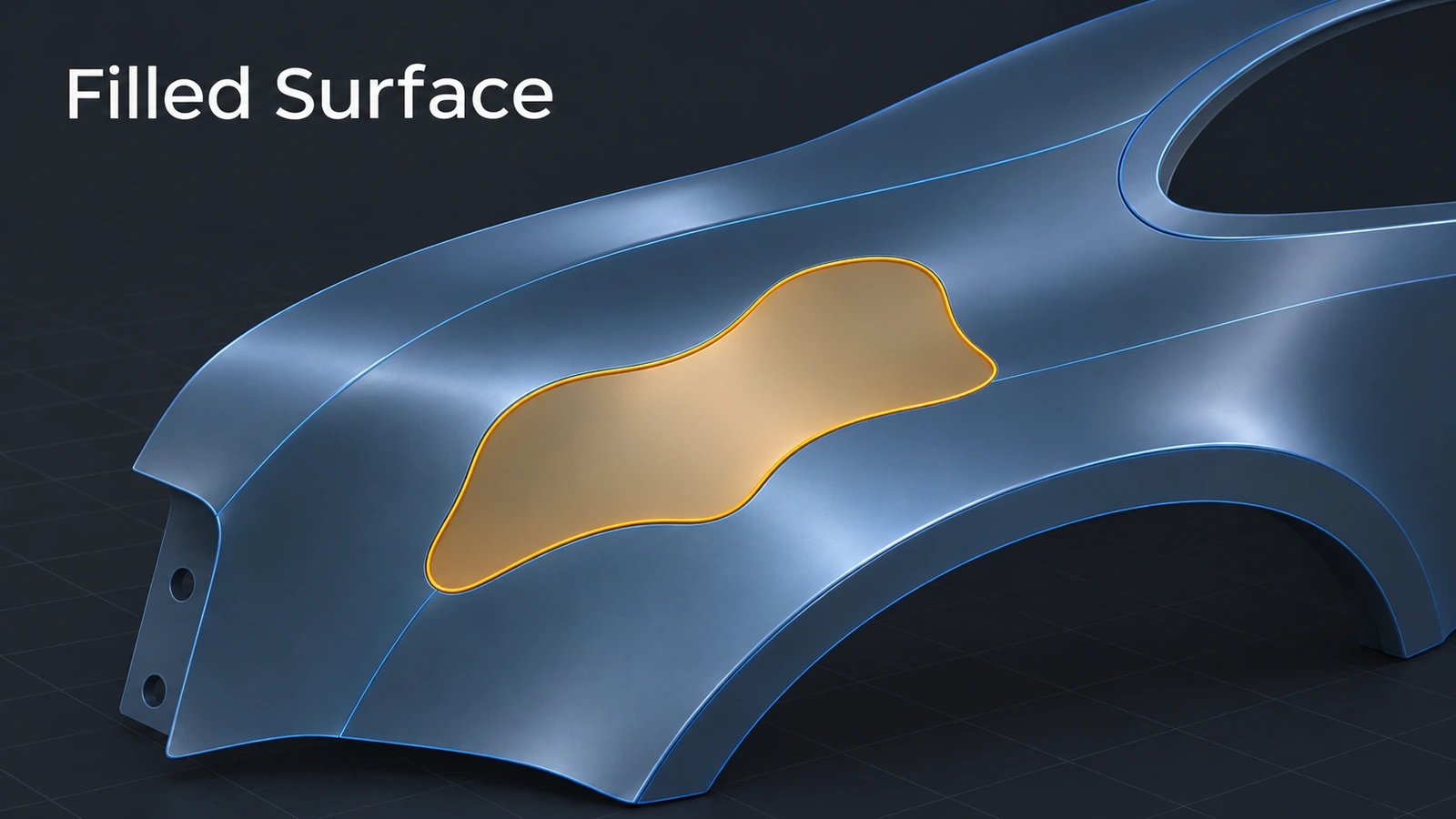
Filled Surface closes an opening with a patch bounded by a loop of edges, sketches or curves. Each edge can meet its neighbour with contact, tangency or curvature, and constraint curves shape the middle. It is the standard tool for missing faces in imported models and for closing awkward blends before knitting.
 Kevin Walsh
Where to find it
Surfaces tab → Filled Surface
Options
| Option | Use |
|---|---|
| Patch boundary | Edges, sketches or curves forming a loop |
| Contact / Tangent / Curvature | Edge condition, per edge or all |
| Alternate face | Switch which neighbouring face it matches |
| Constraint curves | Curves or a point guiding the patch shape |
| Optimize surface | Cleaner patch, best on four-sided openings |
| Fix up boundary | Bridges small gaps in the boundary |
| Merge result / Create solid | Knit to neighbours, solid if closed |
Imported parts often need this tool — see STEP files.
Step by step
-
1
Make an opening
Make a 100 × 100 planar surface and cut a Ø40 hole through it with a trim.
-
2
Start Filled Surface
Filled Surface, select the circular edge of the hole as the patch boundary.
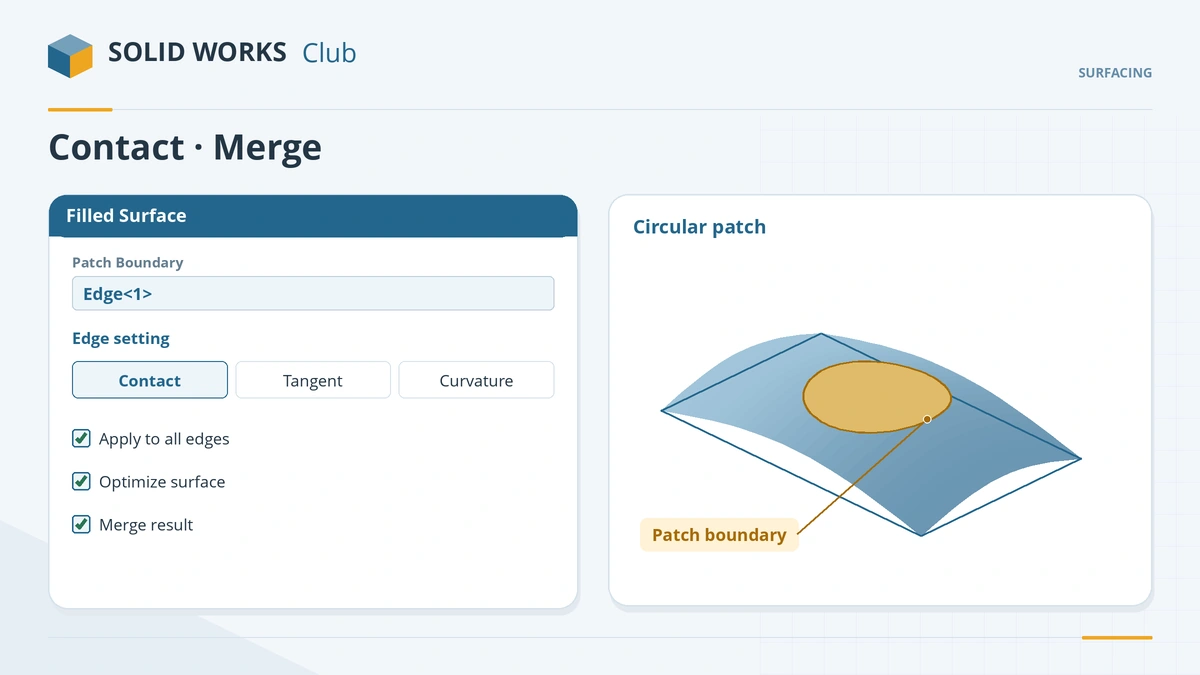
Select the boundary, set each edge's condition, merge the patch. -
3
Set edge conditions
Edge setting Contact for a flat patch. For curved neighbours use Tangent — curvature on every edge can make the patch wobble.
-
4
Merge
Tick Merge result to knit the patch to the plate. Click the tick.
Common mistakes
- Curvature on all edges producing a wavy patch — relax some edges to Tangent.
- Merge result or Create solid silently switching off when the operation fails — check the tree.
- Using Fill where Delete Face → Delete and Patch would rebuild neighbouring faces better.
Lesson 5 of 7 in the surfacing course.
Practice
Fill the Ø40 hole in the planar surface with contact edges. Check: the patch's area is 1,256.64 mm² (π × 20²) and, with Merge result on, the plate is one surface body again.
Sources
- Hawk Ridge — Filled Surface command (Oct 2023)
- Engineers Rule — The Fill Surface feature (Feb 2021)
- CATI — Choosing the right surface patching tool (Mar 2022)
- SOLIDWORKS Tech Blog — Hidden gem: the Delete Face tool (Jun 2017)
- Engineers Rule — Slightly advanced surface tools (Jul 2022)
- GoEngineer — Delete Hole feature explained (Apr 2021)
Checked November 2026. SOLID WORKS Club is independent; menu names can differ slightly between releases.
Frequently asked questions
How do I patch a hole in a surface in SOLIDWORKS?
+
Use Filled Surface, select the edges around the hole, set contact, tangent or curvature for each edge, and optionally merge the result.
What do the edge conditions do?
+
Contact meets the edge, Tangent matches the slope of the neighbouring face and Curvature also matches its curvature.
Can Filled Surface make a solid?
+
With Merge result on, Create solid turns the result into a solid if it encloses a volume.
What else can close holes?
+
Delete Face with Delete and Patch or Delete and Fill, Delete Hole for interior loops, and Untrim Surface.
Related
- Knit Surface and Create SolidKnit SOLIDWORKS surfaces into one body or a solid: Knit Surface, Create Solid, gap control, seed faces, and finding gaps with Check when no solid forms.
- Boundary SurfaceUse SOLIDWORKS Boundary Surface: curves in two directions, tangency and curvature to face, tangent weight, connectors, trim by direction, boundary vs loft.
- How to export SOLIDWORKS to STEPHow to save a SOLIDWORKS part or assembly as STEP, which AP version to choose (AP203, AP214, AP242), exporting components separately, and pitfalls.
- Trim Surface — standard and mutualTrim SOLIDWORKS surfaces with Trim Surface: standard vs mutual trim, keep or remove selections, split all, natural vs linear, Untrim and Extend.