Simulation · Lesson 5
Thermal studies
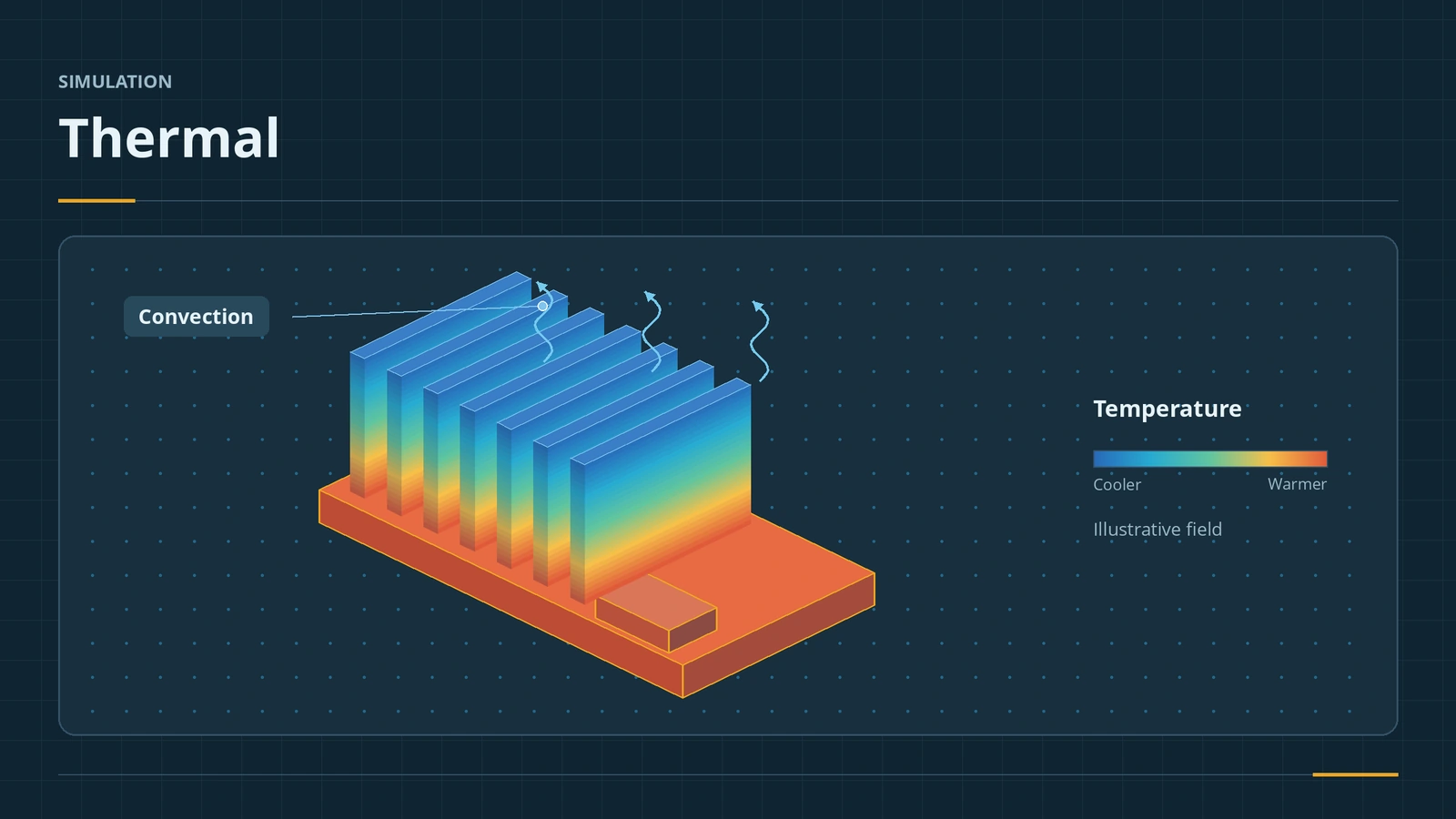
A thermal study predicts temperatures and heat flow through solids by conduction, convection and radiation. Steady state gives the final temperatures; transient shows how they change over time. Results can then feed a static study to find thermal stress. Thermal studies need Simulation Professional or Premium.
 Kevin Walsh
Where to find it
Simulation tab → New Study → Thermal (Simulation Professional or Premium)
Thermal loads
| Load | Needs |
|---|---|
| Temperature | A fixed temperature on faces, edges or vertices |
| Heat Power / Heat Flux | Heat input, for example 25 W from a chip |
| Convection | Film coefficient and bulk ambient temperature |
| Radiation | Ambient temperature, emissivity, view factor |
| Thermal resistance | Glue or pads between parts (local interaction) |
| Initial temperature, thermostat | Transient studies |
For airflow and fluids, use Flow Simulation — start with a first internal flow project — whose temperatures can also be exported to a static study.
Step by step
-
1
Set up the plate
Model a 100 × 100 × 10 mm plate. Create a custom material with thermal conductivity k = 200 W/(m·K).
-
2
New thermal study
New Study → Thermal, and choose steady state in the study's Properties.
Apply temperatures, heat power, convection or radiation as thermal loads. -
3
Thermal loads
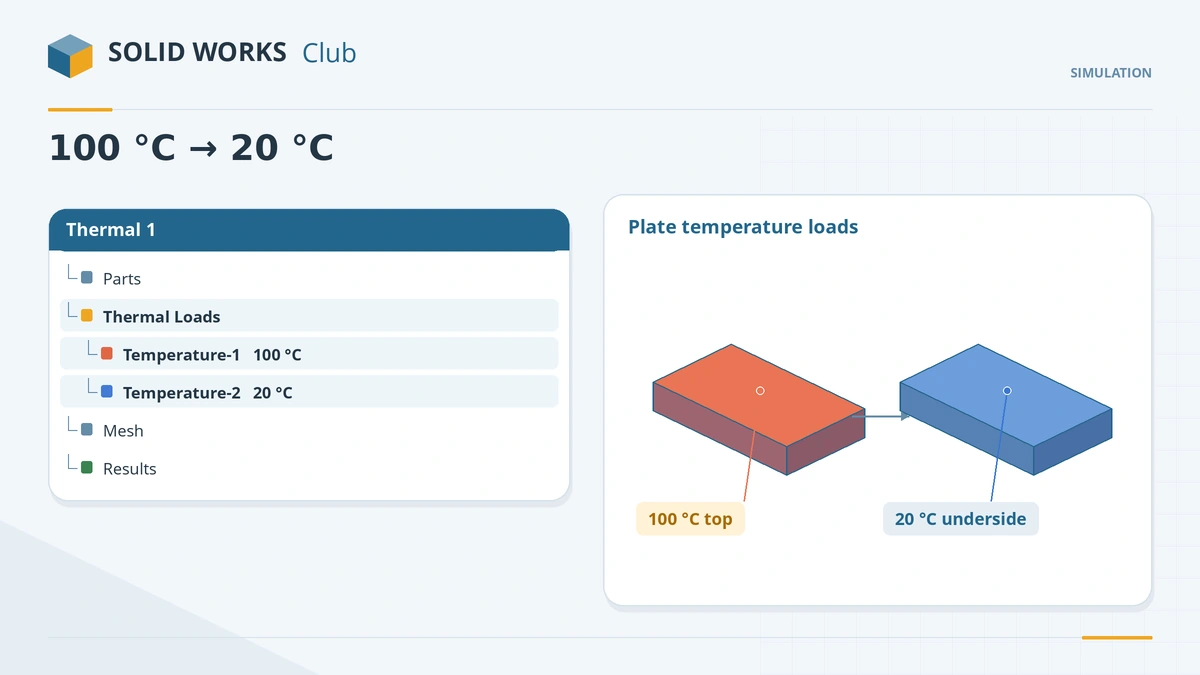
Temperature of 100 °C on one 100 × 100 face and 20 °C on the opposite face. Mesh and run.
-
4
Results
Plot temperature (a linear gradient through the thickness) and heat flux. Probe the heat flux on a face and multiply by the face area to get the heat flow.
Common mistakes
- Convection without a bulk ambient temperature, or radiation without emissivity.
- Reading heat flux at sharp re-entrant edges — like stress, it is a singularity there.
- Forgetting the zero-strain reference temperature when running thermal stress.
Lesson 5 of 6 in the simulation course.
Practice
Run the 100 × 100 × 10 mm plate with k = 200 W/(m·K), 100 °C on one face and 20 °C on the other. Check: the heat flow through the plate is Q = kAΔT/t = 16,000 W, and the mid-thickness temperature is 60 °C.
Sources
- CATI — How do I complete a steady state thermal study? (Mar 2020)
- GoEngineer — Set up a thermal study in Simulation Professional (Dec 2021)
- GoEngineer — Thermal stress analysis (Jun 2014)
- Solid Solutions — Simulation thermal structural analysis features (Jan 2026)
- Javelin — Heat flux singularities (Aug 2020)
- Javelin — Which SOLIDWORKS Simulation package is best for me? (Jul 2019)
- GoEngineer — Guide to buying SOLIDWORKS Simulation
Checked November 2026. SOLID WORKS Club is independent; menu names can differ slightly between releases.
Frequently asked questions
Which licence includes thermal analysis?
+
SOLIDWORKS Simulation Professional or Premium. SOLIDWORKS Premium alone covers linear static only.
What is the difference between steady state and transient?
+
Steady state gives the final temperatures; transient calculates them over time from an initial temperature, with a total time and time step.
How do I add convection?
+
Apply a Convection load with a film coefficient and a bulk ambient temperature to the exposed faces.
How do I get thermal stress?
+
Run a static study that reads temperatures from the thermal study (set in the static study's Properties).
Related
- Frequency studiesRun a SOLIDWORKS frequency study: natural frequencies and mode shapes, number of frequencies, free vs fixed parts, mass participation and a beam check.
- Fixtures, loads and contactsFixtures, loads and contacts in SOLIDWORKS Simulation: fixed geometry, roller/slider, hinge, force, pressure, gravity, remote loads, bonded vs no penetration.
- SOLIDWORKS Flow SimulationSOLIDWORKS Flow Simulation explained: what the CFD add-in solves, licensing, HVAC and Electronics Cooling modules, the wizard, goals, mesh and results.
- SOLIDWORKS materialsHow to apply materials in SOLIDWORKS, create a custom material library, set materials per body, keep your colours, and link the material to a custom property.