Comparisons
Best SOLIDWORKS alternatives for Mac in 2026
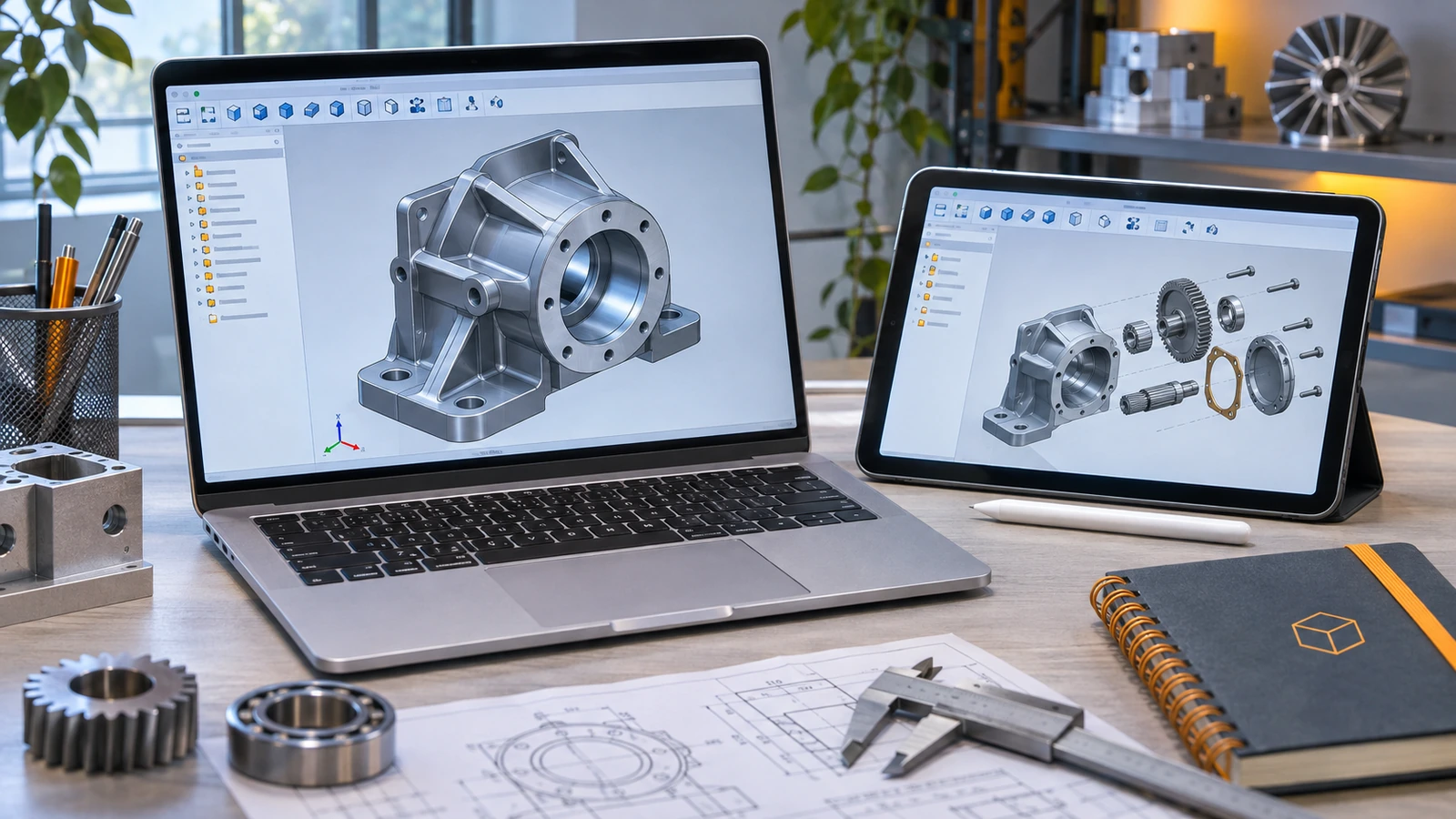
SOLIDWORKS has no macOS version, so Mac users either run it in Parallels or choose CAD that works natively. The strongest Mac-native options for mechanical design are Autodesk Fusion and browser-based Onshape; SOLIDWORKS xDesign runs in the browser too. Shapr3D is the easiest to learn, Rhino leads for free-form surfaces, and FreeCAD is free and open source.
 Kevin Walsh
Mac CAD options at a glance
| Program | How it runs on Mac | Price | Best for |
|---|---|---|---|
| Autodesk Fusion | Native app | $680/yr; free Personal Use | Mechanical design, CNC, 3D printing |
| Onshape | Browser | $1,500/yr; free public plan | Teams, mechanical design |
| SOLIDWORKS xDesign | Browser | $48/yr for Makers | Dassault's cloud CAD |
| Shapr3D | Native (macOS 14+), iPad | Free Basic; Pro subscription | Fast, intuitive direct modelling |
| Rhino 9 | Native, Apple silicon only | $995 perpetual | Free-form surfaces, industrial design |
| FreeCAD | Native, Apple silicon | Free | Open-source parametric CAD |
| Plasticity | Native | From $175 perpetual | Concept and hard-surface modelling |
| AutoCAD | Native | Subscription | 2D drafting |
| SOLIDWORKS | Parallels + Windows 11 on Arm | From $2,820/yr | When you need SOLIDWORKS itself |
Vendor pages checked 2026-11-06. Not available for Mac: Inventor, Solid Edge, CATIA desktop and Creo.
For mechanical engineering: Fusion or Onshape
Fusion installs as a native Mac app, includes CAM and basic simulation, and imports SOLIDWORKS files on paid licences. Onshape needs only a browser, keeps every version in the cloud and suits teams. Both are parametric, history-based modellers, so SOLIDWORKS skills transfer well. Compare them in SOLIDWORKS vs Fusion and SOLIDWORKS vs Onshape.
Staying with Dassault: xDesign
SOLIDWORKS xDesign is Dassault's browser-based CAD on the 3DEXPERIENCE platform. It is a separate program from SOLIDWORKS Design, but it runs on any Mac and costs $48 a year for hobbyists — see xDesign for Makers.
For designers: Shapr3D, Rhino and Plasticity
- Shapr3D uses the Parasolid kernel with a direct, touch-friendly interface on iPad and Mac, and has a free Basic plan.
- Rhino 9 is the standard for free-form surfaces and runs only on Apple silicon Macs — see SOLIDWORKS vs Rhino.
- Plasticity is a low-cost NURBS tool for concept artists.
Free and open source: FreeCAD
FreeCAD runs natively on Apple silicon and can be used commercially — see SOLIDWORKS vs FreeCAD.
Or run SOLIDWORKS itself
If you need native SOLIDWORKS files or SOLIDWORKS skills, run it in Parallels Desktop with Windows 11 on Arm. Parallels is a listed hypervisor for SOLIDWORKS 2025 and 2026, but on Apple silicon the setup is not certified and some add-ins do not run. Plan on 32 GB of memory or more. Full guides: SOLIDWORKS on Mac and Apple silicon with Parallels.
Frequently asked questions
What is the best SOLIDWORKS alternative for Mac?
+
For mechanical design, Autodesk Fusion (native Mac app, CAM included) or Onshape (browser, built-in collaboration). If you want to stay with Dassault, SOLIDWORKS xDesign runs in the browser from $48 a year for makers.
Is there a free CAD program for Mac?
+
Yes: FreeCAD (open source, native on Apple silicon), Onshape Free (browser, public documents), Fusion for Personal Use (non-commercial) and Shapr3D's free Basic plan.
Should I use Parallels or switch to Mac-native CAD?
+
If you must exchange native SOLIDWORKS files or learn SOLIDWORKS for your course or job, use Parallels on a Mac with 32 GB of memory. If you only need to design your own parts, Mac-native CAD avoids emulation and virtual machine limits.
Related
- SOLIDWORKS on Mac: every option in 2026There is no SOLIDWORKS for macOS. Run it in Parallels on Apple silicon or Intel Macs, view files with eDrawings for Mac, or design in the browser with xDesign.
- How to run SOLIDWORKS on Apple silicon with ParallelsHow to run SOLIDWORKS on an M1–M5 Mac with Parallels Desktop and Windows 11 on Arm — VM settings for RAM and CPU, graphics, licensing and known limits.
- SOLIDWORKS vs Fusion: which should you choose in 2026?SOLIDWORKS vs Autodesk Fusion in 2026 — $2,820 vs $680 a year, desktop vs cloud, Windows vs Mac, CAM and large assemblies, with a verdict for each user.
- SOLIDWORKS vs Onshape: desktop or cloud CAD?SOLIDWORKS vs Onshape in 2026 — local files vs browser-only cloud CAD, $2,820 vs $1,500 a year, collaboration, Mac and Chromebook, and which suits you.