Free Access
SOLIDWORKS xDesign for Makers vs desktop SOLIDWORKS for Makers
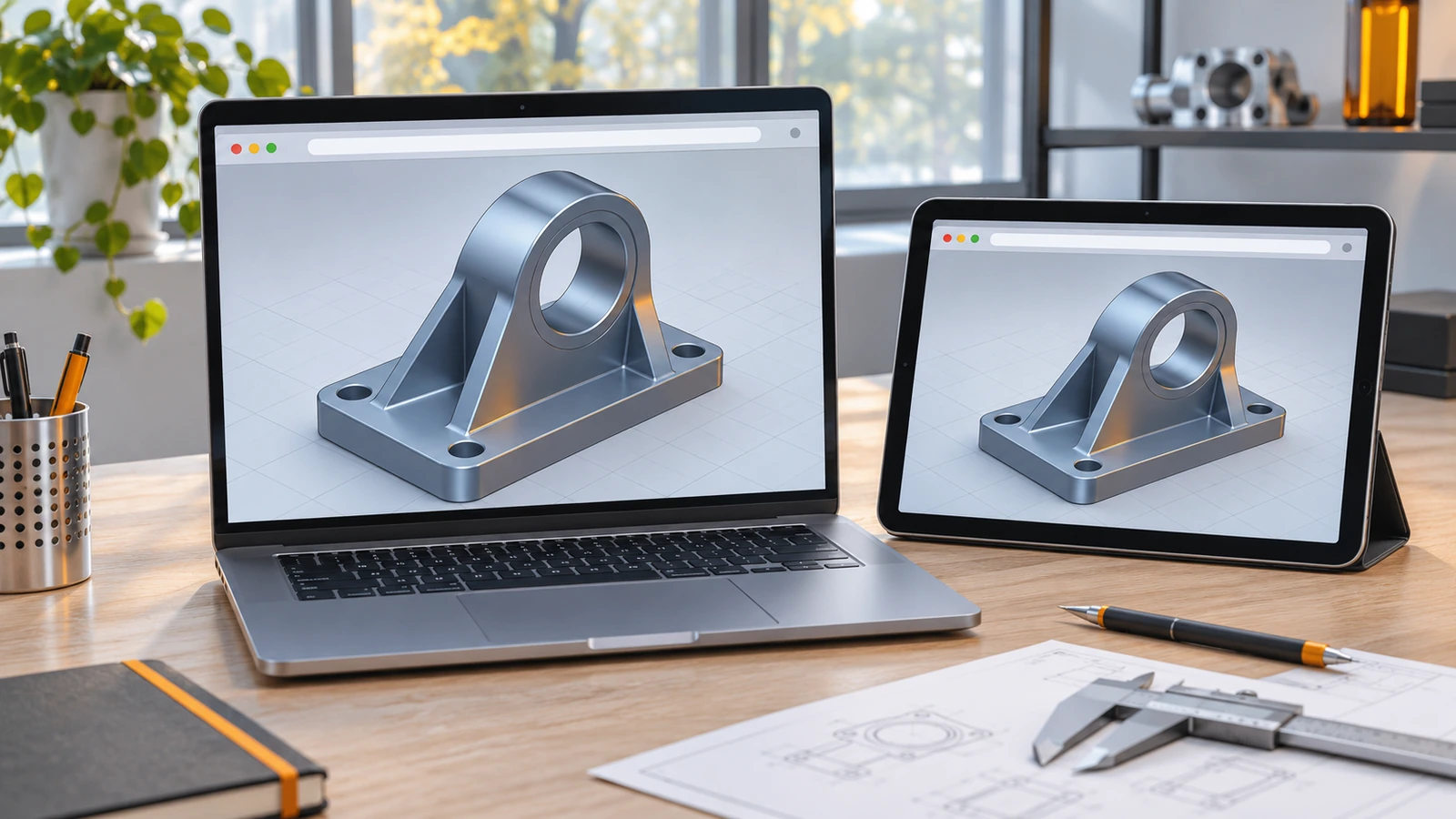
xDesign for Makers is the browser version of the hobby license: it costs the same $48 a year, runs on a Mac, Chromebook or tablet with nothing to install, but always needs an internet connection. Choose the desktop Makers package if you have a Windows PC and want the classic SOLIDWORKS interface offline.
 Kevin Walsh
You have a Mac or Chromebook
xDesign for Makers
The desktop package is Windows-only; xDesign runs in any modern browser.
You have a Windows PC
Desktop Makers
The classic SOLIDWORKS interface, CAM and offline work for up to 30 days.
You want both
Buy both packages
They are sold separately; each costs $48 a year.
| xDesign for Makers | 3DEXPERIENCE SOLIDWORKS for Makers | |
|---|---|---|
| Price (US) | $48/year or $15/month | $48/year or $15/month |
| Runs on | Browser — Mac, Chromebook, tablet, PC | Windows PC only |
| Installation | None | Required |
| Offline use | No | Up to 30 consecutive days |
| Interface | New, cloud-native | Classic SOLIDWORKS |
| Rendering | Cloud rendering | Photorealistic rendering |
| CAM | — | 2.5- and 3-axis |
| AI design assistant | ✓ | — |
| Motion studies | ✓ | — |
| Cloud storage | 25 GB | 25 GB |
Sources: solidworks.com — SOLIDWORKS for Makers (checked Nov 6, 2026); 3DEXPERIENCE store — Makers FAQ (checked Nov 6, 2026)
Which package to choose
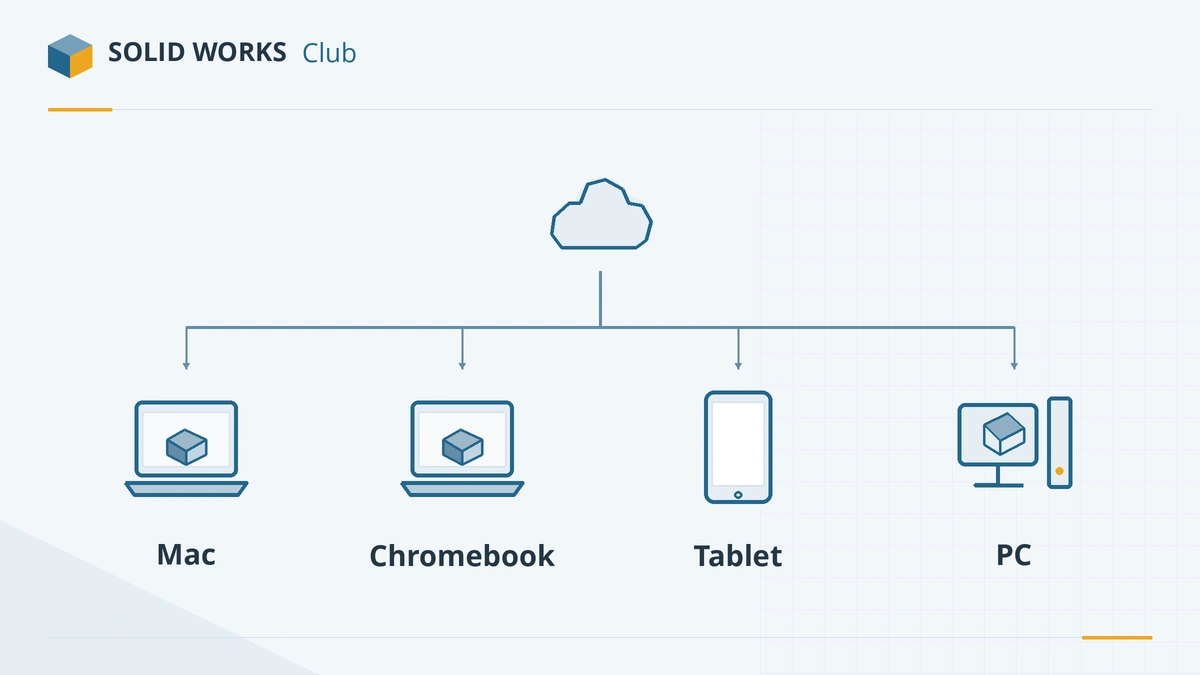
The deciding question is your computer. SOLIDWORKS desktop software is Windows-only, so on a Mac or Chromebook xDesign is the only Makers package that runs without a Windows virtual machine. On a Windows PC, the desktop package gives you the classic interface most tutorials use, plus CAM and offline work.
Both packages cost $48 a year and are bought separately. Discounts on the promo codes page apply to both. The full rules — revenue cap, watermarking, refunds — are in our SOLIDWORKS for Makers guide.
For business use, commercial xDesign costs $2,400 a year (official xDesign page). Other options are on the free SOLIDWORKS overview.
Frequently asked questions
Can xDesign open SLDPRT files?
+
xDesign is a separate, browser-based modeller. If you need to open and edit native .SLDPRT and .SLDASM files, the official xDesign page points you to the desktop SOLIDWORKS products instead.
Is xDesign for Makers good for beginners?
+
Yes. It needs no installation and includes an AI design assistant and learning content, which makes it an easy starting point on any computer.
Can I use xDesign for Makers offline?
+
No. xDesign always requires an internet connection.
Related
- SOLIDWORKS for Makers (2026)SOLIDWORKS for Makers costs $48 a year or $15 a month for personal projects earning under $2,000. What's included, limits, offline use, Mac options and refunds.
- Can you get SOLIDWORKS for free?Yes — students get SOLIDWORKS free since July 2026, startups get a free first year, and anyone can trial it. Every legal free and low-cost option, with prices.
- SOLIDWORKS promo codes and discounts (November 2026)Verified SOLIDWORKS discounts for November 2026 — Makers at half price, the Prusa code PRUSA3D, Thingiverse Supporter 50% off, plus expired offers to ignore.
- Which SOLIDWORKS license do I need?Answer four questions and get the right SOLIDWORKS license — free student edition, Makers, Startups, or Standard, Professional or Premium — with 2026 prices.