Modules
PhotoView 360 — retired, and what replaces it
PhotoView 360 was the renderer built into SOLIDWORKS Professional and Premium. It is no longer included from SOLIDWORKS 2024 SP0, released in November 2023; its last release was 2023 SP5. SOLIDWORKS Visualize is the official replacement. Older versions can still run it.
 Kevin Walsh
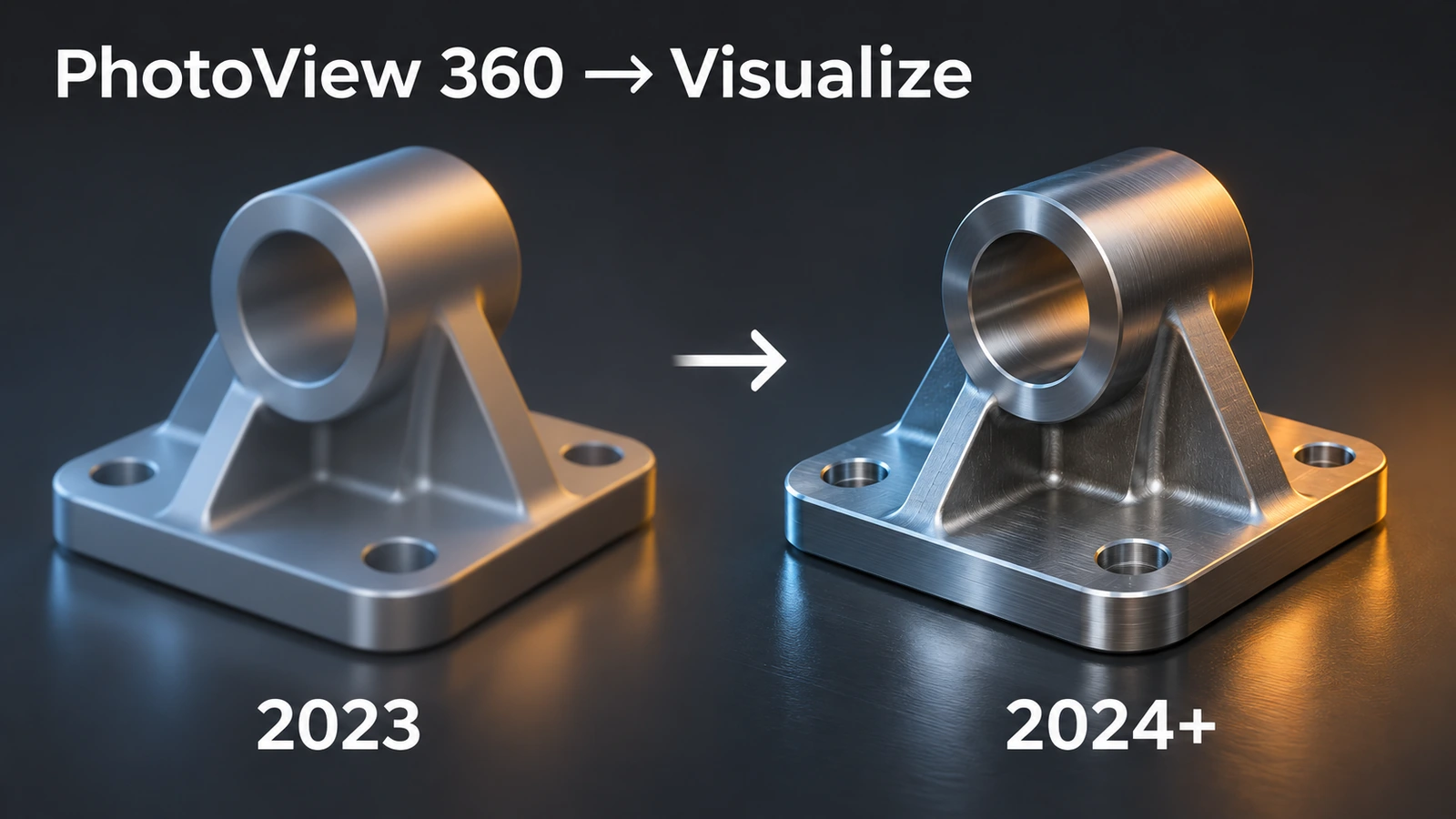
Timeline
| Version | PhotoView 360 |
|---|---|
| Up to 2023 | Included with Professional and Premium |
| 2023 SP5 | Last release |
| 2024 SP0 and later | Not included; use Visualize |
Rendering in 2023 and earlier
- Turn on PhotoView 360 on the SOLIDWORKS Add-Ins tab; a Render Tools tab appears.
- Apply appearances — for parts made of one material, at part level, because assembly-level appearances are not saved in the part.
- Choose a scene (background and lighting) and check the Preview Window.
- Run Final Render. Hide dimensions and annotations first — visible ones appear in the render.
Higher reflection and refraction values make renders slower. For new work, go straight to Visualize; version changes are tracked in versions and what's new.
Sources
- SOLIDWORKS — PhotoView 360 product update
- GoEngineer — PhotoView 360 retirement: what to know (Nov 2023)
- Solid Solutions — End of life: saying goodbye to PhotoView 360 (Sep 2023)
- Engineers Rule — Rendering with PhotoView 360 (Jul 2016)
- Hawk Ridge — The tool you probably already have: Visualize Standard (Dec 2023)
Checked November 2026. SOLID WORKS Club is independent; menu names can differ slightly between releases.
Frequently asked questions
Is PhotoView 360 still available?
+
Not from SOLIDWORKS 2024 SP0. Its last release was 2023 SP5; existing installs of 2023 and earlier keep working.
What replaces PhotoView 360?
+
SOLIDWORKS Visualize. Professional and Premium seats on subscription include Visualize Standard.
How do I render animations without PhotoView 360?
+
Professional and Premium have no direct replacement for rendered animations; that needs Visualize Professional.
Related
- SOLIDWORKS VisualizeSOLIDWORKS Visualize explained: Standard vs Professional, who gets it free with a subscription, exporting from SOLIDWORKS, render modes, denoiser and GPU needs.
- SOLIDWORKS appearancesHow to apply appearances in SOLIDWORKS to faces, features, bodies and parts, understand the colour hierarchy, remove appearances, use RealView and add decals.
- SOLIDWORKS versions and the latest releaseThe latest SOLIDWORKS version is 2026 (2027 is in pre-release). Every release from 2020 to 2027 with dates, Windows support and end of support.
- SOLIDWORKS modules and add-insSOLIDWORKS add-ins explained: Motion, animation, Visualize, PhotoView 360, PDM, CAM, Routing, Electrical and Plastics, and which package includes each.