Modules
SOLIDWORKS Routing
Routing builds pipe, tube, electrical and HVAC routes in assemblies: drop in a fitting or connector, sketch the path in 3D, and SOLIDWORKS adds pipe, elbows or wires with real lengths. It is included in SOLIDWORKS Premium and available as a separate add-in for Standard and Professional.
 Kevin Walsh
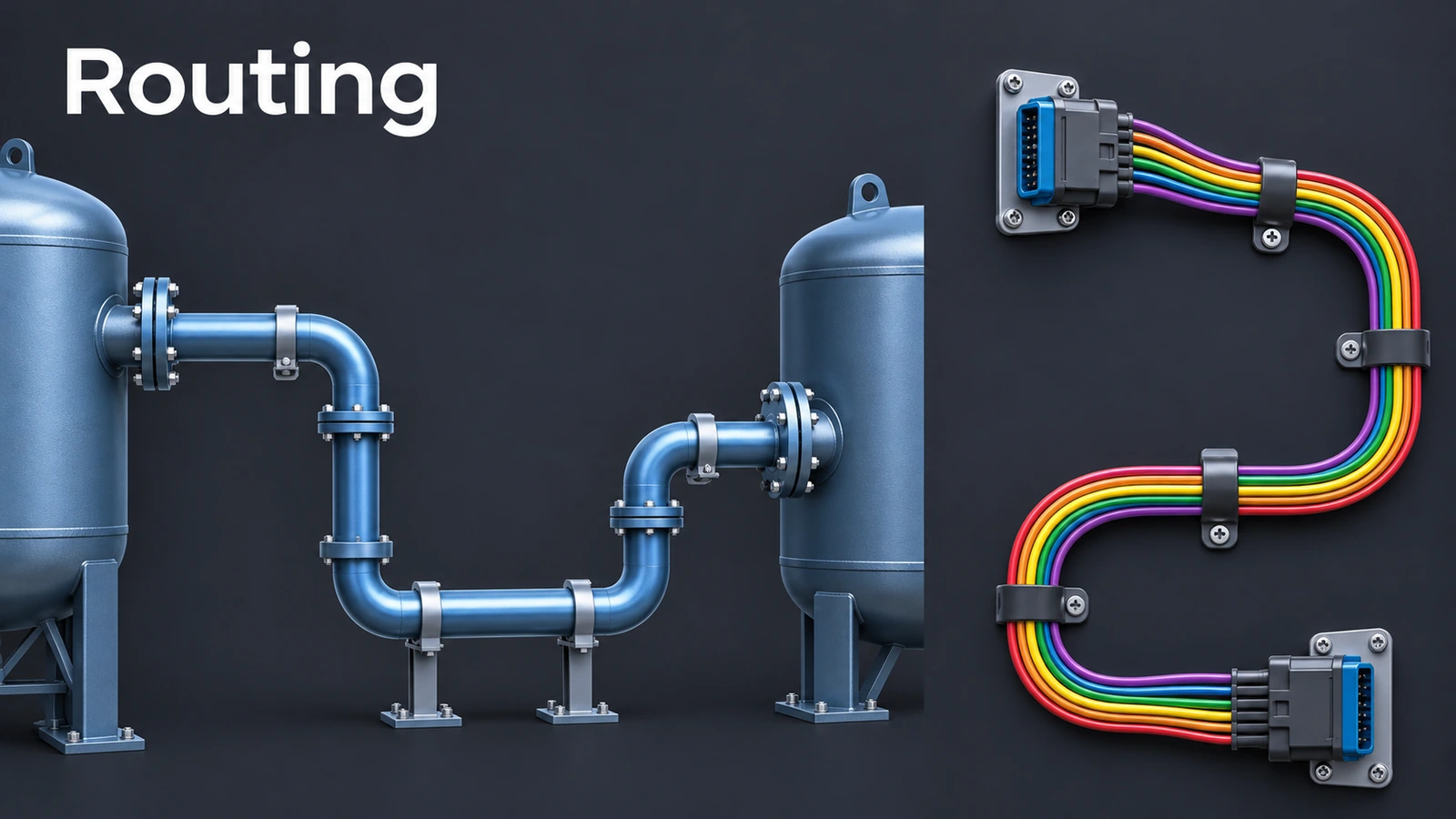
Route types
| Type | Built from |
|---|---|
| Piping | Flanges, elbows, tees, pipe; spool drawings with a piping BOM |
| Tubing | Bent tube routes |
| Electrical | Connectors, clips, wires and cables; From/To lists and Auto Route |
| HVAC | Ducting routes |
Pipe route in brief
- Turn on SOLIDWORKS Routing in Tools → Add-Ins.
- Drag a flange from the Design Library's Routing folder into the assembly — the route starts.
- Set elbows and pipe options in Route Properties.
- Sketch the path in the route's 3D sketch (Tab switches planes); elbows appear at corners.
- Exit the sketch — the pipe is created in a routing subassembly.
The Routing Library Manager (Tools → Routing → Routing Tools) manages components, wires and coverings; its Routing Component Wizard turns your own parts into routing components with the needed CPoints and RPoints. Do not model cables as sweeps — routes keep the electrical data and lengths. For schematic-driven design, see SOLIDWORKS Electrical.
Sources
- GoEngineer — Pipe route overview (Dec 2021)
- GoEngineer — Routing 101: pipe design (Nov 2021)
- Javelin — SOLIDWORKS Premium electrical routing (Apr 2024)
- Javelin — 3DEXPERIENCE with SOLIDWORKS Premium routing (Feb 2025)
- BeaconIndia — Routing Library Manager: adding custom parts (Aug 2019)
- Hawk Ridge (MCADCafe) — What's new 2018: flattening routes (Oct 2017)
- Javelin — Packages comparison: Standard vs Professional vs Premium (Jul 2018)
- SOLIDWORKS — Evaluating Standard, Professional, Premium and Ultimate
Checked November 2026. SOLID WORKS Club is independent; menu names can differ slightly between releases.
Frequently asked questions
Which SOLIDWORKS package includes Routing?
+
SOLIDWORKS Premium. It can be added to Standard or Professional as a separate add-in.
How do I turn on Routing?
+
Tools → Add-Ins → SOLIDWORKS Routing; tick Start Up to load it every time.
What are CPoints and RPoints?
+
A connection point marks where a route starts or ends at a port; a route point sits where route segments meet or end.
Can I make a 2D harness drawing?
+
Yes. Flatten Route makes a 2D layout configuration, either not to scale for annotation or to scale for manufacture.
Related
- SOLIDWORKS ElectricalSOLIDWORKS Electrical explained: Electrical Schematic, Electrical 3D and Electrical Professional, the shared SQL database, symbol libraries vs Routing.
- 3D sketches in SOLIDWORKSHow to draw a 3D sketch in SOLIDWORKS: start it, switch planes with Tab, use the space handle and Along X/Y/Z relations, and build sweep paths.
- SOLIDWORKS subassembliesHow to create subassemblies in SOLIDWORKS from selected components, save virtual ones, make them flexible or dissolve them, and why they speed things up.
- SOLIDWORKS modules and add-insSOLIDWORKS add-ins explained: Motion, animation, Visualize, PhotoView 360, PDM, CAM, Routing, Electrical and Plastics, and which package includes each.