Modules
SOLIDWORKS Plastics
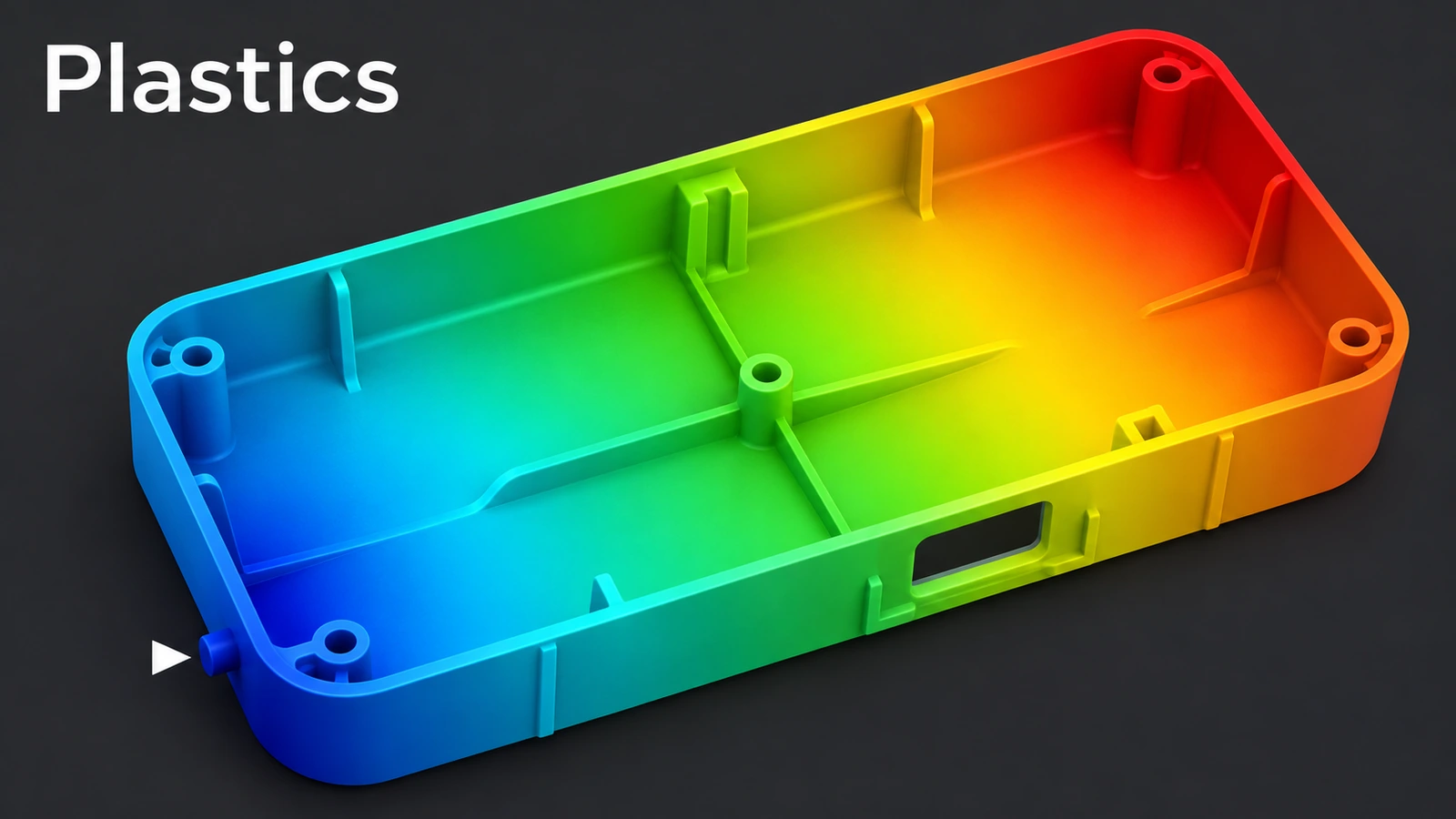
SOLIDWORKS Plastics simulates injection moulding inside SOLIDWORKS: how a part fills, where weld lines and air traps form, whether it sinks or warps. It is a separate add-in for any SOLIDWORKS level, in three tiers — Standard for part designers, Professional for mould design with runners and multiple cavities, Premium for cooling and warpage.
 Kevin Walsh
Tiers
| Tier | Adds |
|---|---|
| Standard | Filling analysis, automatic gate location, sink marks |
| Professional | Mould analysis: single, multi-cavity and family moulds, sprues, runners, gates, runner balancing, cycle time |
| Premium | Cooling line layout (conformal cooling, baffles, bubblers) and warpage |
Results include fill time, ease of fill, end-of-fill pressure, weld lines, air traps, short shots, volumetric shrinkage and clamp force. The material library has more than 4,000 thermoplastic grades.
A first fill analysis
- Open the Plastics tab.
- Create a solid or shell mesh.
- Pick a polymer; process parameters default to the manufacturer's values.
- Set the injection location, automatic or manual.
- Run Flow and read the Results Adviser.
Sources
- SOLIDWORKS — Plastics product page
- GoEngineer — SOLIDWORKS Plastics Premium
- CATI — SOLIDWORKS Plastics (Apr 2015)
- SOLIDWORKS Tech Blog — Getting started with Plastics (Jun 2017)
Checked November 2026. SOLID WORKS Club is independent; menu names can differ slightly between releases.
Frequently asked questions
Is SOLIDWORKS Plastics included in Premium?
+
No. It is a purchased add-in for any SOLIDWORKS level.
What does Plastics Premium add?
+
Cooling line analysis, including conformal cooling, baffles and bubblers, and warpage prediction.
Where should the gate go?
+
Plastics can suggest a gate location automatically. Put it on a parting line or hidden face, not on a visible surface.
Solid or shell mesh?
+
A solid mesh for varying wall thickness or more accuracy; a shell mesh for fast results on uniform walls.
Related
- SOLIDWORKS DraftHow to add draft in SOLIDWORKS: Neutral Plane, Parting Line and Step draft, DraftXpert, draft in extrudes, Draft Analysis colours and typical angles.
- SOLIDWORKS ShellHow to use Shell in SOLIDWORKS to hollow a part: faces to remove, wall thickness, shell outward, multi-thickness walls, and what to do when the shell fails.
- SOLIDWORKS Simulation — 6 lessonsFree SOLIDWORKS Simulation course: static studies, mesh, fixtures and loads, stress and factor of safety, thermal and frequency, checked by hand.
- SOLIDWORKS modules and add-insSOLIDWORKS add-ins explained: Motion, animation, Visualize, PhotoView 360, PDM, CAM, Routing, Electrical and Plastics, and which package includes each.