Modules
SOLIDWORKS CAM
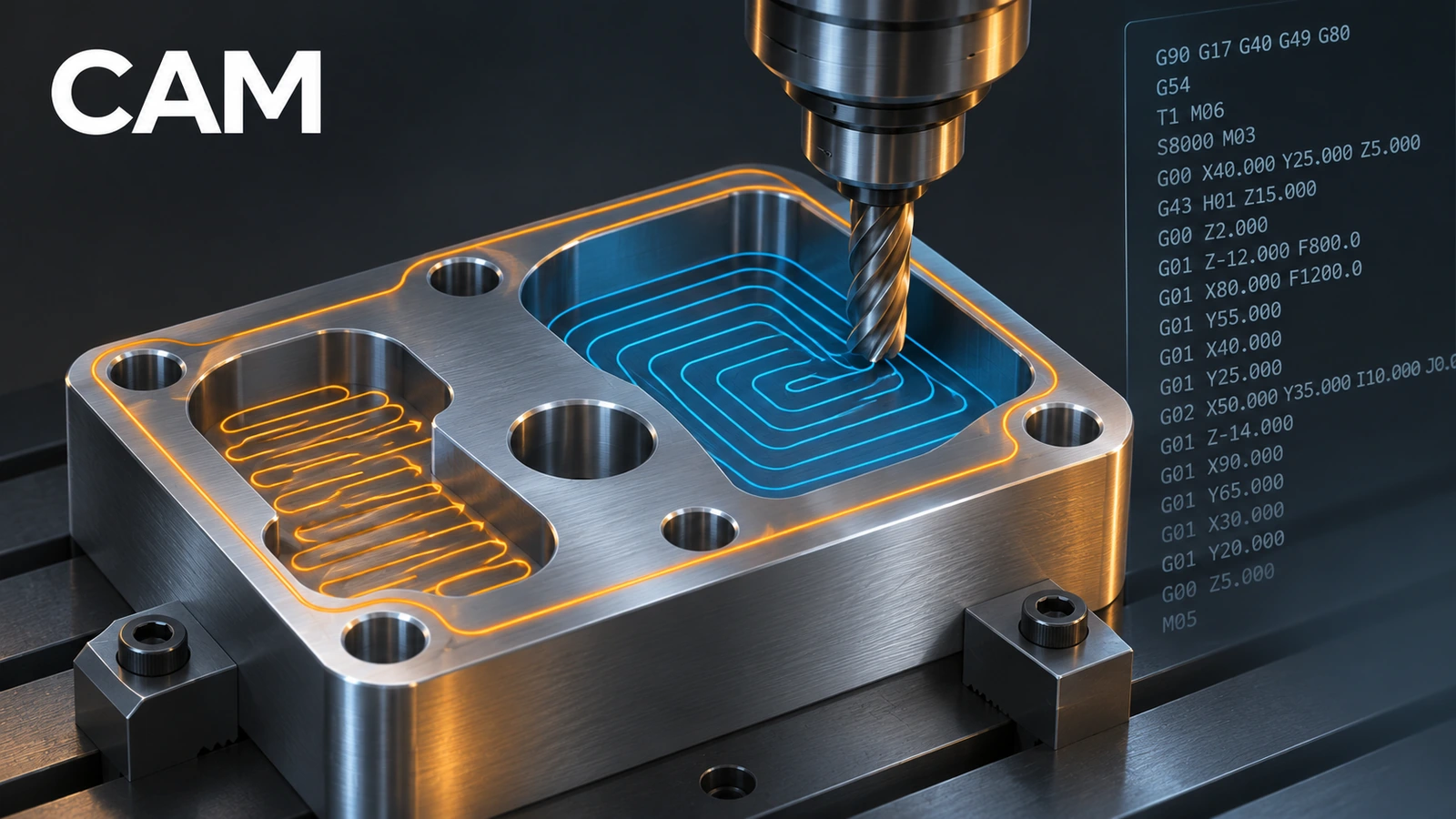
SOLIDWORKS CAM, based on CAMWorks, creates CNC toolpaths and G-code inside SOLIDWORKS. Since 2018 every SOLIDWORKS licence on subscription includes CAM Standard for 2.5-axis milling. CAM Professional adds turning, high-speed machining, 4th/5th-axis indexing and assembly machining. Automatic feature recognition and a technology database do much of the programming for you.
 Kevin Walsh
Standard vs Professional
| CAM Standard | CAM Professional | |
|---|---|---|
| Licence | With subscription (2018+) | Separate |
| 2.5-axis milling | ✓ | ✓ |
| Feature recognition, TechDB, simulation | ✓ | ✓ |
| Turning | ✓ | |
| High-speed machining | ✓ | |
| 4th/5th-axis indexing | ✓ | |
| Assembly machining | ✓ |
Workflow
- Define Machine — machine, tool crib and post processor (press Select on each tab).
- Stock Manager — the raw block.
- Extract Machinable Features — automatic feature recognition finds pockets, holes and faces. Set the largest drill size first; bigger holes are milled.
- Generate Operation Plan — the technology database (TechDB) applies your shop's strategies.
- Generate Toolpath and simulate.
- Post Process to G-code.
Hole Wizard holes carry their type into CAM — see Hole Wizard; tolerances added as in tolerances drive tolerance-based machining when they are 3D annotations.
Sources
- GoEngineer — SOLIDWORKS CAM overview: Standard vs Professional (Apr 2020)
- Javelin — Getting started with SOLIDWORKS CAM (Mar 2019)
- Javelin — CAM milling setup 4/9: extract machinable features (Aug 2019)
- Javelin — CAM milling setup 1/9: defining machine (Mar 2019)
- Engineers Rule — Tolerance-based machining in SOLIDWORKS CAM (Dec 2017)
- Javelin — Packages comparison: Standard vs Professional vs Premium (Jul 2018)
Checked November 2026. SOLID WORKS Club is independent; menu names can differ slightly between releases.
Frequently asked questions
Is SOLIDWORKS CAM free?
+
CAM Standard is included with every SOLIDWORKS licence on active subscription since SOLIDWORKS 2018. CAM Professional costs extra.
What does CAM Professional add?
+
Turning, high-speed machining, 4th and 5th-axis indexing, assembly machining and the Setup, Rotary Axis and Tilt Axis options.
What is tolerance-based machining?
+
CAM reads tolerances and surface finish from 3D annotations and picks a strategy, such as drill, ream or bore.
Why do I only see inch machines?
+
An inch part shows inch machines. Switch the part to millimetres for metric setups.
Related
- SOLIDWORKS Hole WizardHow to use the SOLIDWORKS Hole Wizard: hole types, standards, sizes and fit, the Type and Positions tabs, cosmetic threads, slots, favourites and Advanced Hole.
- Tolerances and precision in SOLIDWORKS drawingsAdd tolerances to SOLIDWORKS drawing dimensions: tolerance types, upper and lower limits, precision for value and tolerance, defaults, styles, holes.
- SOLIDWORKS modules and add-insSOLIDWORKS add-ins explained: Motion, animation, Visualize, PhotoView 360, PDM, CAM, Routing, Electrical and Plastics, and which package includes each.
- How much does SOLIDWORKS cost in 2026?SOLIDWORKS costs $2,820 to $4,716 a year in the US in 2026, Standard to Premium. Official prices for the UK, Europe and Canada, plus perpetual and free options.