Certification
Mass calculator for SOLIDWORKS and CSWA problems
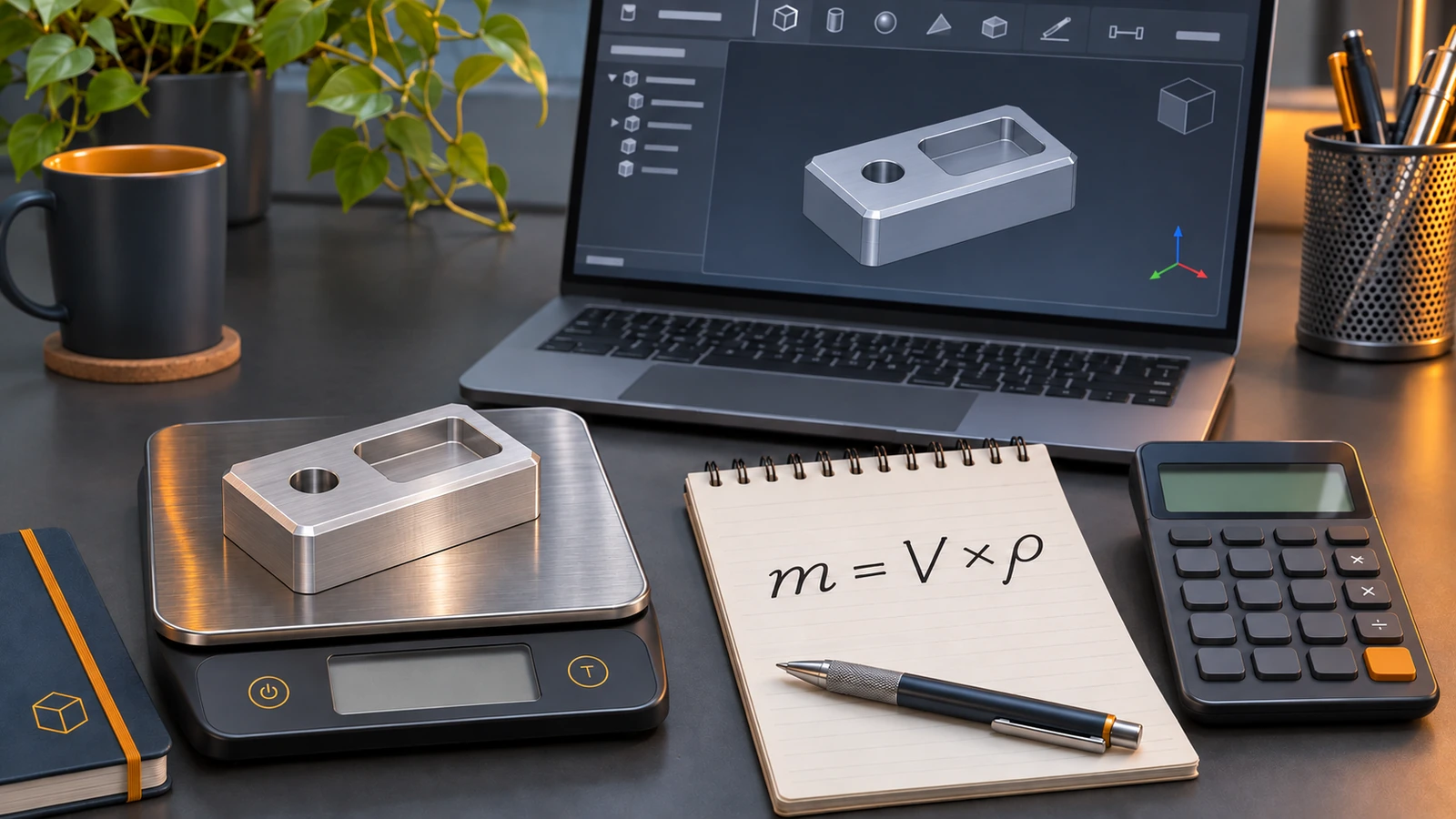
Mass equals volume times density. Enter a volume — or the dimensions of a block, rod or tube with optional through holes — choose a material or type the density from the question, and the calculator shows the mass in grams, kilograms and pounds. It also converts density between g/mm³, g/cm³, kg/m³ and lb/in³, the most common source of wrong CSWA answers.
 Kevin Walsh
Density unit conversions
| Material | g/cm³ | g/mm³ | kg/m³ | lb/in³ |
|---|---|---|---|---|
| Aluminium 6061 | 2.70 | 0.00270 | 2,700 | 0.0975 |
| Aluminium 2024 | 2.78 | 0.00278 | 2,780 | 0.1004 |
| AISI 1020 steel | 7.87 | 0.00787 | 7,870 | 0.2843 |
| Mild carbon steel (typical) | 7.85 | 0.00785 | 7,850 | 0.2836 |
| Stainless steel 304 | 8.00 | 0.00800 | 8,000 | 0.2890 |
| Grey cast iron | 7.20 | 0.00720 | 7,200 | 0.2601 |
| Copper | 8.96 | 0.00896 | 8,960 | 0.3237 |
| Brass C26000 | 8.53 | 0.00853 | 8,530 | 0.3082 |
| Titanium Ti-6Al-4V | 4.43 | 0.00443 | 4,430 | 0.1600 |
Typical values from supplier references — AIMS Industrial, ALSPI and AlloyFYI, checked 2026-11-06. SOLIDWORKS' own material library may use slightly different values; in an exam, always use the density given in the question.
Checking a CSWA answer
- Model the part and apply the material — or create a custom material with the density from the question.
- Open Evaluate → Mass Properties and read the volume and mass.
- Enter the volume here with the same density to confirm the mass, and check that the density units are right.
- If your answer is off by a factor of 1,000, you mixed g/cm³ and g/mm³; if it is off by 25.4³ (16,387), you mixed millimetres and inches.
Practise with our CSWA-style practice test; the exam itself is described in the CSWA guide. Materials in SOLIDWORKS are explained in the material library.
Practise with a known answer: your first part gives a check mass, and the units guide explains MMGS and IPS.
In SOLIDWORKS itself, see Mass Properties and materials.
More parts with check masses: the base plate exercise uses the same 92,858.41 mm³ example, and there are 17 more basic exercises.
Frequently asked questions
How do I calculate mass from volume and density?
+
Multiply them in matching units: mass (g) = volume (mm³) × density (g/mm³). For example, 92,858 mm³ of aluminium at 0.0027 g/mm³ weighs about 250.7 g.
How do I convert g/cm³ to g/mm³?
+
Divide by 1,000, because 1 cm³ = 1,000 mm³. Aluminium at 2.70 g/cm³ is 0.0027 g/mm³; steel at 7.85 g/cm³ is 0.00785 g/mm³.
Which density should I use in the CSWA exam?
+
Always the density stated in the question, even if it differs from SOLIDWORKS' material library. Apply it as a custom material or override the density in Mass Properties.
Related
- Free CSWA practice testFree CSWA-style practice test with a 45-minute timer — knowledge questions plus five modelling problems with drawings, scored with worked answers.
- CSWA exam guide: format, cost and how to prepareThe CSWA (SOLIDWORKS Design Associate) exam in 2026 — $99, 3 hours, 70% to pass, online with your own SOLIDWORKS. Sections, rules and a study plan.
- SOLIDWORKS material library: apply and create materialsHow the SOLIDWORKS material library works, how to apply a material, why it changes mass, and how to create a custom material in your own .sldmat library.
- SOLIDWORKS certification guideSOLIDWORKS certification in 2026 — CSWA ($99), CSWP ($99), CSWE ($149) and $20 advanced exams, with a free practice test, mass calculator and tips.