Intermediate exercise 4
Intermediate exercise 4: Lightened wheel
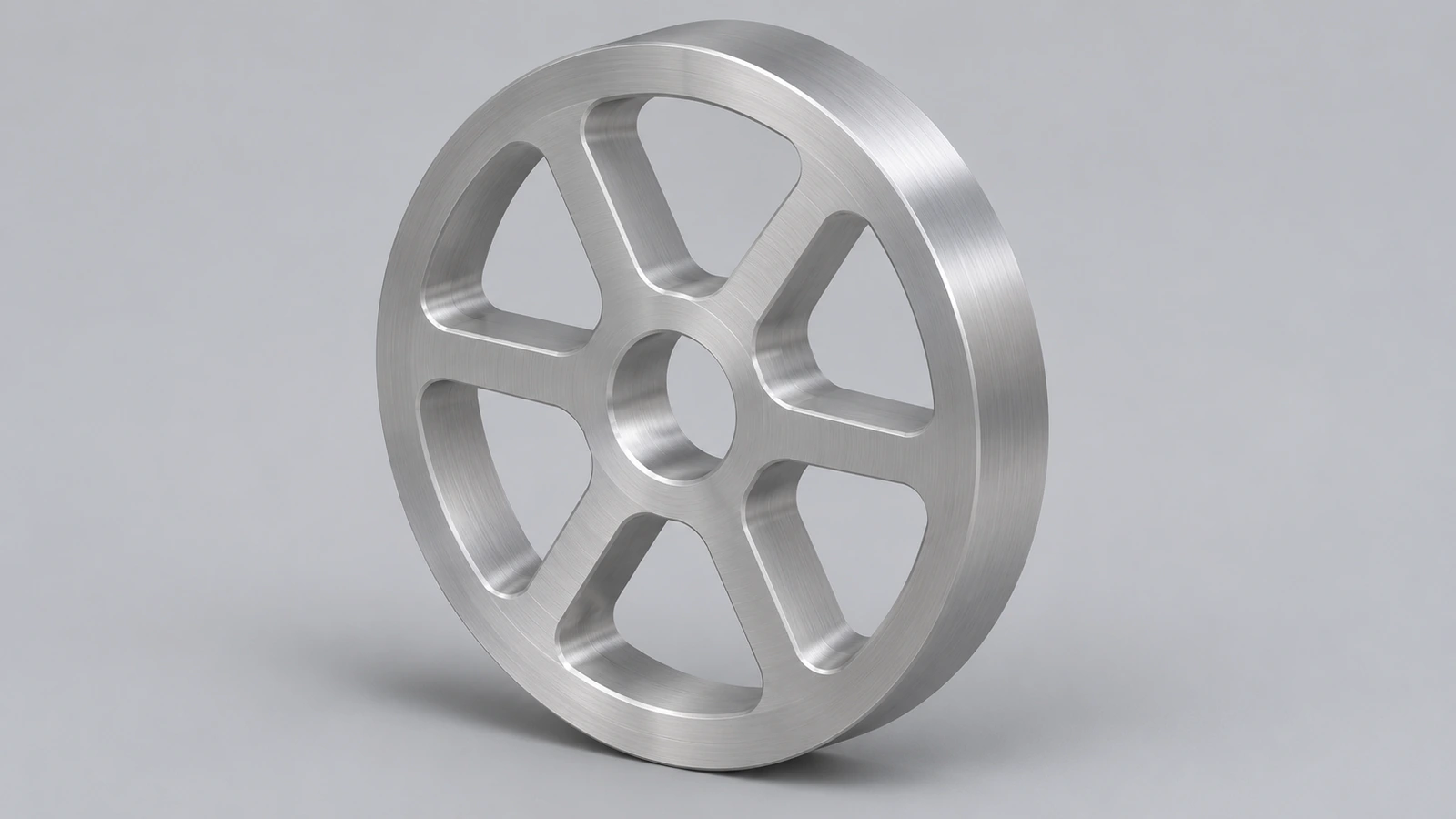
An aluminium wheel with a rim, a thin centred web, a hub and five lightening holes. Lightening holes are a classic way to cut mass while keeping stiffness.
 Kevin Walsh
- Level
- Intermediate
- Time
- 20 min
- Material
- Aluminium 6061, 2.70 g/cm³
- Check mass
- 350.57 g
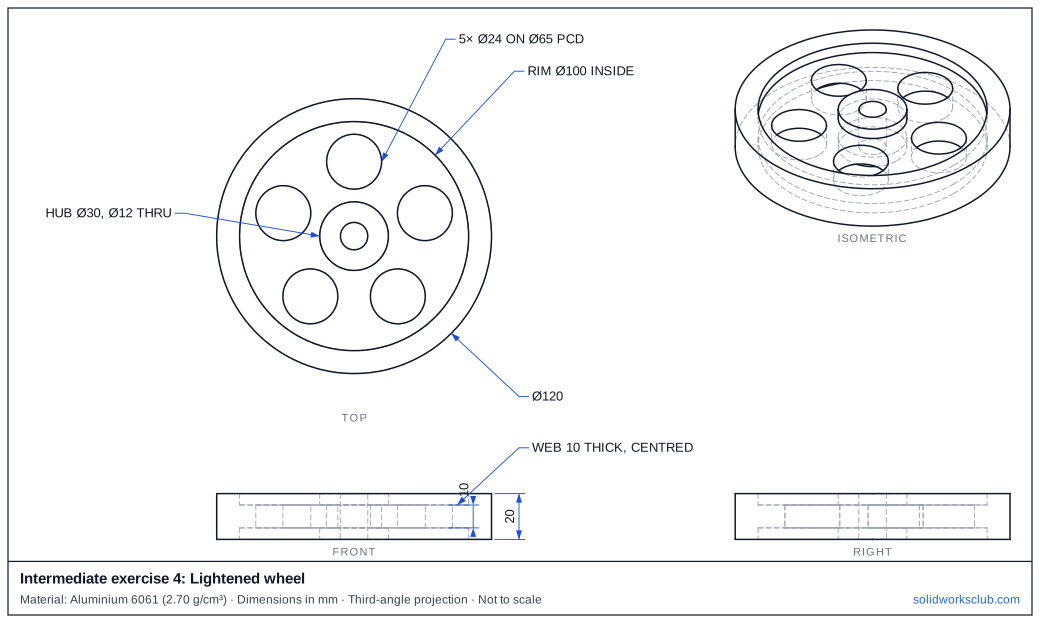
The drawing
What you practise
- Mid-plane web between a rim and a hub
- Circular pattern of five holes
- Mass reduction you can measure
How to approach it
- Rim: Ø120 outside, Ø100 inside, 20 wide.
- Web: Ø100, 10 thick, centred in the 20 width.
- Hub: Ø30 × 20 with a Ø12 bore.
- One Ø24 hole on a Ø65 circle at the top, then pattern 5 × 72°.
Check your result
Apply Aluminium 6061 or a custom material with 2.70 g/cm³, then open Evaluate → Mass Properties. The mass should be 350.57 g (volume 129,842.02 mm³). Off by 1,000? Check the density units with the mass calculator.
Next: intermediate exercise 5.
Download files
Commands used
Show solution
- Rim ring → Extrude 20. Web disk Ø100 → Extrude Mid Plane 10 on a plane at 10.
- Hub Ø30 → Extrude 20; Ø12 → Cut Through All.
- Ø24 at (0, 32.5) → Cut Through All → Circular Pattern 5.
- Try it without the holes: the mass goes up by π × 12² × 10 × 5 × 2.70 / 1000 = 61.07 g.
Frequently asked questions
Why centre the web?
+
A symmetric web keeps the wheel balanced and lets the rim and hub take side loads evenly.
Related
- Intermediate exercise 5: Enclosure with screw bossesIntermediate SOLIDWORKS exercise 5, enclosure with screw bosses: fillet before Shell. Drawing, STEP file and check mass 166.92 g.
- Intermediate exercise 3: ClevisIntermediate SOLIDWORKS exercise 3, clevis: slot cut from the top face. Drawing, STEP file and check mass 336.48 g. Free practice.
- SOLIDWORKS Extruded Boss/BaseHow to use Extruded Boss/Base in SOLIDWORKS: every end condition from Blind to Mid Plane, Direction 2, draft, thin features, Selected Contours and Merge result.
- Mass calculator for SOLIDWORKS and CSWA problemsCalculate part mass from volume and density in mm, cm, m or inches, with typical densities for steel, aluminium, brass and copper. Built for CSWA checks.