Intermediate exercise 7
Intermediate exercise 7: Swept handle
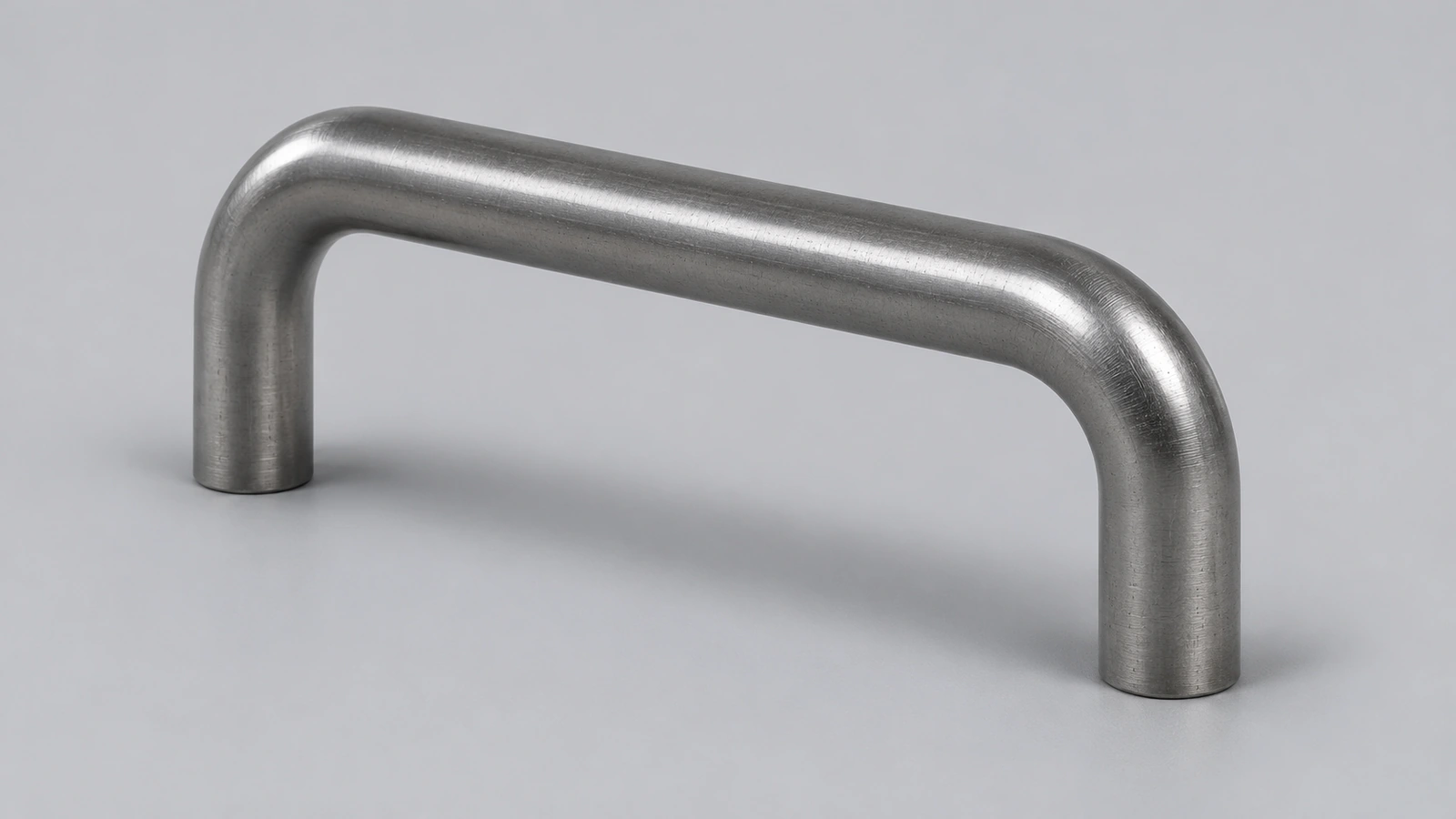
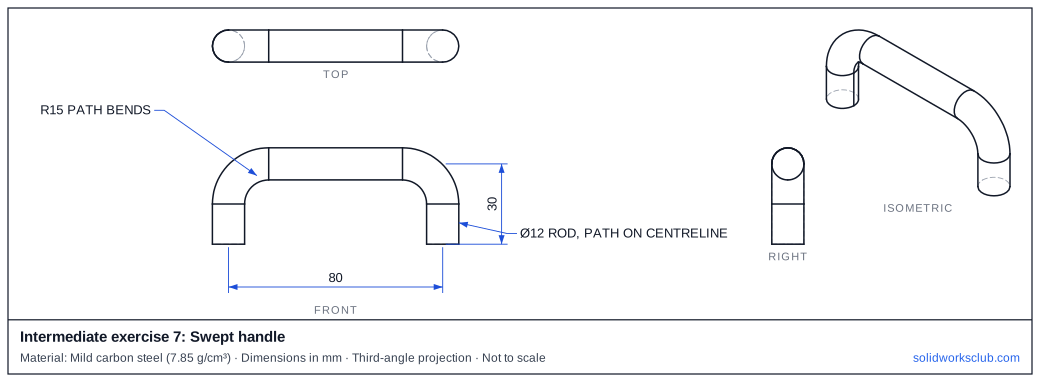
A steel handle: a Ø12 rod swept along a path with two R15 bends. The path is drawn on the rod's centreline — the most common sweep there is.
 Kevin Walsh
- Level
- Intermediate
- Time
- 15 min
- Material
- Mild carbon steel, 7.85 g/cm³
- Check mass
- 112.86 g
The drawing
What you practise
- Open path sketch with tangent arcs
- Profile perpendicular to the path start
- Checking sweep volume from path length
How to approach it
- Front plane path: up 15, R15 arc, 50 straight, R15 arc, down 15 — 80 between legs, 30 high to the centreline.
- Top plane: Ø12 circle at the path start.
- Sweep.
Check your result
Apply Mild carbon steel or a custom material with 7.85 g/cm³, then open Evaluate → Mass Properties. The mass should be 112.86 g (volume 14,377.37 mm³). Off by 1,000? Check the density units with the mass calculator.
Next: intermediate exercise 8.
Download files
Commands used
Show solution
- Path: lines and tangent arcs as dimensioned.
- Profile Ø12 on the Top plane, centred on the path end.
- Swept Boss.
- Path length = 15 + 23.56 + 50 + 23.56 + 15 = 127.12 mm; volume = π × 6² × 127.12 = 14,377.37 mm³.
Frequently asked questions
Why must the profile start at the path end?
+
The sweep starts where the profile sits. A profile placed away from the path start gives an offset or a failed sweep.
Related
- Intermediate exercise 8: Lofted hopperIntermediate SOLIDWORKS exercise 8, lofted hopper: loft between two parallel profiles. Drawing, STEP file and check mass 51.84 g.
- Intermediate exercise 6: Compression springIntermediate SOLIDWORKS exercise 6, compression spring: helix/Spiral curve from a circle. Drawing, STEP file and check mass 31.38 g.
- SOLIDWORKS SweepHow to use Swept Boss/Base and Swept Cut in SOLIDWORKS: profile and path rules, Pierce, circular profiles, orientation, twist and guide curves.
- Mass calculator for SOLIDWORKS and CSWA problemsCalculate part mass from volume and density in mm, cm, m or inches, with typical densities for steel, aluminium, brass and copper. Built for CSWA checks.