Intermediate exercise 14
Intermediate exercise 14: Drafted tray
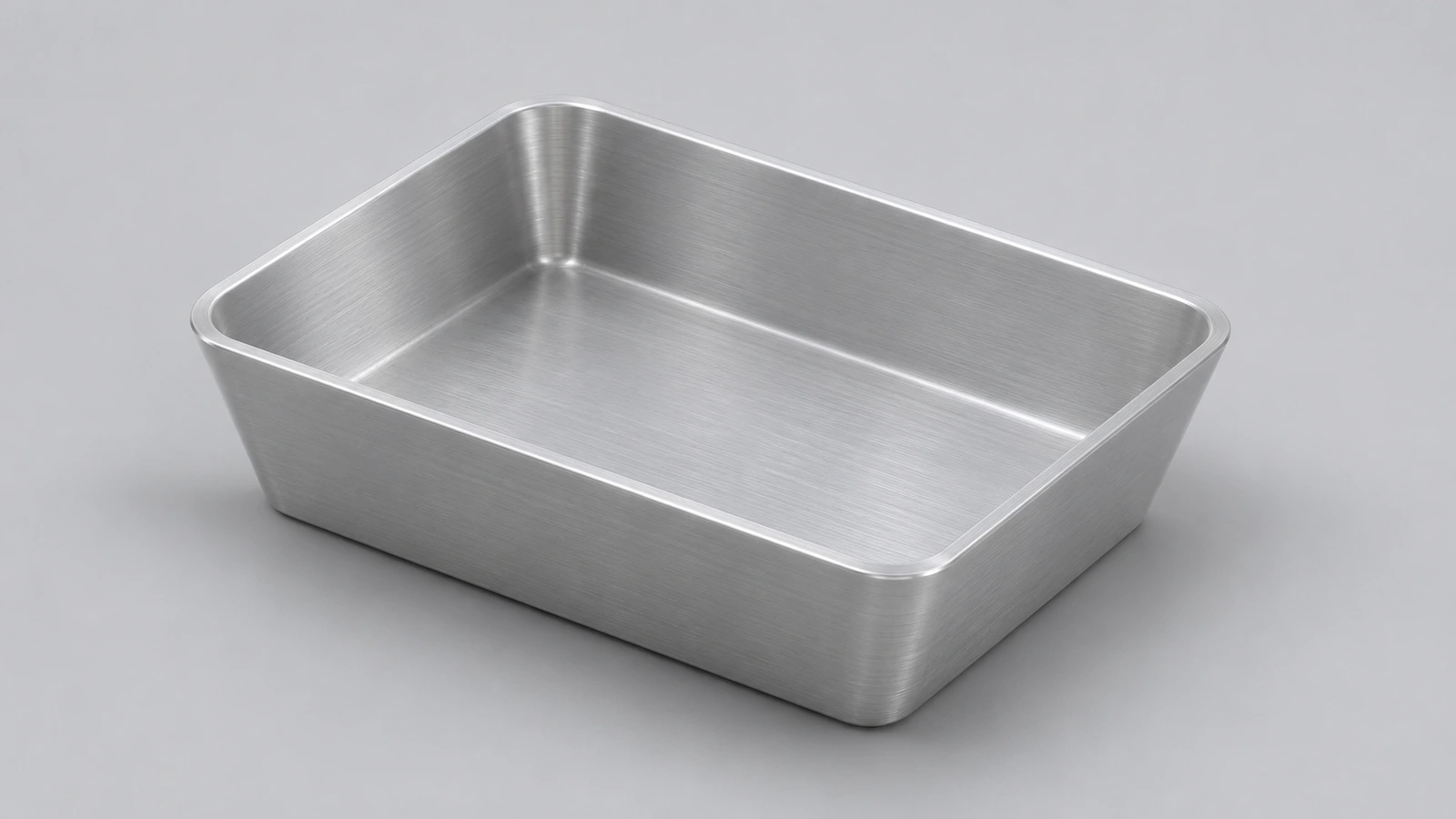
A shallow aluminium tray with 5° draft on its sides, shelled to 2 mm. Draft lets a moulded or cast part leave its tool; here it is added in the extrude itself.
 Kevin Walsh
- Level
- Intermediate
- Time
- 10 min
- Material
- Aluminium 6061, 2.70 g/cm³
- Check mass
- 77.85 g
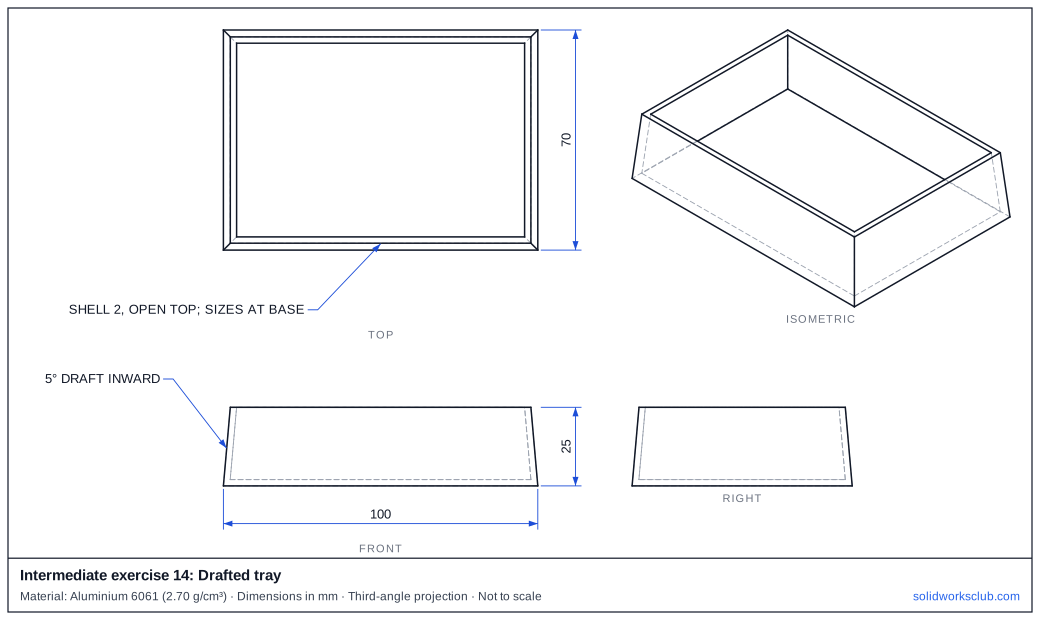
The drawing
What you practise
- Extrude with draft
- Shell after draft
- Dimensions at the base
How to approach it
- Rectangle 100 × 70 — these are the base sizes.
- Extrude 25 with Draft On/Off, 5°, inward.
- Shell 2, open top.
Check your result
Apply Aluminium 6061 or a custom material with 2.70 g/cm³, then open Evaluate → Mass Properties. The mass should be 77.85 g (volume 28,833.21 mm³). Off by 1,000? Check the density units with the mass calculator.
Next: intermediate exercise 15.
Download files
Commands used
Show solution
- Centre rectangle → Extrude 25, draft 5° inward.
- Shell 2, remove the top face.
Frequently asked questions
Is draft in the extrude the same as the Draft feature?
+
For straight walls, yes. The Draft feature is better when you need to add draft to existing faces.
Related
- Intermediate exercise 15: Eccentric camIntermediate SOLIDWORKS exercise 15, eccentric cam: offset bore dimensioned from the disk centre. Drawing, STEP file and check mass 341.81 g.
- Intermediate exercise 13: Bearing housingIntermediate SOLIDWORKS exercise 13, bearing housing: stepped bore: seat plus through hole. Drawing, STEP file and check mass 775.40 g.
- SOLIDWORKS DraftHow to add draft in SOLIDWORKS: Neutral Plane, Parting Line and Step draft, DraftXpert, draft in extrudes, Draft Analysis colours and typical angles.
- Mass calculator for SOLIDWORKS and CSWA problemsCalculate part mass from volume and density in mm, cm, m or inches, with typical densities for steel, aluminium, brass and copper. Built for CSWA checks.