Free Access
How to get a SOLIDWORKS free trial
There are two free SOLIDWORKS trials. The online trial runs SOLIDWORKS Premium in your browser for 7 days with nothing to install. The desktop trial, arranged through a reseller, installs on your Windows PC for 7, 15 or 30 days.
 Kevin Walsh
Where to find it
solidworks.com → Try SOLIDWORKS, or your local reseller's trial page
Online vs desktop trial
| Online trial | Desktop trial | |
|---|---|---|
| Length | 7 days | 7, 15 or 30 days |
| Install | None, runs in a browser | Windows installation |
| Edition | SOLIDWORKS Premium + Simulation, Visualize | Usually Premium; ask for add-ins |
| Where to get it | solidworks.com | Authorised reseller |
| Best for | A first look on any computer | Testing your own PC and files |
Sources: Solid Solutions — SOLIDWORKS free trial, Hawk Ridge Systems — SOLIDWORKS free trial. Checked 2026-11-06.
Trials are for evaluation. If you are a student, the free student edition is better — it lasts a full year. On a Mac, xDesign for Makers runs in the browser. For hobby projects, SOLIDWORKS for Makers costs $48 a year. All options are compared on the free SOLIDWORKS overview.
Activation trouble? See SOLIDWORKS activation errors.
New to SOLIDWORKS? Make the most of a trial with the 30-day learning plan and your first part tutorial.
Step by step
-
1
Decide which trial you need
Choose the online trial to look around quickly on any computer with a modern browser. Choose the desktop trial to test performance on your own hardware, work offline or use your own large assemblies.
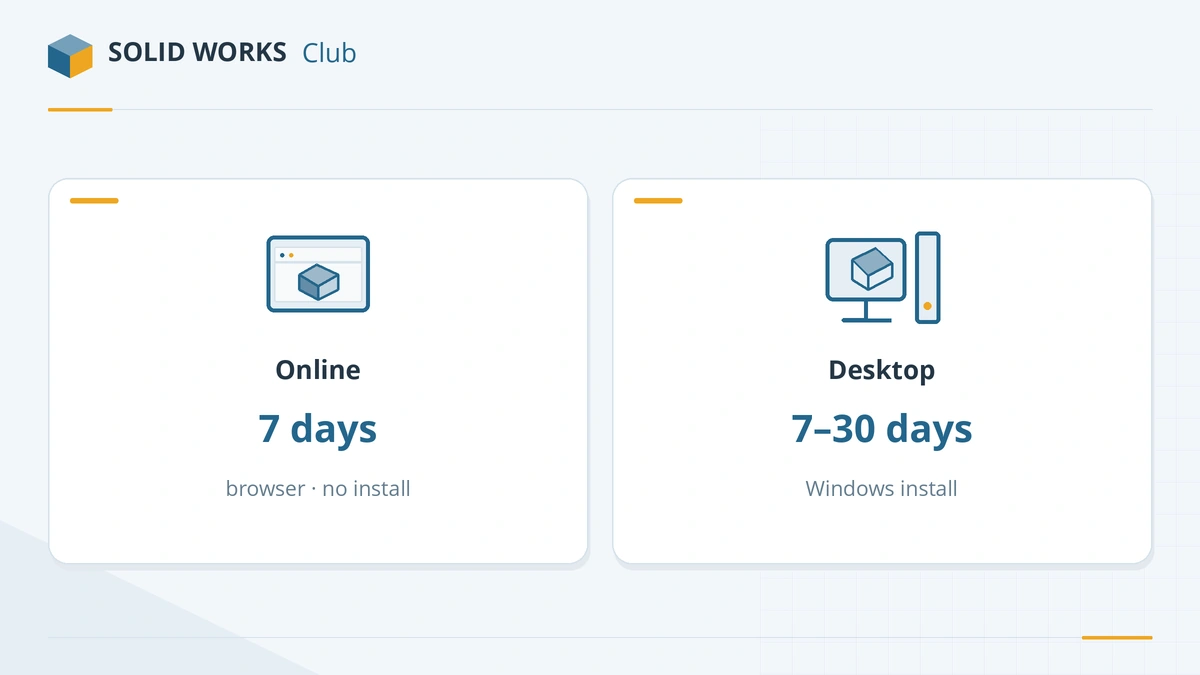
Online for a quick look; desktop to test your own hardware and files. -
2
Start the online trial
Open Try SOLIDWORKS, sign in with a free 3DEXPERIENCE ID, accept the terms and launch. You get SOLIDWORKS Premium plus tools such as Simulation and Visualize for 7 days.
-
3
Or request a desktop trial
Fill in a reseller's trial form — for example Solid Solutions in the UK or Hawk Ridge Systems in the US. They send a download link and a trial license for 7, 15 or 30 days.
-
4
Save your work outside the trial
In the online trial, connect Box, Google Drive or Dropbox, or download files to your PC, so you keep them after the trial ends.
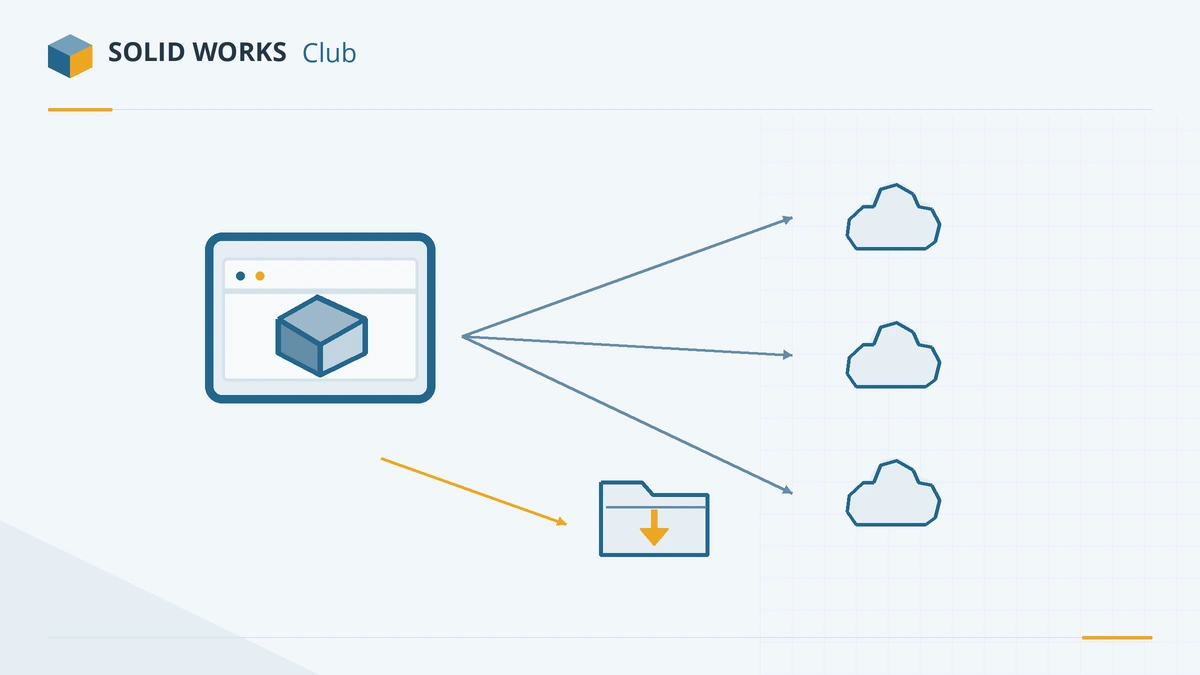
Connect cloud storage or download files so they outlive the trial. -
5
Plan the next step before it expires
Check the prices and the license picker before the trial ends. Students should take the free student edition instead of a trial.
Common mistakes
- Starting the 7-day trial before you have time to use it — the clock starts at launch.
- Leaving files only inside the online trial environment.
- Judging performance on the browser trial; it depends on your internet connection, not your PC.
Frequently asked questions
How long is the SOLIDWORKS free trial?
+
The online trial lasts 7 days. Desktop trials from resellers last 7, 15 or 30 days.
Does the trial include SOLIDWORKS Simulation?
+
Yes. The online trial gives access to SOLIDWORKS Premium, including its FEA tools, and SOLIDWORKS Visualize.
Is there a free trial of SOLIDWORKS for Makers?
+
No. Makers has no trial; use the 15-day refund window on a yearly plan, or try the full product with the online trial first.
Can I keep files from the trial?
+
Yes. Files created in the online trial can be downloaded and saved on your PC or in connected cloud storage.
Related
- Can you get SOLIDWORKS for free?Yes — students get SOLIDWORKS free since July 2026, startups get a free first year, and anyone can trial it. Every legal free and low-cost option, with prices.
- How much does SOLIDWORKS cost in 2026?SOLIDWORKS costs $2,820 to $4,716 a year in the US in 2026, Standard to Premium. Official prices for the UK, Europe and Canada, plus perpetual and free options.
- How to get the free SOLIDWORKS student edition (2026)Since July 1, 2026, students get SOLIDWORKS Design Standard free, no .edu email needed. Who qualifies, how to download it, its limits and the $60 Premium.
- Which SOLIDWORKS license do I need?Answer four questions and get the right SOLIDWORKS license — free student edition, Makers, Startups, or Standard, Professional or Premium — with 2026 prices.